
VRoid CustomItem Base Template Remover (Beta)
- ダウンロード商品¥ 0
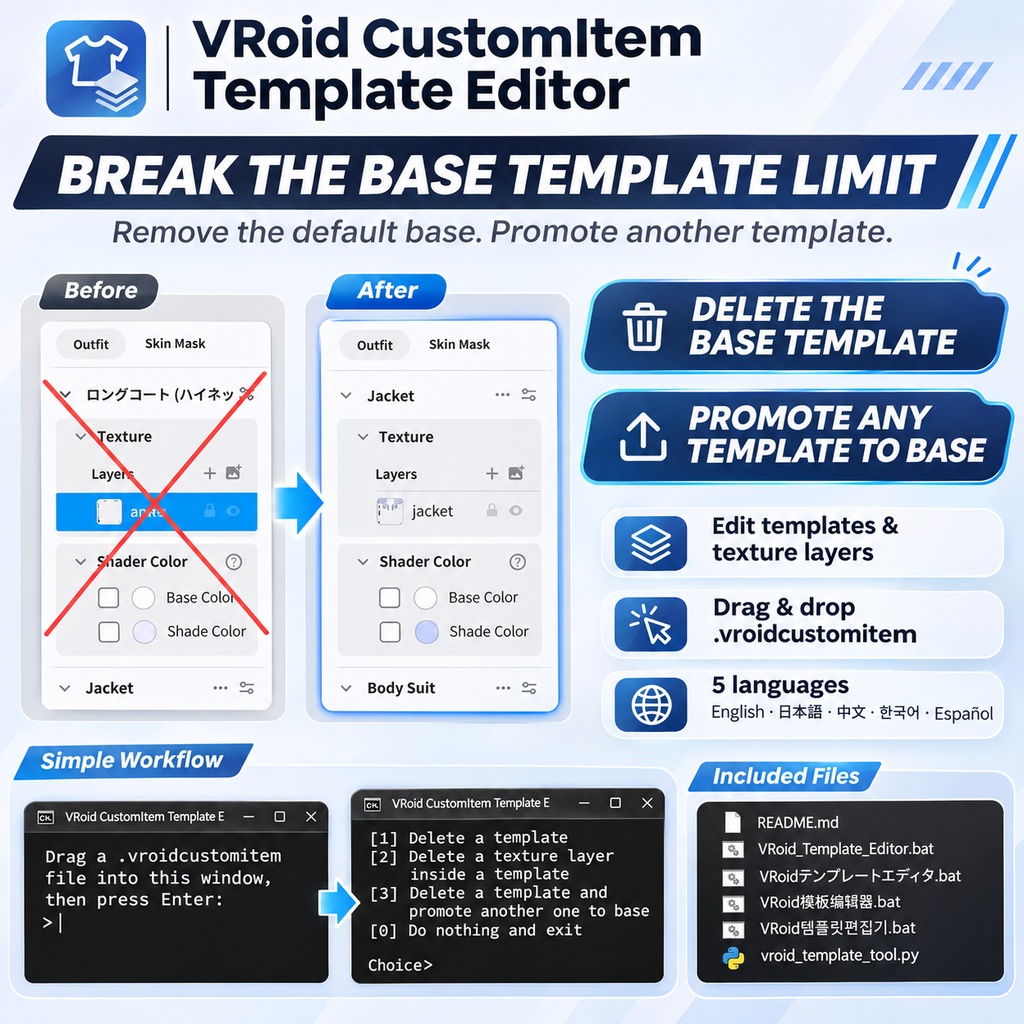

VRoid CustomItem ベーステンプレート削除ツール (by Claude) VRoid Studio では通常編集できない `.vroidcustomitem` のテンプレート構成を編集するためのツールです。 主な機能 - 既存のベーステンプレートを削除し、別のテンプレートを新しいベーステンプレートに変更 - `.vroidcustomitem` 内のテンプレートを削除 - VRoid Studio 上では削除できない最下層のデフォルトレイヤーを含む、テクスチャレイヤーの削除 使い方 1. `vroid_template_tool.py` と使用する言語の `.bat` ファイルを同じフォルダに配置します。 2. `.vroidcustomitem` ファイルを `.bat` ファイルにドラッグ&ドロップします。 3. 操作(1 / 2 / 3)を選択し、画面の案内に従って操作します。 4. 編集後のファイルは元ファイルと同じフォルダに `_edited` を付けて保存されます。元ファイルは変更されません。 5. 編集したファイルを VRoid Studio にインポートしてください。 動作環境 - Windows - Python 3(追加パッケージ不要) **無料でご利用いただけます。編集前に元ファイルのバックアップを作成してください。** —— VRoid CustomItem Base Template Remover (by Claude) A simple tool for editing `.vroidcustomitem` files that VRoid Studio doesn't allow you to fully modify. Features - Delete the original Base Template and promote another template to become the new Base Template. - Delete templates inside a `.vroidcustomitem`. - Delete texture layers, including the default bottom layer that cannot normally be removed in VRoid Studio. How to Use 1. Place `vroid_template_tool.py` and the `.bat` file for your language in the same folder. 2. Drag and drop a `.vroidcustomitem` file onto the `.bat` file. 3. Select an operation (1 / 2 / 3) and follow the on-screen instructions. 4. The edited file will be saved next to the original with `_edited` added to its filename. The original file remains untouched. 5. Import the edited file into VRoid Studio. Requirements - Windows - Python 3 (No additional packages required) **Free to use. Please back up your files before editing.** ——