

【MA】Knee Fixer
- FreeDigital0 JPY
- DonationDigital200 JPY

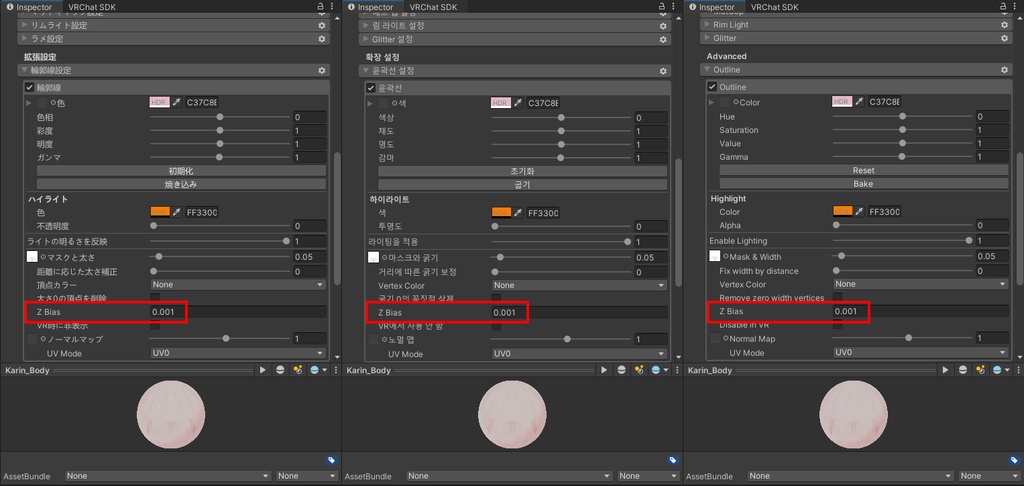
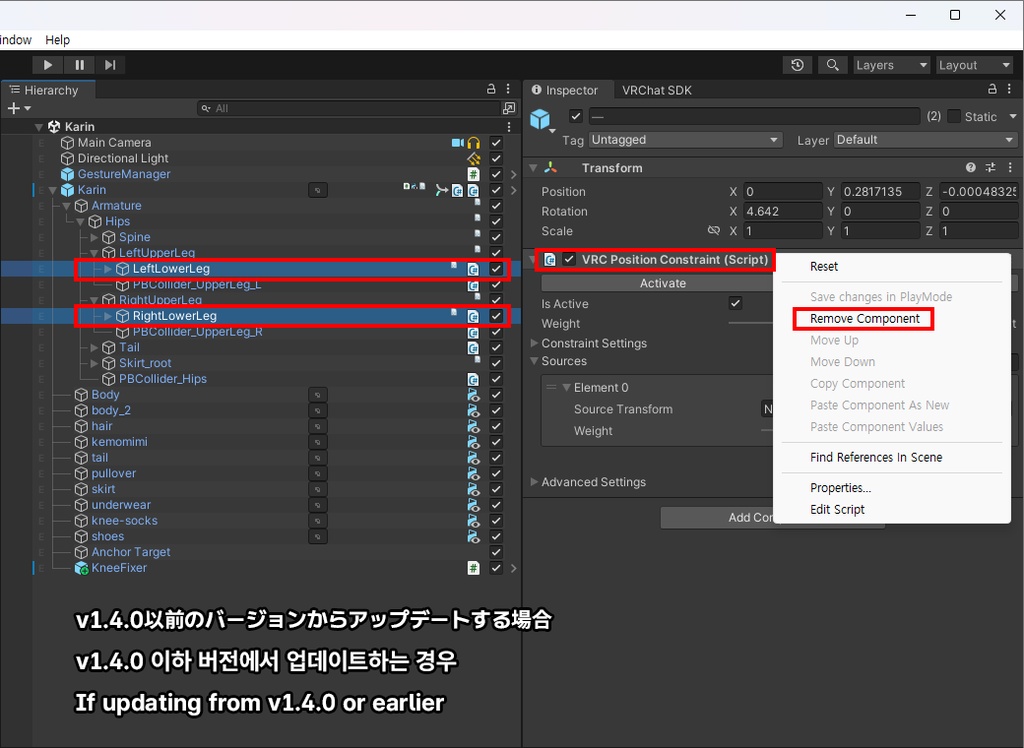
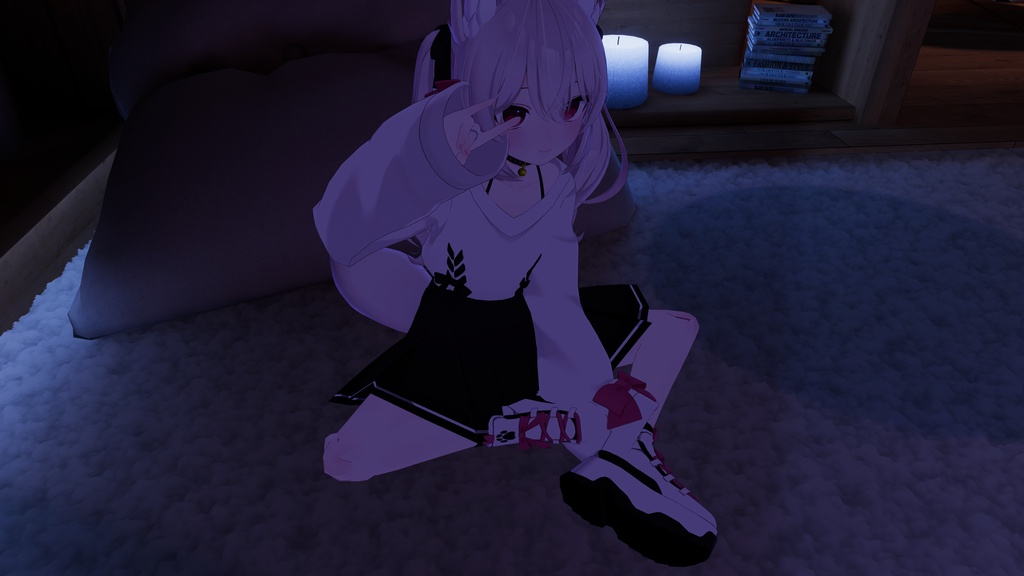
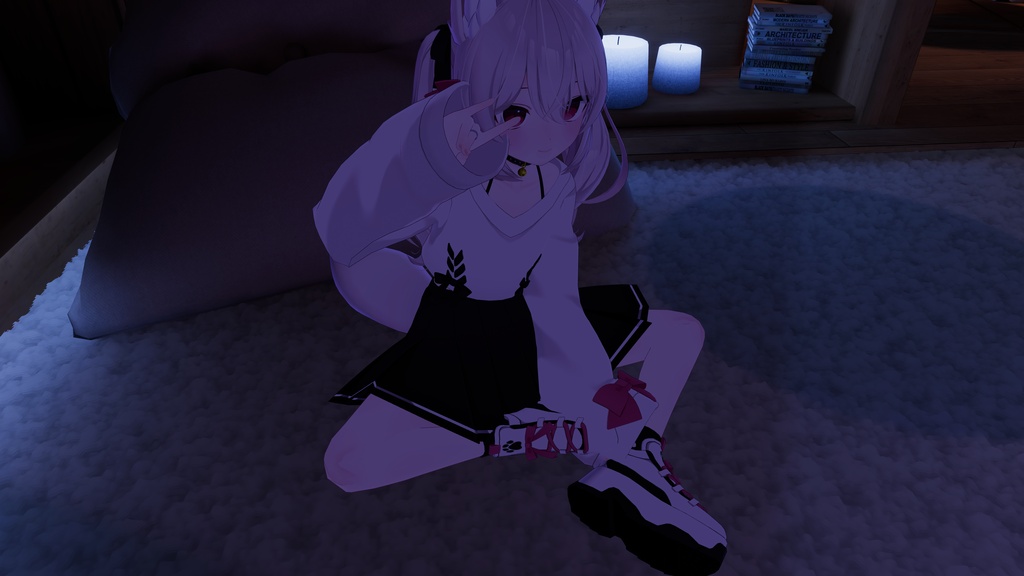


Unityだけで、アバターの膝を簡単に補正できます。 非破壊方式で元の階層構造を維持するため、フルトラッキングや衣装変更に影響しません。 유니티만으로 아바타의 무릎을 간단하게 보정할 수 있습니다. 비파괴 방식으로 원본 계층 구조를 유지하여 풀 트래킹과 의상 변경에 영향을 주지 않습니다. You can easily correct your avatar's knees using only Unity. Its non-destructive approach preserves the original hierarchy without affecting full-body tracking or outfit changes.
Requirements
- Unity 2022.3.22f1 - Modular Avatar https://modular-avatar.nadena.dev/
Built-in Avatar Presets
- Karin (カリン) https://komado.booth.pm/items/3470989 - Lime (ライム) https://komado.booth.pm/items/4876459 - Chiffon (シフォン) https://komado.booth.pm/items/5354471 - Chocolat (ショコラ) https://komado.booth.pm/items/6405390 - Plum (プラム) https://komado.booth.pm/items/7770415 - Rinasciita (リナシータ) https://rionesta.booth.pm/items/7475899 - Manuka (マヌカ) https://jingo1016.booth.pm/items/5058077 - Ichigo (イチゴ) https://hamini.booth.pm/items/7328789 - Riru (りる) https://ookamiriru.booth.pm/items/8062861 - Milfy (ミルフィ) https://mk22.booth.pm/items/6571299 - Eku (エク) https://septem47.booth.pm/items/7328764
Installation
- VCC/ALCOM:https://koz39.github.io/vpm-listing/ で「Add to VCC」を押してリポジトリを追加した後、プロジェクトの管理画面でKnee Fixerパッケージを追加します。 - unitypackage:zip内のunitypackageをプロジェクトにインポートします。 - VCC/ALCOM: https://koz39.github.io/vpm-listing/ 에서 "Add to VCC"로 저장소를 추가한 뒤, 프로젝트 관리에서 Knee Fixer 패키지를 추가합니다. - unitypackage: zip 안의 unitypackage를 프로젝트에 임포트합니다. - VCC/ALCOM: Click "Add to VCC" on https://koz39.github.io/vpm-listing/ to add the repository, then open your project's Manage page and add the Knee Fixer package. - unitypackage: Import the unitypackage from the zip into your project.
How to Use
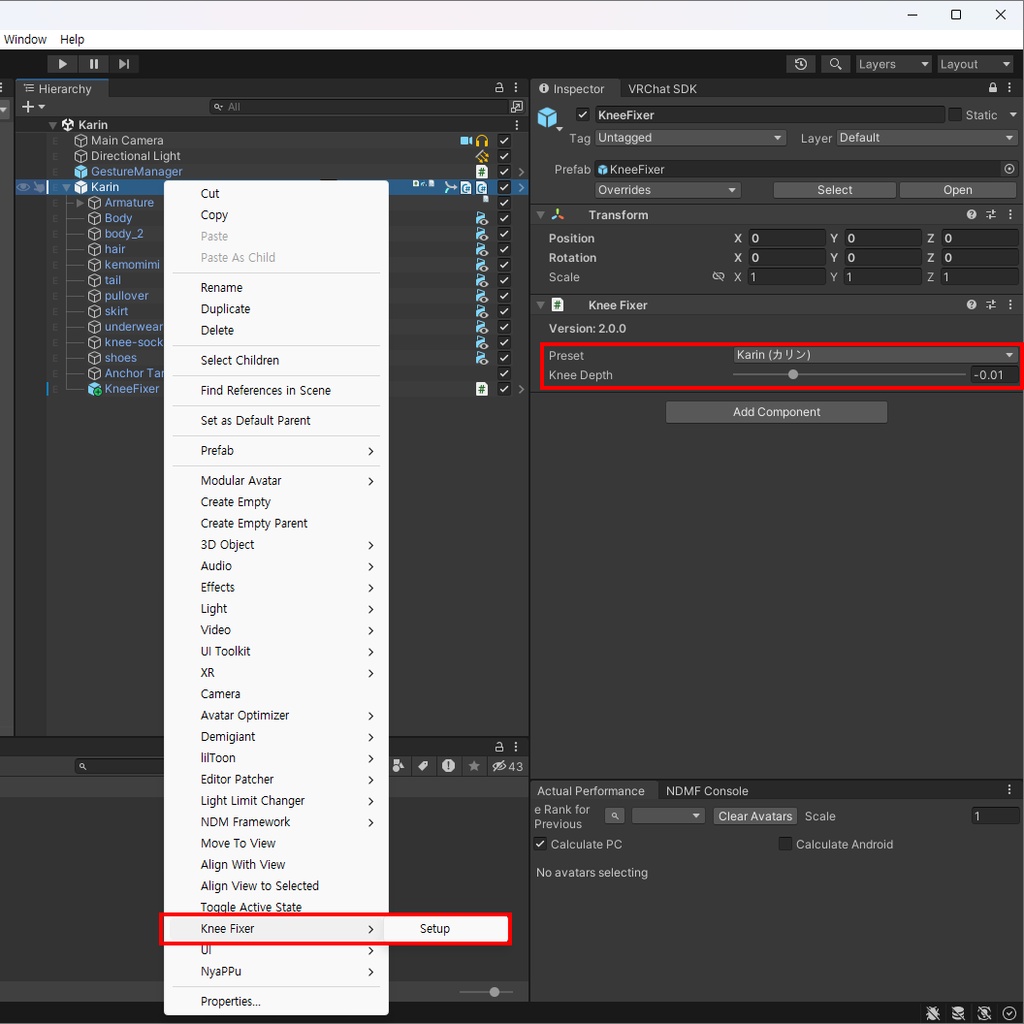
1. ヒエラルキーでアバターを右クリックし、Knee Fixer > Setup を選択します。 2. インスペクターでアバターに合ったプリセットを選択します。 3. プリセットがない場合は、膝の深さの値を手動で調整します。プロジェクトウィンドウの Create > Knee Fixer > Preset でカスタムプリセットを作成することもできます。 4. アバターのビルド時に自動で適用されます。 1. 하이어라키에서 아바타를 우클릭하고 Knee Fixer > Setup을 선택합니다. 2. 인스펙터에서 아바타에 맞는 프리셋을 선택합니다. 3. 프리셋이 없으면 무릎 깊이 값을 직접 조절합니다. 프로젝트 창의 Create > Knee Fixer > Preset으로 커스텀 프리셋을 생성할 수도 있습니다. 4. 아바타를 빌드할 때 자동으로 적용됩니다. 1. Right-click your avatar in the Hierarchy and select Knee Fixer > Setup. 2. Select the preset that matches your avatar in the Inspector. 3. If no preset is available, adjust the Knee Depth value manually. You can also create a custom preset with Create > Knee Fixer > Preset in the Project window. 4. Knee Fixer is applied automatically when the avatar is built.
References
- 소소 팁) 블렌더 무릎 2중 관절 리깅 https://gall.dcinside.com/m/vr/3952531 - しなのちゃんの指を曲げたときのこれ… https://x.com/FUKA_VR/status/1840250299581379069
Update History (Korean Only)
https://github.com/KOZ39/Knee-Fixer/blob/main/CHANGELOG.md