

Setup Hair for MA
- Digital0 JPY
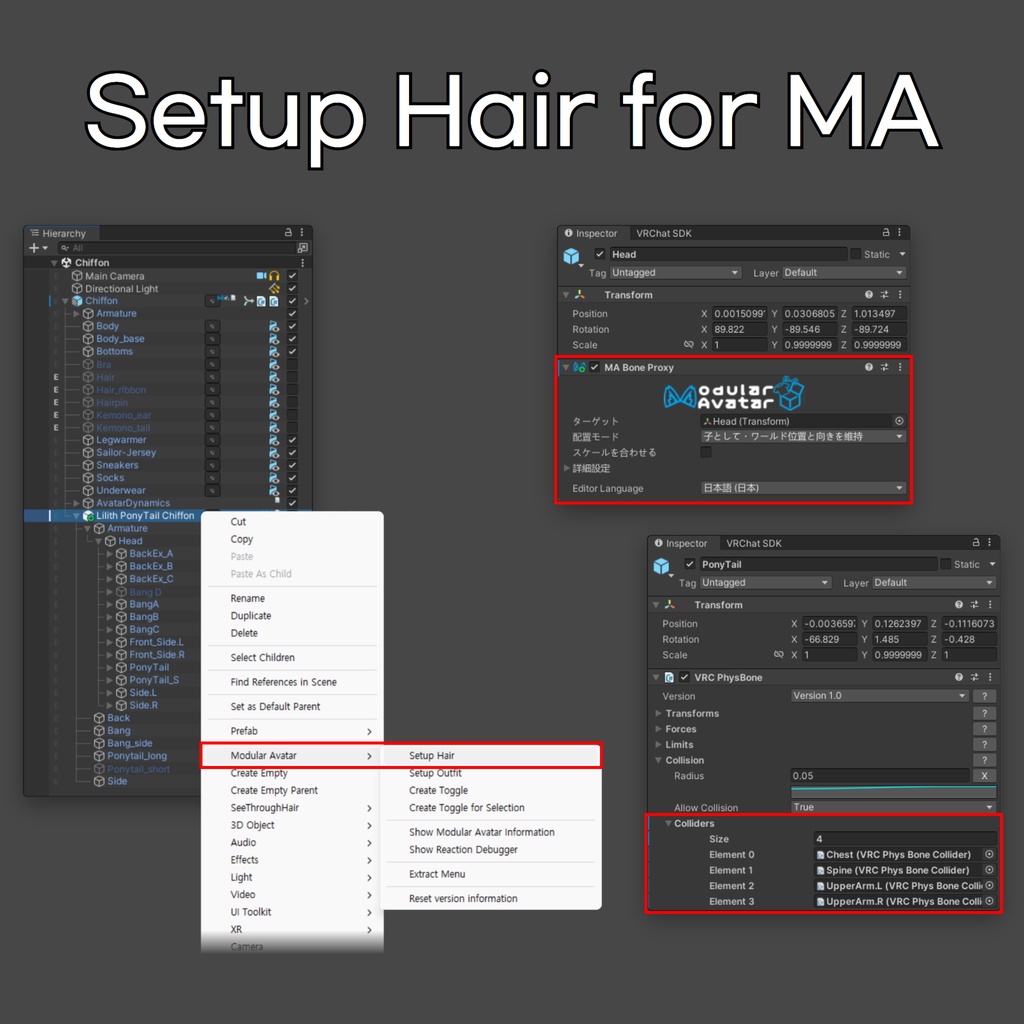


Setup Outfitと同じように、髪型のプレハブを右クリックして「Setup Hair」を選ぶと、MA Bone Proxyでアバターの頭に取り付けられます。 NeckまたはHeadボーンを縮小したアバターでは、「スケールを合わせる」も有効になります。 髪型のPhysBoneには、届く範囲の胴体・上腕のコライダーも追加されます。 Setup Outfit처럼 헤어 프리팹을 우클릭해 "Setup Hair"를 선택하면, MA Bone Proxy로 아바타의 머리에 붙습니다. Neck이나 Head 본을 줄인 아바타에서는 "스케일 맞춤"도 활성화됩니다. 헤어 PhysBone에는 닿는 범위의 몸통·위팔 콜라이더도 추가됩니다. Just like Setup Outfit, right-click a hair prefab and select "Setup Hair" to attach it to your avatar's head with MA Bone Proxy. On avatars with a scaled-down Neck or Head bone, "Match scale" is enabled too. The hair's PhysBones also get the torso and upper-arm colliders within their reach.
Requirements
- Unity 2022.3.22f1 - Modular Avatar https://modular-avatar.nadena.dev/
Installation
- VCC/ALCOM:https://koz39.github.io/vpm-listing/ で「Add to VCC」を押してリポジトリを追加した後、プロジェクトの管理画面でSetup Hair for MAパッケージを追加します。 - unitypackage:zip内のunitypackageをプロジェクトにインポートします。 - VCC/ALCOM: https://koz39.github.io/vpm-listing/ 에서 "Add to VCC"로 저장소를 추가한 뒤, 프로젝트 관리에서 Setup Hair for MA 패키지를 추가합니다. - unitypackage: zip 안의 unitypackage를 프로젝트에 임포트합니다. - VCC/ALCOM: Click "Add to VCC" on https://koz39.github.io/vpm-listing/ to add the repository, then open your project's Manage page and add the Setup Hair for MA package. - unitypackage: Import the unitypackage from the zip into your project.
How to Use
1. 髪型のプレハブをアバターの中に配置します。 2. ヒエラルキーで髪型のプレハブを右クリックし、Modular Avatar > Setup Hair を選択します。 3. 髪型のプレハブ内にあるHeadまたはHairボーンにMA Bone Proxyが追加され、髪型がアバターの頭に追従します。 4. 設定できない髪型や頭に追従しないオブジェクトがある場合は、ウィンドウに表示されます。 1. 헤어 프리팹을 아바타 안에 넣습니다. 2. 하이어라키에서 헤어 프리팹을 우클릭하고 Modular Avatar > Setup Hair를 선택합니다. 3. 헤어 프리팹 안의 Head 또는 Hair 본에 MA Bone Proxy가 추가되어 헤어가 아바타의 머리를 따라갑니다. 4. 설정할 수 없는 헤어나 머리를 따라가지 않는 오브젝트가 있으면 창에 표시됩니다. 1. Place the hair prefab inside your avatar. 2. Right-click the hair prefab in the Hierarchy and select Modular Avatar > Setup Hair. 3. MA Bone Proxy is added to the Head or Hair bone inside the hair prefab, and the hair follows the avatar's head. 4. A window lists any hair that can't be set up and any objects that won't follow the head.
Notes
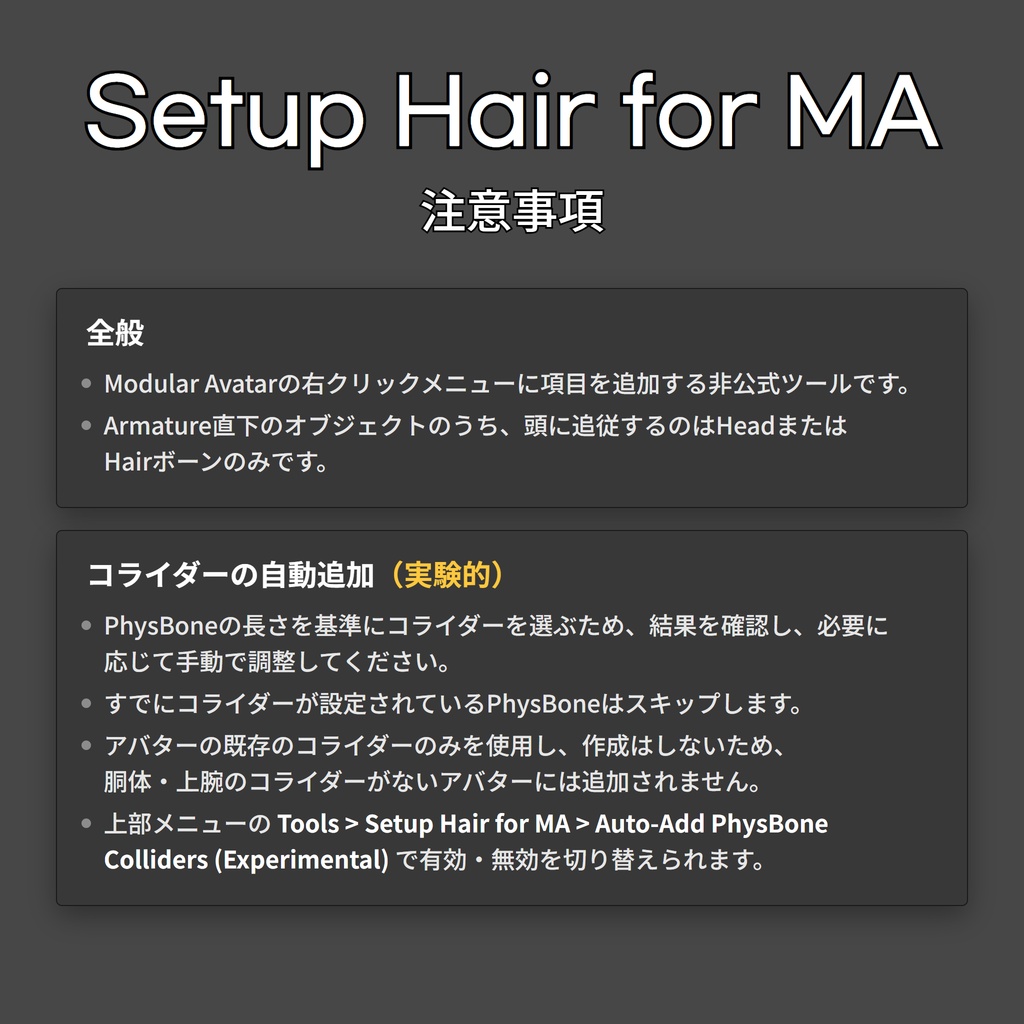
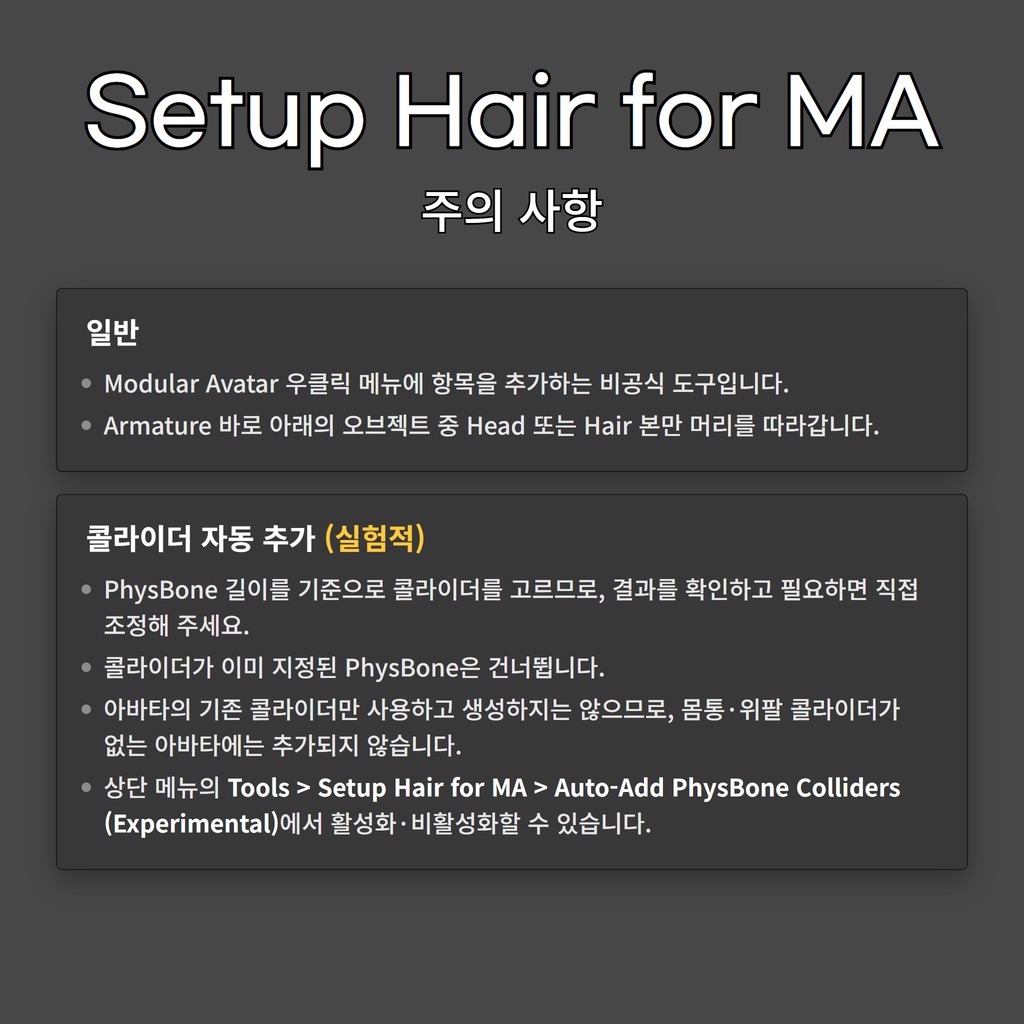
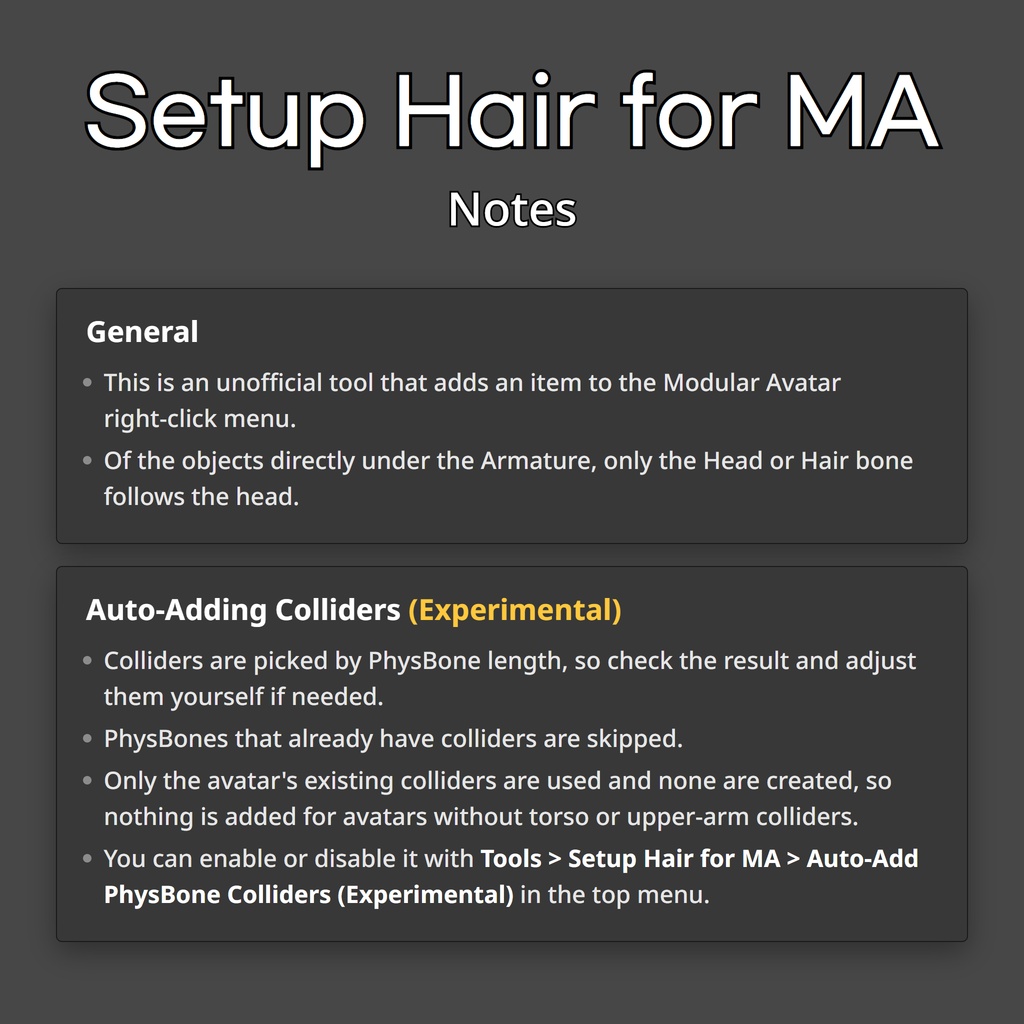
Notes - Modular Avatarの右クリックメニューに項目を追加する非公式ツールです。 - Armature直下のオブジェクトのうち、頭に追従するのはHeadまたはHairボーンのみです。 - コライダーの自動追加は実験的な機能です。 - PhysBoneの長さを基準にコライダーを選ぶため、結果を確認し、必要に応じて手動で調整してください。 - すでにコライダーが設定されているPhysBoneはスキップします。 - アバターの既存のコライダーのみを使用し、作成はしないため、胴体・上腕のコライダーがないアバターには追加されません。 - 上部メニューの Tools > Setup Hair for MA > Auto-Add PhysBone Colliders (Experimental) で有効・無効を切り替えられます。 - Modular Avatar 우클릭 메뉴에 항목을 추가하는 비공식 도구입니다. - Armature 바로 아래의 오브젝트 중 Head 또는 Hair 본만 머리를 따라갑니다. - 콜라이더 자동 추가는 실험적인 기능입니다. - PhysBone 길이를 기준으로 콜라이더를 고르므로, 결과를 확인하고 필요하면 직접 조정해 주세요. - 콜라이더가 이미 지정된 PhysBone은 건너뜁니다. - 아바타의 기존 콜라이더만 사용하고 생성하지는 않으므로, 몸통·위팔 콜라이더가 없는 아바타에는 추가되지 않습니다. - 상단 메뉴의 Tools > Setup Hair for MA > Auto-Add PhysBone Colliders (Experimental)에서 활성화·비활성화할 수 있습니다. - This is an unofficial tool that adds an item to the Modular Avatar right-click menu. - Of the objects directly under the Armature, only the Head or Hair bone follows the head. - Auto-adding colliders is experimental. - Colliders are picked by PhysBone length, so check the result and adjust them yourself if needed. - PhysBones that already have colliders are skipped. - Only the avatar's existing colliders are used and none are created, so nothing is added for avatars without torso or upper-arm colliders. - You can enable or disable it with Tools > Setup Hair for MA > Auto-Add PhysBone Colliders (Experimental) in the top menu.
Update History (Korean Only)
https://github.com/KOZ39/Setup-Hair-for-MA/blob/main/CHANGELOG.md