

VRCFaceTracking Module for Kittysan Hoppou 2.0
- Digital2,000 JPY
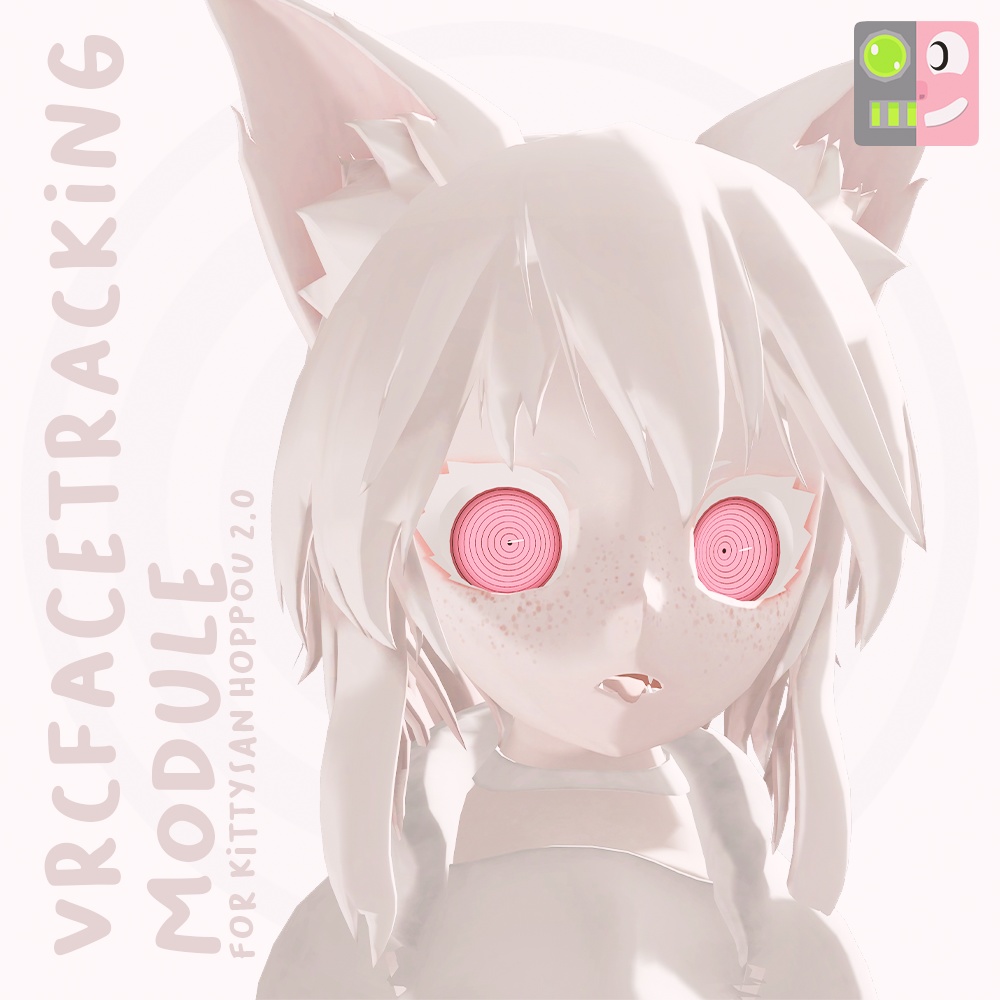
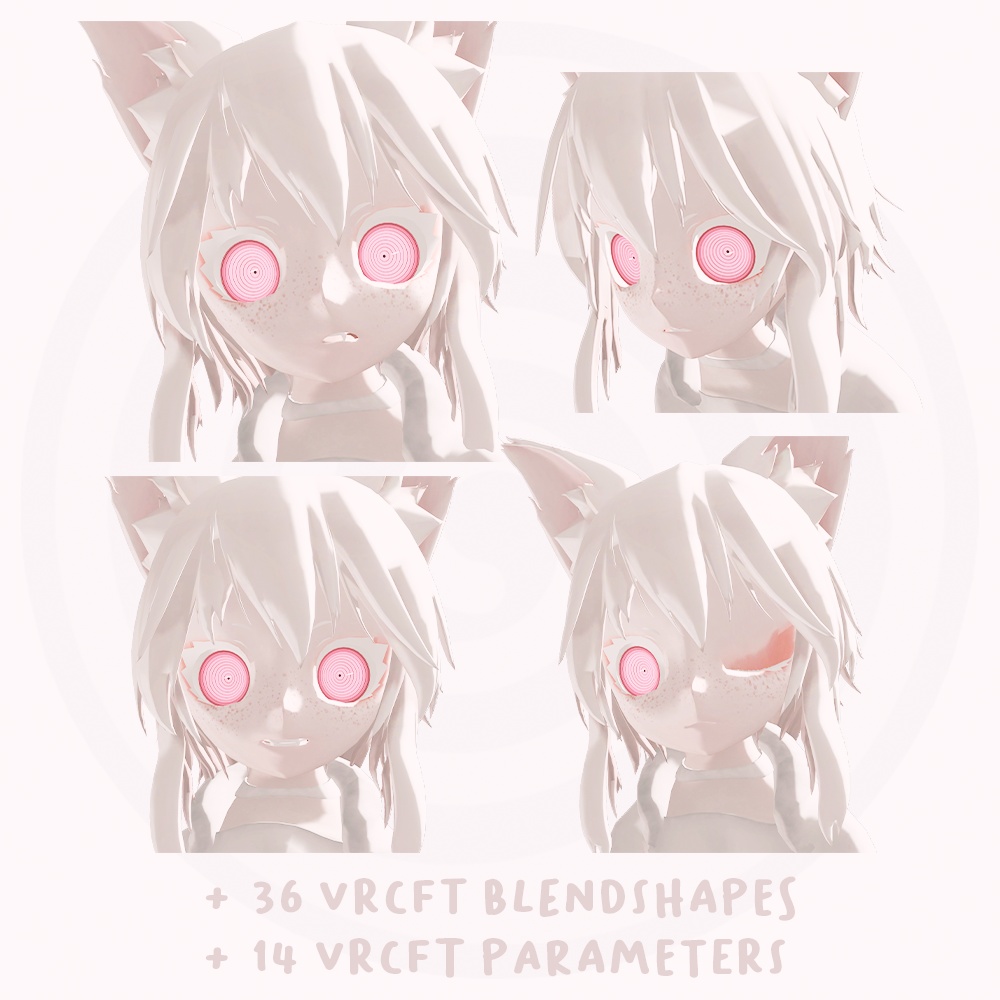
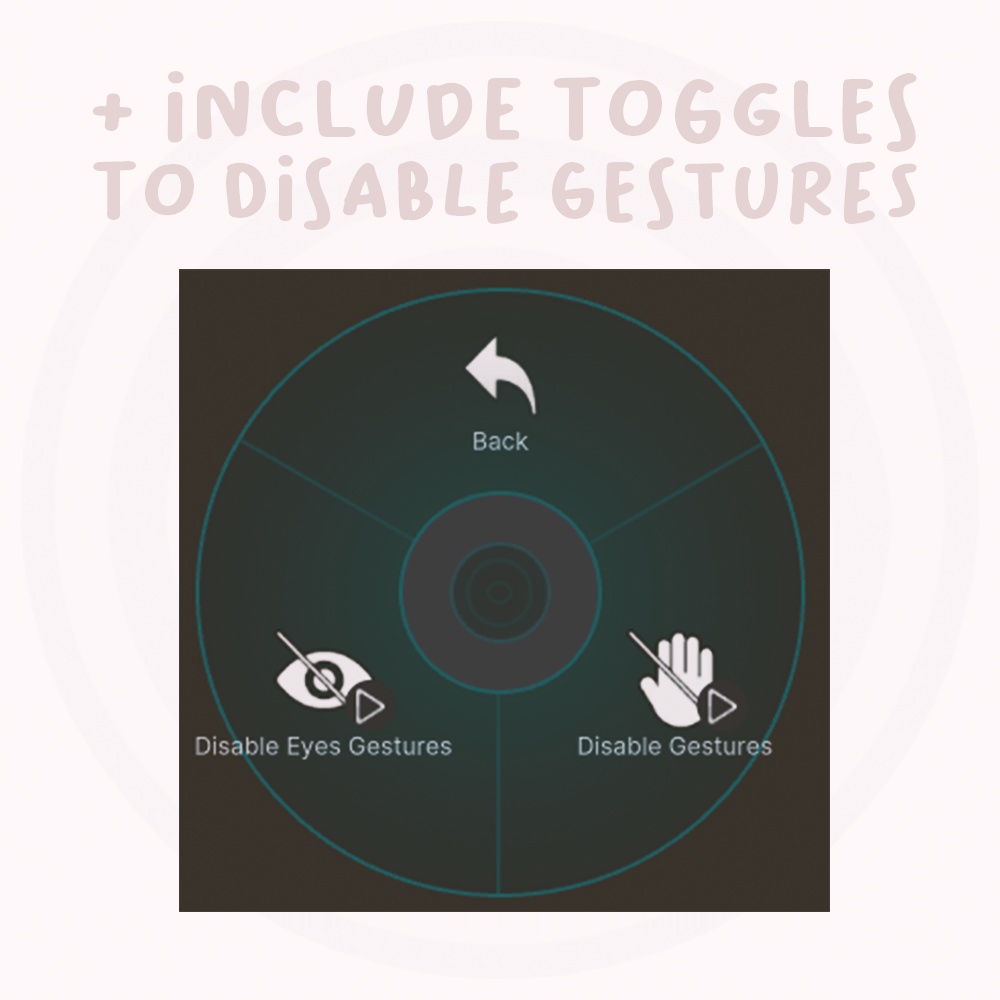


Kittysan's Facial Tracking. Configured to use in VRChat with the Kittysan 2.0 Avatar. Compatible with devices supporting VRCFT. This module is not compatible with the Kittysan 1.x Avatar. If you already bought Kittysan Hoppou 2.0 Avatar with VRCFaceTracking, then you don't need to buy this asset. キティサンの顔追跡機能。 VRChatでキティサン2.0アバターと共に使用するよう設定済み。 VRCFT対応デバイスと互換性あり。 本モジュールはキティサン1.xアバターとは互換性がありません。 既にVRCFaceTracking付きキティサンホッポウ2.0アバターを購入済みの場合、本アセットを購入する必要はありません。
Original Avatar
"Kittysan Hoppou 2.0 " https://albinovrc.booth.pm/items/7844989
How to install
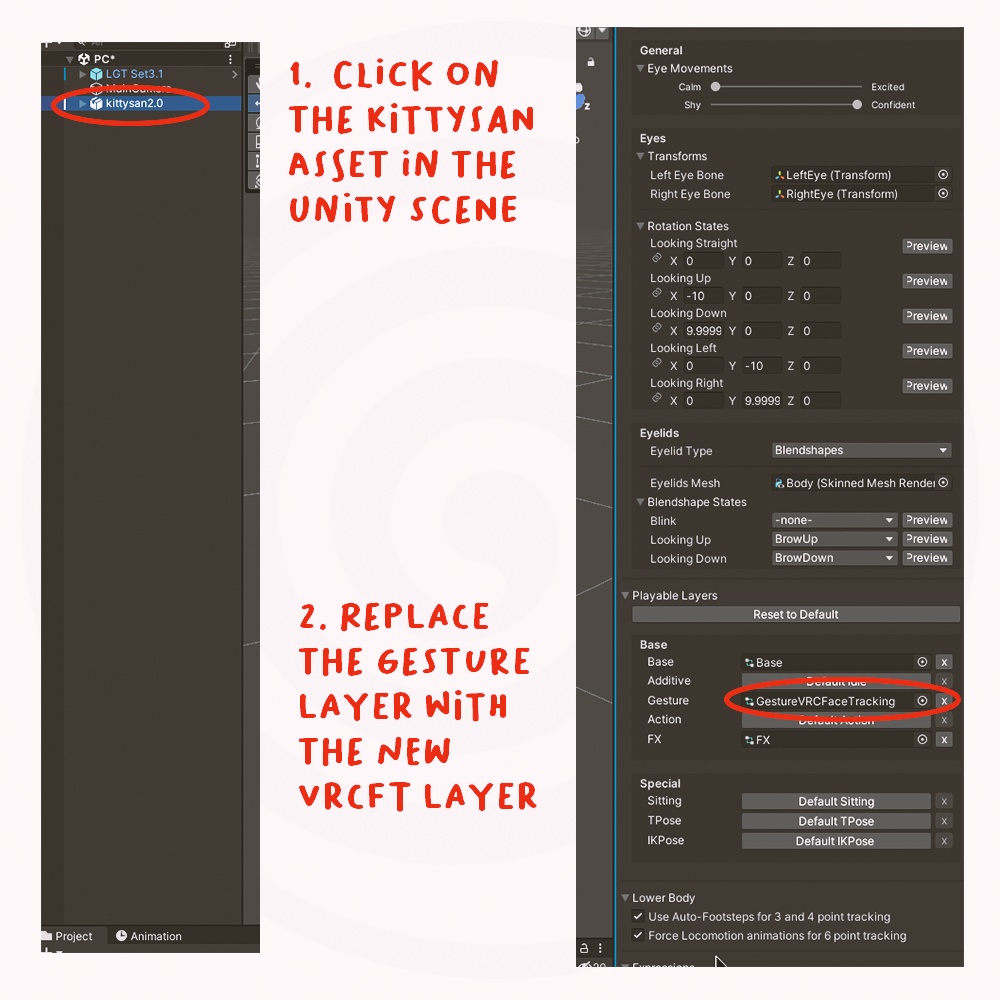
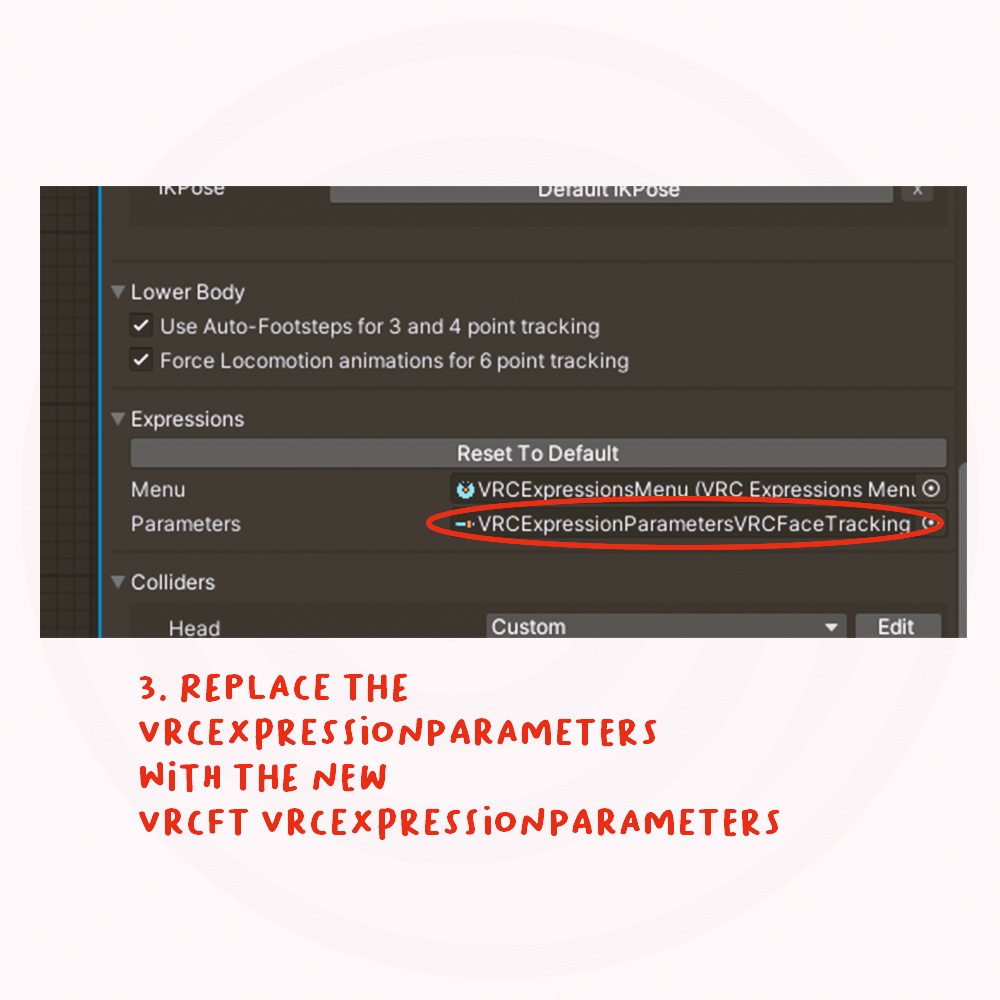
1. Import this asset into your scene 2. Replace the “Gesture” layer with the new “GestureVRCFaceTracking” layer (see photo in the description). 3. Replace the “VRCExpressionParameters” with the new “VRCExpressionParametersVRCFaceTracking” (see photo in the description).
Important Notes
This asset cannot be used standalone and is only usable for users who have purchased the original avatar. Download and prepare "Kittysan Hoppou 2.0". It is designed to work based on projects where the original face model have not been modified. If you previously modified the "Gesture" layer, you can merge them using tools from the community.
Operating System and OSC Program
VRCFT v5.0 or later https://docs.vrcft.io/ https://github.com/benaclejames/VRCFaceTracking
オリジナルアバター
「Kittysan Hoppou 2.0」 https://albinovrc.booth.pm/items/7844989
インストール方法
1. このアセットをシーンにインポートしてください 2. 「Gesture」レイヤーを新しい「GestureVRCFaceTracking」レイヤーに置き換えてください(説明内の写真参照)。 3. 「VRCExpressionParameters」を新しい「VRCExpressionParametersVRCFaceTracking」に置き換えてください(説明内の写真参照)。
注意事項
このアセットは単独では使用できず、オリジナルアバターを購入したユーザーのみが利用可能です。 「Kittysan Hoppou 2.0」をダウンロードし準備してください。 オリジナルフェイスモデルが変更されていないプロジェクトを前提に動作するよう設計されています。 以前に「Gesture」レイヤーを変更した場合は、コミュニティ提供のツールを使用して統合できます。
動作OSCプログラム
VRCFT v5.0 以上 https://docs.vrcft.io/ https://github.com/benaclejames/VRCFaceTracking