

Albino Will O' Whisp
- Digital100 JPY
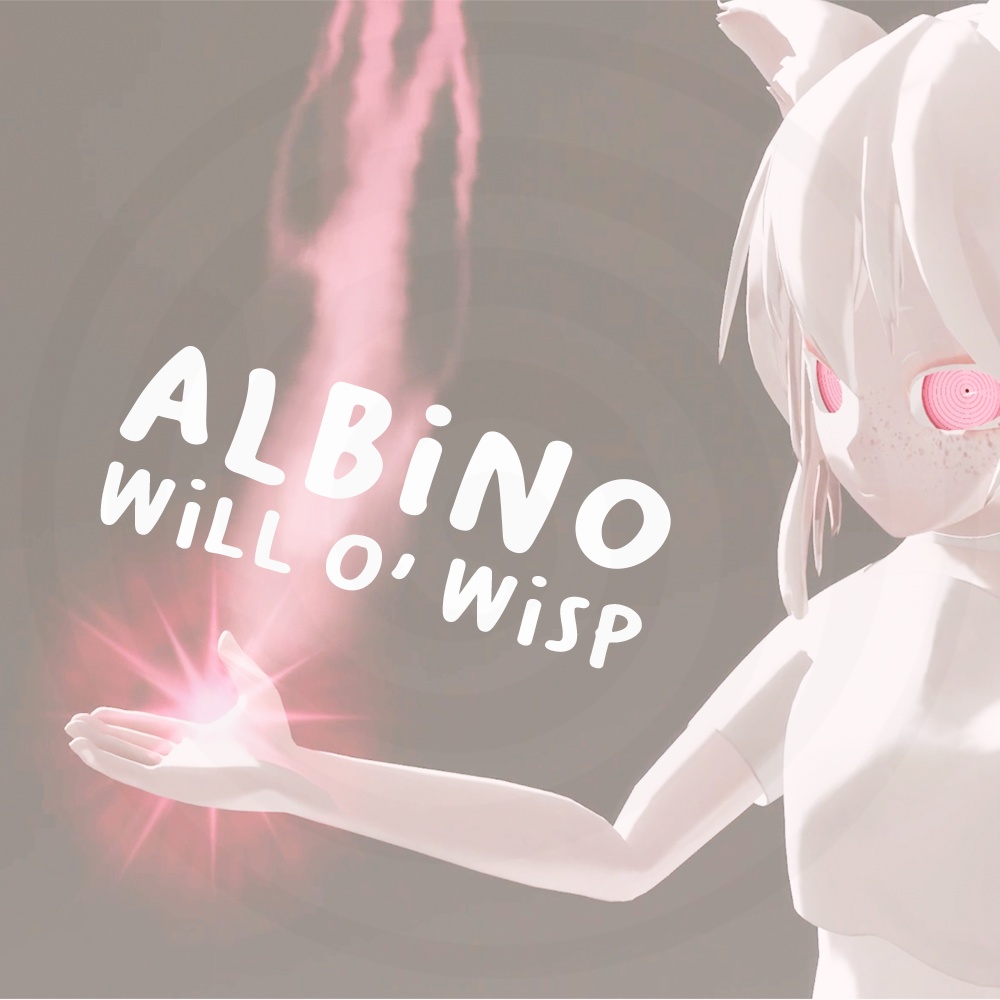
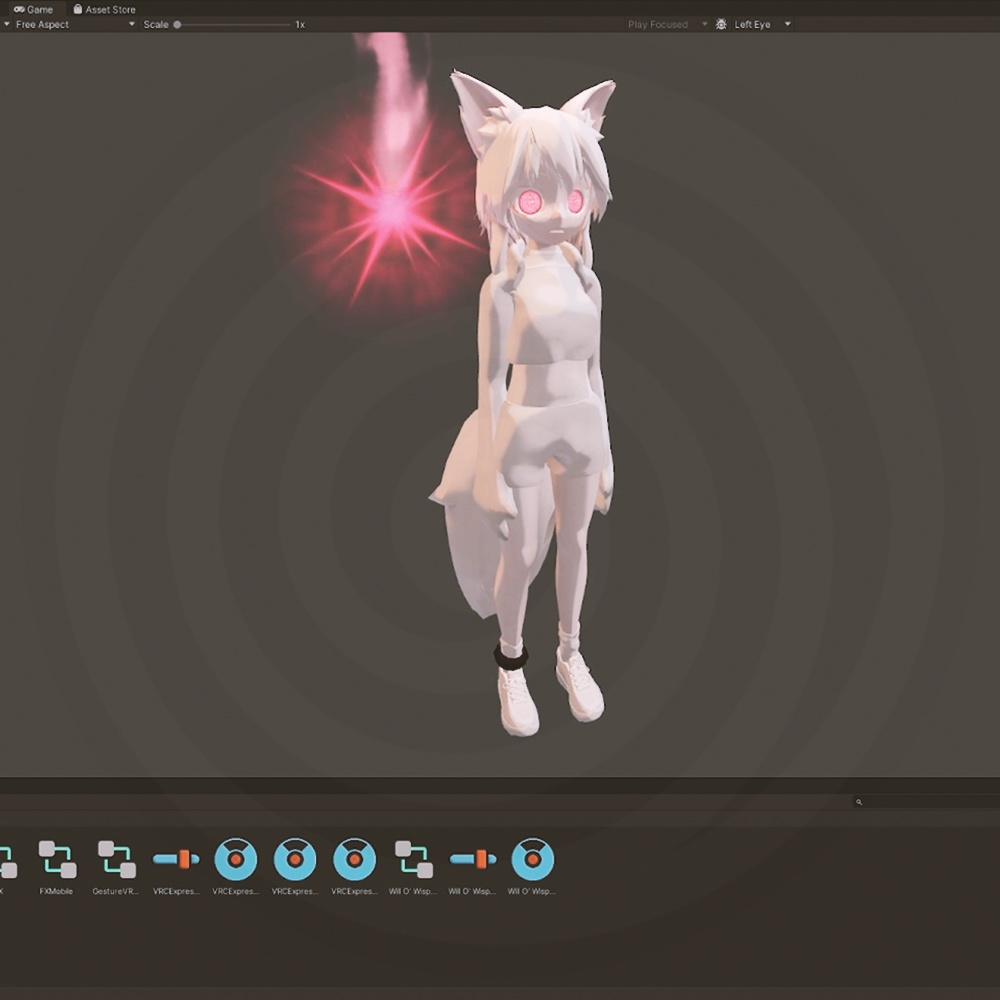


A little soul that floats around and follows you. Is it the soul of the person you just stole it from? 漂いながらあなたについてくる小さな魂。 それは、あなたが今盗んだばかりの人の魂なのか?
Specifications
- 6 Particle System - 175 Max Particles - 5 Materials - 3 Animations - 1 Prefab - 1 Audio Source
How to install
You can watch de Demo video for more details about the installation. 1. Import the Albino Will O' Whisp unitypackage 2. Put the Will O' Wisp prefab to your scene's root 3. Move your Will O' Wisp GameObject to your character's root 4. You can use tools such as "Avatar 3.0 Manager" from VRLabs, to merge the Will O' Wisp FX layer to yours 5. Add the "Will O' Wisp" boolean parameter in your "VRCExpressionParameters" 6. Add the Will O' Wisp toggle in your "VRCExpressionMenu" 7. (Optional) if you want your Will O' Wisp to follow your hand, head etc... You can create a "VRC Parent Constain" and point the source to where you want it. If you don't want to use a constraint, you will have to fix the toggle animation manually
Shader
The asset use VRChat's official shader.
Colors
You can change the gradiant colors from the Materials.
Terms of Use
The contents of these Terms of Use may be changed or revised, and in the event of any changes or revisions, the latest version shall take precedence. You can: - Modify, or alter the asset - Upload the asset to a “public” Avatar on VRChat - Modify, and exchange the asset between users, or commissioning modifications to this asset, if and only if all users have purchased the original asset You cannot: - Redistribute the source files of the asset data (modeling, textures, etc.), if all users have not purchased the original asset If you have any questions or uncertainties, please contact us here.
仕様
- 6 パーティクルシステム - 最大175個のパーティクル - 5 材質 - 3 アニメーション - 1 プレハブ - 1 オーディオソース
インストール方法
インストールに関する詳細はデモ動画をご覧ください。 1. Albino Will O' Whisp unitypackageをインポート 2. Will O' Wispプレハブをシーンのルートに配置 3. Will O' Wisp GameObjectをキャラクターのルートに移動 4. VRLabsの「Avatar 3.0 Manager」などのツールを使用し、Will O' Wisp FXレイヤーを自身のレイヤーにマージできます 5. 「VRCExpressionParameters」に「Will O' Wisp」ブールパラメータを追加 6. 「VRCExpressionMenu」にWill O' Wispトグルを追加 7. (オプション)ウィル・オ・ウィスプを手や頭などに追従させたい場合、「VRC Parent Constraint」を作成し、ソースを目的の部位に設定します。制約を使用しない場合は、トグルアニメーションを手動で調整する必要があります
シェーダー
このアセットはVRChatの公式シェーダーを使用しています。
カラー
マテリアルからグラデーションの色を変更できます。
利用規約
本利用規約の内容は変更または改訂されることがあり、変更または改訂があった場合は最新版が優先されます。 以下の行為が可能です: - モデルの修正または変更 - VRChat上の「公開」アバターへのアセットアップロード - すべてのユーザーがオリジナルモデルを購入済みの場合に限り、モデルを改変しユーザー間で交換すること、または本モデルの改変を委託すること 禁止事項: - すべてのユーザーがオリジナルモデルを購入していない場合、モデルデータのソースファイル(モデリング、テクスチャ、アニメーション等)を再配布すること 不明点や疑問がある場合は、こちらまでお問い合わせください。