
nite balloon【Qvペンでメッセージを描いて運べる風船】
- Digital1,500 JPY
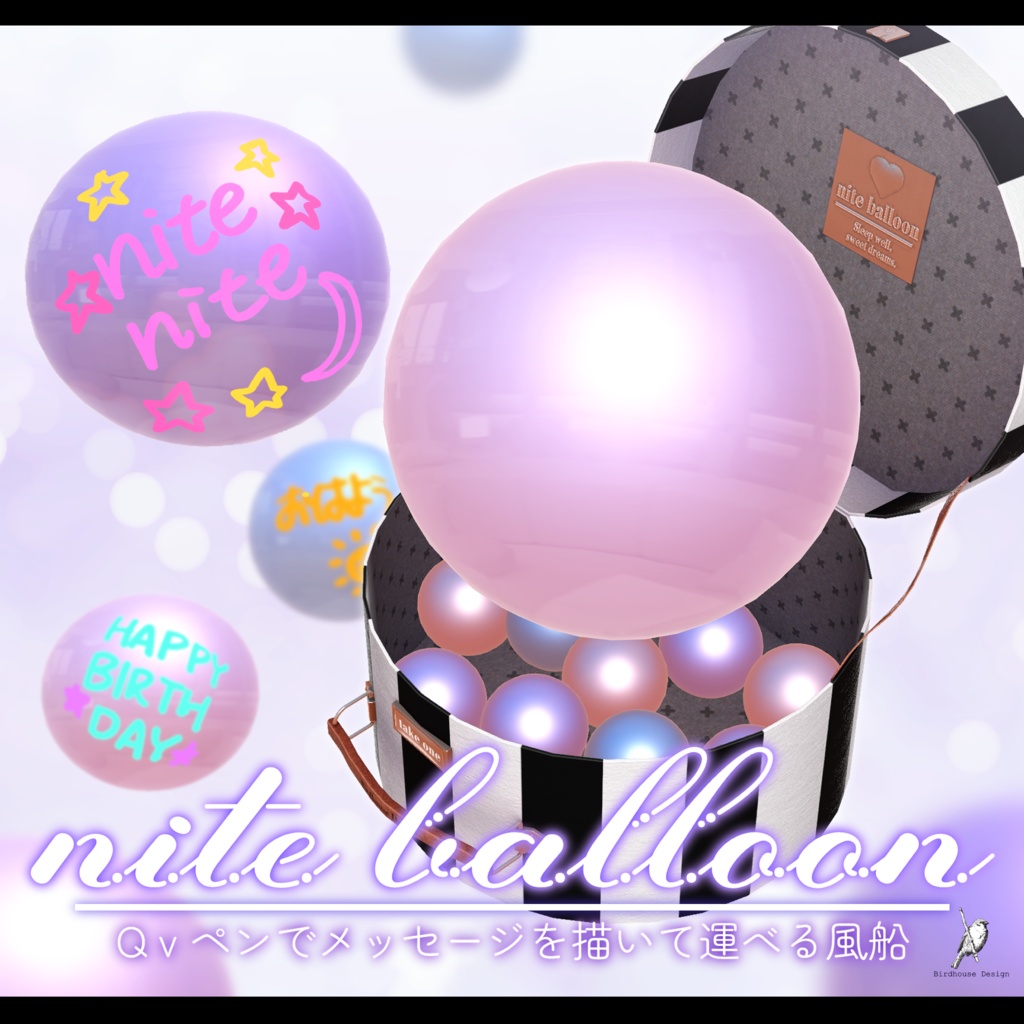
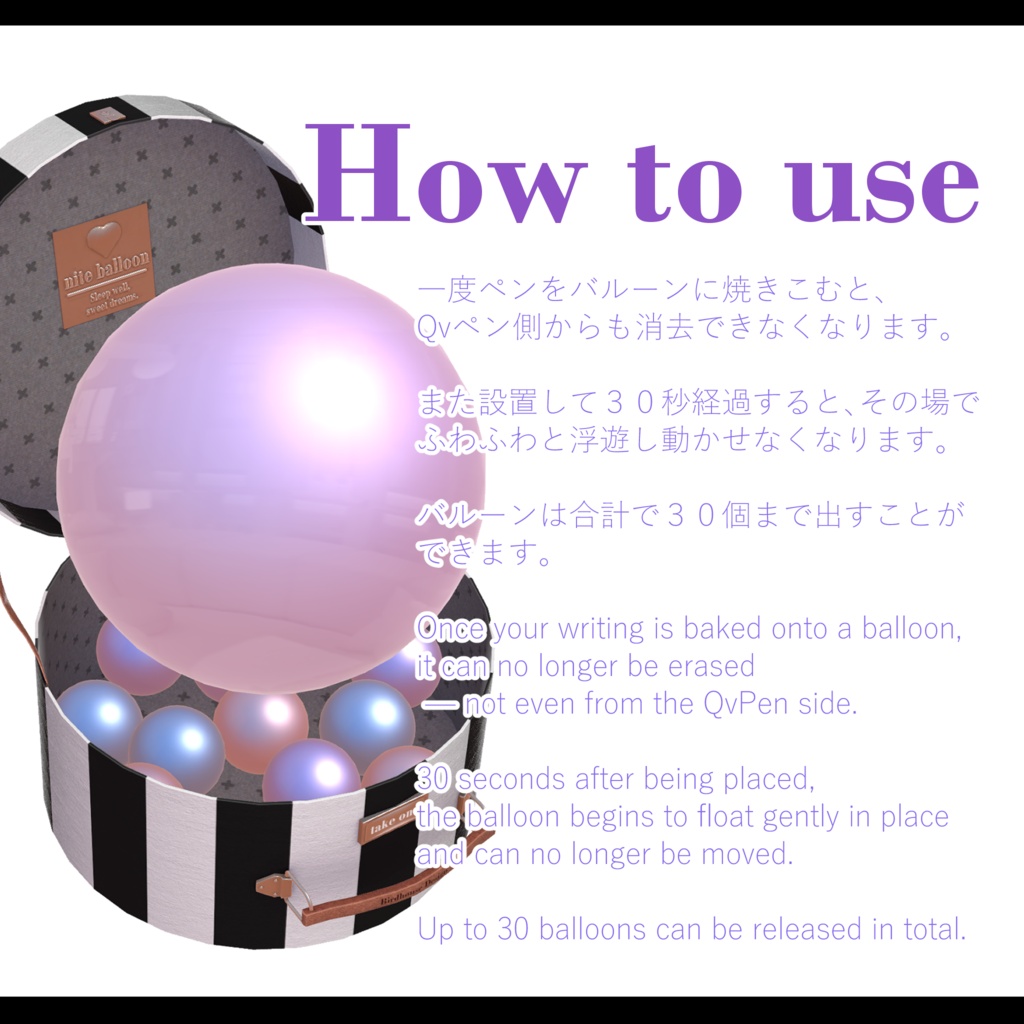
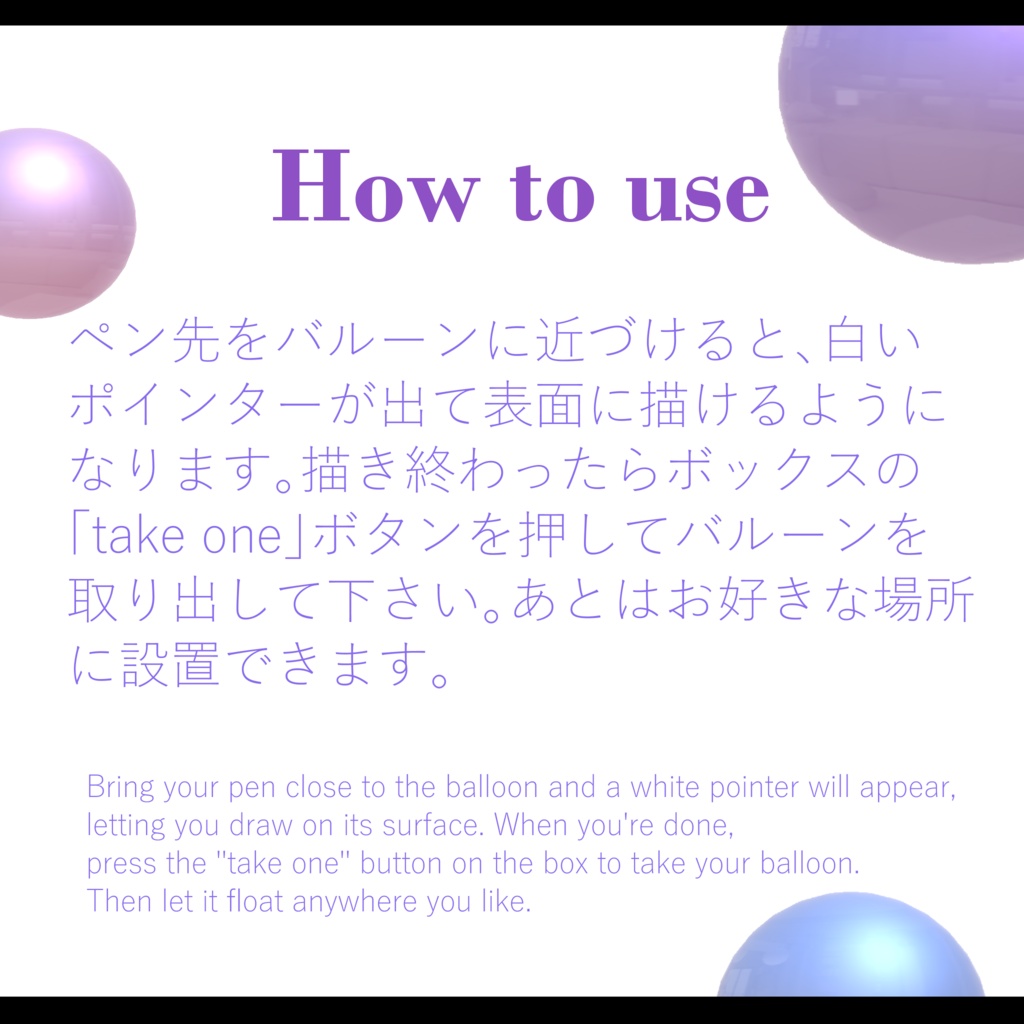
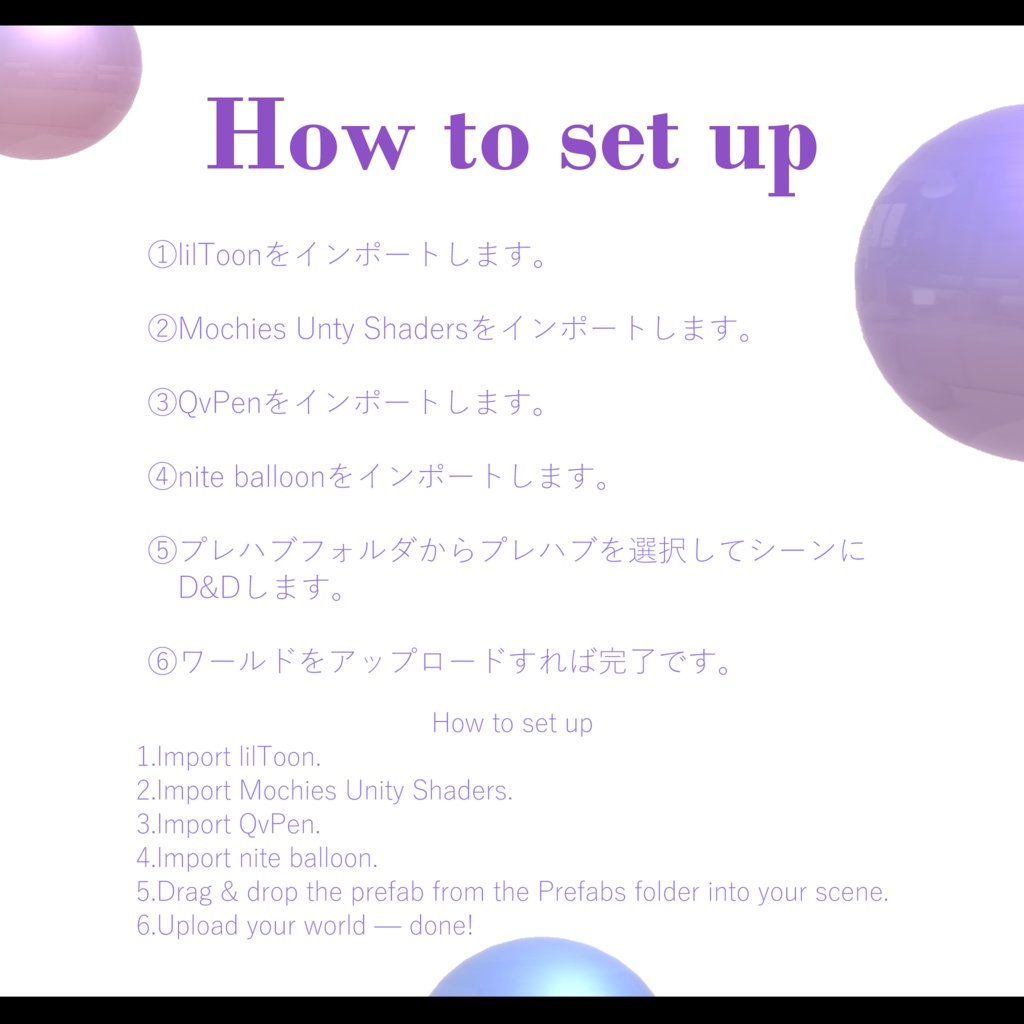
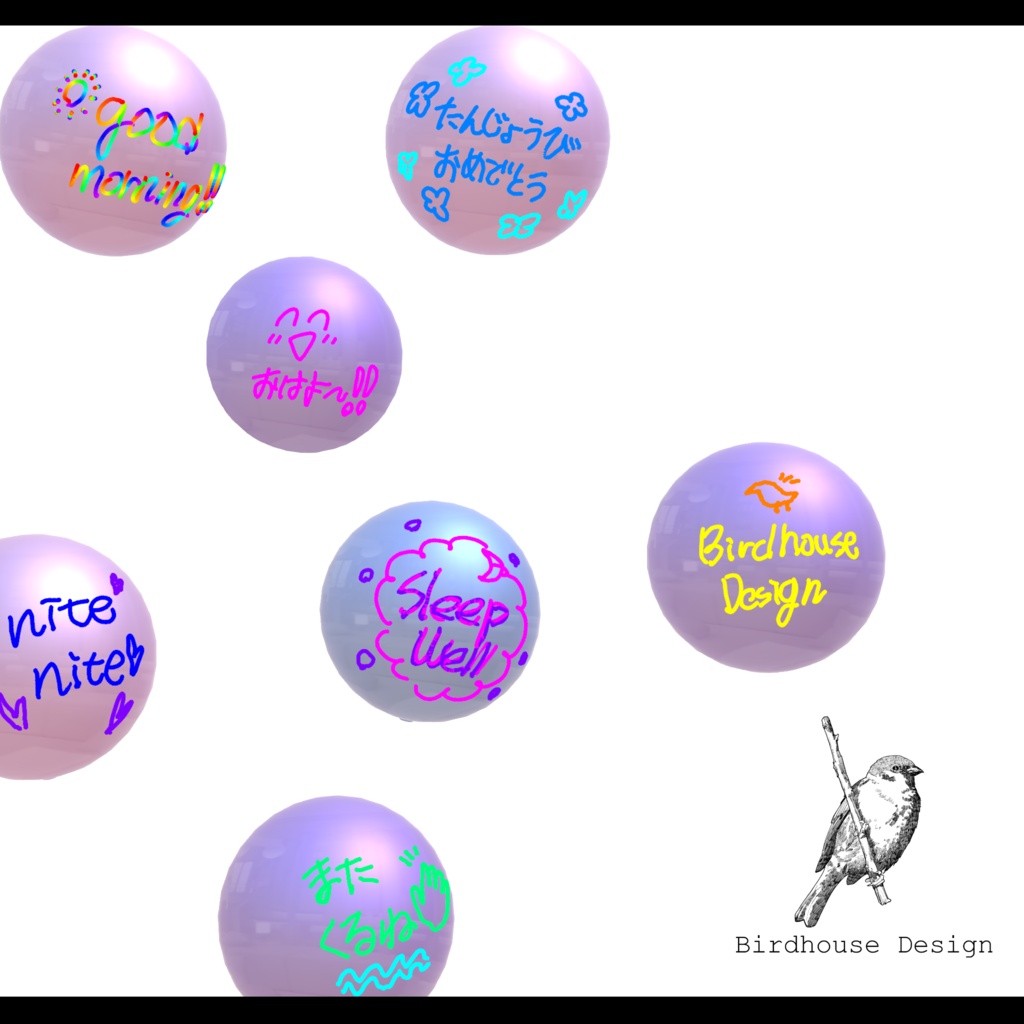


nite balloonは、QvPenで書いたメッセージやイラストがそのまま風船になる、寄せ書きギミックです。 ボックスの上の風船に書いて「take one」を押すと、あなたの文字が風船に焼き込まれます。あとは持ち運んで、好きな場所でそっと手を放すだけ。風船はその場でふわふわと浮かび続けます。 一度焼き込んだメッセージは、誰にも消せません。 QvPen側の消しゴムやClear Allでも消えない設計です。寝落ちの前に、誕生日に、お別れの日に。 「絶対に消えない」から、安心してメッセージを残せる風船です。 【特徴】 ・QvPenで書くだけ。専用ペン不要、ワールドに設置済みのQvPen(v3.3系)がそのまま使えます ・虹ペン・グラデーションペンも完全再現(色の中間キーまで転写します) ・風船に近づくと自動でペンが面書きモードになります。 ・設置して30秒でその場に固着し、以後は動かせません(掴めなくなり、物理干渉もしません) ・風船は合計30個まで。遅参者や入り直した人にも、すべての風船が同じように見えます ・PC / Quest / iOS対応 ・日英対応のカスタムインスペクター付き。改変の際の配線ミスは起動前に検出して日本語でお知らせします 【導入手順】 ・lilToonをインポート ・Mochies Unity Shadersをインポート ・QvPen(v3.3系)をインポート ・nite balloonをインポート ・Prefabsフォルダのプレハブをシーンにドラッグ&ドロップ ・ワールドをアップロードして完了 【動作要件】 VRChat SDK3(Worlds)+ UdonSharp QvPen v3.3系(別途導入・無料配布) lilToon(風船マテリアル用) Mochies Unity Shaders(付属スタンド用) ------------------------------------------------------------------ 【Mochies-Unity-Shaders】 by MochiesCode https://x.com/MochieShaders ↓↓↓ https://github.com/MochiesCode/Mochies-Unity-Shaders/releases ------------------------------------------------------------------ ※ページ内にある「Assets」の Unity Package をダウンロードして、プロジェクトにインポートしてください。 【ご注意】 ・風船はインスタンスが存続する限り保持されます(インスタンス消滅で初期化されます) ・リセットボタンは意図的に搭載していません. (公式APIあり) ・風船は誰でも掴んで運べます。 ーーーーーーーーーーーーーーーーーーーー nite balloon — a balloon that carries your handwritten message nite balloon is a message-balloon gimmick: whatever you write or draw with QvPen becomes a balloon. Draw on the balloon resting on the box and press "take one" — your writing is baked onto the balloon. Then carry it anywhere and gently let go. It will keep floating softly, right where you left it. Once baked, a message can never be erased — not even with QvPen's eraser or Clear All. Before falling asleep together, on a birthday, on a farewell day. Because it can never be erased, this is a balloon you can trust with your message. 【Features】 Just write with QvPen. No special pen required — works with the QvPen (v3.3.x) already placed in your world Rainbow and gradient pens reproduce fully (every intermediate color key is transcribed) Pens switch to surface-drawing mode automatically when brought near a balloon 30 seconds after placement, a balloon fixes in place and can no longer be moved (it becomes ungrabbable and never collides with anyone) Up to 30 balloons in total. Late joiners and rejoining players see every balloon exactly as written PC / Quest / iOS supported Bilingual (JP/EN) custom inspectors included. Wiring mistakes made while editing are detected before startup 【How to set up】 Import lilToon Import Mochies Unity Shaders Import QvPen (v3.3.x) Import nite balloon Drag & drop the prefab from the Prefabs folder into your scene Upload your world — done! 【Requirements】 VRChat SDK3 (Worlds) + UdonSharp QvPen v3.3.x (imported separately, free) lilToon (for balloon materials) Mochies Unity Shaders (for the included stand) 【Mochies-Unity-Shaders】 by MochiesCode https://x.com/MochieShaders ↓↓↓ https://github.com/MochiesCode/Mochies-Unity-Shaders/releases ※ Download the Unity Package under "Assets" on that page and import it into your project. 【Notes】 Balloons persist as long as the instance lives (they reset when the instance closes) There is intentionally no reset button (an official API is available) Anyone can pick up and carry a balloon
利用規約
・政治利用および宗教や特定の思想を目的とした使用を禁止します。 ・内部データの二次配布および販売を禁止します。 ・内部データの譲渡を禁止します。 ・パブリック化ワールドでの使用の際には著しく著作物の品位を貶める改変を禁止します。 ・撮影の際の映り込みなどは、自由に公開していただいて構いません。
更新履歴
2026.08.23 ver 1.0 販売開始
