
Original Bottle 【その場で作れるオリシャンギミック・VRChatワールド用】
- Digital1,800 JPY
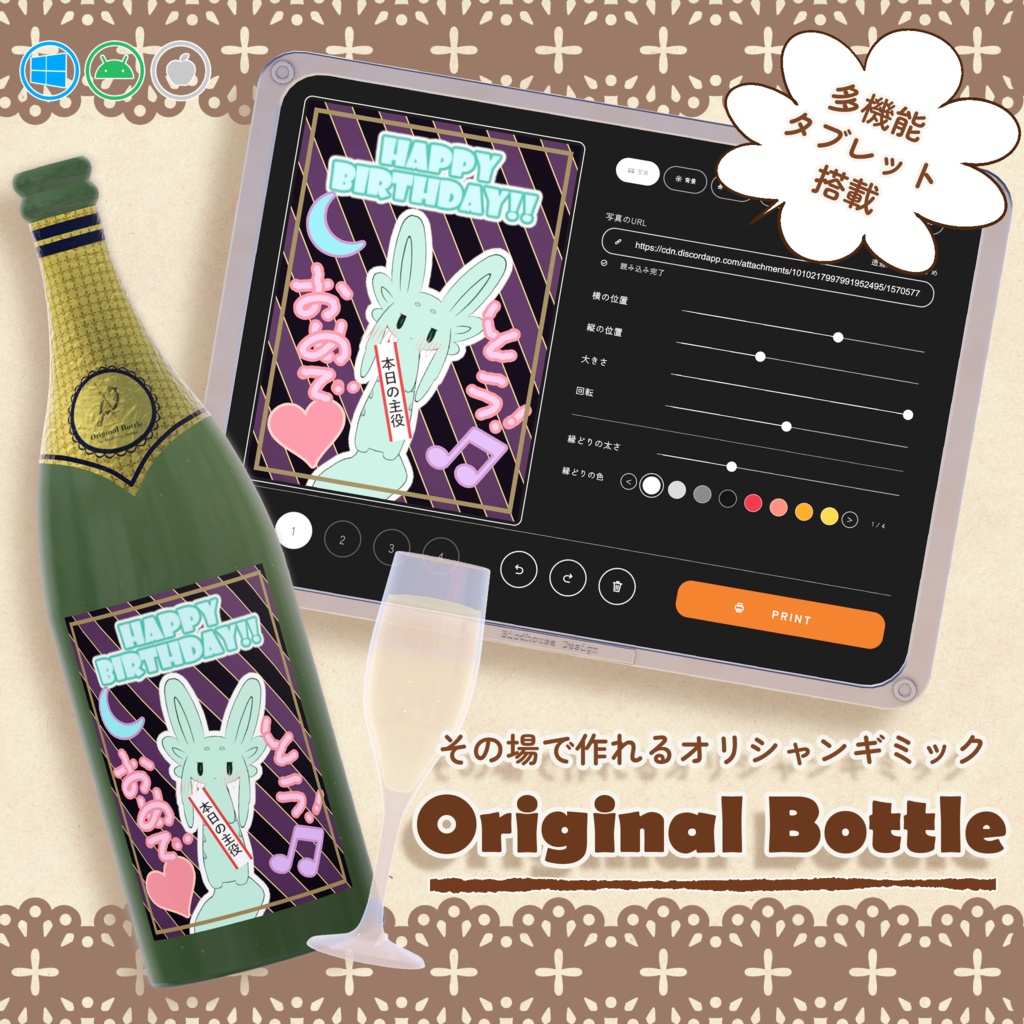
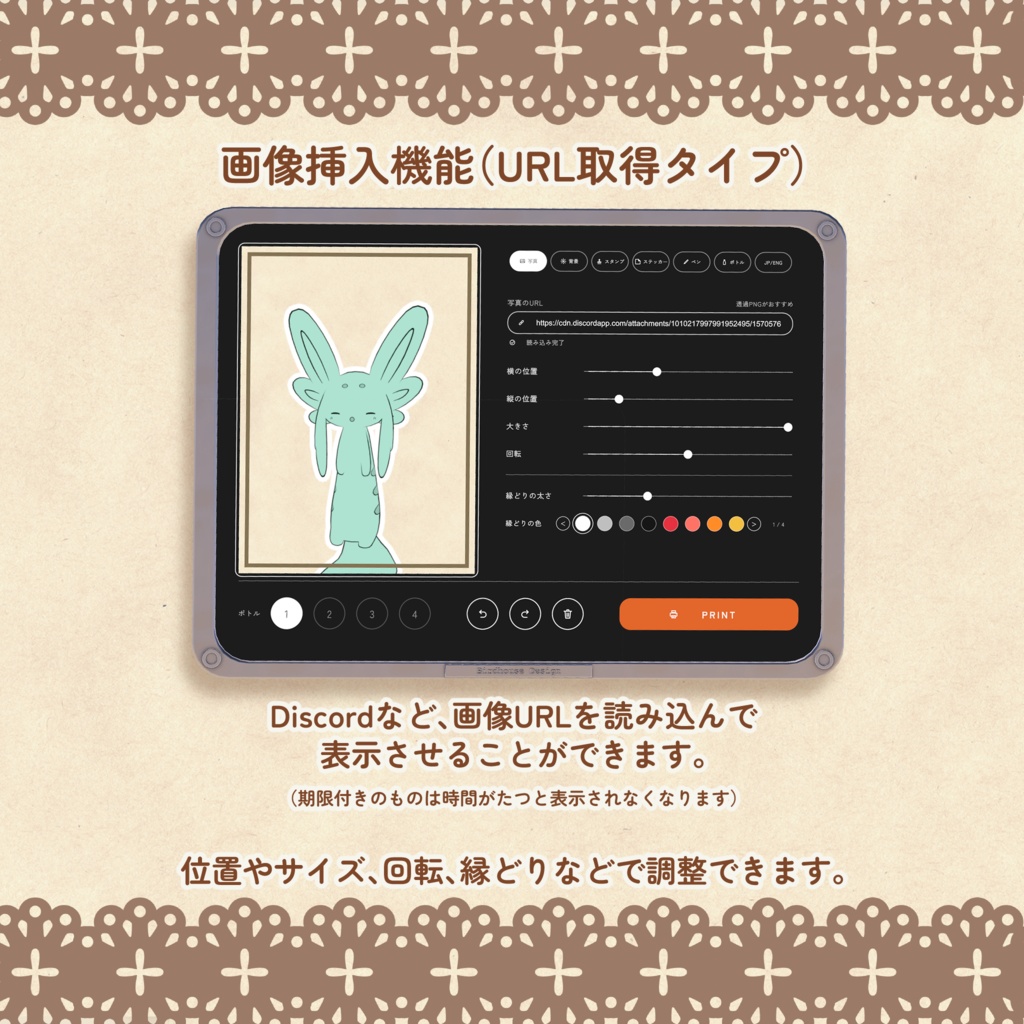
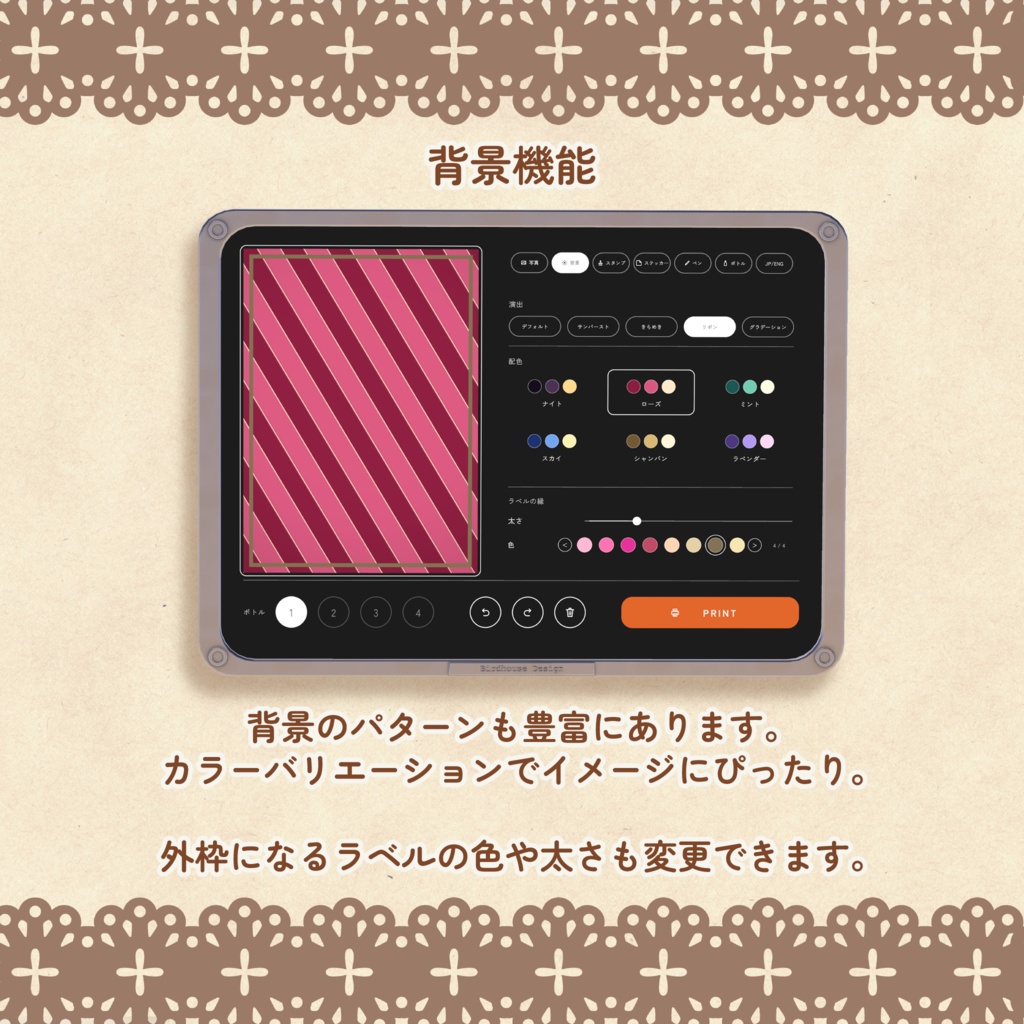
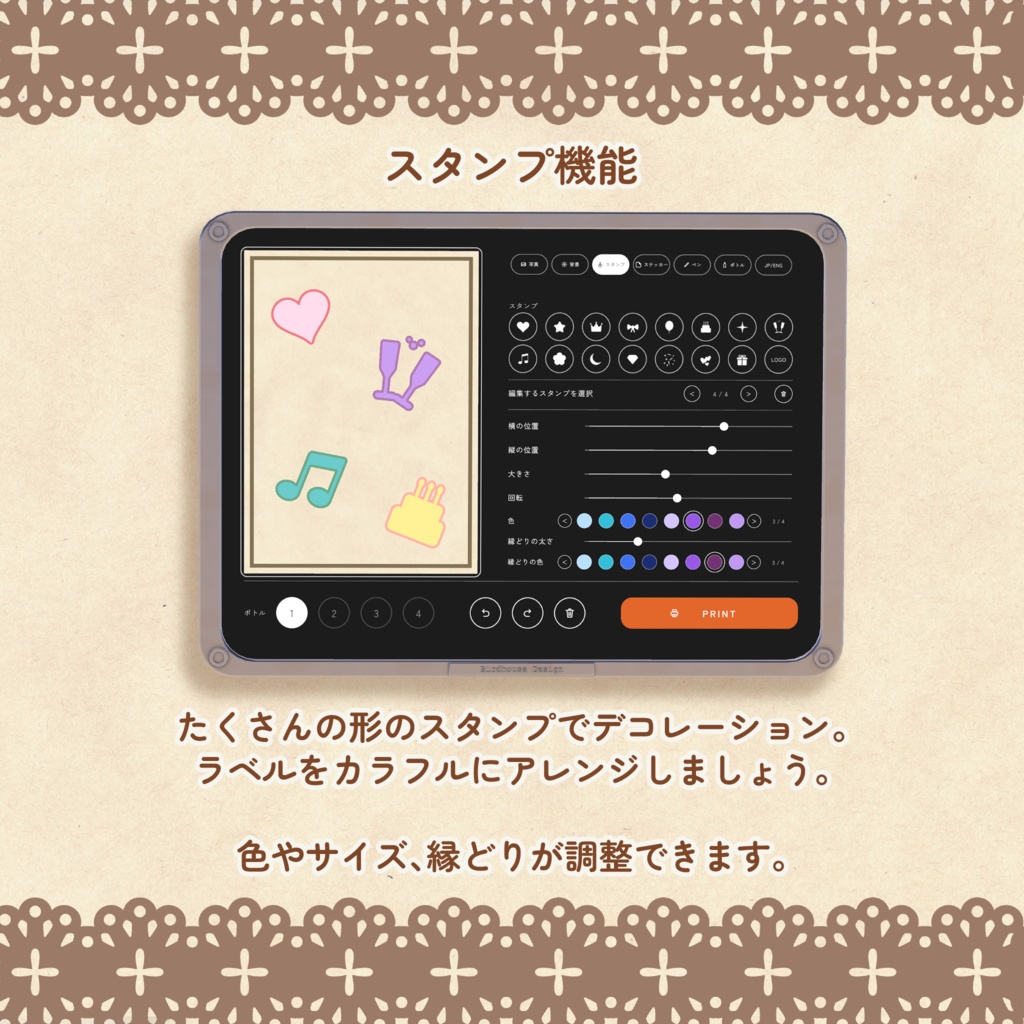
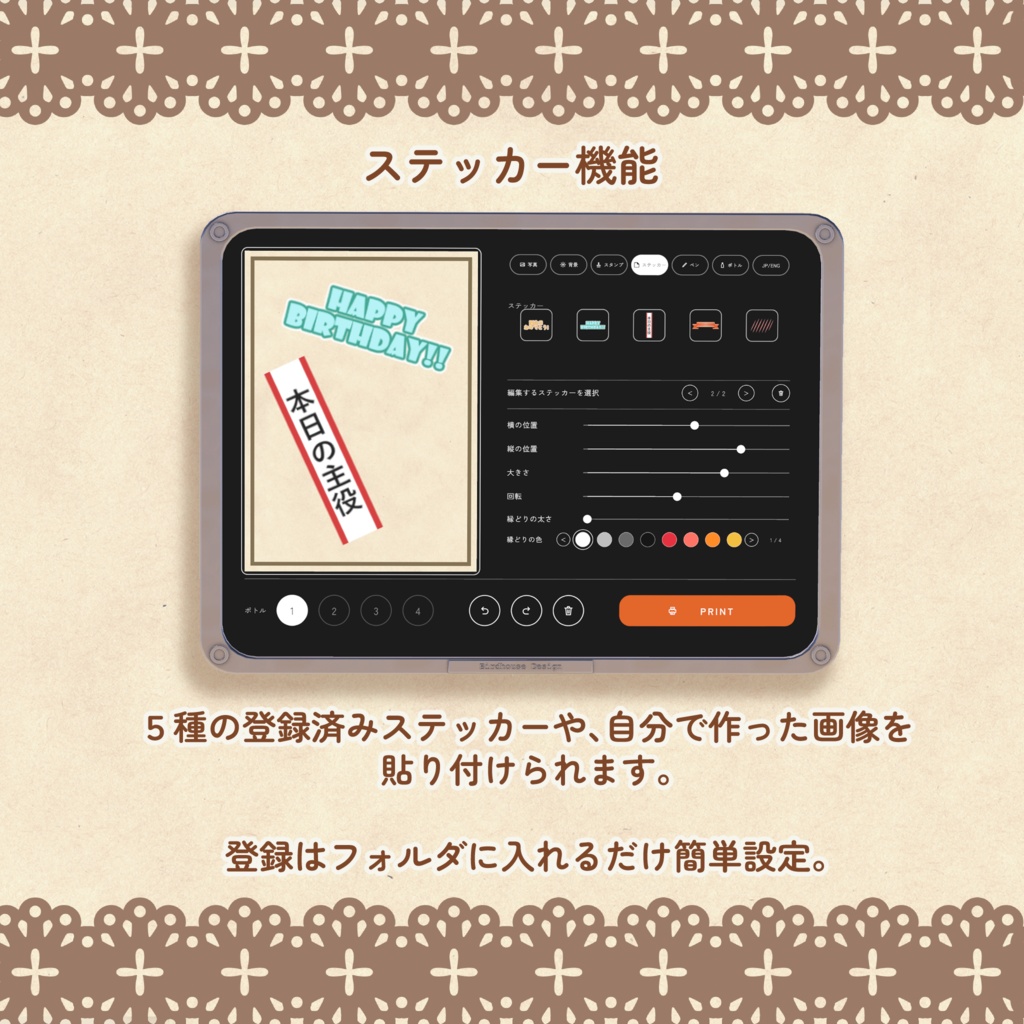
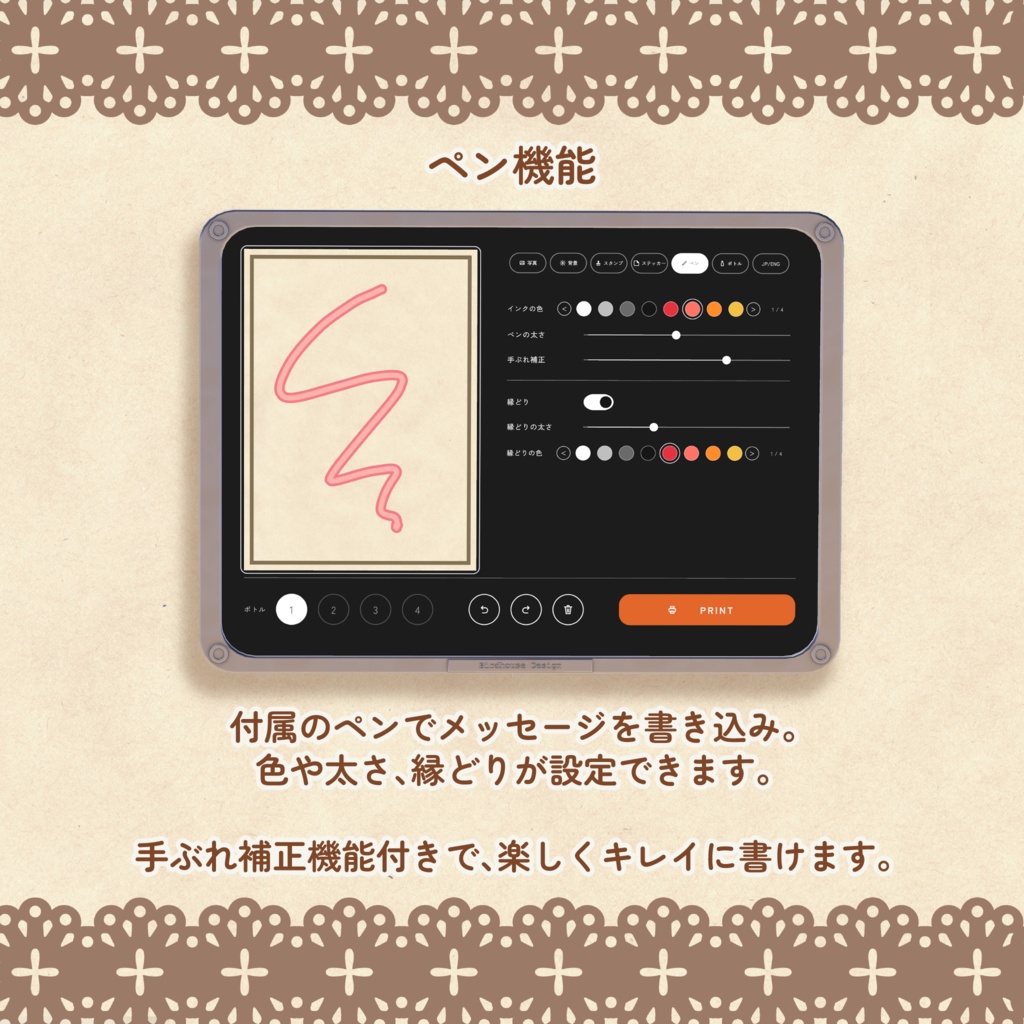
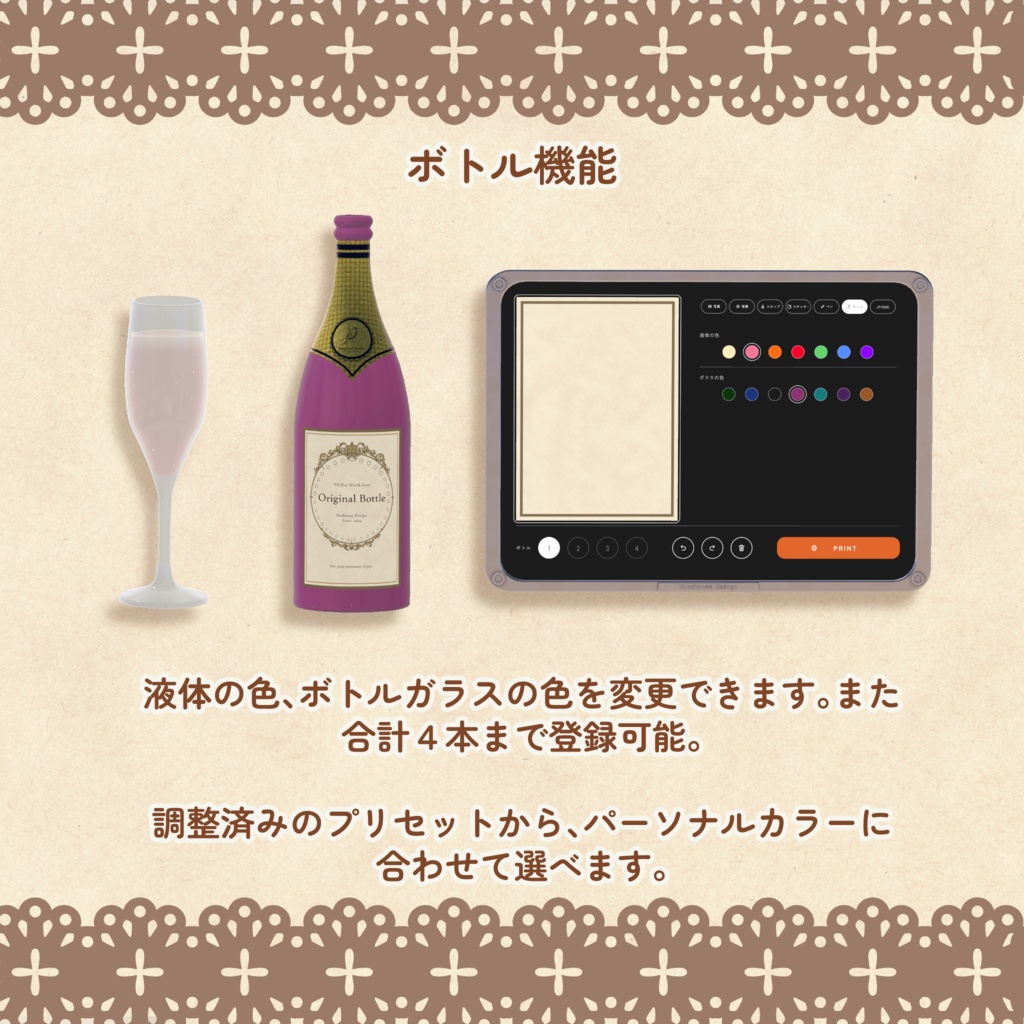
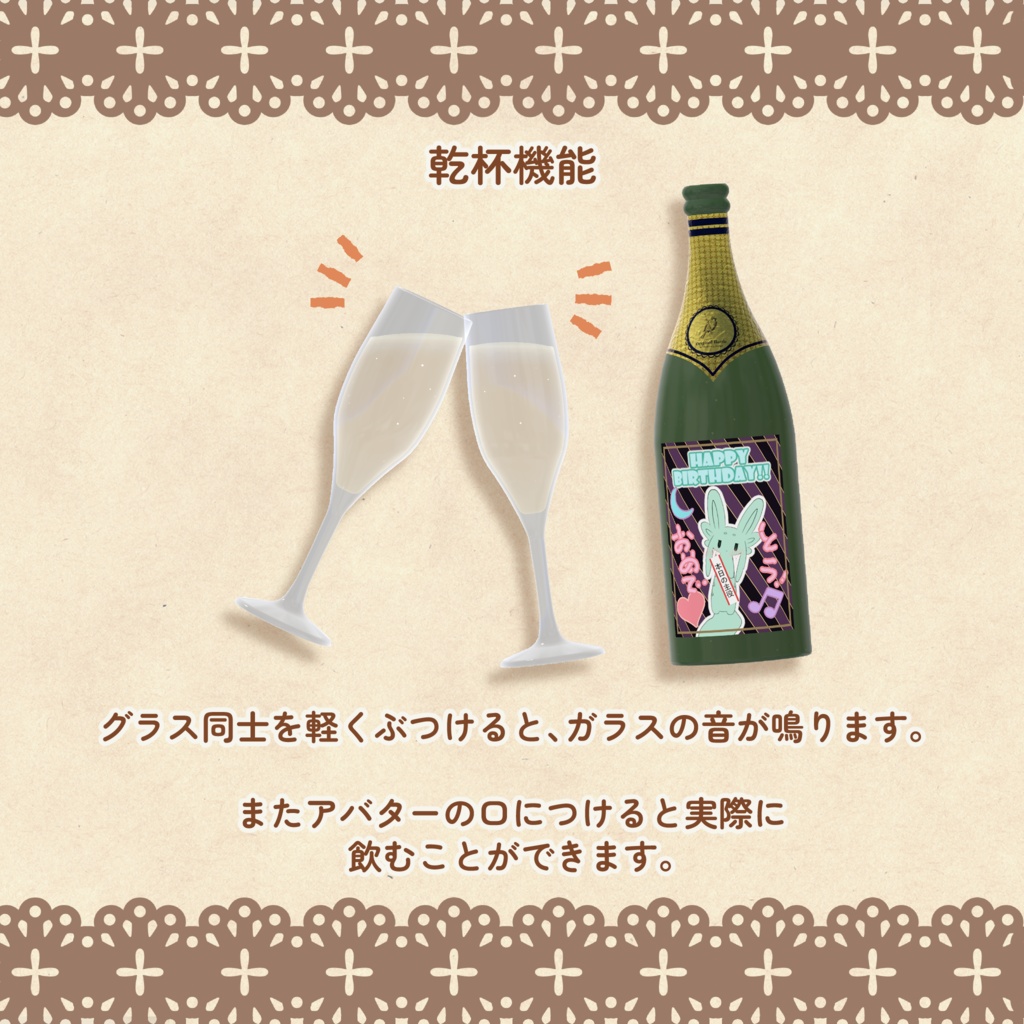
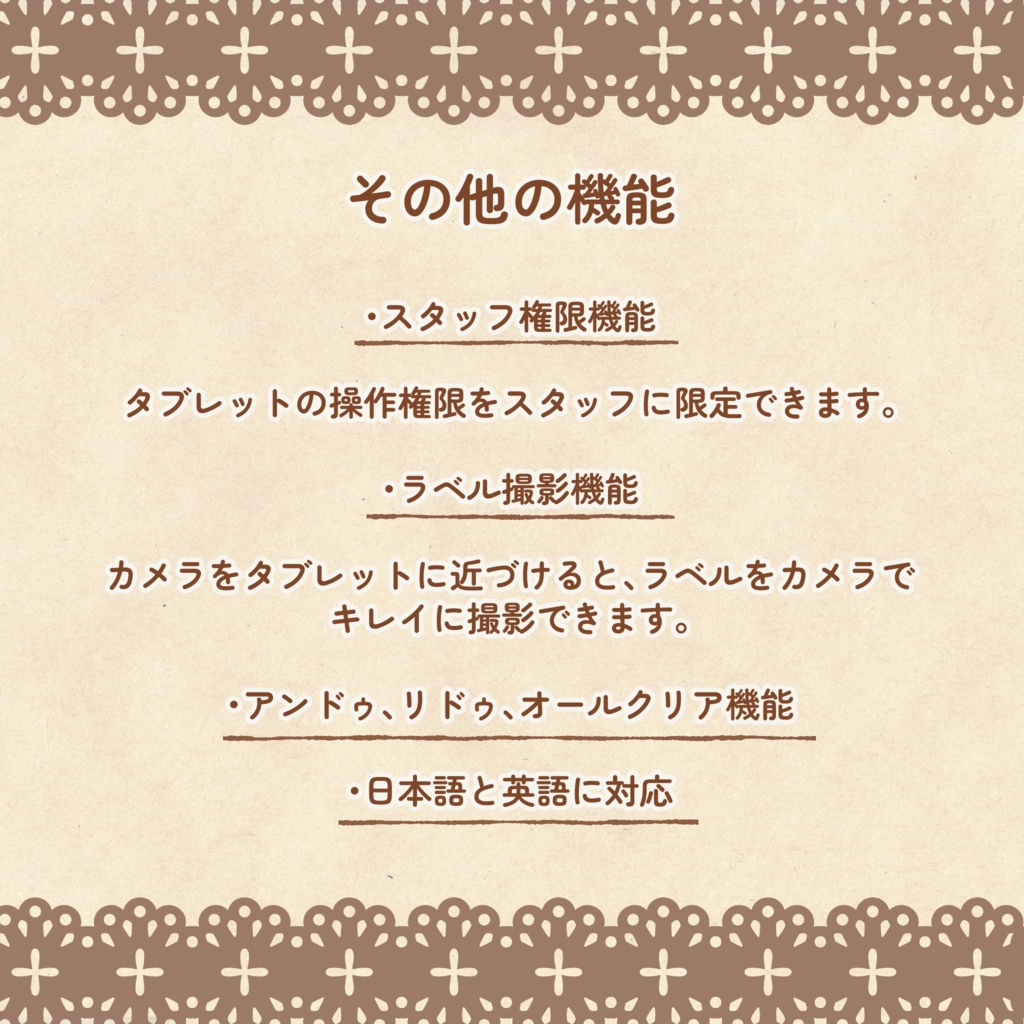
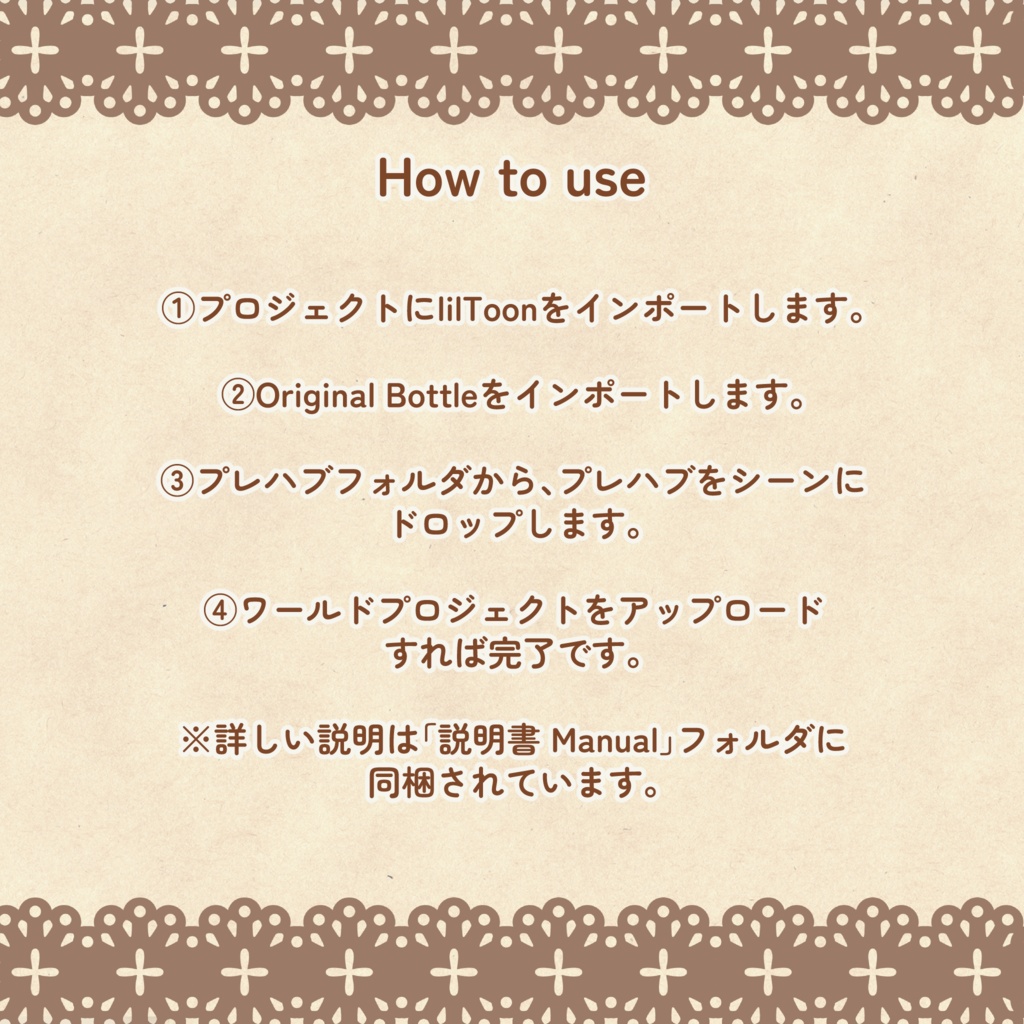
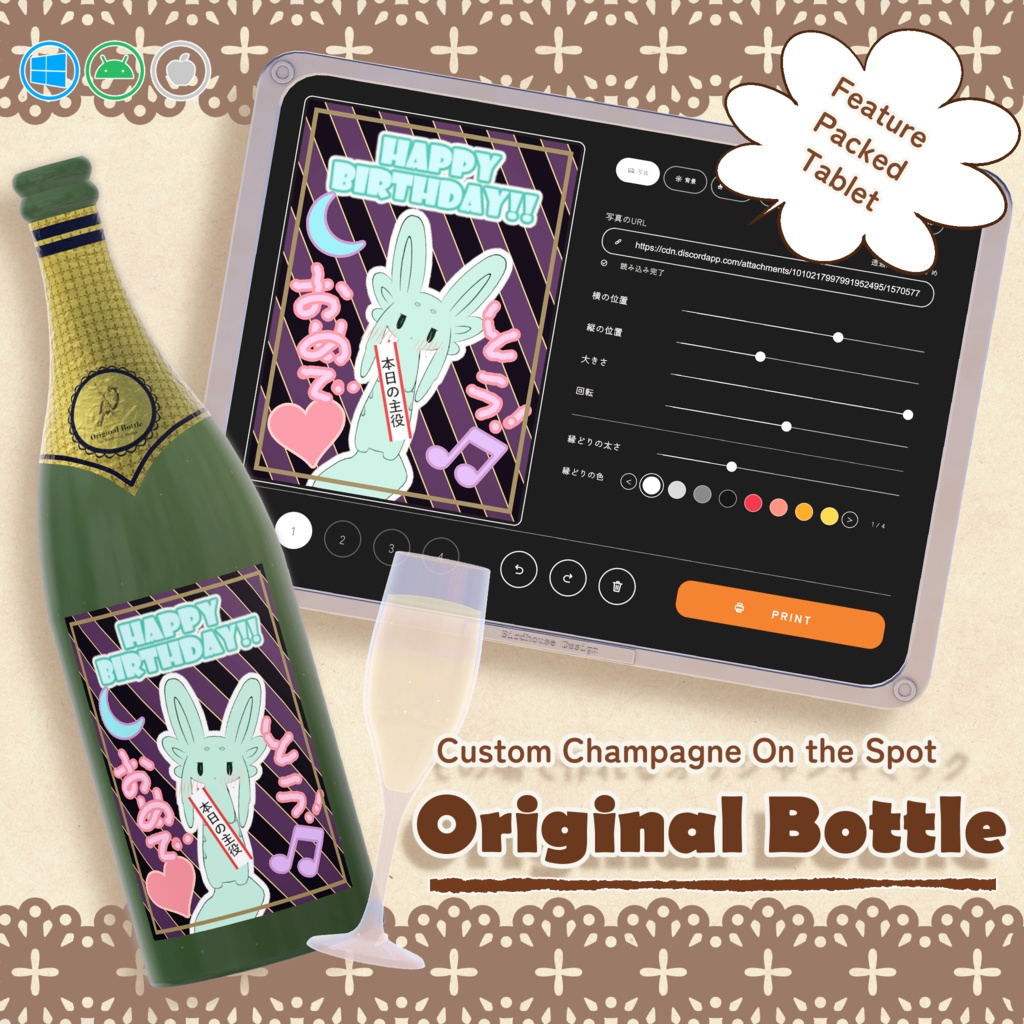
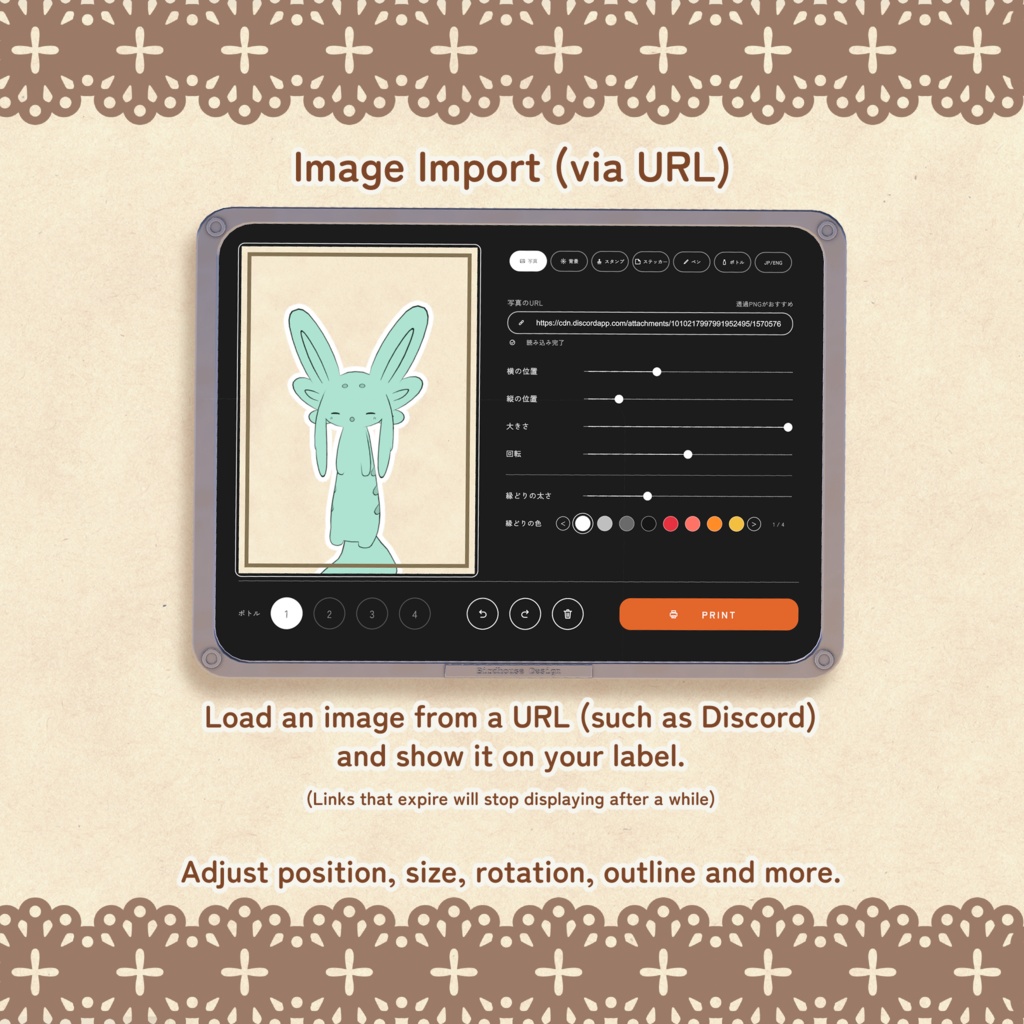
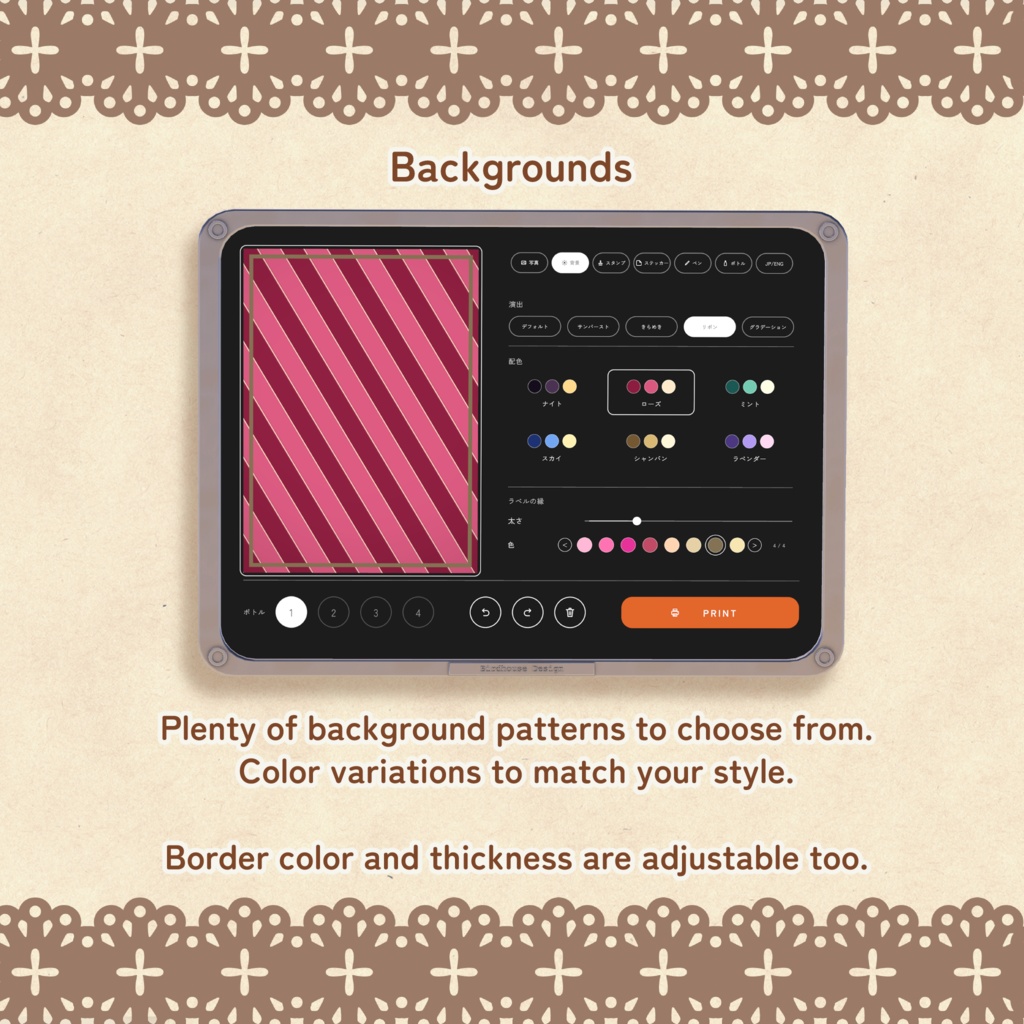
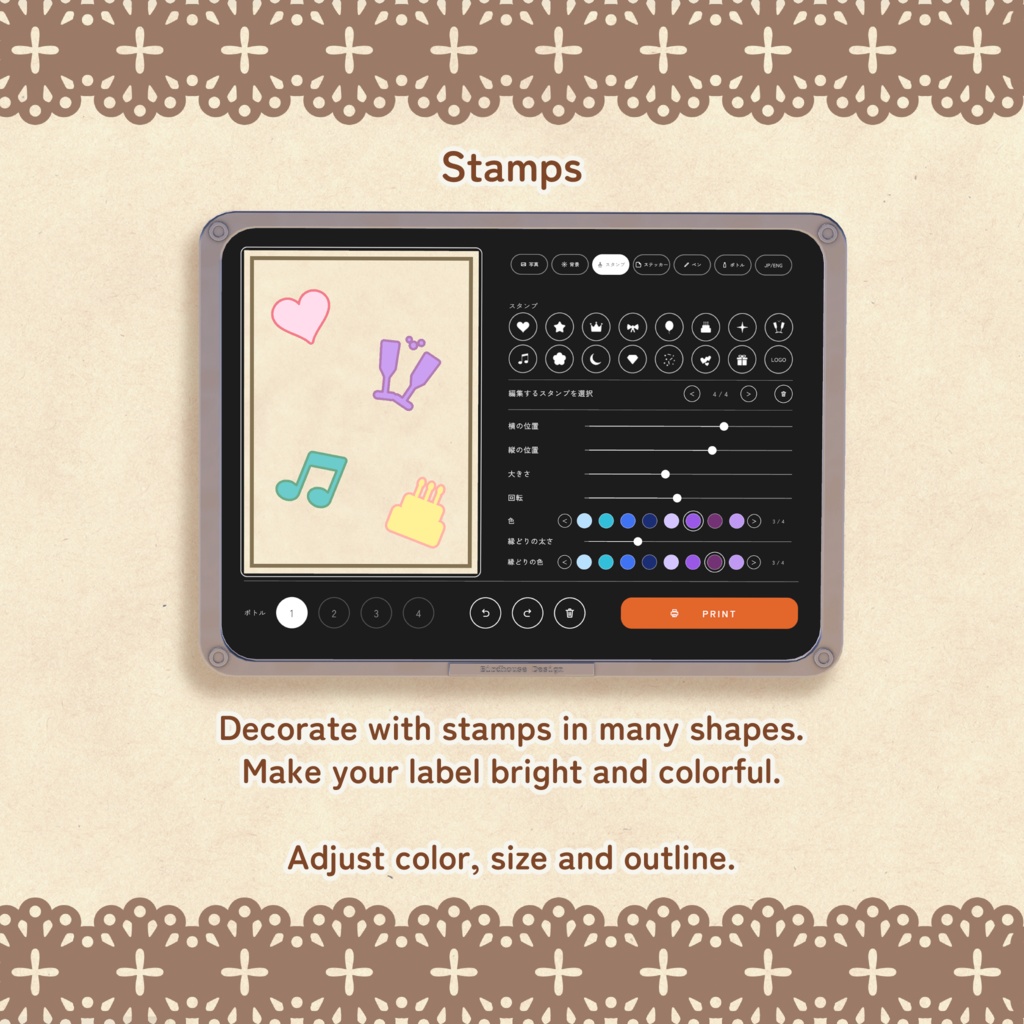
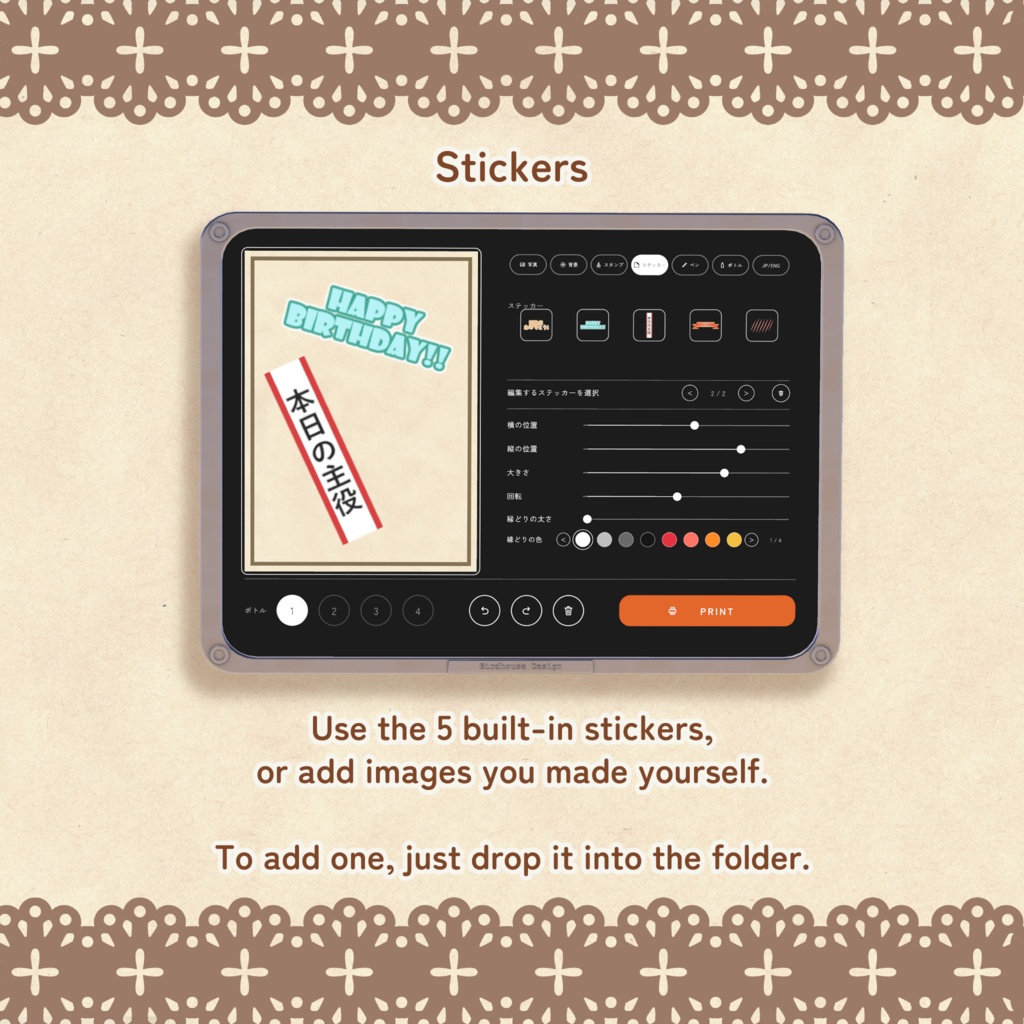
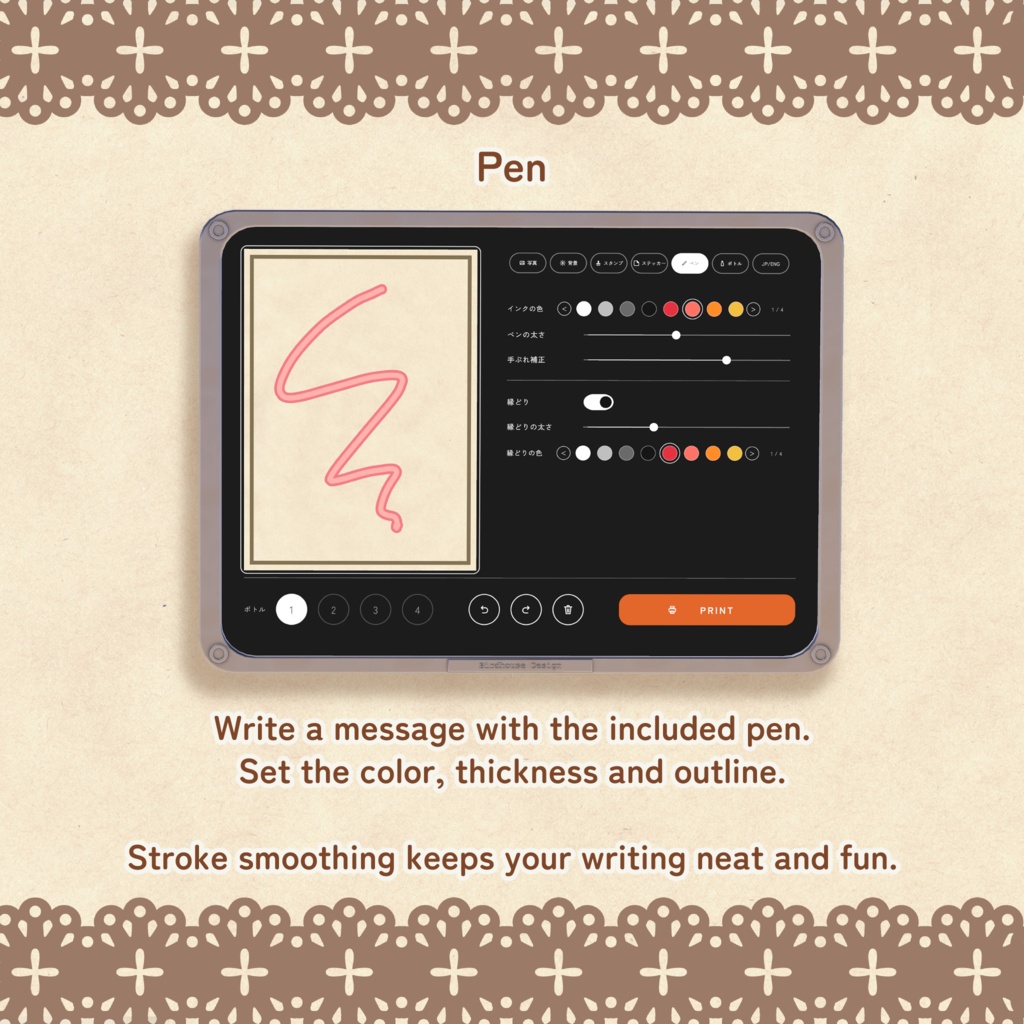
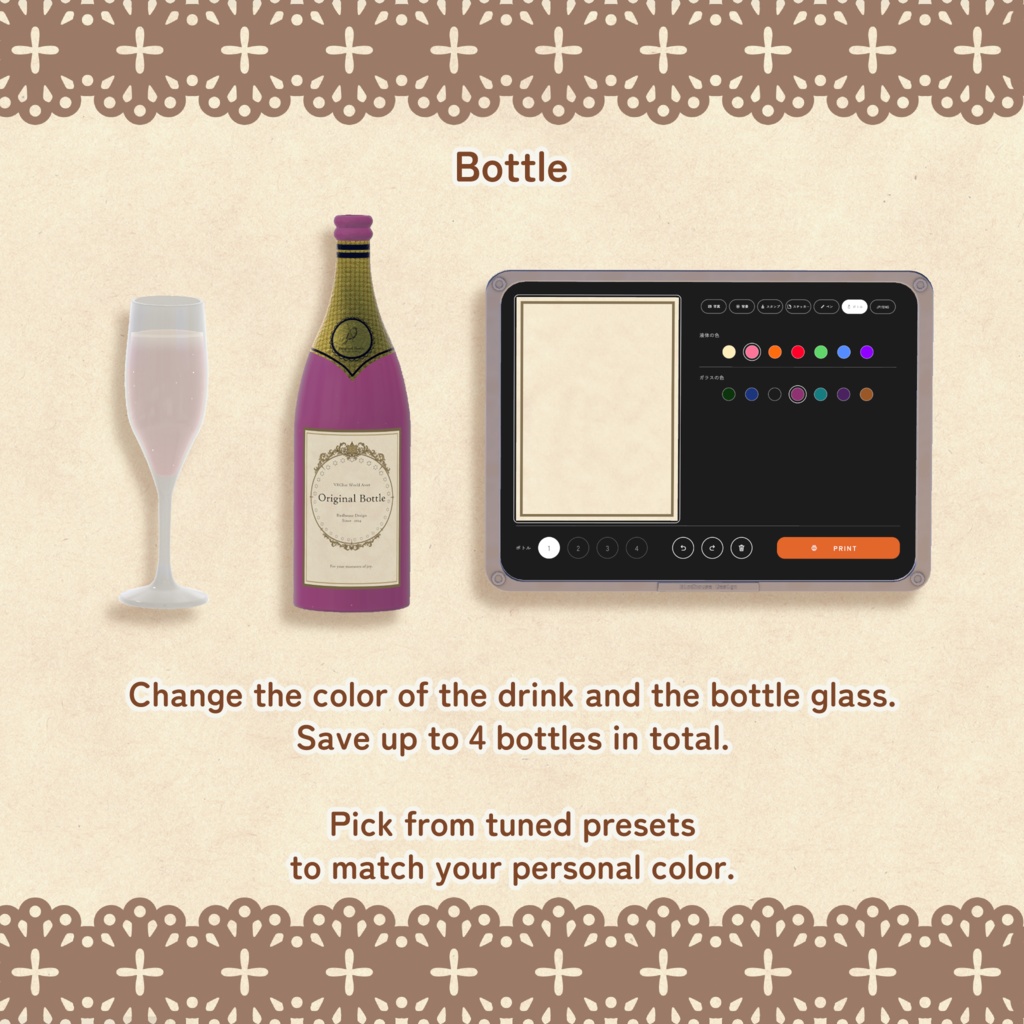
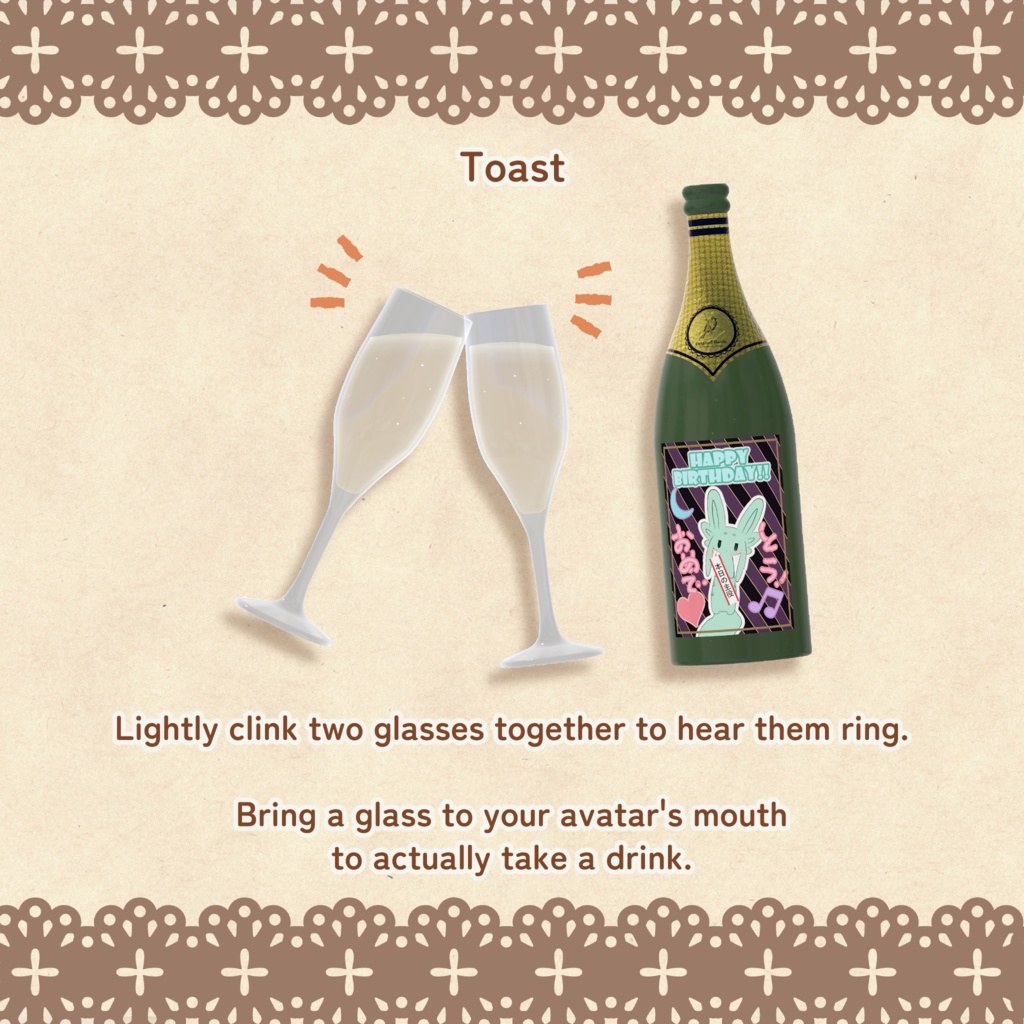


Original Bottle | その場で作れるオリシャンギミック【VRChatワールド用】 キャストの誕生日やお祝いの日に、その人だけのオリジナルシャンパンを。 付属のタブレットでラベルをその場でデザインして、PRINTを押すだけ。 写真を入れて、メッセージを書いて、ボトルと中身の色を合わせて、 できあがったボトルを開けて、注いで、乾杯して、飲めます。 イベントワールド・バー・ホームワールドでのお祝いにどうぞ。 ━━━━━━━━━━━━━━━━━━ ■ できること ━━━━━━━━━━━━━━━━━━ 【ラベルを作る(タブレット)】 ・写真 画像のURLを入れるだけで読み込み。位置・大きさ・回転・縁どりを調整できます ・背景 5種類の演出 × 6種類の配色。ラベルの縁の色と太さも変えられます ・スタンプ ハートや王冠など16種類。色・大きさ・縁どりを調整できます ・ステッカー 5種類を登録済み。自作の画像もフォルダに入れるだけで追加できます ・ペン 付属のペンで手書きメッセージ。手ぶれ補正・縁どり付き ・ボトル 液体の色とガラスの色をそれぞれ7色から選べます ・アンドゥ / リドゥ / オールクリア ・日本語 / 英語の切り替え 編集中の画面は、その場にいる全員にリアルタイムで見えます。 みんなで相談しながら作れます。 【ボトルとグラス】 ・ボトルは最大4本まで。それぞれ別のラベルと色を登録できます ・Useで栓がポンと飛んで開きます。長押しで栓を閉められます ・グラスに注ぎ口を寄せると注げます(テーブルや床にはこぼれません) ・中身は減らないので、何人でも注げます ・グラス同士を軽くぶつけると、乾杯の音が鳴ります ・グラスを口に近づけると飲めます ・液体は傾けると揺れます 【イベント運営向け】 ・スタッフ権限 タブレットの操作をスタッフだけに限定できます ・ラベル撮影 VRChatのカメラをタブレットに近づけると、ラベルが画面いっぱいに映ります。記念撮影やSNS投稿に ━━━━━━━━━━━━━━━━━━ ■ 対応環境 ━━━━━━━━━━━━━━━━━━ ・PC / Quest(Android)/ iOS ・Unity 2022.3.22f1 ・VRChat SDK - Worlds 3.10.5 ・lilToon(別途インポートが必要です) ガラスのマテリアルは、ビルド先(PC / Quest / iOS)に合わせて自動で切り替わります。 ━━━━━━━━━━━━━━━━━━ ■ 導入方法 ━━━━━━━━━━━━━━━━━━ 1. プロジェクトに lilToon をインポートします 2. Original Bottle をインポートします 3. プレハブフォルダから、プレハブをシーンにドロップします 4. ワールドをアップロードすれば完了です ボトルやグラスの追加、スタッフ権限、ロゴやステッカーの登録などは 同梱の説明書(日本語 / English)をご覧ください。 ━━━━━━━━━━━━━━━━━━ ■ ご注意 ━━━━━━━━━━━━━━━━━━ ・写真は画像のURLから読み込みます。背景が透明なPNGがおすすめです ・期限付きのURLは、時間がたつと表示されなくなります ・作ったラベルは保存されません。インスタンスを閉じるとリセットされます ・Questでは液体の表示が重く感じることがあります。軽くする設定は説明書に記載しています ━━━━━━━━━━━━━━━━━━ ■ 内容物 ━━━━━━━━━━━━━━━━━━ ・Original Bottle ver1.0.unitypackage (ボトル / グラス / タブレット / ペン / 説明書 / Material Swapper) Original Bottle | Custom Champagne Made on the Spot [for VRChat Worlds] For a cast member's birthday or any day worth celebrating: a custom champagne bottle made just for them. Design the label right there on the included tablet, then press PRINT. Add a photo, write a message, match the bottle and drink colors, then open the finished bottle, pour, toast, and drink. Perfect for celebrations in event worlds, bars, and home worlds. ━━━━━━━━━━━━━━━━━━ ■ Features ━━━━━━━━━━━━━━━━━━ [Make a Label (Tablet)] ・Photo: Just enter an image URL to load it. Adjust position, size, rotation, and outline ・Background: 5 effects × 6 color palettes. The label border's color and thickness can be changed too ・Stamps: 16 shapes, including hearts and crowns. Adjust color, size, and outline ・Stickers: 5 built in. Add your own images just by dropping them into a folder ・Pen: Write messages by hand with the included pen. Includes stroke smoothing and outlines ・Bottle: Choose from 7 colors each for the drink and the glass ・Undo / Redo / Clear All ・Japanese / English switching The screen is visible to everyone present in real time while you edit, so you can design the label together. [Bottle and Glasses] ・Up to 4 bottles, each with its own label and colors ・Press Use to pop the cork. Hold to put the cork back in ・Bring the bottle's mouth close to a glass to pour (nothing spills onto tables or floors) ・The bottle never runs out, so you can pour for any number of people ・Lightly clink two glasses together to hear a toast sound ・Bring a glass to your mouth to drink ・The liquid sloshes when tilted [For Event Staff] ・Staff Permissions: Limit tablet controls to staff only ・Label Snapshots: Bring a VRChat camera close to the tablet and the label fills the camera view. Great for commemorative photos and social media posts ━━━━━━━━━━━━━━━━━━ ■ Requirements ━━━━━━━━━━━━━━━━━━ ・PC / Quest (Android) / iOS ・Unity 2022.3.22f1 ・VRChat SDK - Worlds 3.10.5 ・lilToon (must be imported separately) Glass materials switch automatically to match the build target (PC / Quest / iOS). ━━━━━━━━━━━━━━━━━━ ■ How to Install ━━━━━━━━━━━━━━━━━━ 1. Import lilToon into your project 2. Import Original Bottle 3. Drag the prefab from the Prefab folder into your scene 4. Upload your world and you're done For adding bottles and glasses, staff permissions, and registering logos and stickers, see the included manual (日本語 / English). ━━━━━━━━━━━━━━━━━━ ■ Notes ━━━━━━━━━━━━━━━━━━ ・Photos are loaded from an image URL. PNGs with a transparent background are recommended ・Links that expire will stop displaying after a while ・Labels are not saved. They reset when the instance closes ・The liquid may feel heavy to render on Quest. Settings to lighten it are described in the manual ━━━━━━━━━━━━━━━━━━ ■ Contents ━━━━━━━━━━━━━━━━━━ ・Original Bottle ver1.0.unitypackage (Bottle / Glasses / Tablet / Pen / Manual / Material Swapper)
利用規約
・政治利用および宗教や特定の思想を目的とした使用を禁止します。 ・内部データの二次配布および販売を禁止します。 ・内部データの譲渡を禁止します。 ・営利を含まないワールドのパブリックでの使用を許可します。 ・パブリック使用の際には著しく著作物の品位を貶める改変を禁止します。 ・動画撮影や商品撮影など、撮影された動画や画像の公開を許可します。
更新履歴
2026.11.13 ver1.0 販売開始
