

動物たち 3Dアバター (Animals 3D Avatar)
- Digital350 JPY
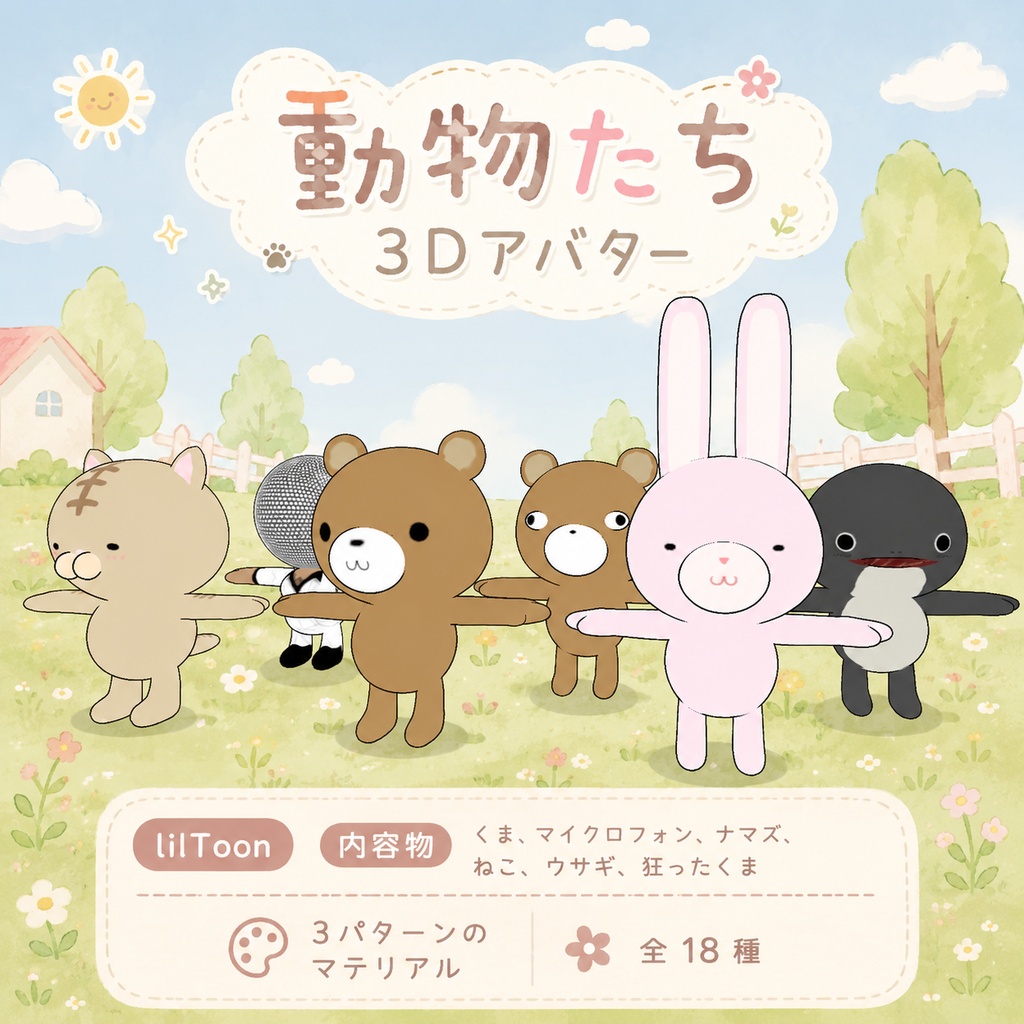
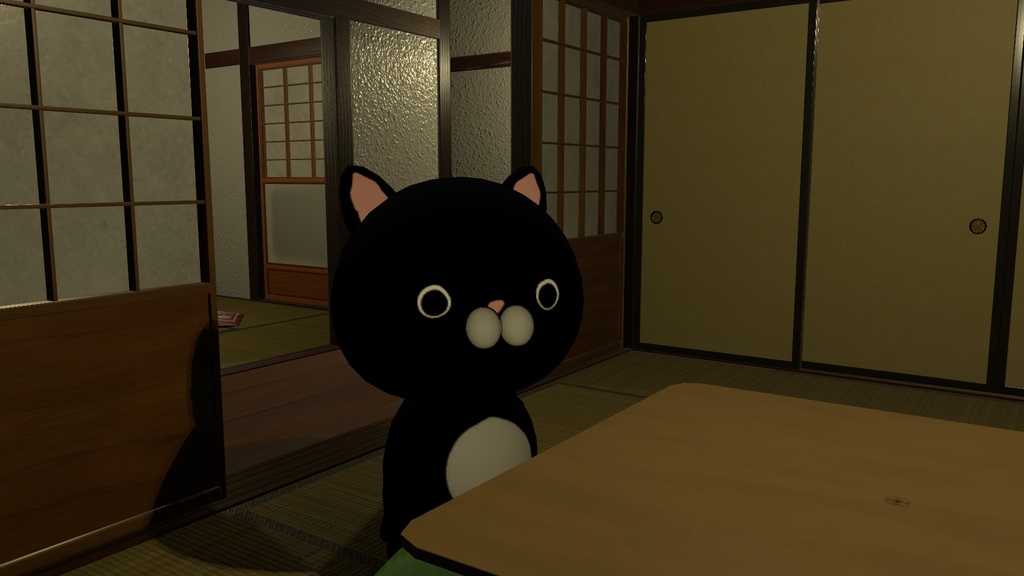
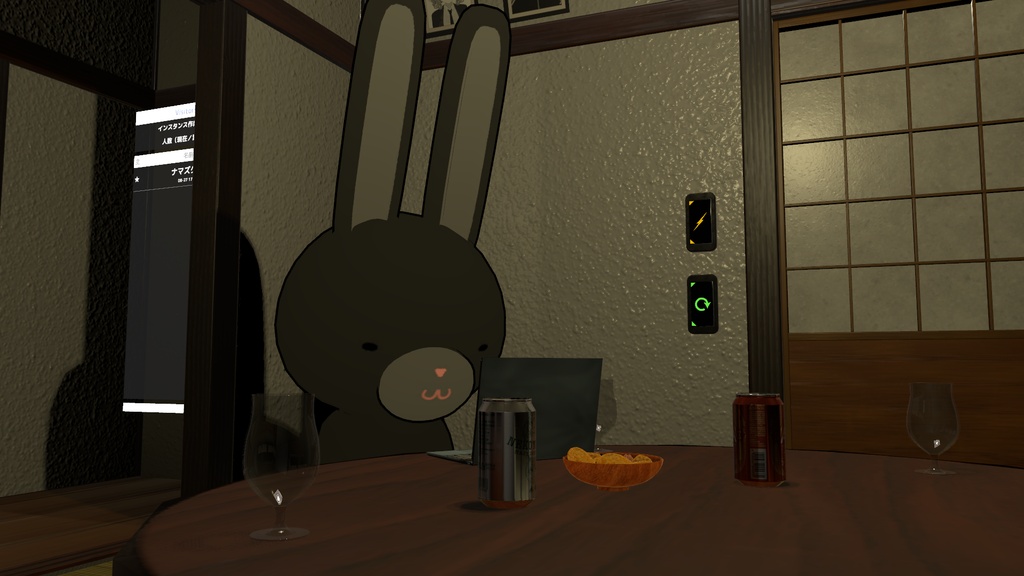
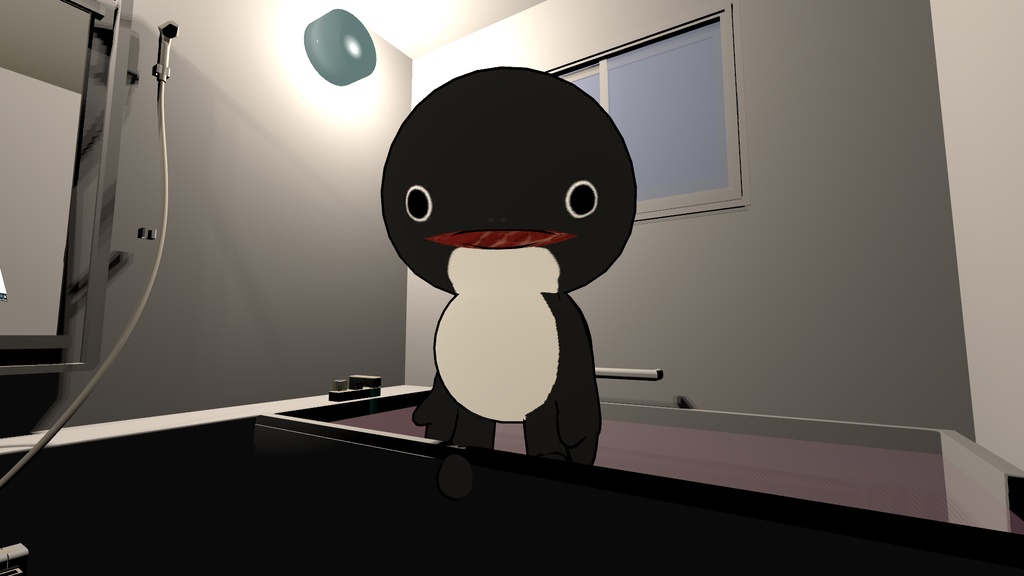
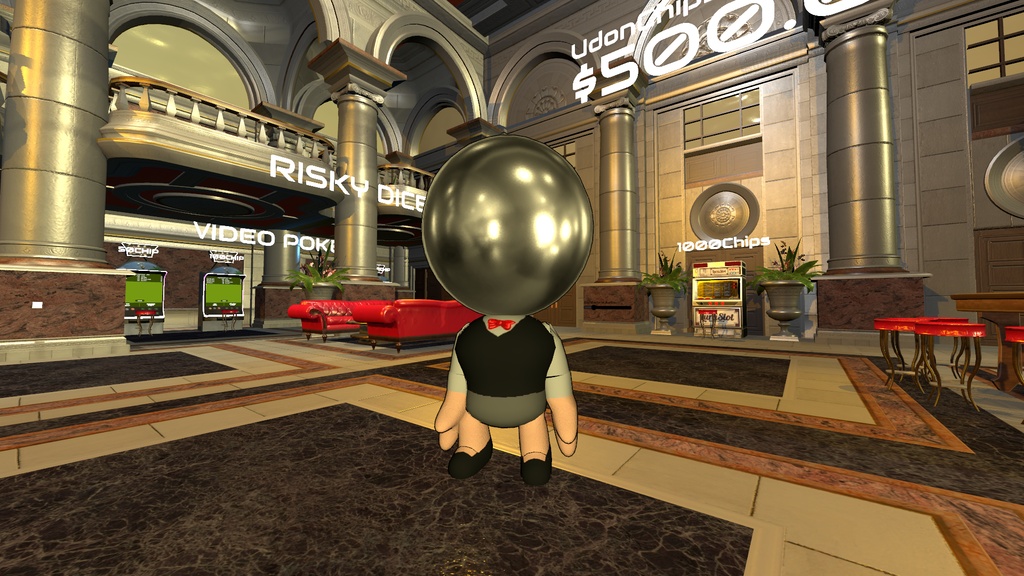
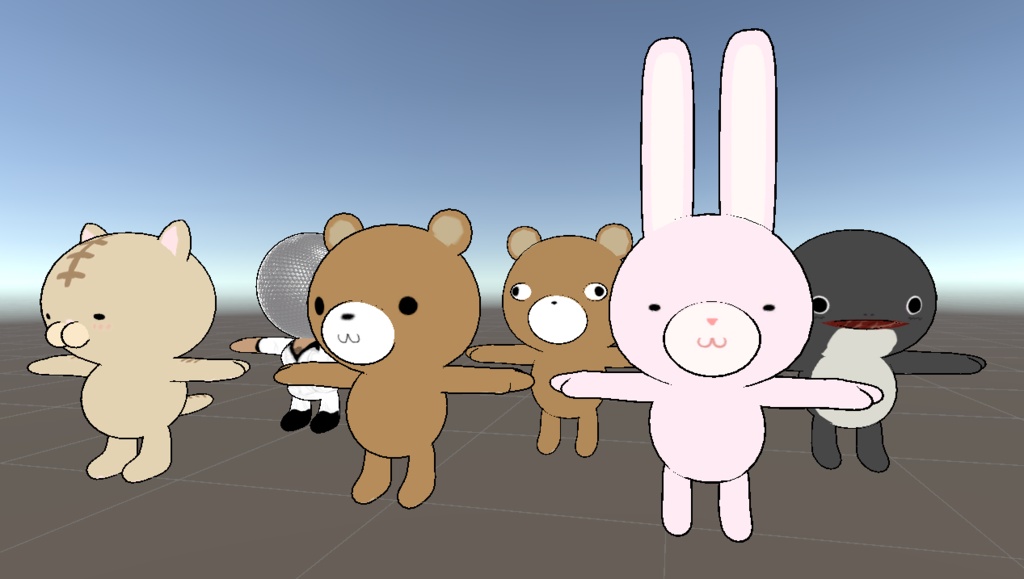
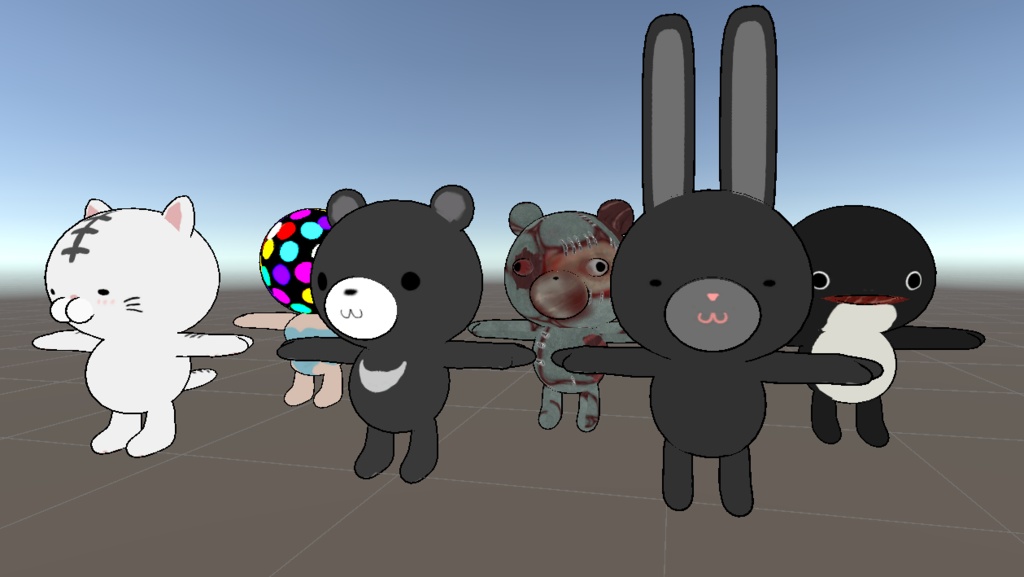
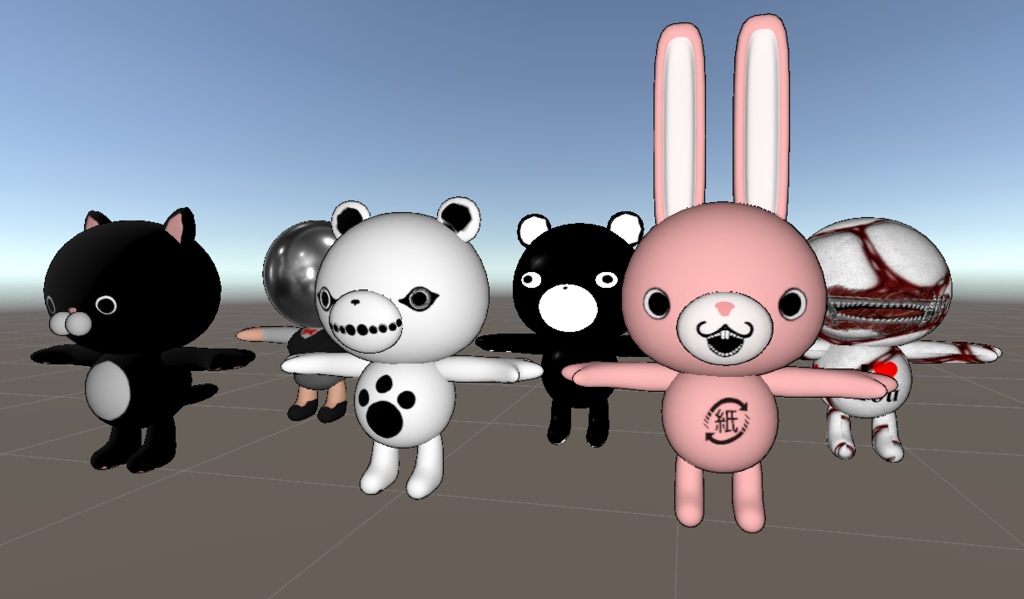
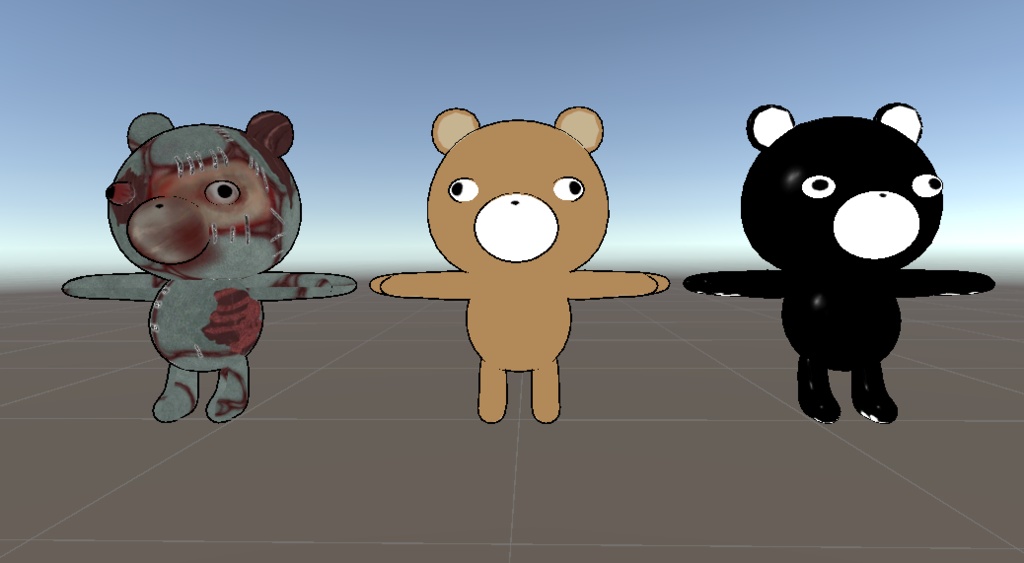
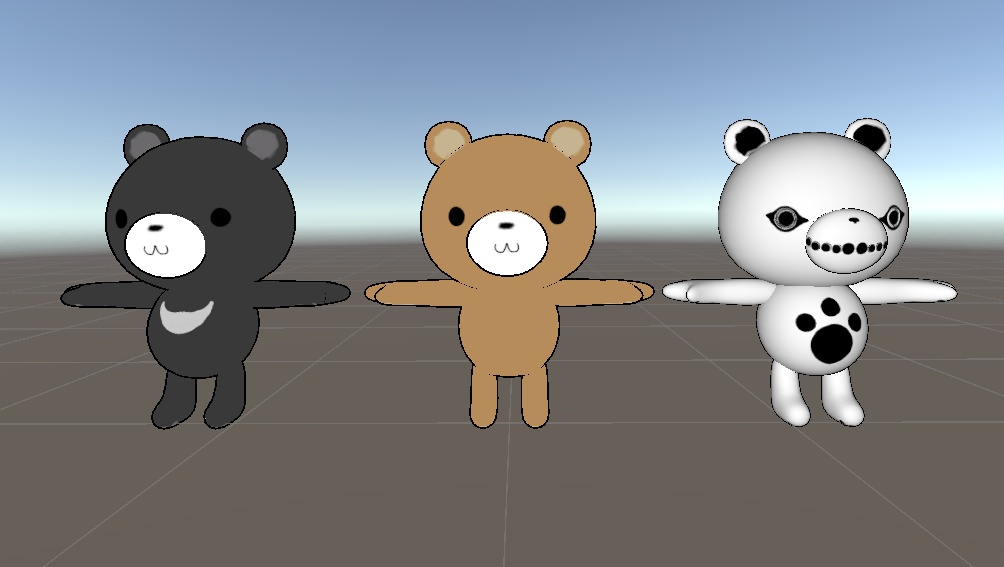
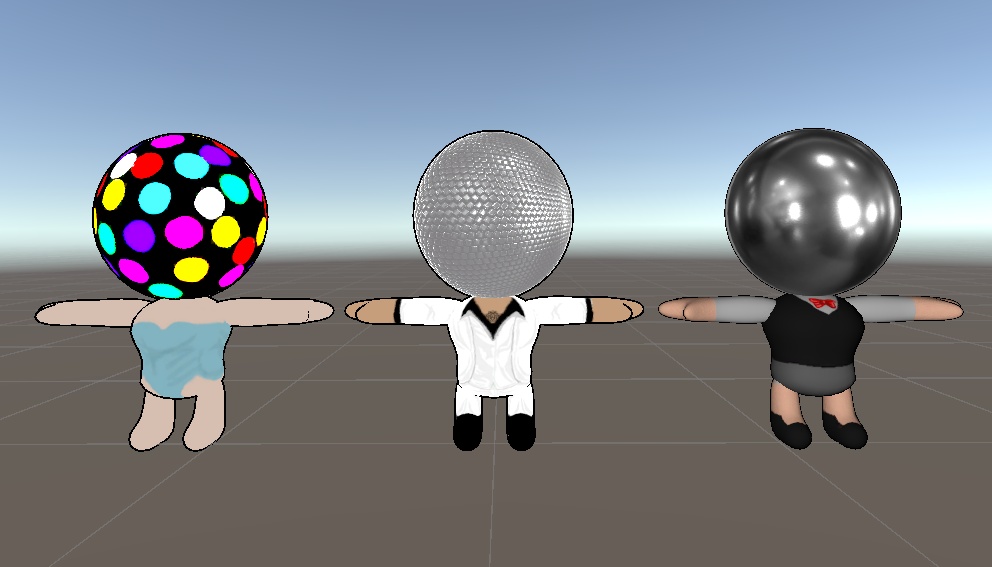
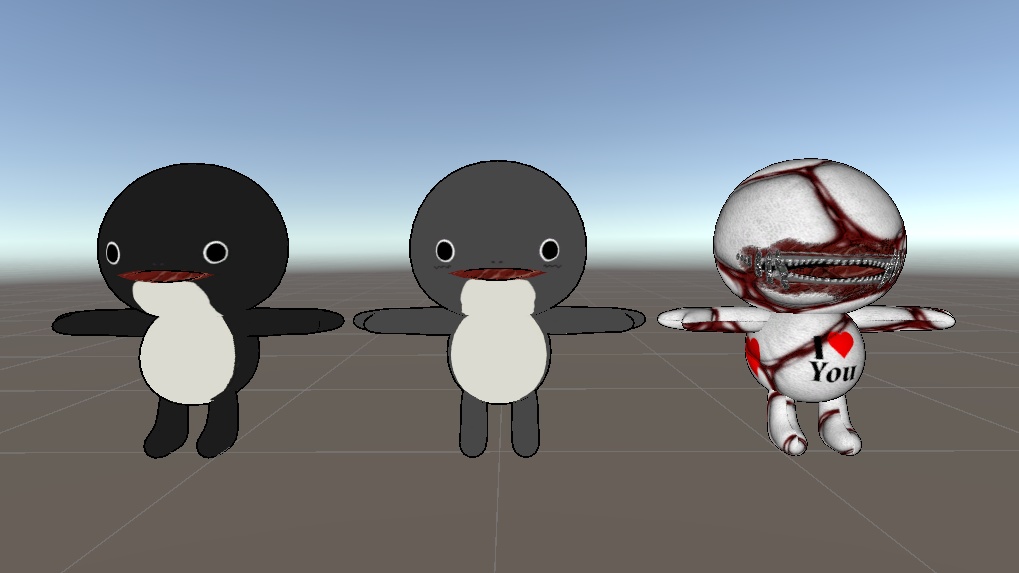
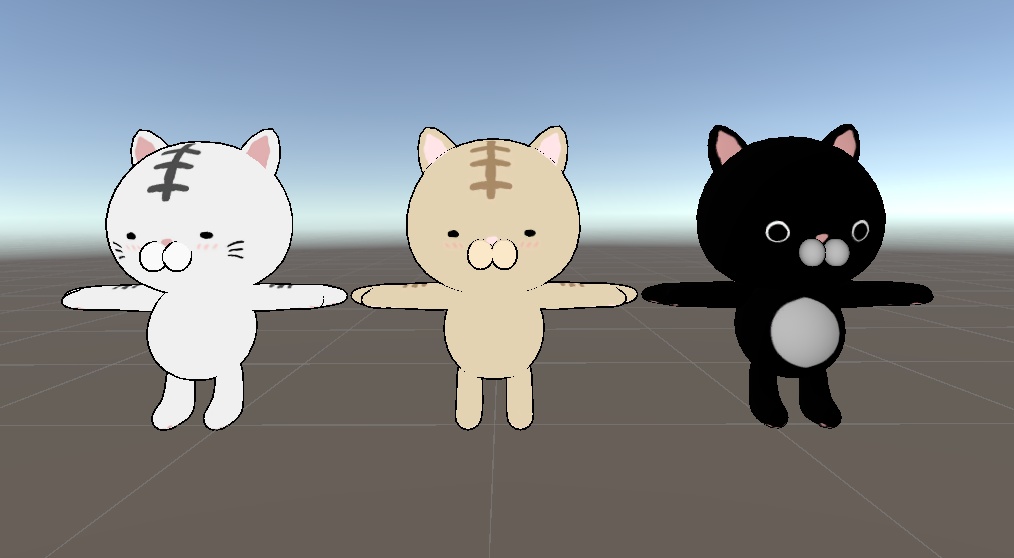
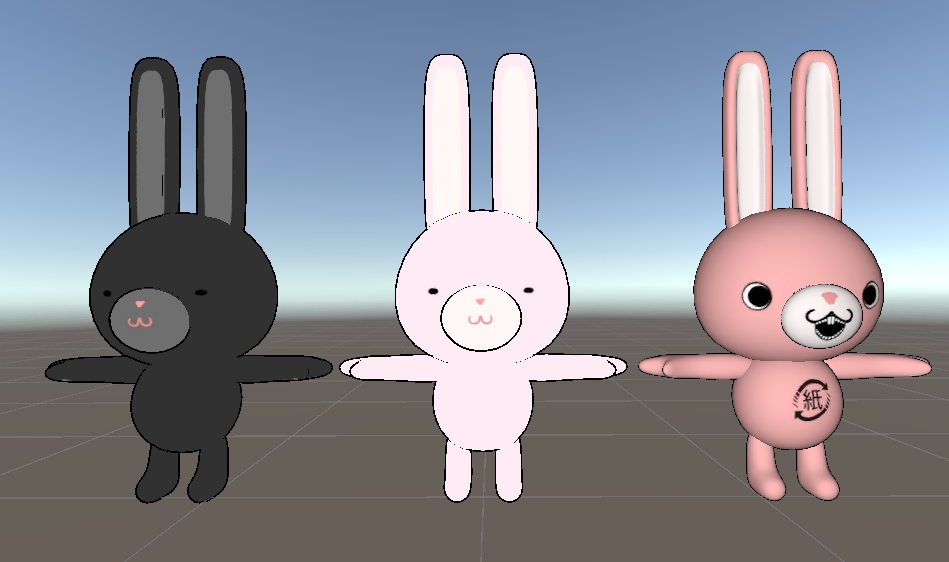


オリジナルの3Dアバター『動物たち』です。 自分なりに可愛いキャラクターになるように努めました。 ギミックなどは特になく動きに応じて、キャラによっては体の部位が揺れます。また全キャラ、リップシンクはあります。 パターン1、パターン2、パターン3の3種類のパターンの色があります。 パターン1,2は色違い的な感じですが、パターン3は、変な見た目が多いです。 VRChat、撮影、小物、改変、商用などに利用ができます。 Unityのprefabで18体います。 Unity向けにセットアップ済みのunitypackageも付属しているため、導入後すぐに使用可能です。 マテリアルはLiltoonを使用しています。 サムネイルの1枚はAIを活用していますが、2枚目以降はVRC上で撮影したものとスクリーンショットです。 【内容物】 ・FBX_GRP (Crazy.fbx /Kuma.fbx /microphone.fbx /Nmazu.fbx /Neko.fbx /Usagi.fbx) ・Texturesフォルダ(各種テクスチャ) ・Animal.unitypackage(Prefab・マテリアル設定済み) ・Readme.txt(本ファイル) 【動作確認環境】 Unity 2022.3.22f1(Built-in Render Pipeline) 【導入方法(Unity)】 ① 新規3Dプロジェクトを作成 ② Animal.unitypackage をダブルクリック ③ Import をクリック ④ Assets内のPrefabをシーンへドラッグ ⑤ すぐに使用できます 【仕様】 ポリゴン数:合計35,376 tris (くま 5,280tris/マイクロフォン 4,216tris/ナマズ 6,024tris/ねこ 5,392tris/ウサギ 7,072tris/狂ったくま 7,392tris) マテリアル数:3 テクスチャサイズ:2048×2048 ________________________________ These are original 3D avatars featuring various animals. I aimed to create characters that are cute in their own unique ways. There are no special gimmicks, though certain body parts will sway depending on movement. All characters support lip-syncing. They come in three color variations: Pattern 1, Pattern 2, and Pattern 3. Patterns 1 and 2 are essentially color variations of each other, while Pattern 3 features more unconventional or quirky designs. They can be used for VRChat, photography, as props, for customization, or for commercial purposes. The package includes 18 characters set up as Unity prefabs. A Unity package pre-configured for Unity is included, so they are ready to use immediately after import. The materials use LilToon. While one of the thumbnail images was created using AI, the subsequent images are screenshots taken within VRChat. 【Contents】 ・FBX_GRP (Crazy.fbx / Kuma.fbx / microphone.fbx / Nmazu.fbx / Neko.fbx / Usagi.fbx) ・Textures folder (various textures) ・Animal.unitypackage (Prefabs and materials pre-configured) ・Readme.txt (this file) 【Tested Environment】 Unity 2022.3.22f1 (Built-in Render Pipeline) 【Setup Instructions (Unity)】 ① Create a new 3D project ② Double-click Animal.unitypackage ③ Click Import ④ Drag the Prefabs from the Assets folder into the scene ⑤ Ready to use immediately 【Specifications】 Polygon count: Total 35,376 tris (Bear: 5,280 / Microphone: 4,216 / Catfish: 6,024 / Cat: 5,392 / Rabbit: 7,072 / Crazy Bear: 7,392) Number of materials: 3 Texture size: 2048×2048
利用規約/ Terms of Use
■ 許可/Allowed ・個人利用 ・改変 ・VRChat等での使用 ・動画、配信での使用 ・商用利用 Personal use Modification/editing Use in VRChat and similar platforms Use in videos and streaming Commercial use ■ 禁止/Prohibited ・再配布、再販売(改変含む) ・データそのものの配布 ・自作発言 Redistribution or resale (including modified versions) Sharing the original data files Claiming the work as your own
免責事項/ Disclaimer
本データ使用によるトラブルについて、作者は責任を負いません。 The creator is not responsible for any issues or damages caused by the use of this data.
【作者/Creator】
ナマズ倶楽部 お問い合わせ:hdc242102@gmail.com Namazu Club Contact: hdc242102@gmail.com