

lilToon Bridge for Blender - Render lilToon materials in Blender exactly as in Unity (.mat import, 19 verified cases, unofficial)
- Digital1,800 JPY
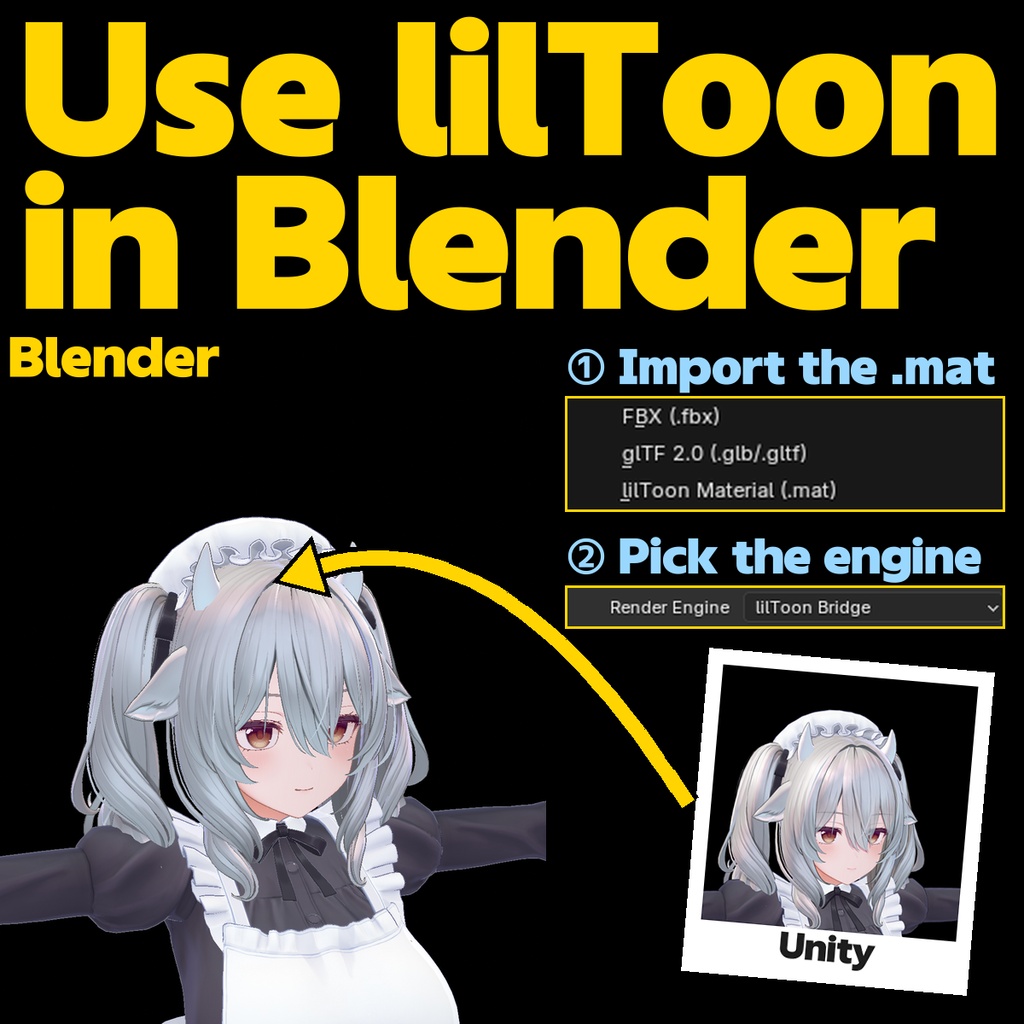

Bring your avatar into Blender without opening Unity. lilToon Bridge is a dedicated render engine plus auto-setup tool that reproduces Unity lilToon materials in Blender as they are. Pick the .mat files from your Unity project and the textures, parameters and shading come up in Blender. For pose shots, outfit checks, or a cut in an MMD-style video. ■ WHAT IT IS - A faithful Blender port of the lilToon shader math (lilxyzw, MIT License), transpiled from the HLSL source. - Not a "close enough" approximation. The same scene is rendered in Unity and Blender and compared per pixel; SSIM >= 0.99 is measured and published per feature (Gem feature: SSIM 1.000). ■ FEATURES - One-click .mat import: choose a .mat, textures resolve automatically via GUID - Supported shader features: 3-step shadow, normal map, rim light, matcap, emission, backlight, reflection / specular, HSVG color correction, transparent, cutout, outline, fur, gem, refraction, dissolve - Dedicated render engine "lilToon Bridge": viewport preview + F12 render - Material editing UI laid out like the original inspector, inside Blender's properties panel ■ REQUIREMENTS - Blender 4.5 LTS (verified on Windows) - lilToon 2.3.4 materials - Your VRChat avatar FBX plus the Unity project ■ INSTALL 1. Blender Preferences > Add-ons > install the zip 2. Switch the render engine to "lilToon Bridge" 3. File > Import > lilToon Material (.mat) and pick your Unity .mat 4. Done. F12 renders with the lilToon look ■ NOTES - Unofficial port of lilxyzw's lilToon (MIT License). Please do not contact the original author about this product. - Known differences exist in a few features (fur strand placement, a few pixels at dissolve edges, AlphaToMask). They are listed honestly in the README with measured values. - Viewport display is a fast preview. Final quality is guaranteed in F12 renders. - Lighting match covers directional light + ambient (world-specific light setups are out of scope). ■ CONTENTS - lilToonBridge_v0.9.2.zip (Blender add-on) - README.md (install steps, per-feature SSIM table, known differences) - LICENSE.txt (GPL v3 text), LICENSE-en.txt (licence notice) - LICENSES/lilToon-LICENSE.txt (original MIT text) ■ LICENSE - The add-on is distributed under GPL-3.0-or-later, as Blender add-ons are. - Images, videos and 3D works you make with it may be used freely, commercially or not. - If you modify the add-on or pass it on, follow the GPL (same licence, with its source and LICENSE.txt). - Parts derived from lilToon are under the MIT License (text included). - The separate terms of use shipped up to v0.9.1 (no redistribution, analysis licence fee) are withdrawn. - The author is not liable for any damage arising from use of this product.