
MIDI Tidy (Free Trial) — Turn SUNO MIDI into playable sheet music and DAW-ready tracks
- Digital0 JPY
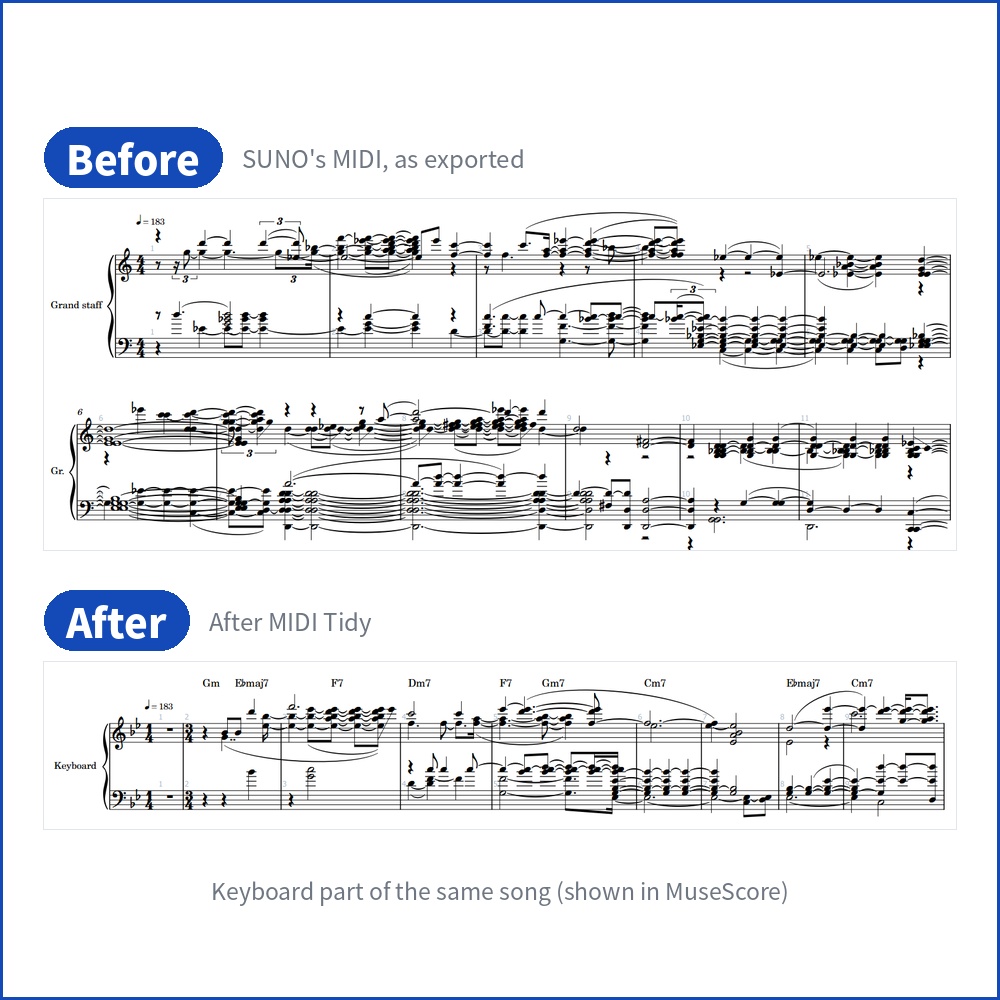
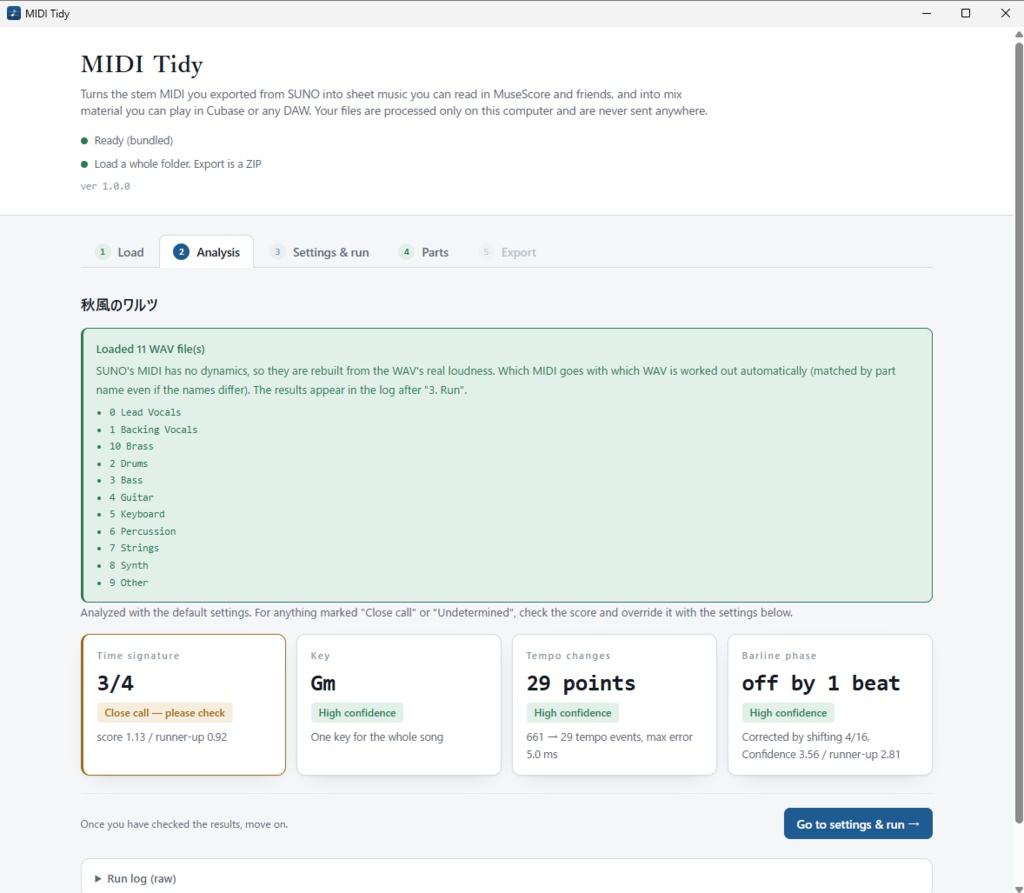
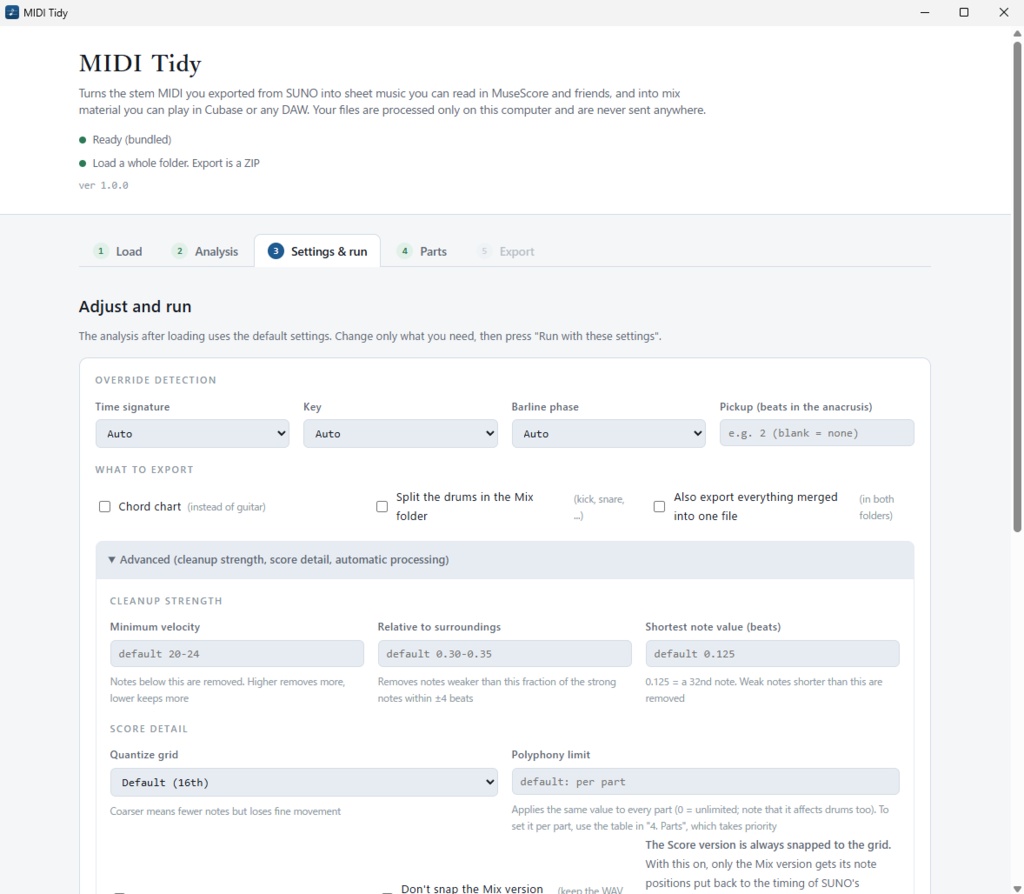
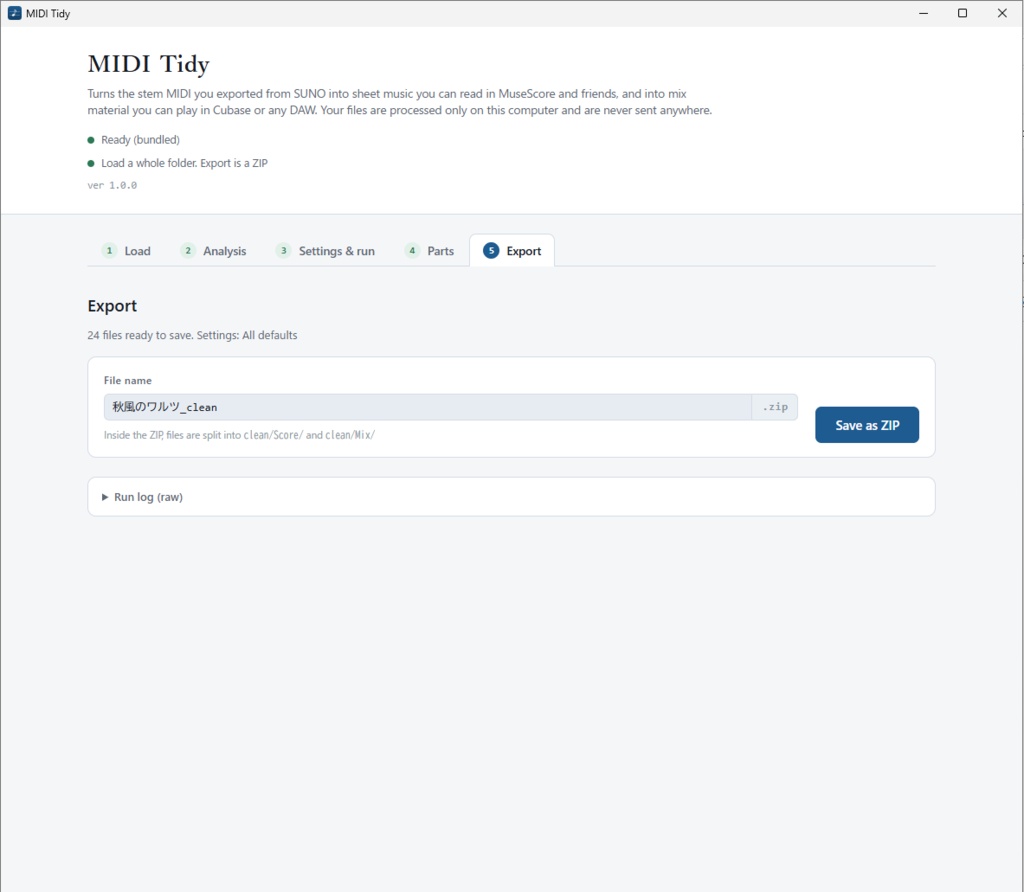
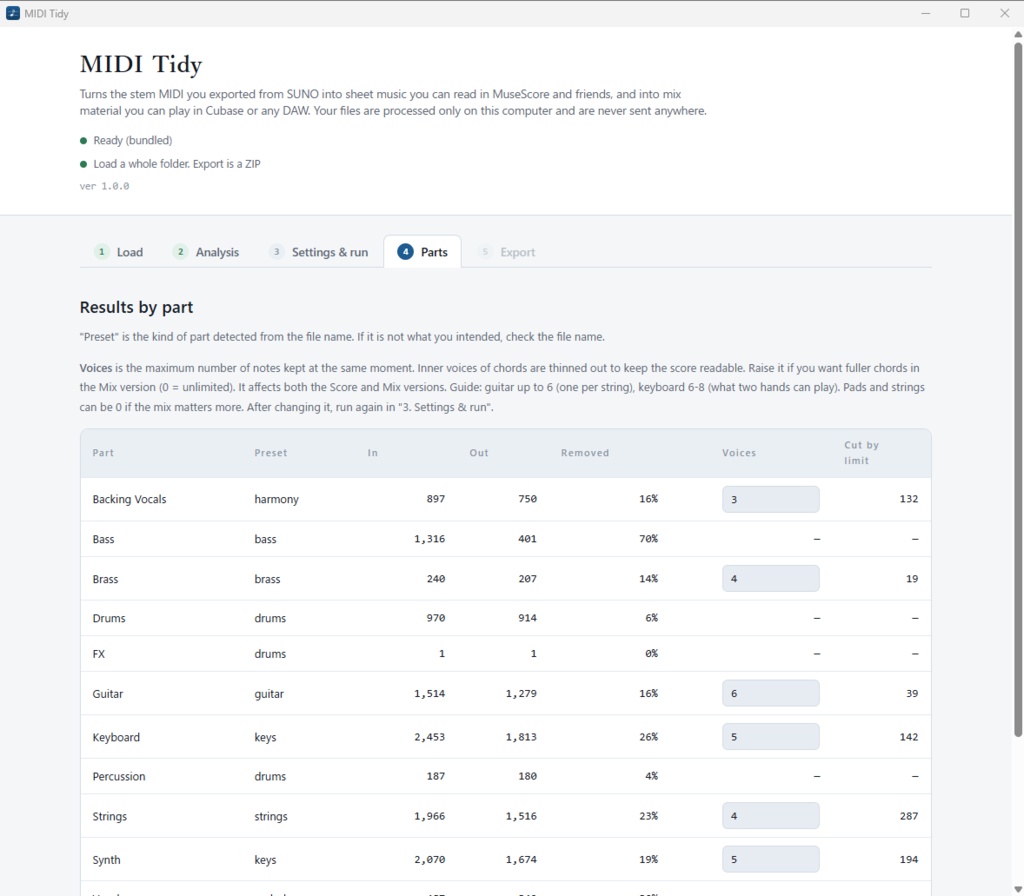


The free trial of a tool that turns the stem MIDI you export from SUNO into sheet music you can read in MuseScore and mix material you can play in Cubase or any DAW.
【Trial limit】It exports only the first 32 bars of a song.
The processing itself is exactly the same as the full version. Cleanup, quantizing, time signature and key detection, and rebuilding dynamics from the WAV all run exactly as in the full version. You can judge the quality from this trial.
★What it does
①Makes the score readable
- Removes junk notes (extremely short notes, double triggers, duplicates). "Quiet notes" are judged by the WAV's real loudness (see below) - Quantizes to a grid (lines up timing across parts) - Detects and writes the time signature, key, tempo map and barline positions - Detects key changes and switches the key signature section by section - Removes notes from other parts that leaked in during stem separation - Removes reverb notes left after the song ends - Exports guitar and keyboard accompaniment as a chord chart (MusicXML)
②Rebuilds the dynamics
SUNO's MIDI carries no dynamics (in our measurements: 86% of 1,056 notes had the same value, and the correlation with the actual loudness was r = −0.001). The drums play at the same strength throughout. If the WAV files are in the same folder, MIDI Tidy measures their real loudness and rebuilds the dynamics from it. <Sample>Distinct velocity values Before → After ・Drums - Kick:1 → 38 ・Drums - Snare:1 → 53 ・Bass:3 → 71
③The same real loudness is used for cleanup.
Judging "quiet notes" by SUNO's velocity also removes notes that are actually heard. We re-measured the removed notes against the WAV across every part of our test songs.
④Separate outputs for separate jobs
- `Score/` … for MuseScore and score editors - `Mix/` … for your DAW. All parts, with initial MIDI volume (CC7). With WAV files, it also measures the offset between SUNO's MIDI and WAV and writes how to line them up in Cubase. You can also export it **with the original timing**, without snapping to the grid - Splits the drums into kick / snare / hi-hat / cymbals / toms (separate tracks in your DAW) - Includes a text file with a per-song starting point for the MixConsole (fader, pan, high-pass, compression, reverb)
★How to use
A Windows app. Install and start it, choose SUNO's stem folder and press a button. Your files are never sent anywhere. All processing happens on your computer, and no internet connection is needed. The trial and the full version install as separate apps, so you can install the full version while the trial is still installed.
★System requirements
・Windows 10 / 11 (64-bit). Mac is not supported ・No internet connection needed ・If "Windows protected your PC" appears when you open the installer, click "More info" → "Run anyway" (the app is not code-signed)
★Limitations (please check before buying)
- Dynamics within a chord cannot be separated note by note, because the energy of simultaneous notes cannot be split. The effect is strongest on bass, melody and drums, and more subdued on chord-based parts. - 2/4 vs 4/4 and 3/4 vs 6/4 cannot be told apart in principle. You can set it manually. - **In songs without drums, barline detection is weaker. - It is designed for SUNO's output. With MIDI from other tools that has no tempo map, some processing does not work. - The app, manual and output are in English. Support is by BOOTH message (English is fine).
★Official Site
https://note.com/pitaro_crypt
★Release Note
[1st Oct 2026: v1.0.0] Release [5th Oct 2026: v1.0.1] Update. Supports SUNO's newer multi-track MIDI export and improves cleanup (see Release Notes.txt).