
ゴムホースの必要長さ・残材確認表 / Rubber Hose Required Length and Leftover Material Checklist
- Digital100 JPY
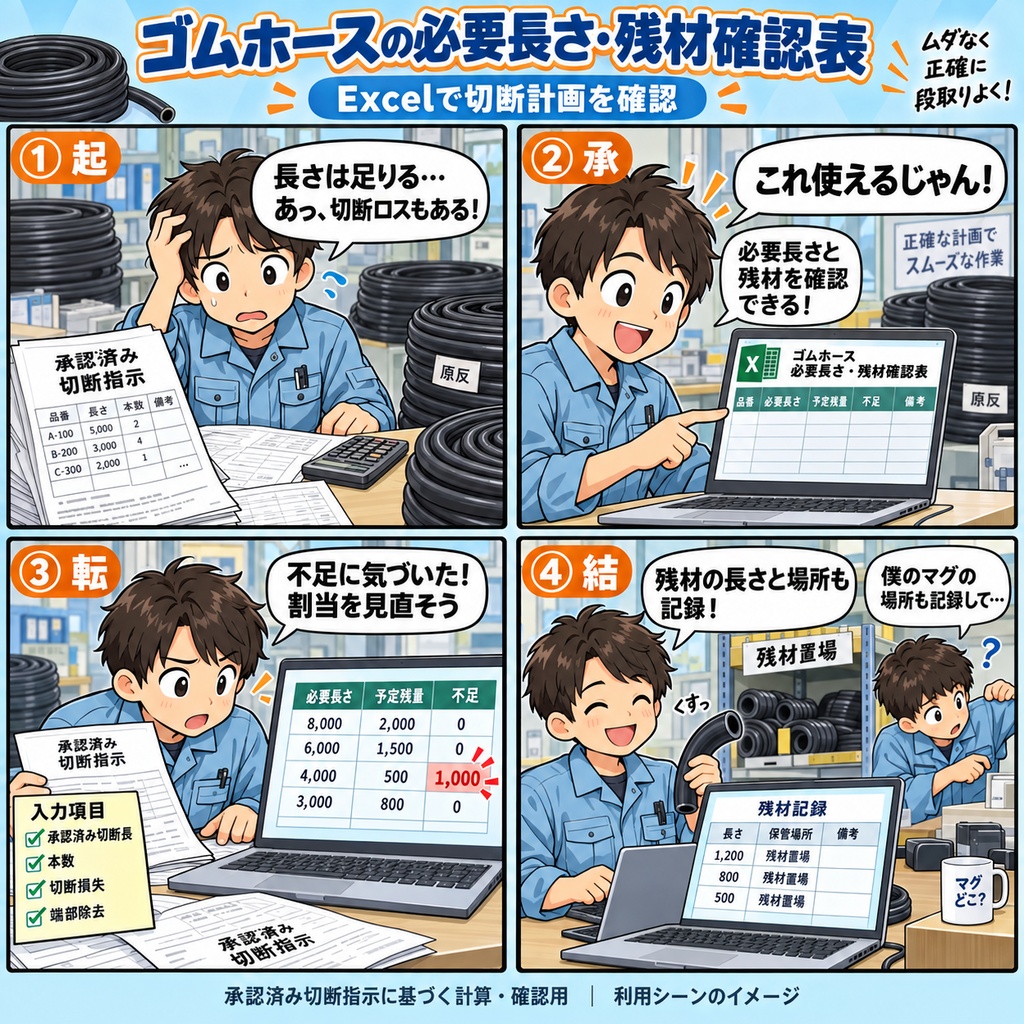
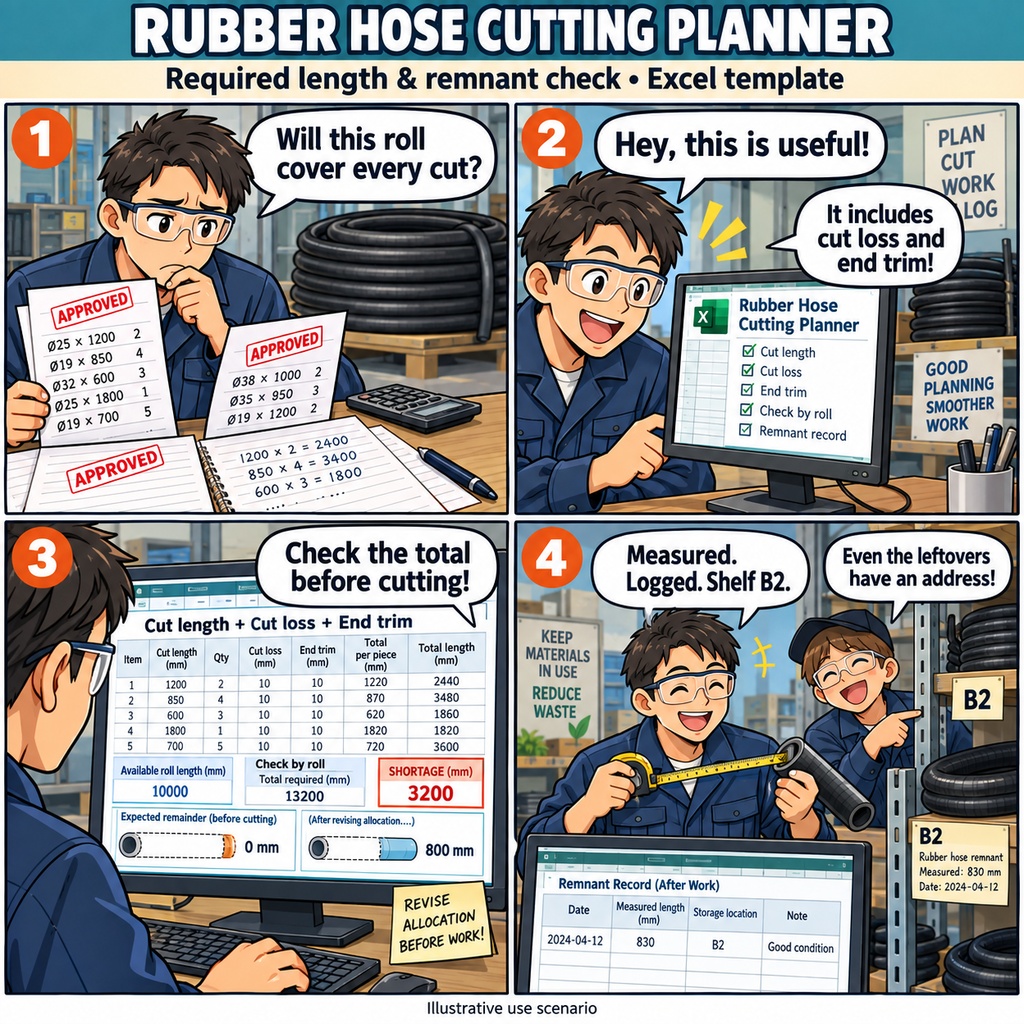


ゴムホースの必要長さ・残材確認表 「この原反で、指示された本数を切り出せるだろうか」 承認済みの切断指示を前に、使う原反や残材を選ぶとき。 切断する長さだけでなく、切断時の損失や端部の除去分も含めて、必要な長さを確かめたいものです。 この商品は、ゴムホース製造の切断計画担当者に向けたExcelの確認表です。 作業前の割当から、作業後に残った材料の記録まで、1回の切断計画を1つのブックで扱えます。 まず、計画IDと承認済み指示の切断寸法・本数・版を登録します。 次に、現物と照合した原反の品番・ロット・使用可能な開始長、確認済みの損失・端部除去の条件を入力。 指示と原反を割当表で結び付け、割当本数と切断回数をそれぞれ記入します。 1つの指示を複数の原反に分けたり、1つの原反に複数の指示を割り当てたりする使い方にも対応しています。 割当を入力すると、切断長と本数に、切断回数ごとの損失を加えて必要長さを計算します。 端部除去は原反ごとの合計に1回分を加算し、開始長から予定残量と不足長を求めます。 指示ごとの未割当・過剰本数も確認できるので、長さと本数の両方を見ながら割当内容を見直せます。 品番や指定ロットの照合、入力不備、保留・参考値の理由も表に表示されます。 数字と判定欄を一緒に読み、確認が必要な箇所を原資料と照らし合わせて整えていく使い方です。 未割当や原反の不足、未確認の残材などは、フィルターで絞り込んで確認できます。 作業が終わったら、現物を測って実測残量を記録します。 作業日、予定との差異・変更理由、保管場所、現物確認の状態も同じ原反の行に残せます。 条件がそろうと予定残量との差を確認でき、確認済みの実測値と保管場所は、次回へ引き継ぐ残材候補として表示されます。 残材を次の計画で使うときは、工場責任者が再使用の可否を確認したうえで、新しい計画用の別ブックへ実測残量を開始長として入力します。 今回の割当を確かめ、作業後の残材を記録し、次の計画へ渡す。 そんな日々の切断計画にお使いいただける確認表です。 ご利用には、Windows 11と、日本語のMicrosoft 365デスクトップ版Excel 64bitが必要です。 一人ずつ編集し、ローカルに保存して使用します。長さの単位はmmです。 承認済みの切断指示と現物確認した情報を用意し、寸法・損失条件・作業可否・残材の再使用可否は工場責任者の判断に従ってください。 お仕事の依頼は下記メールまで ramaya08010801@gmail.com Rubber Hose Required Length & Remnant Check Sheet A new set of approved cutting instructions arrives, and you need to decide which lengths of rubber hose stock to use. Before the work begins, there is more to check than the finished list of pieces: each cut uses material, and end trimming needs to be included too. This Excel workbook brings those details into one cutting plan. Register the approved cutting lengths, quantities, instruction IDs and revisions, then enter the stock IDs, part numbers, lots and physically checked starting lengths. Add the confirmed loss per cut and end-trimming allowance, with all lengths recorded in millimeters. From there, assign each instruction to the stock you intend to use. You can split an instruction across several stock lengths or assign several instructions to the same stock. Enter the allocated quantity and the confirmed number of cuts separately. The sheet checks part numbers and specified lots, totals the required length for each stock item, adds its end-trimming allowance once, and displays the planned remainder and any shortage. It also shows unallocated or excess quantities for each instruction. If an allocation needs another look, use the filters to focus on shortages, quantity differences or incomplete entries. Calculation status and reasons help you distinguish confirmed results from reference values and results on hold. Correct the source inputs to recalculate, or mark an allocation as canceled and record the reason while keeping its row in the sheet. After cutting, measure what remains and record the actual length, work date, any difference reason and storage location. Mark the material as physically checked, then review the difference from the confirmed planned remainder and the remnant details shown as candidates for the next plan. When the next set of instructions arrives, prepare a separate workbook for that plan and manually enter the checked remaining length as its starting length. Keep the storage location with the handover information, and register the new instructions and allocations. This gives the next plan a starting point based on the material actually on hand. The product is an .xlsx workbook for cutting planners in rubber hose manufacturing. One workbook holds one cutting plan, with 1,000 rows each for instructions, stock and allocations, including the example entries. Use it on Windows 11 with the Japanese-language, 64-bit desktop version of Microsoft 365 Excel, editing one person at a time and saving locally. Have approved cutting instructions and confirmed material conditions ready; the factory supervisor determines cutting dimensions, loss conditions, whether work can proceed and whether remnants may be reused. For work inquiries or collaborations, please feel free to contact me at the email address below. ramaya08010801@gmail.com