
デジタルメモ帳 バックアップ付き✨ メモ帳アプリ メモアプリ デジタル手帳
- 夜のメモ night memoDigital1,200 JPY
- afternoon memoDigital1,200 JPY
- Movie time girl memo blue🩵Digital1,200 JPY
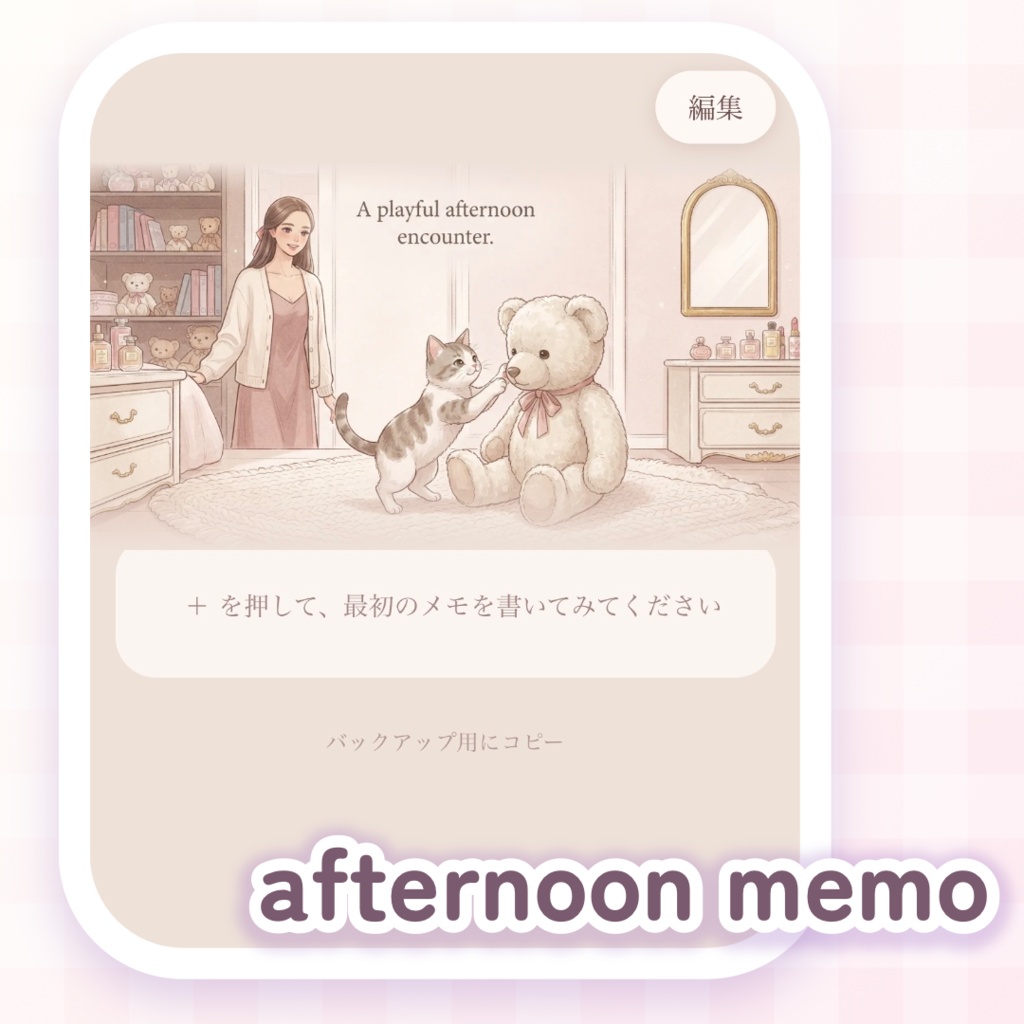
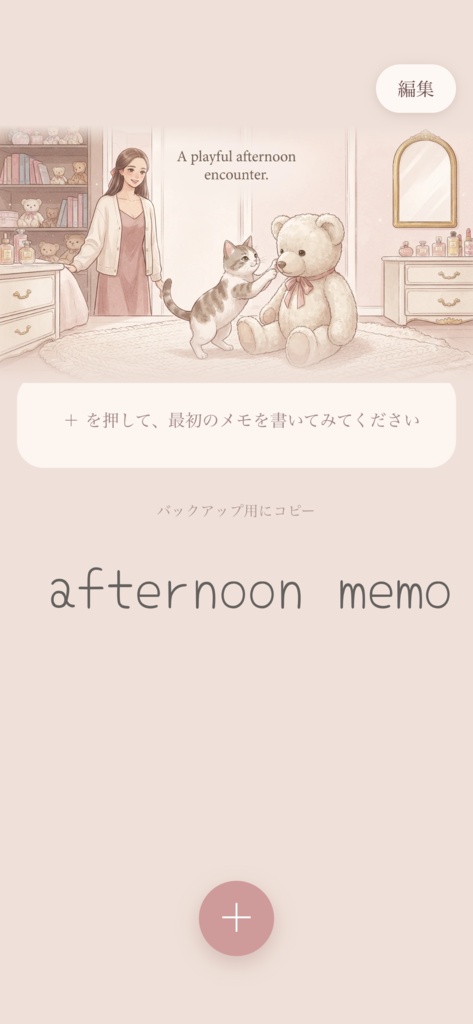
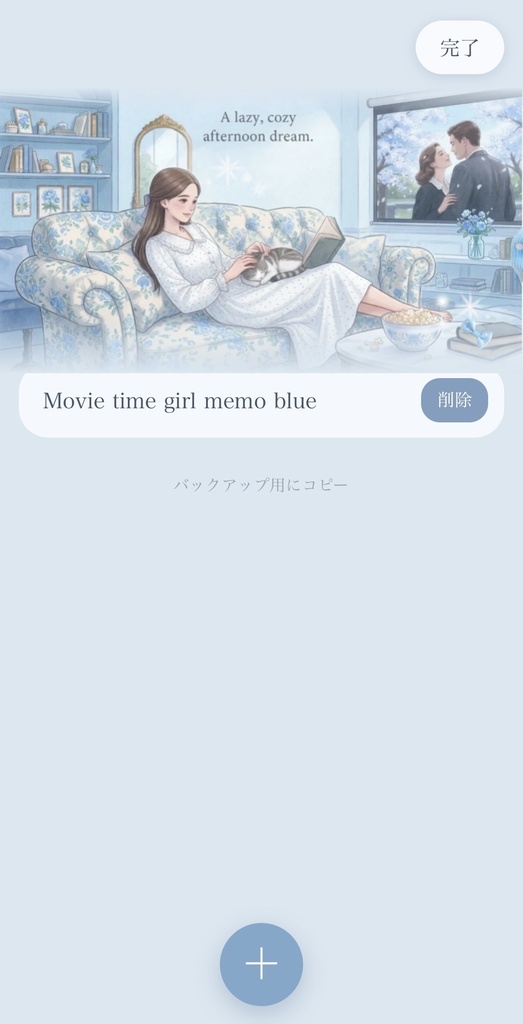

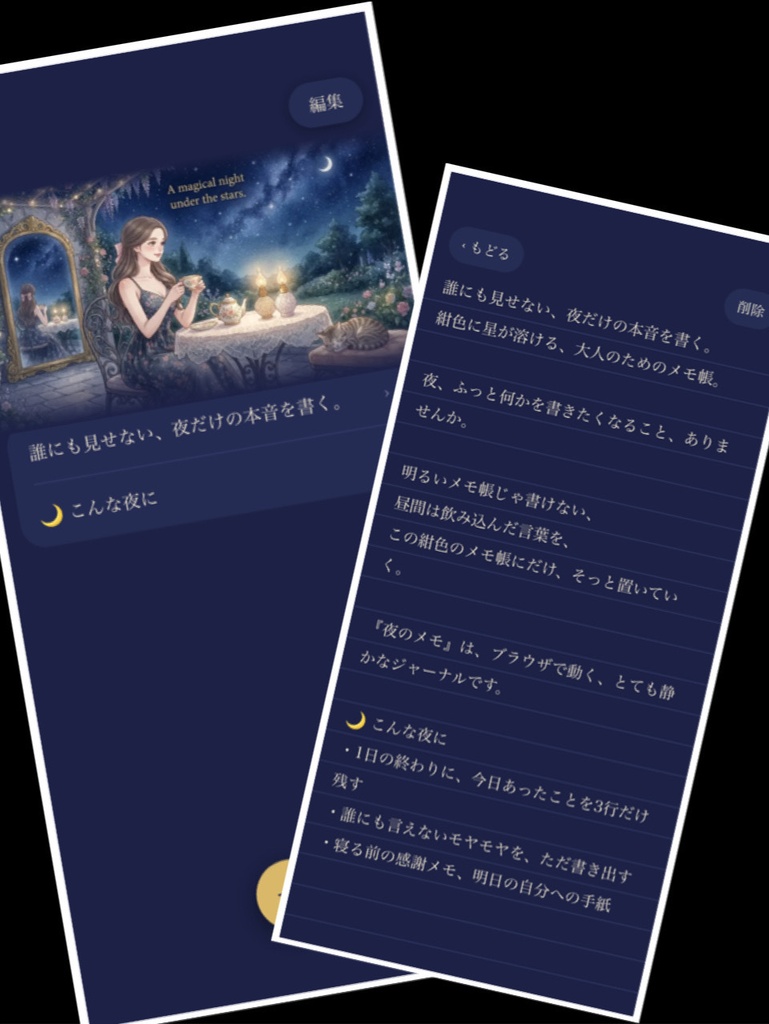
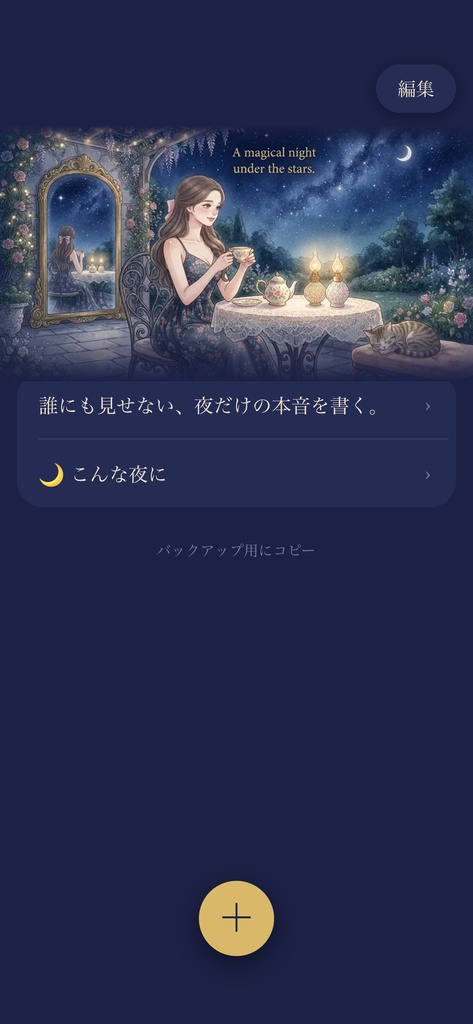


種類 ⭐︎夜のメモ ⭐︎afternoonmemo ⭐︎ Movie time girl memo blue 夜のメモについて 誰にも見せない、夜だけの本音を書く。 紺色に星が溶ける、大人のためのメモ帳。 夜、ふっと何かを書きたくなること、ありませんか。 明るいメモ帳じゃ書けない、 昼間は飲み込んだ言葉を、 この紺色のメモ帳にだけ、そっと置いていく。 『夜のメモ』は、ブラウザで動く、とても静かなジャーナルです。 🌙 こんな夜に ・1日の終わりに、今日あったことを3行だけ残す ・誰にも言えないモヤモヤを、ただ書き出す ・寝る前の感謝メモ、明日の自分への手紙 ✨ 特徴 ・A magical night under the stars - 星と猫と窓辺のお茶のイラスト ・ダークネイビー×ゴールドの大人可愛いデザイン こんなふうに使えます +ボタンで、すぐに新しいメモを書ける 一覧には、メモの1行目がタイトルとして並ぶ 新しく書いた(直した)メモが、いちばん上に来る 一覧の「編集」から、いらないメモをまとめて整理できる 「バックアップ用にコピー」で、メモを全部まとめてコピーできる。簡単に大切なデータを移行できます。 ここがポイント💡 ネットにつながなくても使えます(機内モードでも使えます) 登録やログインは不要です メモはお使いの端末の中だけに保存され、外部には送られません iPhone、iPad、パソコンどれでもで使えます。 昼とは別の夜の世界観。 昼は可愛く働いて、夜はこのメモ帳で少しだけ素に戻る。 そんな使い分けもおすすめです。 🌙夜の時間が、少しだけ好きになるかもしれません。 メモ帳アプリ メモアプリ デジタル手帳 🎀本作品及び他出品作品は、生成AIで生成した画像、もしくはコードをベースに、加筆・修正を加えて制作しています
詳細
機能の説明、使い方など… HTMLファイルをお渡しします。 対応機種と開き方 iPhone・iPad・パソコンで使えます。 iPhone / iPad 1. 無料アプリ「Documents」を用意する 2. 購入したHTMLファイルを、保存する 3. Documents内でファイルをタップすると、アプリとして開きます パソコン(Windows / Mac) 1. 購入したファイルを、わかりやすい場所に保存する 2. ファイルをダブルクリックすると、ブラウザ(Chrome、Edge、Safariなど)で開きます メモは、お使いの端末の中に保存されます。アプリやデータの削除、端末の変更などで、内容が消えることがあります。大切なメモは、「バックアップ用にコピー」で、メモアプリなどに貼って控えておくと安心です。 保存場所は、開くアプリごとに別になります。iPhoneなら、いつも同じアプリ(Documentsなど)で開いてください。アプリを変えると、以前のメモが表示されないことがあります。 端末どうしの同期はありません。iPhoneで書いたメモは、iPadやパソコンには表示されません。移したい時は、バックアップ用のコピーをお使いください。
Digital Notepad with Backup✨ Note App / Digital Planner
Night Notes | A Quiet Digital Journal for Midnight Thoughts (Works Offline) or afternoon memo 🎀 This work and other items in this shop were created using AI-generated images or base code as a foundation, followed by hand-drawn edits, touch-ups, and adjustments. about 夜のメモ night notes Write down your true thoughts, seen by no one else, only at night. A midnight-blue digital notebook for adults, where stars melt into the quiet dark. Have you ever felt a sudden urge to write something down late at night? Words you swallowed during the daytime, feelings too raw for a bright white screen—leave them gently here, in this midnight-blue notebook. "Night Notes" is a remarkably quiet digital journal that runs right inside your web browser. 🌙 Perfect for Nights Like These... * Leaving a quick 3-line reflection at the end of your day. * Unloading quiet thoughts or inner conflicts you can’t tell anyone else. * Writing a quick gratitude note or a letter to tomorrow’s self before sleep. ✨ Features & Aesthetic * A Magical Night Under the Stars: Beautiful illustration featuring stars, a cat, and a hot cup of tea by the window. * Chic & Elegant Design: A refined, adult-cute palette of dark navy and gold. 💡 How It Works * Tap the + Button: Instantly start writing a new note. * Organized List: The first line of each note appears as its title in the list view. * Smart Sorting: Newly written or edited notes automatically rise to the top. * Batch Editing: Tap "Edit" (編集) in the list view to easily organize or clean up multiple notes at once. * Easy Data Transfer: Use "Copy for Backup" (バックアップ用にコピー) to copy all your notes in one click, making data migration simple. 🌟 Key Highlights * 100% Offline Compatible: Works without an internet connection (even in Airplane Mode). * No Account Required: No registration or login needed. * Privacy Focused: Your notes are stored exclusively on your device and are never sent to external servers. * Multi-Device Support: Works smoothly on iPhone, iPad, and desktop computers. A midnight world, completely separate from your daytime routine. Work hard and stay cute during the day, then return to your true self at night with this journal. May your nights become a little more comforting. 🌙 Keywords: Digital Notebook App, Notes App, Digital Planner, Journal Asset 📖 Product Details & Setup Instructions You will receive a downloadable HTML file. 📱 Compatible Devices & How to Open Works on iPhone, iPad, and Desktop Computers (Windows / Mac). 【iPhone / iPad】 * Download the free "Documents by Readdle" app from the App Store. * Save the purchased HTML file to your device. * Tap the file inside the Documents app to open and run it like a web app. 【Desktop (Windows / Mac)】 * Save the purchased file to an easily accessible folder. * Double-click the file to open it in your browser (Chrome, Edge, Safari, etc.). ⚠️ Important Data Notes * Data Storage: Notes are stored locally inside your device’s browser/app storage. Clearing browser data, deleting the app, or changing devices may erase your entries. For important notes, please use the "Copy for Backup" (バックアップ用にコピー) function to paste and save them in your primary notes app. * App-Specific Storage: Saved data is tied to the specific app used to open the file. On iPhone/iPad, please always open the file using the same app (e.g., Documents). Opening it in a different app will not display your previously saved notes. * No Cross-Device Sync: Notes written on an iPhone will not automatically sync to an iPad or PC. If you wish to transfer your notes to another device, please use the backup copy function.