
【無料】OBS目標カウンター|「初見さん あと何人?」をクリックで+1・死んだ回数にも使えます【わんコメ不要/背景透明/日英対応】
- Digital0 JPY
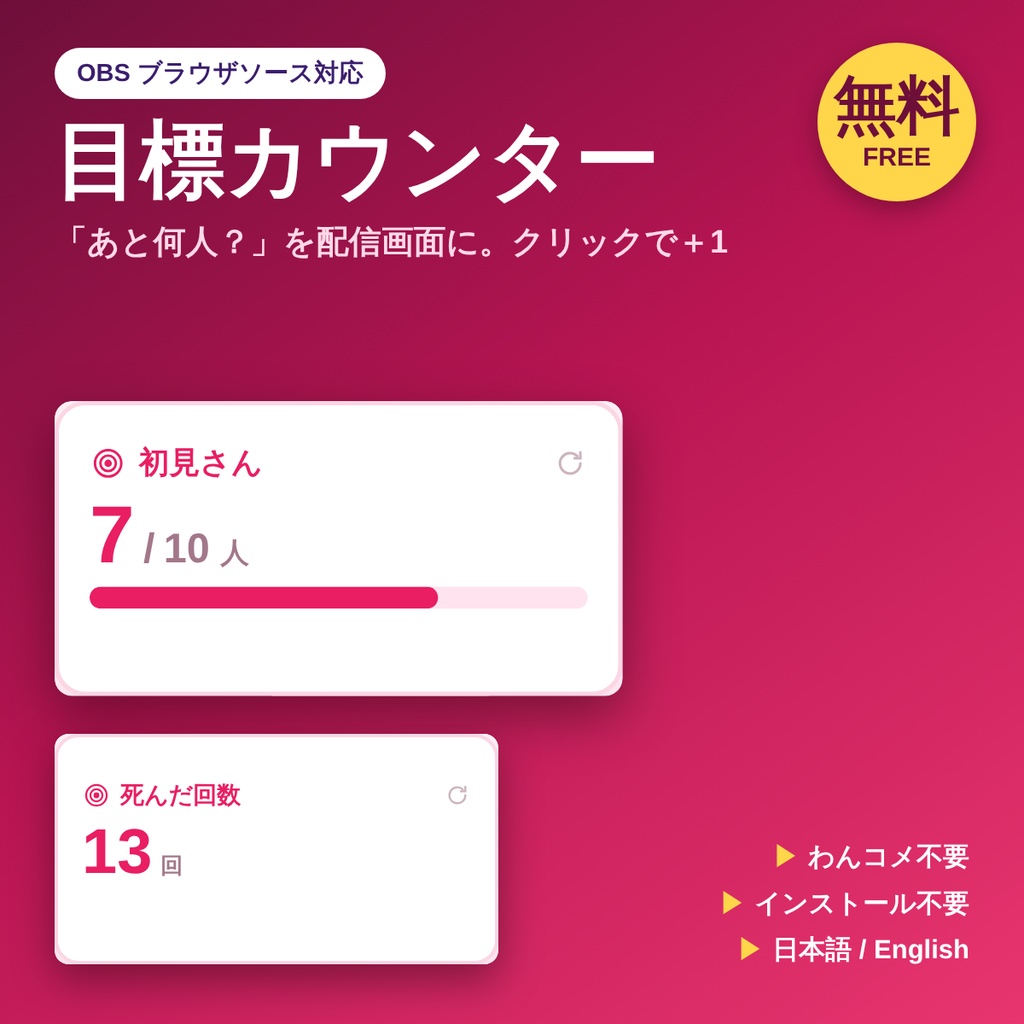
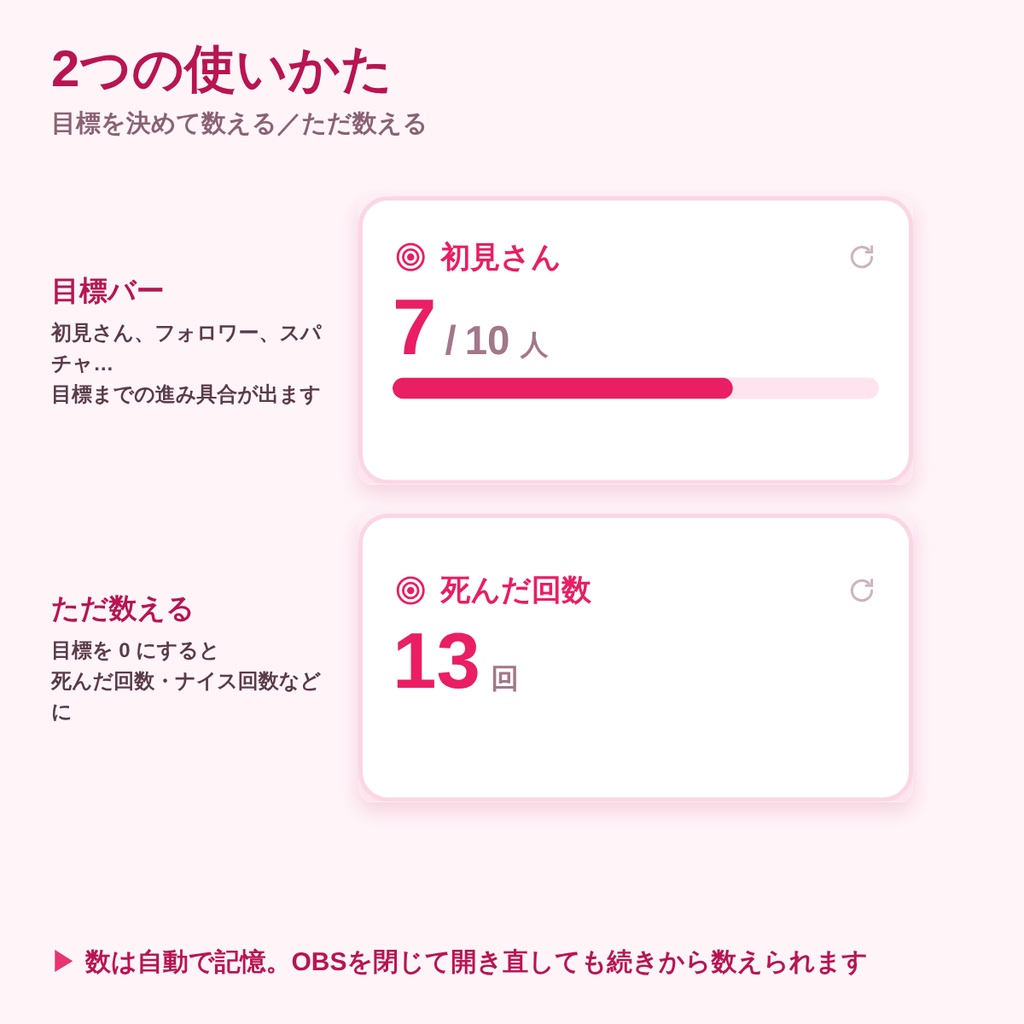
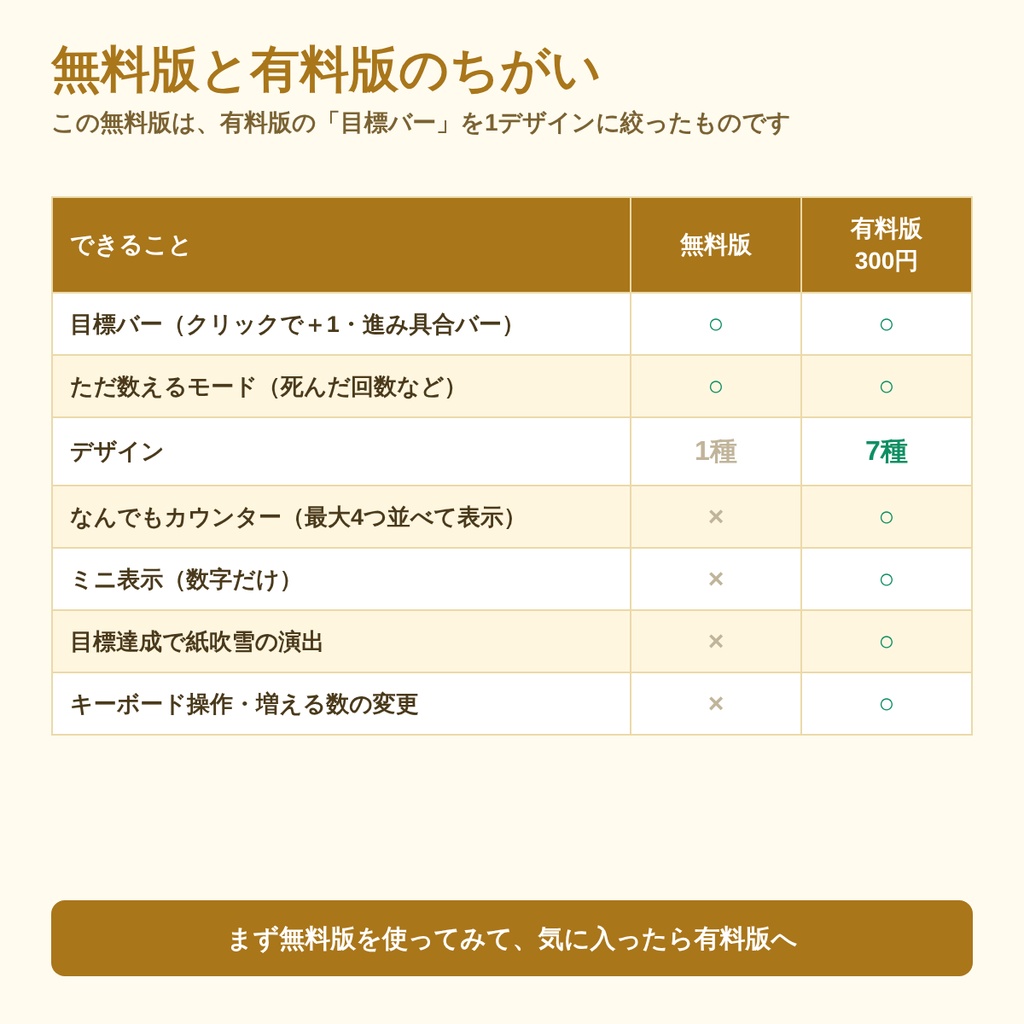
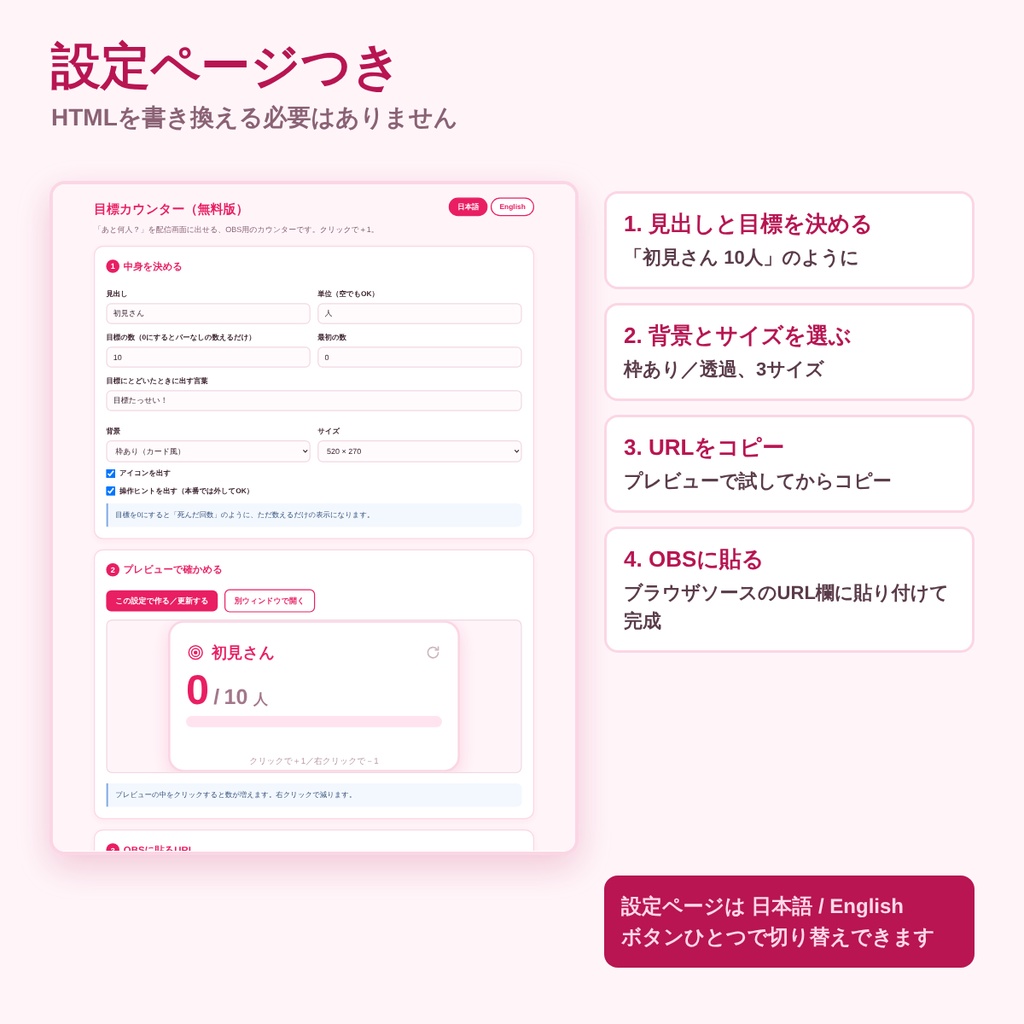


配信画面に「初見さん 7 / 10人」のように出せる、OBS用のカウンターです。 配信中はクリックするだけで数が増えます。わんコメなどの外部ツールは不要、インストールも不要です。 目標を 0 にすると、バーなしの「ただ数えるだけ」になります。死んだ回数、ナイス回数、リトライ回数などにどうぞ。 ■ 入っているもの ・START_HERE.html … 設定ページ(見出し・目標を決める → URL作成 → プレビュー) ・tools/counter.html … カウンター本体 ・readme.txt … かんたんな説明 ■ できること ・見出し、単位、目標の数、最初の数、目標にとどいたときの言葉を自由に決められます ・クリックで+1、右クリックで-1 ・リセットは ↺ をダブルクリック(配信中に押し間違えても戻りません) ・数は自動で記憶。OBSを閉じて開き直しても続きから数えられます ・背景あり/背景なし(透過)を選べます ・サイズは 520×270/680×350/420×220 から選べます ・設定ページも画面の文字も、日本語とEnglishをボタンひとつで切り替えられます ■ 使い方 1. zipを解凍して START_HERE.html を開く 2. 見出しと目標を決める 3. 「URLをコピー」を押す 4. OBS → ソース+ → ブラウザ → URL欄に貼り付け 5. 配信中は、ソースを右クリック →「操作(インタラクト)」の窓をクリックで数えます ※ HTMLを書き換える必要はありません。設定は全部、設定ページでできます。 ■ 有料版(300円)との違い この無料版は、有料版の「目標バー」を1デザインに絞ったものです。 無料版 有料版 目標バー(クリックで+1・進み具合バー) ○ ○ ただ数えるモード(死んだ回数など) ○ ○ デザイン 1種 7種 なんでもカウンター(最大4つ並べて表示) × ○ ミニ表示(数字だけ) × ○ 目標達成で紙吹雪の演出 × ○ キーボード操作・増える数の変更 × ○ 有料版はこちら: https://rakuraku-sheet.booth.pm/items/8879619 ■ 動作環境 ・OBS Studio 28以降のブラウザソース(Windows 11/Chromiumで動作確認) ・解凍したフォルダの中だけで動きます。入力した内容が外部に送信されることはありません。 ・画面の文字には、お使いのパソコンに入っているフォントを使います。 ・zip形式(解凍してお使いください) ■ ご利用について ・配信・録画での利用OK/クレジット表記は不要です ・個人・法人、収益化の有無を問わずご利用いただけます ・ファイルの再配布・転売・素材としての二次配布は禁止です ・ご自身の配信用に改変するのは自由です ───────────────────────────── English A free click-to-count overlay for OBS. Show "New viewers 7 / 10" on your stream. Click to add one, right-click to subtract one. No companion app and no installation. Set the goal to 0 for a plain tally — a death counter, a "nice" counter, retries. What's inside ・START_HERE.html … settings page (set the heading and goal, build the URL, preview) ・tools/counter.html … the counter ・readme.txt … short guide Features ・You choose the heading, unit, goal, starting number and the goal message ・Click +1, right-click -1. Double-click the reset button to start over ・The count is remembered and survives an OBS restart ・Framed or transparent background; sizes 520x270, 680x350, 420x220 ・The settings page and the on-screen wording switch between Japanese and English How to use 1. Extract the ZIP and open START_HERE.html 2. Set the heading and the goal 3. Press "Copy this URL" 4. In OBS: Sources + → Browser → paste into the URL field 5. Right-click the source → Interact, then click inside that window to count What the paid version (300 yen) adds This free version is the paid version's "goal bar" mode with a single design. The paid one adds 7 designs, a multi counter (up to 4 side by side), a mini number-only display, confetti when the goal is reached, keyboard controls and a custom step size: https://rakuraku-sheet.booth.pm/items/8879619 Requirements ・OBS Studio 28+ browser source (tested on Windows 11 / Chromium) ・Runs entirely from the extracted folder. Nothing you type is sent anywhere. ・Uses the fonts installed on your computer. License ・Fine for streaming and recording, personal or commercial, monetized or not. No credit required. ・Please do not redistribute or resell the files themselves. ・You may modify it for your own stream.