

Kawasa_BlendShapes_1.0.1 【Free】
- Kawasa_BlendShapes_1.0.1Digital0 JPY
- Buy Coffee!Digital200 JPY
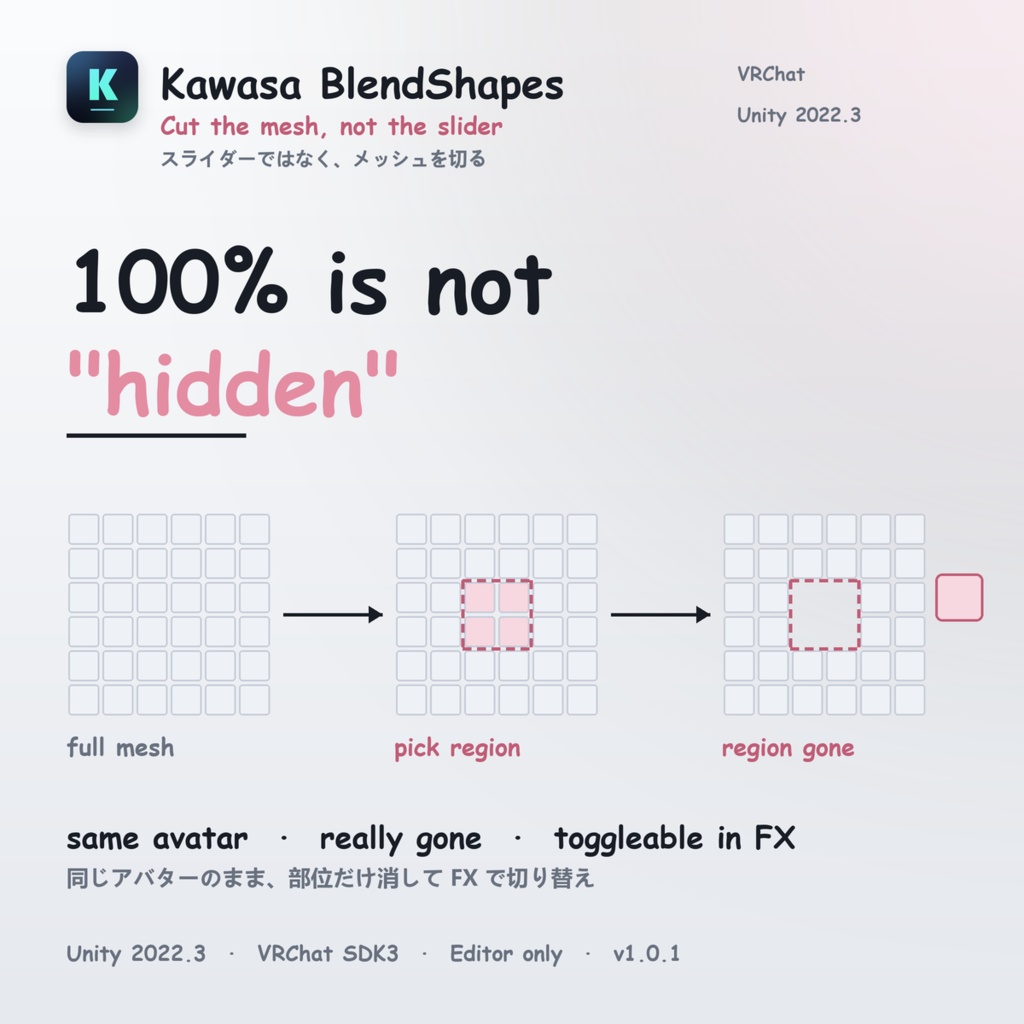
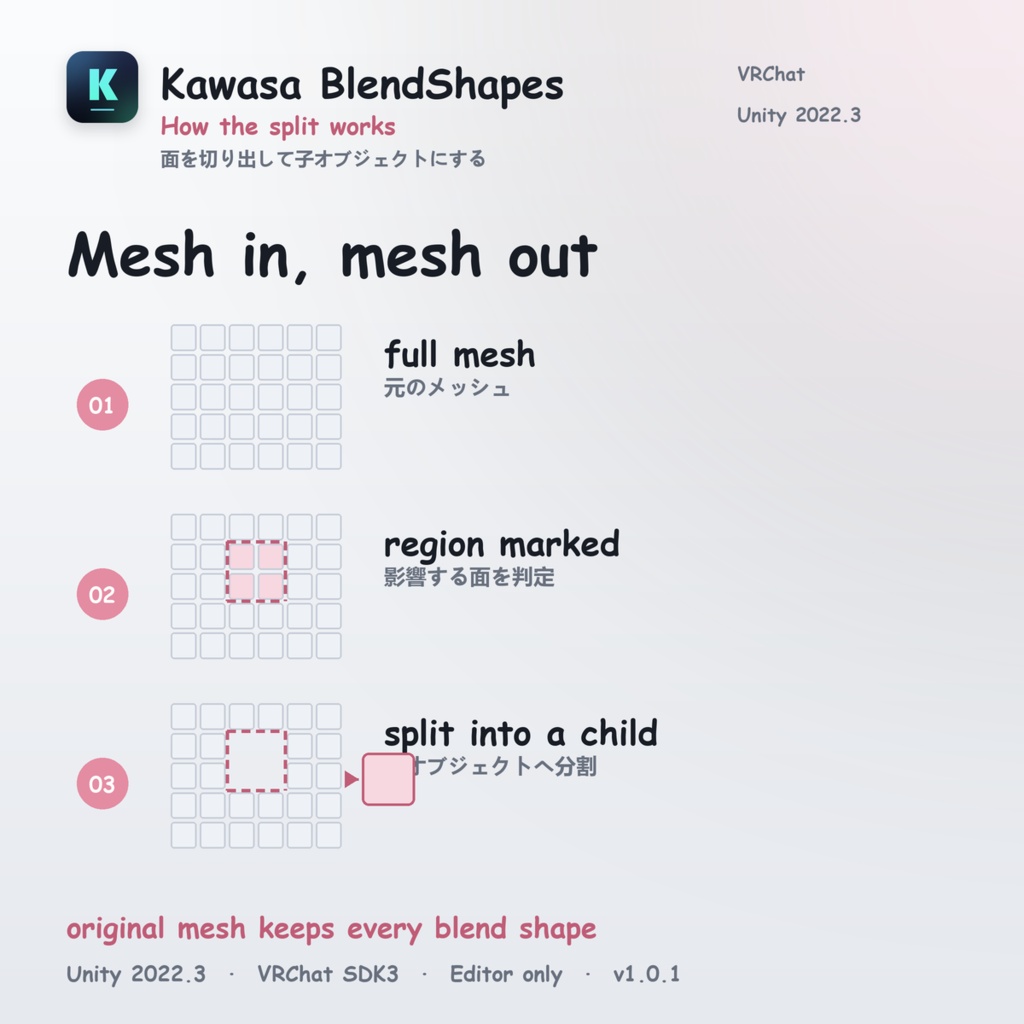
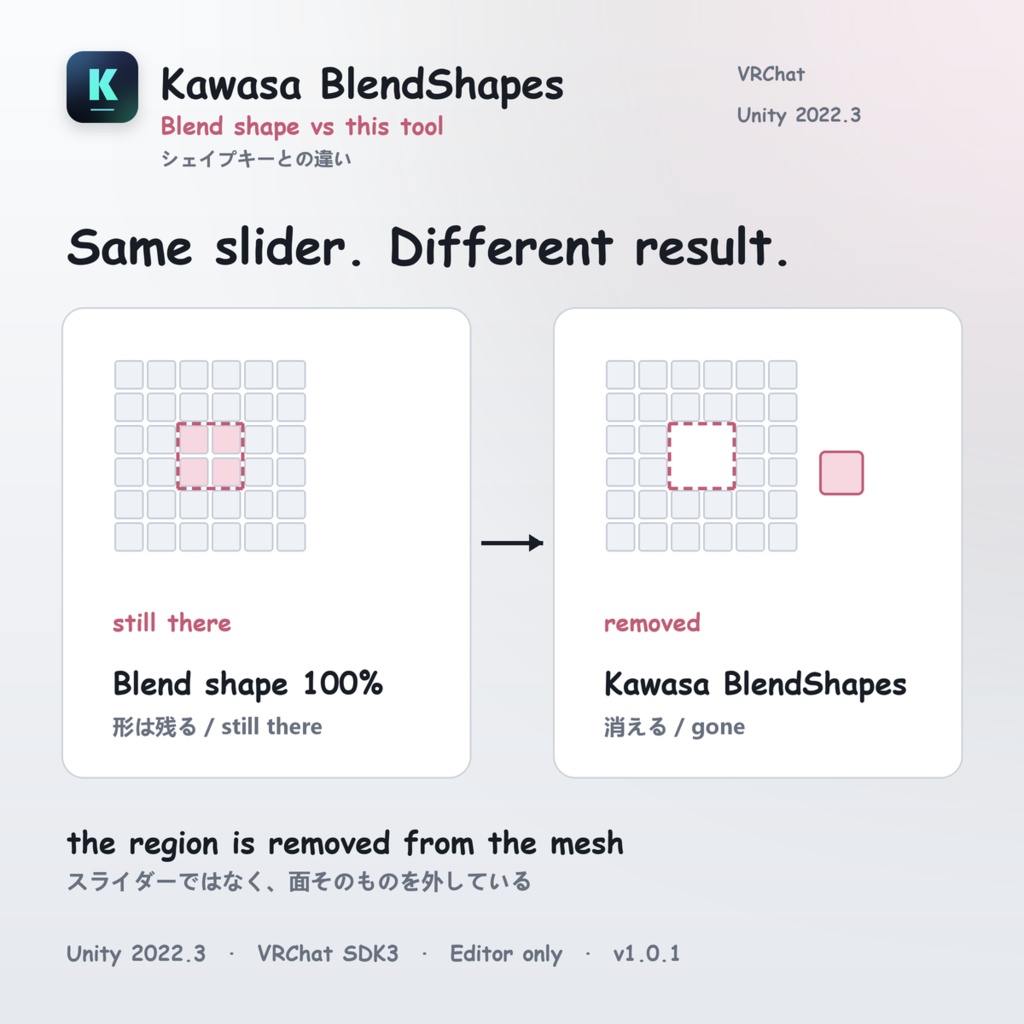
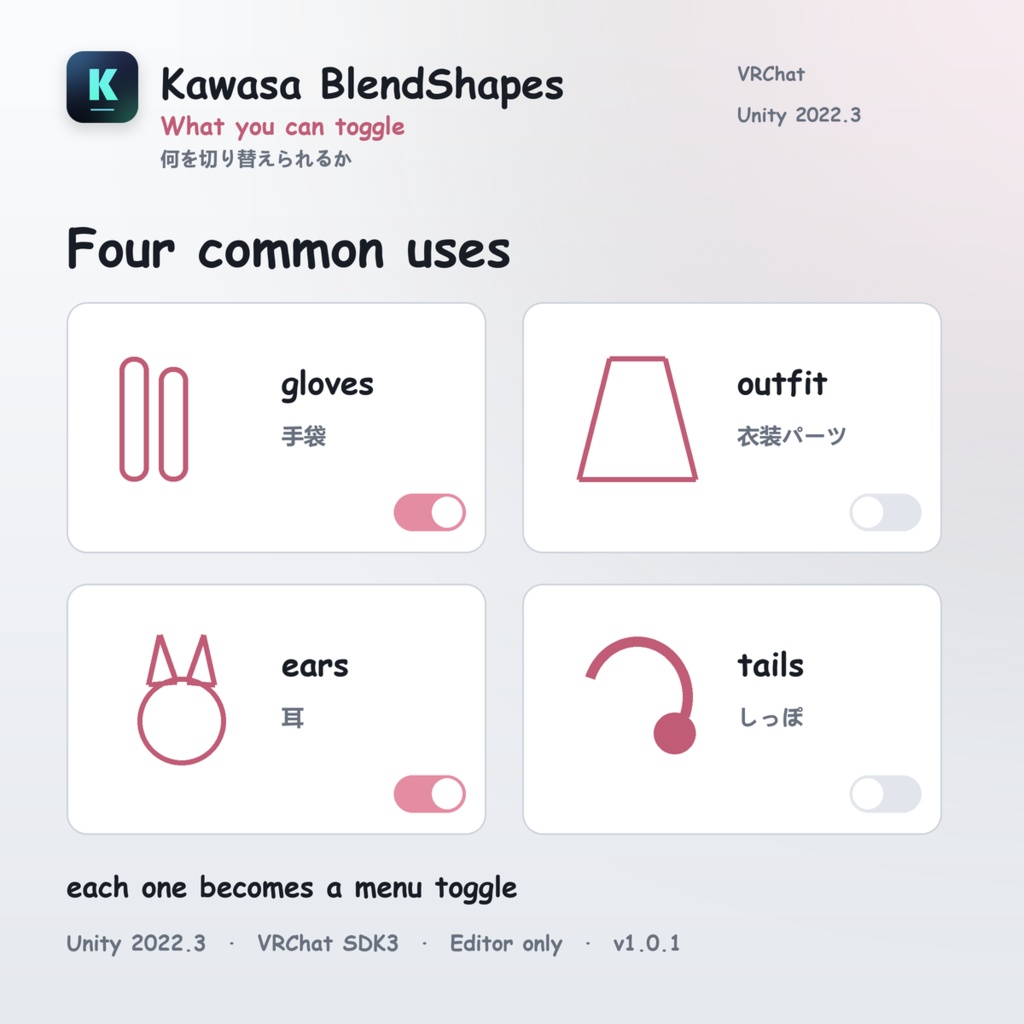
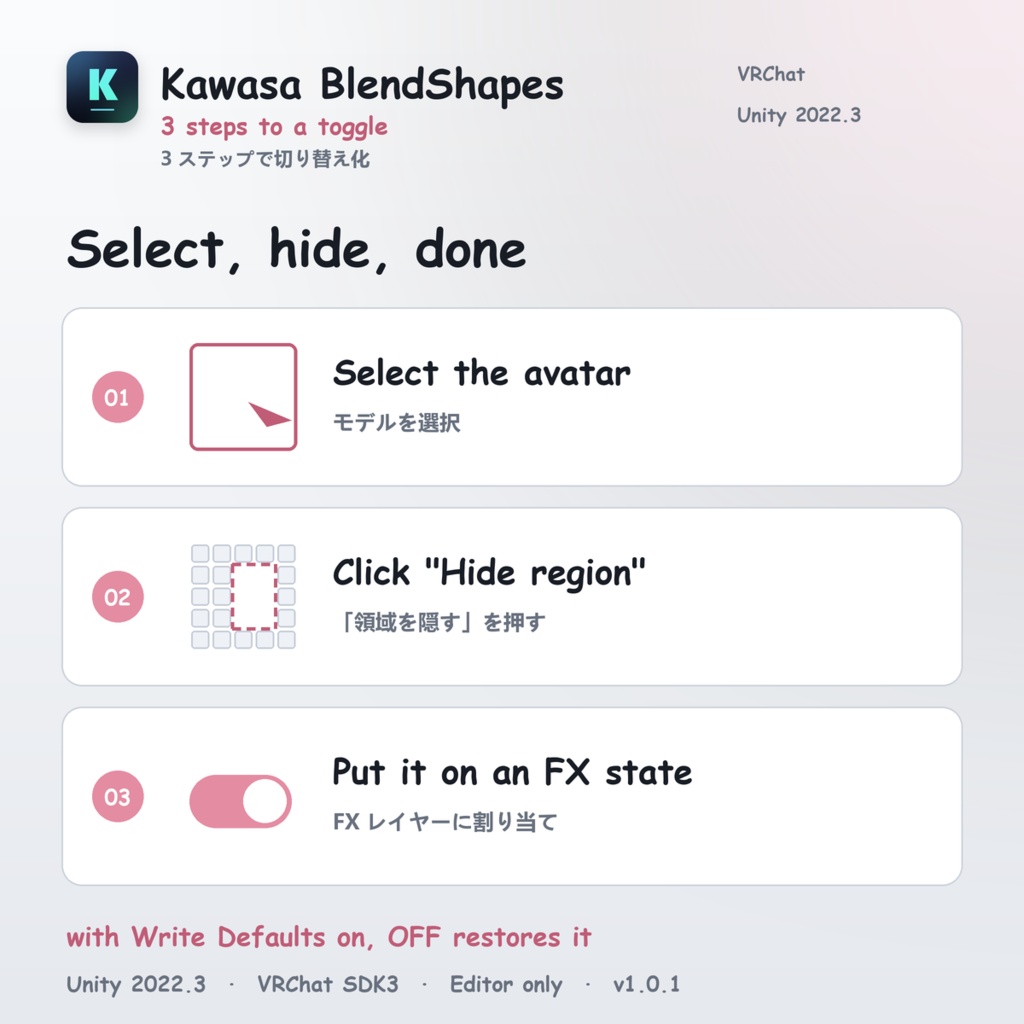
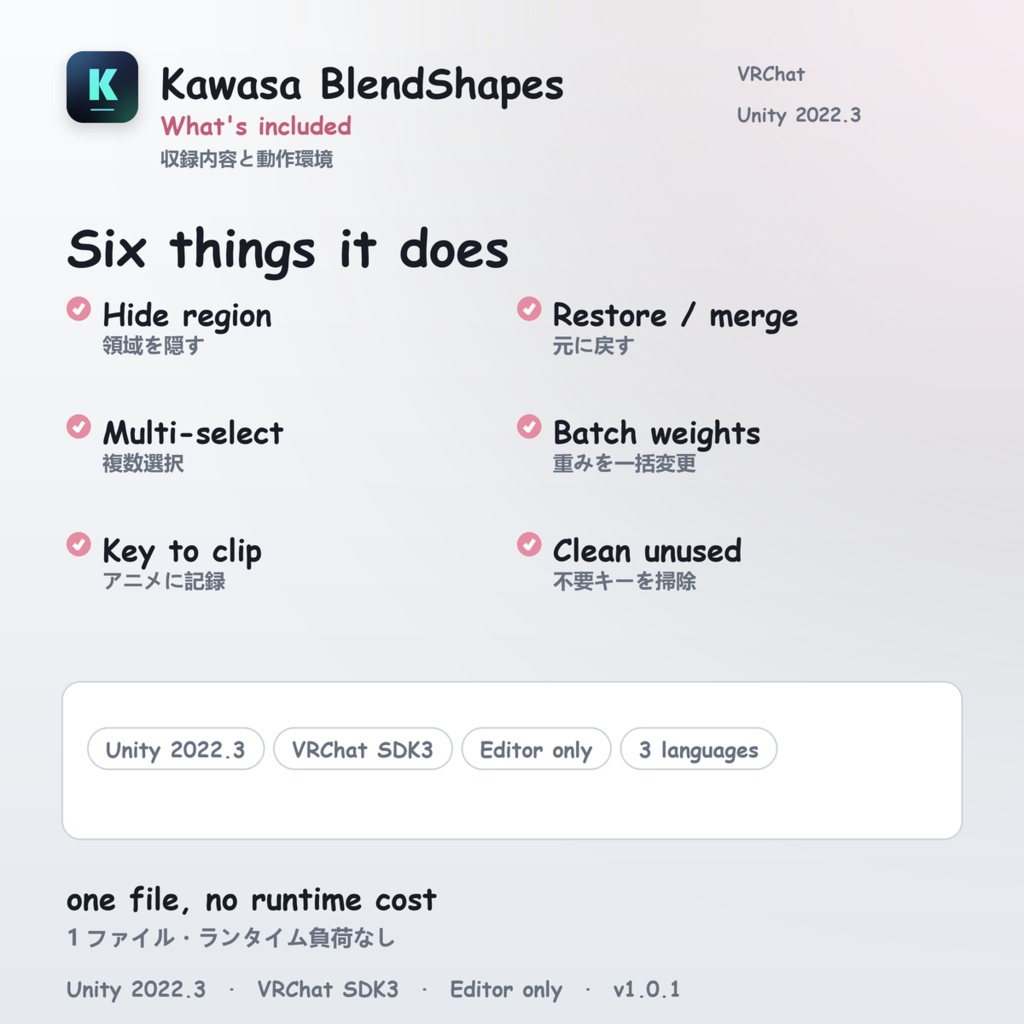


EN 1. Kawasa BlendShapes - Region hider for VRChat avatars 2. Turn a blend shape into a real toggle - Kawasa BlendShapes 3. Kawasa BlendShapes - split mesh regions into toggles PRODUCT DESCRIPTION (paste everything below) ════════════════════════════════════════ Pushing a blend shape to 100 deforms the mesh - it does not remove it. Kawasa BlendShapes is a Unity editor extension that makes any part of a VRChat avatar disappear completely with one click, and turns it into a menu toggle you can actually switch. ■ Sound familiar? - You want a hand or foot gone, but at weight 100 the mesh is still there - You only need to toggle one part of an outfit - Splitting meshes by hand for every toggle is tedious - The hide animation you made does not play in VRChat - Every hidden part adds another blend shape you have to manage ■ What it does It splits the faces touched by a blend shape out of the original mesh into a separate child object. The original mesh keeps the rest, so expressions and blinking keep working. Visibility is driven by the GameObject active state (m_IsActive), which previews, records and plays back reliably in VRChat. In short: instead of a permanently maxed blend shape, you get a hidden region you can toggle from the menu. ■ Features - Hide region Splits the faces touched by vertices moving past the threshold (default 1 mm) into a child object - Restore / Restore mesh Merges split regions back into the original mesh - Multi-select Checkbox selection across shapes and renderers - Batch weight editing Drag the slider and every selected shape follows live Supports 0 / 100 / any value from 0 to 100 - Key weights Keys the current weights of the selection into the current frame - Key into clip Writes the m_IsActive curve into the current clip when splitting - Trim unused shapes (automatic) Removes every shape that never moves this mesh's vertices - Remove selected shapes (manual, multi-select) Deletes chosen shapes, with an automatic backup first - Undo remove Restores the previous deletion, one step at a time - Inspect clip Dumps every curve of the current clip (path / property / key count) - Clean generated Deletes unused generated meshes in one click - Assign mesh (recovery) Puts an original mesh back if you overwrote it by accident - Three UI languages 中文 / English / 日本語, one click to switch - Undo-friendly Weight changes, splits, restores and shape deletions all support Ctrl+Z ■ How to use (3 steps) 1. Select the avatar in the Hierarchy and open "Kawasa → Kawasa BlendShapes" 2. Click Hide region on the target shape → the affected faces become KawasaHidden_<ShapeName> → an m_IsActive = 0 key is written into the current clip 3. Put that clip on an FX-layer state in the Animator → ON hides, OFF shows. With Write Defaults enabled on that layer, turning it off restores the default automatically ■ Requirements - Unity 2022.3 LTS (developed and tested on 2022.3.22f1) - VRChat SDK3 / Avatars 3.0 - The mesh must have Read/Write Enabled (FBX → Model tab → Meshes → Read/Write Enabled → Apply) ■ What's included - Kawasa_BlendShapes_1.0.0.unitypackage └ KawasaBlendShapes.cs (the editor tool) └ KawasaBlendShapes.Editor.asmdef (Editor only) └ Icons in four sizes - Manuals (日本語 / English / 中文) * Avatar models, outfits and textures are not included * Editor-only tool - it is never included in a VRChat build ■ Notes - This is a Unity editor extension; no model data is included - Use at your own risk - Redistribution, resale and claiming authorship are prohibited - For use on the buyer's own avatar modifications only - Results may vary depending on Unity version and model structure - Please report issues via message ■ Good for - Gloves on / off - Toggling outfit parts (sleeves, hems, ornaments) - Kemono ears and tails on / off - Swapping ear accessories - Temporary part hiding for gimmicks ■ Changelog v1.0.1 (2026-11-08) - Initial release - Region split / restore, multi-select, batch weights, animation keying, shape removal and undo, three UI languages
JP
シェイプキーを「100にしても消えない」から解放します。 Kawasa BlendShapes は、VRChat アバターの任意の部位を ワンクリックで完全に消し、メニューから切り替えられるようにする Unity エディタ拡張です。 ■ こんなことで困っていませんか ・手や足を完全に消したいのに、シェイプキーを 100 にしても形が残る ・服の一部だけをトグルで消したい ・メッシュを分割して非表示にする作業が毎回手間 ・作った非表示アニメが VRChat で再生されない ・パーツを消すたびにシェイプキーが増えて管理できない ■ このツールがやること シェイプキーが動かす面を、元のメッシュから切り離して 独立した子オブジェクトにします。 元のメッシュには残りの部分が残り、表情やまばたきはそのまま動きます。 切り替えは GameObject のアクティブ状態(m_IsActive)で行うため、 プレビュー・記録・VRChat での再生がすべて安定します。 つまり「常に最大値のシェイプキー」ではなく、 「メニューで切り替えられる隠し部位」が手に入ります。 ■ 主な機能 ・領域を隠す しきい値(既定 1mm)を超えて動く頂点の面を、子オブジェクトに分割 ・戻す / メッシュ復元 分割した領域を元のメッシュに結合して元通りに ・複数選択 チェックボックスで複数のシェイプキーを選び、まとめて操作 ・重みを一括変更 スライダーをドラッグするだけで選択中のキーがリアルタイムに追従 0 / 100 / 任意の値(0〜100)に対応 ・重みをアニメーションに記録 選択キーの現在の重みを、現在のフレームにキーとして記録 ・クリップに記録 分割時に m_IsActive カーブを現在のクリップへ自動書き込み ・不要キーを削除(自動) そのメッシュの頂点をまったく動かさないシェイプキーを一括削除 ・選択シェイプキーを削除(手動・複数選択可) 任意のキーを選んで削除。事前に自動バックアップ ・削除を戻す 直前の削除を 1 段階ずつ取り消し ・クリップ診断 現在のクリップの全カーブ(パス / プロパティ / キー数)を Console に出力 ・生成物を整理 使われていない生成メッシュを一括削除 ・メッシュ指定(復元用) 元のメッシュを誤って上書きしてしまった場合の復旧用 ・3言語 UI 中文 / English / 日本語 をワンクリックで切り替え ・元に戻す 重み変更・分割・復元・キー削除はすべて Ctrl+Z で取り消し可能 ■ 使い方(3ステップ) 1. ヒエラルキーでアバターを選択し、 メニュー「Kawasa → Kawasa BlendShapes」を開く 2. 対象のシェイプキーの行で「領域を隠す」をクリック → 影響する面が KawasaHidden_<キー名> として子オブジェクトに分かれます → 同時に m_IsActive = 0 のキーがクリップに書き込まれます 3. そのクリップを Animator の FX レイヤーのステートに割り当てる → ON で非表示、OFF で表示。Write Defaults を有効にすると OFF 時に自動で既定値へ戻ります ■ 動作環境 ・Unity 2022.3 LTS(2022.3.22f1 で開発・検証) ・VRChat SDK3 / Avatars 3.0 ・メッシュの「Read/Write Enabled」が必須 (FBX の Model タブ → Meshes → Read/Write Enabled → Apply) ■ 収録内容 ・Kawasa_BlendShapes_1.0.0.unitypackage └ KawasaBlendShapes.cs(エディタ拡張本体) └ KawasaBlendShapes.Editor.asmdef(Editor only) └ アイコン 4 サイズ ・取扱説明書(日本語 / English / 中文) ※ アバター本体・衣装・テクスチャは含まれません ※ エディタ専用ツールのため、VRChat のビルドには含まれません ■ 注意事項 ・本商品は Unity エディタ拡張です。アバターやモデルデータは付属しません ・ご利用は自己責任でお願いします ・再配布・転売・自作発言は禁止です ・購入者ご本人のアバター改変にご利用ください ・Unity のバージョンやモデルの構成によっては意図した結果にならない場合があります ・不具合のご報告はメッセージにてお願いします ■ こんな用途に ・手袋を外した状態と着けた状態の切り替え ・衣装の一部(袖、裾、装飾)のオンオフ ・ケモミミや尻尾の付け外し ・ケモノ耳パーツの差し替え ・ギミック用の一時的な部位消し ■ 更新履歴 v1.0.1(2026-11-08) ・初版リリース ・領域分割 / 復元、複数選択、重み一括変更、アニメ記録、 キー削除と復元、3言語 UI を収録