

【VRChat / PC】Celestial Halo|銀河・共鳴・受け渡し対応ヘイロー
- Digital3,200 JPY
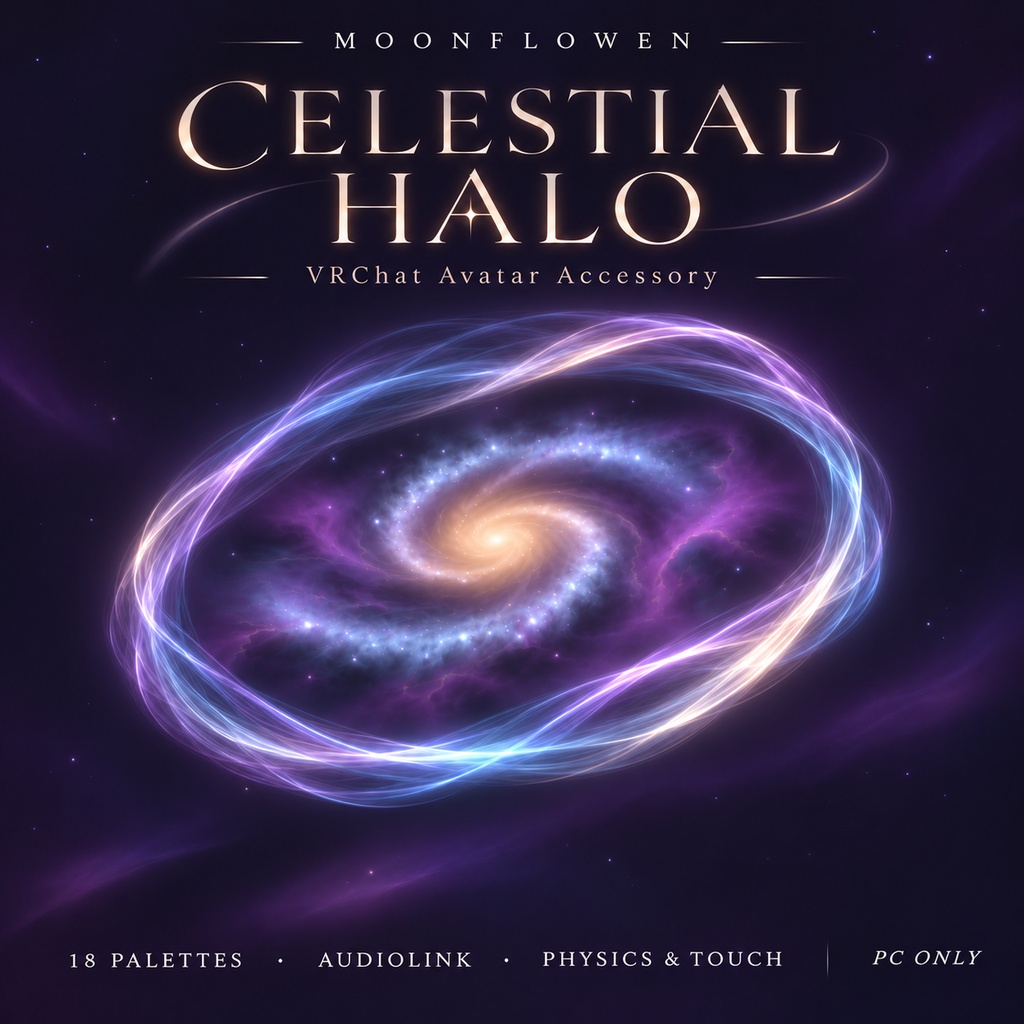
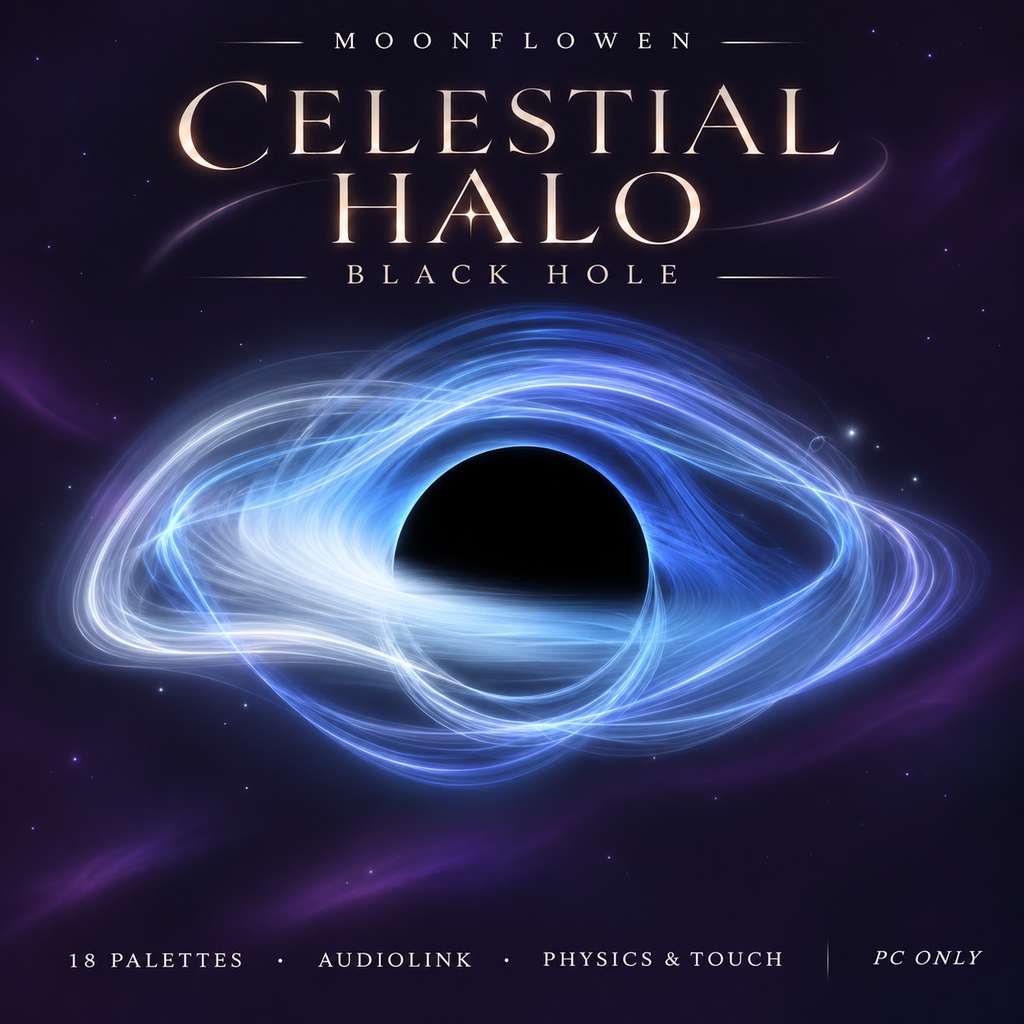
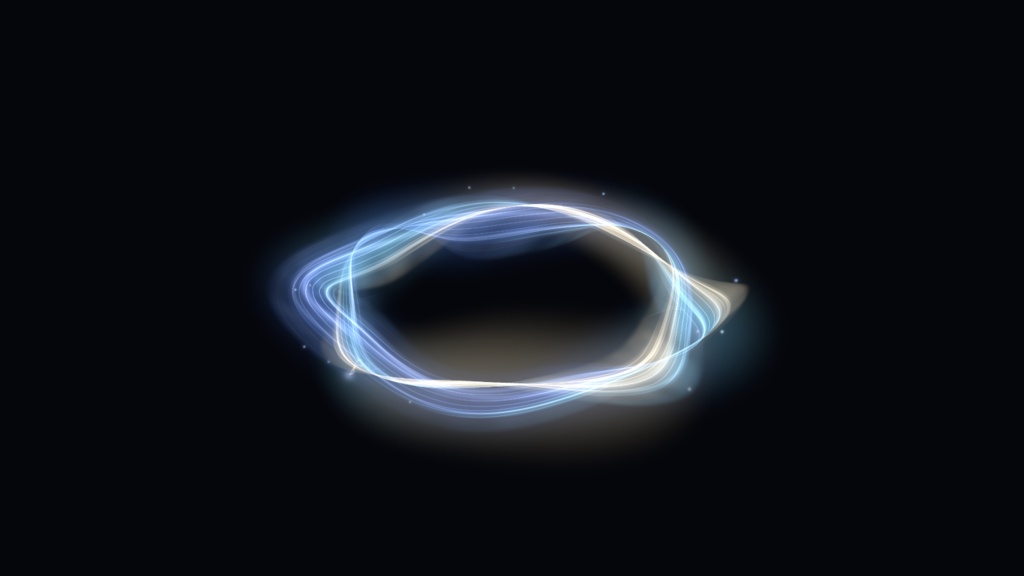
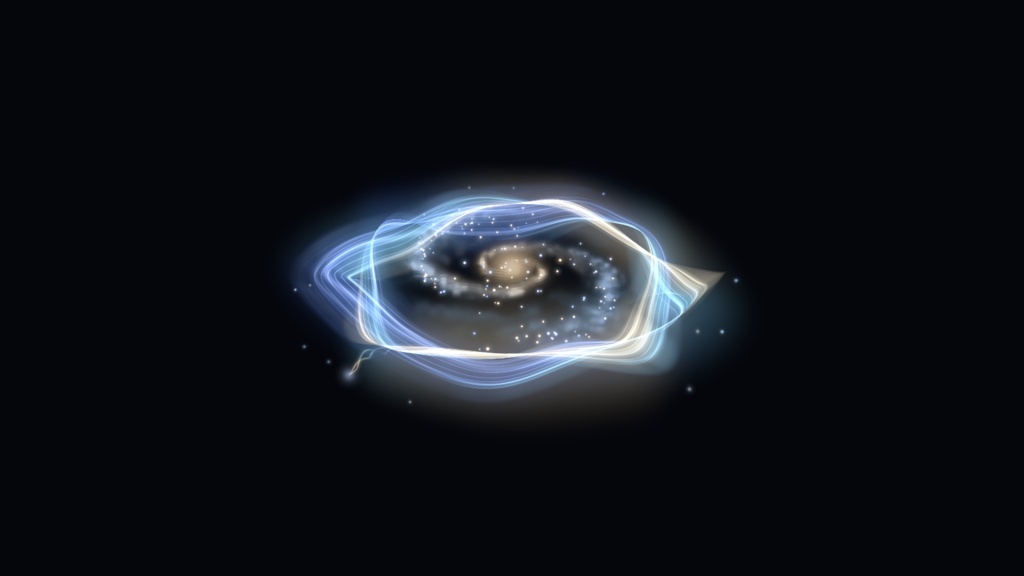
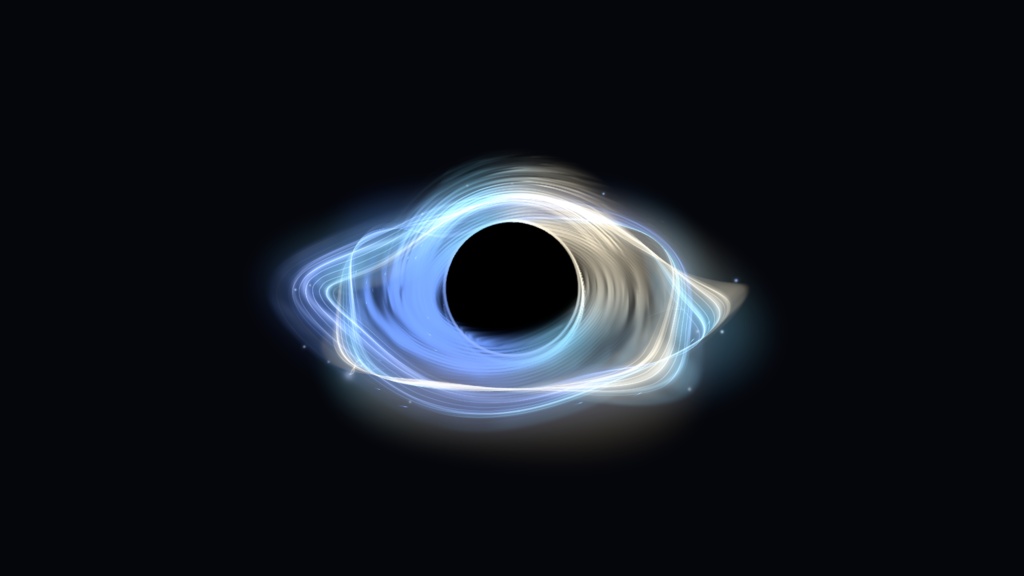


Celestial Halo 1.0.3 by MoonFlowen 銀河はコンパクトな中心核、不規則な渦巻き腕と光を吸収する塵を表現します。引き出せる光の糸には丸い立体的な芯と、円形のコロナを持つ3Dの発光核があります。 頭上に、小さな宇宙を。 流れる光の輪から糸を引くと、銀河が姿を現します。指先に星を集めたり、触れて生まれた光の裂け目をそっと修復したり。近くの対応ヘイローとは共鳴し、ひとりでも、仲間と一緒でも楽しめるPC版VRChat用アクセサリーです。 ■ 主な機能 ・18種類のパレットと自動カラーサイクル。 ・引っ張れる光の糸と銀河表示。銀河はメニューから表示を維持することもできます。 ・触れた方向に開く、最大2か所の自動修復する裂け目と光の粒。 ・指先の星、円をなぞる軌道運動、両手で作るエクリプス、やさしい修復、引いた糸と自分または他の人の指で作る星座などの発見。 ・「ヘイロー」と「物理・タッチ」を有効にし、光の糸を完全に引いた状態で銀河の中心に人差し指で触れると、星座が現れます。両方の操作を自分で行うことも、別の人に中心へ触れてもらうこともできます。糸を離した後も、指が中心にある間は星座が残ります。指を離すと約1.3秒かけてなめらかに消えます。 ・近くの対応ヘイローとつながる共鳴。Standardでは人数に応じて2〜5人以上の演出へ発展します。Pair Stage 5では近い2人のペアで第5段階の演出を楽しめます。 ・ヘイロー全体の受け渡し。Shareを有効にしてつかみ、空間に固定、自分の頭へ戻す、別のアバターの頭へ渡すことができます。Recallで呼び戻せます。追従先の頭を見失うと、最後の位置を保ち、約30秒後に戻ります。 ・AudioLink対応ワールドで、輪・糸・銀河・星などが音楽に反応。 ・手や演出に反応する空間歪み。通常時は歪み用レンダラーが休止します。 ■ 収録内容 ・Unity用のCelestial Haloパッケージ。 ・Standard / Pair Stage 5 / Infinity / Heartの4つの共鳴スタイル。 ・Original / Golden Black Holeの2つの外観。合計8種類のプレハブを収録しています。 ・必要なメッシュ、マテリアル、シェーダー、アニメーション、メニュー、受け渡し機構。 ・ライブプレビュー付きUnityインストーラー、ガイド、利用条件、第三者ライセンス表記。 アバター本体・髪・衣装・ワールド・VRChat SDK・Modular Avatarは付属しません。画像に使用されているアバター等は商品内容に含まれません。スタイルはUnityで設置する際に選択します。 ■ 対応環境 PC / Windows版VRChat向けです。 確認環境:Unity 2022.3.22f1、VRChat Avatars SDK 3.10.6、Modular Avatar 1.18.7(NDMF依存関係を含む)。 有効なHumanoidとHeadボーンを持つアバター、および正の均一スケールが必要です。髪や耳に合わせた個別の位置調整を行ってください。 VRCFuryは必須ではありません。パラメーター圧縮を利用したい場合は別途設定できます。 Quest / Android / iOSのスタンドアロン版には対応しません。QuestやPicoをPCに接続してPC版VRChatを動かす場合は、PC側の環境として使用できます。 ■ 導入 1. VRChat Avatars SDKとModular Avatarを先に導入し、商品パッケージをインポートします。 2. Tools → MoonFlowen → Celestial Halo → Installerを開きます。 3. シーン内のアバター、外観、共鳴スタイルを選択します。 4. 高さ・直径・前後位置をcmで、回転をX / Y / Zの各軸で調整します。 5. ヘイローをインストールし、シーンを保存してアバターをビルド・アップロードします。 インターフェースとアバターのメニューは、英語・ロシア語・日本語・韓国語・簡体字中国語から別々に選択できます。メニュー言語はアバターごとに保存され、VRChatへ反映するには再ビルド・アップロードが必要です。設置・調整・削除はUndo / Redoに対応します。 ■ パフォーマンスと購入前の注意 PC版VRChat用です。アバターの評価がVery Poorになる場合があり、他のプレイヤーのセーフティ設定によって表示されないことがあります。ミラーや複数のヘイローが集まる場面では負荷が増える場合があります。 タッチ・受け渡し・共鳴には、対応アバターの表示と接触の許可が必要です。AudioLinkには対応ワールドの音源が必要です。共有の共鳴演出は専用の色を使用します。 ■ 利用条件 個人利用と商用利用はライセンス1.1に従って許可されます。改変版を含むすべての商用利用では、"Celestial Halo - MoonFlowen"などの作者クレジット、またはMoonFlowenを作者として明示する公式プロフィール・ストア・Celestial Halo商品ページへの有効なリンクのいずれかが必須です。アバター販売では公開の商品説明・クレジットと納品資料に記載し、公開ページのない個別依頼では納品資料・クレジットに記載してください。収益化した配信・動画、有料公演などでは、関連する説明・クレジット・イベントページ、または明確にリンクされた公開プロフィールに、読みやすく見つけやすい形で表示してください。個人の非商用利用では公開クレジットは任意です。元データや改変データを、単体素材として再販売・再配布することは禁止します。詳細な許諾範囲は同梱ライセンスをご確認ください。第三者コンポーネントには、それぞれのライセンスが適用されます。 ■ 制作とサポート 作者:MoonFlowen。 プロモーション用イラストはゲーム内スクリーンショットではありません。実際のUnityレンダーは別途掲載しています。 お問い合わせは、購入先ストアの出品者への連絡機能からMoonFlowenまでお願いします。商品バージョン、Unity / SDK / Modular Avatarのバージョン、問題の手順、エラー内容を添えると確認しやすくなります。 ■ 返金不可 本デジタル商品の販売はすべて確定となります。気が変わった場合や利用環境が対応していない場合を含め、任意の返金は行いません。ただし、適用法令または購入先プラットフォームの強制適用規則により必要となる返金やその他の救済を制限するものではありません。ダウンロードや技術的な問題は、購入先プラットフォームを通じてMoonFlowenにお問い合わせください。 A galaxy with a compact nucleus, irregular spiral arms and absorbing dust. The pullable light thread has round three-dimensional cores and a luminous 3D tip with a circular corona. A small universe above your head. Pull a thread of light to reveal a galaxy. Gather a star on your finger, open a glowing rupture with a touch, or gently help it heal. Celestial Halo is an interactive accessory for PC VRChat, with flowing light, hidden gestures, nearby resonance and a complete halo you can share. FEATURES • 18 palettes and automatic color cycling. • A separate, pullable light thread that reveals the galaxy. Keep the galaxy visible with its menu toggle. • Up to two simultaneous, self-healing ruptures with colored sparks. • Finger stars, orbit-tracing momentum, a two-palm eclipse, gentle repair and a constellation triggered by a pulled thread and your own or another person's finger. • With Halo and Physics & Touch enabled, fully pull the light thread and touch the galaxy's center with an index finger. You can do both gestures yourself, or another person can touch the center. The constellation stays while the finger remains there, even after the thread is released. Removing the finger starts a soft 1.3-second fade. • Resonance with nearby compatible halos. Standard develops through effects for two, three, four and five or more wearers. Pair Stage 5 creates the fifth-stage effect for a nearby mutual pair. Infinity and Heart offer alternative resonance artwork. • Whole-halo sharing: enable Share, grab the halo, pin it in the world, return it to your head or place it on another avatar's head. Recall brings it back. If the foreign head is lost, it holds its last position and returns after approximately 30 seconds. • Layered music response in AudioLink-enabled worlds. • Activity-gated space distortion around hands and special effects. INSTALLATION Install the SDK and Modular Avatar first, then import the product package. Open Tools → MoonFlowen → Celestial Halo → Installer, choose the scene avatar and prefab style, preview the fit, then install and save the scene. Adjust height, diameter and forward offset in centimeters, plus rotation on X / Y / Z. Installation, fitting and removal support Undo / Redo. Build and upload the finished avatar through the normal SDK workflow. Adjust Head Hold in the Unity installer for a freer sway or a firmer hold close to the head. Interface and avatar-menu languages are selected independently: English, Russian, Japanese, Korean and Simplified Chinese. The menu choice is saved per avatar; rebuild and upload to change its language in VRChat.