

【無料】UdonSharp(U#)入門 v5.1|VRChatワールド・ギミックをゼロから作る初心者向け教科書
- 無料Digital0 JPY
- EnglishDigital0 JPY
- 支援Digital1,000 JPY

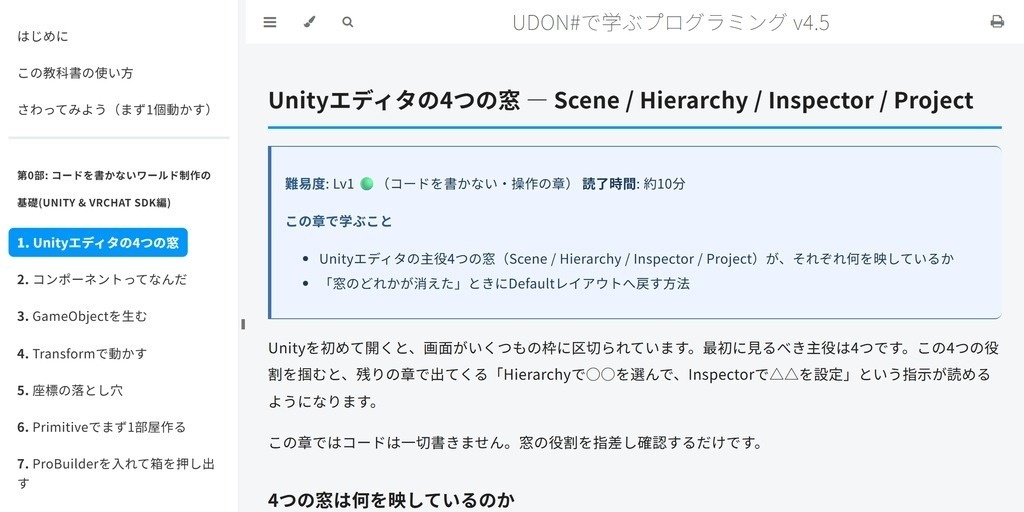
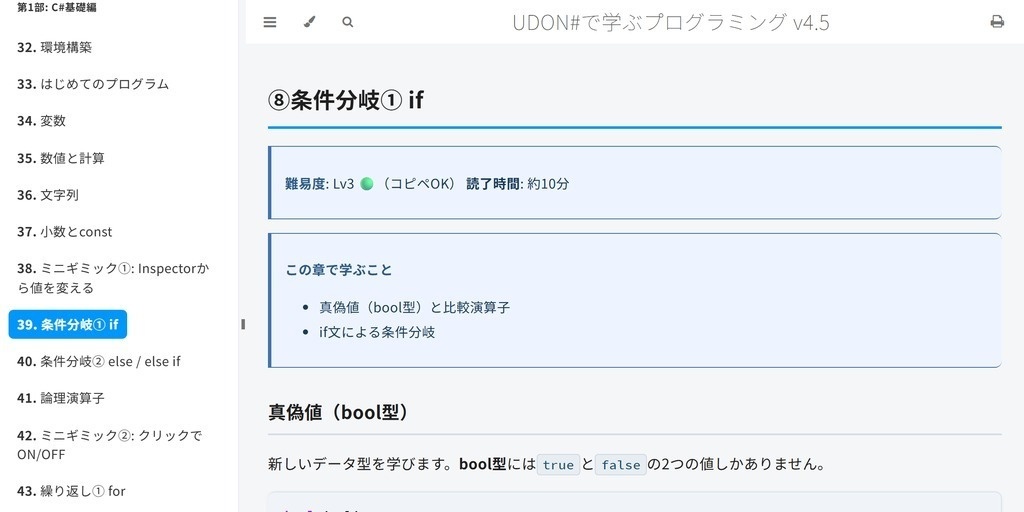
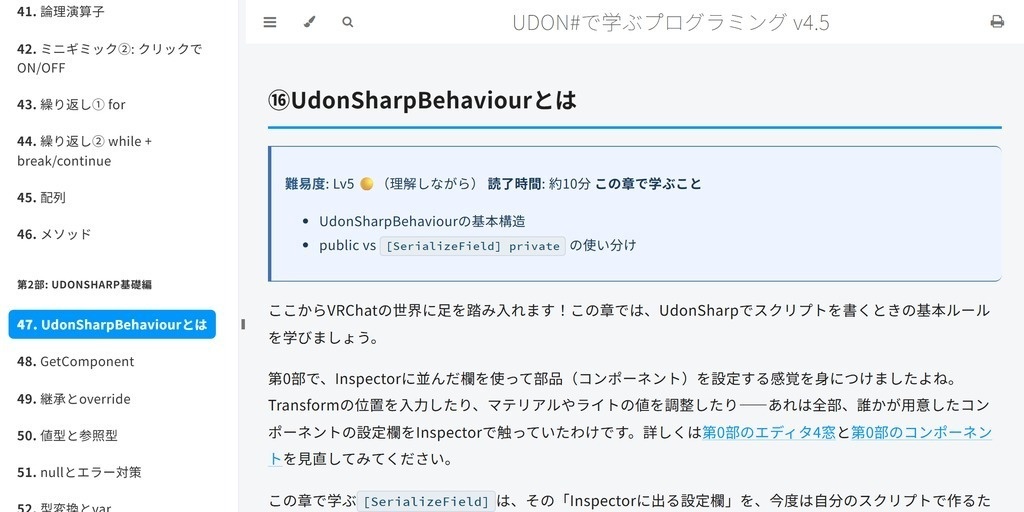
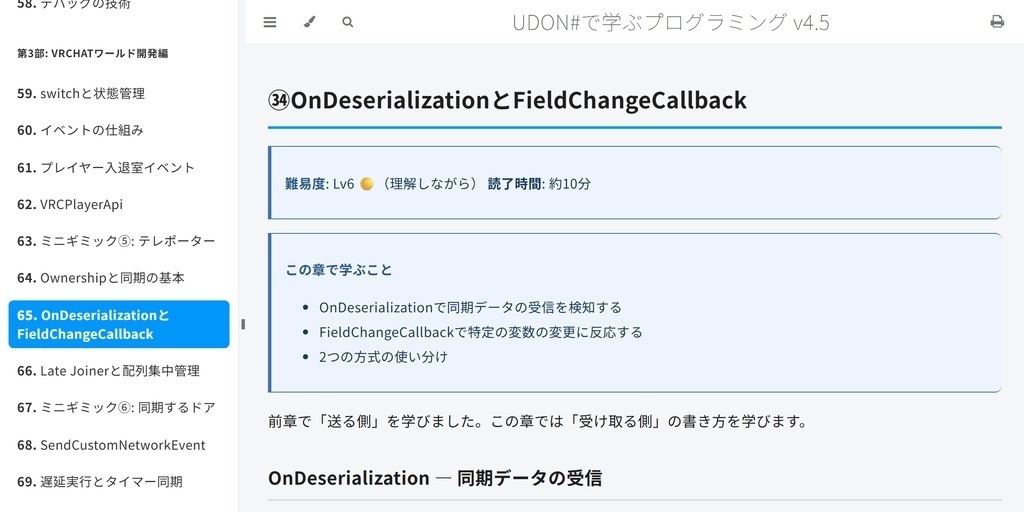
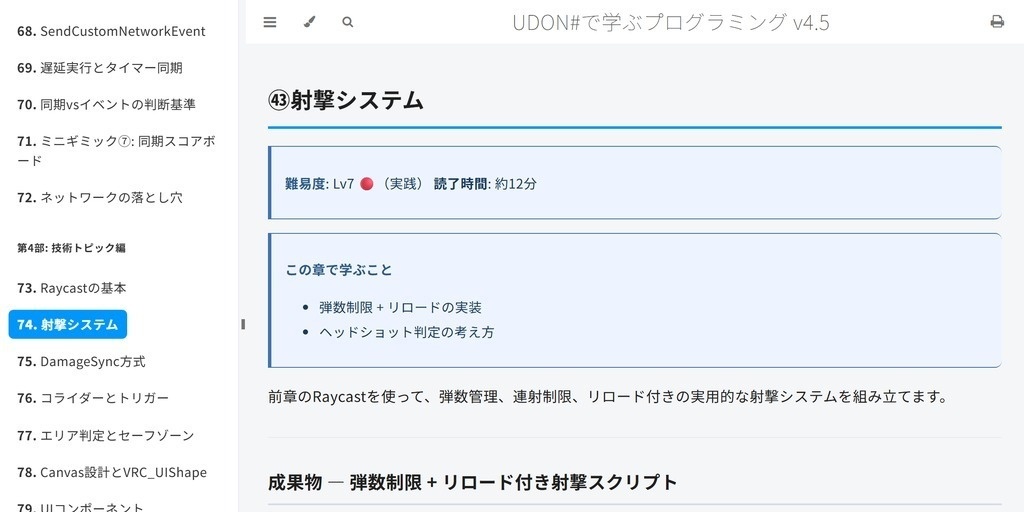
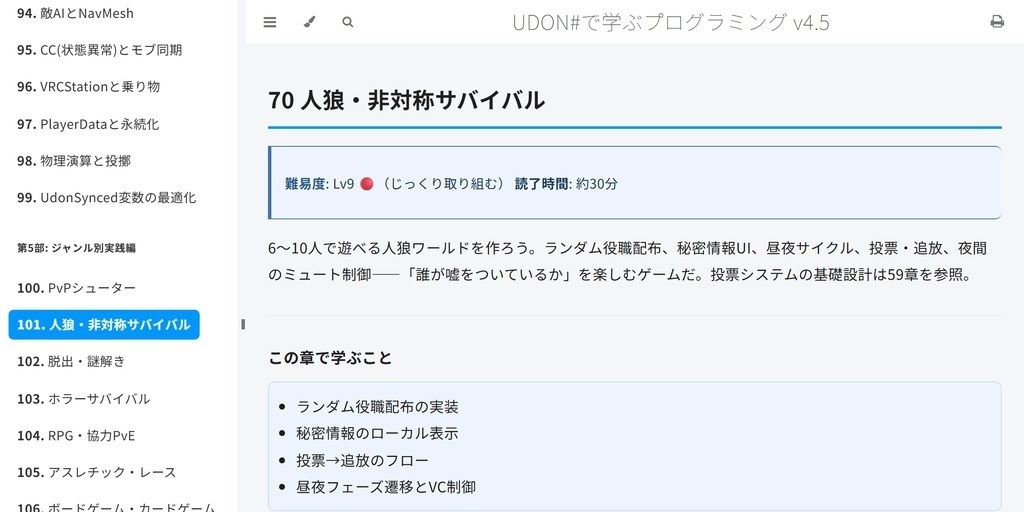
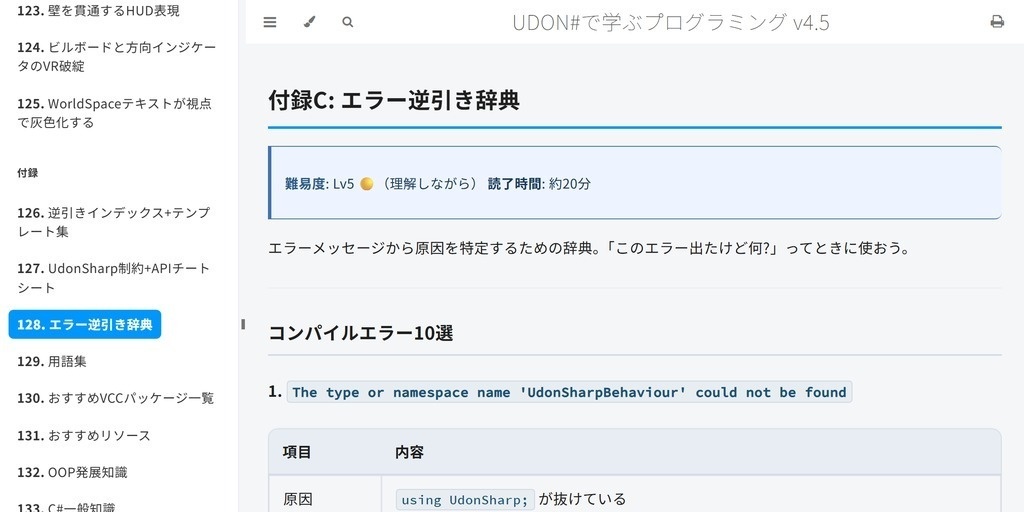


プログラミングの入門書です。題材にVRChatのワールドギミックとUdonSharpを使います。全152項目、PDF 1,473ページとHTML。無料です。 覚えてほしいのはU#の書き方ではありません。変数とは何か、条件分岐をどう組むか、なぜその順番で呼ばれるのか。ここが分かるようになると、VRChatの外でも通用します。逆に、すでにC#を書ける人に第1部と第2部は要りません。 Unityを起動したことがない段階から始まります。第0部の32章はU#を1行も書きません。マテリアル、ライティング、アップロードまで済ませて、ワールドが1つ上がる状態を作ってからコードに入ります。 巻頭に「さわってみよう」を置きました。理屈は後回しにして、押すと動くモノを1つ置くところまで通します。 後半は毛色が変わります。第6部は調べても出てこない挙動を集めた章です。ミラーはカリングを無視して背後まで描くし、U#からQuestかPCかは判別できないし、サーバー時刻の引き算は一周して壊れます。第7部はU#にできないことの一覧と、貼れば動くテンプレです。 無料なので、中身を見てから時間を使うか決めてください。 ■ 同作者の無料ワールドギミック配布(30種類以上) https://pon-poko-pon.booth.pm/ ■ English edition available (free) An English translation is included - 1,538 pages, PDF and HTML. Select the "English" variation above to download it. Never written a line of code? It starts with the Unity work that needs no code at all, and ends with a complete game world in VRChat. Full details in the "English edition" section at the bottom of this page.
概要
プログラミングを最初から学ぶための本です。題材にVRChatのワールドギミックとUdonSharpを使っています。全152項目(第0部32章+本編108章+付録12本)。 作った動機は、プログラミングの入門書は動くものが手元に残らず、VRChatのギミック解説はプログラミングを説明しないところから始まる、という間を埋めたかったからです。C#の変数と条件分岐から入って、最後はマルチプレイで動くゲームワールドが1本残ります。 第0部の32章はコードを書きません。Unityエディタの操作、形づくり、マテリアル、シェーダー、ライティング、音、アニメーション、SDKの配置、アップロード。U#を書く前にワールドを1つ上げるところまでやります。 読む順番は巻頭の「さわってみよう」からです。押すと反応するモノを1つ置くまでを理屈抜きで通してから、第0部に戻ってください。 形式はHTMLとPDFの2つ。HTMLは章をまたぐリンクと全文検索が使え、どちらもネット接続なしで開けます。英語版も同梱です(上の「English」を選択してください。無料)。
学べる内容
- UdonSharpで何ができて、何ができないのか - コードを書かないワールド制作の基礎(Unityエディタ操作・マテリアル・シェーダー・ライティング・音・アニメ・SDK配置・アップロード) - プログラムの基本構造(変数・関数・条件分岐・配列など) - UdonSharpBehaviourの仕組みとゲームループ - イベントの実行順。同期の値は届いているのに表示が1フレーム遅れる、再表示したのに初期化されない、といった順番が原因の症状を切り分ける - ネットワーク同期(Ownership・UdonSynced・SendCustomNetworkEvent) - ドア、スイッチ、テレポーター、スコアボードの作り方 - Raycast射撃、コライダー、UI、アニメーション、音声制御、シェーダー制御、Pickup - 役職配布・投票・ショップ・敵AI・物理演算 - 動画プレイヤーとURL同期、DataListとJSON、PlayerDataによる永続化、実戦の同期パターン集 - 11ジャンルのゲームワールド実践チュートリアル(PvPシューター、人狼、脱出ゲーム、ホラー、RPG、アスレチック、ボードゲーム、タワーディフェンス、音ゲー、チルワールド、スポーツ) - 公開・運用と発展テクニック(QuestとAndroid対応、計測してから軽くする最適化、サーバー時刻の罠、壁を貫通するHUD) - 実戦リファレンス編。U#にできないことの全集、貼って動く実装テンプレ、ジャンル別スケルトン、シーン構成レシピ、境界カタログ。読むときではなく実装しながら開く部分です - 付録12本(逆引きインデックス、チートシート、エラー辞典、用語集、AI生成コード検証術、Unityエディタ拡張の自作など)
注意点
-この教科書はプログラミング初心者向けです -すでにC#やUnity、ネットワーク同期などを理解している人には、基礎部分は物足りない内容かもしれません(ただし第4部・第5部の実践パターンは経験者にも参考になります)
■ 内容
第0部: コードを書かないワールド制作の基礎32章(Unityエディタ操作・形づくり・マテリアル・シェーダー・ライティング・音・アニメ・パーティクル・SDK配置・アップロードまで。U#を書く前の土台) 第1部: C#基礎15章(変数・計算・文字列・条件分岐・繰り返し・配列・メソッド) 第2部: UdonSharp基礎12章(UdonSharpBehaviour・GetComponent・継承・型・ゲームループ・デバッグ) 第3部: ワールド開発15章(イベント・イベントの実行順・入退室・VRCPlayerApi・Ownership・ネットワーク同期・遅延同期) 第4部: 技術トピック33章(Raycast・射撃・ダメージ同期・トリガー・ボーンとポーズ認識・UI・Animator・演出・シェーダー制御・音声・動画プレイヤー・Pickup・ObjectPool・役職配布・ステートマシン・ショップ・敵AI・乗り物・DataListとJSON・永続化・自前サーバー連携・物理・同期最適化・実戦の同期パターン集) 第5部: 11ジャンルの実践チュートリアル(PvPシューター / 人狼 / 脱出ゲーム / ホラー / RPG / アスレチック / ボードゲーム / タワーディフェンス / 音ゲー / チルワールド / スポーツ) 第6部: 公開・運用と発展テクニック16章(QuestとAndroid対応・計測して軽くする最適化・ロード時間とメモリ・サーバー時刻の罠・壁を貫通するHUDなど、調べないと分からない隠れ仕様) 第7部: 実戦リファレンス編6章(制約モデル=できないこと全集・貼って動く実装テンプレ・ジャンル別スケルトン・シーン構成レシピ・ビルド検証ループ・境界カタログ。実装するときに引く網羅版) 付録A〜L(12本): 逆引きインデックス+テンプレート・APIチートシート・エラー逆引き辞典・用語集・VCCパッケージ一覧・おすすめリソース・OOP発展・C#一般知識・検索と調べ方・公開前チェックリスト・AI生成コード検証術・Unityエディタ拡張の自作
■ こんな人向け
- プログラミング未経験だけどVRChatのワールドを作りたい - ギミックの作り方が分からない - ネットワーク同期が分からなくて詰まっている
利用規約
この教材は 自由に改変・配布OK です。 教育者や開発者がより良い初心者向け教材を作るための土台として使うことも歓迎されています。 本書は現状有姿で提供します。 記載の対応バージョン以外での動作は保証しません。 サポート・アップデートの提供は実施する場合がありますが義務ではありません。不具合報告は歓迎しますが、修正対応の実施可否・時期は作者の裁量とします。
更新履歴
2022/12/20 v1.0 公開 2023/05/01 v3.0 目次とプログラムの仕組みの解説を改善 2026/04/01 v4.0 35章+付録8本へ大幅拡張。VCC/SDK対応、ネットワーク同期の解説、11ジャンルの実践編を追加 2026/04/12 PDF版を追加 2026/06/08 v4.5 第0部「コードを書かないワールド制作の基礎」31章を新設。第0部〜第6部+付録12本に再編 2026/07/15 v5.0 第7部と実戦系の新章6本を追加。英語版を追加 2026/08/18 v5.1 新章3本を追加。公式ドキュメントに合わせて11項目を追補。英語版を1,538ページへ更新 ────────────── ■ もっと本格的に学びたい方へ 基礎を終えた次の一冊に、別作者の有料教材もあります。 https://tommyudonfactory.booth.pm/items/4890389
English edition (英語版)
An English edition is included, free of charge. Select the "English" variation above to download it. = Learn Programming with UDON# v5.1 = A programming primer for people who have never written a line of code. VRChat world gimmicks and UdonSharp are the material. You start in the Unity editor without writing code, and finish with a game world other players can join. Each chapter introduces one concept. 152 parts in total (Part 0: 32 chapters + main body: 108 chapters + 12 appendices). 1,538 pages. PDF and HTML, readable offline. --- Get something running first --- The book opens with "Try it first." You place an object that reacts when you press it, before reading any explanation of why it works. The explanation waits until Part 0. --- Who it's for --- - You've never programmed and never used Unity, but you want to build gimmicks in VRChat - You've hit the ceiling of the Udon node graph and want to move to UdonSharp - You can modify someone else's sample, but you can't write one from scratch - You want to understand how the worlds you enjoy actually work --- Not for you if --- You already know C#, Unity and network sync. The early parts will bore you. That said, Parts 4 through 7 are written for implementation rather than instruction, so the sync patterns and the constraint catalog may still earn their keep. --- What you'll be able to do --- - Build your own original world - Add doors, switches, pickups and other moving parts to it - Understand network sync well enough to build multiplayer gimmicks that don't desync - Read the basic UdonSharp grammar and write it yourself - Work out how a world you enjoyed was built --- The hidden specs --- Part 6 collects behavior that surfaces after your world already runs: - Mirrors ignore culling and render everything behind you - You cannot detect Quest vs PC from U#. The branch you were about to write does not exist - Subtracting server time is a trap (it wraps around) - WorldSpace text turns gray depending on where you look - Billboards and direction indicators break in VR in a way they never do on a flat screen - Late joiners, timers and day/night cycles disagree unless you make them agree Part 7 is the constraint model: what UdonSharp cannot do, gathered in one place, plus paste-and-go templates, genre skeletons, scene recipes, a build & verify loop, and a boundary catalog. You open it while implementing rather than while reading. --- What's inside --- Part 0: World building without writing code (32 chapters) The Unity editor, shaping geometry, materials, shaders, lighting and baking, audio, animation, particles, VRC constraints, colliders and layers, mirrors and portals, Build & Test, uploading. Everything before your first line of U#. Part 1: C# basics (15) Variables, numbers, strings, branching, loops, arrays, methods. Part 2: UdonSharp basics (12) UdonSharpBehaviour, GetComponent, inheritance, value vs reference types, null handling, the game loop, debugging. Part 3: VRChat world development (15) Events, the order events run in, join/leave, VRCPlayerApi, Ownership, UdonSynced, OnDeserialization, SendCustomNetworkEvent, delayed execution, network pitfalls. Part 4: Technical topics (33) Raycast, shooting, damage sync, colliders and triggers, area detection, bones and pose detection, Canvas and UI, Animator, Lerp and game feel, driving shaders from Udon, audio, voice chat, video players and URL sync, Pickup, Object Pool, role assignment, buffs and jobs, state machines, lobbies, voting, shops, respawn and spectating, host defense, enemy AI and NavMesh, crowd control, VRCStation and vehicles, DataList/DataDictionary/VRCJson, PlayerData and persistence, talking to your own server, physics and throwing, sync optimization, field-tested sync patterns. Part 5: Building real games by genre (11) PvP shooter, social deduction, escape room, horror survival, RPG and co-op PvE, parkour and racing, board and card games, tower defense, rhythm, chill and social spaces, sports. Each one is a full build, with a "how published worlds do it" section. Part 6: Publishing, operations and advanced techniques (16) Quest and Android, measure-then-optimize, render cost, textures and VRAM budget, hidden memory hogs and load times, script CPU cost, lighting and shader cost, plus the hidden-spec chapters above. Part 7: Practical reference (6) The constraint model, pattern library, genre skeletons, scene recipes, the build & verify loop, boundary catalog. Appendices A-L (12) Reverse index and templates, API cheat sheet, error lookup dictionary, glossary, VCC package list, recommended resources, advanced OOP, general C#, how to search and research, pre-release checklist, verifying AI-generated code, writing your own Unity editor extensions. --- What's new in v5.1 --- - Three new chapters (writing your own shader / driving a shader from Udon / the order events run in) - 11 items added from a sweep of the official documentation (world-side Contacts, image downloading, the full list of video player events, and more) - Part 7 renamed to "Practical reference" - Findings on movement and speed folded in (the settable range for walk speed and gravity, scale and collision, double jump, the limits of coordinate precision) - Corrections to existing text (headshot detection, how FixedUpdate is called, when jump impulse can be read) - The English edition is now level with the Japanese one. I translated in 30 sections that had been missing: (sRGB on non-colour textures, checking the sender of a network event, particles as bullets, moving-platform follow, the licence check before reading someone else's repository, and more) --- How each chapter is built --- - One new concept per chapter, and only one - Something that runs, plus an exercise to modify it, with solutions - An "if you get stuck" error table - A three-line summary - Difficulty is marked Lv1-10 with a green/yellow/red band, so you can skip ahead honestly --- Format --- PDF, 1,538 pages, plus an HTML edition with cross-chapter links and full-text search. Works offline, with no account and no internet connection. Internal cross-chapter links are clickable, so you can use it as a reference after you've read it. --- Please read this before downloading: about the screenshots --- This is the English edition of a book originally written in Japanese. The text, code, code comments and instructions are in English, and menu paths are given in English. The Unity and VRChat screenshots still show the Japanese editor UI. I have not recaptured them. Menu positions are identical in both languages, so you can follow along using the English paths in the text. A few explanatory diagrams also have Japanese text drawn into the image itself, in the chapters on variables, your first program, the Inspector, Canvas design, UI components and the Animator. Everything those diagrams show is also explained in the surrounding English text, but the diagrams themselves are not translated. It's free. Please take a look and decide for yourself before you commit any time to it. --- Written against the current SDK --- Written to match the official VRChat documentation as of August 2026: passing arguments to network events, PlayerData and persistence, Player Objects, sync bandwidth figures and so on. VRChat changes often, so treat the code here as one example rather than the only way, and read the official docs alongside it when you build for real. --- Terms of use --- You are free to modify and redistribute this material. Using it as a foundation to build better beginner-facing material is welcome. Provided as-is. Behavior on SDK versions other than the one stated is not guaranteed. Support and updates may be provided, but are not an obligation. Bug reports are welcome; whether and when a fix ships is at the author's discretion. --- More free world gimmicks by the same author --- Over 30 free VRChat world gimmicks, also free: https://pon-poko-pon.booth.pm/