

【FBX・Unity・XWear】インカムヘッドセット
- Digital800 JPY
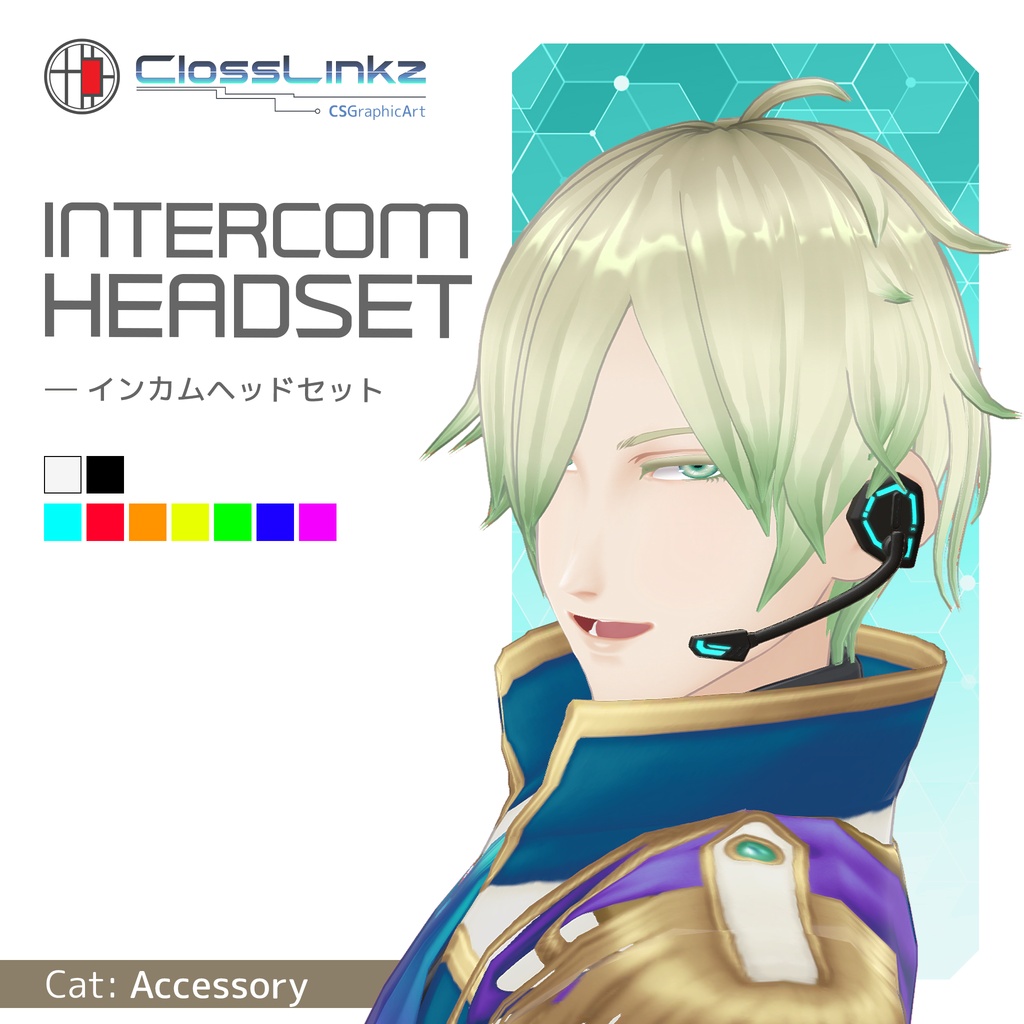
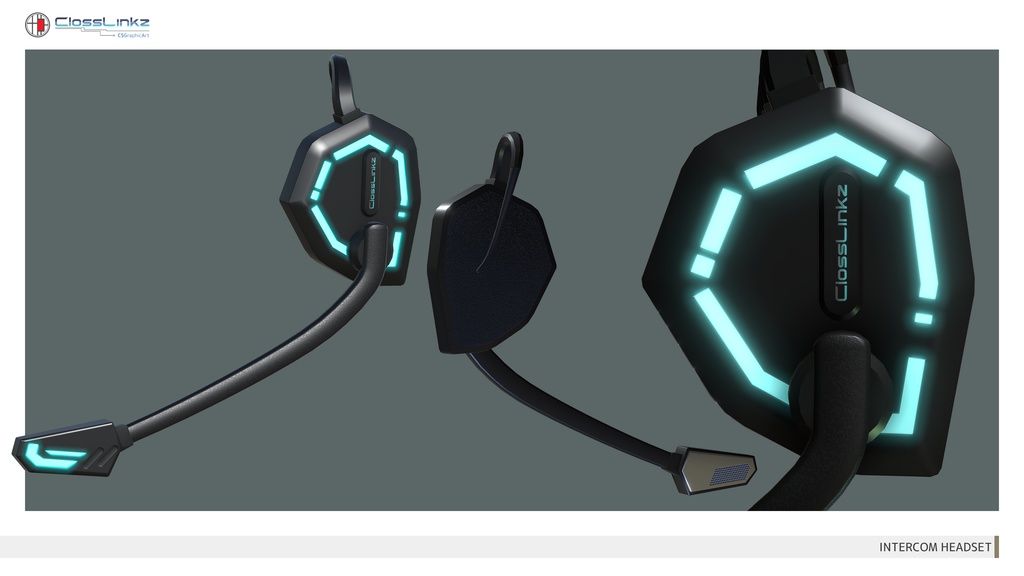
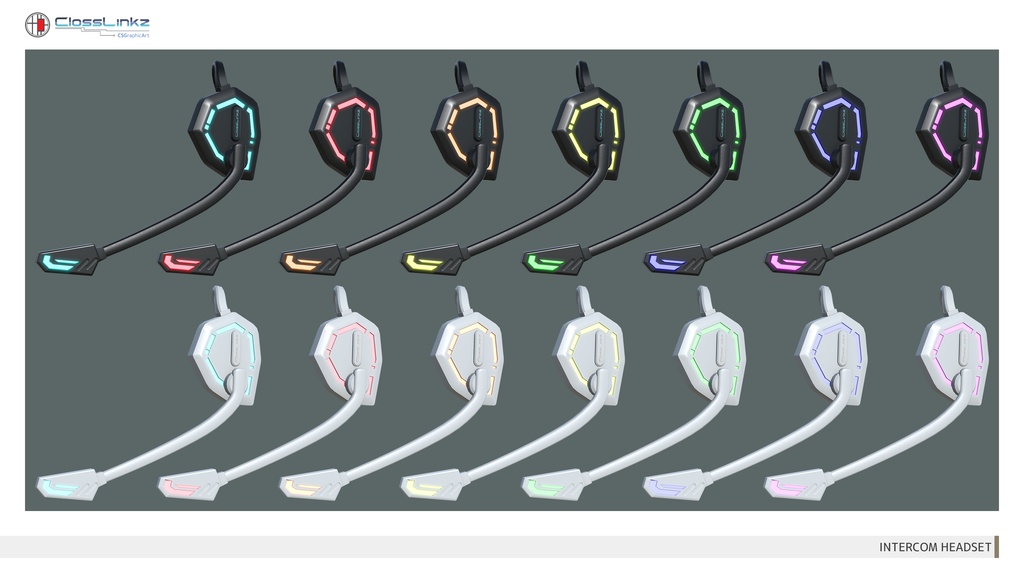
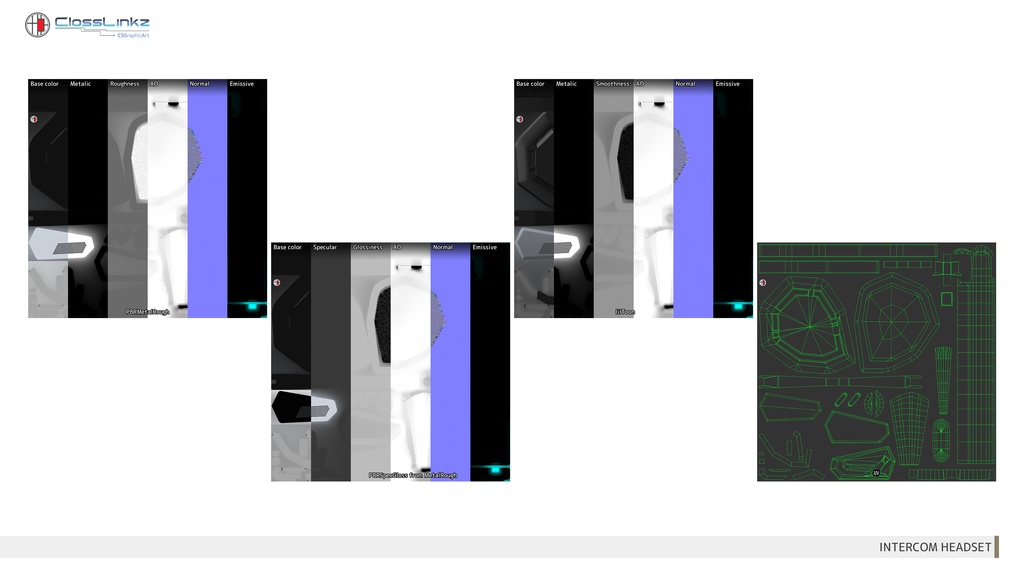


耳に掛けるタイプのインターカムヘッドセットです。 シーンを選ばずに使えるシンプルデザインで、ゲーム制作・VRChatアバター等、幅広い用途でお使いいただけます。 ◆ 本体2種、発光7種類のテクスチャカラーバリエーション ◆ 本体のカラーと、デバイス特有の発光色を自由に組み合わせ可能。アバターの雰囲気に合わせたカスタマイズが可能です。 ◆ 明滅アニメーション付属 ◆ 本体の一部がリズム良く発光するアニメーションを設定済みです。 サイバー・近未来的な演出として、アバターのアクセントに最適です。 ◆ シェーダーについて ◆ 本モデルは、使用するシェーダーの特性に合わせて見た目と制御の調整を行っています。 ・lilToon版 (VRChat推奨): シェーダー側のエミッション点滅機能を使用。VRChatのライティング環境で綺麗に見えるよう最適化しています。 ・PBR版 (Standard): アニメーションコントローラーによる汎用的な点滅制御。テクスチャ本来の質感を活かした標準的な設定です。 ※シェーダーの仕様上、PBR版とlilToon版では発光の質感や見た目に若干の差異が生じます。ご使用の環境に合わせて最適なセットアップをご選択ください。 ◆ ご注意:VRoidユーザーの方へ ◆ VRoidの着せ替え機能を使用してVRMをエクスポートすると、Unity側で設定している「明滅のアニメーション」が無効になります。あらかじめご了承ください。 This is an ear-hook type intercom headset. With its simple design suitable for any scene, it can be used for various purposes such as game development and VRChat avatars. ◆ 2 Body Colors & 7 Emissive Texture Color Variations ◆ The body texture and device-specific emission colors can be freely combined. Enjoy customizing it to match your avatar's atmosphere. ◆ Blinking Animation Included ◆ Features a pre-set animation where specific parts of the headset light up rhythmically. Perfect as a cybernetic or futuristic accent for your avatar. ◆ About Shaders ◆ The visual appearance and control methods have been optimized according to the characteristics of each shader. lilToon version (Recommended for VRChat): Uses the shader's built-in emission blinking function. Optimized for the best appearance in VRChat lighting environments. PBR version (Standard): Uses a general-purpose Animation Controller for blinking. A standard setup that preserves the original texture values. *Please note: Due to shader specifications, there may be slight differences in the visual appearance and glow between the PBR and lilToon versions. Please choose the setup that best fits your environment. ◆ Note for VRoid Users ◆ Please be aware that exporting a VRM using the VRoid "Change Outfit" (Closet) feature will disable the "Blinking Animation" configured in Unity.
📌利用規約 / Terms of use
ご購入前に必ず以下のリンクよりご確認いただき、ご理解・承諾いただいた上でダウンロードしてください。 Please make sure to check out the link below before purchasing. And download after understanding and consenting. https://docs.google.com/document/d/1fbP6khD485-9c_riIAyNee_5lEkE2pN_9J7RxUiEFUo/edit?usp=sharing
📌 XWearについて / About XWear
本商品は、VRoid Studioの「クローゼット機能」に対応しています。 ・ .xwear ファイルはZIPアーカイブには含まれていません。 ・ 購入ページのダウンロード一覧から、.xwear ファイルを個別にダウンロードしてください。 ・ または、VRoid Studioの着せ替え機能で「クローゼット」を開き、「BOOTHライブラリ」から直接インポートすることもできます。 This product supports the VRoid Studio "Closet" feature. ・ The `.xwear` file is not included in the ZIP archive. ・ Please download the `.xwear` file separately from your BOOTH purchase page. ・ Alternatively, in VRoid Studio's Dress-up Feature, open "Closet" and import the item directly from your "BOOTH Library".
📌データ内容 / Data contents
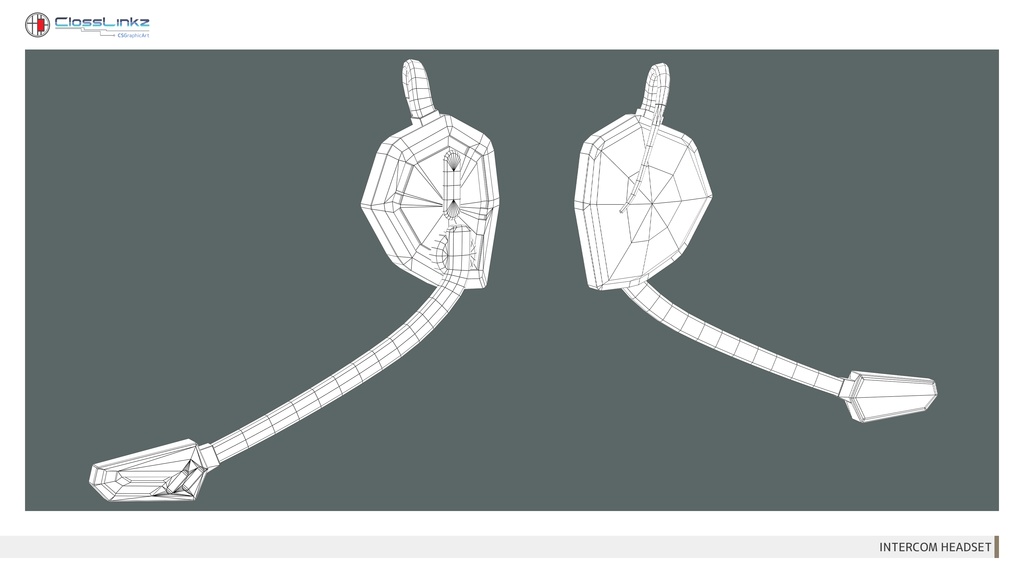
●ポリゴン数 / Polygons : 1,763 tris ●テクスチャサイズ / Texture size : 2048×2048 pixels ●ファイルフォーマット / File formats : Maya2023 ( .ma, .mb ), Unity2022.3.22f1 (.unitypackage), .fbx, .xwear ●テクスチャフォーマット / Texture formats : .png, .tga ( PBR - PBR MetalRough / PBR SpecGloss from MetalRough、 NormalMap - OpenGL / DirectX) ●シェーダー及びマテリアル / Shaders and Materials : 〇.ma, .mb - PBR -PBRStingrayPBS, lilToon - Lambert 〇.unitypackage - Standard / lilToon 〇.xwear - lilToon [備考] ※.unitypackageのPBR/Smoothnessテクスチャーのみ.tgaを使用。 ※ファイルパスは適宜ご変更下さい。 [Notes] *Use .tga only for PBR/Smoothness texture in .unitypackage. *Change file paths as you need.
📌装着方法 / How to Attach
キャラクターモデルに装着する場合は、以下のいずれかの方法で設定してください。 ・頭部のボーン に直接親子付けする ・ウェイトをアサイン する サイズ調整はスケールを変更して対応できます。 When attaching to a character model, use one of the following methods. ・Directly parent to the head bone. ・Assign weights to the head bone. Size adjustment can be handled by changing the scale.
📌使用シェーダー / Shaders used
「lilLab / lil様」- lilToon https://lilxyzw.booth.pm/items/3087170 UnityへのlilToonのインストールはご自身でお願いいたします。 Please install lilToon on Unity as you need.
📌更新履歴 / Update history
●2026/03/25 カラーバリエーション(本体1色 / 発光6色)追加 lilToon(.unitypackage)のパラメーター及びテクスチャ構成を変更 Added color variations (1 Base body color / 6 Emission colors). Modified lilToon(.unitypackage) parameters and texture configurations.

