

Suzukaze Kuruta - VRChat Men's Clothing / CP46
- Hanka CompatibleDigital1,500 JPY
- Shizune CompatibleDigital1,500 JPY
- Full Pack: ALL INCLUDED!Digital2,700 JPY
- Turanari (Tinmeshitei Body) CompatibleDigital1,500 JPY
- Bokusei (PlusHead Body) CompatibleDigital1,500 JPY
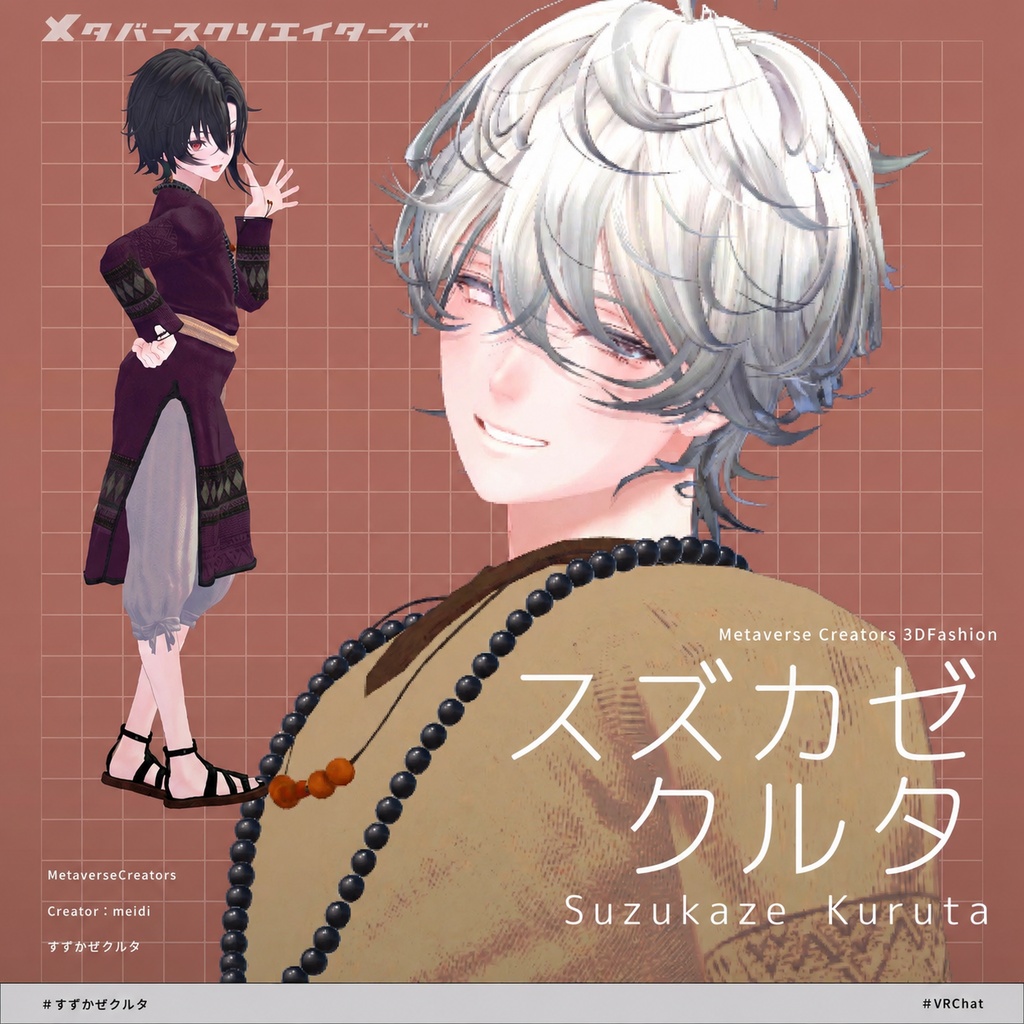
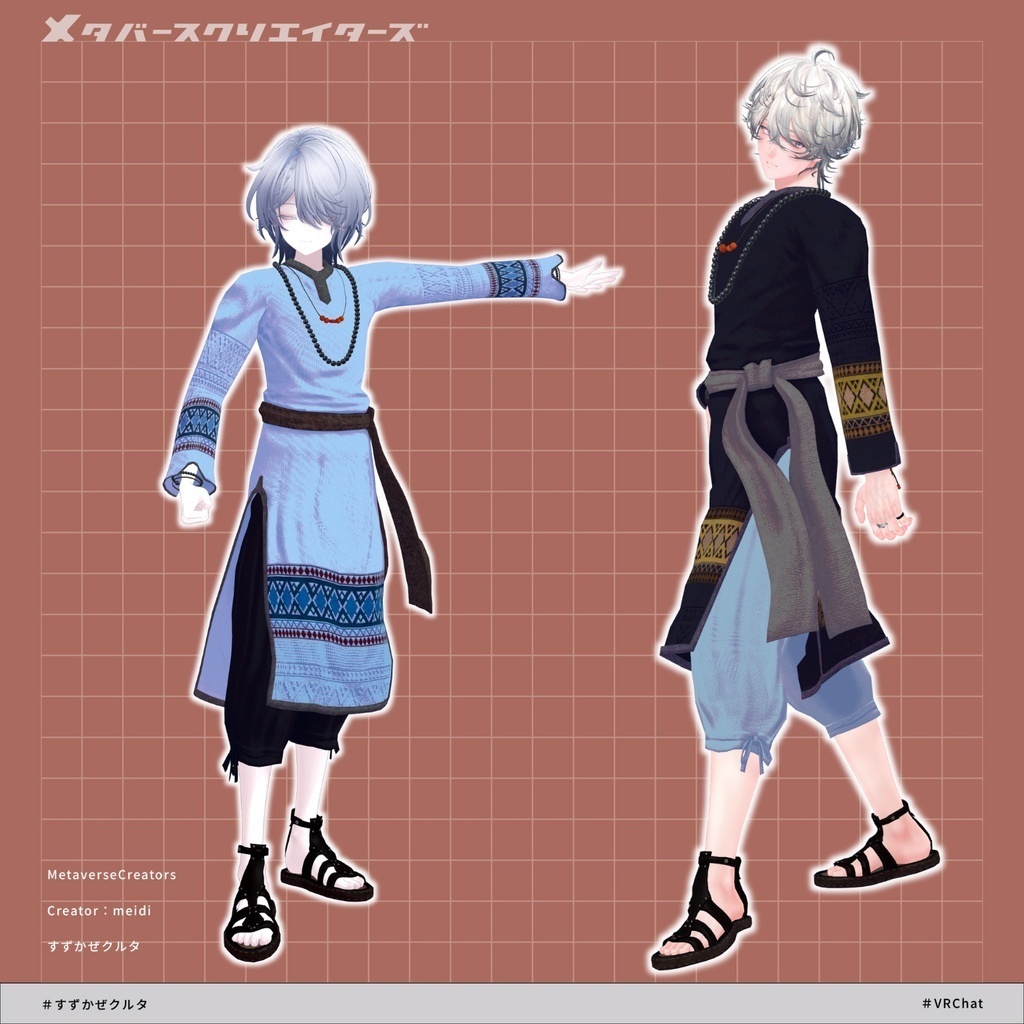
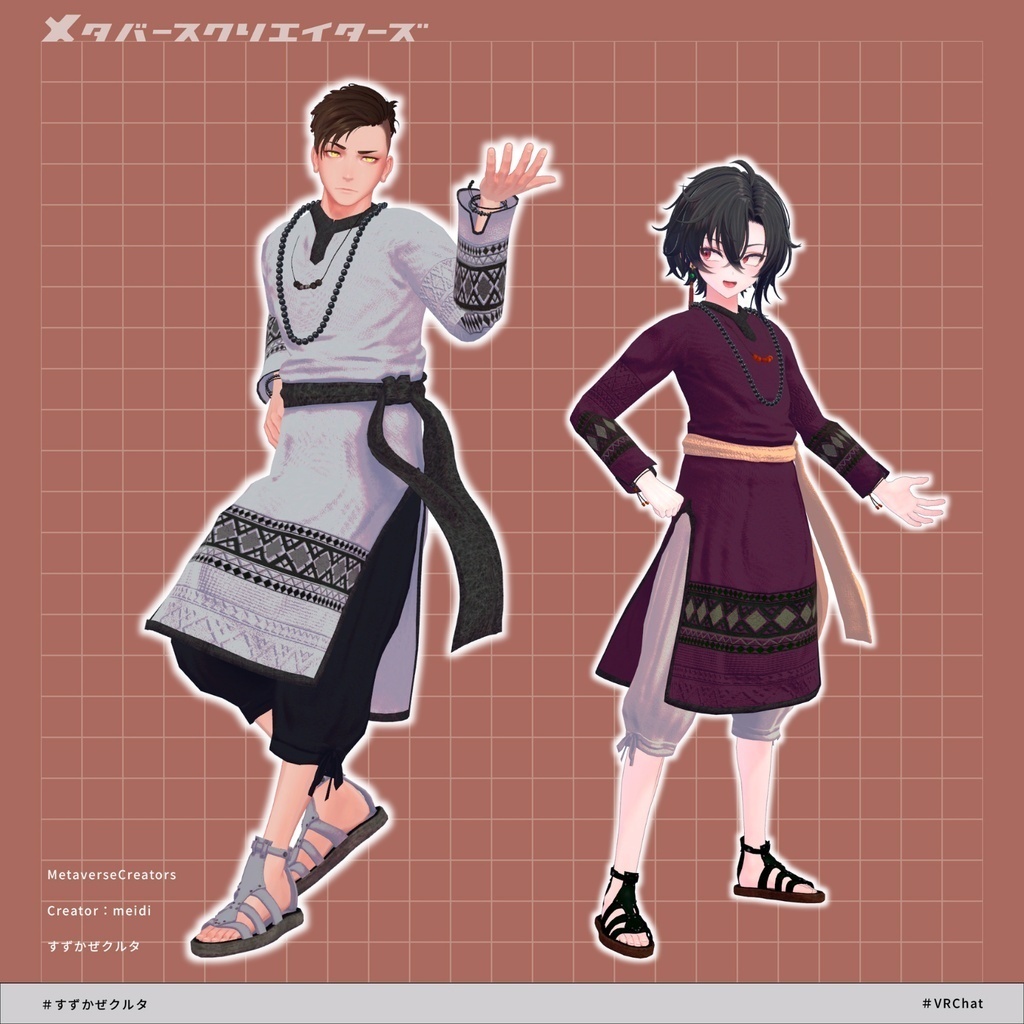
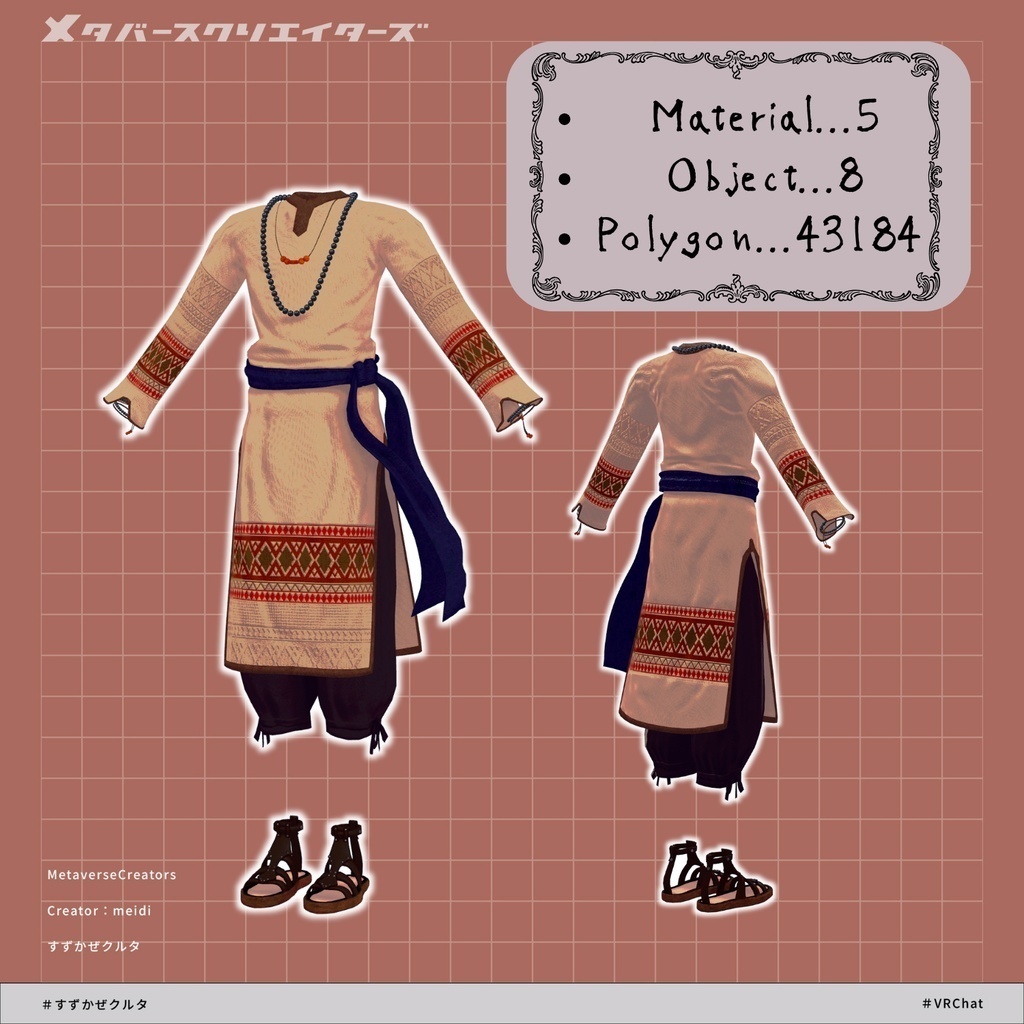
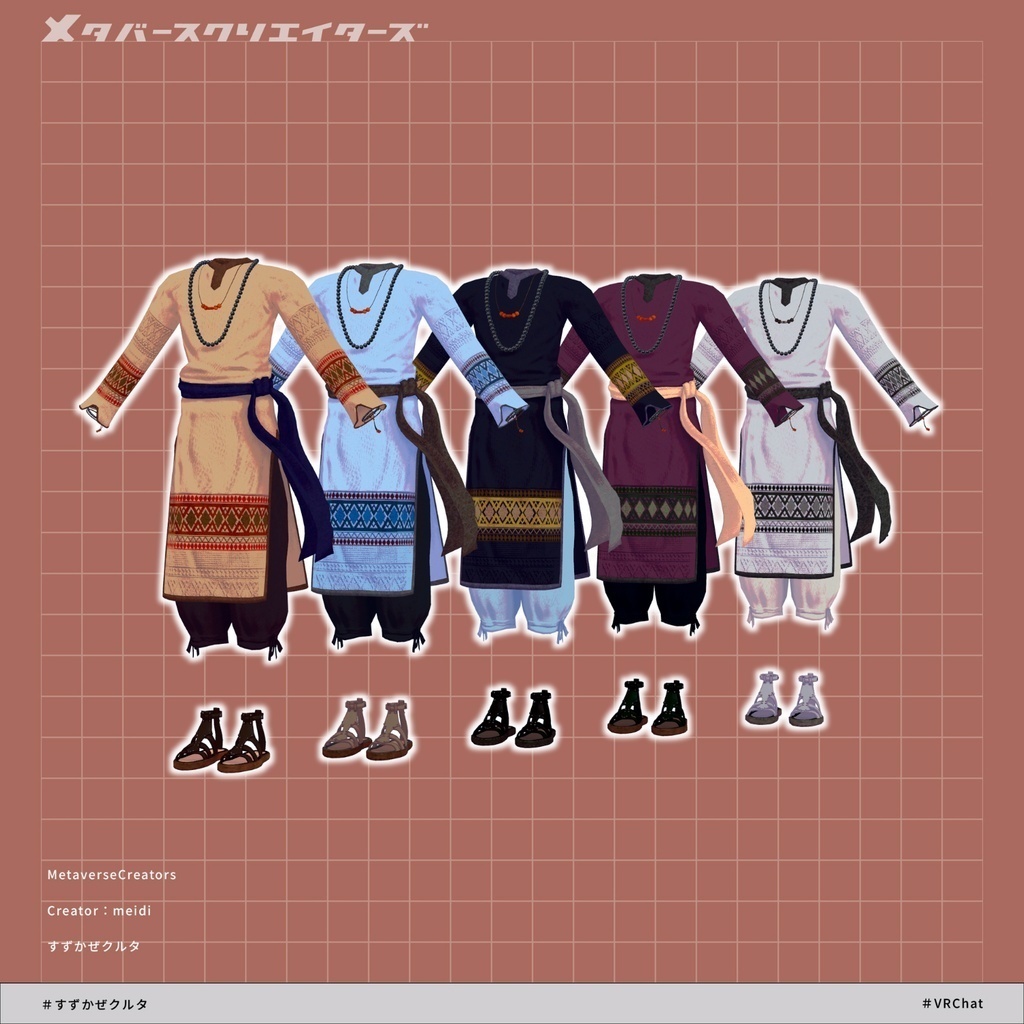


◆ Suzukaze Kuruta ◆ Creator: meidi (Spices) It arrives together with a cool breeze, dressed in ethnic-style clothing. It carries an exotic atmosphere and a somewhat mysterious feeling. Who is that person talking about a faraway country? ※ This product is an outfit model for avatars. Avatar base data is not included. ※ Due to the nature of downloadable products, returns and refunds are not possible. Please review and agree to the product description and terms of use before purchasing. ◆ Item Overview ● Contents SuzukazeKhuruta.Unitypackage ReadMe.txt (text file) Shader used: lilToon https://lilxyzw.booth.pm/items/3087170 Required assets: Modular Avatar https://modular-avatar.nadena.dev/ja/docs/intro ● Model Data Polygon count: Total 43,184 polygons ├ Tops: 5,054 polygons ├ Bottoms: 3,536 polygons ├ Bracelet 1: 9,216 polygons ├ Bracelet 2: 3,324 polygons ├ Necklace 1: 1,194 polygons ├ Necklace 2: 8,960 polygons ├ Obi (sash): 2,640 polygons └ Sandals: 9,260 polygons Mesh count: 8 Material count: 5 PhysBone components: 8 Import folder: Assets > MetaverseCreators_CP > Spices > SuzukazeKhurta ◆ Supported avatars Original 3D Model “Hanka” https://booth.pm/ja/items/6970249 Original 3D Model “Shizune” #Shizune3D https://booth.pm/ja/items/7684873 Original 3D Model “Shachiku no Rense-san” (Chinfantei common body) https://booth.pm/ja/items/5498540 Original 3D Model “Bokusē” (PlusHead body) https://booth.pm/ja/items/5727810 ※ When wearing the outfit, shape keys are used to hide parts of the base body (making it appear like a stick figure). ● Shape key overview There is a shape key that hides the waist string on the bottoms. Please use it when combining with other outfits. Hanka: himo Shizune: himo Chinfantei common body: himo PlusHead: himo ◆ Installation steps Set up the latest version of VRC SDK in VCC Install required assets in VCC (lilToon, Modular Avatar) Import the latest avatar base package(s) Import this package Drag and drop the avatar (or outfit prefab for customization) into the Scene Hierarchy Hide or set to “Editor Only” any unnecessary default clothing/underwear if needed Drag and drop “SuzukazeKhuruta_[AvatarName].Prefab” under the avatar Upload via VRC SDK ※ This outfit uses Modular Avatar’s “MA Shape Changer” feature. When the outfit prefab is placed under the avatar, it automatically enables body shape keys, slimming the body or hiding mesh parts to prevent clipping between the outfit and base body. If you do not need the MA Shape Changer settings, you may remove them as desired. ※ For PlusHead-compatible MA Shape Changer: on some avatars, the body mesh name may differ (this asset assumes the mesh name “PlusHead”), which may prevent it from working correctly. In that case, you may need to rename the mesh or manually adjust shape keys. ※ If any part of the body becomes unintentionally slim after setup, reset the corresponding shape key to 0 and check the visible base body state. ◆ Color customization Replace materials in the Common > Material folder with the desired color variation materials. ◆ Terms of use https://drive.google.com/drive/folders/1qRMXoIxM1ZgacBPfwOigQRtXP1vCbNMn?usp=sharing ※ Please follow the terms of the original avatar as well. ◆ Production environment Modeling: Blender v4.5.7 Textures: Substance 3D Painter 2022 Setup: Unity 2022.3.22f1 VRChat SDK - Avatars v3.7.6 (VCC) lilToon 2.3.2 Modular Avatar 1.16.2 ◆ Credits Creator: meidi https://x.com/MeidiPega7748 https://meidi.booth.pm/ (personal BOOTH) Support: https://discord.gg/bmw3PWE37M