

RuM - VRChat Women's Clothing / CP48
- Manuka CompatibleDigital1,000 JPY
- Full Pack: ALL INCLUDED!Digital1,500 JPY
- Shinano CompatibleDigital1,000 JPY
- Lapwing CompatibleDigital1,000 JPY
- Lasyusha CompatibleDigital1,000 JPY
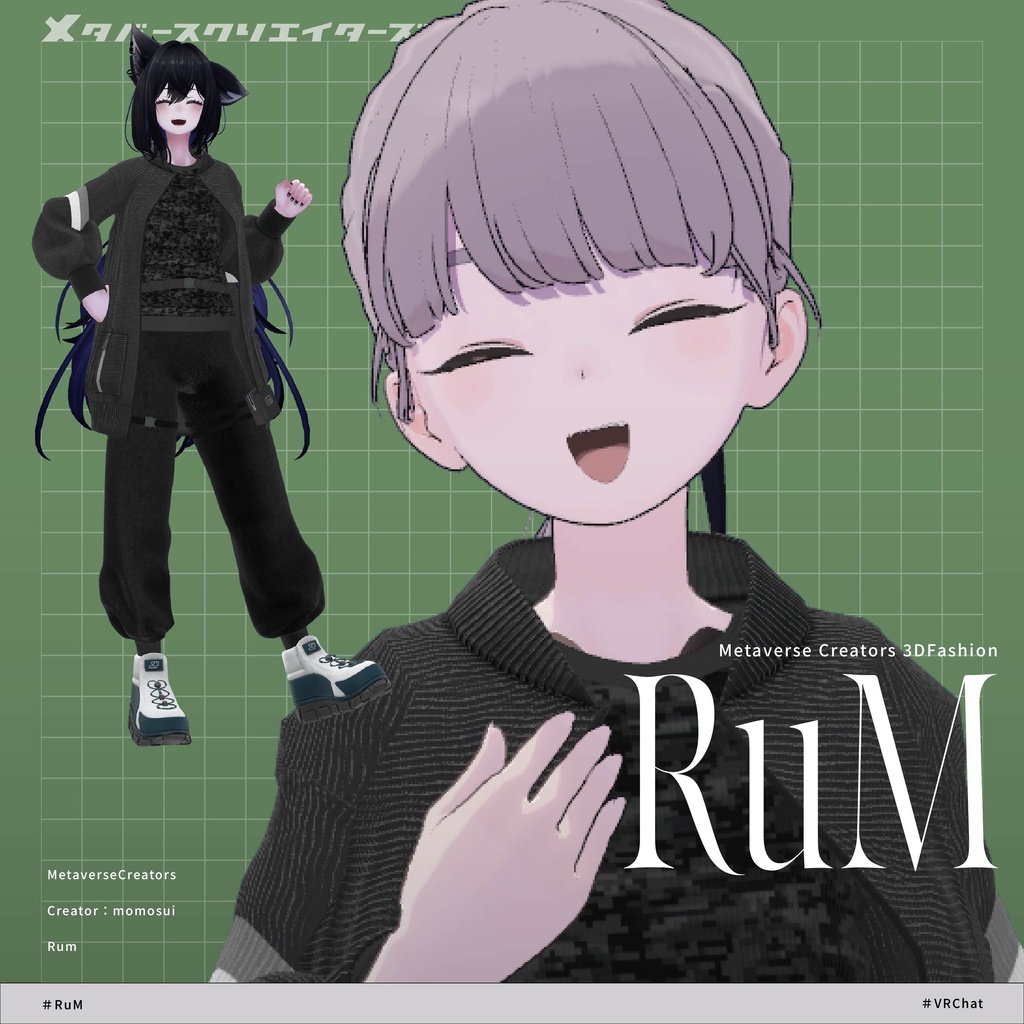
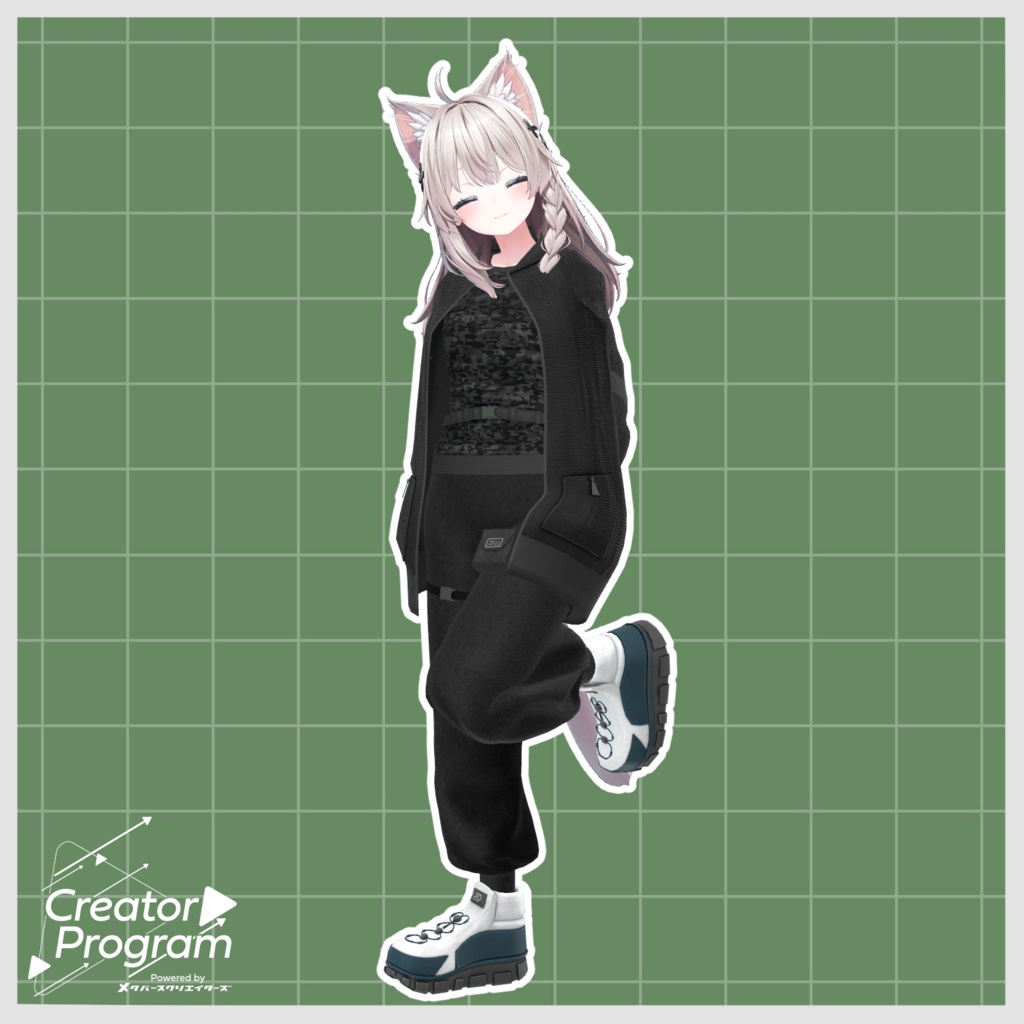
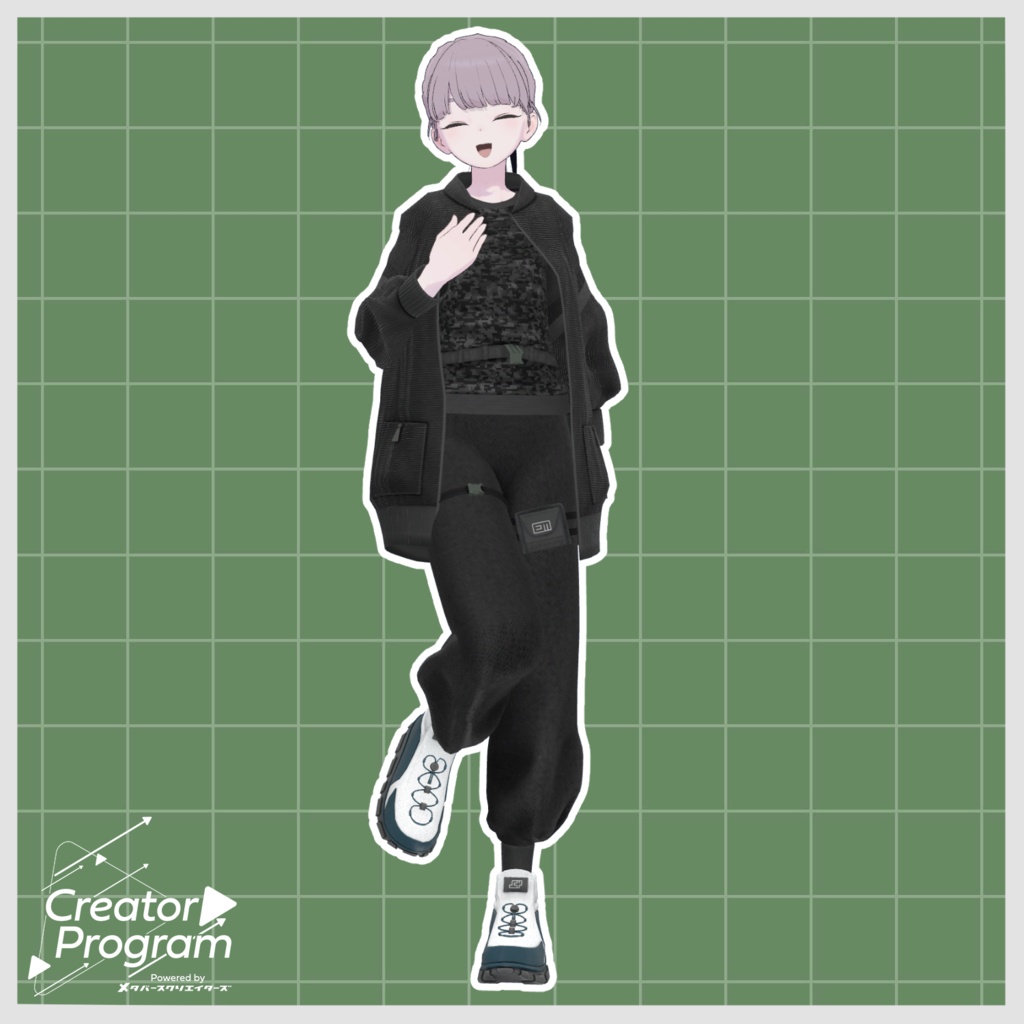
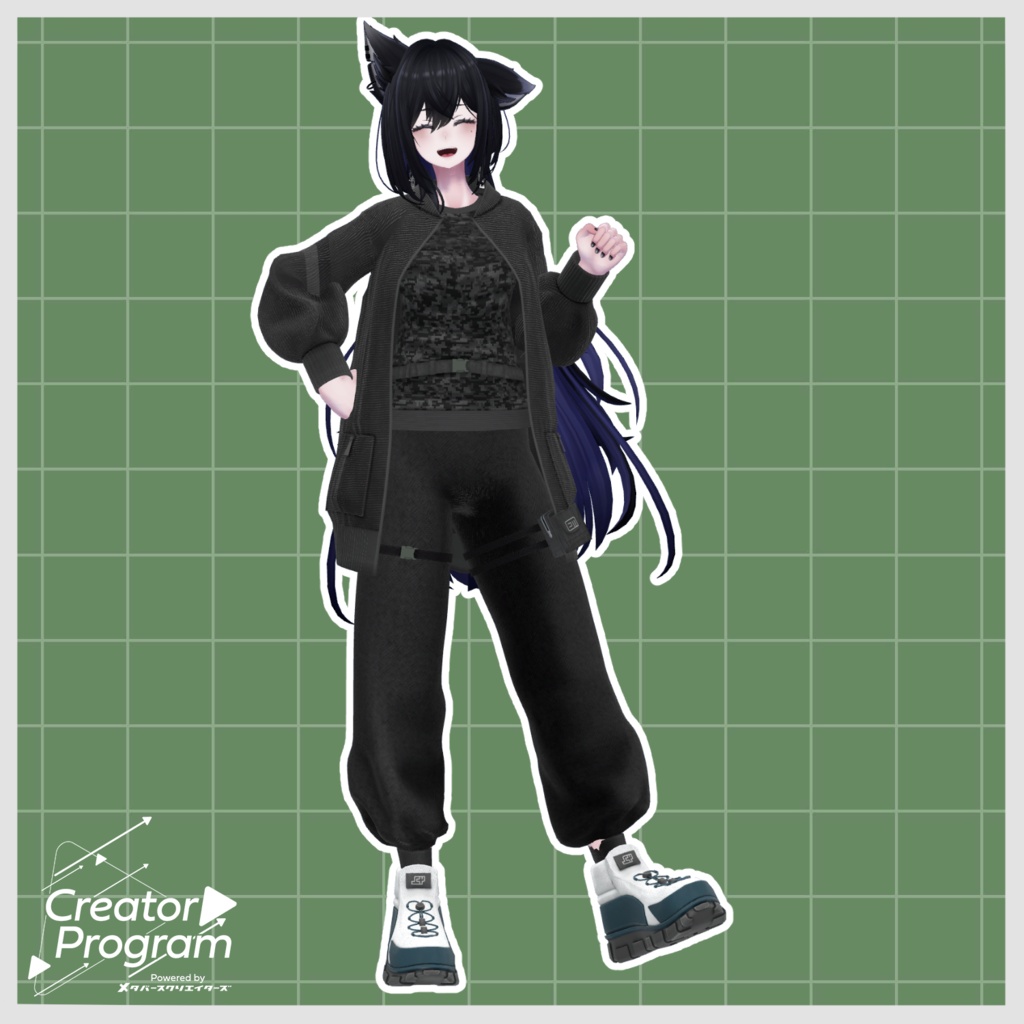
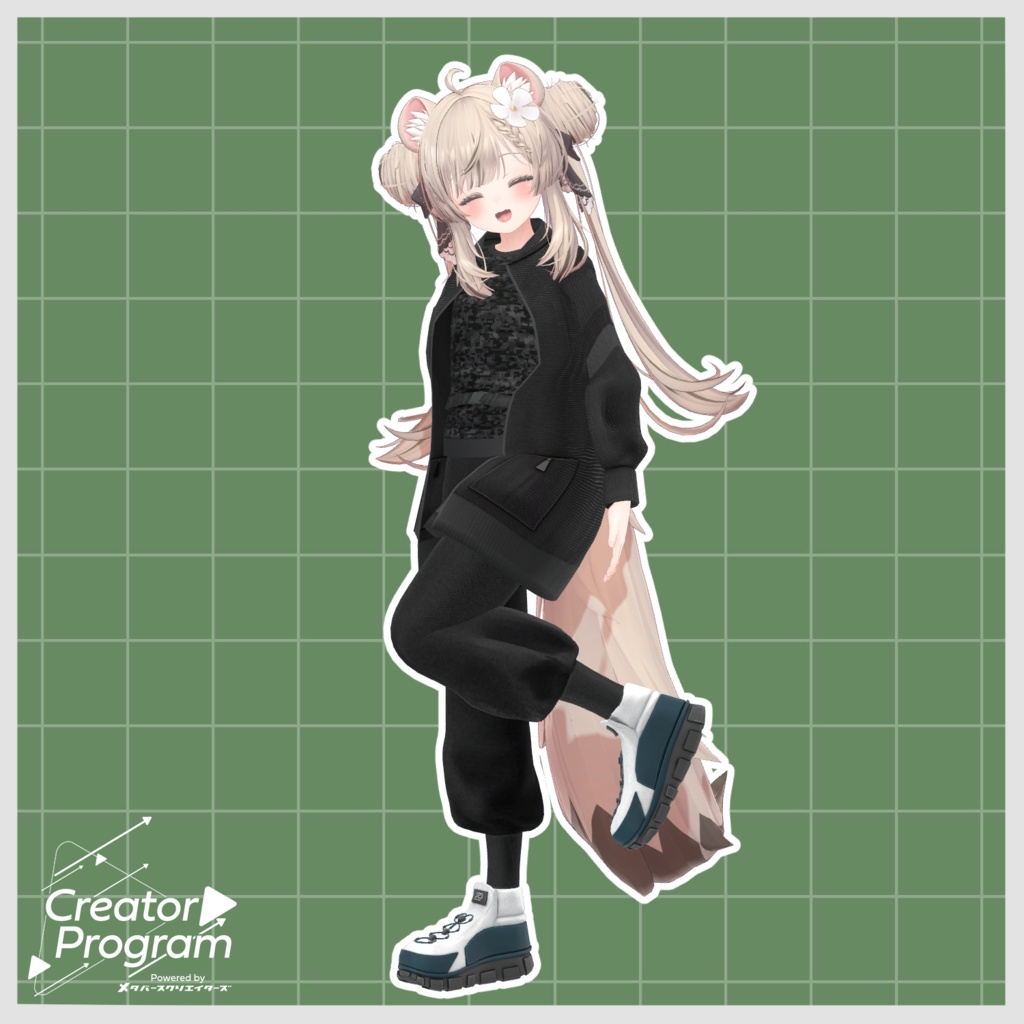
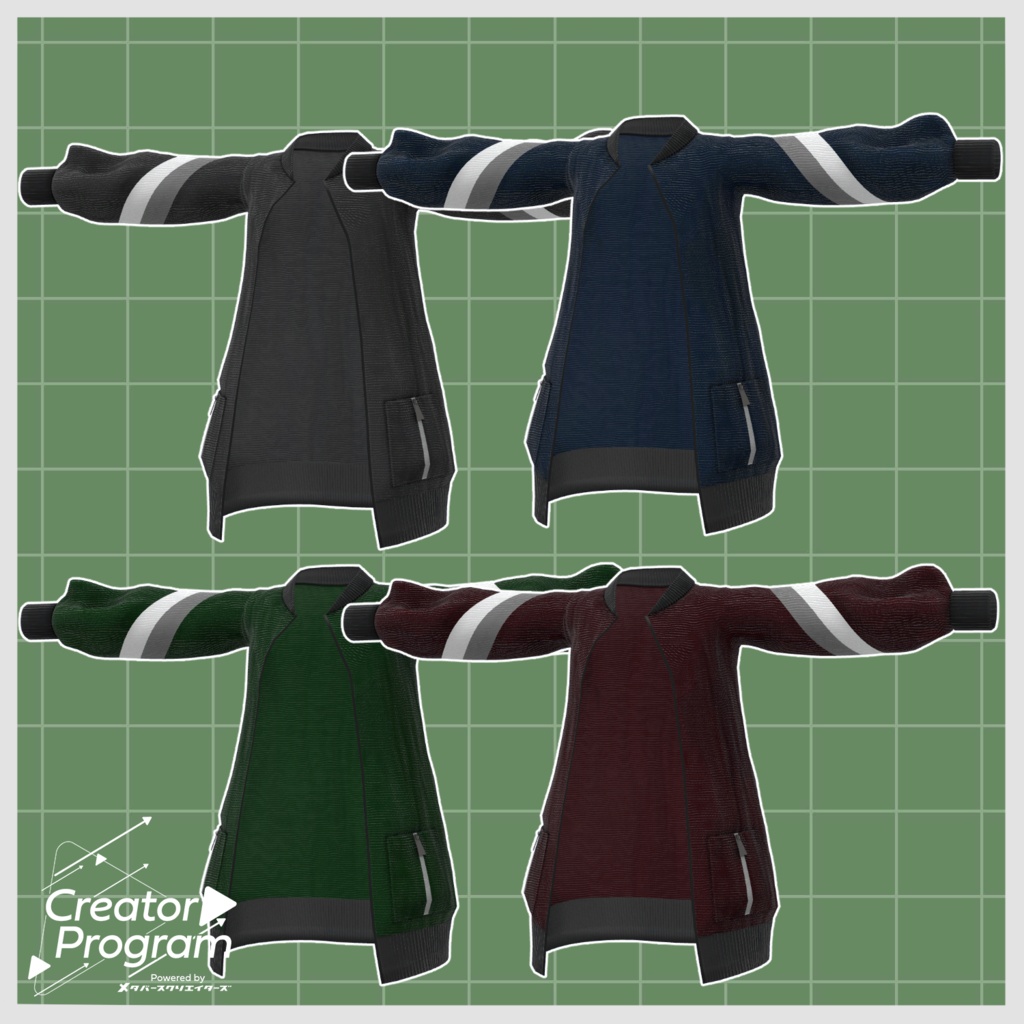
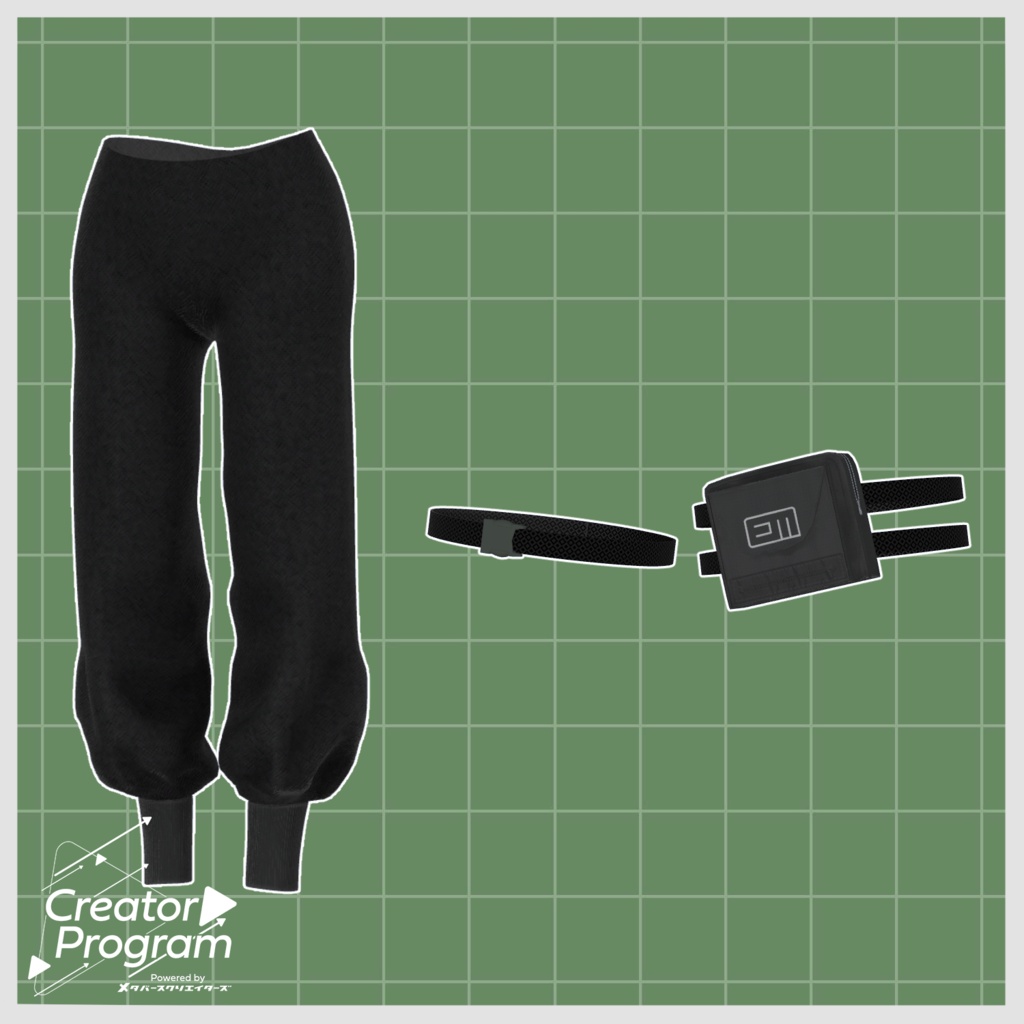
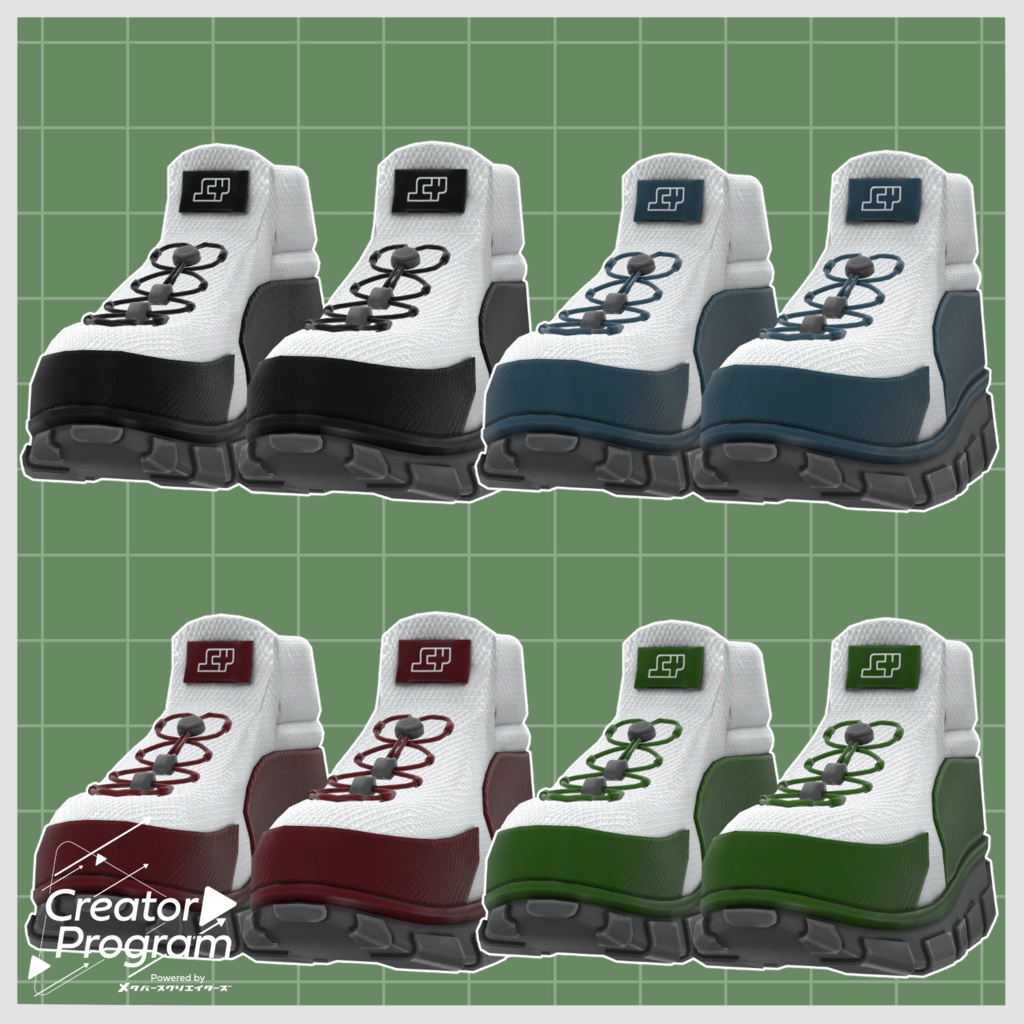
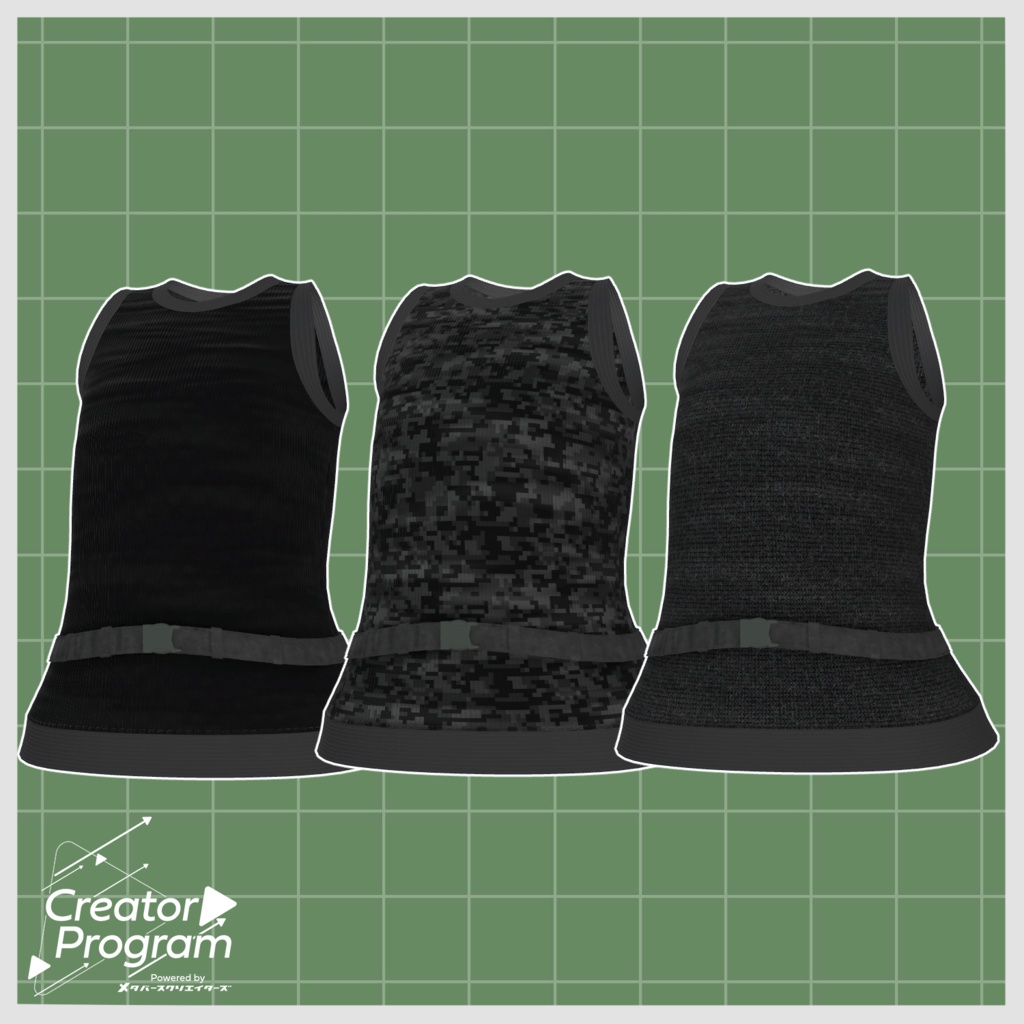


◆ RuM ◆ Creator: momosui This work was created under the theme of “gear for running.” While emphasizing ease of movement and functionality, military-inspired elements are subtly incorporated as a sub-theme. ※ This product is an outfit model for avatars. The avatar base data is not included. ※ Due to the nature of digital downloadable products, returns and refunds are not possible. Please review and agree to the product description and terms of use before purchasing. ◆ Item Overview ● Contents Unitypackage MetaverseCreators_CP momosui RuM Common Material TEX For_Lapwing FBX Prefab For_Manuka FBX Prefab For_Lasyusha FBX Prefab For_Shinano FBX Prefab ReadMe.txt (text) Shader used: lilToon https://lilxyzw.booth.pm/items/3087170 Required assets: Modular Avatar https://modular-avatar.nadena.dev/ja/docs/intro ● Model Data Total polygon count: 39,645 polygons Jacket: 8,402 Tank top: 4,064 Left leg accessory: 1,603 Right leg accessory: 1,036 Bottoms: 13,248 Shoes: 11,292 Mesh count: 6 Material count: 4 PhysBone components: 0 Import folder: Assets > MetaverseCreators_CP > momosui > RuM ◆ Supported Avatars Original 3D Model “Manuka” ver. 1.02 https://booth.pm/ja/items/5058077 Original 3D Model “Shinano” https://booth.pm/ja/items/6106863 Lapwing https://booth.pm/ja/items/4993931 Original 3D Model “Lasyusha” https://booth.pm/ja/items/4825073 ※ When wearing the outfit, shape keys are used to hide parts of the base body (making it appear stick-like). ● Shape Key Overview Shinano: Breast_big (jacket, tank top) Manuka: Breast_big (jacket, tank top) Lapwing: chest_flat (tank top) Lasyusha: Breast_On, Breast_big (jacket, tank top) ◆ Installation Instructions Set up the latest VRChat SDK in VCC Install required assets in VCC (lilToon, Modular Avatar) Import the latest package for each avatar Import this product’s package Drag and drop the avatar (or clothing prefab for customization) into the Scene Hierarchy Hide or set to Editor Only any unnecessary avatar clothing (default outfits, underwear, etc.) Drag and drop “ClothingName_AvatarName.Prefab” under the avatar Upload using the VRChat SDK ※ This outfit uses Modular Avatar’s “MA Shape Changer” feature. When the outfit is placed under the avatar, it automatically enables body shape keys, making the body thinner or hiding mesh parts affected by shape keys. This allows the outfit and body to fit without clipping. If you do not need the included MA Shape Changer settings, you may remove them. ※ If, after setup, parts of the body appear unintentionally thin, reset the relevant shape keys to 0 and confirm the base body is visible. ◆ Color Customization Replace materials in the “Common > Material” folder with your desired color variations. ◆ Terms of Use https://drive.google.com/drive/folders/1qRMXoIxM1ZgacBPfwOigQRtXP1vCbNMn?usp=sharing ※ Please comply with the original avatar’s terms of use. ◆ Production Environment Modeling: Blender Ver. 4.4.3 Textures: Substance Painter Setup: Unity Ver. 2022.3.22f1 VRChat SDK - Avatars Ver. 3.7.6 (VCC) lilToon 2.3.2 Modular Avatar 1.16.2 ◆ Credits Creator: momosui X (Twitter): https://x.com/momosui49419531 BOOTH: https://momosui.booth.pm/ Support / Contact: https://discord.gg/bmw3PWE37M