

Shirushi Collector - VRChat Women's Clothing / CP46
- Full Pack: ALL INCLUDED!Digital1,800 JPY
- Azuki CompatibleDigital1,000 JPY
- Miminoko CompatibleDigital1,000 JPY
- Kipfel Compatible (MameFriends Body)Digital1,000 JPY
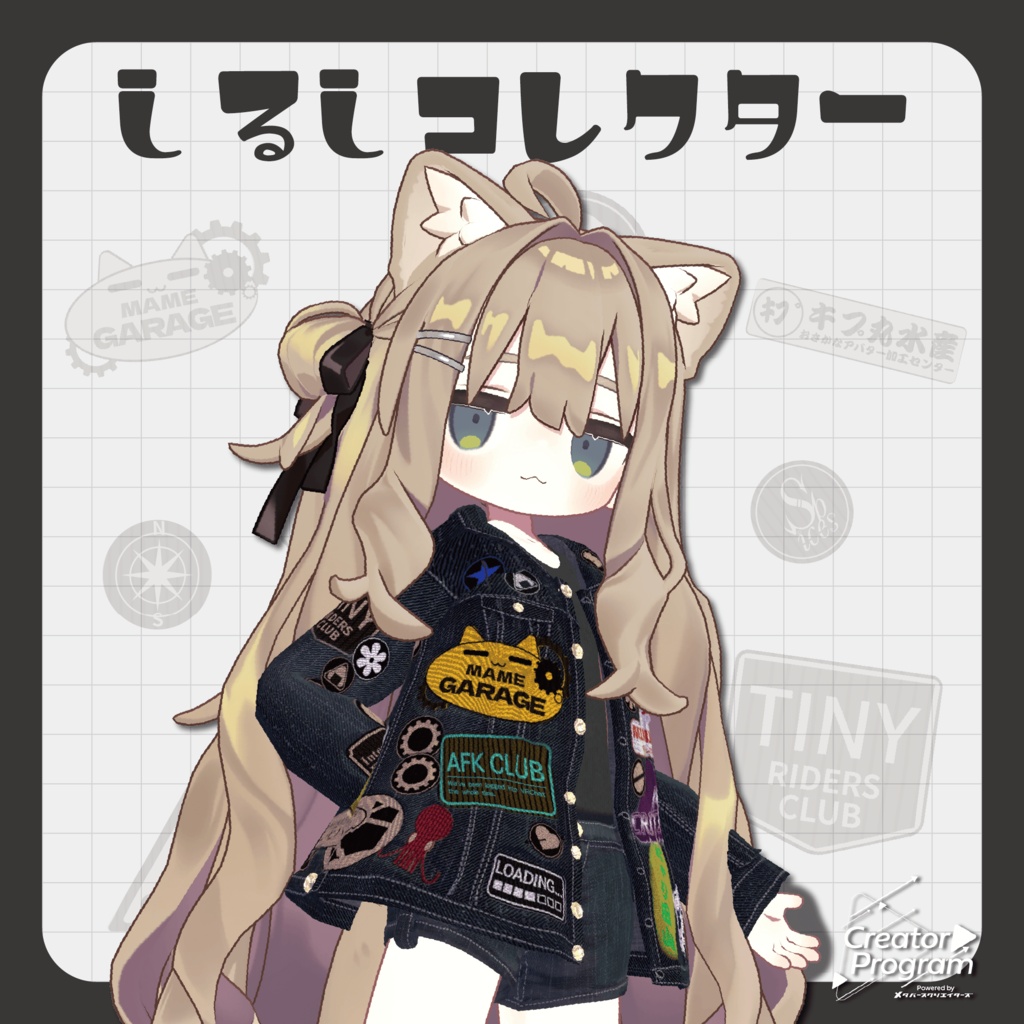
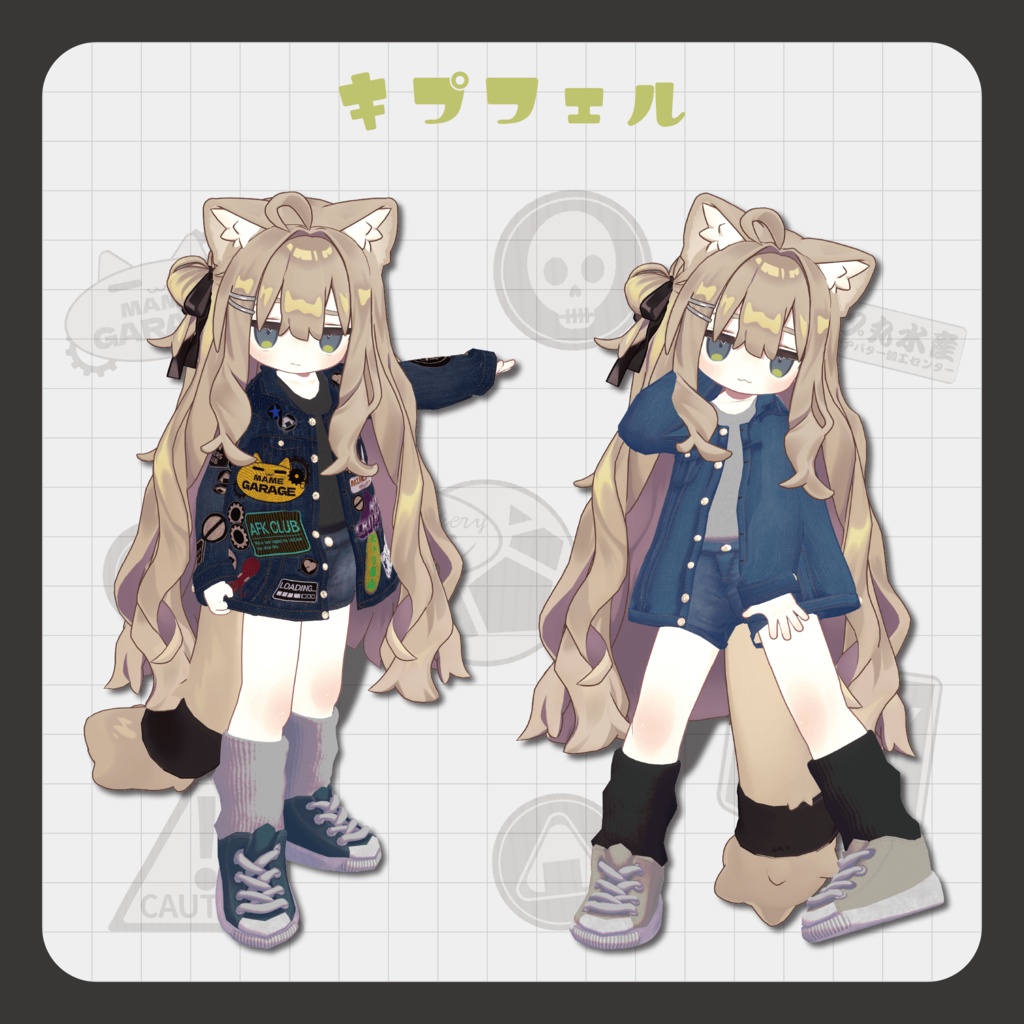
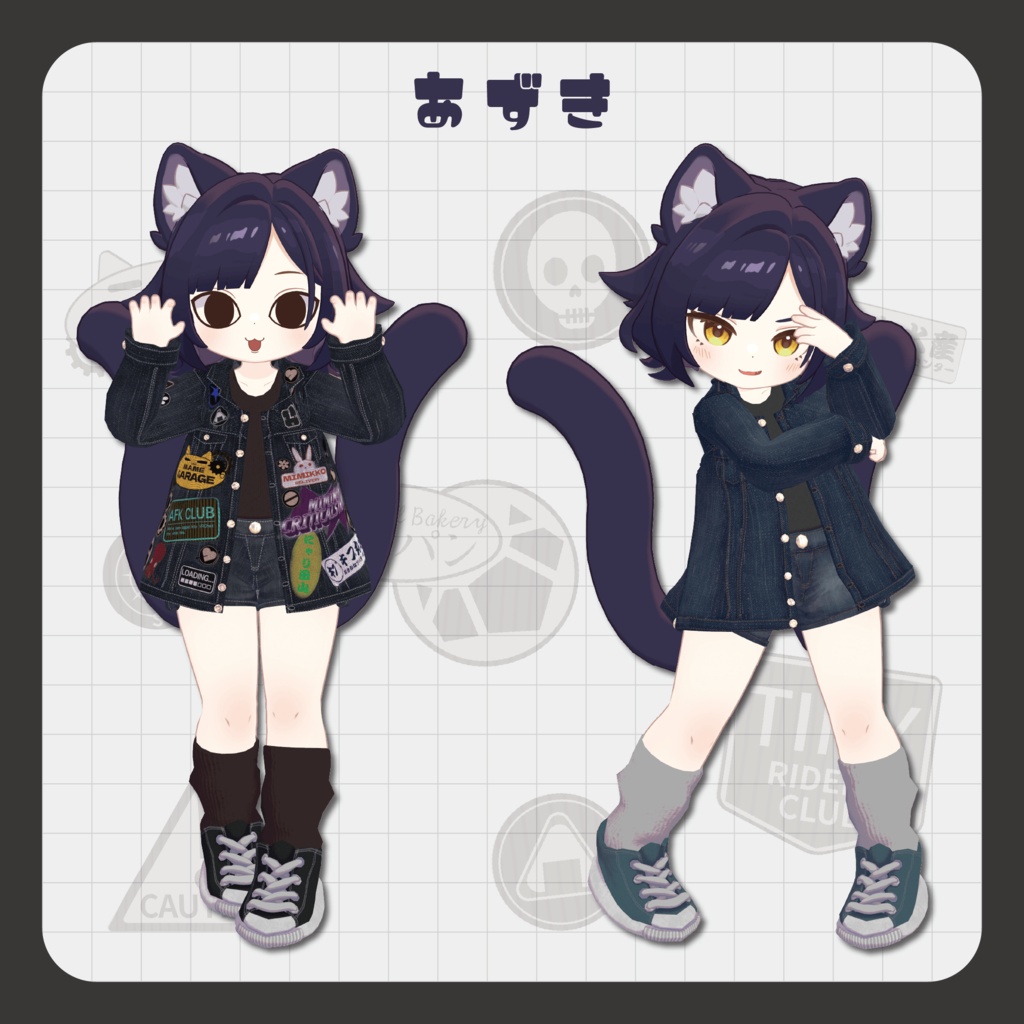
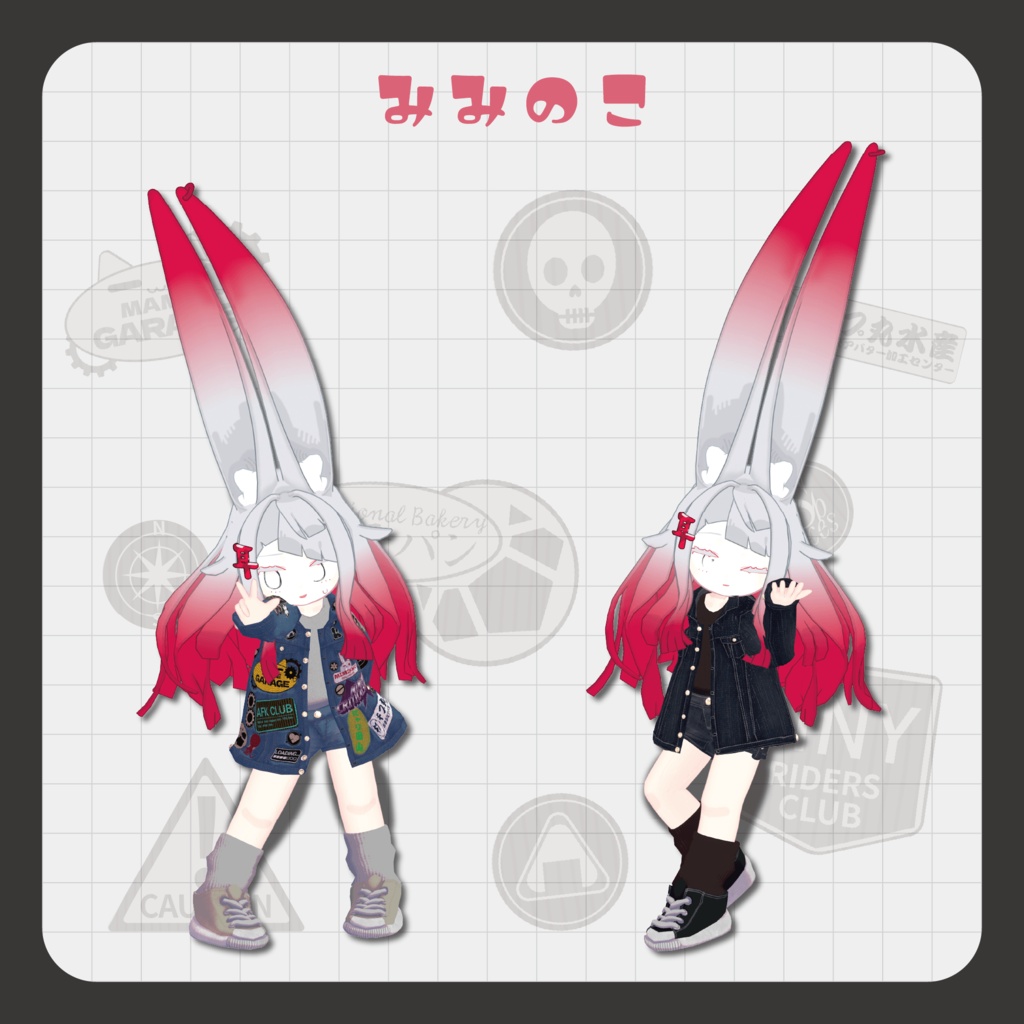
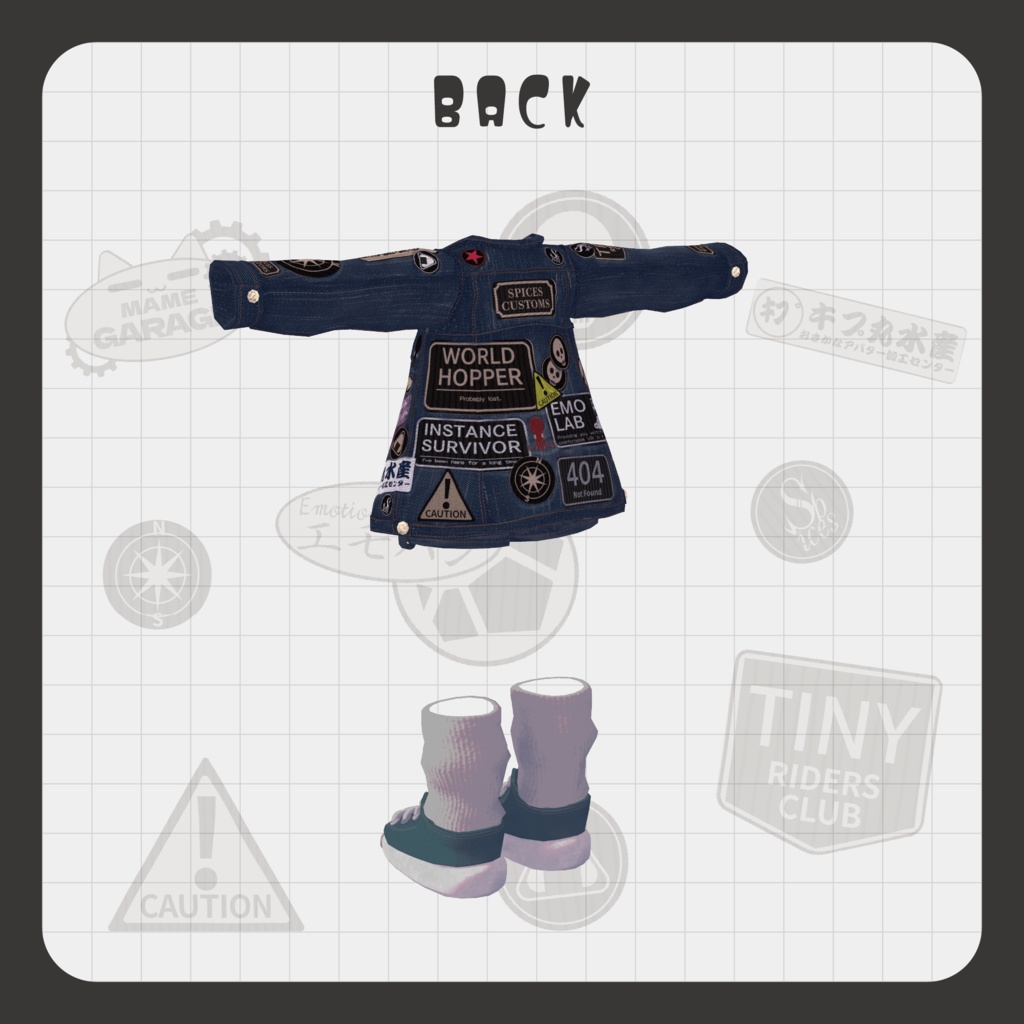
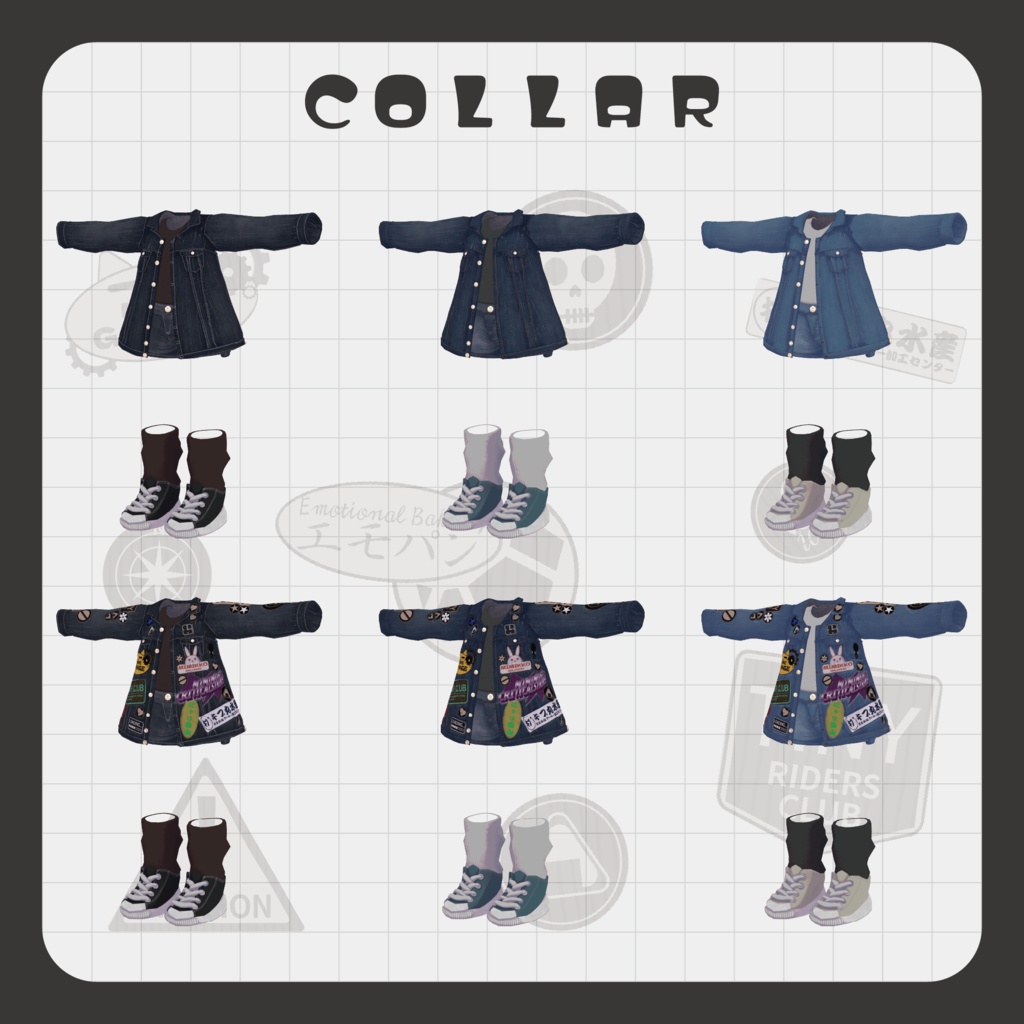


The worlds you visited, the friends you met, and the badges you earned. Collect the “marks” you discovered in the metaverse all over your jacket! Add patches and stickers to create a one-of-a-kind outfit that grows with your memories. Grayscale patch materials are included. ※ This product is an outfit model for avatars. Avatar base data is not included. ※ Due to the nature of digital downloads, returns and refunds are not available. Please read and agree to the product description and terms of use before purchasing. ◆ Item Overview ● Contents shirushi_collector.Unitypackage shirushi_collector_Material.Unitypackage PNG files PSD files PSS file ReadMe.txt (main document) Shader used lilToon https://lilxyzw.booth.pm/items/3087170 Required asset Modular Avatar https://modular-avatar.nadena.dev/ja/docs/intro ● Model Data Total polygon count: 24,814 polygons Jacket: 8,722 polygons Tanktop: 1,648 polygons Socks: 1,144 polygons Sneakers: 7,960 polygons Hotpants: 5,340 polygons Mesh count: 5 Material count: 3 PB components: 1 Import folder: Assets > MetaverseCreators_CP > Spices > shirushicollector ◆ Supported Avatars Original 3D Model “Azuki” https://emolab.booth.pm/items/6654988 MiminoKo - V2.0 (3D Model for VRChat) https://booth.pm/ja/items/6199796 Kipfel / Original 3D Model https://booth.pm/ja/items/5813187 ※ When wearing the outfit, body-hiding shape keys are used (the body becomes rod-like / simplified). ◆ Installation Steps Set up the latest VRChat SDK in VCC Install required assets (lilToon, Modular Avatar) via VCC Import the latest package of the avatar you want to dress Import this product’s material package Import the avatar-specific package for this product Drag and drop the avatar (or customization prefab) into the Scene Hierarchy Hide or set unnecessary avatar clothing (default outfits, underwear, etc.) to Editor Only if needed Drag and drop “OutfitName_AvatarName.Prefab” directly under the avatar Upload the avatar through VRChat SDK ※ This outfit uses Modular Avatar’s “MA Shape Changer” feature. When the outfit is placed under the avatar, the avatar body shape keys are automatically activated to slim the body, or mesh sections affected by the shape keys are hidden. This prevents clipping between the outfit and the avatar body. If you do not need the included “MA Shape Changer” settings, you may remove or adjust them as desired. ※ If any body parts become unintentionally thinner after setup, reset the relevant body shape keys to 0 and confirm the body is displayed correctly. ◆ Color Customization Replace the color variation materials located in: Common > Material You can also modify colors freely using the included PSD or CLIP files. ◆ Stickers and Patches This product includes customizable patch PNG materials. Add your favorite logos, symbols, or marks to create your own unique jacket design. Editing with Substance Painter (Recommended) Using Substance Painter or another 3D painting software allows you to freely place patches anywhere on the jacket. Steps: Import the FBX model Place PNG materials using the projection feature Export the texture Apply it in Unity Because the patches are projected directly onto the 3D model, you can place them without worrying about seams or UV boundaries. SPP data is also included. ◆ PSD Editing PSD data is included. However, this model uses highly detailed UV splitting, so placing patches across UV boundaries or seams may be difficult when editing only with image editing software. PSD editing is recommended for: Smaller patches Replacing existing patch placements ◆ lilToon Decal Feature You can also use lilToon’s decal feature to add simple patches directly in Unity. However, it is not suitable for placing many patches. For the full customization experience intended by this product, using Substance Painter is recommended. ◆ Terms of Use https://drive.google.com/drive/folders/1qRMXoIxM1ZgacBPfwOigQRtXP1vCbNMn?usp=sharing ※ Please comply with the original avatar’s terms of use. ◆ Production Environment Modeling: Blender Ver. 4.5.10 Texturing: Substance 3D Painter 2022 Setup: Unity Ver. 2022.3.22f1 VRChat SDK - Avatars Ver. 3.10.1 (VCC) lilToon 2.3.2 Modular Avatar 1.16.2 ◆ Credits Creator: meidi X: https://x.com/MeidiPega7748 BOOTH (personal store): https://meidi.booth.pm/ For inquiries and support, please contact via BOOTH messages.