
【OBS】参加型配信 待機列ツール|視聴者の順番待ちを配信画面に表示・クリックで次の人へ【わんコメ不要/7デザイン/背景透明】
- Digital500 JPY
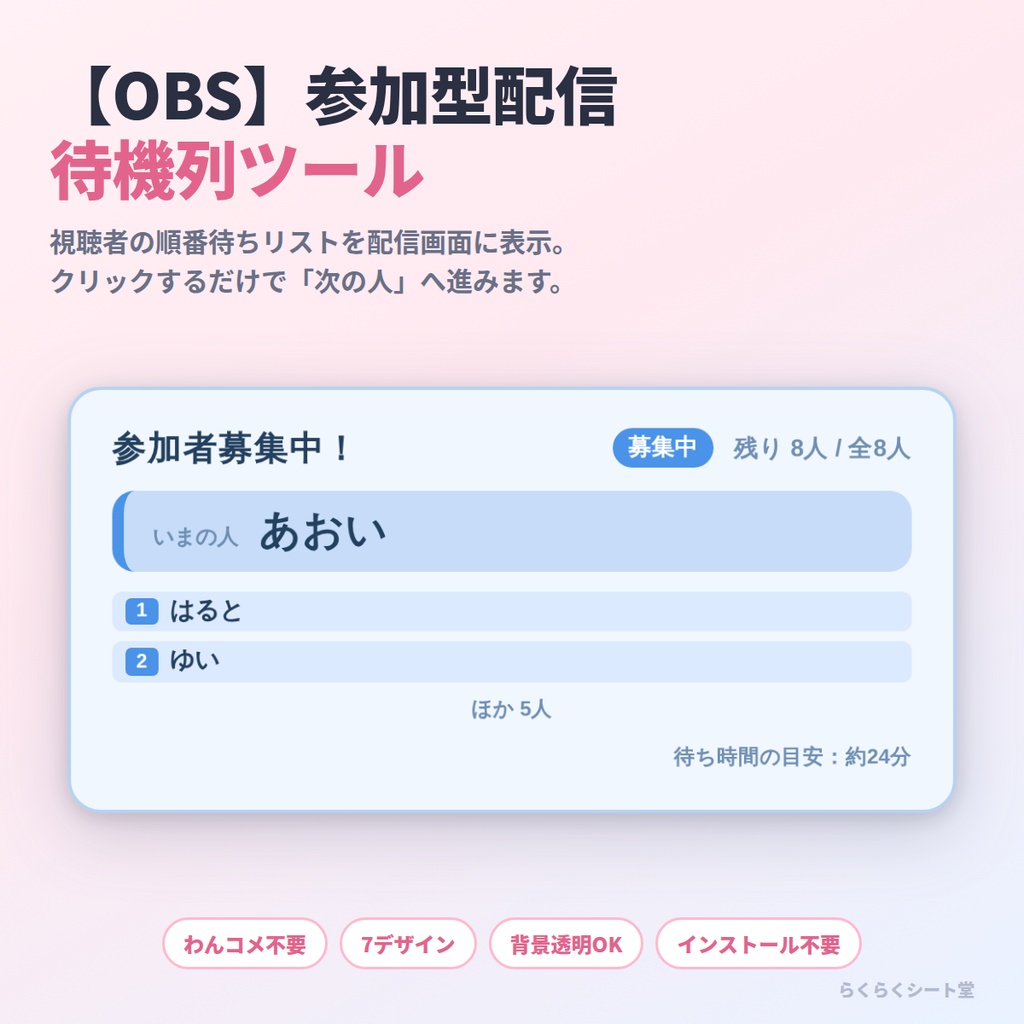
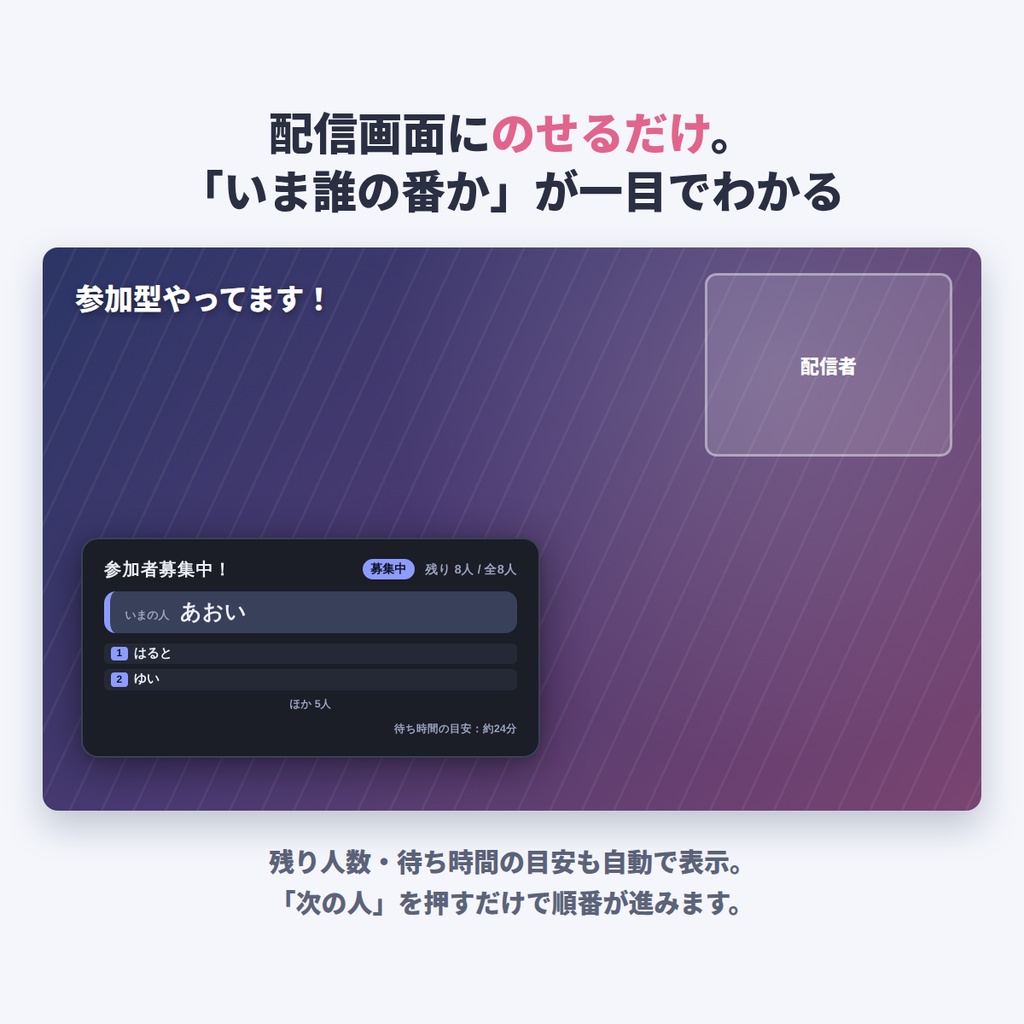
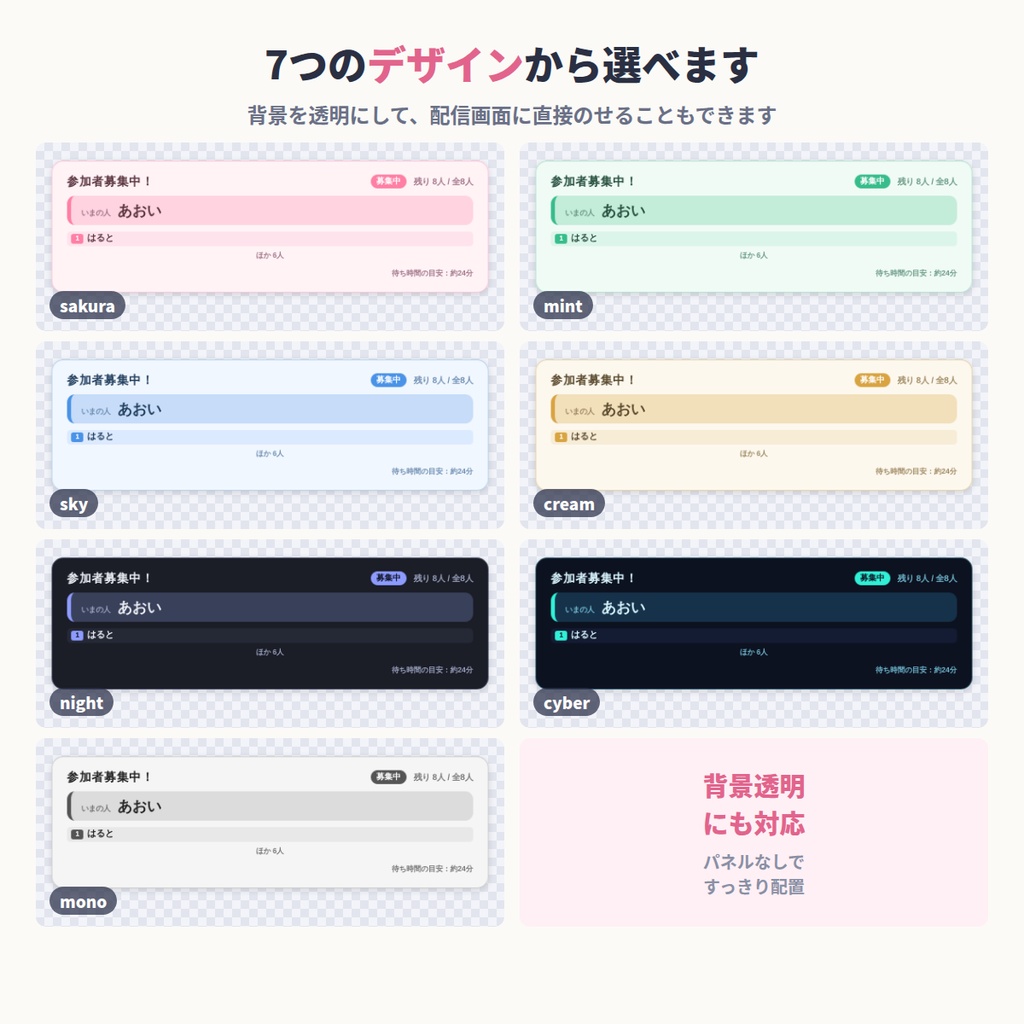
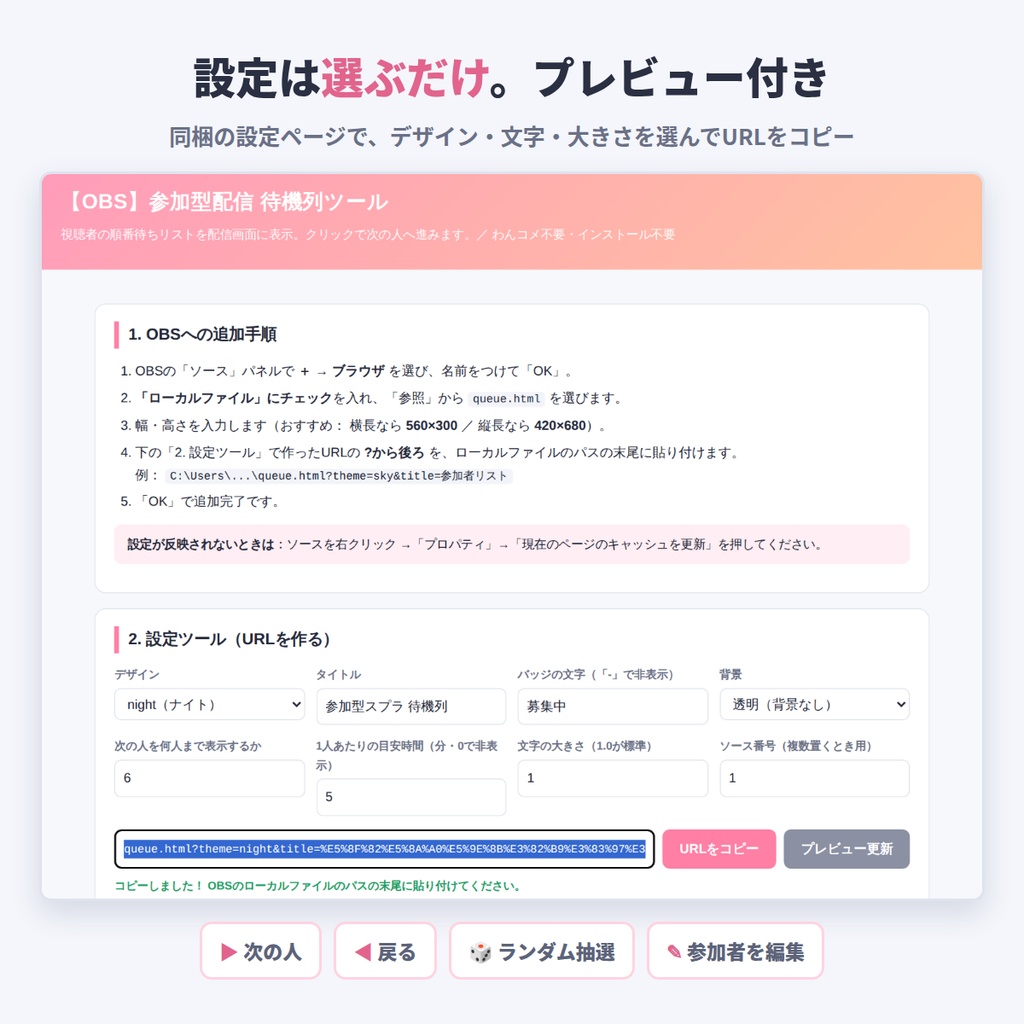


視聴者参加型の配信で、「いま誰の番か」「あと何人か」を配信画面に表示できるOBS用のツールです。 参加者の名前を入れておけば、ボタンひとつで次の人へ。わんコメなどの外部ツールは不要、インストールも不要です。 ■ 入っているもの ・queue.html … 本体(OBSのブラウザソースに読み込むファイル) ・START_HERE.html … 設定ページ(追加手順/設定ツール/プレビュー/操作説明) ・readme.txt … 説明書 ■ できること ・順番待ちリストを配信画面に表示(いまの人/次の人/残り人数) ・ボタンひとつで「次の人」へ。押し間違えても「戻る」で1つ前に戻せます ・まだ呼んでいない人からランダムに1人選ぶ「抽選」ボタン付き ・1人あたりの目安時間を入れると、待ち時間の目安を自動で計算して表示 ・参加者は配信中でも追加・編集できます(1行に1人、コピペOK) ・7つのデザイン(sakura / mint / sky / cream / night / cyber / mono) ・背景を透明にして、配信画面に直接のせられます ・ソースの大きさに合わせて文字が自動で拡大・縮小します ・リストはソースごとに保存され、OBSを再起動しても残ります ■ 使い方 1. zipを展開します 2. START_HERE.html を開き、デザインや文字を選んでURLをコピー 3. OBSで「ソース+」→「ブラウザ」→「ローカルファイル」で queue.html を選ぶ 4. ファイルパスの末尾に、コピーしたURLの「?」以降を貼り付けてOK 5. 配信中はソースを右クリック →「対話」を開いて操作します ■ 動作環境 ・OBS Studio 28 以降(ブラウザソースが使える配信ソフト) ・入力した内容がどこかに送信されることはありません ・画面の文字には、インターネット経由でフォントを読み込みます(オフラインでも、パソコンに入っているフォントで動きます) ・わんコメ等の外部ツールは不要です ■ ご利用について ・配信での利用OK(個人・法人、収益化の有無を問いません) ・クレジット表記は不要です ・色やデザインの改変はご自由にどうぞ ・再配布・転売は禁止です ・本ツールの利用により生じた損害について、制作者は責任を負いかねます ───────────────────────────── English A viewer queue overlay for interactive streams, as an OBS browser source. Shows whose turn it is, who is next and how many are still waiting. Paste the names and move to the next person with one button. No companion app and no installation needed. What's inside ・queue.html … the overlay itself (load this in an OBS browser source) ・START_HERE.html … settings page (setup steps, settings tool, preview, controls) ・readme.txt … guide Features ・Shows the current person, the next person and how many are left ・One button moves to the next person; a back button undoes a mis-click ・A draw button picks someone at random from those not called yet ・Enter a rough time per person and it estimates the wait ・Add or edit participants while you are live (one name per line, paste-friendly) ・7 designs ・Transparent background mode to overlay on your scene Requirements ・OBS Studio 28+ browser source ・Runs from the extracted folder. Nothing you type is sent anywhere. Please note: the settings page itself is written in Japanese. The names and headings are text you enter, so your viewers see whatever you type. License: fine for streaming and recording, monetized or not. No credit required. Please do not redistribute or resell the files.