
プレサイスSPS・Precise SPS
- Digital600 JPY
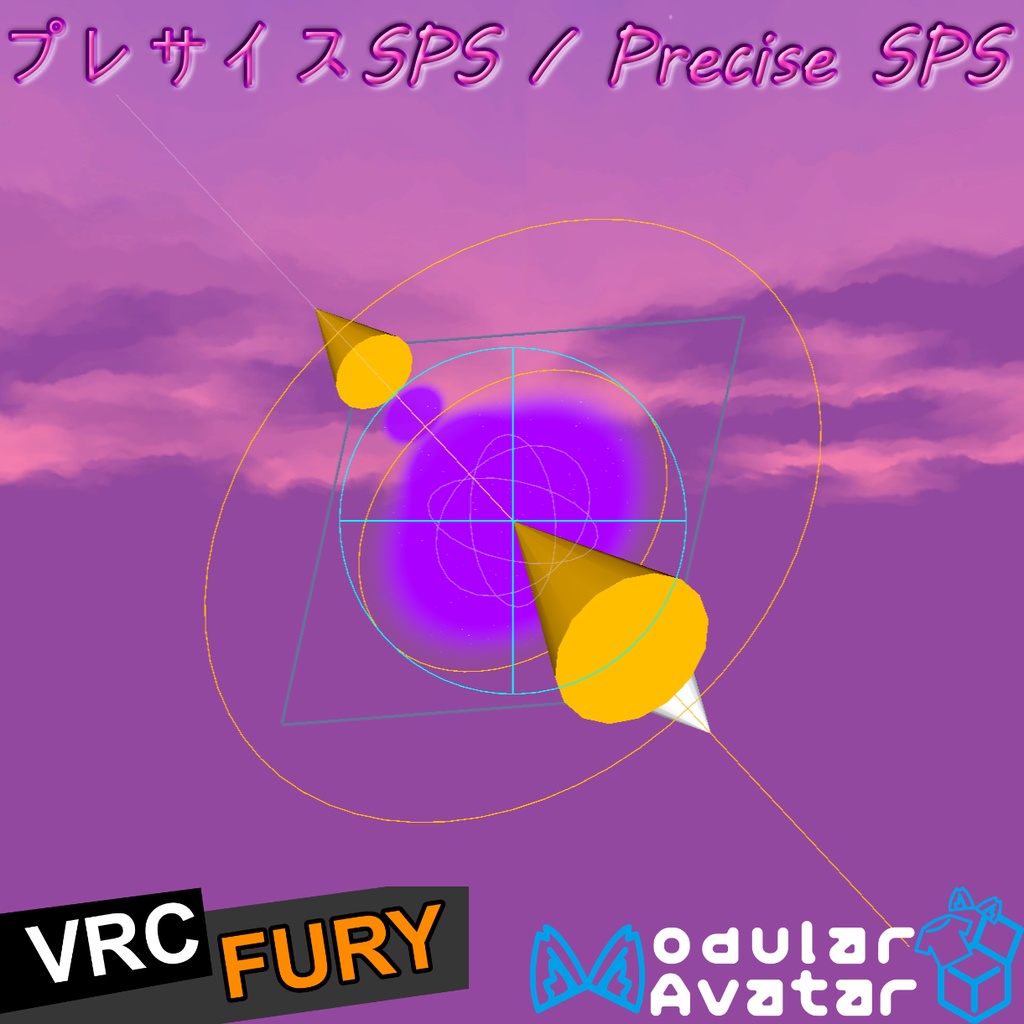
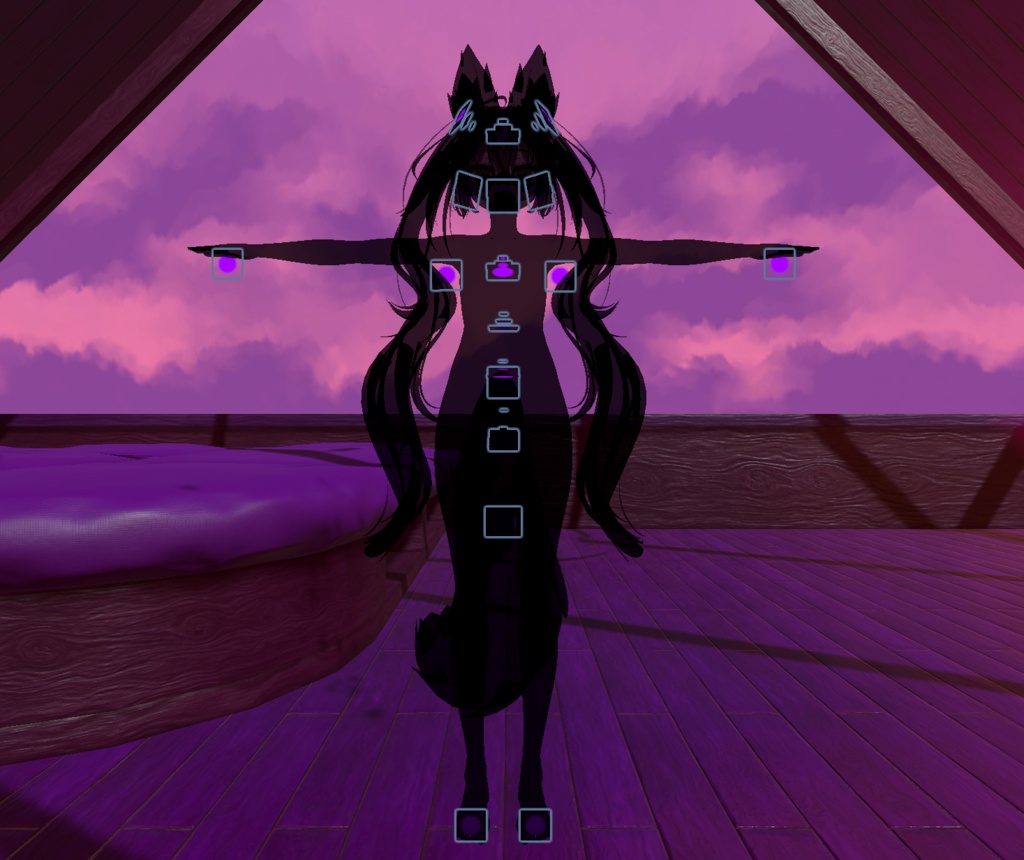
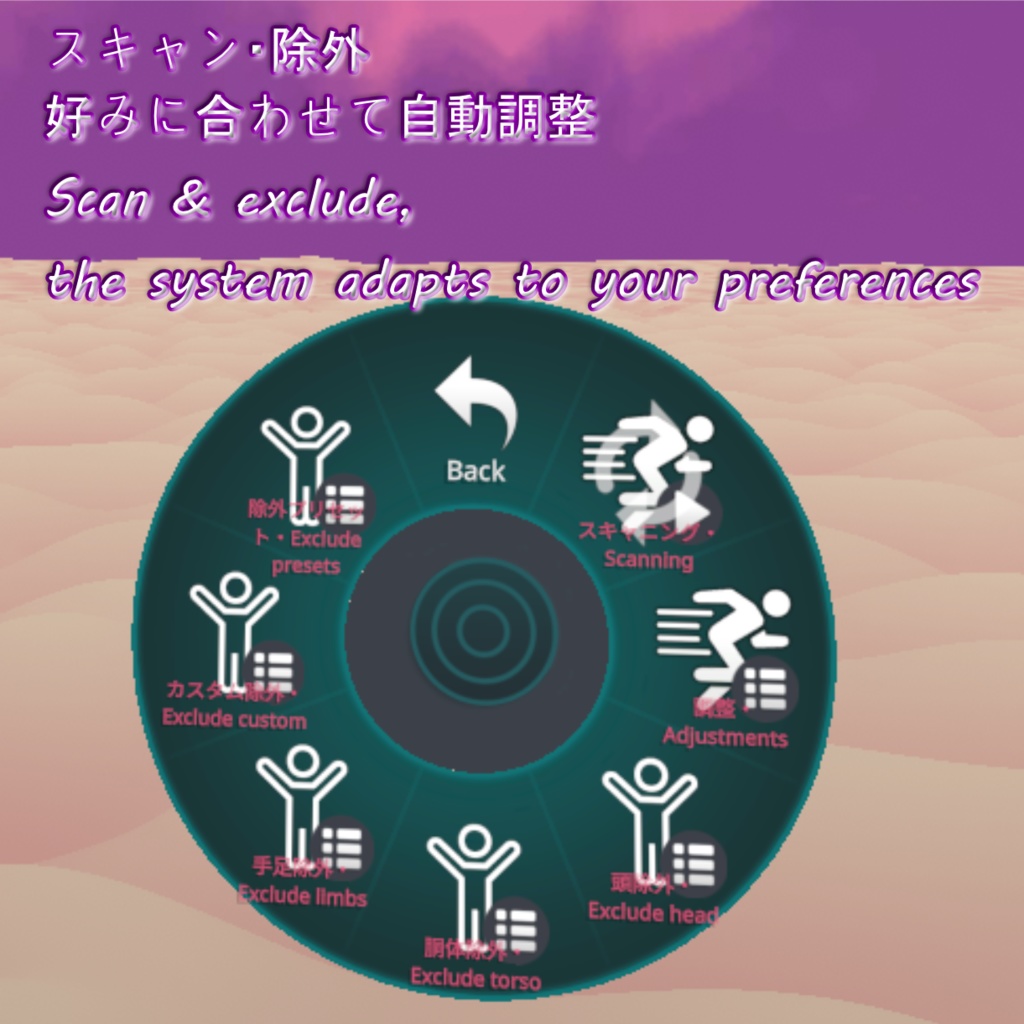
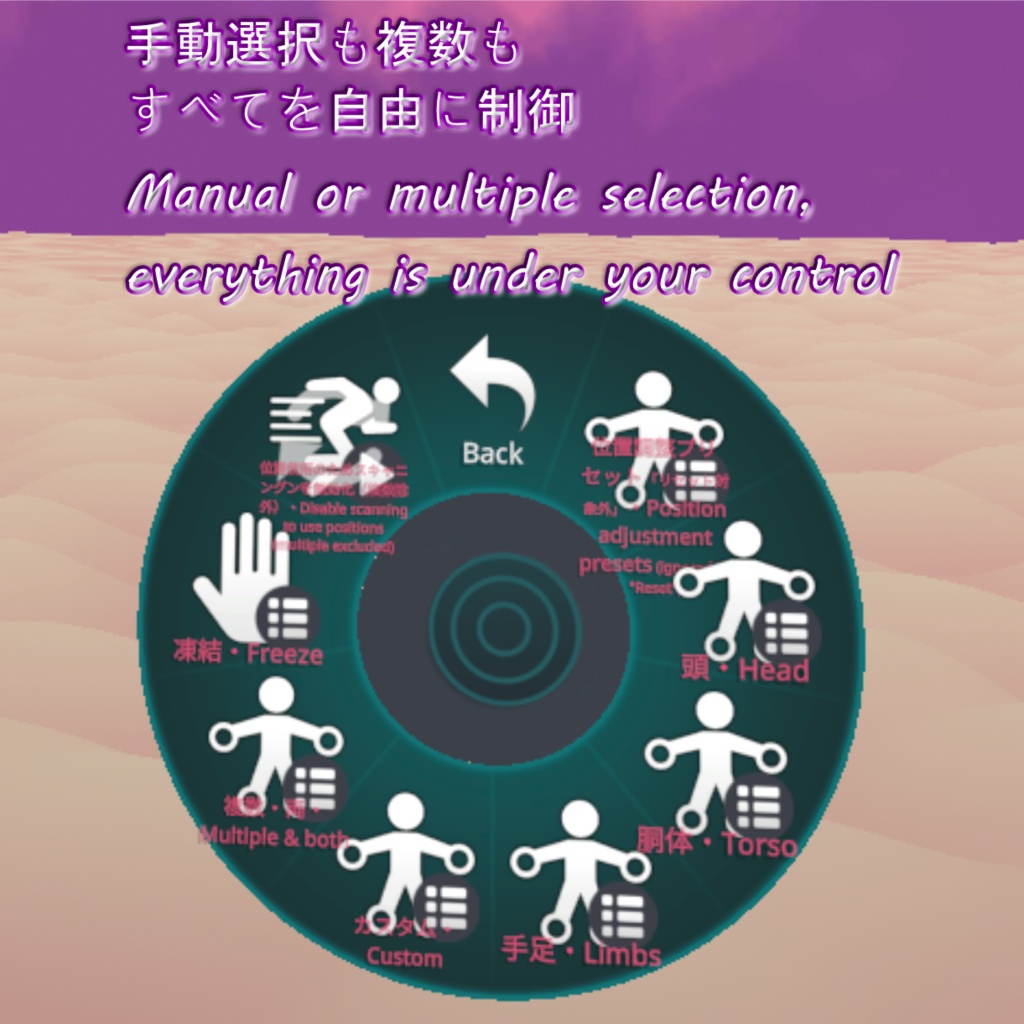
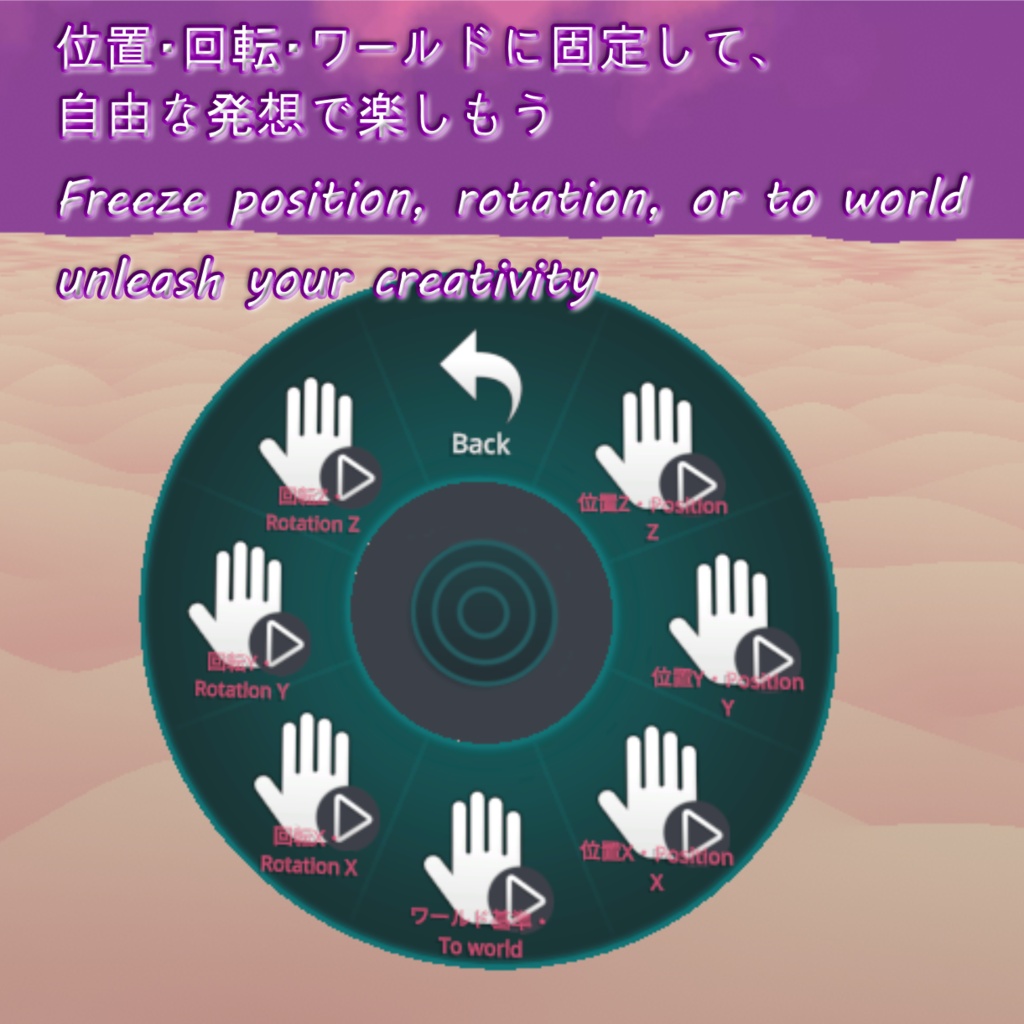
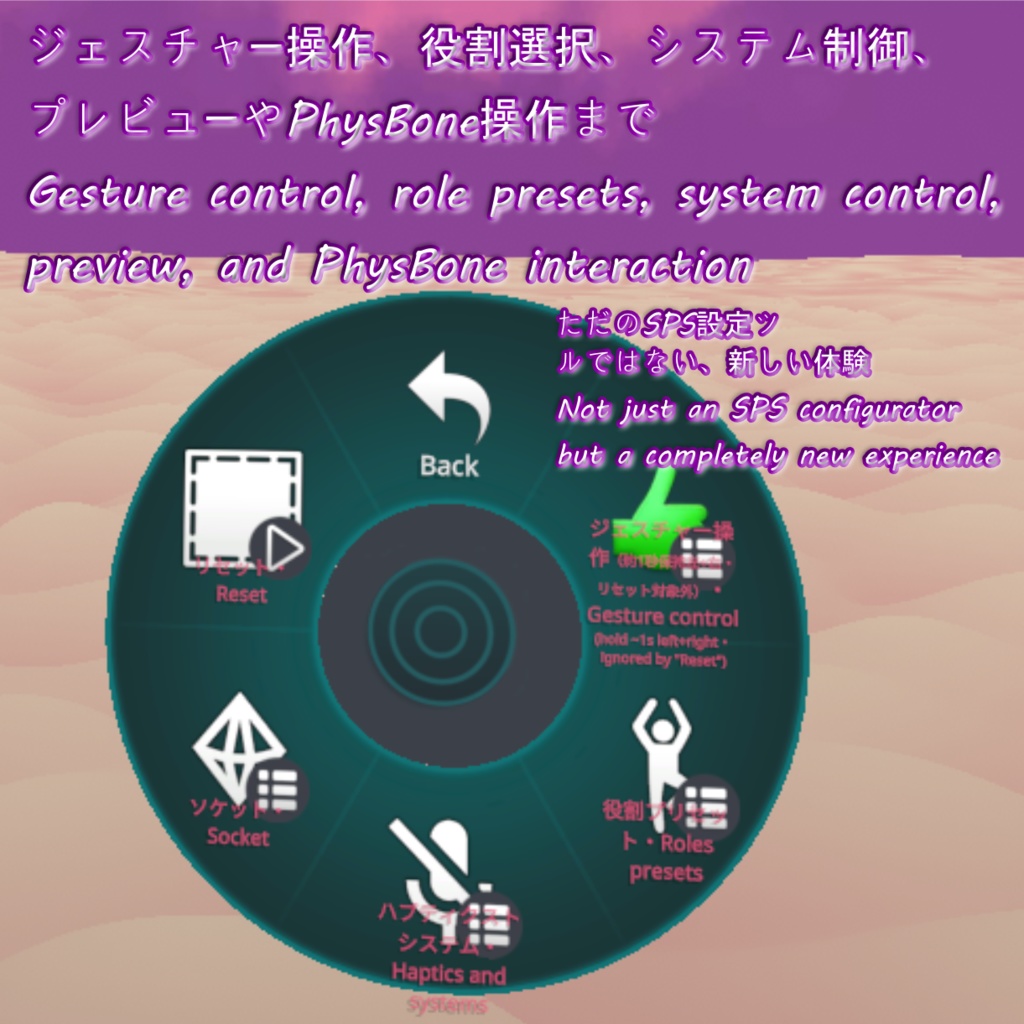
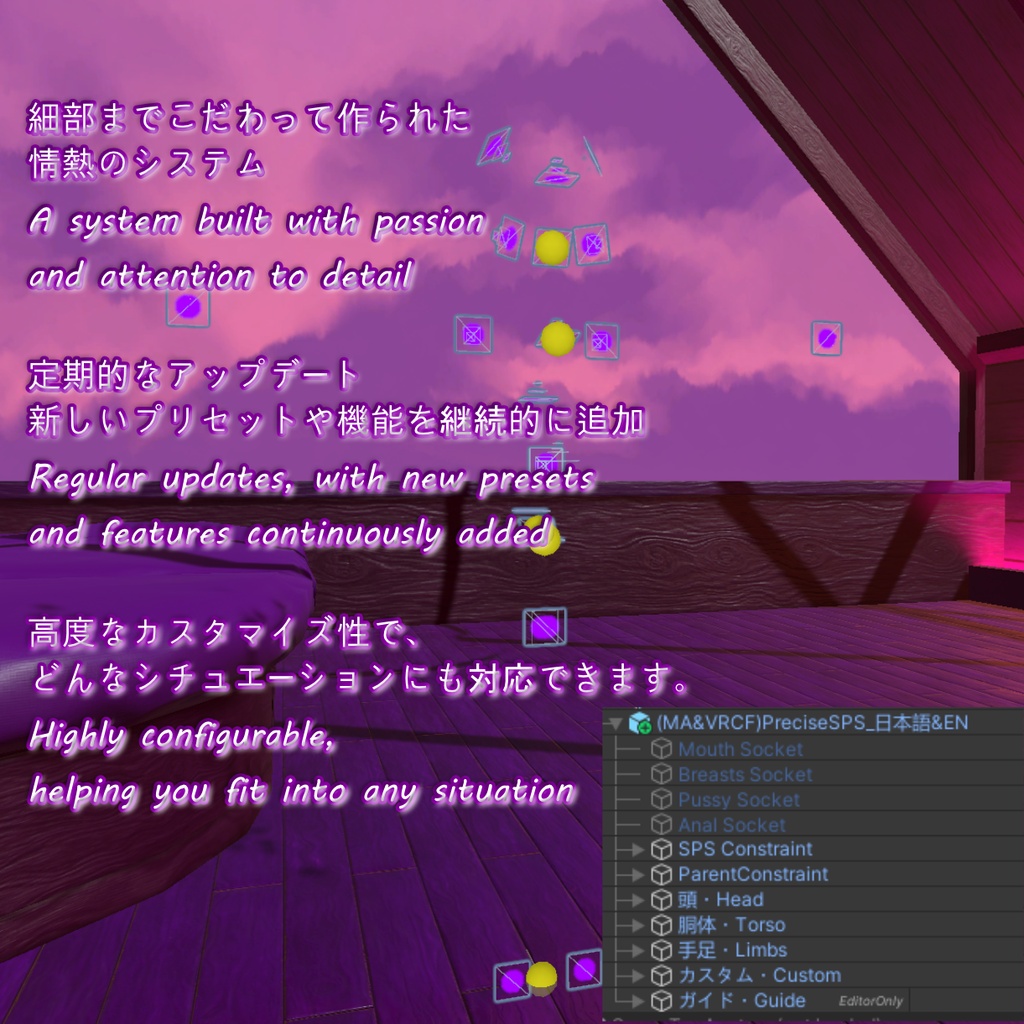
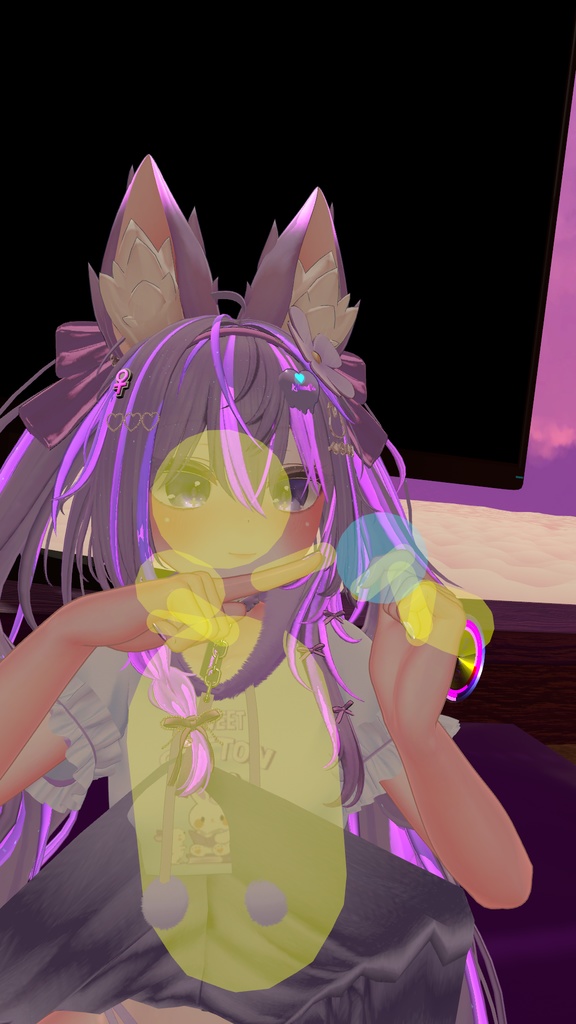


↓ ENGLISH ↓ DeepLによる日本語翻訳、GPTチャットによる校閲。ご理解いただきありがとうございます。 プレサイスSPS は、SPS を使用するための革新的で画期的な方法で、接触数を最小限に抑えつつ機能を最大化するよう完全に再設計されています。Boothで14,000以上の「いいね」を獲得したすべてのアバター(50種類以上)に対応しており、20 のプリセットポジションを提供し、各ポジションは PCS サポート(別売)に対応しています。使用する実際の SPS ソケットは 4 つのみで、コンタクト数や FX コントローラーへの負荷を大幅に削減できます。さらに、各ソケットポジションは PhysBone を使用して手に持ち、位置を微調整したり新しいポジションを作成したりできます。アセットでは X/Y/Z 軸やワールド基準での位置・回転を凍結することもでき、非常に創造的な使い方が可能です。 このアセットは、ペネトレーターを検知する精密コンタクトで構成されており、体を常時スキャンします。周囲にペネトレーターがいない場合は、SPS ペネトレーターによって起動されるまでスリープモードに入ります。これにより、例えば頬から口までのソケット位置を正確に切り替えることができ、不要なトグル操作はすべて自動化されます。また、近くにペネトレーターを検出した際に発動する照れ演出にも対応しており、雰囲気を演出できます。 対応オプションアセット(別売) ■各ソケットポジションの完全自動化とサポート PCS: https://dismay.booth.pm/items/5001027 ■SPS ソケットでパラメータ設定が不要なアセット Inside View: https://jinxxy.com/Liindy/InsideView Haraboko: https://booth.pm/en/items/5658430 ■過剰なコンタクトによる SPS ペネトレーター破損を防ぐ自動無効化 https://booth.pm/en/items/4108136 (節約: 8) https://wataame89.booth.pm/items/4511536 (節約: 20) このアセットを別の「ERPレディ」アセットと併用することは可能です。写真/録画に映っているペネトレーターは「ERPレディ」アセットのサポートバージョンの一部であり、主にテスト目的で存在します。 インストールとセットアップ アセットのインストール手順はアセット自体に組み込まれています。 プレサイスSPS は lilToon シェーダー を使用しています。 VRCFury を使用すれば、アバターへの追加はドラッグアンドドロップするだけで、必要に応じて位置を調整してください。 プロジェクトに必ず以下を含めてください: lilToon: https://lilxyzw.github.io/lilToon/ VRCFury: https://vrcfury.com アセットにはアイコンは含まれておらず、必須ではありませんが、人気ツール「Gesture Manager」を導入している場合は自動で読み込まれます: https://github.com/BlackStartx/VRC-Gesture-Manager 本アセットには、説明に記載されている内容のみが含まれます。表示されているアバターおよびアバターの各要素は含まれていません。 ◆ ENGLISH ◆ Precise SPS is an innovative and revolutionary way to use SPS, completely redesigned to minimize contacts and maximize capabilities, compatible with all avatars having over 14000 likes on the Booth (over 50 avatars), and offers 20 predefined positions, each with PCS support (available for purchase separately), while using only four real SPS sockets, significantly reducing the number of contacts and FX controller overload. Each socket position can be held in the hand via PhysBone and positioned to adjust the position better or make a new one. The asset also allows for freezing the position or rotation of the X, Y, Z, and to the world, allowing for incredibly creative possibilities. The asset consists of a precise contact that continuously scans the body for a penetrator. If there's no penetrator nearby, it goes into sleep mode until it's awakened by the SPS penetrator. This allows you to precisely swap the socket position, for example, from cheek to mouth, automating all toggling for you. The asset also supports a blush when detecting a nearby penetrator, adding atmosphere. Additionally, the system works with the following optional assets (available for purchase separately): ■ Fully automated work and support on every single socket position: PCS: https://dismay.booth.pm/items/5001027 ■ Assets that no longer require parameter configuration in SPS sockets: Inside View: https://jinxxy.com/Liindy/InsideView Haraboko: https://booth.pm/en/items/5658430 ■ Automatic deactivation of contacts to avoid excessive contacts that break SPS penetrators: https://booth.pm/en/items/4108136 (Savings: 8) https://wataame89.booth.pm/items/4511536 (Savings: 20) Using this asset together with a separate "ERP Ready" asset is possible. The penetrators visible in the pictures/recordings are part of the support version of the "ERP Ready" asset and exist mainly for testing purposes. Instructions for the installation of the asset are built into it. The Precise SPS uses lilToon shader. Thanks to VRCFury, adding it to your avatar is as simple as dragging and dropping, followed by adjusting its position if needed. So make sure you have them in your project. lilToon: https://lilxyzw.github.io/lilToon/ VRCFury: https://vrcfury.com The icons are not included with the asset nor required, but will load automatically from the popular tool "Gesture Manager" if you have it: https://github.com/BlackStartx/VRC-Gesture-Manager This asset includes only the described content. Avatars and avatar elements shown are not included.
現在サポートされているアバター / Currently supported avatars
愛莉・Airi https://booth.pm/items/6082686 アルエ・Alué https://booth.pm/items/6957623 アッシュ・Ash https://booth.pm/items/3234473 ゾメちゃん・Avzomend https://booth.pm/items/4118550 墨惺・Bokusei https://booth.pm/items/5727810 シフォン・Chiffon https://booth.pm/items/5354471 ショコラ・Chocolat https://komado.booth.pm/items/6405390 デルタフレア・DeltaFlair https://booth.pm/items/4906631 エク・Eku https://booth.pm/items/7328764 フェリス・Felis https://booth.pm/items/5385176 フィオナ・Fiona https://booth.pm/items/4592568 斑霞・Hanka https://booth.pm/items/6970249 ハオラン・Haolan https://booth.pm/items/3818504 イチゴ・Ichigo https://booth.pm/items/7328789 輝夜・Kaguya https://booth.pm/items/8562330 彼方・Kanata https://booth.pm/items/6813995 カリン・Karin https://booth.pm/items/3470989 桔梗・Kikyo https://booth.pm/items/3681787 キプフェル・Kipfel https://booth.pm/items/5813187 狛乃・Komano https://booth.pm/items/5260363 くまり・Kumaly https://booth.pm/items/7928592 くうた・Kuuta https://booth.pm/items/4897493 Lapwing https://booth.pm/items/4993931 ラシューシャ・Lasyusha https://booth.pm/items/4825073 ライム・Lime https://booth.pm/items/4876459 ルミナ・Lumina https://booth.pm/items/7502898 真冬・Mafuyu https://booth.pm/items/5007531 まめひなた・Mamehinata https://booth.pm/items/4340548 マヌカ・Manuka https://booth.pm/items/5058077 真央・Mao https://booth.pm/items/6846646 マリシア・Marycia https://booth.pm/items/6305948 舞夜・Maya https://booth.pm/items/3390957 まよ・Mayo https://booth.pm/items/8122803 ミルフィ・Milfy https://booth.pm/items/6571299 ミルティナ・Milltina https://booth.pm/items/6538026 瑞希・Mizuki https://booth.pm/items/5132797 萌・Moe https://booth.pm/items/4667400 凪・Nagi https://booth.pm/items/5345398 ナナセ・ノワール・Nanase Noir https://booth.pm/items/5827815 ナユ・Nayu https://booth.pm/items/4023598 プラチナ・Platinum https://booth.pm/items/3950859 プラム・Plum https://booth.pm/items/7770415 RadDollV3 https://booth.pm/items/3741802 ラムネ・Ramune https://booth.pm/items/7699667 リナシータ・Rinasciita https://booth.pm/items/7475899 竜胆・Rindo https://booth.pm/items/3443188 ルルネ・Rurune https://booth.pm/items/5957830 ラスク・Rusk https://booth.pm/items/2559783 セレスティア・Selestia https://booth.pm/items/4035411 しなの・Shinano https://booth.pm/items/6106863 しお・Sio https://booth.pm/items/5650156 シウシウ・SiuSiu https://booth.pm/items/8426340 ソフィナ・Sophina https://booth.pm/items/4044305 うささき・Usasaki https://booth.pm/items/3550881 ウェンディ・Wendy https://booth.pm/items/7841391 ヨルちゃん・Yollchang https://booth.pm/items/3923094 幽狐族・Yuuko https://booth.pm/items/1484117
利用規約 / Terms of Service
↓ ENGLISH ↓ ✅ このアセットは、政治的または宗教的な文脈を除き、個人用および商用目的で利用可能です。 ✅ これを改変したり、個々のファイルを利用したりすることができます。 ✅ このアセットを含むアバターをパブリックに設定できます。 ❌ アセットを販売または再配布することはできません。 ❌ 返金を請求することはできません。 クレジット表記は必須ではありませんが、このアセットを自分のものとして主張しないでください。アセットやライセンスに関する質問や問題がある場合は、ご連絡ください。 ◆ ENGLISH ◆ ✅ You may use this asset for personal and commercial purposes, except in political or religious contexts. ✅ You may modify it or use its individual files. ✅ You may set an avatar as public while including this asset. ❌ You may not sell or redistribute the asset. ❌ You may not request a refund. Crediting is not required, but please do not claim the asset as your own. If you have any questions or issues regarding the asset or license, please contact me.
更新情報 / Update information
v2026.2.12 ・製品リリース ・Product release v2026.2.13 ・「ERPレディ」アセットの個別インストール手順の修正版 ・Corrected instructions for installing the separate "ERP Ready" asset. v2026.2.15 ・アセットのバリエーション管理を容易にするため、「プレファブバリアント」の使用を開始しました。 ・ソケットの位置を、特に太ももの周辺で、他のソケットとの衝突を避けるよう微調整しました。 ・Started using "Prefab Variants" for asset variants for easier management. ・The position of the sockets has been slightly adjusted, especially around the upper legs, to avoid collisions with other sockets. v2026.2.18 ・パラメータ名の軽微な修正。 ・SPS のポジションを有効化しなくても、PCS の位置が正しく調整されるようになりました。 ・新機能「位置スキップ」を追加しました。「位置スキップ」トグルが有効な状態で、両手をグーのジェスチャーにすると、現在の位置を無効化し、スキャンを継続します。 ・Prefab Variant 使用時に、VRCF が言語を EN&JP にリセットしてしまう問題を修正しました。 ・不要なポジションを除外し、スキャン速度を向上させる「除外」機能を追加しました。 ・Minor parameter name corrections. ・Asset now adjusts the PCS position properly without the need to activate the SPS position. ・A new "Position Skip" feature has been added. When the "Position Skip" toggle is activated, and both hands perform fist gestures, the current location is deactivated, and scanning continues. ・Fixed VRCF resetting language to EN&JP on prefab variants. ・Added an "Exclude" function, allowing unwanted positions to be excluded and scan speed to be improved. v2026.2.22 ・ハプティクスのトグルを修正し、「手のタッチゾーン」のみではなく、ハプティクスを完全に無効化するようにしました。 ・両手・両脚・両足用に、手動で選択可能な 3 つの新しいポジションを追加しました。 ・Corrected the haptics toggle to turn off haptics completely instead of just the "hand touch zone". ・Created 3 new manually selectable positions for both hands, both legs, and both feet. v2026.2.26 ・赤面を無効化する追加トグルを導入しました。 ・コンタクト範囲を増減できるスライダーを作成しました。 ・メニューを見やすく整理しました。 ・アセットファイルを一部整理しました。 ・An additional toggle has been added to deactivate the blush. ・A slider has been created to increase and decrease the contact range. ・The menu has been reorganized to make it more readable. ・The asset files have been slightly reorganized. v2026.3.3 ・不要で分かりにくかったため、2つのスキャンオプションを1つに統合しました。 ・トグル時およびホールド時のソケットプレビューを滑らかにしました。 ・メニューをより分かりやすくするため、細かな調整を行いました。 ・Two scanning options have been merged into one, as they seemed unnecessary and confusing. ・The socket preview when toggling or holding has been smoothed out. ・Subtle adjustments have been made to the menus to make them clearer. v2026.3.10 ・ハプティクスのトグルを「デバイスハプティクス無効」「タッチハプティクス無効」「ハプティクスのみ」に分離しました。 ・スキャン速度を手動で速く/遅く調整できるラジアルを追加しました。 ・スキャニングシステムに軽微な修正を加えました。 ・最適化の改善を行いました。 ・Haptics toggle has been separated into device haptics off, touch haptics off, and haptics only. ・Added radial to manually speed up or slow down the scanning. ・Minor fixes have been made to the scanning system. ・Optimization improvements have been made. v2026.3.14 ・レンダーキューが高いマテリアルで「プレビュー」マテリアルが消えてしまう問題を修正しました。 ・コントローラー内のBlendTreeトグルを大幅に簡略化し、最適化しました。 ・スキャン中に正しいサイズへの反映が遅れる問題があったため、コンタクトスケールのスムージングを削除しました。 ・Fixed the "Preview" material disappearing on materials with a higher render queue. ・Greatly simplified and optimized the blendtree toggles in the controller. ・Contact scaling smoothing has been removed as it caused a delay in the correct size during scanning. v2026.3.18 ・PhysBoneで掴んでいる間、手の位置のソケットに円が再表示されないようにしました。誤って頻繁に表示されていたためです。 ・ペネトレーターがアクティブなときに下部ホールをスキャンから除外するトグルを追加しました(別アセット「ERPレディ」が必要、プレファブ「用ForPreciseSPS」)。 ・The socket in the hand position never shows a circle again when held via physbone, as it was appearing too often accidentally. ・A toggle has been added to exclude lower holes from the scan when your penetrator is active (separate asset "ERP Ready" required, prefab "用ForPreciseSPS"). v2026.3.24 ・赤面とハプティクスは、ほとんどのユーザーが使用しないため、デフォルトで無効になっています。 ・「腰の自己貫通を防ぐ」の一部機能は「プレサイスSPS」に移動され、完全に統合されたため、「ERPレディ」は不要になりました。 ・アセットのオブジェクト構造が完全に再設計されました。位置設定にはもはやオフセット付きのParent Constraintを使用せず、カスタマイズ可能なオブジェクトで構成されています。また、位置のプレビューも簡単に行えます。 ・Boothで14,000以上の「いいね」を獲得した41体のアバター用プリセットが追加されました。メニューからプリセットを選択することで、カスタマイズの手間を省け。 ・さらに、言語切替やソケット位置の調整がより簡単になる「(MA&VRCF)」版も追加されました。 ・Blush and haptics are disabled by default, as most people don't use them. ・Partial "Avoid hip self-penetration" functionality has been moved to "Precise SPS" so that it is fully integrated and does not require "ERP Ready". ・The asset's object structure has been completely redesigned. It no longer uses parent constraints with offsets to set positions, but rather customizable objects. You can also easily preview the positions. ・Presets have been added to all 41 avatars with over 14,000 likes on Booth. You can select your preset from the menu, eliminating the need to customize anything. ・Added the "(MA&VRCF)" version, which makes switching languages or adjusting socket positions much easier. v2026.3.31 ・「両足」を使用した場合、足のラインに沿うのではなく、水平になるように変更しました。 ・スキャン中のトグルの反応性を改善し、スキャン中にソケットを切り替えられるようになりました。 ・その他、細かな修正を行いました。 ・Using "Both feet" is now vertical instead of aligned with the feet line. ・Improved the responsiveness of toggles during scanning, including the ability to switch between sockets during scanning. ・Other minor fixes. v2026.4.2 ・5つのカスタムソケット位置を追加しました(お気に入りのトイに使用できます!)。 ・人気の高いトグルに対応するよう、ジェスチャー操作を拡張しました。 ・Added 5 custom socket positions (use them for your favourite toys!). ・Expanded gesture control for the most popular toggles. v2026.4.11 ・ハプティクストグルが逆に切り替わっていた問題を修正し、分かりやすくするために名称を変更しました。 ・LMSおよびPCSの強制有効化を廃止しました。無効化した場合でも再度有効化されることはありません。 ・混乱を招き不要だったため「自分のペネトレーター検出」を削除しました。現在は自動化されており、未使用時にはコンタクトが自動で無効になります。 ・状況に応じてトグルを簡単に調整できるよう、役割プリセットを追加しました。 ・「手の自己貫通を防ぐ」トグルを追加しました。トイ使用時に、保持中の手へ貫通しないようにするために有効です。 ・フィズボーン無効トグルを追加しました。ハプティクスによる接触操作に役立ちます。 ・自分のペネトレーターを検出するコンタクトはローカル化されました。 ・メニューおよびアセット全体の細かな整理と調整を行いました。 ・Fixed the haptics toggles switching inversely, and renamed them for better clarity. ・Stopped forcing LMS and PCS to remain enabled. They can now be disabled without being reactivated. ・Removed "Own penetrator detection" as it was confusing and unnecessary. It is now automated, and the contact disables itself when not in use. ・Added role presets to make it easier to adapt toggles to different situations. ・Added the "Avoid hands self-penetration" toggle, useful when using toys to prevent them from penetrating the hands while holding them. ・Added a PhysBone off toggle, useful for haptic touch interactions. ・Contact detection for your own penetrator is now local. ・Various menu and asset cleanups. v2026.4.13 ・ちょっとした調整。 Small adjustments. v2026.4.20 ・ジェスチャー操作を修正。 ・Fixed gesture control. v2026.5.29 ・小さな調整。 ・VRCF のバージョン 1.1333.0 以降で使用されている新しいパラメーター名に合わせて、このアセットは対応されています。 ・Small adjustments. ・The asset has been adapted to the new parameter naming used in VRCF since version 1.1333.0. v2026.7.14 ・新しいSPS2に対応しました。 ・アセットの導入手順を大幅に簡略化しました。 ・ツール上でプリセットを直接設定できるようになりました。 ・14個の新しいアバタープリセットを追加。 ・Updated to work with the new SPS2. ・Significantly simplified asset installation. ・Added the ability to configure presets directly in the tool. ・14 new avatar presets were added. v2026.8.4 ・新しいSPSに対応しました。 ・Updated to work with the new SPS. v2026.8.11 ・軽微な修正。 ・2個の新しいアバタープリセットを追加。 ・Minor fixes. ・2 new avatar presets were added. v2026.8.18 ・LMSとPCSの自動化を完全に無効化できるようになりました。 ・Asset now allows you to completely disable automation for LMS and PCS.