

URIAlbum
- Digital0 JPY
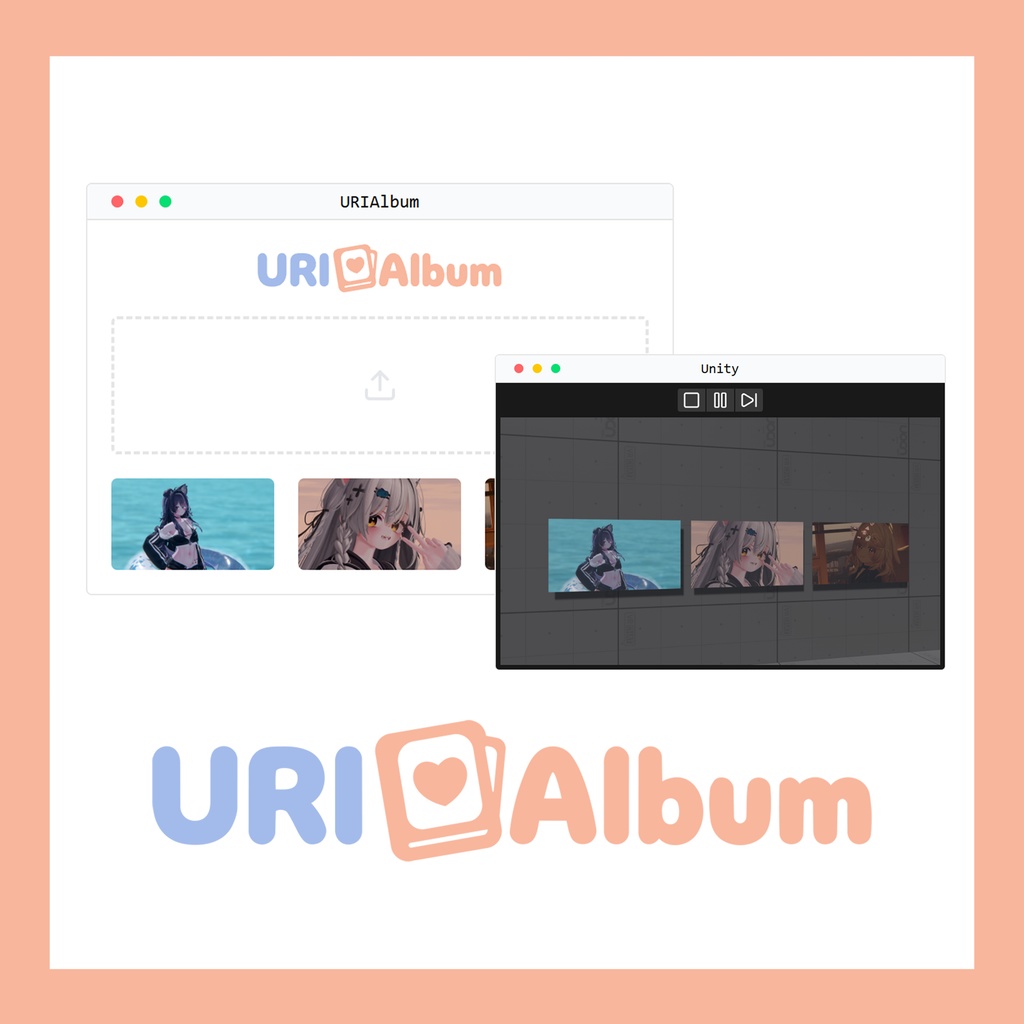


https://urialbum.com/ URIAlbum은 VRChat 월드 제작자가 유니티를 거치지 않고 웹을 통해 쉽게 월드 안의 이미지를 실시간으로 업데이트할 수 있는 서비스입니다. URIAlbum is a service that allows VRChat world creators to easily update images within their worlds in real-time through the web, without going through Unity. URIAlbumは、VRChatワールド制作者がUnityを経由せずにウェブを通じて簡単にワールド内の画像をリアルタイムで更新できるサービスです。
주요 기능
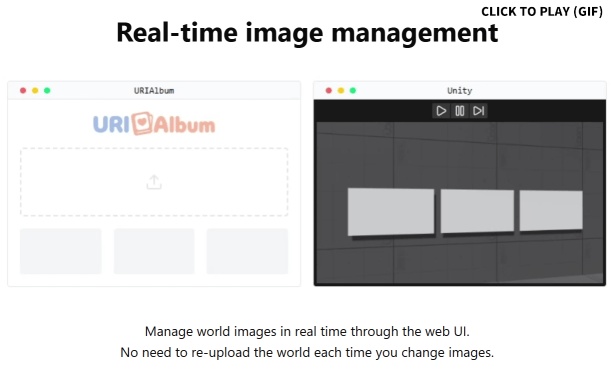
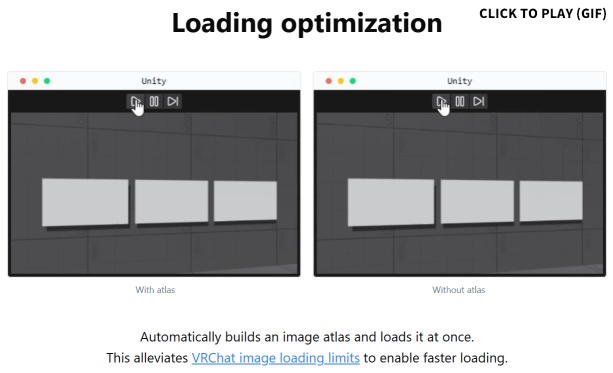
《실시간 이미지 관리》 유니티 빌드 및 재업로드 과정 없이 웹사이트에서 클릭만으로 월드 내 이미지를 즉시 변경할 수 있습니다. 개인/그룹 월드, 전시물, 홍보 배너 등 빈번한 업데이트가 필요한 곳에 유용합니다. 《로딩 최적화》 자동 아틀라스(Atlas) 기능을 제공하여 이미지 로딩 속도를 높여 사용자 경험을 개선합니다. 《협업 및 관리》 팀원이나 친구를 초대해 이미지를 공동 관리할 수 있어, 대규모 프로젝트나 커뮤니티 월드 운영에 적합합니다.
Key Features
《Real-time image management》 You can instantly change images within your world with just a click on the website, without the Unity build and re-upload process. It's useful for places that require frequent updates such as personal/group worlds, exhibitions, and promotional banners. 《Loading optimization》 It provides an automatic atlas function to improve loading speed of images, enhancing user experience. 《Collaboration and Management》 You can invite team members or friends to co-manage images, making it suitable for large-scale projects or community world operations.
主要機能
《リアルタイム画像管理》 Unityビルドおよび再アップロードプロセスなしに、ウェブサイトでクリックするだけでワールド内の画像を即座に変更できます。個人/グループワールド、展示物、広報バナーなど頻繁な更新が必要な場所に便利です。 《読み込み最適化》 自動アトラス(Atlas)機能を提供し、画像の読み込み速度を向上させてユーザー体験を改善します。 《コラボレーションと管理》 チームメンバーや友達を招待して画像を共同管理できるため、大規模プロジェクトやコミュニティワールド運営に適しています。
사용 방법
상세한 이용 가이드는 https://urialbum.com/tutorial/ 에서 확인하실 수 있습니다. 1. 웹사이트에 디스코드를 통해 가입하고 그룹과 앨범을 생성하고 이미지를 업로드합니다. 2. 그룹 설정에서 연결 키를 생성하고 복사합니다. 3. 유니티 월드 프로젝트에 [Album Setting] 컴포넌트를 추가하고 복사한 키를 입력합니다. 4. 이미지가 표시될 위치에 [Image Display] 컴포넌트를 추가하고 앨범을 선택합니다.
How to Use
A detailed user guide is available at https://urialbum.com/tutorial/. 1. Sign up on the website through Discord, create groups and albums, and upload images. 2. Generate and copy a connection key from the group settings. 3. Add the [Album Setting] component to your Unity world project and enter the copied key. 4. Add the [Image Display] component where you want images to be displayed and select an album.
使用方法
詳細な利用ガイドはhttps://urialbum.com/tutorial/ でご確認いただけます。 1. ウェブサイトにDiscordを通じて登録し、グループとアルバムを作成して画像をアップロードします。 2. グループ設定で接続キーを生成してコピーします。 3. UnityワールドプロジェクトにAlbum Settingコンポーネントを追加し、コピーしたキーを入力します。 4. 画像を表示する位置にImage Displayコンポーネントを追加し、アルバムを選択します。