

CYBER_LOUDRIG - VRChat Gimmicky Avatar Accessory / CP43
- Digital1,000 JPY
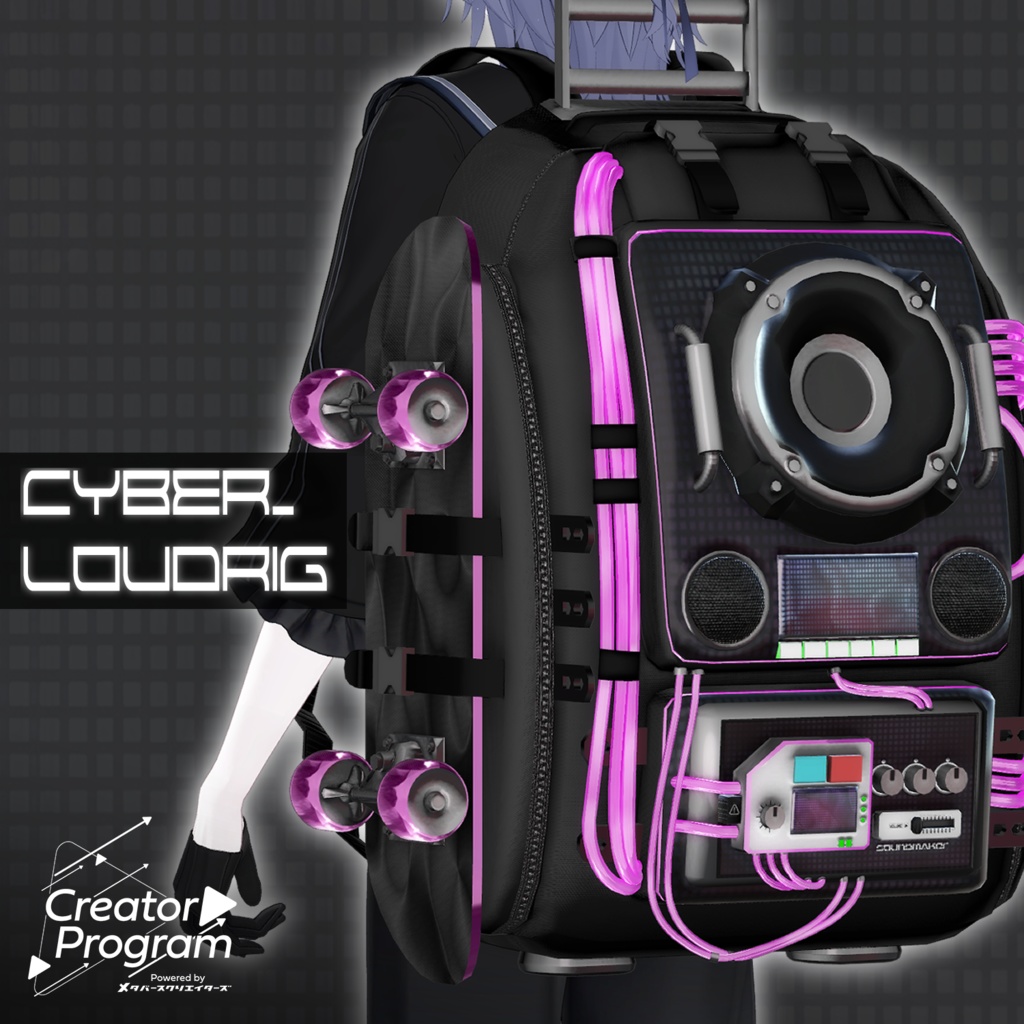
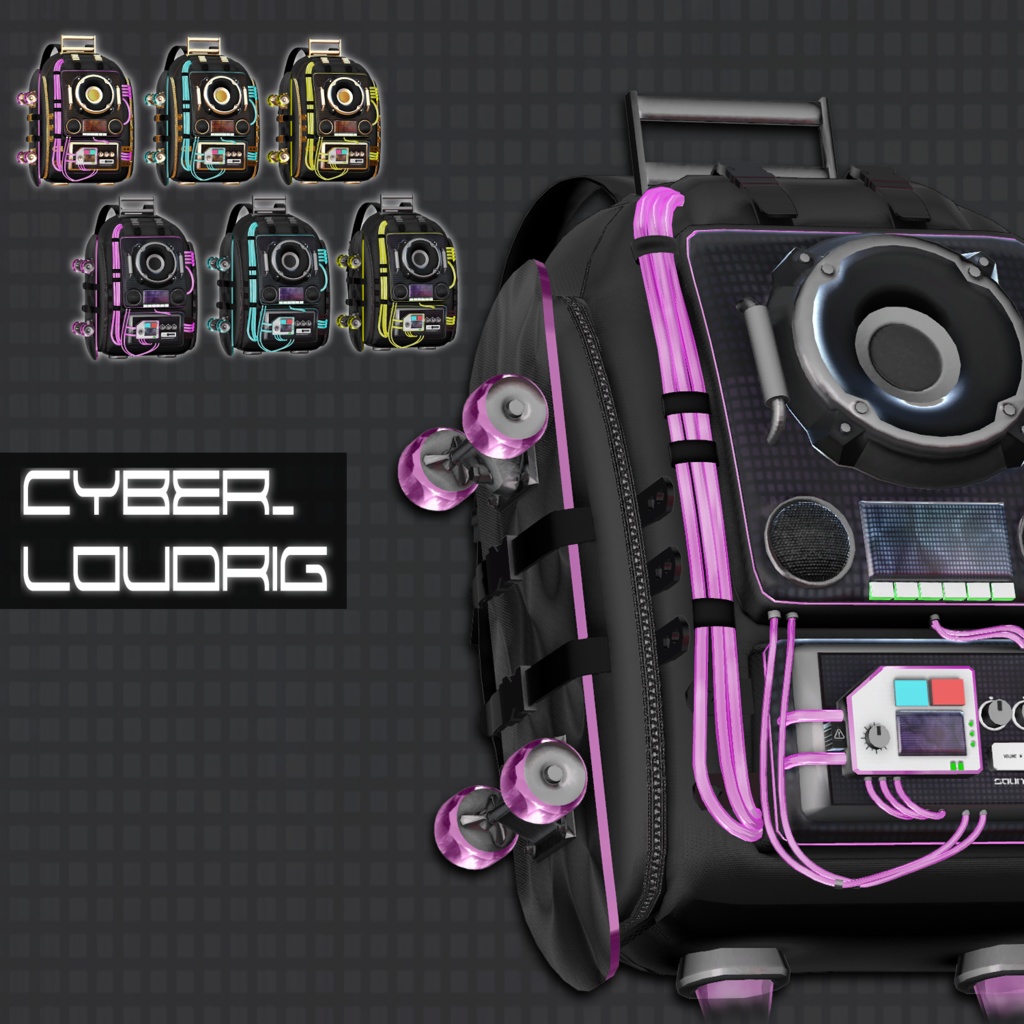
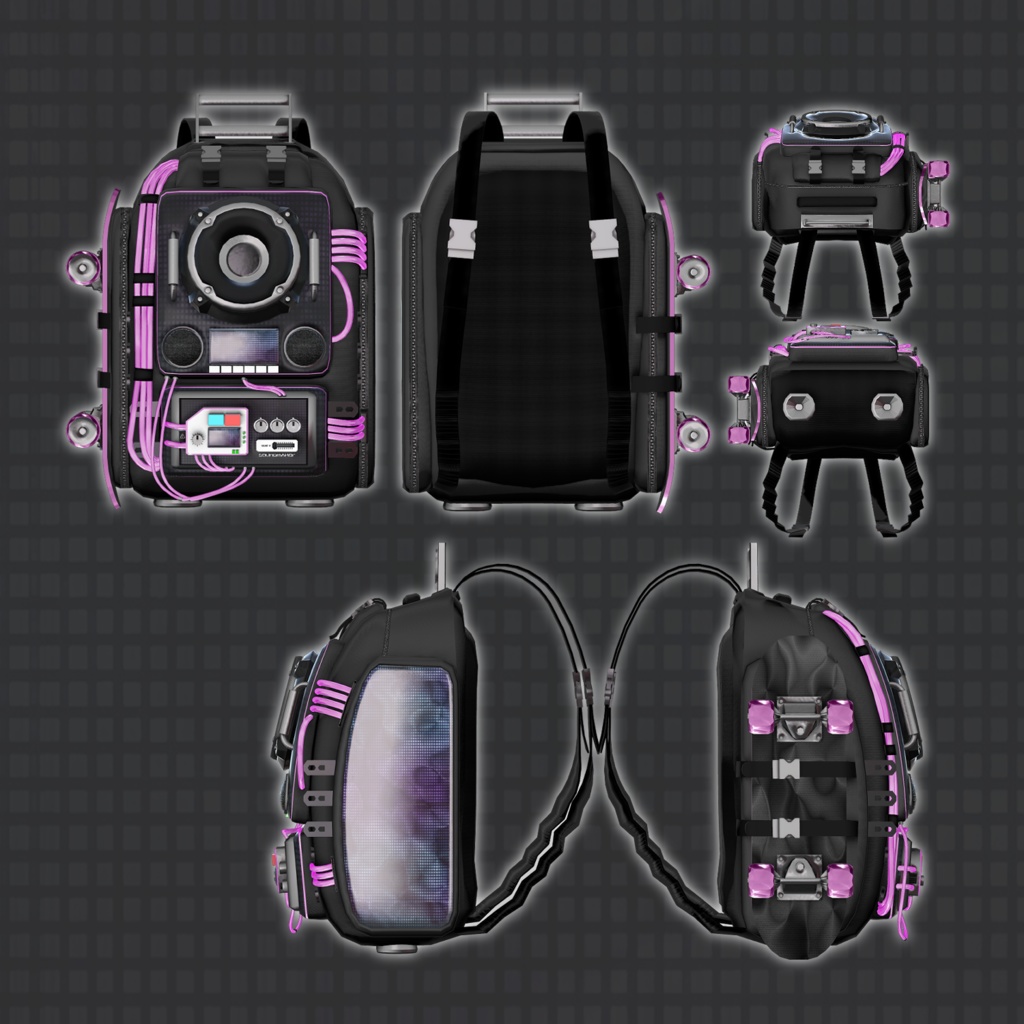
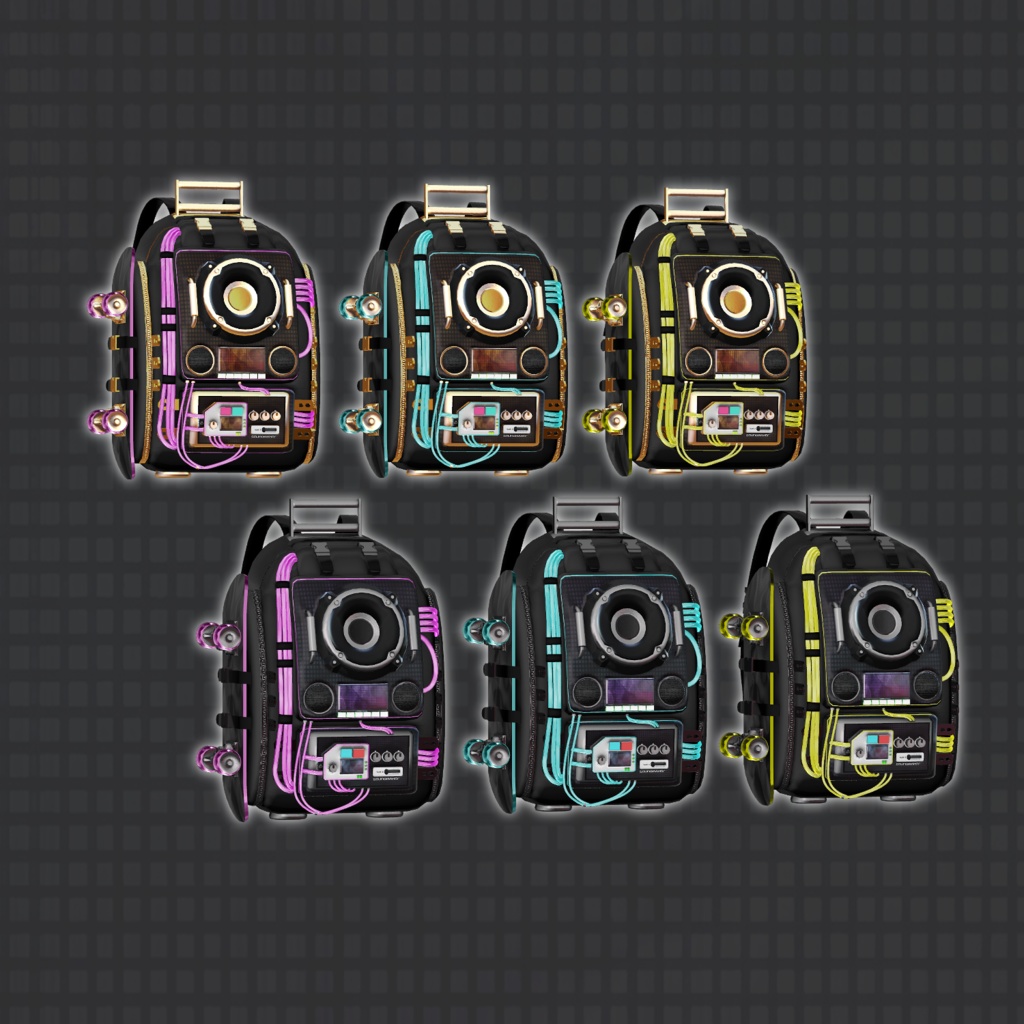
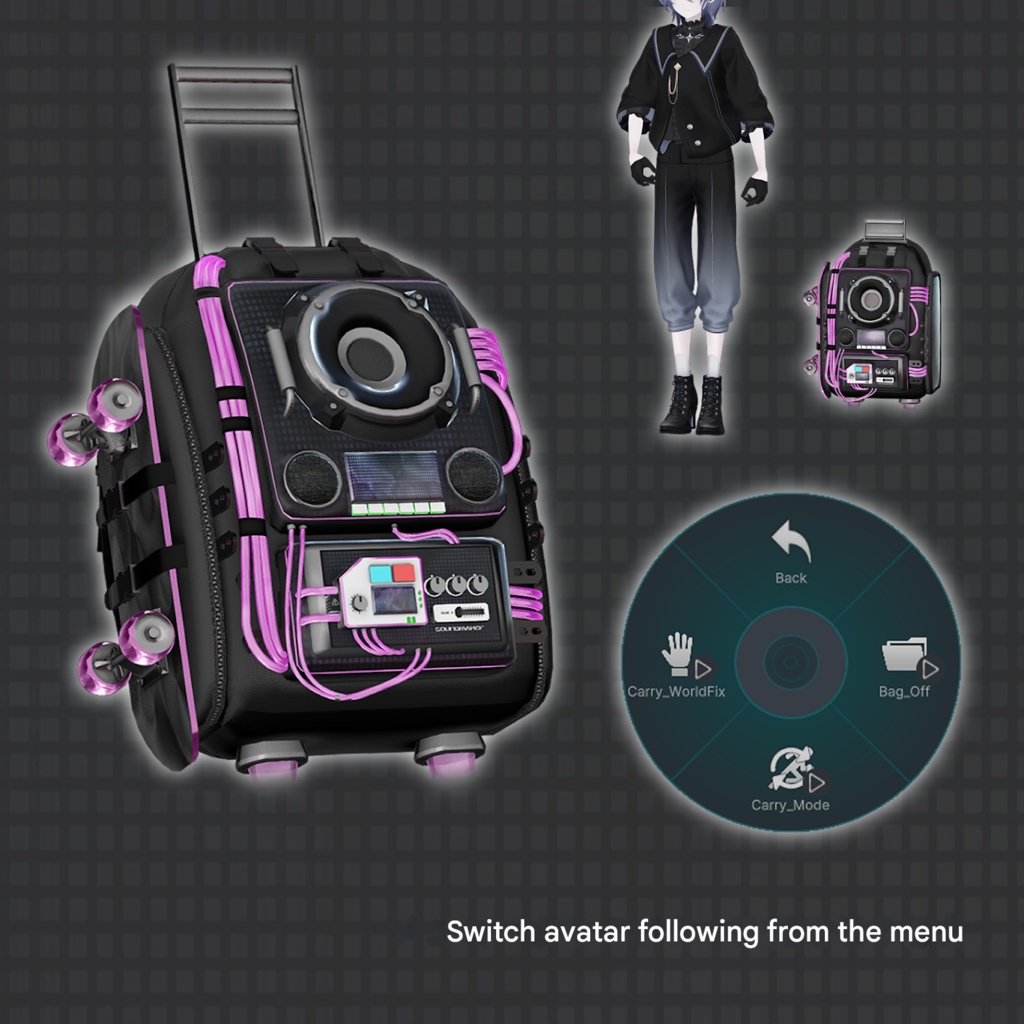
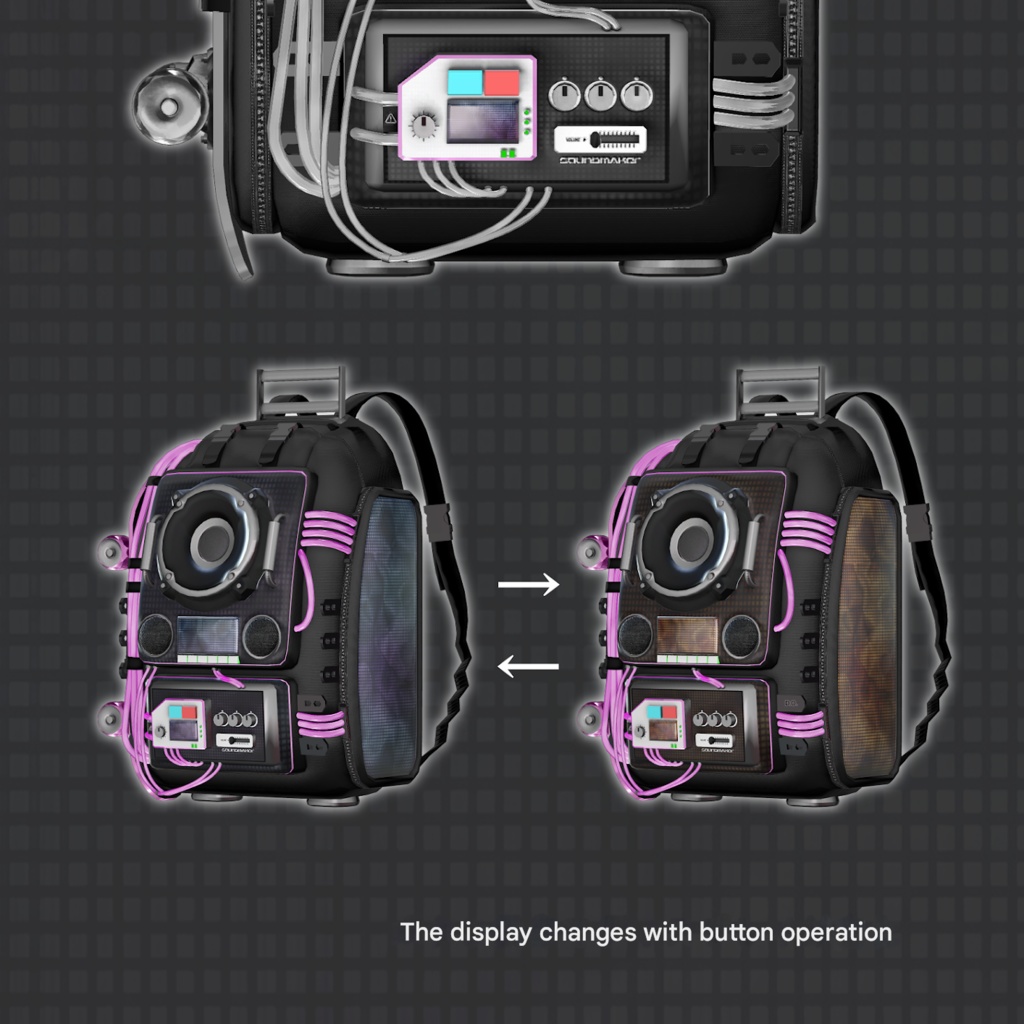
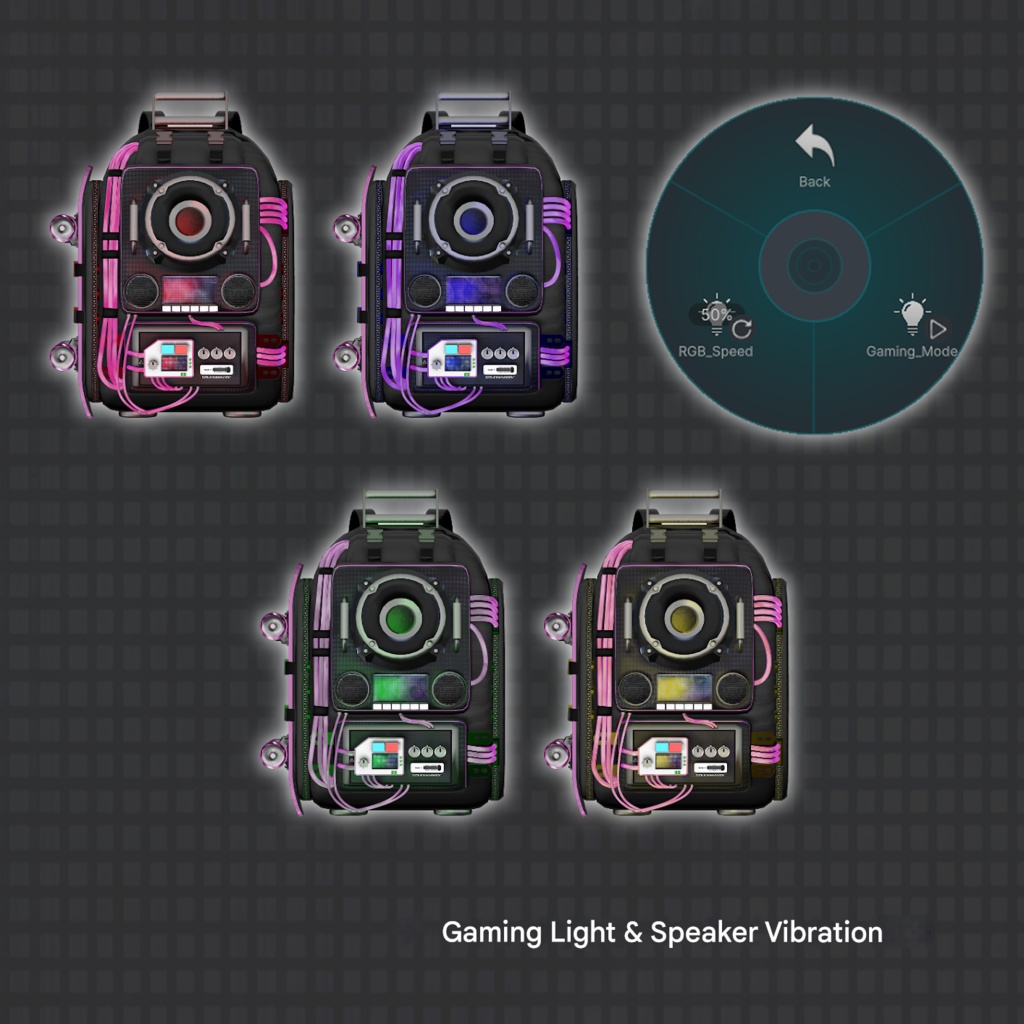
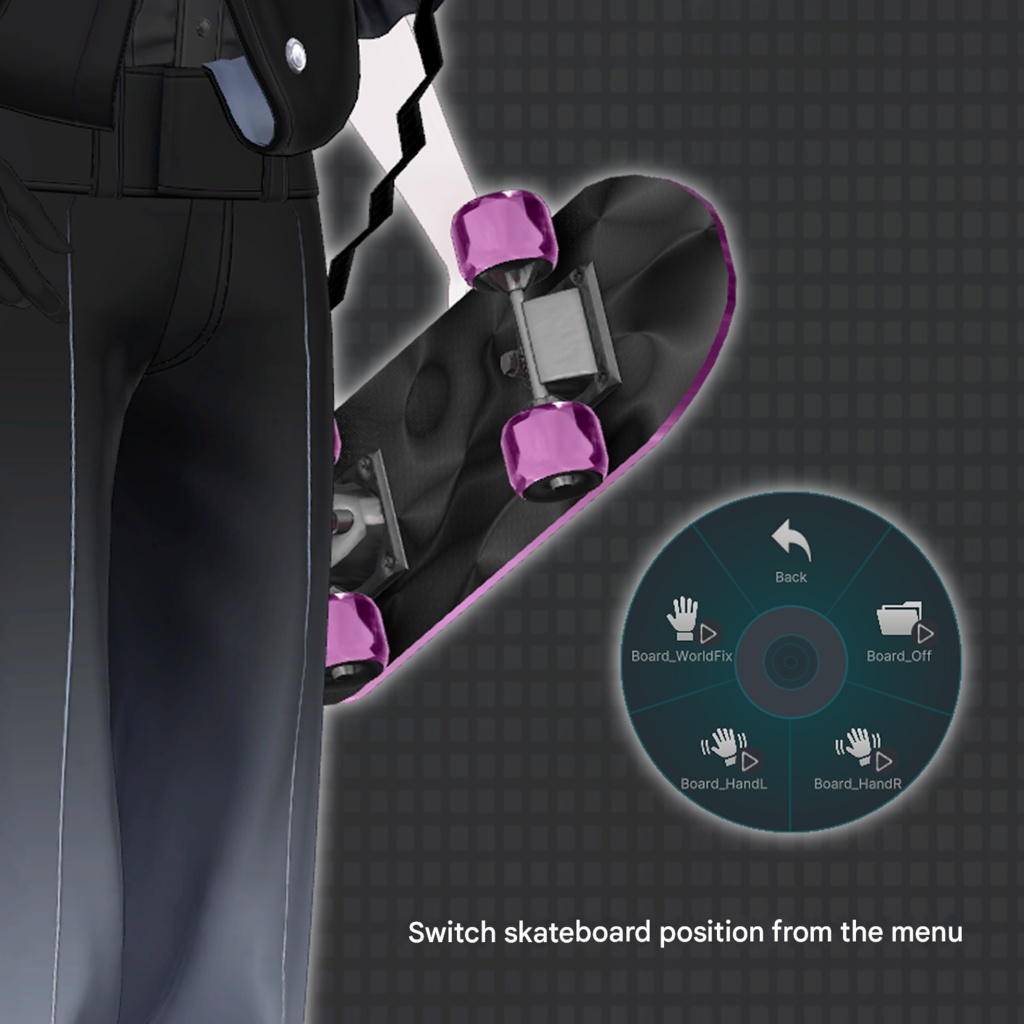


◆ CYBER_LOUDRIG ◆ Creator: relybird A gimmick-equipped gadget rig designed for cyber-style avatar customization. Built with a dark base and neon emission accents, this gaming-color configuration creates a bold, high-impact look. Features neon emission and color changes, avatar-follow behavior in Carry Mode, and Audiolink support. ⚠️ Due to the nature of downloadable products, refunds and returns are not available. Please review the product description and terms of use before purchasing. ◆ Item Overview ● Contents CYBER_LOUDRIG.Unitypackage PSD file for customization ReadMe.txt ● Required Shader liltoon https://lilxyzw.booth.pm/items/3087170 ● Required Asset Modular Avatar https://modular-avatar.nadena.dev/ja/docs/intro ● Model Data Total Polygon Count: 25,888 polygons Bag: 21,424 Belt: 776 Board: 3,688 Mesh Count: 3 Material Count: 5 PB Components: 4 ● Adjustment Shapekeys - Bag Path: CYBER_LOUDRIG_〇〇 > BagObject > CYBER_LOUDRIG > Bag Attachment_L1_off Attachment_L2_off Attachment_R1_off Attachment_R2_off SideBelt_in SideBelt_out ToolBelt_wide - Belt Path: CYBER_LOUDRIG_〇〇 > BagObject > CYBER_LOUDRIG > Belt Flont_Short.L Flont_Short.R Flont_Long.L Flont_Long.R Shoulder_Expand Shoulder_Shrink Shoulder_Forward Shoulder_Back Shoulder_Spread Shoulder_Narrow Chest_Expand Chest_Spread Lower_Expand Lower_Spread Lower_Rotate Import Folder Assets > MetaverseCreators_CP > RLB > CYBER_LOUDRIG ◆ Installation Instructions Set up the latest VRC SDK in VCC. Install required assets (liltoon, Modular Avatar) via VCC. Import this product’s package. Drag and drop your avatar (or dressing/modification prefab) into the Scene Hierarchy. Disable unnecessary default clothing if needed (set to Editor Only). Drag and drop “CYBER_LOUDRIG_〇〇.Prefab” directly under the avatar. Adjust position, scale, rotation, and shapekeys in the Scene to your preference. Upload the avatar via VRC SDK. ◆ Gimmick Overview Audiolink compatible (metal parts, cables) Flowing animations (front/side displays, cables) Front equipment buttons (Red / Blue): Change speed Adjust position Switch colors Carry bag handle can be grabbed and extended. EX Menu Functions Carry Mode (Avatar Follow) / Backpack toggle On/Off and World Fix toggle Skateboard hand-held toggle On/Off and World Fix toggle Gaming color emission & speaker vibration Speed adjustment ◆ Notes If you want to adjust the angle when switching to skateboard hand-held mode: Adjust the rotation of: CYBER_LOUDRIG_〇〇 > BoardObject > BoardHand > Constraint_BoardHand ◆ Color Customization Replace materials in the item’s Materials slot with the variations found in: Common > Material Skinned Mesh Renderer – Materials Slot CYBER_LOUDRIG_〇〇 > BagObject > CYBER_LOUDRIG > Bag CYBER_LOUDRIG_〇〇 > BagObject > CYBER_LOUDRIG > Belt Mesh Renderer – Materials Slot CYBER_LOUDRIG_〇〇 > BoardObject > Board You can also customize colors using the included PSD file. ◆ Terms of Use https://drive.google.com/drive/folders/1qRMXoIxM1ZgacBPfwOigQRtXP1vCbNMn?usp=sharing Please also follow the terms of use of the base avatar. ◆ Production Environment Modeling: Blender Ver4.4.3 Texturing: CLIP STUDIO PAINT Setup: Unity Ver2022.3.22f1 VRChat SDK - Avatars Ver3.10.1 (VCC) liltoon 2.3.2 ModularAvatar 1.15.1 ◆ Credits Creator: relybird #RLB https://relybird.booth.pm/ Support / Inquiries: https://discord.gg/bmw3PWE37M