

Madeline Critter [PC / Mobile Avatar]
- Digital800 JPY
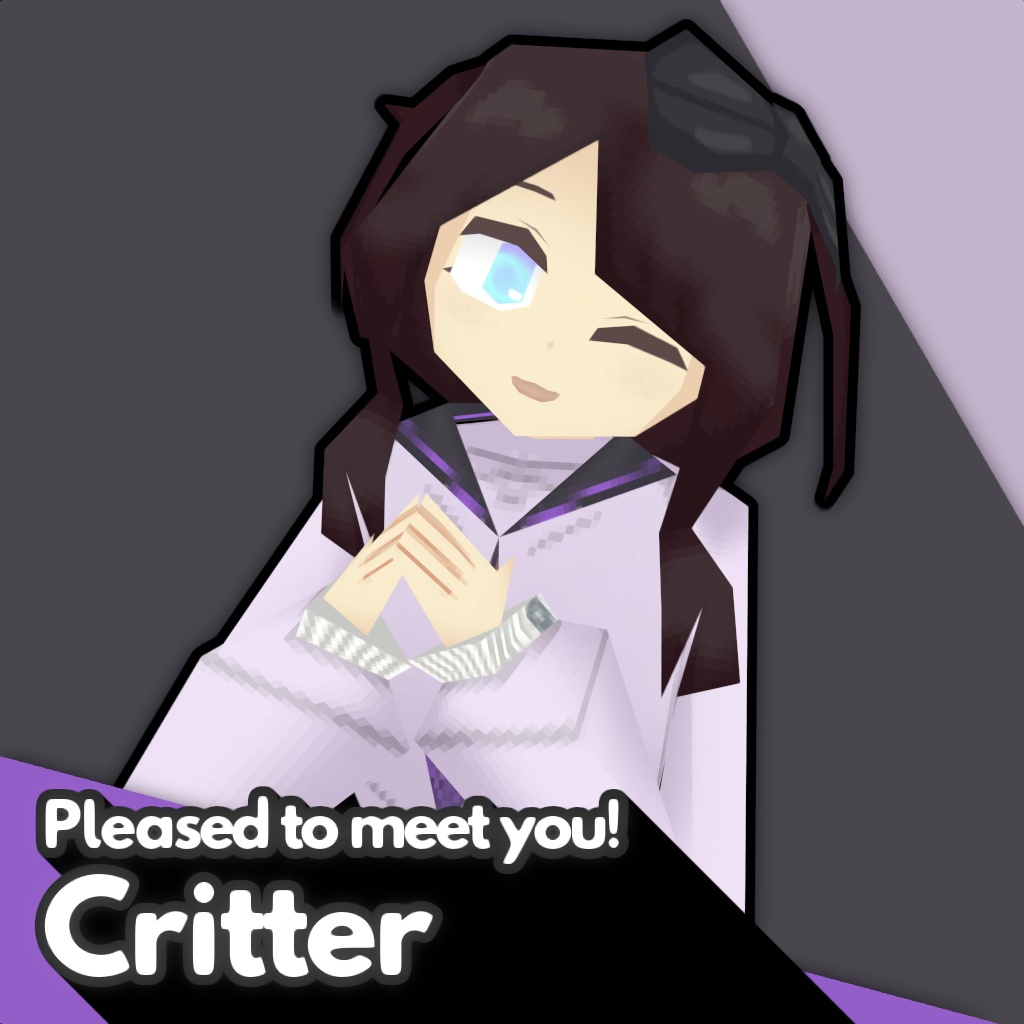
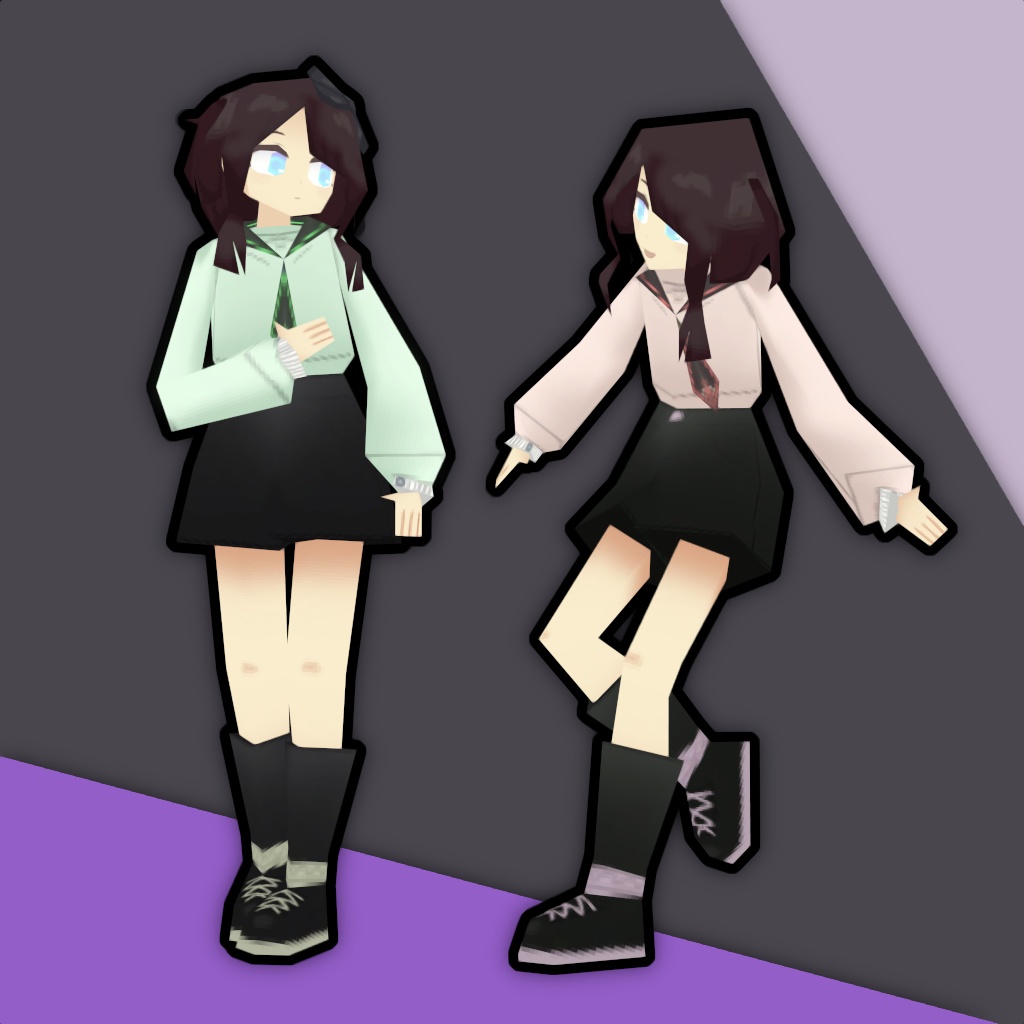
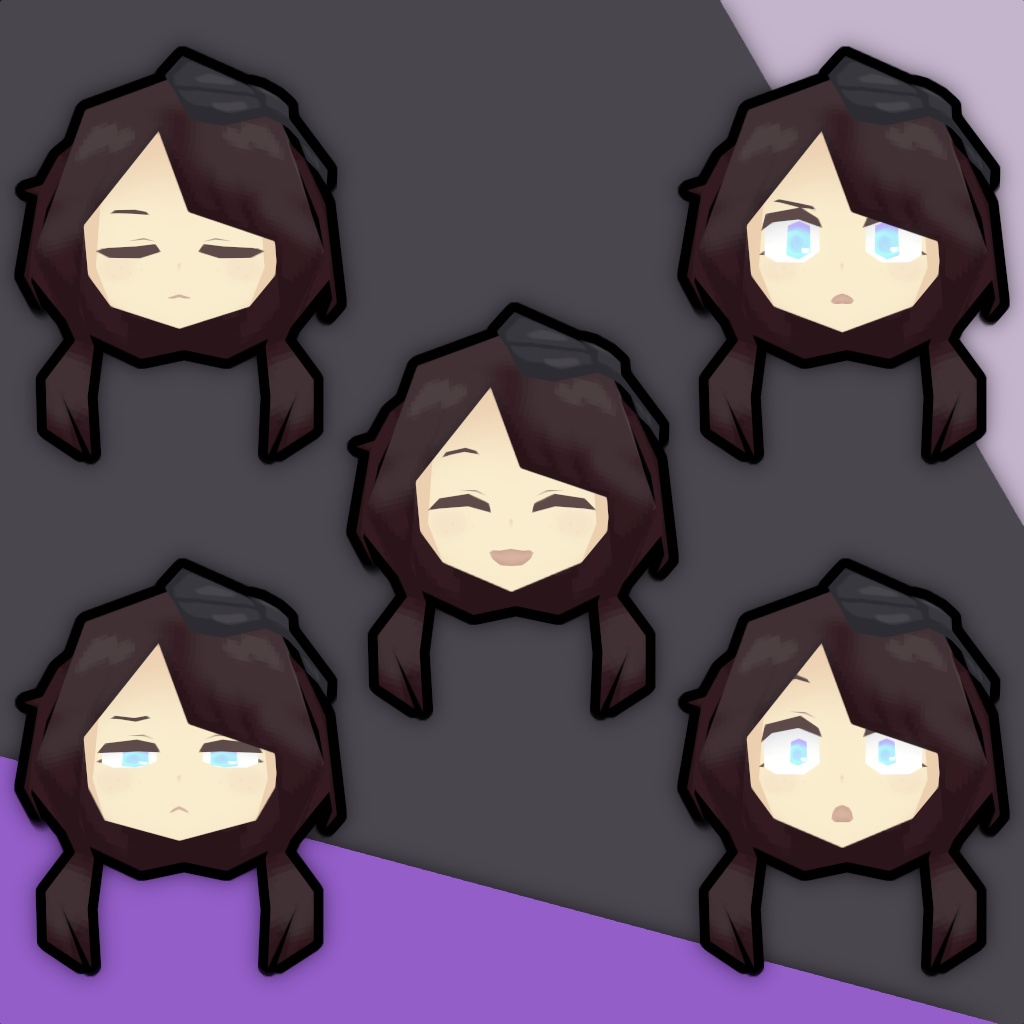


Features: - Clothing hue shift + toggleable bow. - Various animated gesture expressions. - Very stretchy hair and ties. - Full VRCFT face tracking using Universal Expressions. - Blender source model + UcuPaint texture included! - Fallback-ready: select "Set as Fallback" in the SDK after uploading the Android version. (VRChat seems to be phasing out support for Fallbacks, however) This avatar is also available on the VRChat Marketplace, where you can try it on if you would like to test it out.
Performance Ranks
PC (Excellent) and Mobile (Good): - Base Height: 1m - Triangles: 429 - Texture: 256x256 - Skinned Mesh Renderers: 1 - Materials: 1 - PhysBones: 16 Transforms, 3 Components
Setup
Package dependencies: - VRChat SDK 3.10.4 - Jerry's VRCFT Templates: https://github.com/Adjerry91/VRCFaceTracking-Templates How-To: - Import the UnityPackages for Madeline Critter and Jerry's VRCFT Templates. - Open the scene inside the "critter" directory. - Set up the avatar upload info in the VRChat SDK panel. - Upload! If all goes well you should see Critter in your avatars menu once it finishes. If face tracking is missing or non-functional, please make sure the prefab for "VRCFT - Universal Expressions" is added to the avatar. If you would like to NOT include face tracking support, simply remove the VRCFT prefab from the model. If you didn't import the templates, it should be easy to find as this prefab will be marked as missing. If you would like to use GoGoLoco, please add it to the avatar manually, as I no longer include it with my models.
Notes on the Source Files
Dependencies: - Blender 5.1.1 - UcuPaint 2.4.8 On OpenGL, the material may render pink when all layers are visible. To edit the material, either hide some layers or change Blender to use Vulkan. To bake the texture: - Show all layers. (the model will still bake correctly even if it turns pink) - Click re-bake. (you can also change resolution if you'd like a different pixel density for the texture)
Terms of Service
- Public uploads of edited versions are allowed, as long as credit is provided. Be creative! - Porting the avatar to platforms other than VRChat is allowed, as long as credit is provided. - Do not distribute the avatar files to other people who do not own them. - Creations including mesh or texture data from this avatar in any capacity are not to be sold. - Do not use this character in mature or adult contexts. - For use in video or other content, please credit the author "cubee" or "cubee_cb" (and let me know, I wanna see!) - For promotional usage, or content where the avatar represents a character other than yourself, please contact me for permission.
Update information
v1 - BOOTH Release