

🍸DrinkCraft | Advanced Drink Crafting System✨
- Personal UseDigital5,500 JPY
- Comercial UseDigital15,700 JPY
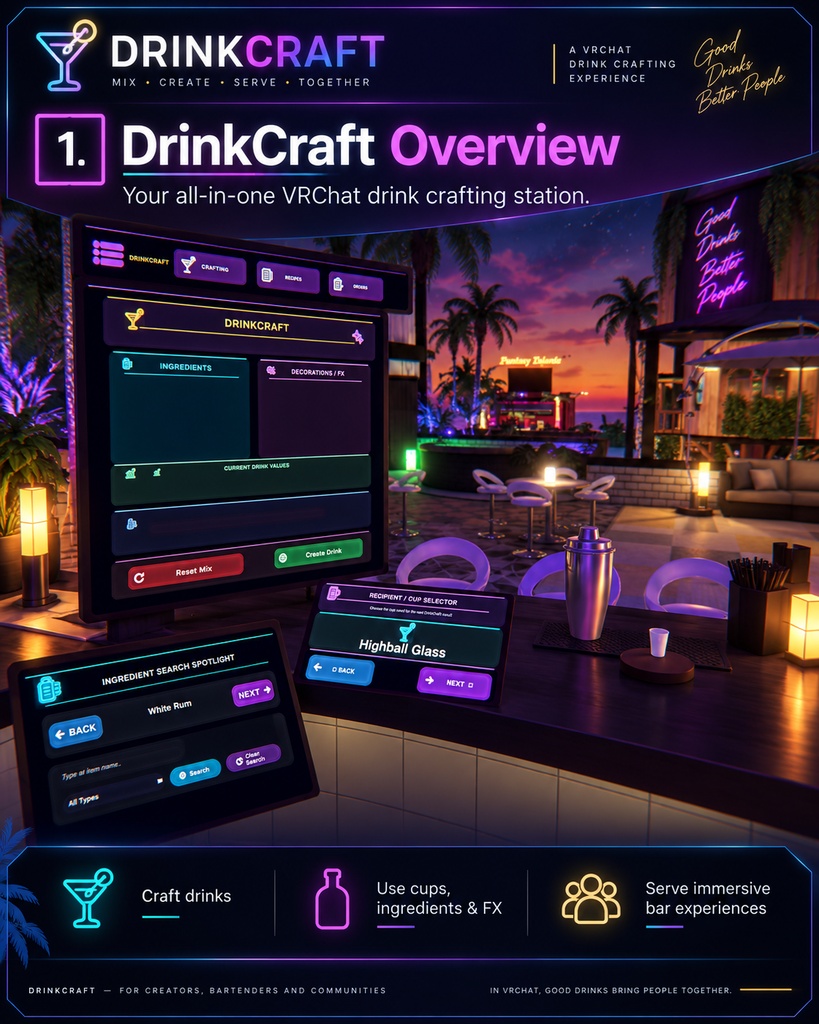
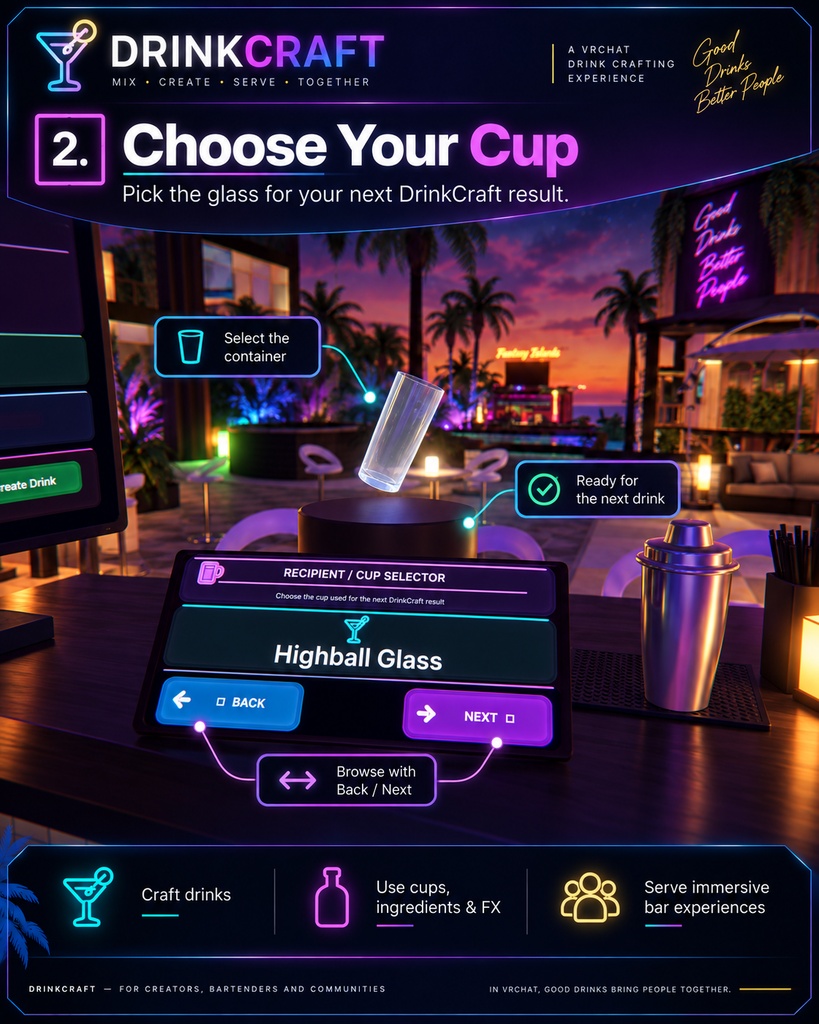
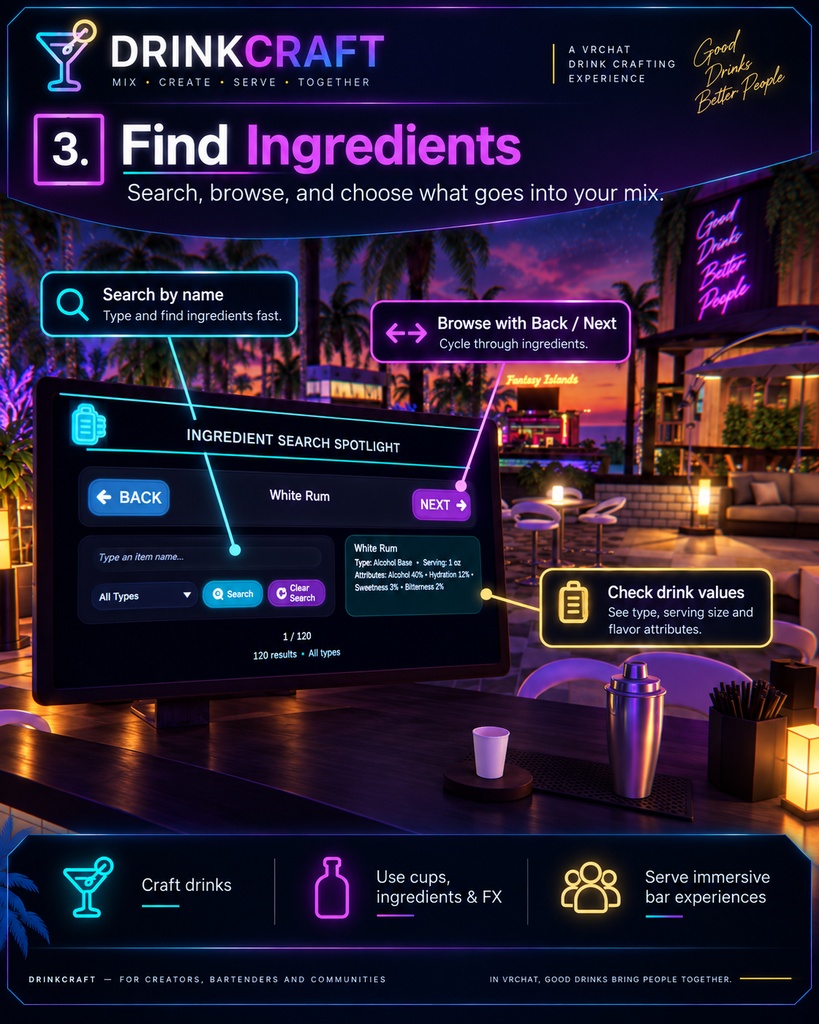
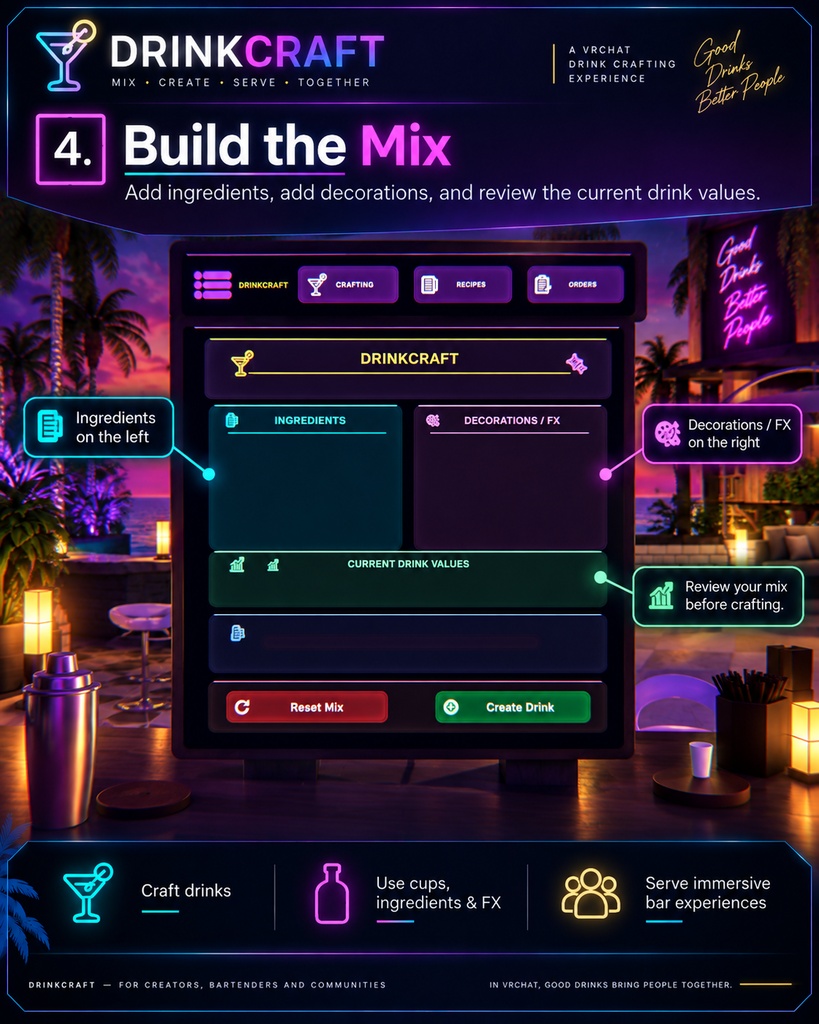
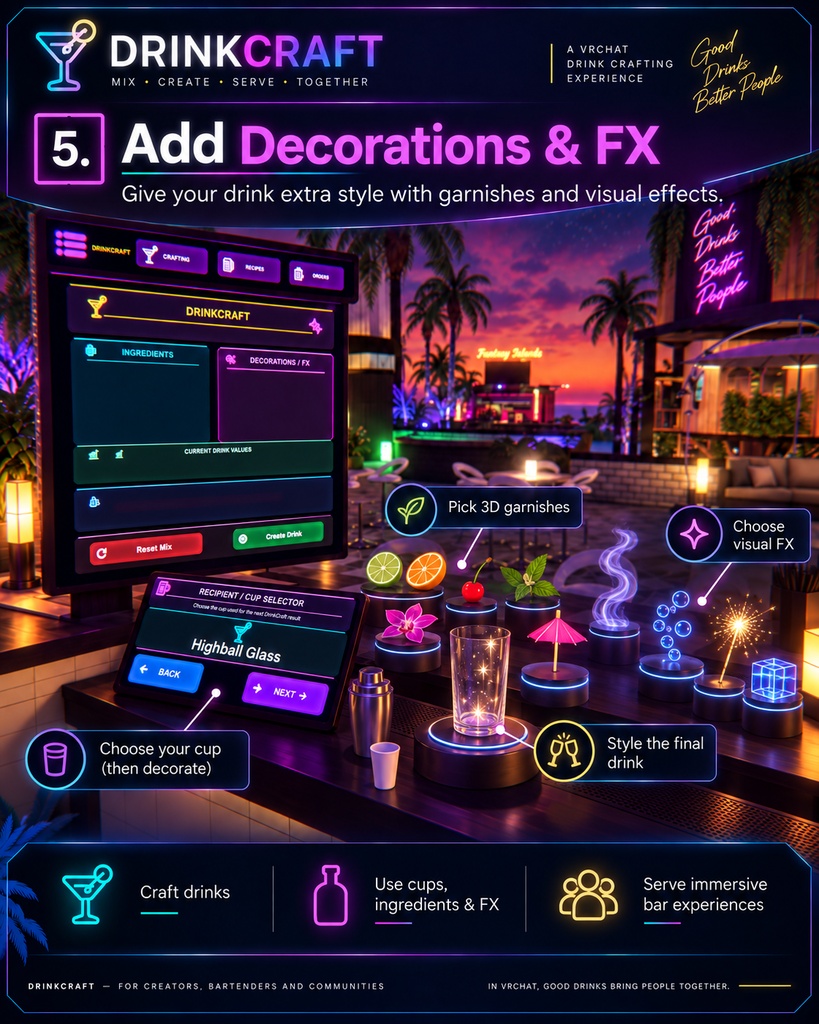
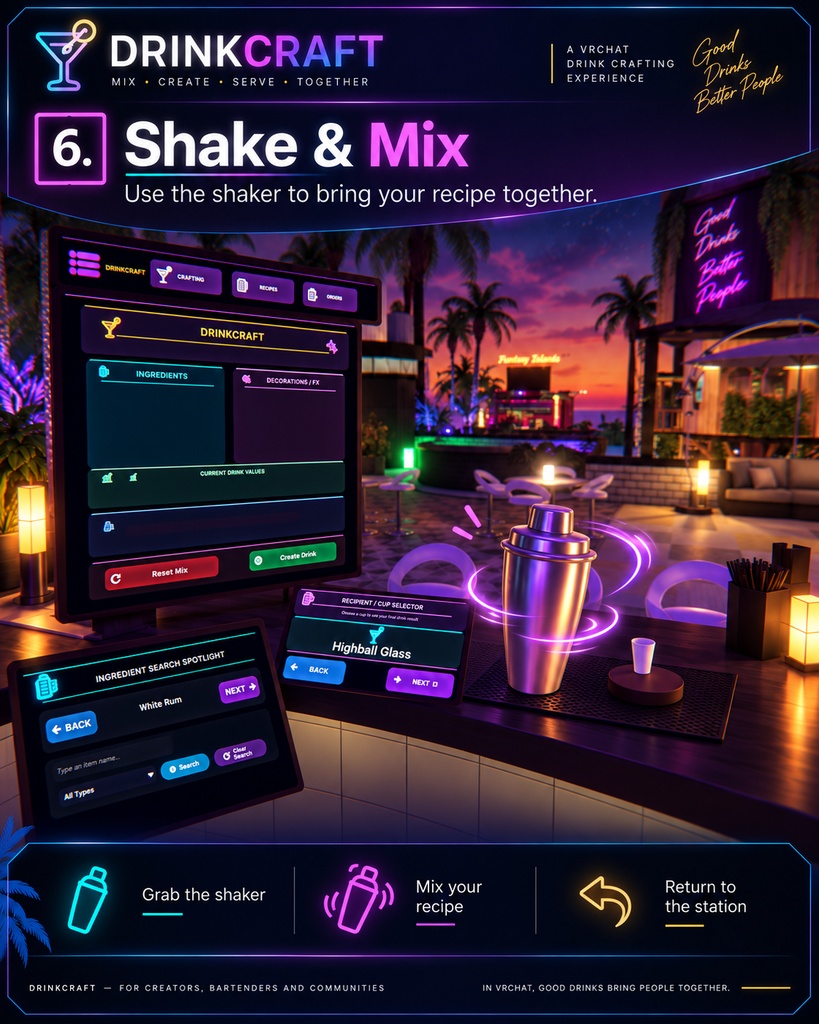
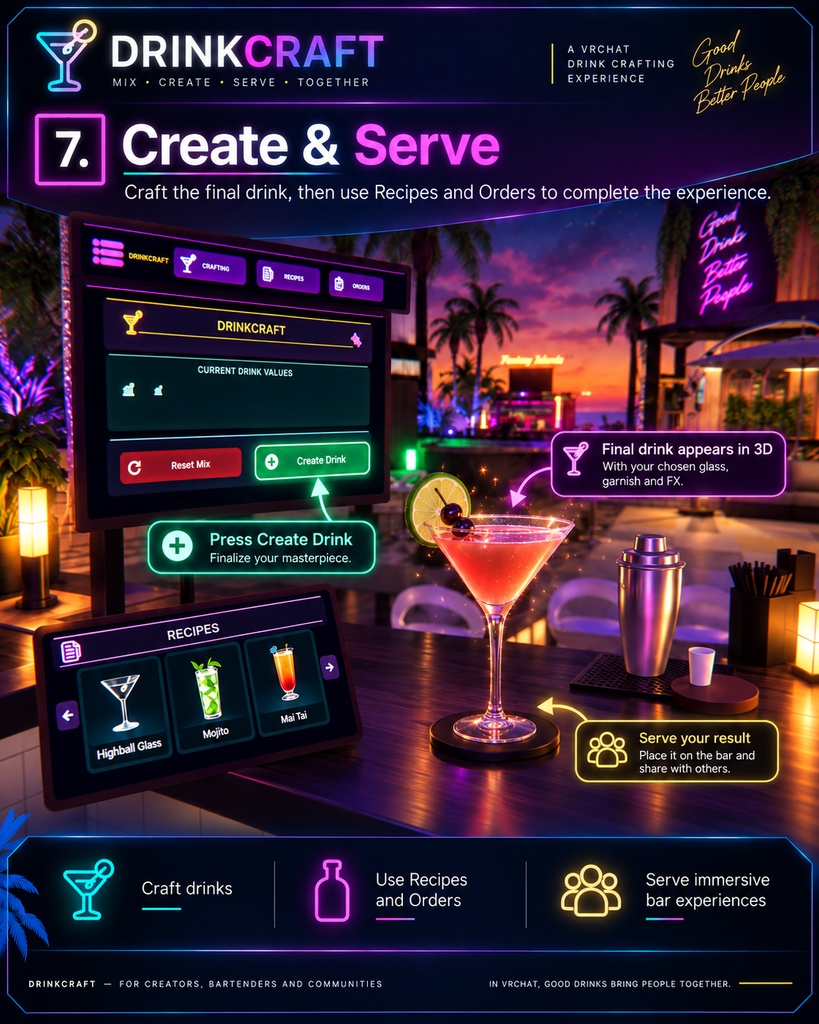
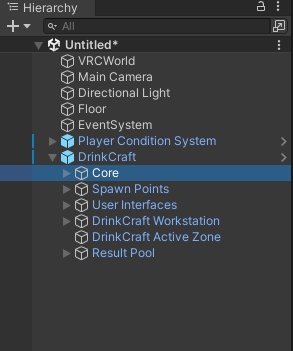
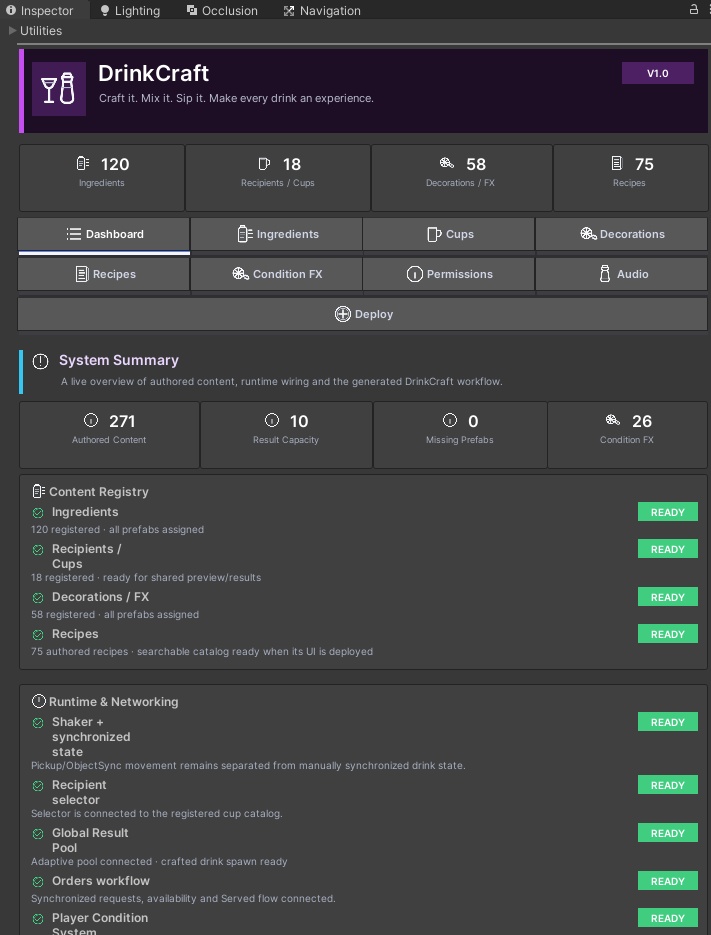
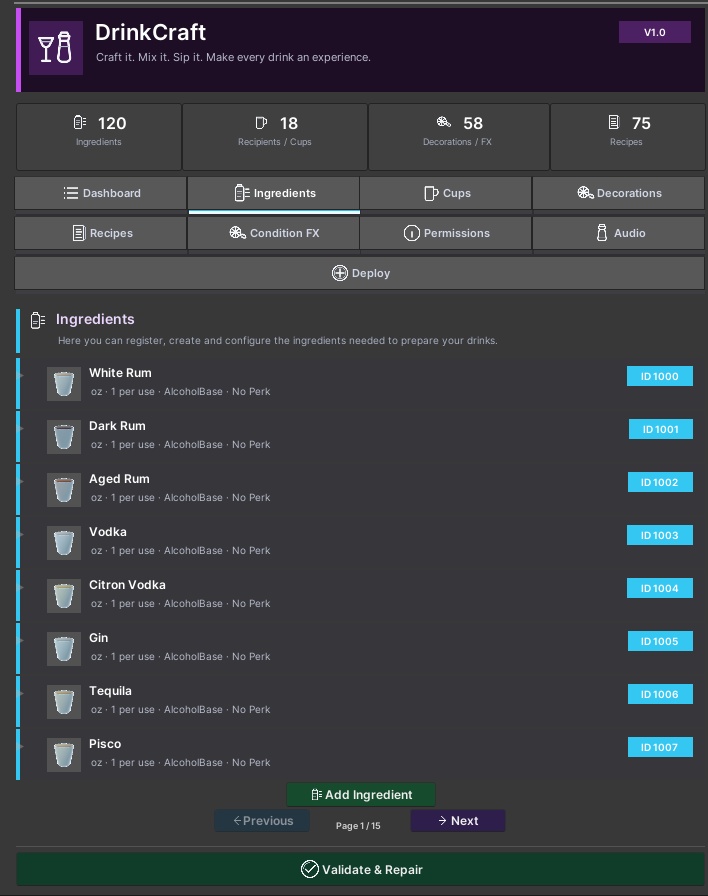
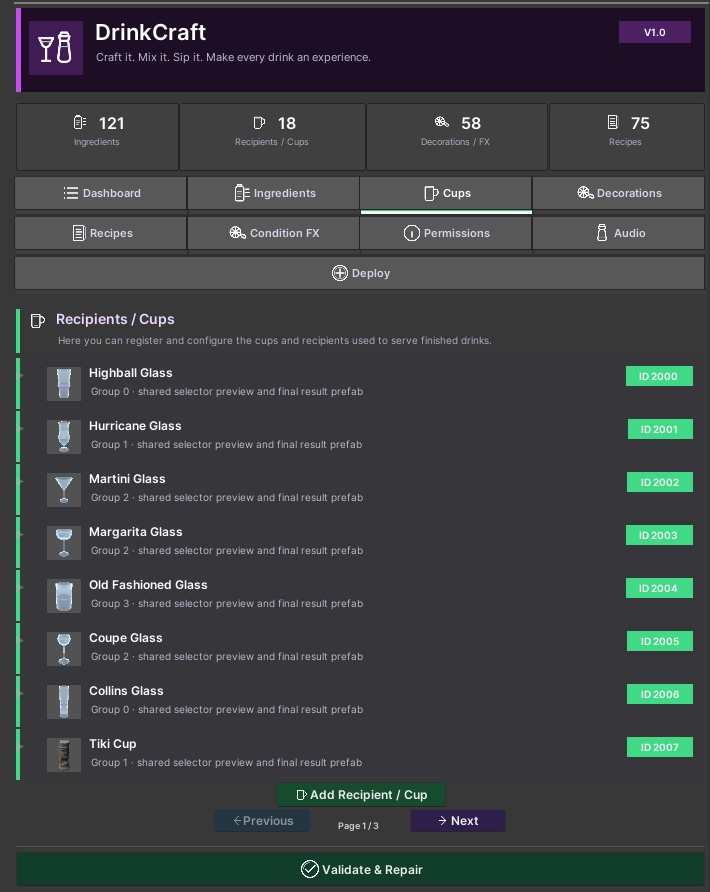
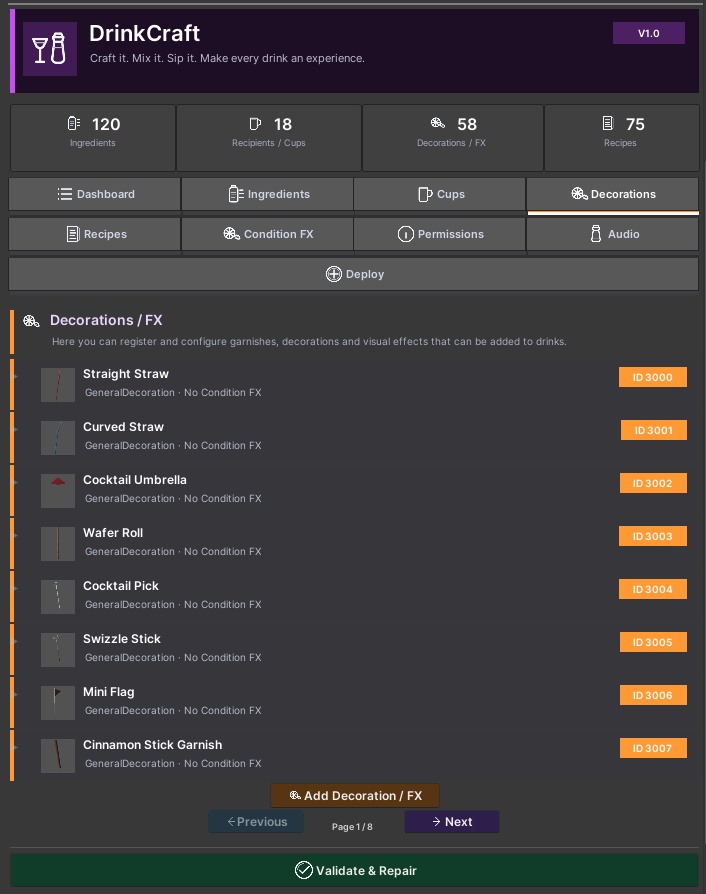
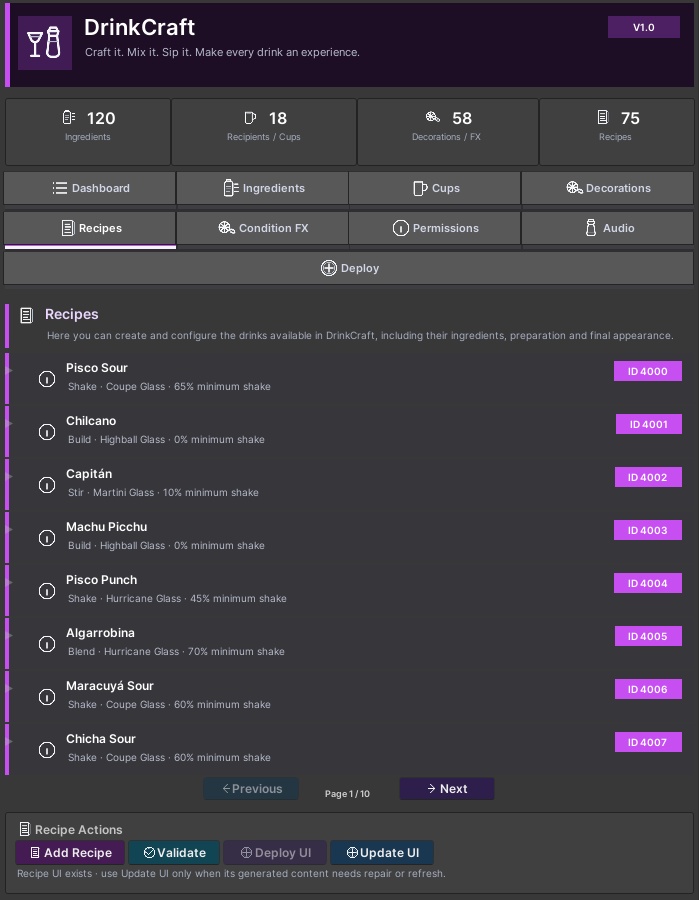
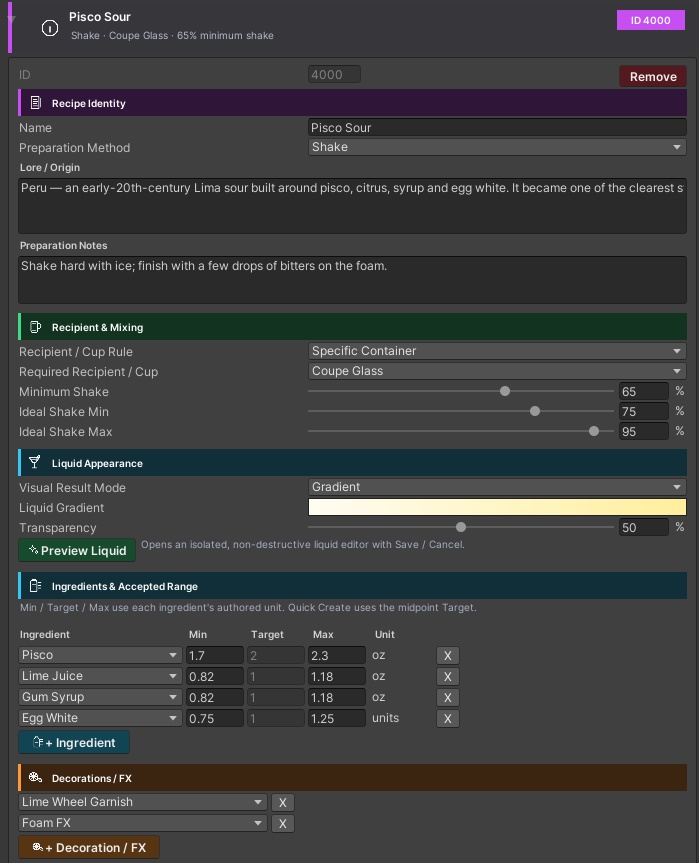
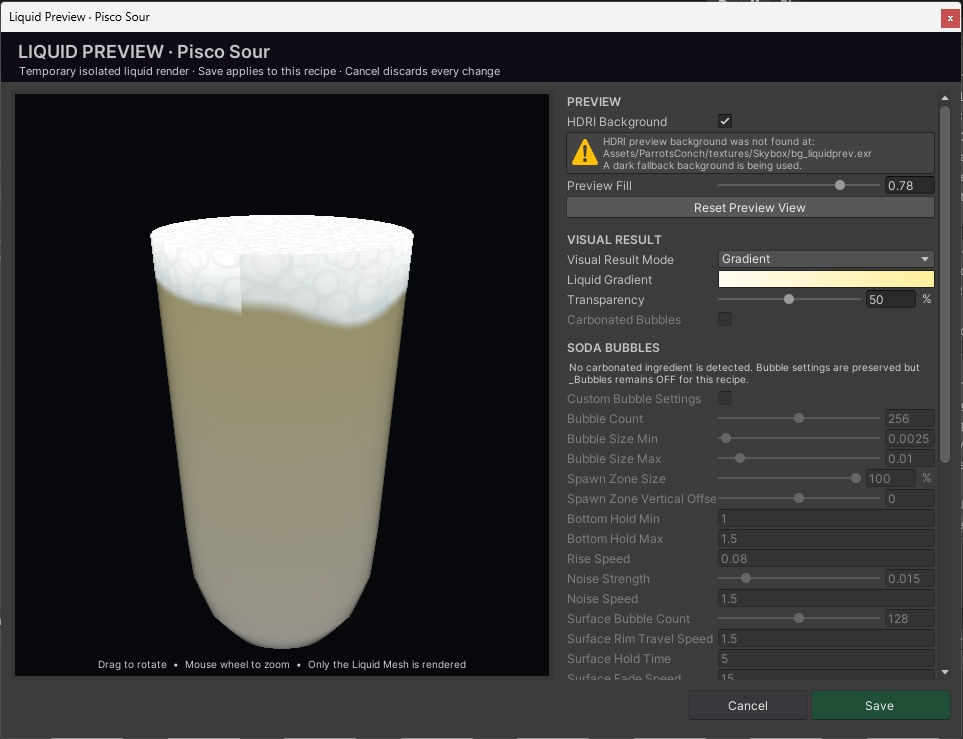
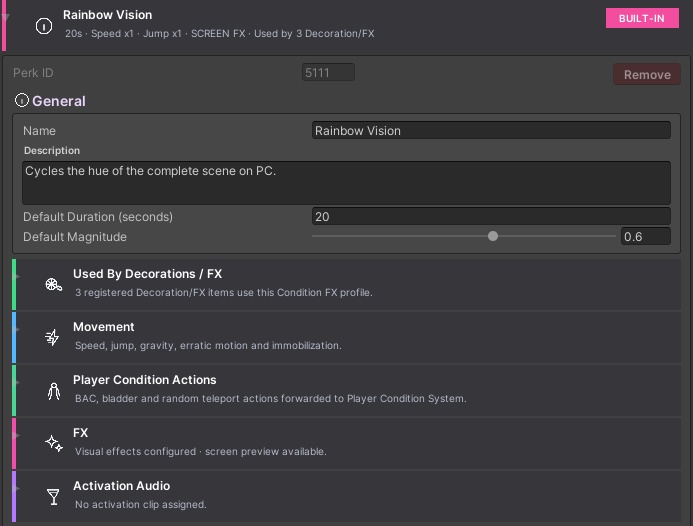
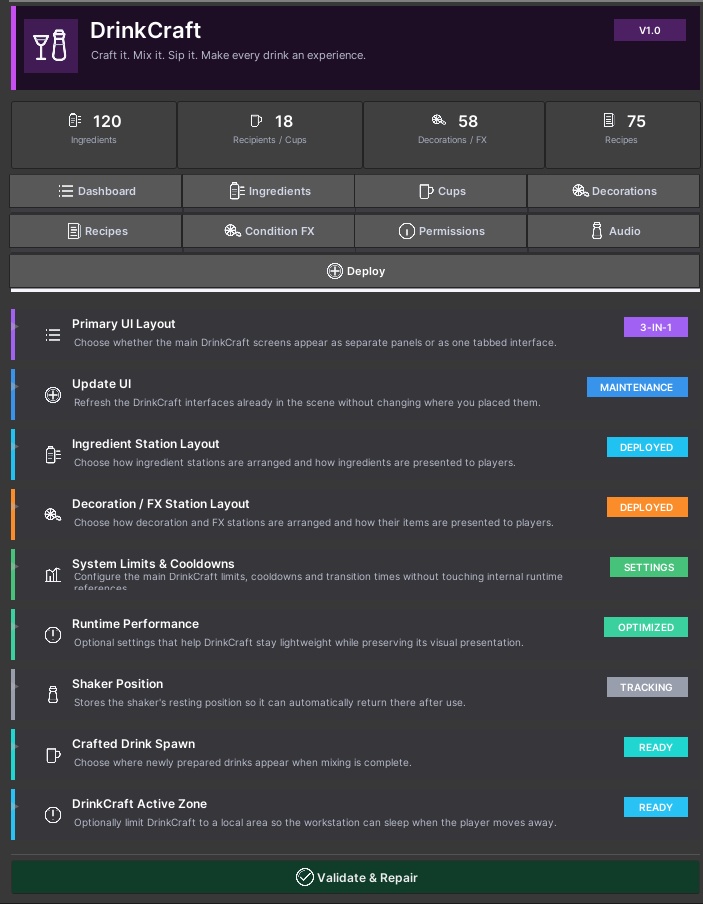
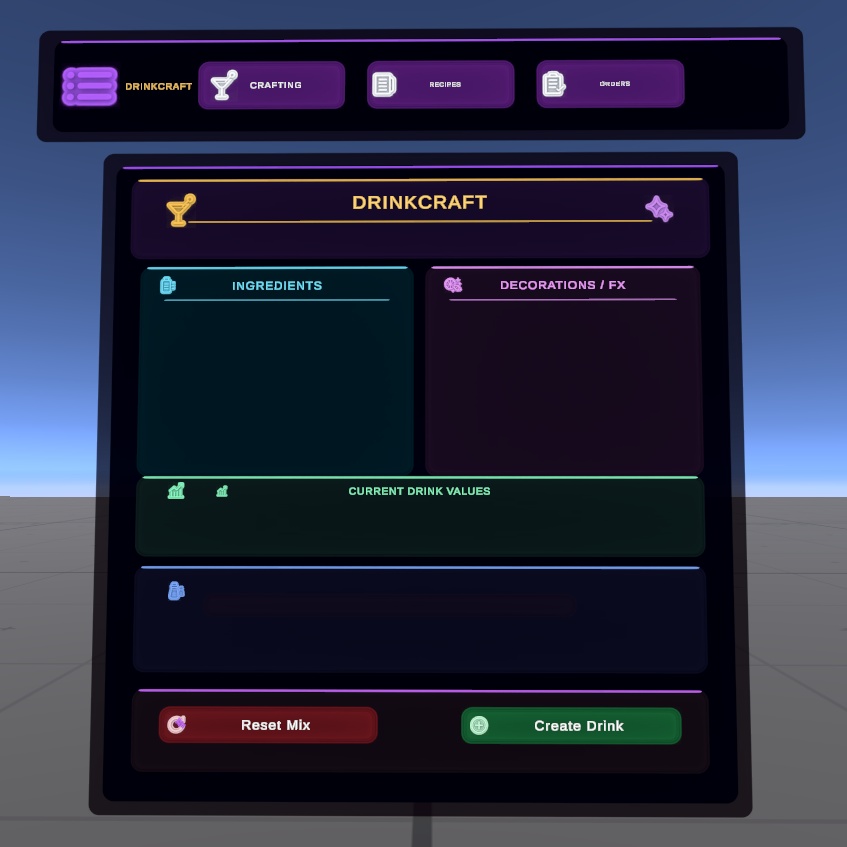
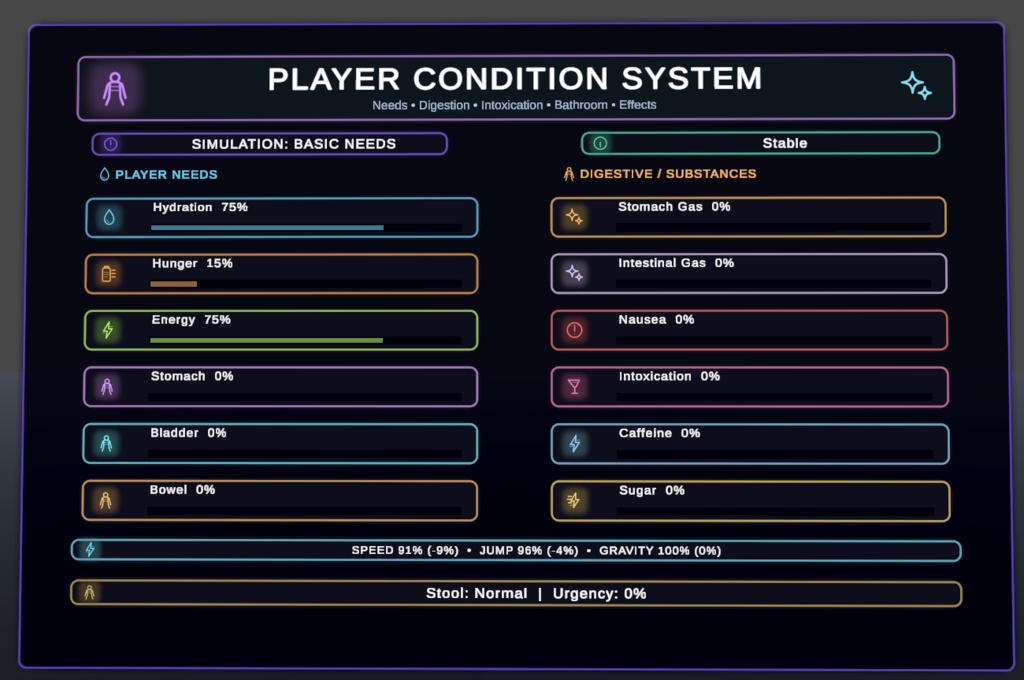
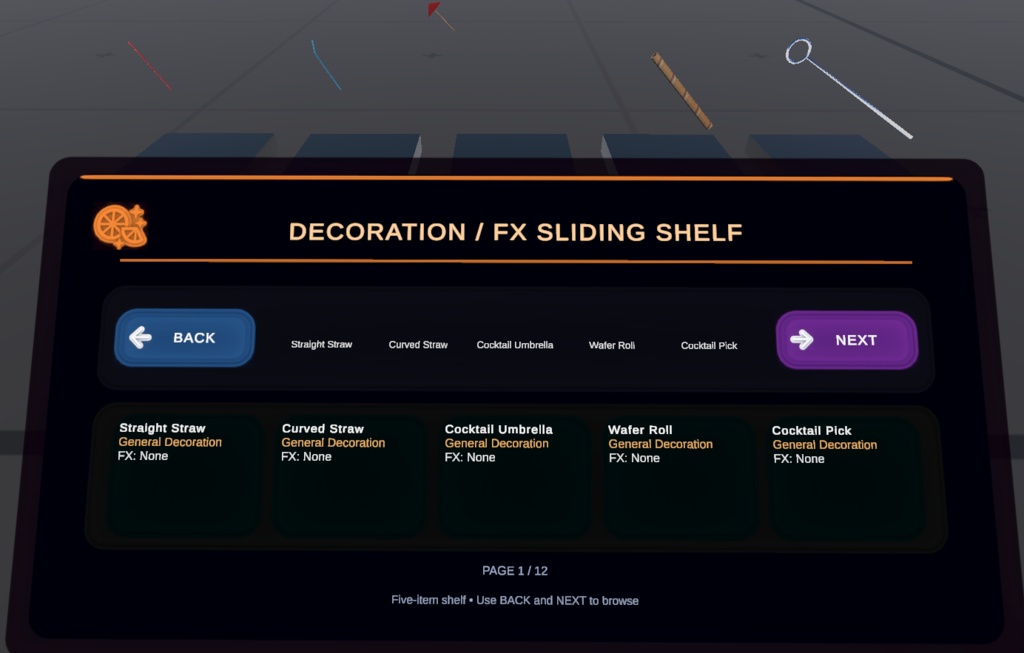
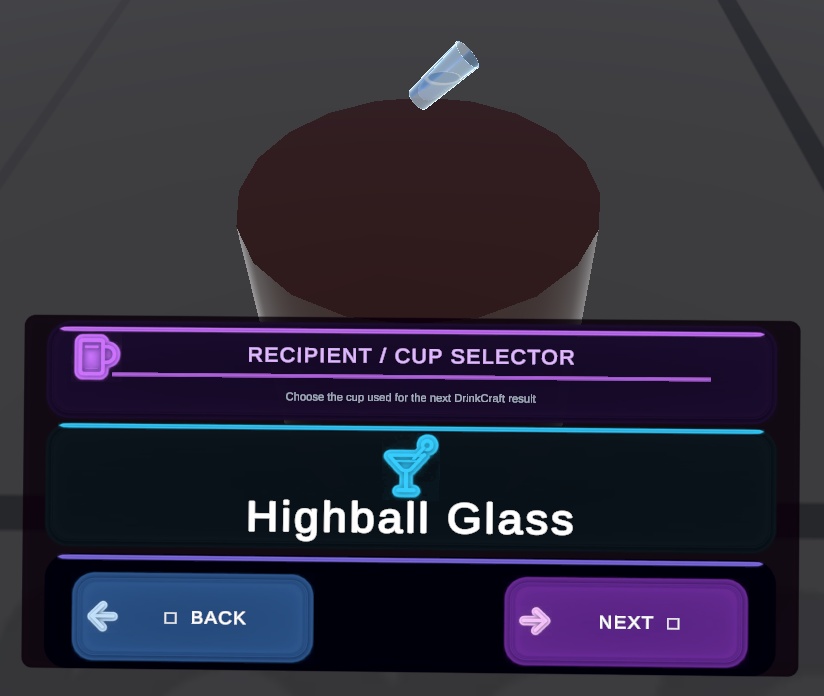
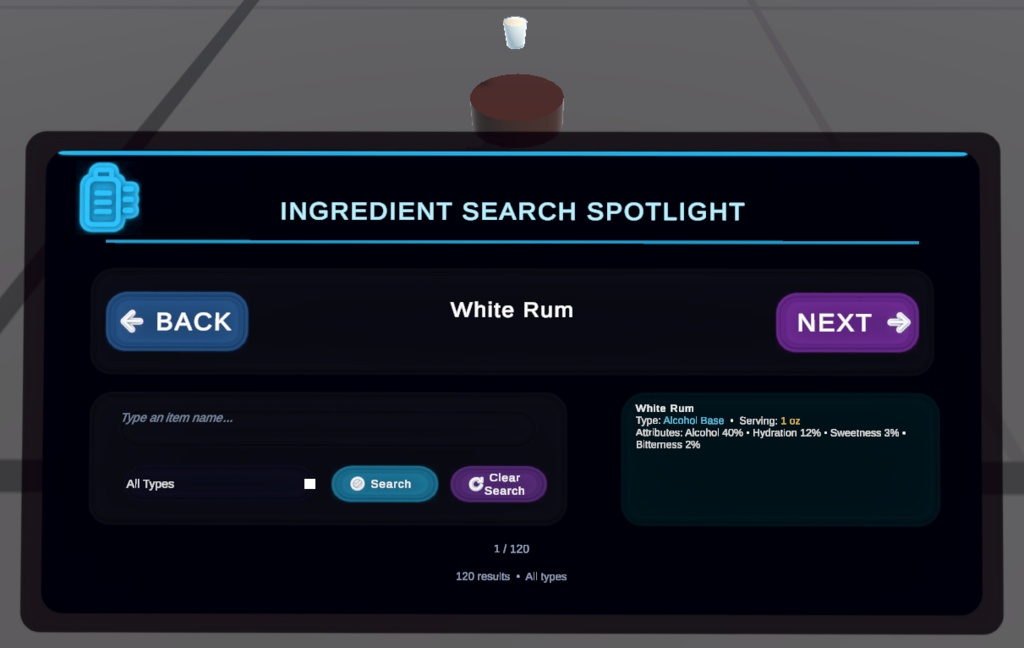
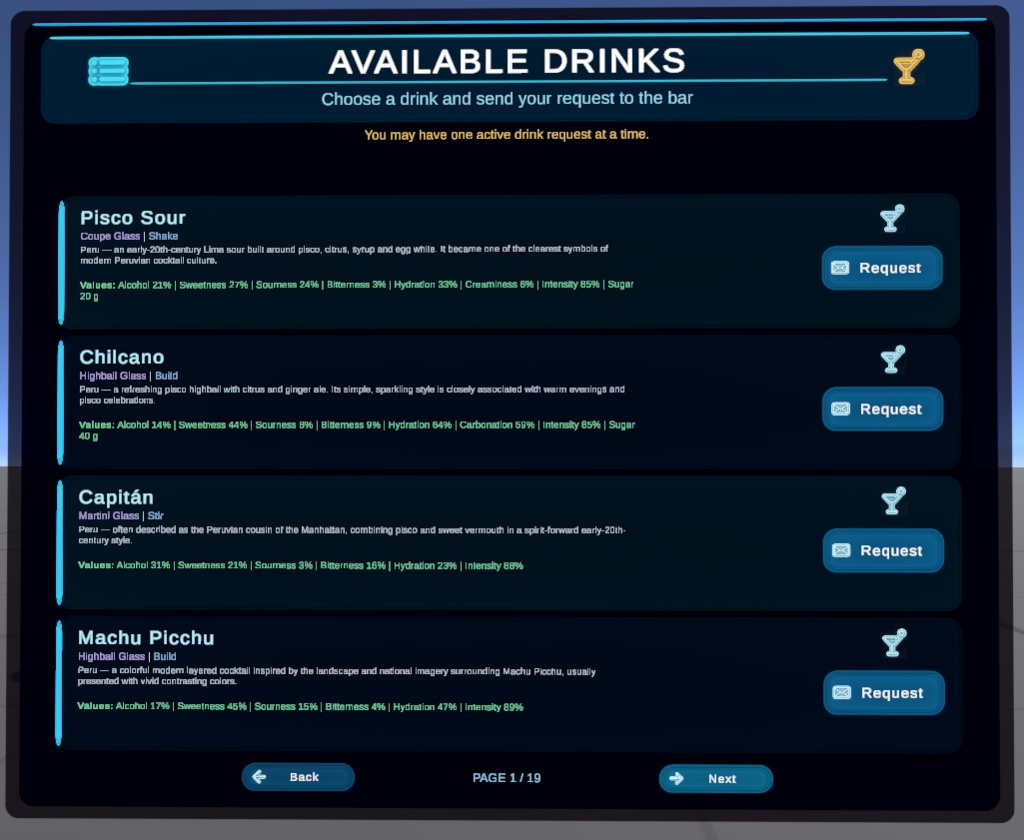
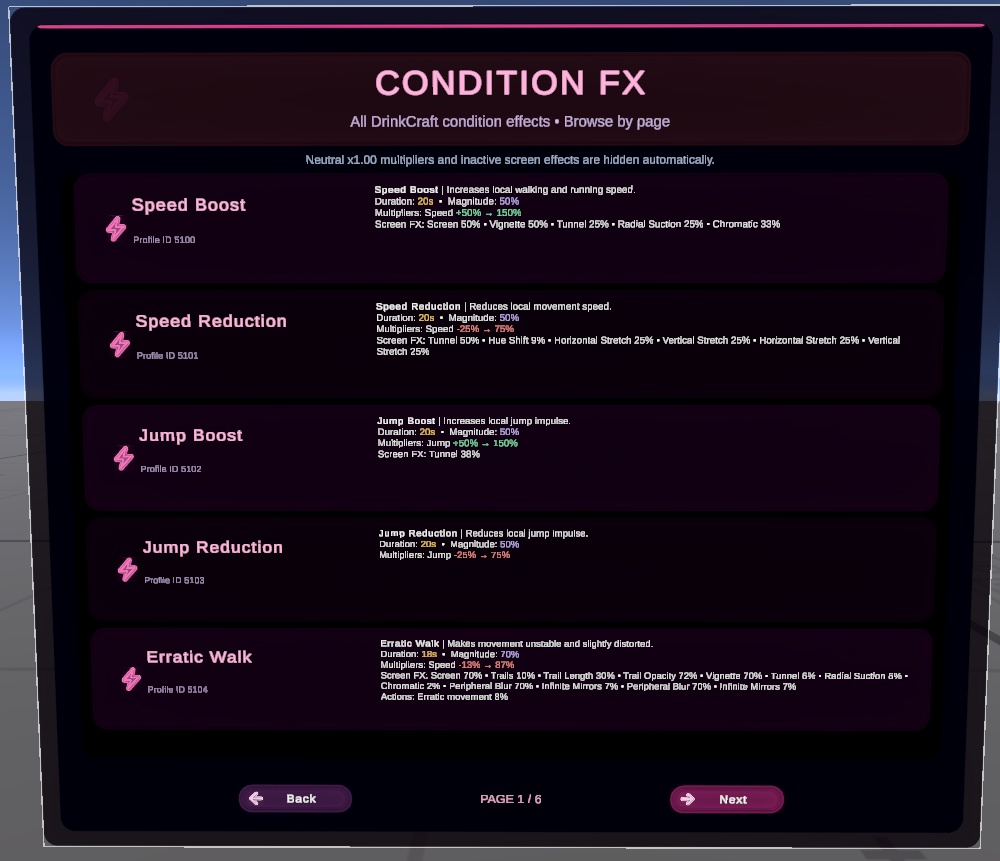


🍸 DrinkCraft V1.0 — Advanced Drink Crafting System for VRChat Craft it. Mix it. Sip it. Make every drink an experience. DrinkCraft is a complete interactive drink crafting system for VRChat, built with Unity and UdonSharp. It allows players to physically prepare drinks using ingredients, cups, decorations, recipes and a shaker, while creators can configure almost everything directly from the DrinkCraft Core without needing to edit the scripts. TEST THE ASSET HERE: https://vrchat.com/home/world/wrld_62a10120-92e0-4cdb-ac4c-98c418df9269/info ✨ What can players do? Players can: 🍋 Browse and use physical ingredients 🥂 Select different cups and recipients ✨ Add 3D decorations and visual FX 🥃 Grab and physically shake drinks 📖 Create drinks from configured recipes 🍹 Create custom drinks 📋 Request drinks from a public menu 👨🍳 Prepare orders for other players 🎨 Experience different liquid colors and visual effects 🧪 Receive optional gameplay effects after drinking DrinkCraft is designed to feel like a real interactive bar system instead of a simple drink spawner. 🍋 Custom Ingredients DrinkCraft already includes a large ingredient catalog, but you can easily create your own. Configure values such as: 🥃 Alcohol 💧 Hydration ☕ Caffeine 🍬 Sugar 🍋 Flavor properties 🫧 Carbonation 🎨 Color and transparency 🧪 Condition FX 🔐 Permissions …and much more. You can also replace the included models with your own custom ingredient prefabs. 🥂 Cups & Recipients Register your own glasses, mugs, cups or fantasy containers. Each cup can be used for: ✨ 3D preview 🍹 Final crafted drinks 📖 Recipe requirements 🔐 Permission restrictions Custom 3D cup models are fully supported. ✨ Decorations & FX Decorations are shown directly as physical 3D objects inside the workstation. You can create: 🍋 Fruit garnishes 🍒 Cherries 🌿 Leaves 🥤 Straws ☂️ Umbrellas ✨ Magical FX 🌫️ Smoke 🔥 Special effects …and much more. Decorations can also trigger optional Condition FX. 📖 Recipe System Create your own drink recipes with: 🍹 Ingredient requirements 📏 Minimum / Target / Maximum amounts 🥂 Cup rules 🥃 Preparation methods 🌀 Shake requirements ✨ Decorations 🎨 Custom liquid appearance 🫧 Carbonation 📜 Descriptions and lore 🔐 Permissions DrinkCraft automatically checks whether the player's mixture matches one of your recipes. If it does not, it can still be created as a custom drink. 🎨 Advanced Liquid Visuals DrinkCraft includes custom liquid shaders with support for: 🌈 Gradients 💧 Transparency 🌊 Liquid motion 🫧 Carbonation ✨ Sparkles 🧊 Foam 🥤 Fill levels 💫 Special visual effects Each recipe can have its own appearance. 🧠 Player Condition System Included The package also includes the complete Player Condition System (PCS). PCS allows drinks to affect player conditions such as: 💧 Hydration 🍺 Alcohol / Intoxication ☕ Caffeine 🍬 Sugar 🤢 Nausea 🏃 Movement 👁️ Screen Effects ⚡ Temporary gameplay effects DrinkCraft handles the drink creation while PCS handles the player condition effects. 🔐 Permission System Optional access control is included. Available modes: 🌍 Everyone 👤 Whitelist ⭐ TierSystem 🔑 KeypadPermission Permissions can be applied individually to: 🍋 Ingredients 🥂 Cups ✨ Decorations / FX 📖 Recipes Global Full Access users, tiers or roles can also be configured. 📋 Public Drink Requests Players can browse a public drink menu and request a drink. Bartenders can see synchronized pending orders and prepare them using the normal DrinkCraft workstation. Perfect for social bars, clubs and roleplay environments. ⚡ Optimized for VRChat DrinkCraft was designed to remain lightweight while idle. It includes: ⚡ Event-driven runtime systems 💤 UI and workstation sleep 📄 Paged interfaces 🍹 Shared result pool 🎨 Optimized UI resources 📍 Optional Activity Zone 🔄 Manual synchronization where appropriate 📦 Included The package includes: 🍸 DrinkCraft V1.0 🧠 Player Condition System V1.0 🥃 Interactive Shaker 🍋 Ingredient System 🥂 Cup Selector ✨ Decorations / FX 📖 Recipe System 📋 Orders & Public Menu 🎨 Liquid Shaders 🧪 Condition FX 🔐 Permissions 🔊 Audio Configuration 🛠️ Validation & Repair Tools 📘 Official User Manual 🛠️ Installation Setup is very simple. 1️⃣ Add Player Condition System Drag: Assets/ParrotsConch/Prefabs/PCS/Player Condition System.prefab into your scene. 2️⃣ Add DrinkCraft Then drag: Assets/ParrotsConch/Prefabs/DrinkCraft/DrinkCraft.prefab into your scene. 3️⃣ Position the visuals Move the workstation and UI where you want them. Open DrinkCraft/Core, run Validate & Repair, and you're ready to start customizing. ✨