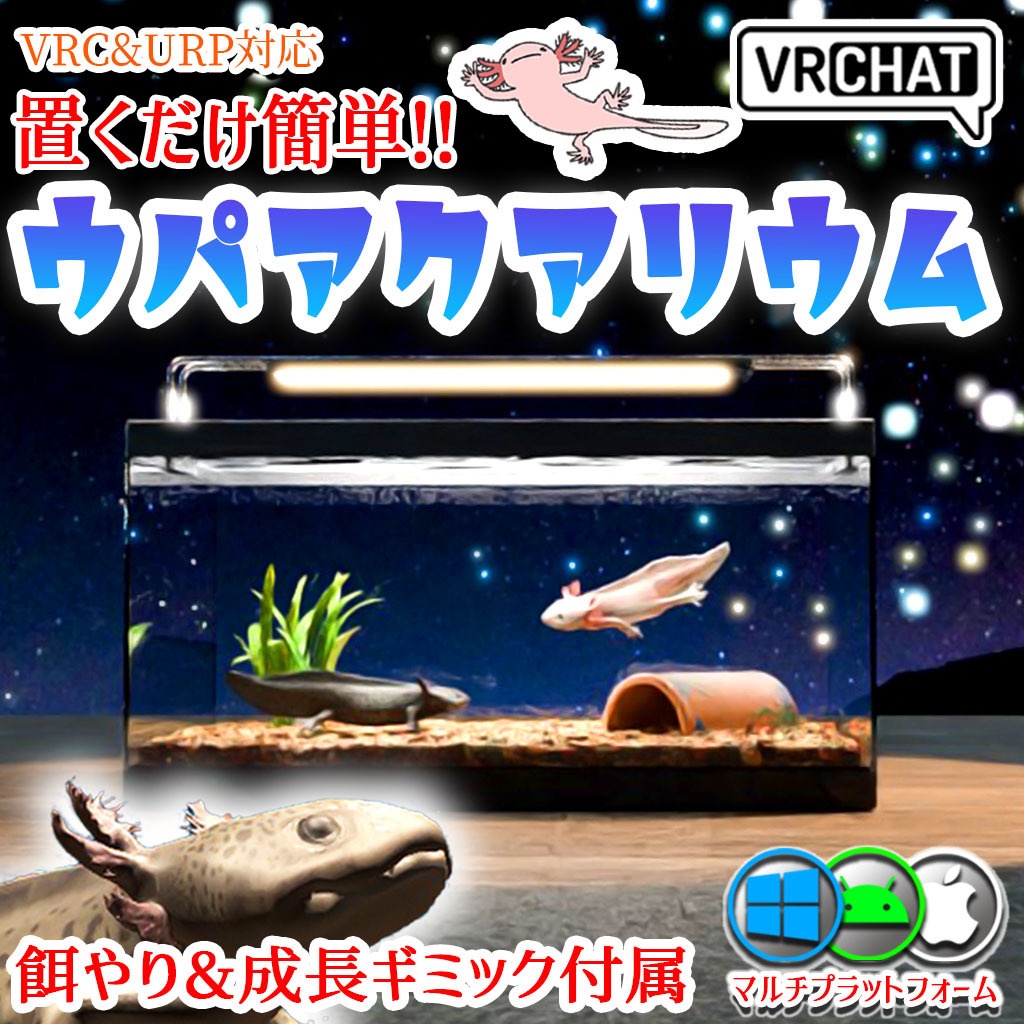
【VRC】餌やりギミック付き!ウーパールーパー水槽セット 混泳も可能【ブラック&ピンク2色セット】
- Digital1,200 JPY


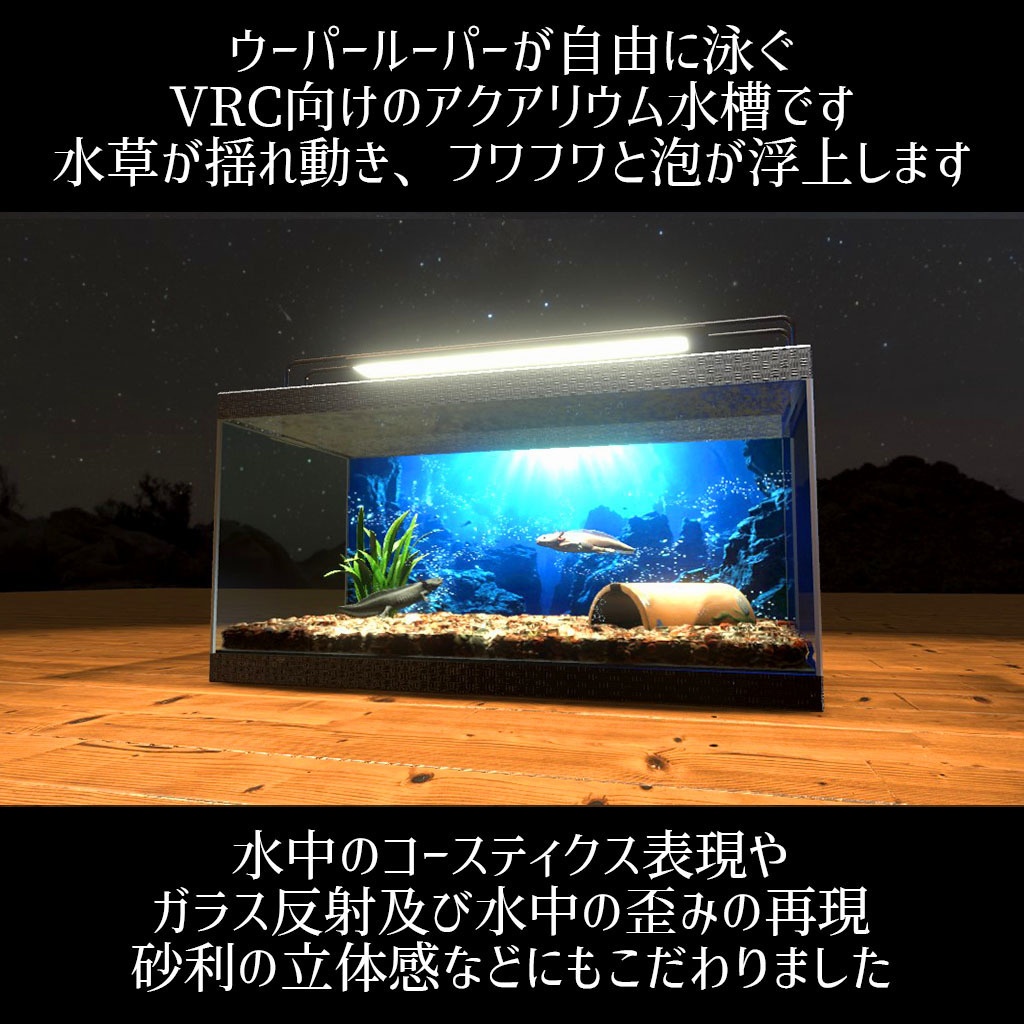
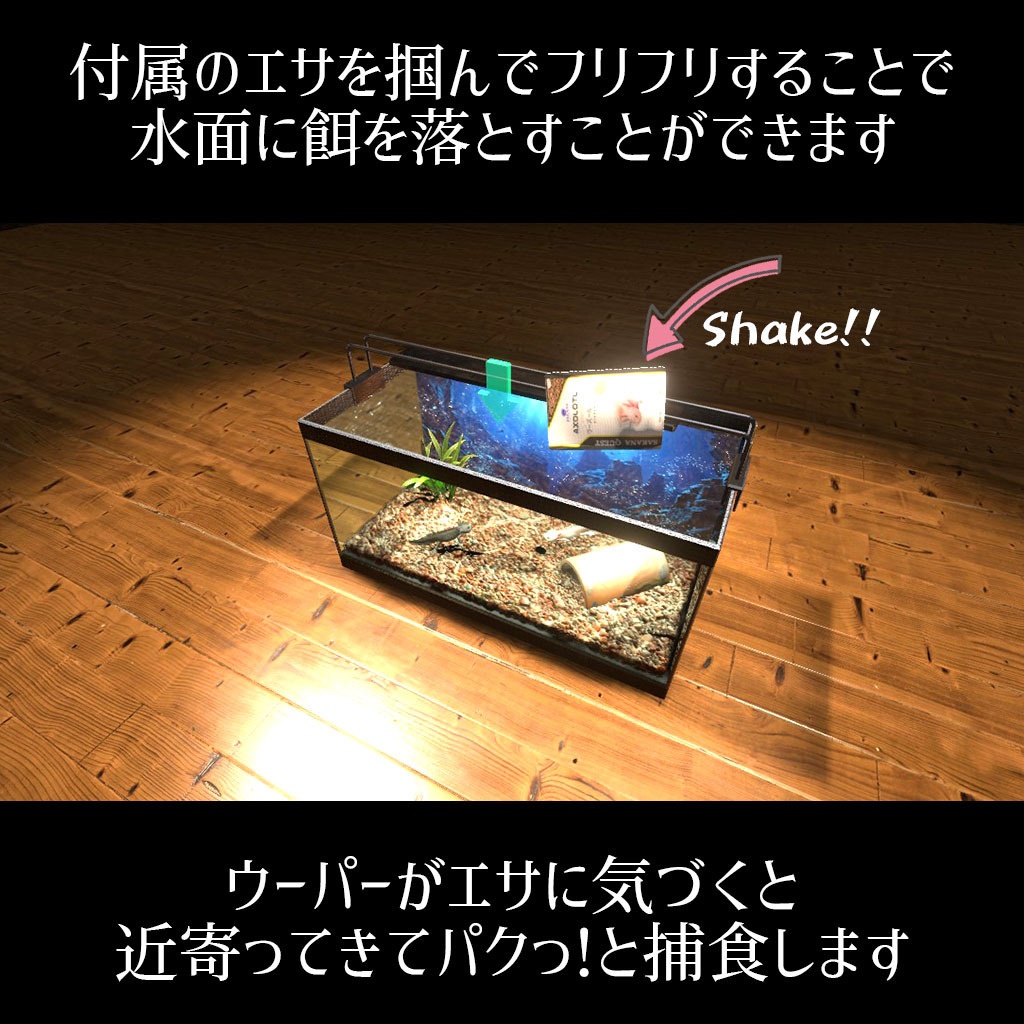
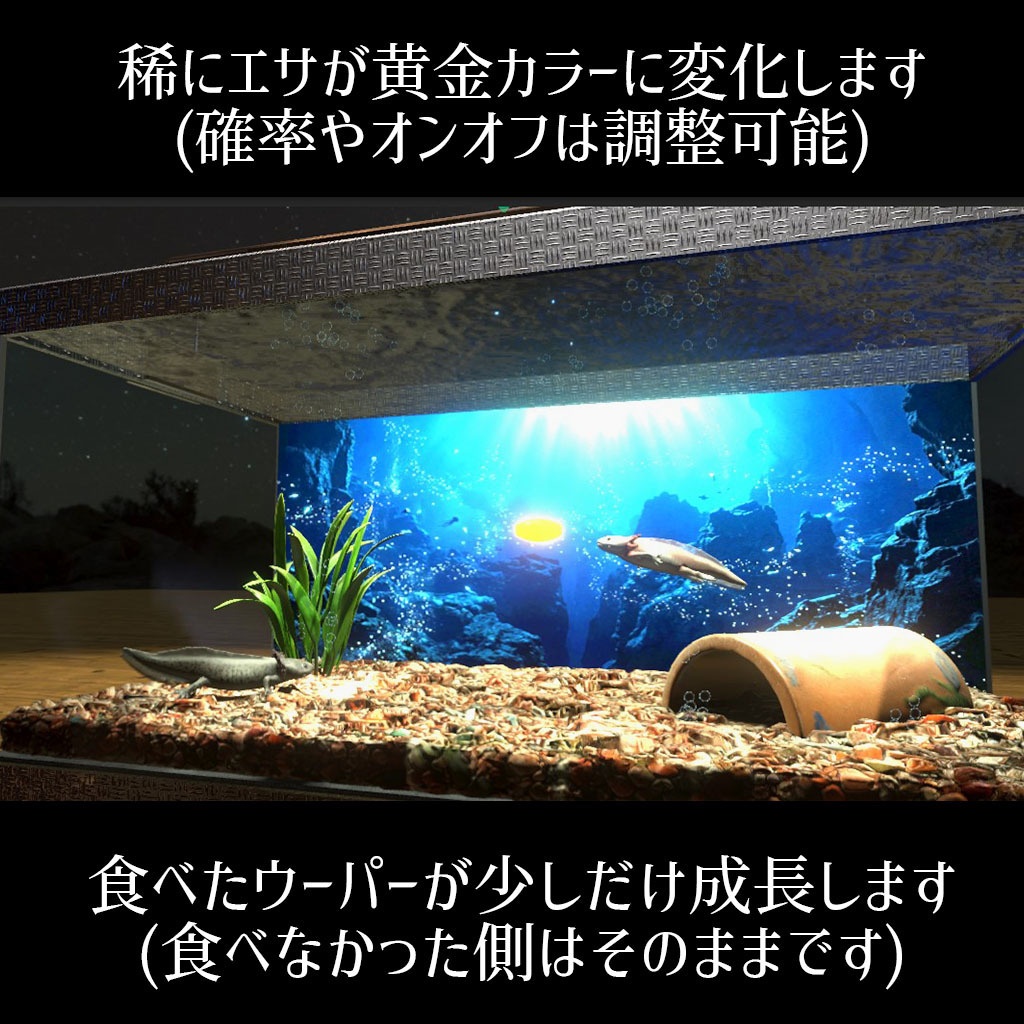
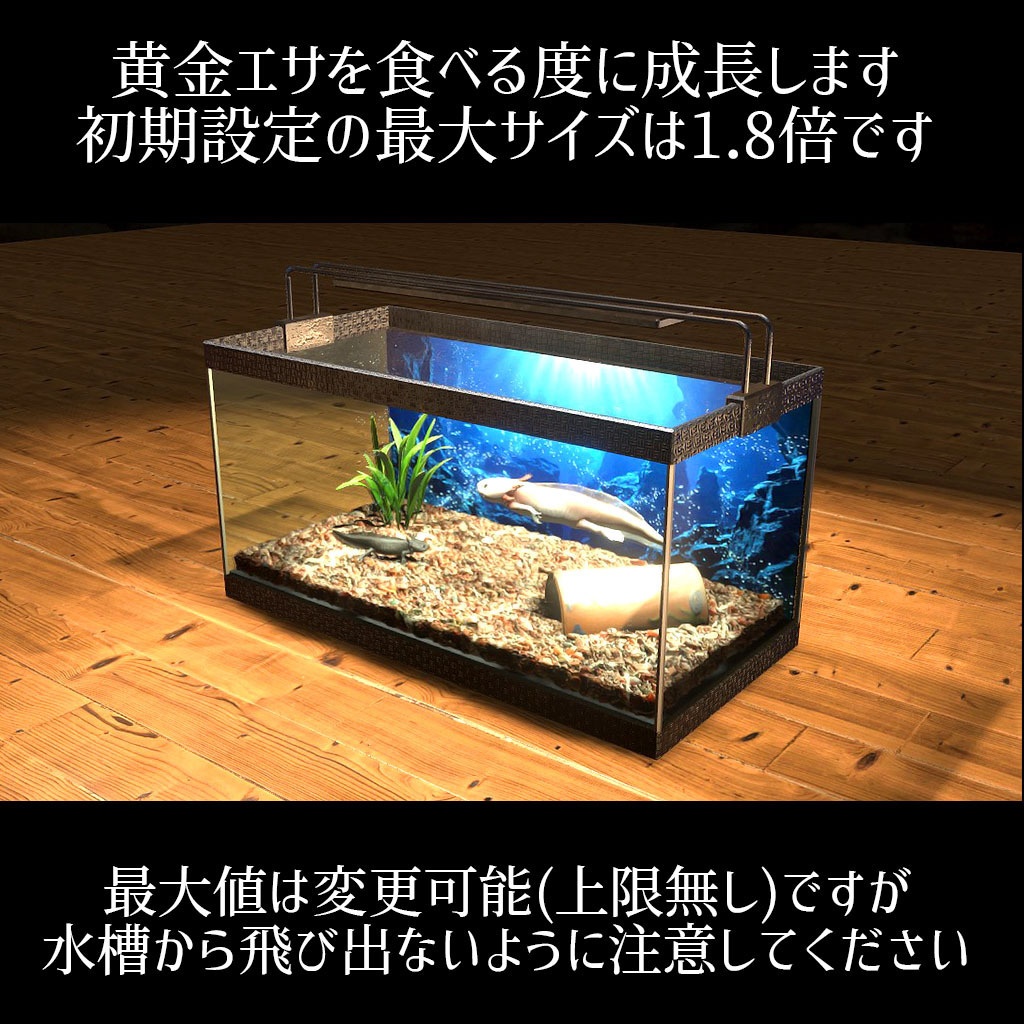
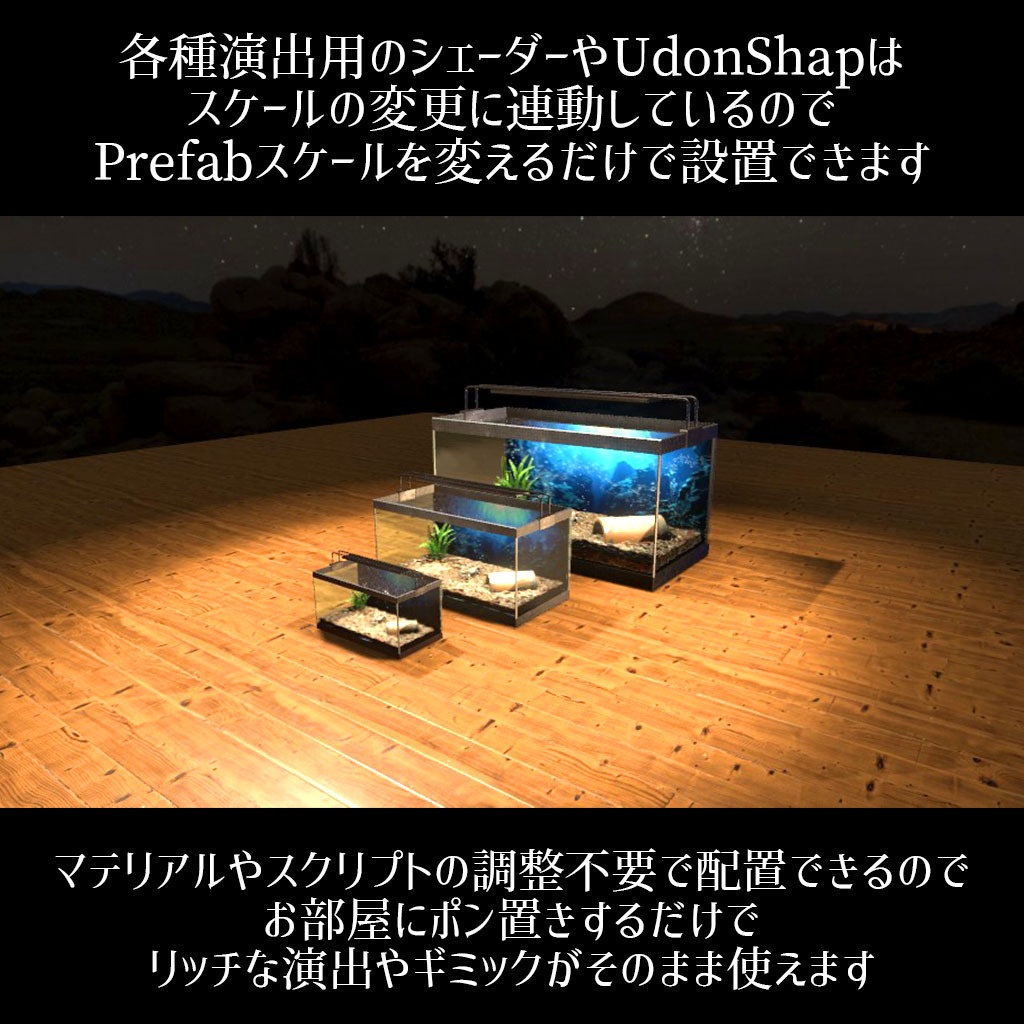
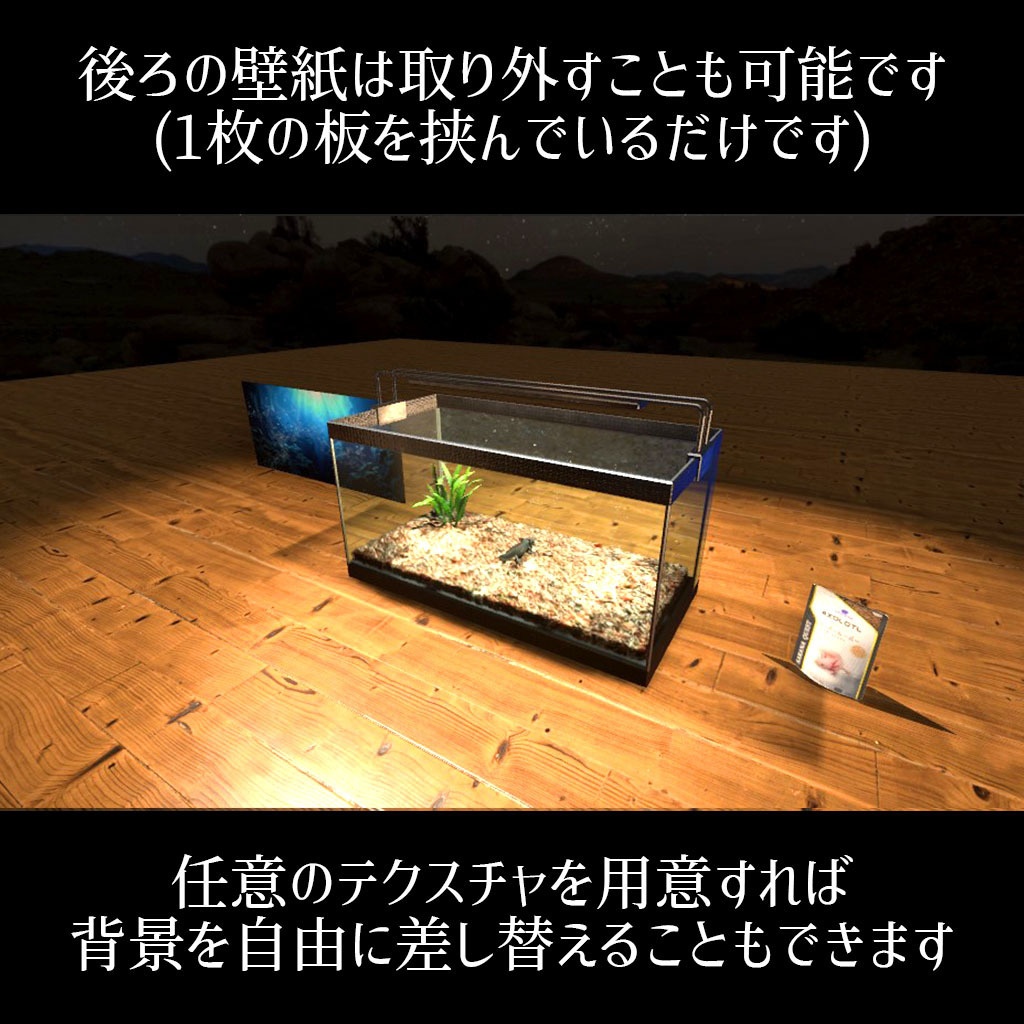
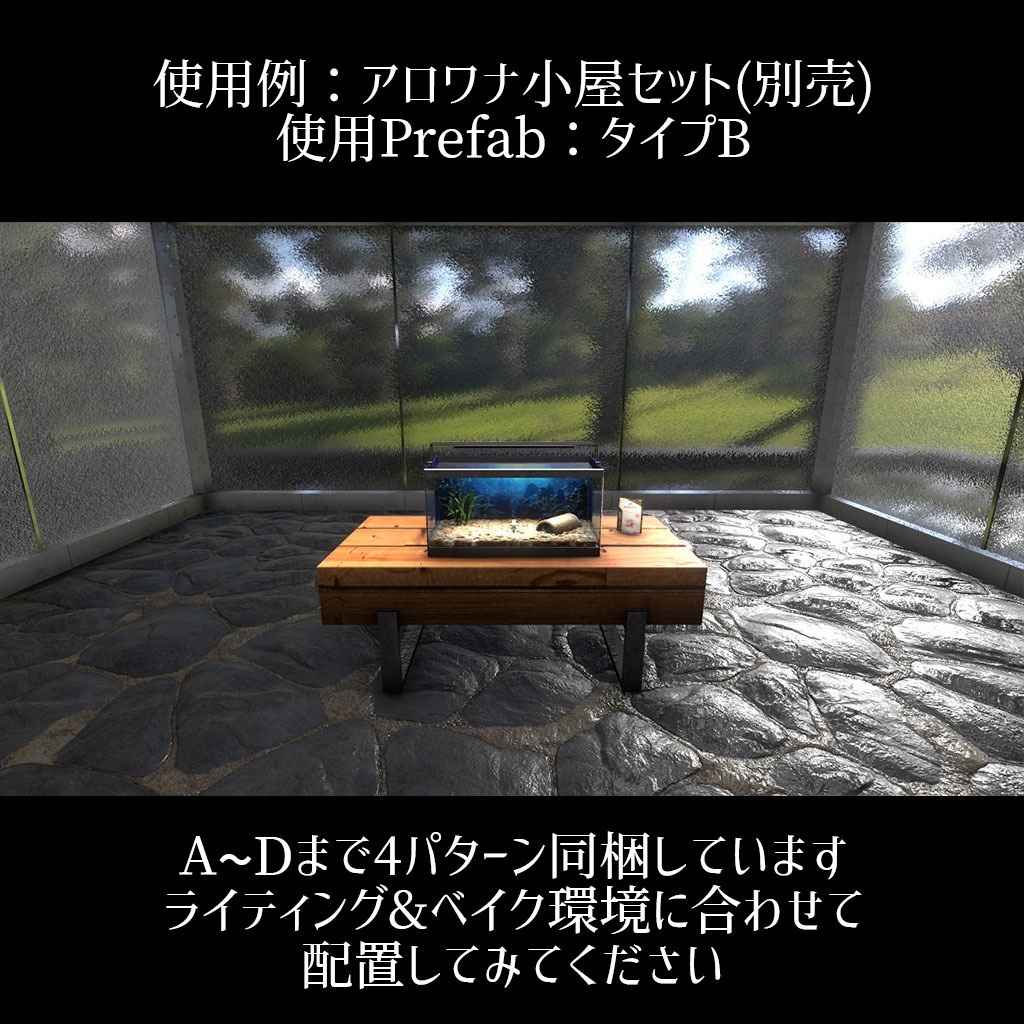
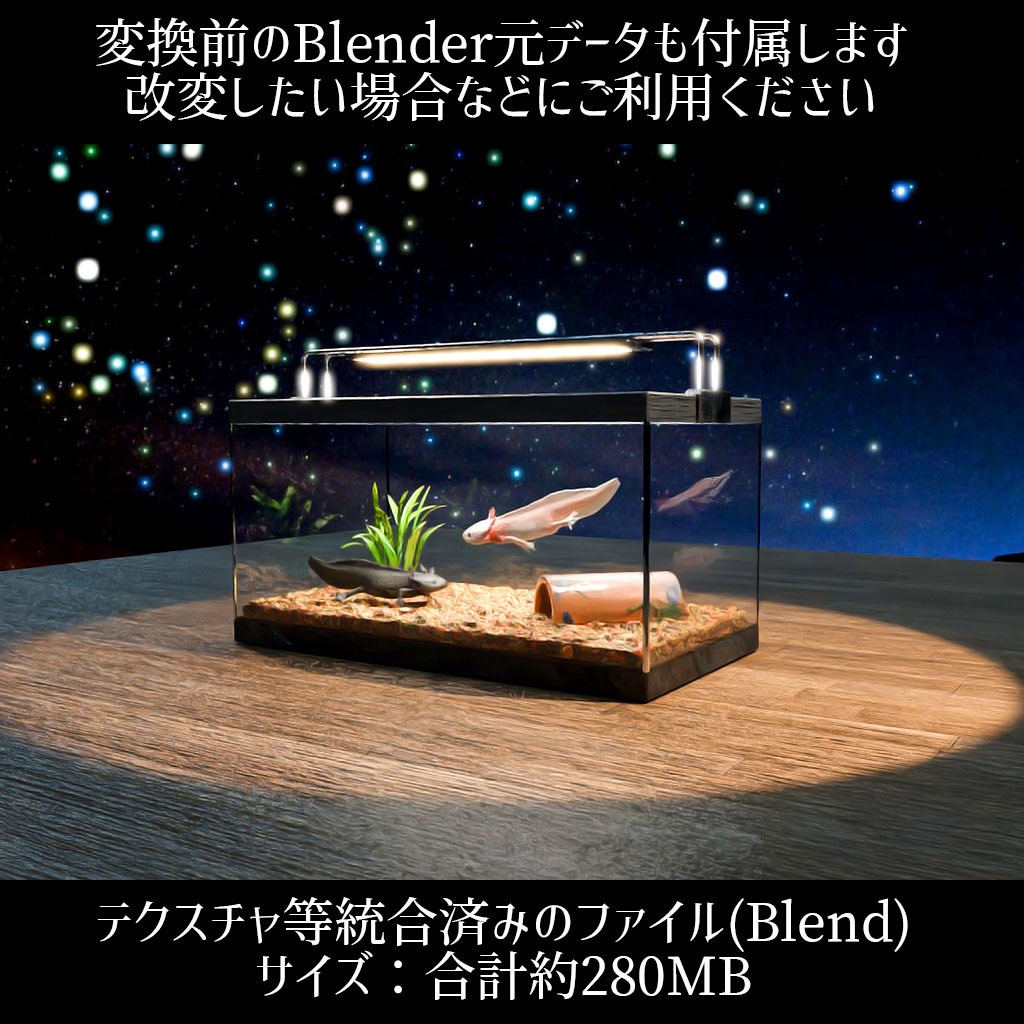
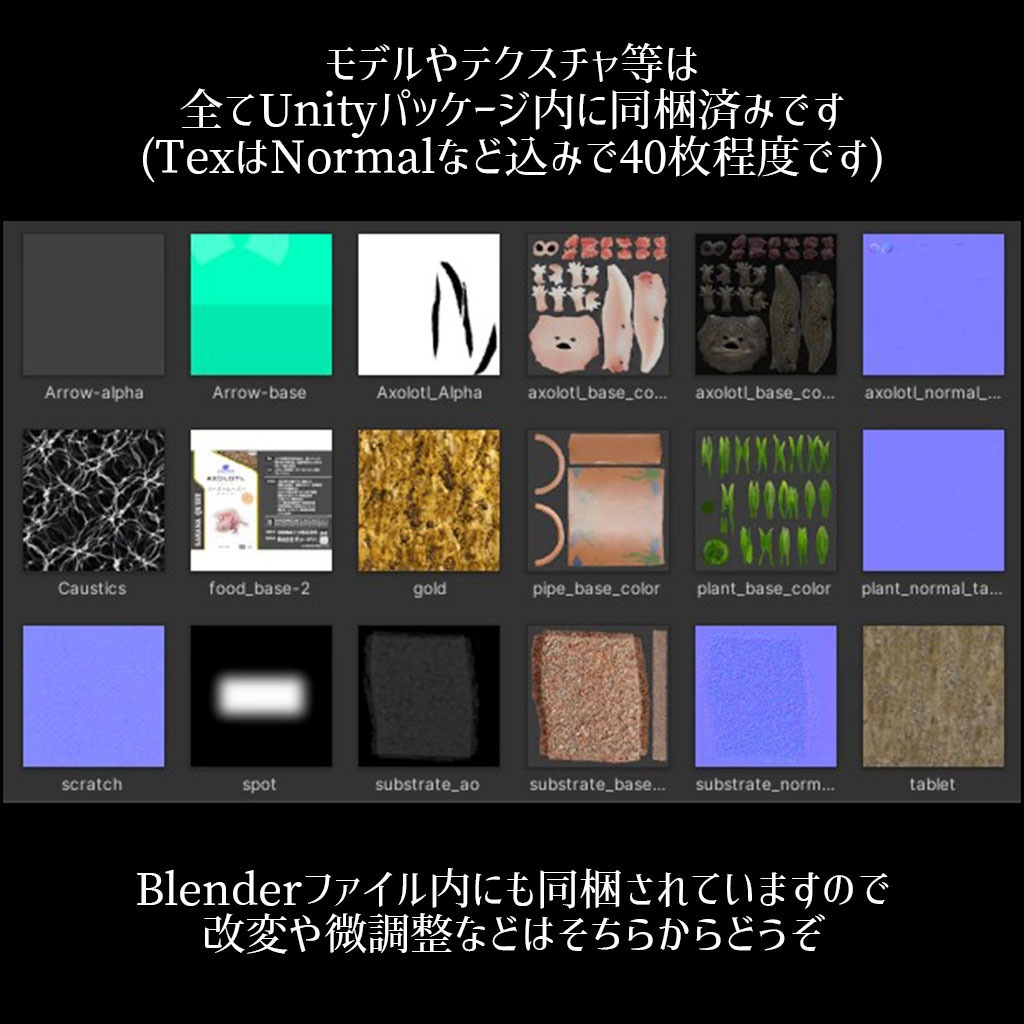
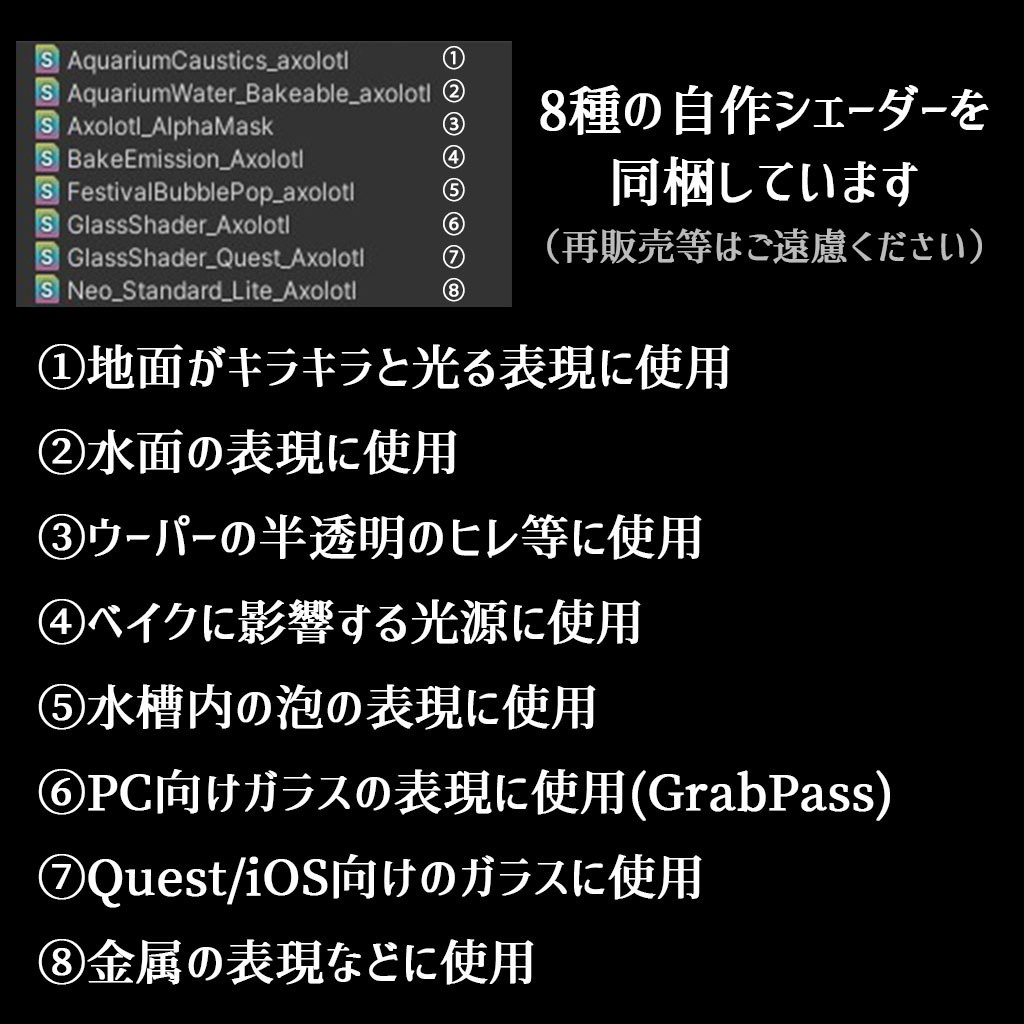
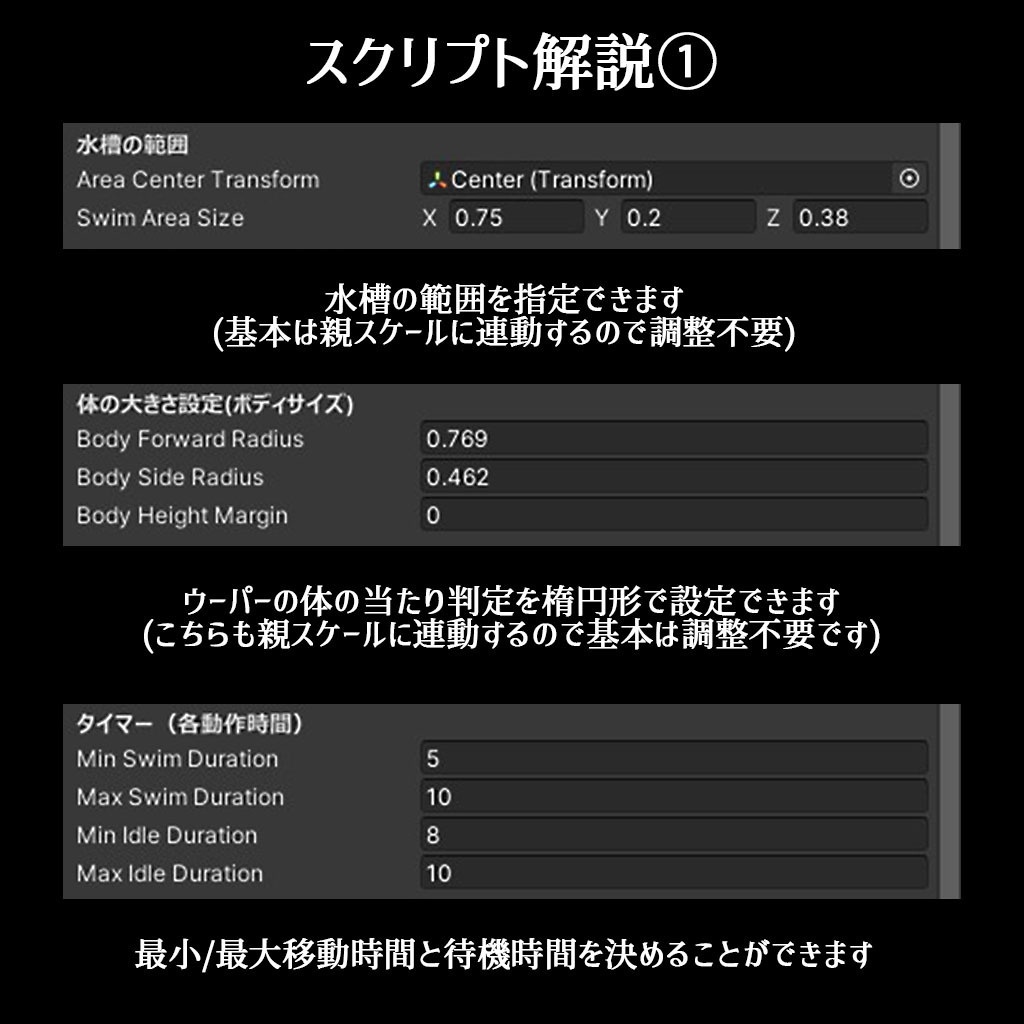
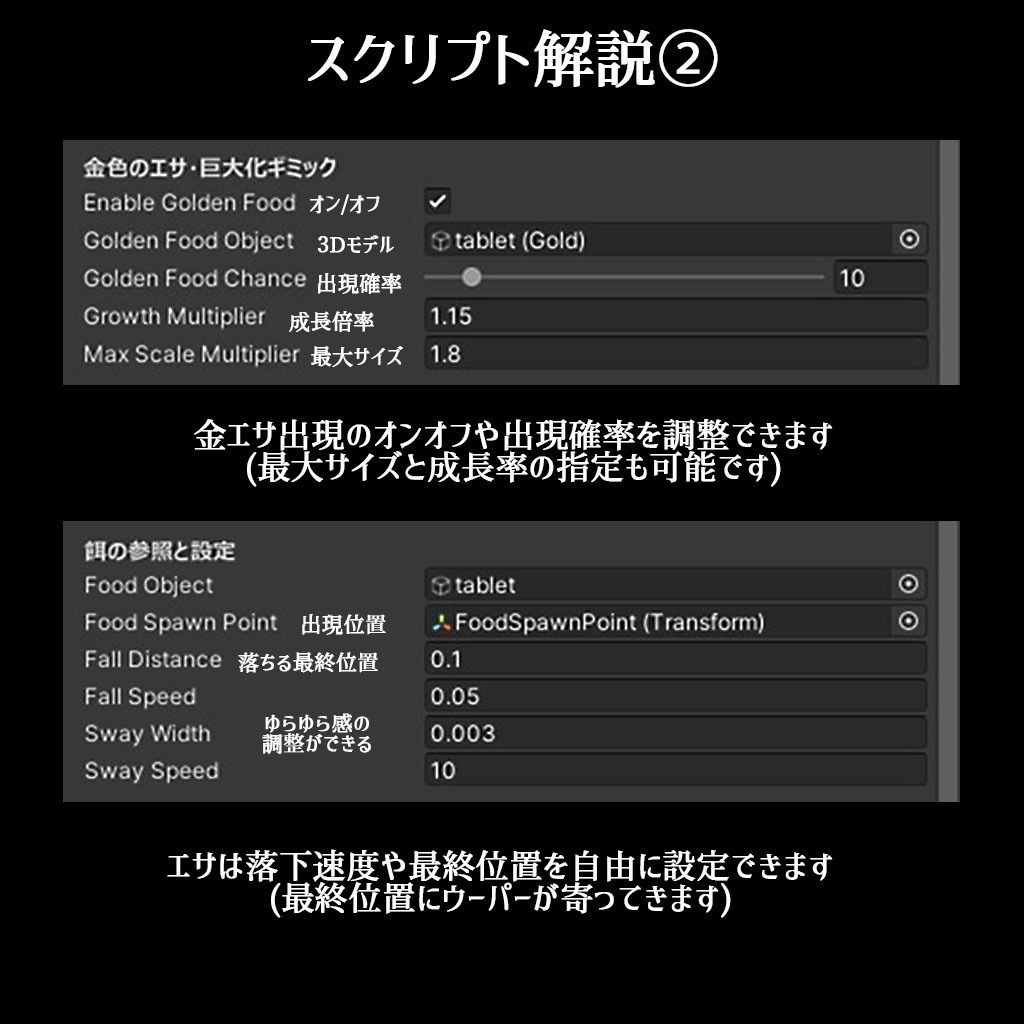
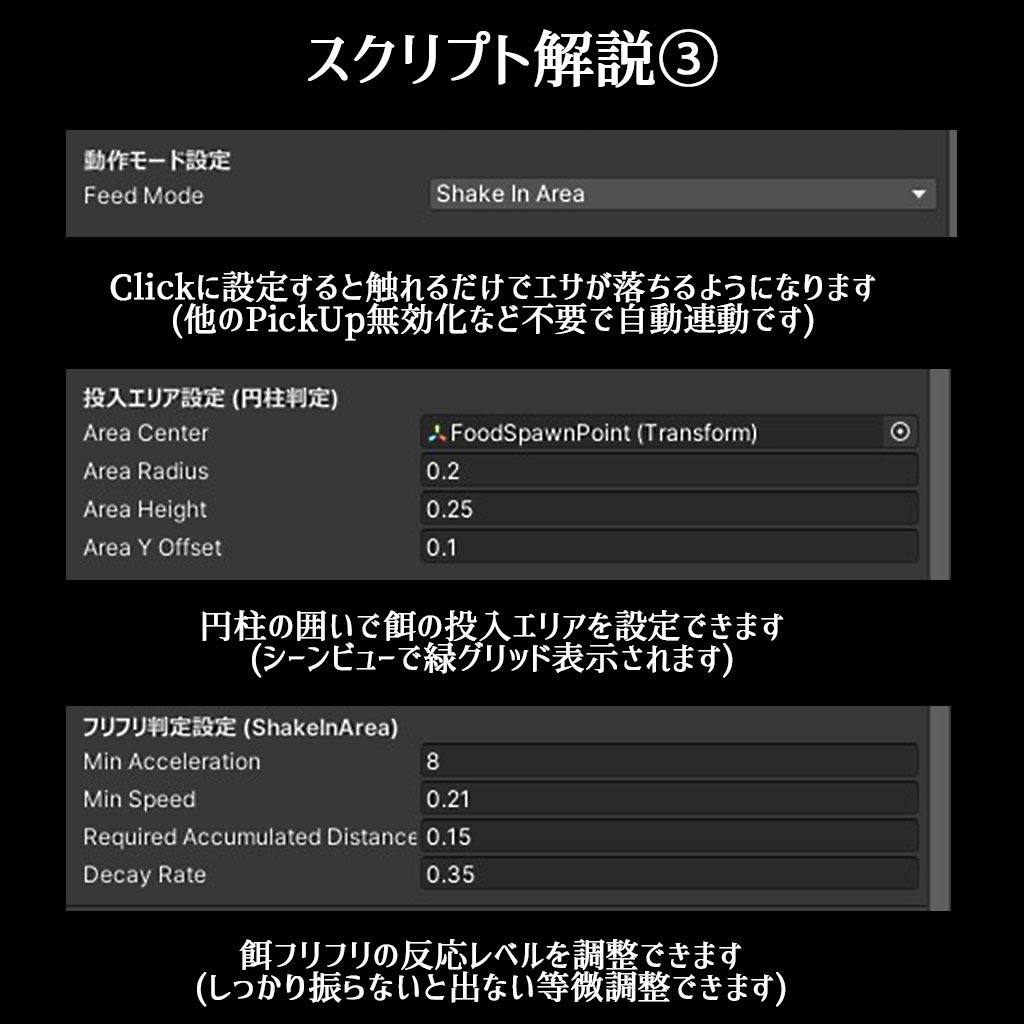
✔Quest単機で実際に表示確認済みです ✔Unity 2022.3.22f1環境で動作します(チェック済み) ✔同梱シーンをそのままアップロードできます ーーーーーーーーーー以下は詳細解説(長文)ですーーーーーーーーーー 【Mobile対応】VRChatで使えるウーパールーパー水槽セットです。ウーパーは自由に水槽内を泳ぎ回ります。プレイヤーが与えた餌に反応し、近寄って捕食します。初期設定では低確率で黄金の餌が出現し、これを食べた個体が少しだけ成長します。 個々の環境への移植前提で制作しているので、Prefabをスケール変更してもシェーダーやUdonShapが全て連動するようにしています。(再調整不要です) ■機能と特長(全体) ◯Prefabを置くだけでウーパーに餌やりができるギミック水槽が設置できます。 ◯シェーダーなど事前準備不要でインポートするだけで使えます。 ◯サンプルシーン5つとギミック込みのPrefabセットが複数付属します。 ■ウーパーの挙動と餌やりギミックの詳細 ◯ウーパーは水槽の範囲内で自由に回遊します ◯餌を投入して暫く待つとパクっ!と食べます(反応のにぶさなど変更できます) ◯餌やり方法は掴んでフリフリ、またはクリックするだけ、2択で切り替え可能です。 ◯黄金の餌を食べると少しだけ大きくなります(出現確率、成長限界値、成長速度など変更可能です) ◯ウーパーの混泳も可能です。(餌はランダムでどちらかが捕食し、大きくなるギミックも食べた個体にのみ反映されます) ■モデルセット内容 水槽本体:△1424 案内矢印:△276 餌ケース:△2852 ウーパー:△9866 アニメーション付き 水草(サジタリア):△9584 アニメーション付き 砂利モデル:△9882 餌タブレット:△1608 ハーフ土管:△5212(おまけ) ■同梱しているファイル ①UnityPackage(VRC):5つのサンプルシーンやPrefabが付属します。 ②Blenderデータ:制作データ元です。改変などに使ってください。 ③Readme:Prefabの解説や調整方法などを記述しています。 ④スクリプト解説書:Inspector内で調整できる各スクリプトの項目ごとの詳細なマニュアルです。 ⑤UnityPackage(URP):ゲーム開発向け ※シェーダー等は全て動作するように調整しましたが、VRC向けのスクリプトは付属しません。ご注意ください。 ■Quest/iOS版のPrefabとシーンの特長 ◯ポストプロセスOFF設定済み ◯ガラスシェーダーをPC/Mobile共用版に差し替え ◯各マテリアルを個別で調整済み ◯UP時データサイズを20%程度に削減(ライトマップ抜きで4.2MBぐらい) ◯Quest3単機で安定して高FPSが出せることを確認済み ■調整できる項目について ◯ウーパールーパーの移動速度(泳ぐ速さ)、待機時間、大きさ、食いつきやすさなど細かく調整できます。 ◯ウーパー成長ギミックは成長限界値や成長速度を無限に上げることができますが、巨大化しすぎると水槽から飛び出してしまうので注意してください。また、黄金餌モード自体をオフにすることも可能です。 ◯移動限界範囲の設定などは基本的にPrefabのスケール変更&回転などに連動するので調整不要です。(個別で大きさを弄った場合のみInspectorから調節してみてください) ■ライトの設定について 画像や映像はMixedライトを使用していますが、フルベイク環境でもウーパーなど暗くなることなく表示が可能です。(iOS向けサンプルシーンはフルベイクで制作しています) ※ライトの用意が不要な自発光型のPrefab、ベイクが不要なPrefabなど多数用意しています。詳細はReadmeを閲覧ください。 ■動作確認済みの環境 Unity 2022.3.22f1 VRChatSDK 3.10.5 Blender4.2.14LTS アップロード後:SteamVR Quest3 iPhone16 ■利用に関しての詳細(利用規約) 個人法人問わず商用利用可能。報告不要。クレジット表記も不要です。 但し、付属しているデータそのものやスクリプト本体、シェーダー等の再配布や販売は改変の有無を問わず不可とします。(例えばBOOTHでワールドを販売する時にこのコンテンツを同梱する等はNG シェーダーやスクリプト内にも規約を埋め込んであります) ※VRchatでのPublic化や組み込んだゲームの販売、動画の配信などはご自由にどうぞ! ■VRC導入に関して 全ての商品でワールド新規作成→インポート→(サンプルシーン展開)→エディタ再生→クライアント起動まで動作を確認しています。万が一エラーが頻発する場合は遠慮なくメッセージを送ってください。速やかに原因究明&修正版を提供します。 A Mobile-compatible axolotl aquarium set for VRChat. The axolotl freely swims around inside the aquarium and reacts to food given by the user, approaching and eating it. By default, there is a small chance for Golden Food to appear. When an axolotl eats it, the axolotl grows slightly. This asset is designed with portability to individual user environments in mind. Scaling the prefab automatically adjusts the shaders and UdonSharp components accordingly, so no additional adjustments are normally required. Features Simply place the prefab in your world to add a fully functional aquarium with an axolotl feeding gimmick. No shader setup or other preparation is required. Simply import the package and use it. Includes 5 sample scenes and multiple prefab sets with the feeding gimmick already configured. Axolotl Behavior & Feeding Gimmick The axolotl freely swims around within the aquarium. Drop some food into the aquarium and wait a moment — the axolotl will approach it and chomp! It will react and eat the food. (The reaction speed and other parameters can be adjusted.) Two feeding methods are available and can be switched between: • Grab and shake the food • Simply click the food Eating Golden Food makes the axolotl grow slightly. (The appearance rate, maximum growth size, growth speed, and other parameters can be adjusted.) Multiple axolotls can be kept together in the same aquarium. When food is added, either axolotl may randomly eat it, and only the axolotl that eats Golden Food will grow. Model Contents Aquarium: △1,424 Guide Arrow: △276 Food Container: △2,852 Axolotl: △9,866 AnimatedAquatic Plant (Sagittaria): △9,584 AnimatedGravel: △9,882 Food Tablet: △1,608 Half Pipe: △5,212 Included Files ① UnityPackage (VRC) Includes 5 sample scenes and multiple prefabs. ② Blender Data The original Blender project data used to create the asset.Feel free to use it for modifications and customization. ③ Readme Includes explanations of the prefabs and instructions for adjusting their settings. ④ Script Manual A detailed manual explaining each adjustable parameter available in the Inspector. ⑤ UnityPackage (URP) For game development. The shaders and materials have been adjusted to work properly in URP.Please note that VRChat-specific scripts are not included in this package. Quest / iOS Prefab & Scene Features Post-processing is already disabled. The glass shader has been replaced with a version compatible with both PC and Mobile. Each material has been individually optimized and adjusted. Upload data size has been reduced by approximately 20%. (Approximately 4.2 MB without lightmaps.) Confirmed to achieve stable, high FPS on a standalone Meta Quest 3. Adjustable Parameters Various axolotl parameters can be adjusted, including movement speed, swimming speed, idle time, and size. The growth gimmick can be customized extensively, including the maximum growth size and growth speed. There is technically no fixed upper limit, but please be careful when setting extremely large values, as an oversized axolotl may obstruct the player's view. The Golden Food growth mode can also be completely disabled. The movement boundaries generally scale and rotate automatically together with the prefab. Therefore, additional adjustment is normally unnecessary. If you change the size of individual components separately, you can fine-tune the settings through the Inspector. Lighting The screenshots and videos use Mixed Lighting, but the axolotl and other elements can also be displayed properly in a fully baked lighting environment without becoming excessively dark. The included iOS sample scene is created using fully baked lighting. In addition, multiple prefabs are included that use self-emission and do not require additional lighting, as well as prefabs that do not require baking. Please see the Readme for details.