

【VRChat】【MA対応】Argentum Halation|フィルムブルーム・ハレーションシェーダー【PC用】
- Digital700 JPY
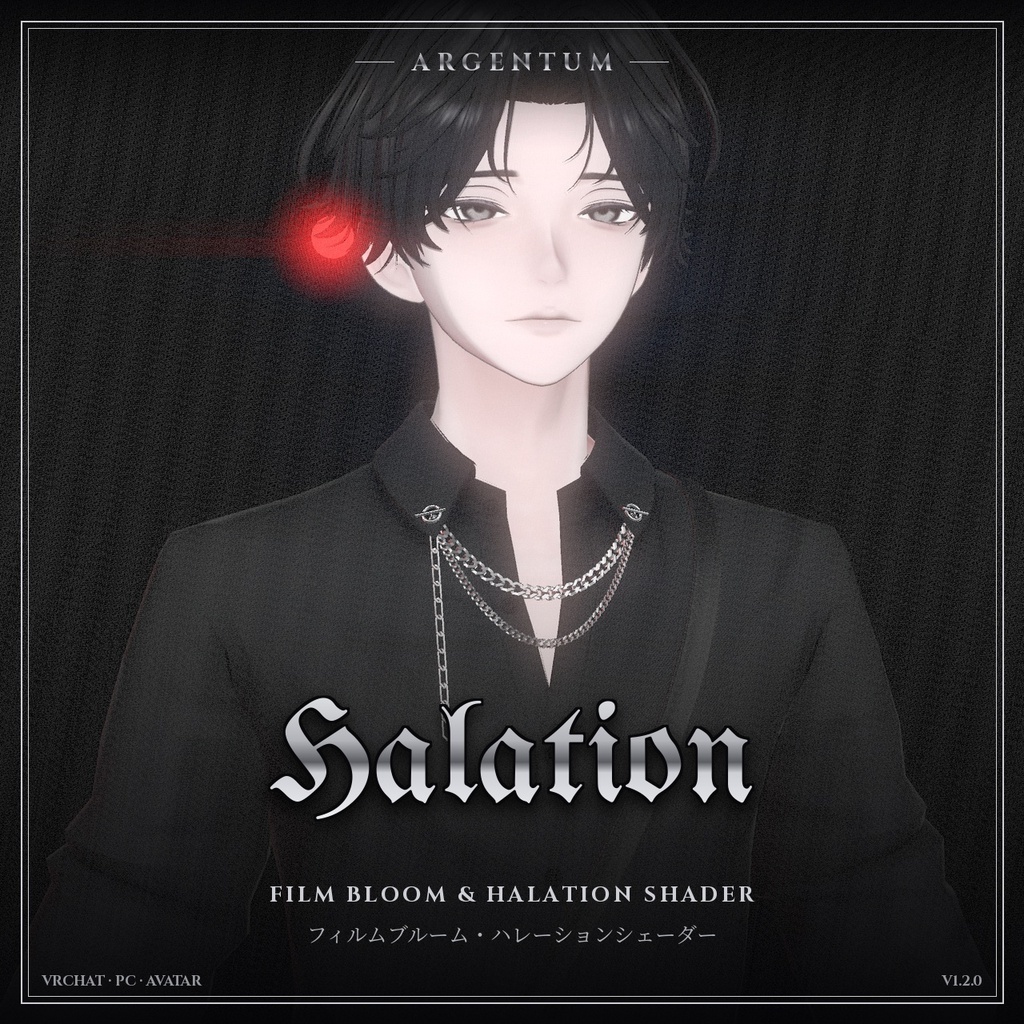
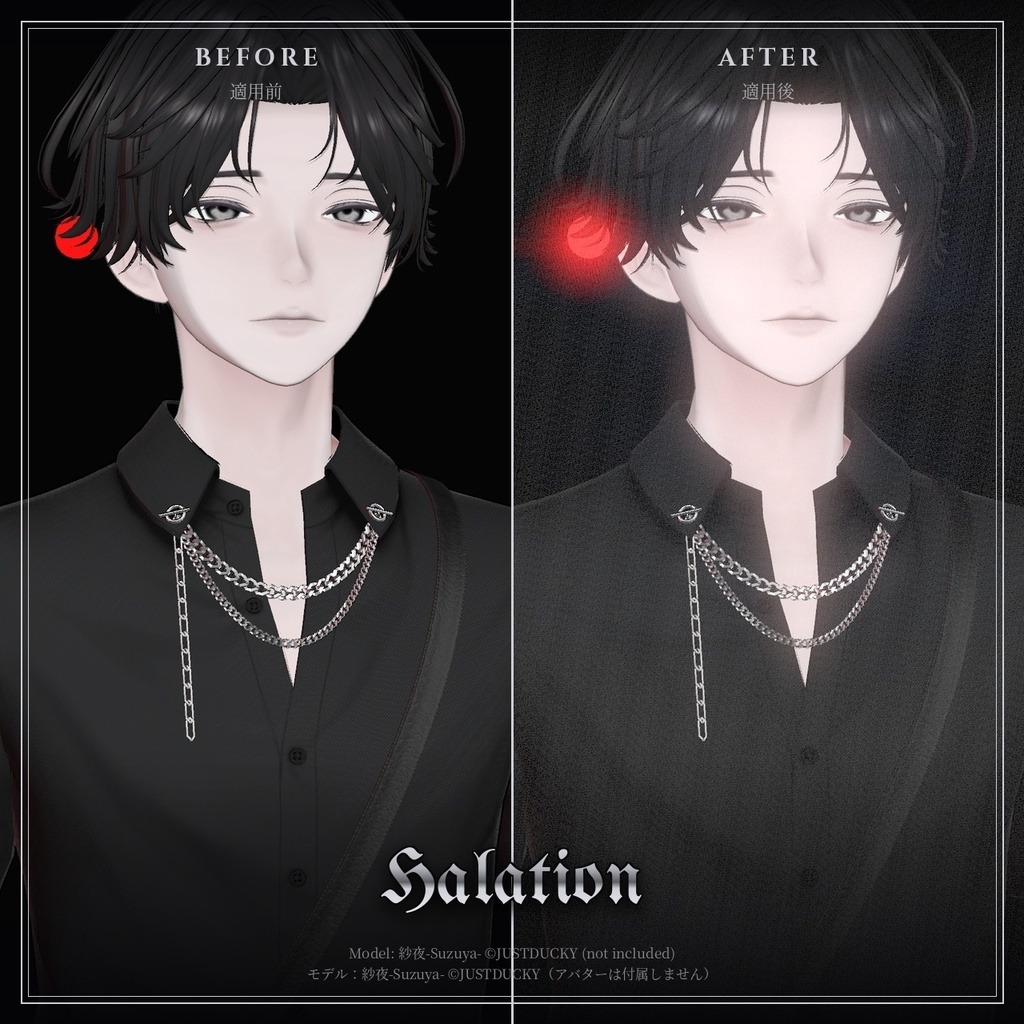
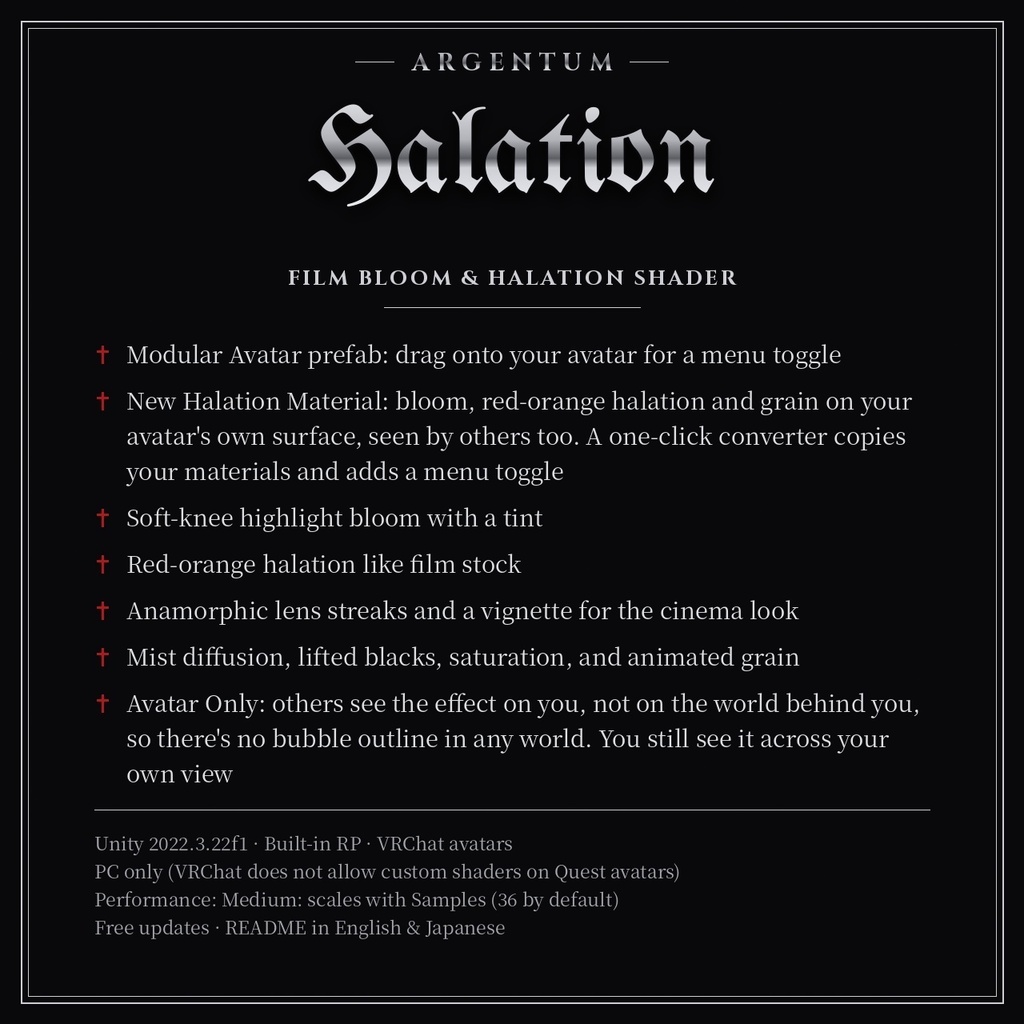
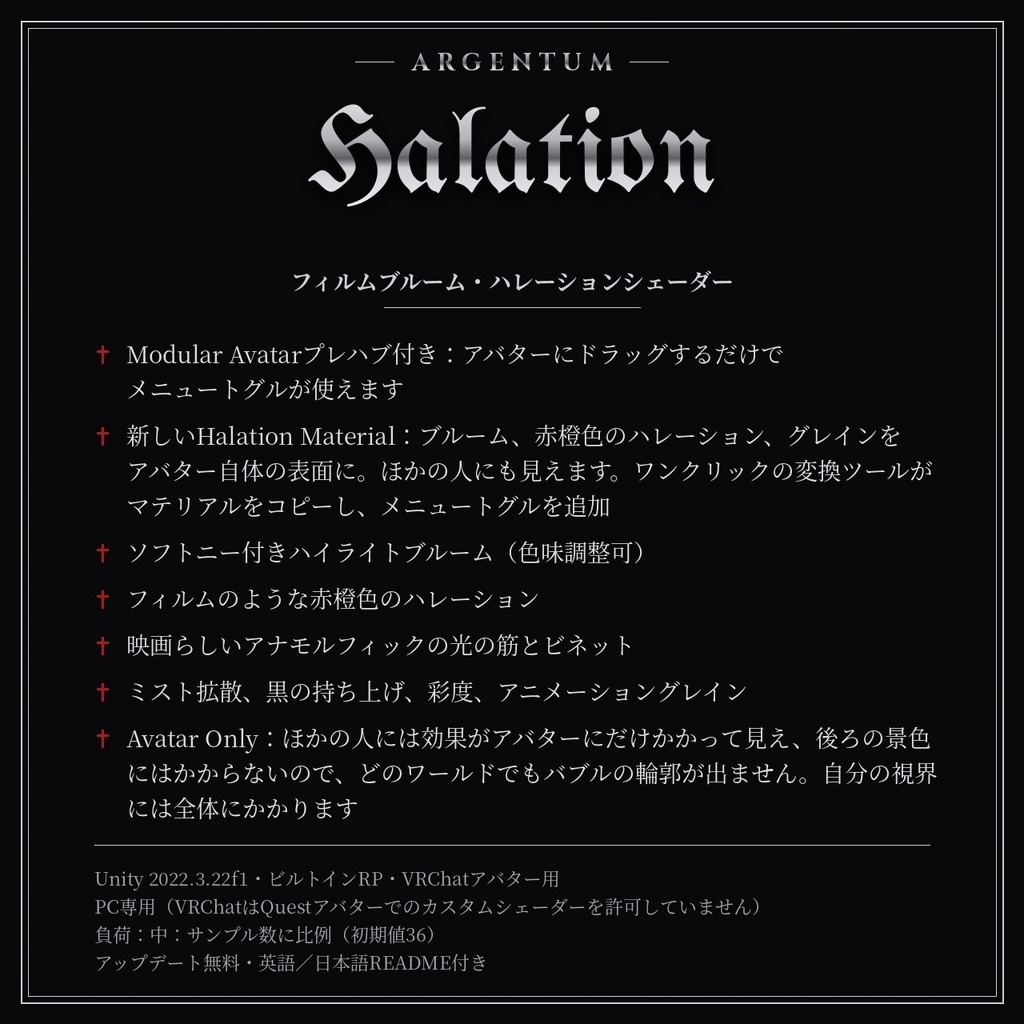
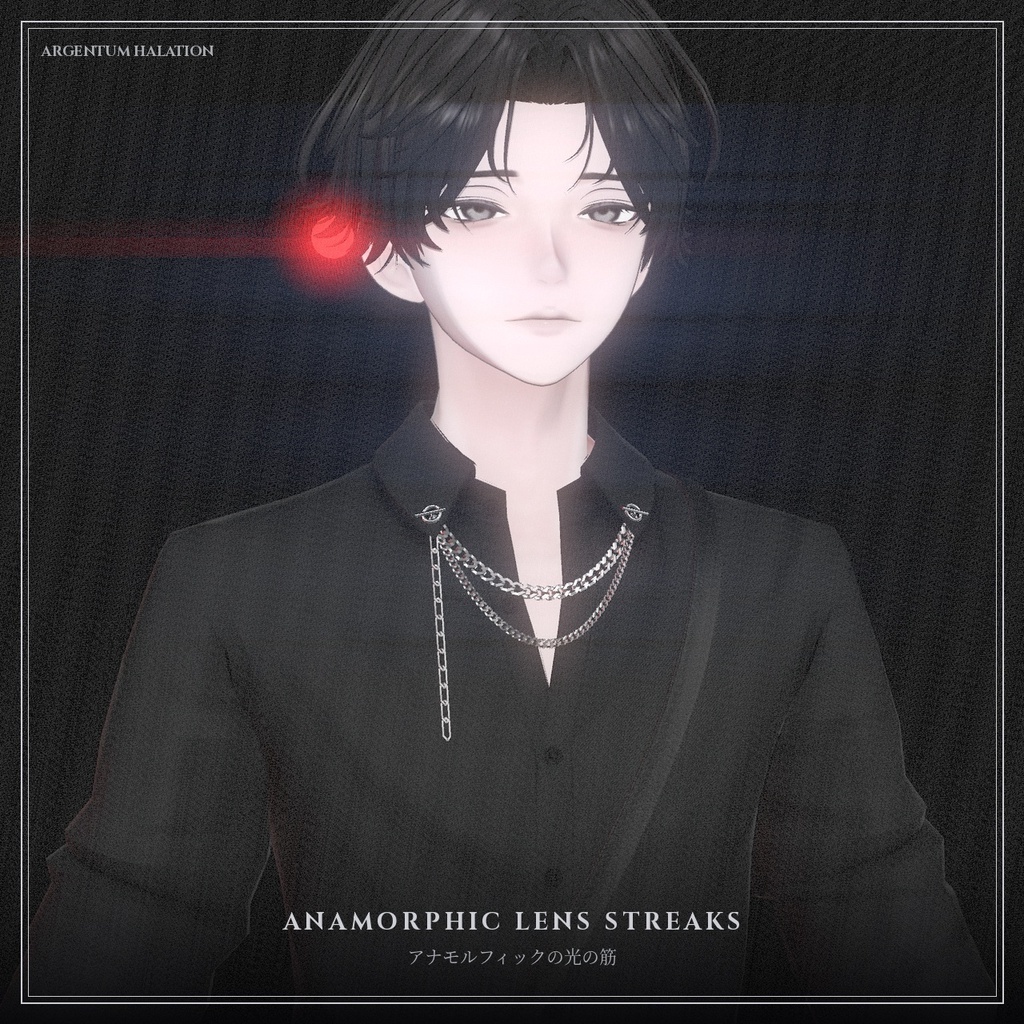
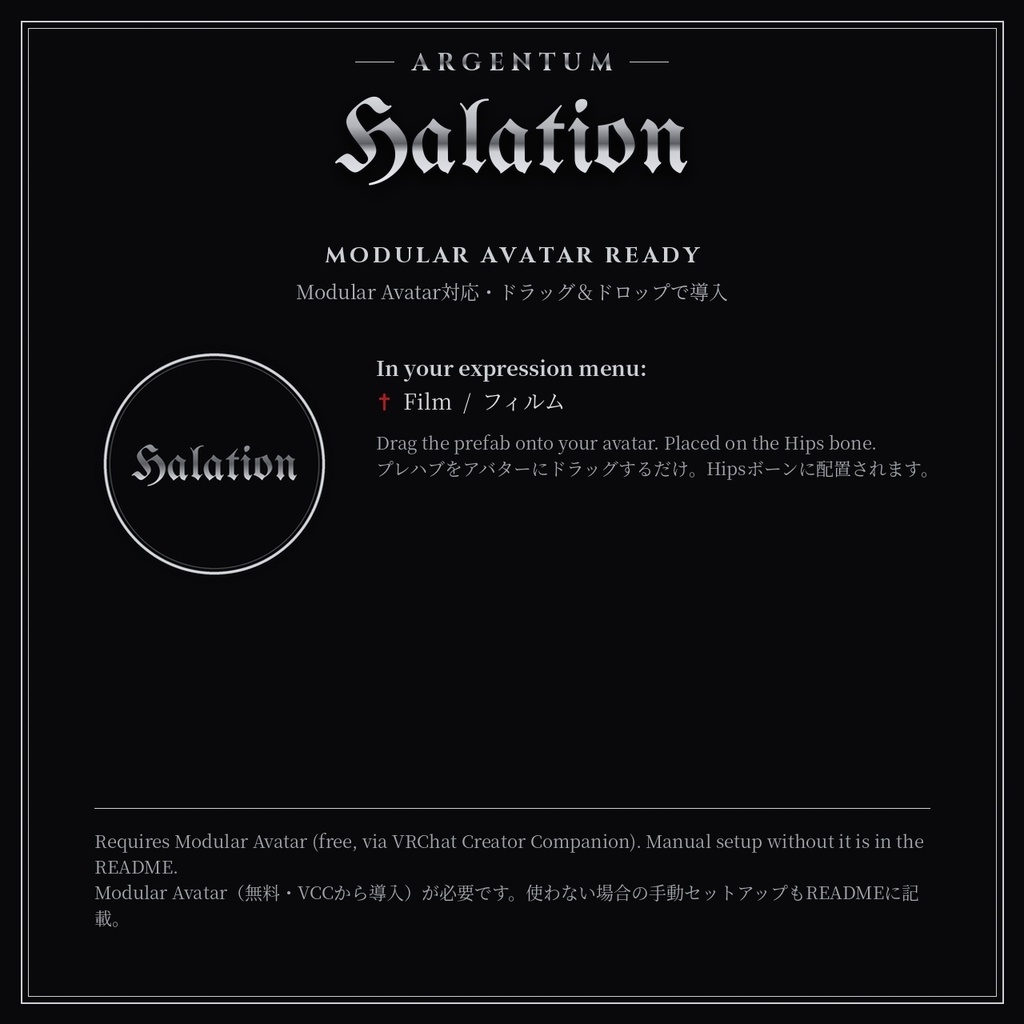
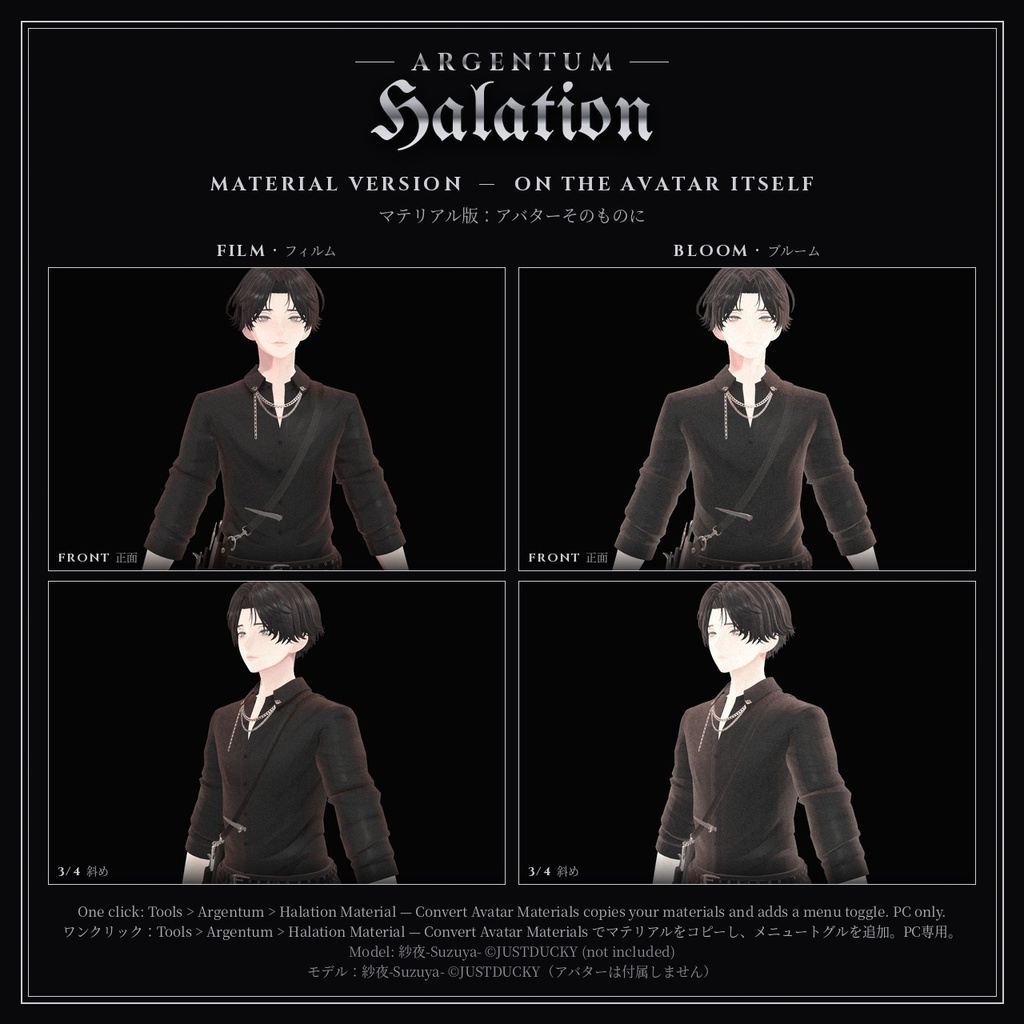
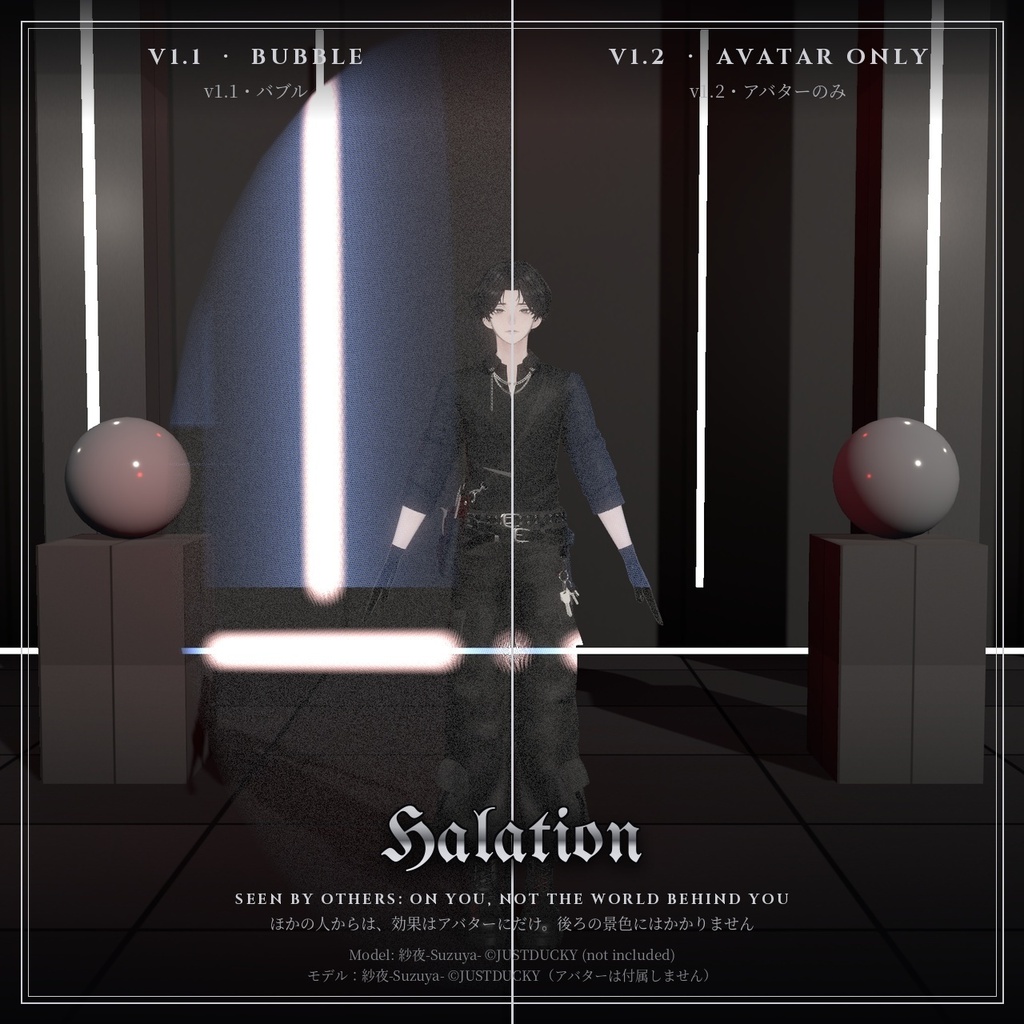
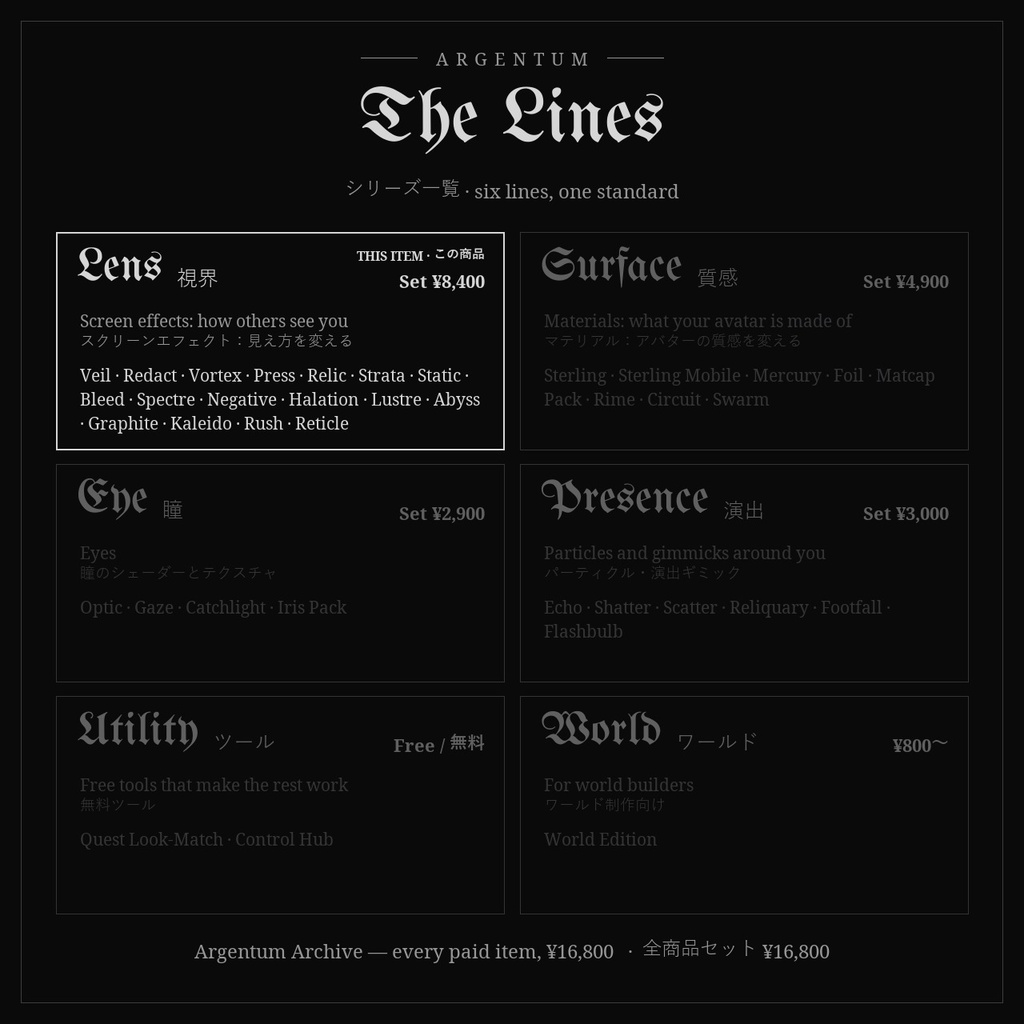


本物のフィルムのような光。やわらかなブルーム、赤いハレーション、ミスト、グレイン。 ■ 特長 ・Modular Avatarプレハブ付き:アバターにドラッグするだけでメニュートグルが使えます ・新しいHalation Material:ブルーム、赤橙色のハレーション、グレインをアバター自体の表面に。ほかの人にも見えます。ワンクリックの変換ツールがマテリアルをコピーし、メニュートグルを追加 ・ソフトニー付きハイライトブルーム(色味調整可) ・フィルムのような赤橙色のハレーション ・映画らしいアナモルフィックの光の筋とビネット ・ミスト拡散、黒の持ち上げ、彩度、アニメーショングレイン ・Avatar Only:ほかの人には効果がアバターにだけかかって見え、後ろの景色にはかからないので、どのワールドでもバブルの輪郭が出ません。自分の視界には全体にかかります ■ Halation Material(アバター用マテリアル) ・アバター自体をフィルムで撮ったような質感に。ミラーやVRChatカメラを含め、ほかの人にも見えます。明るい部分や発光部分のやわらかなブルーム、赤橙色のハレーション、黒の浮き、グレイン。 ・ワンクリックで導入:Tools > Argentum > Halation Material — Convert Avatar Materials がマテリアルのHalation Material版のコピーを作り(元のマテリアルは変更しません)、Modular Avatarのメニュートグル(同期1ビット)を追加します。見た目はFilm、Bloomの2種類。 ・PC専用。カスタムシェーダーがブロックされている場合は、通常のテクスチャで表示されます(VRChatのToonフォールバック)。光はアバターの表面にとどまり、まわりの空間にはにじみません。 ■ こんな用途に 映画のようなポートレート、ノスタルジックな雰囲気、写真映えする光。 ■ 対応環境 ・Unity 2022.3.22f1(VRChatの現行バージョン)、ビルトインレンダーパイプライン ・VRChatアバター用、PC専用(VRChatはQuest / Androidのアバターでカスタムシェーダーを許可していません) ・アバターを問わず使用でき、他のシェーダーにも依存しません ・シングルパスステレオのVR、ミラー、VRChatカメラに対応 ・ドラッグ&ドロップのプレハブ/トグルにはModular Avatarが必要です(未使用の場合の手動セットアップもREADMEに記載) ■ 内容物 ・Argentum_Halation_v1.2.0.unitypackage ・Argentum/Halation、Argentum/Halation Material シェーダー ・Modular Avatarプレハブ:アバターにドラッグするだけでExpressionメニューのトグルが付きます(Film(フィルム)) ・ワンクリックセットアップツール(Tools > Argentum > Halation Material — Convert Avatar Materials)。Modular Avatarのトグルも自動で追加 ・プリセットマテリアルとメニュー用アイコン ・README(英語・日本語)、利用規約、更新履歴 ■ 負荷 中:サンプル数に比例(初期値36) Halation Material:画面コピーなし。メッシュやマテリアルスロットを増やさないため、パフォーマンスランクは変わりません。 ■ アップデート 購入者は無料でアップデートを受け取れます。BOOTHのライブラリから再ダウンロードしてください。 画像のアバター:紗夜-Suzuya-(JUSTDUCKY様)※アバターは付属しません ──────────────────── English ──────────────────── Argentum Halation: Film Bloom & Halation Shader [VRChat / PC / Modular Avatar] The glow of real film: soft bloom, red halation, mist and grain. ■ Features ・Modular Avatar prefab: drag onto your avatar for a menu toggle ・New Halation Material: bloom, red-orange halation and grain on your avatar's own surface, seen by others too. A one-click converter copies your materials and adds a menu toggle ・Soft-knee highlight bloom with a tint ・Red-orange halation like film stock ・Anamorphic lens streaks and a vignette for the cinema look ・Mist diffusion, lifted blacks, saturation, and animated grain ・Avatar Only: others see the effect on you, not on the world behind you, so there's no bubble outline in any world. You still see it across your own view ■ Halation Material (avatar material) ・Your avatar itself looks shot on film, so others see it too, in mirrors and the VRChat camera: soft bloom on bright and emissive parts, a red-orange halation fringe, lifted blacks and grain. ・One-click setup: Tools > Argentum > Halation Material — Convert Avatar Materials makes Halation Material copies of your materials (your originals are never changed) and adds a Modular Avatar menu toggle (1 synced bit). Looks: Film, Bloom. ・PC only. With custom shaders blocked, viewers see your normal textures (VRChat Toon fallback). The glow stays on the avatar's surface; it doesn't spill into the air around you. ■ Use it for Cinematic portraits, nostalgic looks, photo-ready glow. ■ Compatibility ・Unity 2022.3.22f1 (VRChat's current version), Built-in Render Pipeline ・VRChat avatars, PC only. VRChat does not allow custom shaders on Quest / Android avatars. ・Works with any avatar and doesn't depend on any other shader. ・Supports single-pass stereo VR, mirrors and the VRChat camera. ・Modular Avatar is needed for the drag-and-drop prefab / toggle. Manual setup without it is covered in the README. ■ What's included ・Argentum_Halation_v1.2.0.unitypackage ・Argentum/Halation and Argentum/Halation Material shaders ・Modular Avatar prefab: drag onto your avatar for an expression-menu toggle (Film) ・One-click setup tool (Tools > Argentum > Halation Material — Convert Avatar Materials) that adds a Modular Avatar toggle ・Preset materials and a menu icon ・README (English / Japanese), terms of use, changelog ■ Performance Medium: scales with Samples (36 by default) Halation Material: no screen copy. It adds no meshes or material slots, so your Performance Rank doesn't change. ■ Updates Free for buyers. Re-download from your BOOTH library. Avatar in the images: 紗夜-Suzuya- by JUSTDUCKY (not included) ━━━━━━━━━━ ▼ シリーズ / Line: Argentum LENS(視界) スクリーンエフェクト:見え方を変える / Screen effects: how others see you 同じシリーズ / Same line: Veil・Redact・Vortex・Press・Relic・Strata・Static・Bleed・Spectre・Negative・Lustre・Abyss・Graphite・Kaleido・Rush・Reticle https://booth.pm/ja/items?tags%5B%5D=Argentum%20LENS ▼ セット / Bundles LENS Complete:Lensシリーズ全17種 ¥8,400(単品合計 ¥12,400) All 17 Lens products, ¥8,400 instead of ¥12,400 https://argentumdesigns.booth.pm/items/9056024 Argentum Archive:全商品(有料36種)¥16,800(単品合計 ¥30,600) All 36 paid items, ¥16,800 instead of ¥30,600 https://argentumdesigns.booth.pm/items/9140406 ▼ 最新情報 / Updates https://x.com/argentumdesigns Discord: https://discord.gg/sBVpTZwwZ4
Terms of Service
・○ アップロードするアバター・ワールドでの使用(個人・商用、配信・動画を含む) ・○ 自分用の改変。依頼で制作したアバターへの使用と代理アップロード(ファイルを渡さない場合) ・× ファイルの再配布・転売(改変の有無を問わず、アバターやワールドのパッケージへの同梱を含む) ・規約の全文はダウンロードデータに同梱しています ──────────────────── ・OK: use on avatars and worlds you upload, personal or commercial, including streams and videos. ・OK: modify for your own use; use on commissioned avatars you upload for a client, as long as the files aren't handed over. ・Not OK: redistributing or reselling the files, modified or not, including inside avatar or world packages. ・Full terms are included in the download.
Update information
・1.2.0 (2026-11-07) - 新機能:Halation Material(Argentum/Halation Material)。効果をアバター自体のマテリアルにかけ、ミラーやカメラを含めてほかの人にも見えます。ワンクリックの変換ツール(Tools > Argentum > Halation Material — Convert Avatar Materials)がマテリアルのコピーを作り(元のマテリアルは変更しません)、Modular Avatarのメニュートグル(同期1ビット)を追加します。プリセット:Film、Bloom。PC専用です。 - Avatar Only:ボリュームの外にいる人には、効果がアバターにだけかかって見えるようになり、バブルの輪郭が出なくなりました。深度テクスチャのあるワールドでは足元の床も除外され、ないワールドでは効果の下の部分がやわらかくフェードします。初期値はオンで、マテリアルでオフにすると以前のバブルの見た目に戻せます。 - フィルムグレインが完全にランダムになりました。うっすら見えていた斜めの格子模様がなくなり、同じワールドに長くいても模様になったり消えたりしなくなりました。 ・1.1.0 (2026-11-03) - アナモルフィックの光の筋(Anamorphic Streaks、Streak Length、Streak Color)とビネット(Vignette)を追加しました。プレハブの「Film」ではどちらも控えめにオンです。 - 「Wearer Sees It」(装着者にも表示)を追加しました。自分の視界にも効果がかかります(以前はほかの人・ミラー・カメラにだけ表示)。バブルの外から見る人には、これまでどおり1層だけ表示されます。初期値はオンで、マテリアルごとにオフにできます。 - マテリアルの「Cull」設定は「Wearer Sees It」に置き換わったため削除しました。 ・1.0.0 (2026-10-27): 初回リリース ・1.2.0 (2026-11-07) - New: Halation Material (Argentum/Halation Material). The effect on your avatar's own materials, seen by others too, in mirrors and cameras. A one-click tool (Tools > Argentum > Halation Material — Convert Avatar Materials) makes copies of your materials (originals untouched) and adds a Modular Avatar menu toggle (1 synced bit). Presets: Film, Bloom. PC only. - Avatar Only: people outside the effect volume now see the effect only on your avatar, not on the world behind you, so the bubble outline is gone. In worlds with a depth texture the floor under you is left out; in worlds without one the lower part fades out softly. On by default; turn it off on the material for the old bubble look. - Film grain is now truly random. The faint diagonal crosshatch is gone, and the grain no longer turns into a pattern or fades out after a long time in a world. ・1.1.0 (2026-11-03) - New anamorphic lens streaks (Anamorphic Streaks, Streak Length, Streak Color) and a Vignette. Both are on, subtly, in the prefab's Film look. - Added Wearer Sees It. You now see the effect in your own view too; before, it only showed to other people, mirrors and cameras. Everyone outside the bubble still sees exactly one layer. On by default, and it can be switched off per material. - The Cull setting was removed from the material; Wearer Sees It replaces it. ・1.0.0 (2026-10-27): First release.