

【MA対応・まめひなた】きつね和服セット【ギミック付・Quest対応】
- ダウンロード商品¥ 900
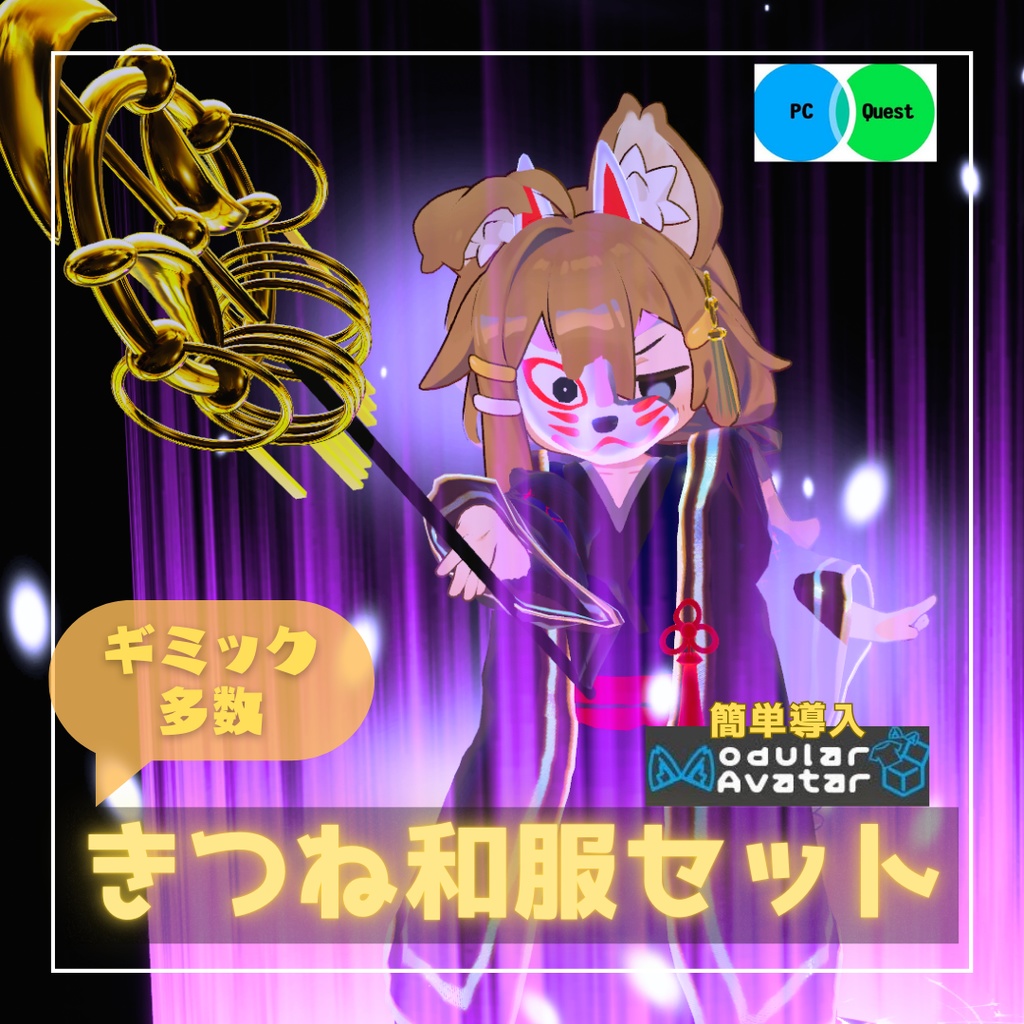
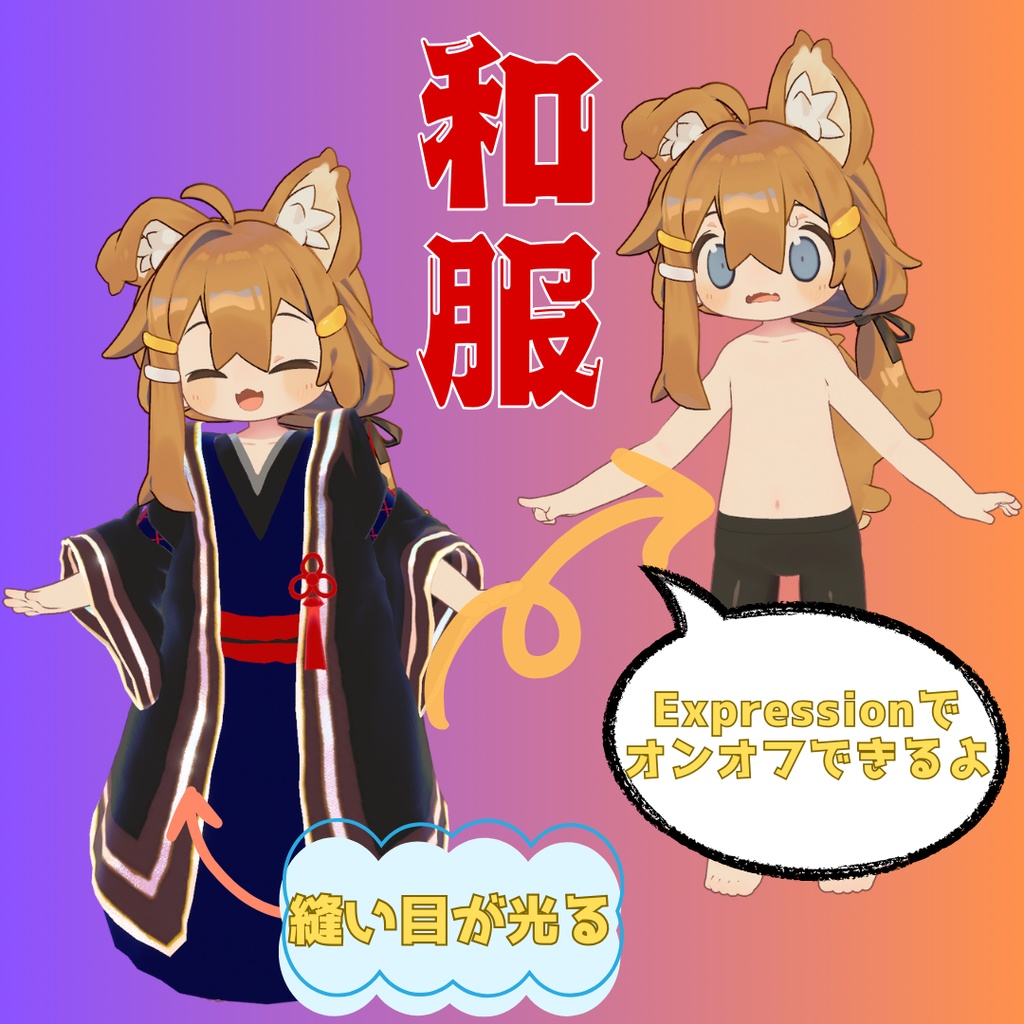
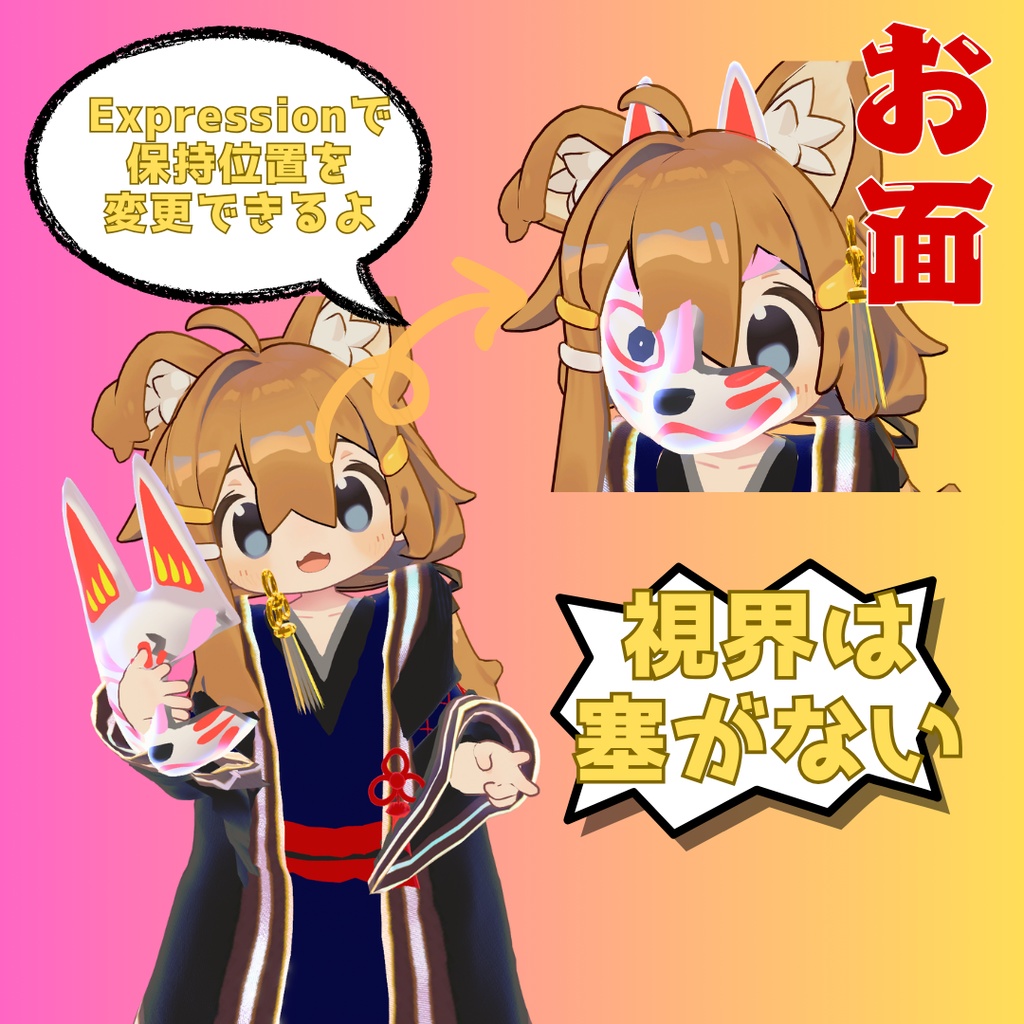
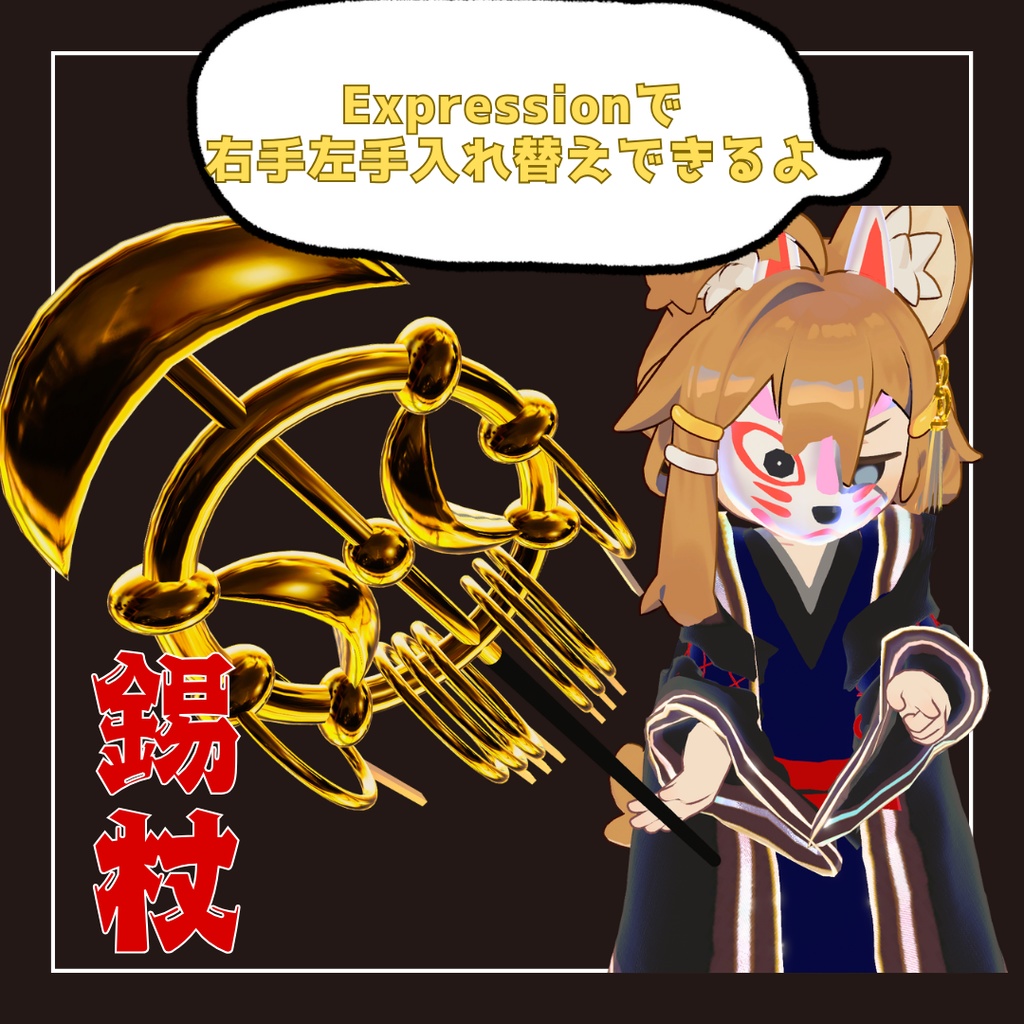
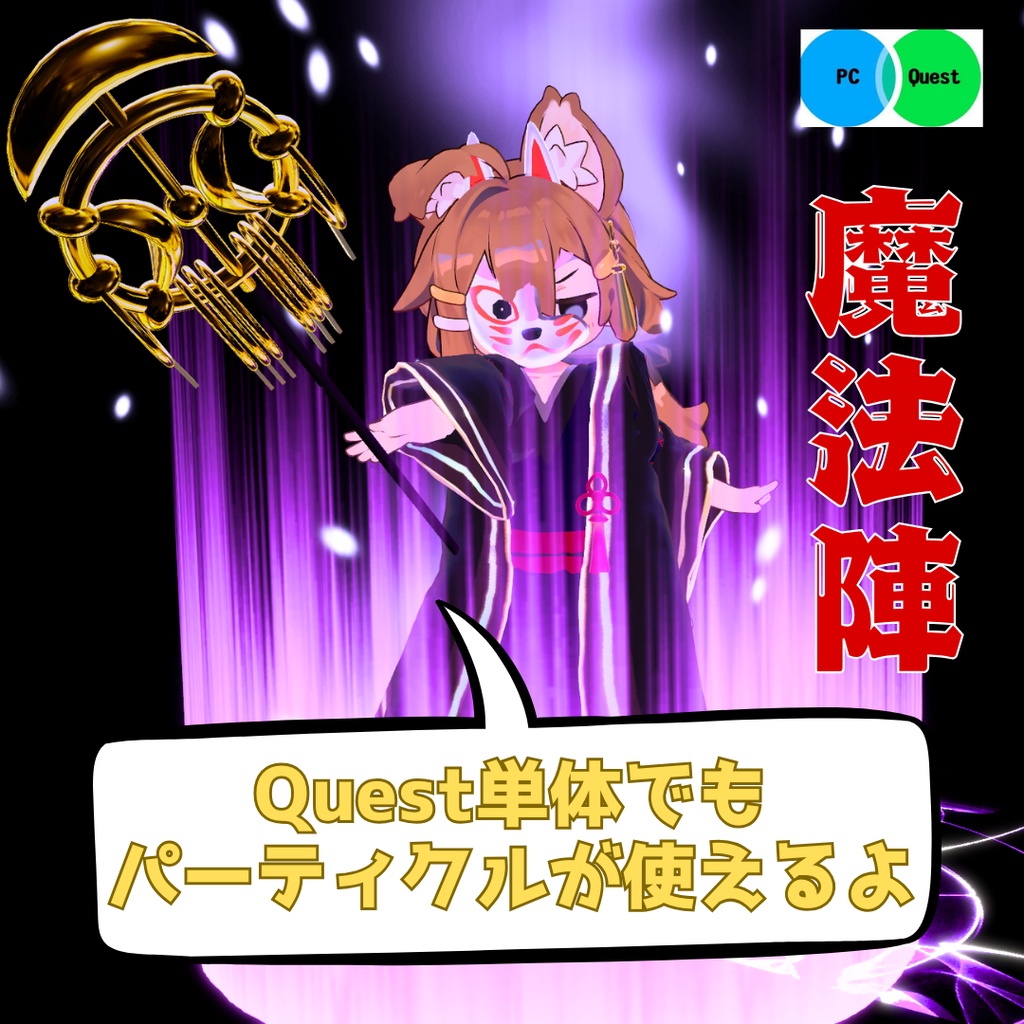
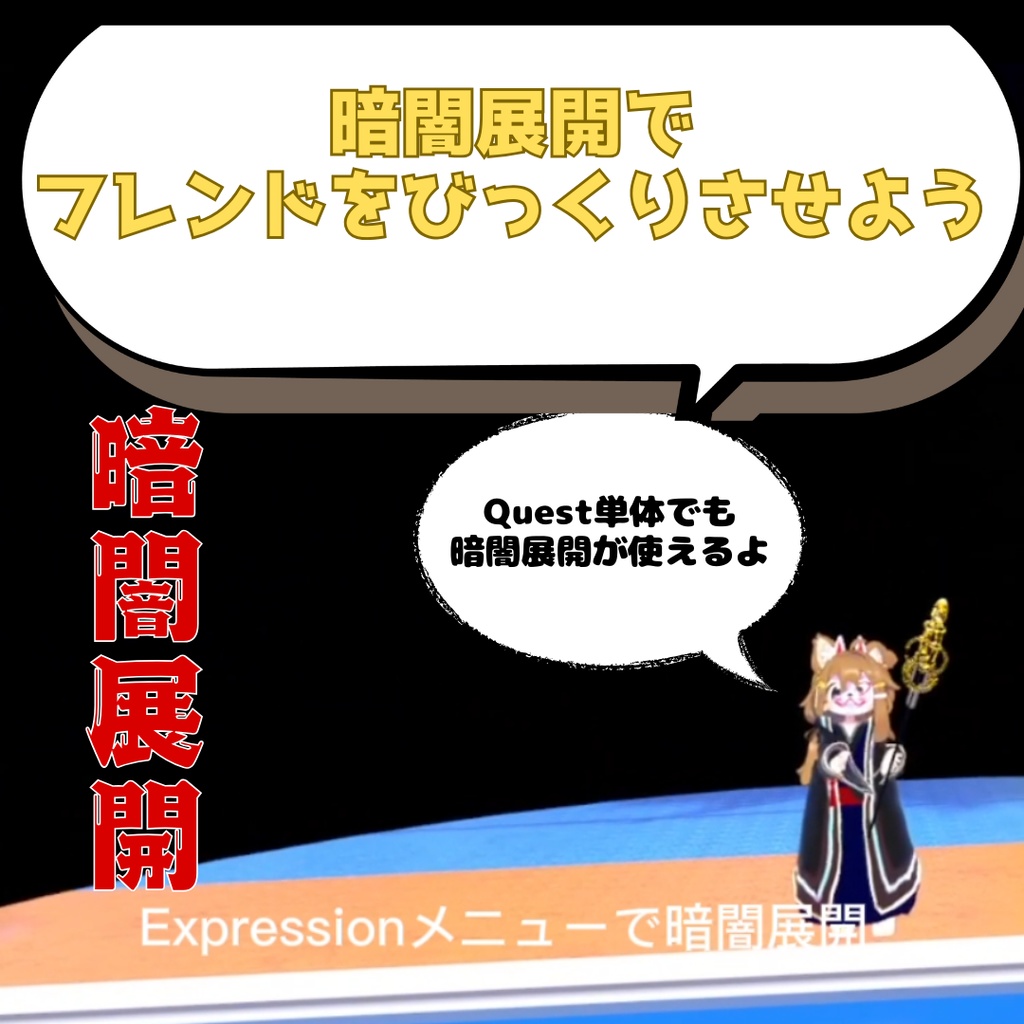


【商品説明】 VRChatアバター まめひなた対応衣装3Dモデルです。 Xに商品説明動画があります。https://x.com/hamnchu_pococha/status/1858787376325140613 Quest単体ユーザーでも変換すれば着用可能です。 VRCQuestTools https://booth.pm/ja/items/2436054 本商品には商品画像にあるアバター本体は含まれておりません。 https://booth.pm/ja/items/4340548 まめひなた 暗闇展開&パーティクルだけ欲しい方はこちらの商品をどうぞ https://hamnchu.booth.pm/items/6303681 シェーダーはlilToonを使用しています。 導入前にlilToonをシェーダーをご用意ください。 lilToon https://booth.pm/ja/items/3087170 アバターに商品を着せる際にModular Avatarを利用するとhierarchyのアバター直下にPrefabを入れるだけで導入可能です。 Modular Avatar https://modular-avatar.nadena.dev/ja 【商品内容】 ・UnityPackage ・FBX ・Texture ・Material ・Prefab ・Animation ・Particle 【導入手順】(PC) (前提)lilToon,Modular Avatar,まめひなたを導入済み 1.unitypakageを開く 2.Assets/はむ屋/はむ屋/prehab/PC/きつね和服セット.prefabをhierarchy内のアバター直下に置く 【導入手順】(Quest) (前提)上記の2まで実施 1.VRCQuestToolsにてPC版で完成させたアバターを変換 2.変換されたアバター内の本製品prefabを削除する 2.Assets/はむ屋/はむ屋/prehab/Quest/きつね和服セット.prefabをhierarchy内のアバター直下に置く(注意:Questフォルダです) 【禁止事項】 ◆改変の有無にかかわらず、本モデルの再配布、再販売およびアバターペデスタルなどで購入者以外のユーザーが使用できる行為を禁止します。 ◆政治、宗教、人種、他人に対する誹謗目的のための使用を禁止します。 【利用規約】 ◆本モデルのデータの修正及び改造、個人利用に限り許可します。 ◆個人利用の範囲であれば、収益化されるものを含めた二次創作・配信を許可します。 ◆購入者(もしくはギフトで受け取った方)同士に限り、モデルの受け渡しや個人的な範囲(コミッション含む)での改変代行を許可します。 【免責事項】 ◆当商品を使用することで使用者側に不利な問題が生じた場合、それがいかなるものであっても配布元は一切責任を負いません。 【著作権】 ◆修正、改造の有無にかかわらず、本モデルの付随するすべてのデータの著作権は製作者に帰属します。 【注意事項】 ◆商品の仕様上、動きによっては貫通することがあります。 ◆Phys Bone未設定です。 【クレジット】 ・K10-Arsenal 様 【CC0】Matcapテクスチャ50枚 https://booth.pm/ja/items/2998107 ・おはぎ 様 【無料】金色マットキャップ https://ohagi-yabatan.booth.pm/items/4244253 ・kuren 様 錫杖原案 ・あまのはる 様 ホットドックキャラクターデザイン ・ふーちゃ。 様 仕様テスト 【更新履歴】 2024/11/19 【MA対応・まめひなた】きつね和服セット【ギミック付・Quest対応】v1.0.0 販売開始 2025/01/11 【MA対応・まめひなた】きつね和服セット【ギミック付・Quest対応】v1.0.1 Expressionメニューの操作性向上
🦊 Fox Kimono Set for Mamehinata 🦊
3D model outfit designed for VRChat avatar "Mamehinata." Watch the product demonstration video on X: https://x.com/hamnchu_pococha/status/1858787376325140613 This outfit can be worn by Quest standalone users after conversion. VRCQuestTools: https://booth.pm/ja/items/2436054 Note: The avatar body shown in product images is not included. You can purchase it here: Mamehinata: https://booth.pm/ja/items/4340548 If you only need the "Darkness Expansion & Particles," please check this product: https://hamnchu.booth.pm/items/6303681 🛠 Prerequisites Please prepare the following before installation: ・lilToon Shader: https://booth.pm/ja/items/3087170 ・Modular Avatar (MA): https://modular-avatar.nadena.dev/ja (With MA, you can simply place the Prefab under your avatar to complete setup.) 📦 Product Contents ・UnityPackage / FBX / Texture / Material / Prefab / Animation / Particle 📖 Installation Guide [PC Version] (Prerequisites: lilToon, Modular Avatar, and Mamehinata imported) 1. Open the .unitypackage file. 2. Drag Assets/はむ屋/はむ屋/prehab/PC/きつね和服セット.prefab directly under your avatar in the Hierarchy. [Quest Version] (Prerequisites: Complete the PC setup steps above) 1. Use VRCQuestTools to convert the completed PC avatar. 2. Delete the PC version prefab from the converted avatar hierarchy. 3. Drag Assets/はむ屋/はむ屋/prehab/Quest/きつね和服セット.prefab directly under the converted avatar in the Hierarchy. (Caution: Be sure to use the one in the Quest folder.) ⚠️ Terms & Policies [Prohibitions] ・Redistribution or resale of this model (modified or not) is prohibited. ・Usage that allows non-purchasers to use the model (e.g., Avatar Pedestals) is prohibited. ・Use for political, religious, racial, or defamatory purposes is prohibited. [Terms of Use] ・Modification and transformation for personal use are permitted. ・Secondary creations and streaming (including monetized content) are permitted for personal use. ・Sharing data or commissioning modifications is permitted only between owners/gift recipients of this model. [Disclaimer] ・The creator shall not be held liable for any disadvantage or issues arising from the use of this product, regardless of the nature of the issue. [Copyright] ・All copyrights of the data associated with this model belong to the creator, regardless of any modifications. 📝 Important Notes ・Due to the nature of the model, clipping may occur depending on movement. ・Phys Bone is not configured. 📜 Credits ・K10-Arsenal: [CC0] 50 Matcap Textures (https://booth.pm/ja/items/2998107) ・Ohagi: [Free] Gold Matcap (https://ohagi-yabatan.booth.pm/items/4244253) ・kuren: Original Shakujo (Scepter) concept ・Amanoharu: Hot dog character design ・Fucha: Specification testing 🕒 Update History ・2024/11/19 (v1.0.0): Initial Release ・2025/01/11 (v1.0.1): Improved Expression Menu usability
VRChat 아바타 '마메히나타' 대응 의상 3D 모델입니다.
X(Twitter)에서 상품 소개 영상을 확인하실 수 있습니다: https://x.com/hamnchu_pococha/status/1858787376325140613 Quest 단독 사용자도 변환 과정을 거치면 착용 가능합니다. VRCQuestTools: https://booth.pm/ja/items/2436054 본 상품에는 상품 이미지에 있는 아바타 본체는 포함되어 있지 않습니다. 아바타는 아래 링크에서 구매해 주세요: 마메히나타(まめひなた): https://booth.pm/ja/items/4340548 암흑 전개 및 파티클만 필요하신 분은 이 상품을 확인해 주세요: https://hamnchu.booth.pm/items/6303681 🛠 선행 작업 ・도입 전에 다음 셰이더와 툴을 준비해 주세요: ・lilToon Shader: https://booth.pm/ja/items/3087170 ・Modular Avatar (MA): https://modular-avatar.nadena.dev/ja (MA를 이용하면 계층 구조의 아바타 바로 아래에 프리팹을 넣는 것만으로 도입이 가능합니다.) 📦 상품 내용 ・UnityPackage / FBX / Texture / Material / Prefab / Animation / Particle 📖 도입 방법 [PC 도입] (전제조건: lilToon, Modular Avatar, 마메히나타 도입 완료) ・.unitypackage 파일을 엽니다. ・Assets/はむ屋/はむ屋/prehab/PC/きつね和服セット.prefab 파일을 계층 구조(Hierarchy)의 아바타 바로 아래에 배치합니다. [Quest 도입] (전제조건: 위의 PC 도입 2번까지 완료) ・VRCQuestTools를 사용하여 PC 버전으로 완성된 아바타를 변환합니다. ・변환된 아바타 내의 본 제품 프리팹을 삭제합니다. ・Assets/はむ屋/はむ屋/prehab/Quest/きつね和服セット.prefab 파일을 아바타 바로 아래에 배치합니다. (주의: 반드시 Quest 폴더 내의 파일을 사용해 주세요.) ⚠️ 이용 약관 [금지 사항] ・개조 여부와 관계없이 본 모델의 재배포, 재판매 및 아바타 페데스탈 등 구매자 이외의 사용자가 사용할 수 있는 행위를 금지합니다. ・정치, 종교, 인종 차별, 타인에 대한 비방 목적으로 사용하는 것을 금지합니다. [이용 규정] ・본 모델 데이터의 수정 및 개조를 개인적인 용도에 한해 허가합니다. ・개인적인 범위 내에서라면 수익화가 포함된 2차 창작 및 방송 활동을 허가합니다. ・구매자(또는 선물 받은 분)끼리에 한하여 모델 전달 및 개인적인 범위(커미션 포함) 내에서의 개조 대행을 허가합니다. [면책 사항] ・본 상품 사용으로 인해 사용자 측에 불리한 문제가 발생하더라도 배포처는 일체 책임지지 않습니다. [저작권] ・수정 및 개조 여부에 관계없이 본 모델의 모든 데이터 저작권은 제작자에게 귀속됩니다. 📝 주의사항 ・상품 사양상 움직임에 따라 뚫림(Clapping) 현상이 발생할 수 있습니다. ・Phys Bone은 설정되어 있지 않습니다. 📜 크레딧 K10-Arsenal: [CC0] Matcap 텍스처 50매 (https://booth.pm/ja/items/2998107) Ohagi: [무료] 금색 매트캡 (https://ohagi-yabatan.booth.pm/items/4244253) kuren: 석장(錫杖) 원안 Amanoharu: 핫도그 캐릭터 디자인 Fucha: 사양 테스트 🕒 업데이트 내역 2024/11/19 (v1.0.0): 판매 개시 2025/01/11 (v1.0.1): Expression 메뉴 조작성 향상
适配 VRChat 角色“まめひなた”的 3D 服装模型。
可在 X 上查看商品演示视频:https://x.com/hamnchu_pococha/status/1858787376325140613 Quest 一体机用户经过转换后亦可穿着。 VRCQuestTools: https://booth.pm/ja/items/2436054 注意:本商品不包含展示图中的角色模型本体。请通过以下链接购买: まめひなた: https://booth.pm/ja/items/4340548 如果仅需要“暗黑领域扩展与粒子效果”,请移步至此商品: https://hamnchu.booth.pm/items/6303681 🛠 环境准备 ・导入前请先准备好以下着色器与工具: ・lilToon Shader: https://booth.pm/ja/items/3087170 ・Modular Avatar (MA): https://modular-avatar.nadena.dev/ja (使用 MA 仅需将 Prefab 放入角色对象下即可快速完成安装。) 📦 商品内容 ・UnityPackage / FBX / Texture / Material / Prefab / Animation / Particle 📖 安装步骤 [PC 版] (前提:已安装 lilToon, Modular Avatar 并在工程中导入了まめひなた) 1. 打开 .unitypackage 文件。 2. 将 Assets/はむ屋/はむ屋/prehab/PC/きつね和服セット.prefab 拖入 Hierarchy 窗口中您的角色对象下。 [Quest 版] (前提:已完成上述 PC 版的步骤 2) 1. 使用 VRCQuestTools 转换已完成的 PC 版角色。 2. 在转换后的角色层级中,删除原有的本产品 Prefab。 3. 将 Assets/はむ屋/はむ屋/prehab/Quest/きつね和服セット.prefab 拖入 Hierarchy 窗口中已转换的角色对象下。(注意: 请务必选择 Quest 文件夹下的版本。) ⚠️ 使用条款 [禁止事项] ・无论是否经过修改,严禁二次分发、转售本模型,或通过模型展示台(Pedestal)等方式允许非购买者使用的行为。 ・严禁用于政治、宗教、种族歧视或诽谤他人的目的。 [许可事项] ・允许在个人使用范围内对本模型数据进行修正与改造。 ・允许在个人使用范围内进行包含收益化的二次创作及直播活动。 ・仅限购买者(或受赠者)之间进行模型数据传递,或在个人范围内(含委托代工)进行改单代行。 [免责声明] ・因使用本商品而导致的任何对使用者不利的问题,原发布者概不承担任何责任。 [版权说明] ・无论是否经过修正或改造,本模型附带的所有数据版权均归原作者所有。 📝 注意事项 ・受限于模型规格,部分动作可能会出现穿模现象。 ・未设置 Phys Bone。 📜 制作名单与鸣谢 K10-Arsenal: [CC0] 50张 Matcap 贴图 (https://booth.pm/ja/items/2998107) Ohagi: [免费] 金色 Matcap (https://ohagi-yabatan.booth.pm/items/4244253) kuren: 锡杖原案 あまのはる: 热狗角色设计 ふーちゃ。: 规格测试 🕒 更新日志 2024/11/19 (v1.0.0): 正式发售 2025/01/11 (v1.0.1): 优化 Expression 菜单的操作体验