

【無料】Neon QvPen Shader
- NeonQvPenShaderダウンロード商品¥ 0
- 支援版:NeonQvPen + おまけシンプルなQvPenEmissionシェーダーダウンロード商品¥ 200
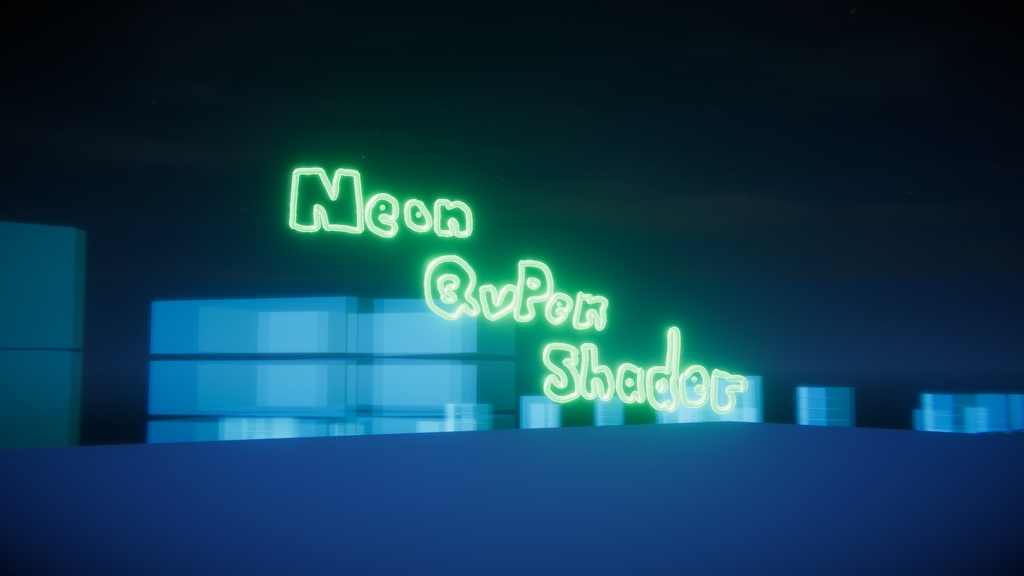
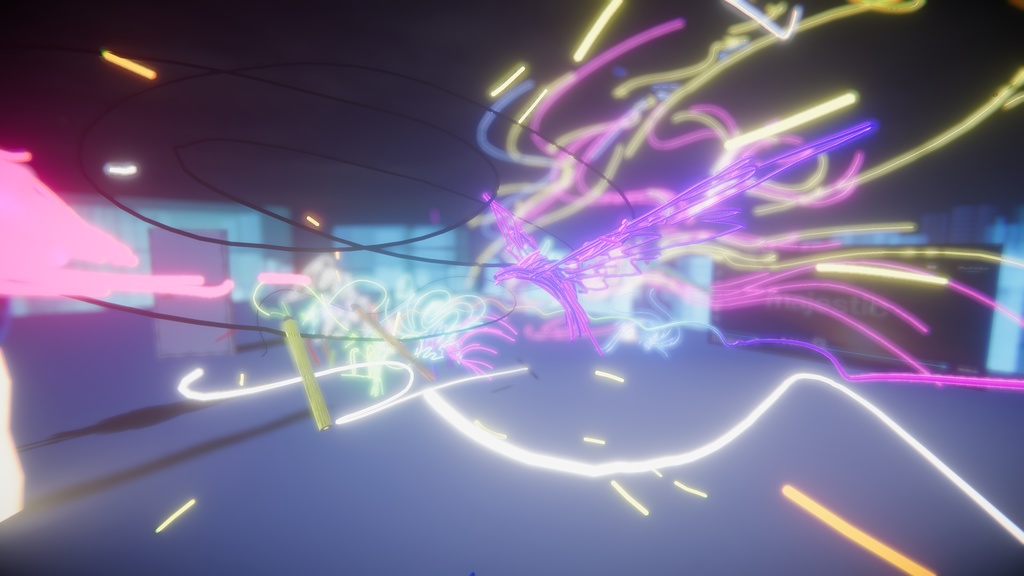
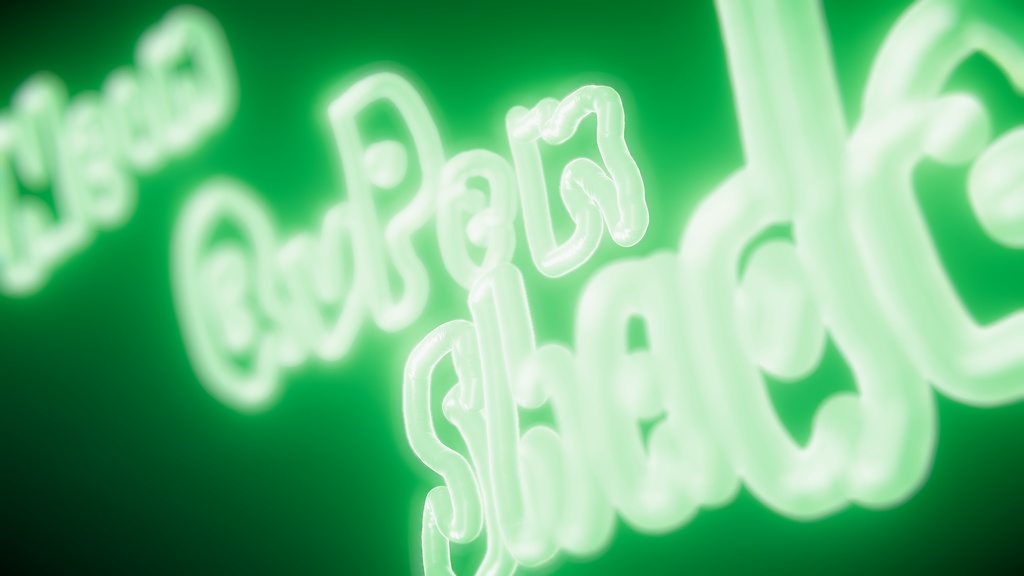
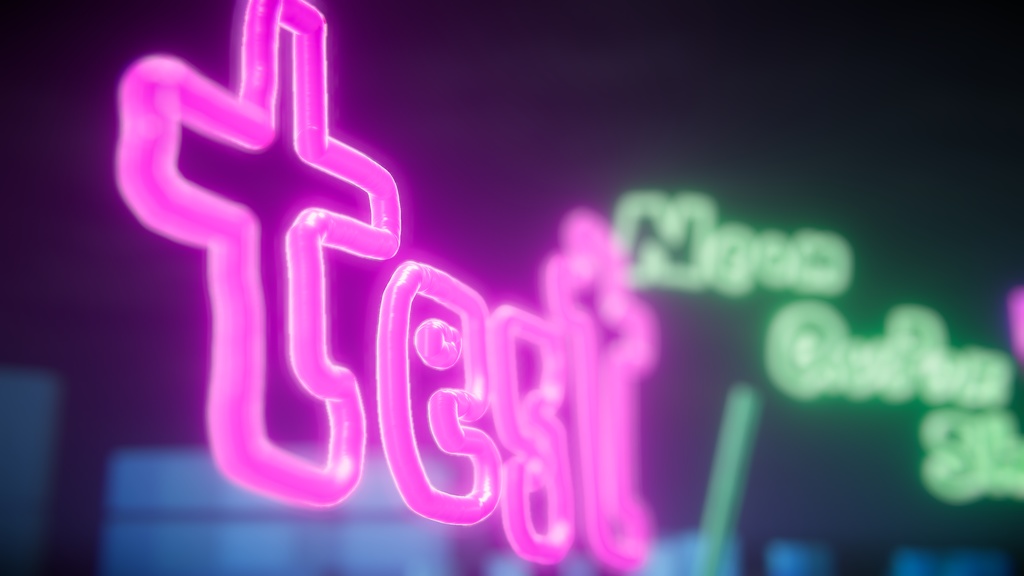
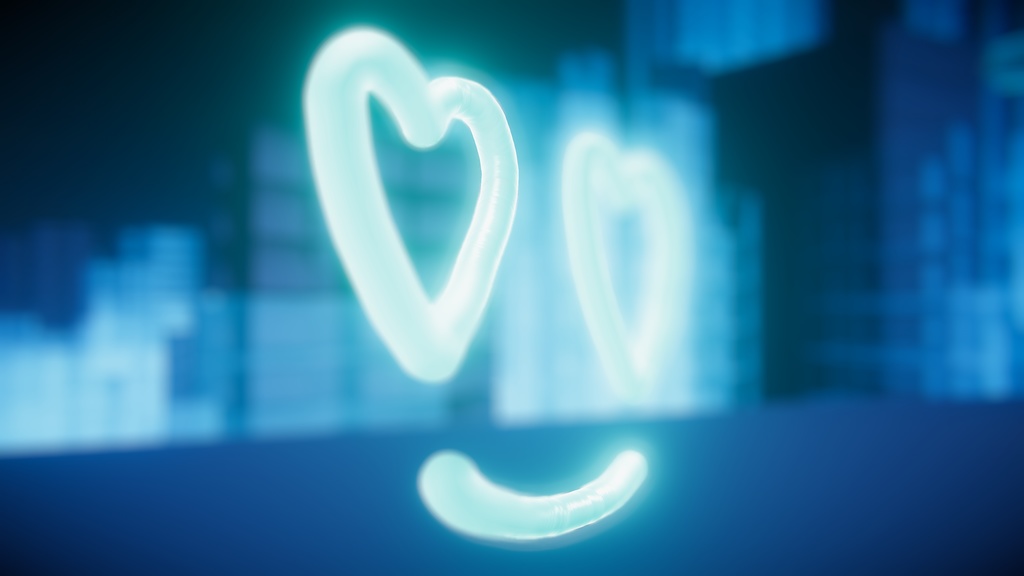


Package Shop様( https://65536.booth.pm/ )の「QvPen」のInk_PCにEmission強度調整と疑似的Metallic/Smoothnessを加えたシェーダーとマテリアルのセットです。 前提としてVCCあるいはUnityPackageでQvPenを導入してください。 ★ネオンの質感を出すためにはわずかでも良いのでPostProcessのBloomを入れてください。 このワールドのQvPenで導入しています。 https://vrchat.com/home/launch?worldId=wrld_7cd5c2c8-1e9f-4849-a291-7a25d2be09c1 Phi16さんによるrounded_trail のシェーダーを改変したものとなっています。 https://github.com/phi16/VRC_storage/blob/master/rounded_trail.unitypackage 200円の支援版にはもう一個おまけのシェーダーとマテリアルが入っています。ご支援のほどよろしくお願いします。 Features (特徴) 滑らかで美しい継ぎ目: 「仮想円筒シェーディング」技術により、線の継ぎ目(関節部分)が完全に消え、ビーズのような膨らみや隙間のない、一本の連続した艶やかなパイプとして描画されます。 3Dのような立体感: 実際は板ポリゴンですが、画面上の位置計算によって円筒の法線を再構築することで、まるで3Dオブジェクトのような立体感を表現しています。 滑らかなエッジ: 線の端(キャップ)の縁を滑らかにぼかすアンチエイリアス処理を実装し、ギザギザのない綺麗な丸みを実現しています。 リムライト効果: 金属の輪郭にほんのりと光が回り込むような表現を追加し、よりリッチな質感を演出します。 簡単な調整: 一般的なプロパティで直感的に調整可能です: _Metallic (金属感) / _Smoothness (滑らかさ) _EmissionScale (発光の強さ) _Width (線の太さ ※通常はペンの設定に依存) Seamless Metallic Joints: Uses "Virtual Cylindrical Shading" to ensure that joints between trail segments are indistinguishable, creating a continuous glossy pipe look without "beads" or "gaps". 3D-Like Volume: Simulates a cylindrical volume using screen-space normal reconstruction (Billboarding), making the 2D trail strip appear as a 3D object. Anti-Aliasing: Implements soft alpha blending at the edges of the caps (using AlphaToMask) to eliminate jagged edges and provide smooth rounded tips. Rim Lighting: Adds a subtle Fresnel rim light to enhance the metallic feeling and dimensionality. Configurable: Exposes standard properties for easy tweaking. ★Installation (導入方法) 【差し替え方法】 unitypackageをインポートすると Assets/RARA/QvPenShader フォルダ内にシェーダーとマテリアルが追加されます。 QvPen Prefabの Pens > PenManager のうち、トレイルを変更したいGameObjectを選択します。 インスペクター内の QvPen_PenManager の項目にある 「Pc Ink Material」 と 「Rounded Trail Shader」 の両方に、導入したマテリアル (Ink_PC_Neon) とシェーダー (QvPen/NeonQvPenShader) を割り当ててください。 WARNING 注意: QvPen Managerの特性上、「Pc Ink Material」のシェーダーと「Rounded Trail Shader」のシェーダーが異なる場合、描画中にペン先が伸びたり筆跡がずれる可能性があります。必ず両方に同じシェーダー(またはマテリアル)を設定してください。 [How to Replace] Importing the unitypackage will add the shader and material into the Assets/RARA/QvPenShader folder. Select the GameObject for which you want to change the trail from Pens > PenManager inside the QvPen Prefab. In the Inspector, finding the QvPen_PenManager component, assign the imported material and shader to both "Pc Ink Material" and "Rounded Trail Shader". WARNING Note: Due to the characteristics of QvPen Manager, if the shader for "Pc Ink Material" and "Rounded Trail Shader" are different, the pen tip may stretch or the handwriting may shift during drawing. Please ensure both fields use the correct shader/material. Configuration (設定調整) Color で基本色と発光色を設定します。 Metallic と Smoothness を調整して、好みの質感(ピカピカのクロームや、マットなプラスチックなど)を作ります。 Emission Scale を上げればネオンのような強い発光を表現できます TIP ★ ネオンのような「光の滲み(ブルーム)」を表現するには、ワールドまたはシーンの Post-Processing 設定で Bloom を有効にする必要があります。シェーダー単体では発光色を設定するだけで、周囲への光の漏れ出しは表現されません。 Adjust the Color to set the base albedo and emission color. Tweak Metallic and Smoothness to achieve the desired surface quality (e.g., highly polished chrome vs. matte plastic). Increase Emission Scale to make the trail glow (Neon effect). TIP Important Tip: To achieve the neon-like "light bleeding" or glow effect, you must enable Bloom in your World or Scene's Post-Processing settings. The shader only sets the emission color; the visual glow effect depends on the post-processing stack. Technical Details (技術詳細) Geometry Shader: 本体とキャップ用のビルボード(カメラ向きの板)を生成します。アスペクト比を考慮した正確な幅計算により、本体とキャップが完全に整列します。 Fragment Shader: セグメントの軸に対する画面上の位置に基づいて、円筒の法線を再構築します。この「仮想法線」により、形状は平らでも光の反射は曲面として振る舞います。 Joint Handling: 球体関節を使う一般的なラインレンダラーとは異なり、このシェーダーは関節を「重なり合う円筒」として扱います。法線が円筒の軸と完全に一致するように計算されるため、ハイライトが途切れることなく連続する「留め継ぎ(マイタージョイント)」のような美しい接続面が生まれます。 Geometry Shader: Generates camera-facing quads for the body and caps. The body segments are perfectly aligned with the caps using consistent aspect-ratio corrected width calculations. Fragment Shader: Reconstructs the normal of a cylinder based on the screen-space position relative to the segment axis. This "Virtual Normal" allows lighting to behave as if the surface were curved, even though the geometry is flat. Joint Handling: Unlike standard line renderers which might use sphere joints (causing bulging), this shader treats joints as overlapping cylinders. The normals are calculated to align perfectly with the cylinder axis, creating a seamless "miter-like" connection where the highlights flow continuously. ぜひ導入の上ラクガキや書き置きして遊んでくださいね!
利用規約
MIT ライセンスです 商用・非商用問わず誰でも好きに使ってOK そのままでも、一部を改変して再配布してもOK 再配布時ときは、「著作権表示」と「MITライセンスの全文」を記載してね https://opensource.org/license/mit 本シェーダーを利用したことによる責任はおとりできません
更新履歴
v1公開