

Sakura Blooming Accessories - VRChat Avatar Accessory / CP15
- ダウンロード商品¥ 1,000
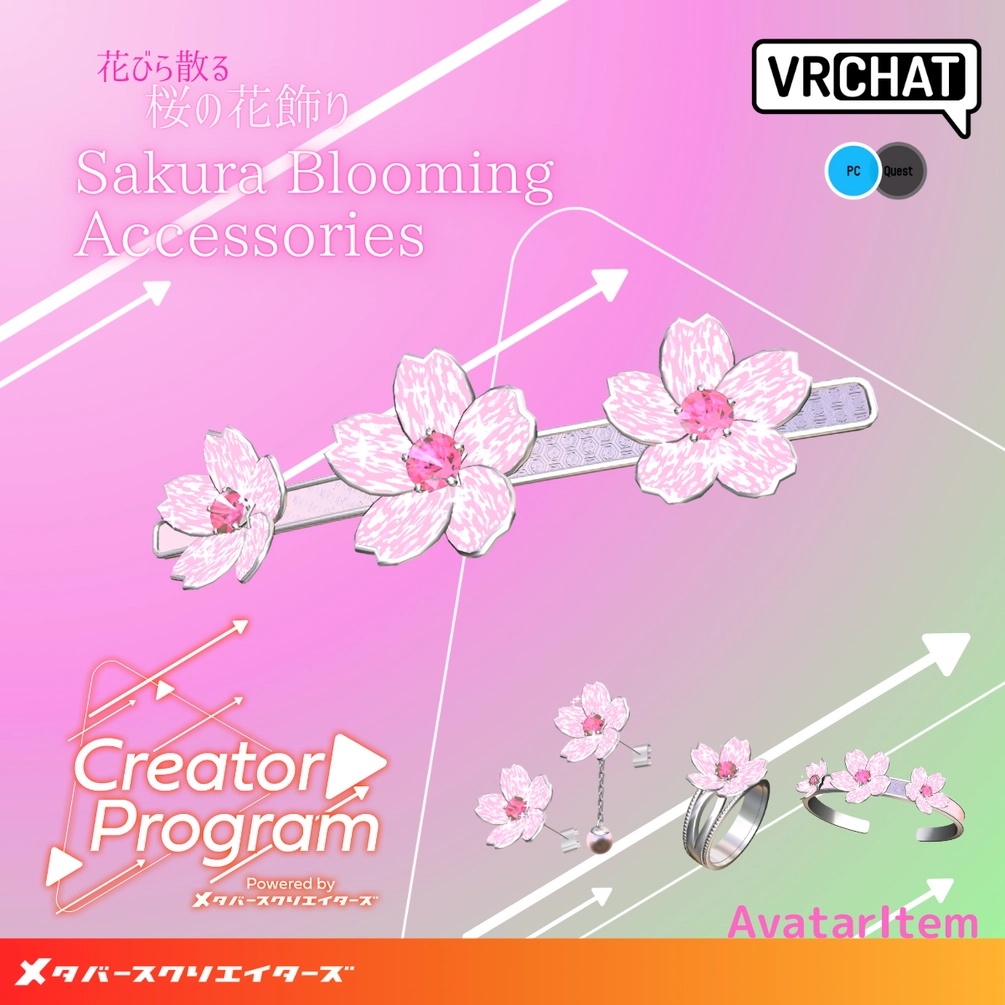
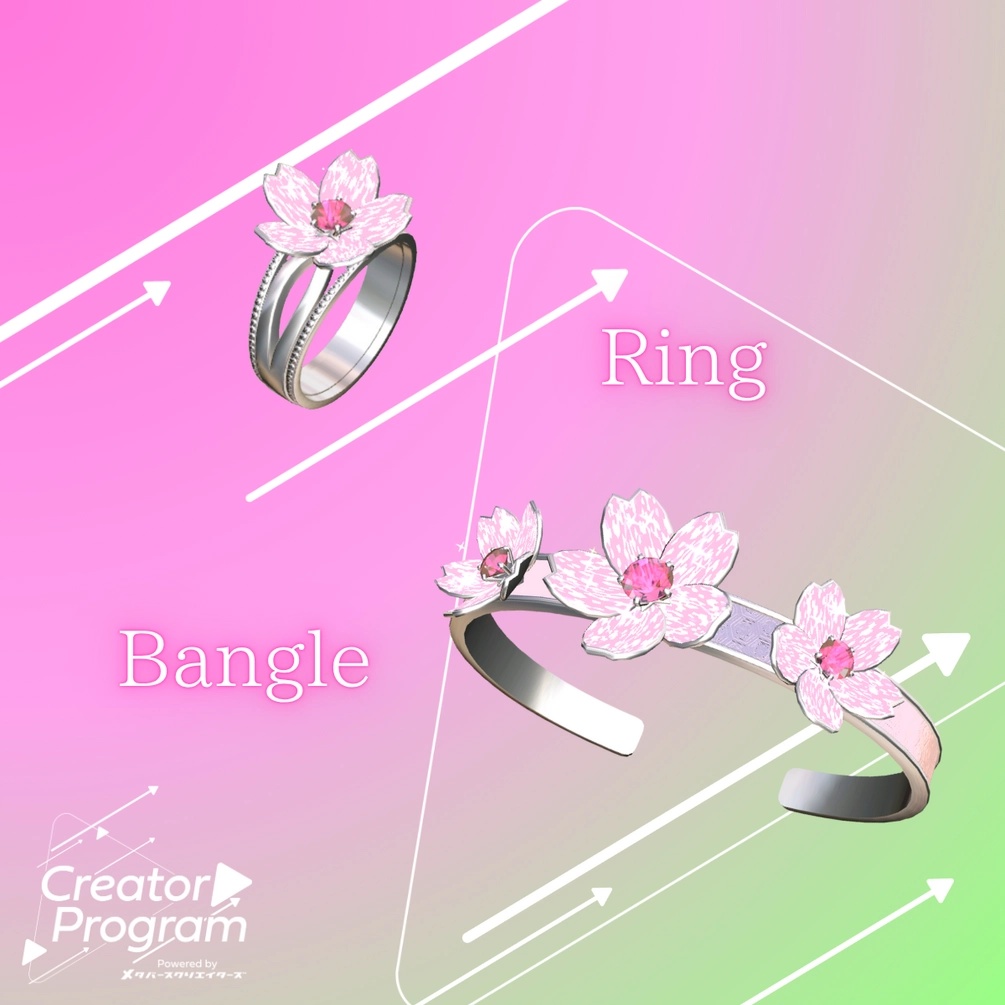
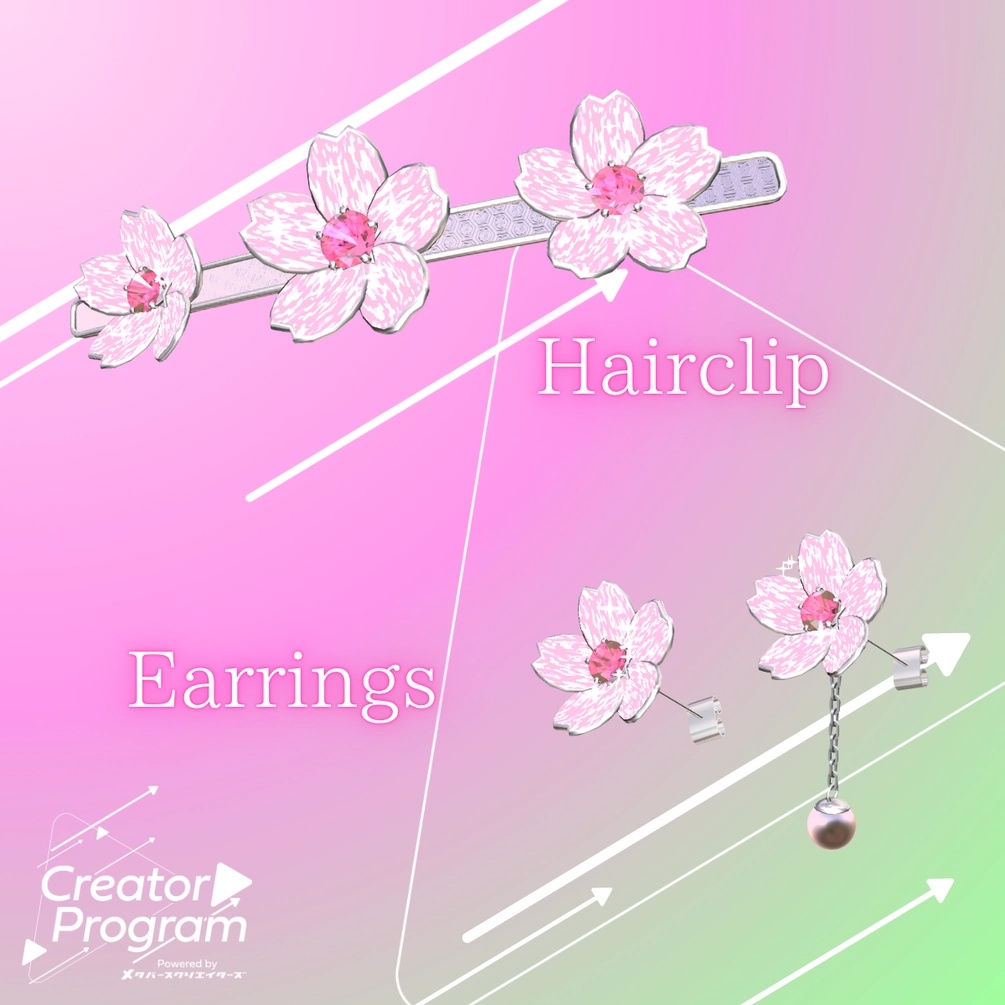


Sakura Blooming Accessories -By Mage ◆ Produced by Mage These are items for VRChat created in the project ‘Creator Programme’. A set of four accessories perfect for the peachy spring season. When touched and made to bloom, the accessories will make cherry blossom petals dance and adorn your avatar in a lovely way. Please read and understand the product description and terms of use before purchasing. ◆Item Description Contents - Sakura_Blooming_ Accessories.Unitypackage - FBX - Textures - ReadMe.txt (text) Shaders used ・Liltoon https://lilxyzw.booth.pm/items/3087170 Required assets - ModularAvater https://modular-avatar.nadena.dev/ja/docs/intro Model data [Sakura_Blooming_Ring] : 4089 polygons [Sakura_Blooming_Earring] : 1969 polygons [Sakura_Blooming_Earring2] : 3994 polygons [Sakura_Blooming_HairClip] : 4831 polygons HairClip]: 4831 polygons [Sakura_Blooming_Bangle]: 5479 polygons PhysBone components Sakura_Blooming_Earring2 : 1 Number of ParticleSystem components Sakura_Blooming_Ring :6 Sakura_Blooming_Earring :6 Sakura_Blooming_Earring2 :6 Sakura_Blooming_HairClip :12(LR) Sakura_Blooming_Bangle :12 (LR) Folder at import Assets > MetaverseCreators_CP > Magecraft > Sakura_Blooming_ Accessories ◆Introduction procedure - Setup the latest version of VRC SDK in VCC - Install the necessary assets (liltoon, ModularAvater) in VCC - Import this data package into the Unity project you want to introduce - Drag and drop avatars (prefabs for changing clothes and modifications if any) Drag and drop avatars (and prefabs for changing clothes and modifying avatars, if any) into the Scene's Hierarchy - Drag and drop prefab data in ‘Assets/MetaverseCreators_CP/Magecraft/Sakura_Blooming_ Accessories/Prefabs’ directly under the avatar. Drag & drop Prefab data from ‘MetaverseCreators_CP/Magecraft/Sakura_Blooming_ Accessories/Prefabs’ directly under the avatar - Move, expand, rotate and attach the Prefab data on the Scene to the desired location - Upload avatar from VRC SDK - Switch gimmicks from the ExpressionsMenu menu on VRChat (by default the gimmicks are inactive). (The gimmick is disabled by default.) ・When the gimmick is in operation, touching each item activates a firing animation. One colour variation is included in the following folder: ‘Assets/MetaverseCreators_CP/Magecraft/Sakura_Blooming_ Accessories/Prefabs_2ndColor’ Blooming_Ring follows each MiddleProximal *Sakura_Blooming_Bangle follows each LowerArm Terms of use https://drive.google.com/drive/folders/1qRMXoIxM1ZgacBPfwOigQRtXP1vCbNMn?usp=sharing *Please use the avatar after observing the terms of the original avatar. ◆Production environment Modelling Blender Ver4.3.0 Textures CLIP STUDIO PAINT Setup Unity Ver 2022.3.22f1 VRChat SDK - Avatars Ver3.7.5 (VCC) liltoon 1.7.3 ModularAvater 1.11. 6 ◆Credits Produced by Mage URL [Producer's personal BOOTH] https://mage-v.booth.pm/ Contact support https://discord.gg/bmw3PWE37M