

【VRChat用】鍵付き開閉ドアギミック(Lockable opening/closing door gimmick) KWG-SDL01【置くだけ・効果音付き・同期対応】
- ダウンロード商品¥ 700
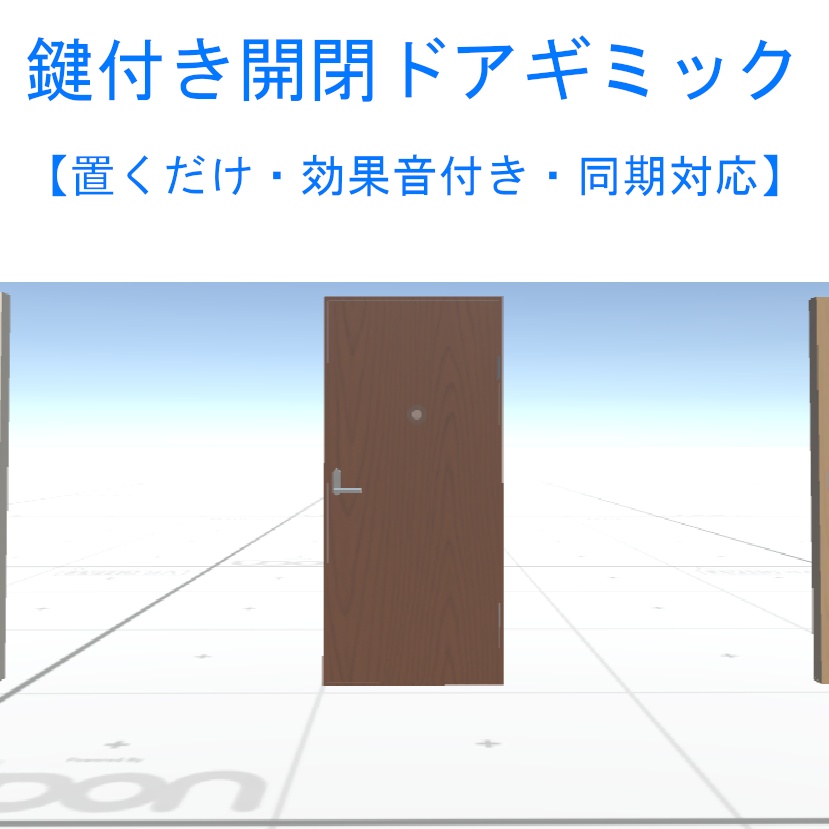
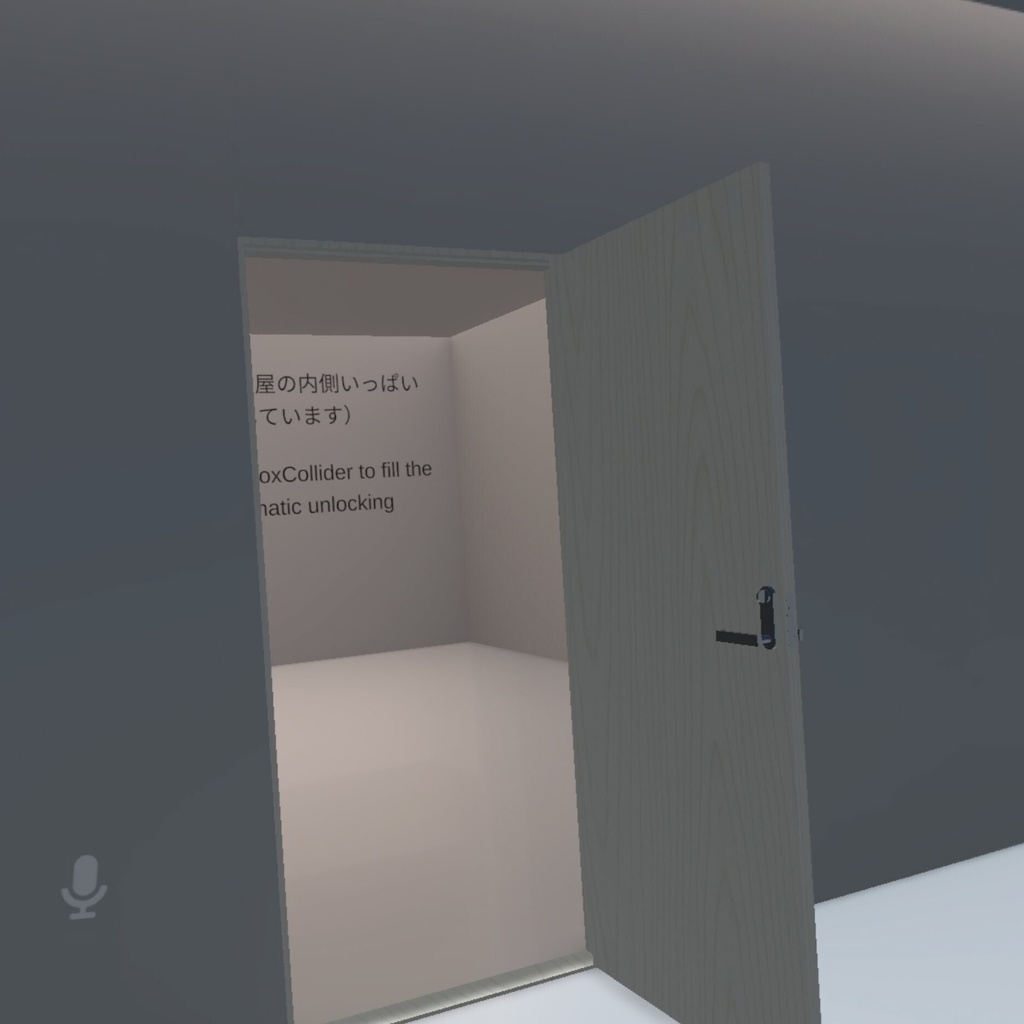
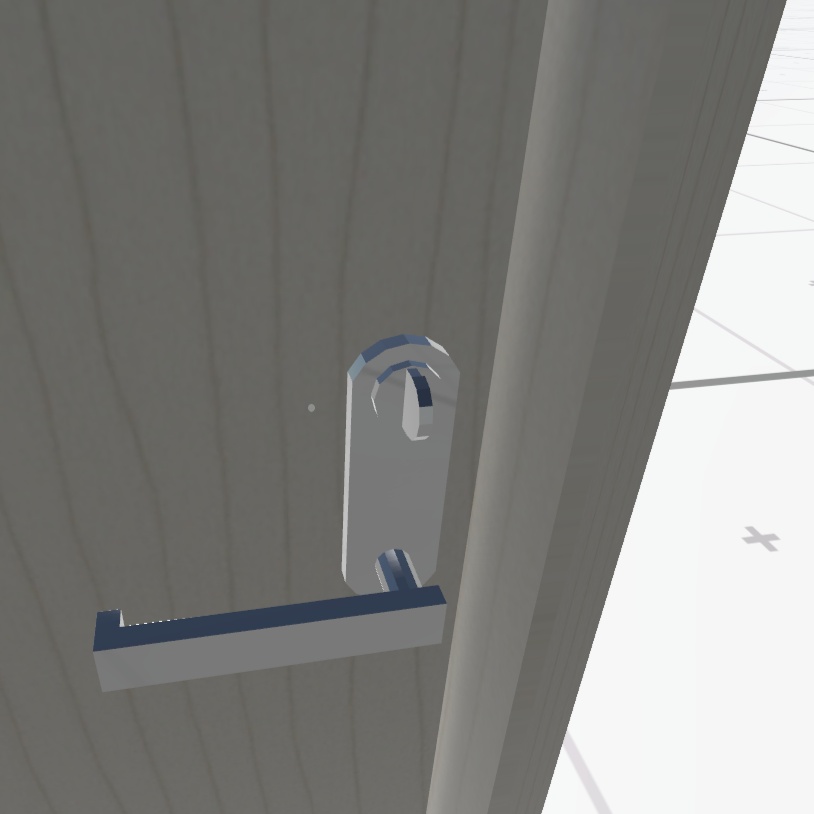
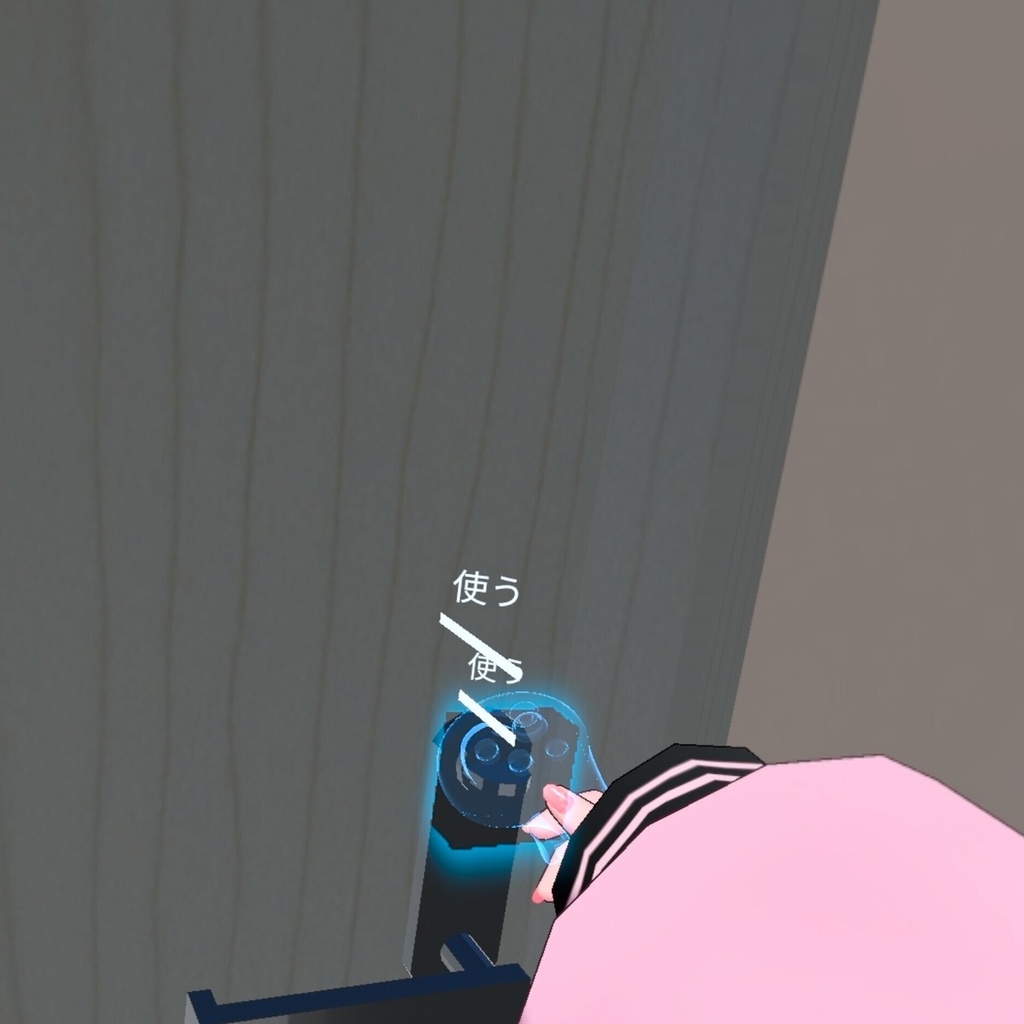


「置くだけ」「効果音付き」「同期対応」 ドアノブを”Use”すると開閉し、内側から鍵がかけられるドアギミックです 以下の特徴があります ・ドアの内側から鍵をかけることができます ・ドアの外側から手を突っ込んでも鍵が操作できないように対策してあります ・施錠中に部屋が無人になると、自動で開錠されます ・プレハブをシーンに置くだけで使用できます ・開閉時と鍵操作時の効果音付き ・同期対応しています 下記のリンクからこのワールドギミックを体験していただけます https://vrchat.com/home/launch?worldId=wrld_b71bb7a2-8515-4826-b60b-c1b899ea315a --English-- "Plug-and-play," "includes sound effects," and "sync-compatible." This is a door gimmick that opens and closes when you "Use" the doorknob. It features the following: ・You can lock the door from the inside. ・It is designed to prevent the lock from being operated by reaching through from the outside. ・The door automatically unlocks if the room becomes empty while locked. ・Ready to use simply by placing the prefab into your scene. ・Includes sound effects for opening/closing and operating the lock. ・Supports synchronization. You can try out this world gimmick at the link below. https://vrchat.com/home/launch?worldId=wrld_b71bb7a2-8515-4826-b60b-c1b899ea315a
商品説明 Product Description
【同梱物 Included items】 Materials Folder GlassPanel.mat Metal_Silver.mat Plastic_White.mat Wood_WoodLine.mat Wood_WoodLine02.mat Wood_WoodLine03.mat Models Folder FBX Folder LockableDoor01_1.fbx LockableDoor02_1.fbx LockableDoor03_1.fbx Prefabs Folder LockableDoor01_1.prefab LockableDoor01_2.prefab LockableDoor01_3.prefab LockableDoor02_1.prefab LockableDoor02_2.prefab LockableDoor02_3.prefab LockableDoor03_1.prefab LockableDoor03_2.prefab LockableDoor03_3.prefab Scripts Folder Censer.cs、Censer.asset CheckRoomOccupancy.cs CheckRoomOccupancy.asset Door_Lock.cs、Door_Lock.asset Door_Lockable.cs、Door_Lockable.asset Sounds Folder Door_Close.wav Door_Locked.mp3 Door_Open.wav Textures Folder Wood01.png Wood02.png Wood03.png 【使用SDKバージョン SDK version used】 VRChat SDK - Worlds 3.7.6、3.10.5 VRChat SDK - Base 3.7.6、3.10.5
使用方法 How to use
*** 重要 *** RoomRectオブジェクトのサイズを使用する部屋の内側いっぱいに広げてください RoomRectオブジェクトは、「部屋の中に何人居るか」をチェックしている当たり判定です 室内で全員がログアウトしたなどで部屋が無人になった時に、自動でロックを解除する処理の判定に使用しています ・(ファイル名)Unityパッケージをインストールします ・/Kanitama_Factories/KanitamaDoors_Single_Lockable/Prefabs にあるプレハブをドラッグ&ドラッグでシーンに配置します ・上記の*** 重要 ***でも書かれている「RoomRect」オブジェクトのScaleを調整して、室内の内側いっぱいに広げてください *** 同期について *** ワールド制作中にドアや鍵の状態が同期されなくなった場合は、ネットワークIDを振りなおすことで解決したりします。Unityメニューの「VRChat」→「_SDKのUtilitys」→「Network ID Import and Export Utility」でIDを振りなおしてみてください --English-- *** Important *** Please resize the "RoomRect" object so that it fills the entire interior of the room. The RoomRect object serves as a trigger zone to detect how many people are inside the room. It is used to determine when to automatically unlock the door—for instance, when the room becomes empty because everyone has logged out. ・Install the Unity package. ・Drag and drop the prefab located at `/Kanitama_Factories/KanitamaDoors_Single_Lockable/Prefabs` into your scene. ・Adjust the Scale of the "RoomRect" object (mentioned in the *** Important *** section above) so that it completely fills the interior space of the room. *** Regarding Synchronization *** If the synchronization of the door or lock state fails while building your world, reassigning the Network ID often resolves the issue. Please try reassigning the ID using the Unity menu: `VRChat` > `_SDK's Utilities` > `Network ID Import and Export Utility`.
利用規約 terms of service
本商品を購入する際に、この規約に同意したものとします 本規約は「あしやまひろこ(@hiorko_TB)」氏が作成した VN3ライセンス( https://www.vn3.org/ ) のテンプレートを使用しています 利用規約は変更される場合があります --English-- By purchasing this product, you agree to these terms. These terms use a template created by Hiroko Ashiyama (@hiorko_TB) under the VN3 license (https://www.vn3.org/). These terms are subject to change. 規約全文(JP) https://drive.google.com/file/d/15LRceQQadNwDdZVA8n5VjLxpduwPE1jU/view?usp=sharing Terms of use(EN) https://drive.google.com/file/d/19ejdt3bv4VGeCeqUezkSLxV34sWIhFlz/view?usp=sharing 이용규약(KO) https://drive.google.com/file/d/1dMO-EmVVczwk6xD6bFFIaX7fCYW_lbQR/view?usp=sharing 使用条款(ZH) https://drive.google.com/file/d/1q8hWeCHtyXXvTZycU9pO7IyWiBiUxp1i/view?usp=sharing
お問い合わせについて About inquiries
・本商品に関するお問い合わせ・バグレポートなどはBOOTHよりお願いいたします ・本製品の使用以前の状況に関する質問(Unityの使い方やVCCの導入方法など)は対応いたしかねます ・ダウンロード商品の特性上、交換・返金・返品につきましては対応致しかねます ・本商品を使用して発生したすべての問題と損失、損害について、作者の「かにたま」及び「かにたまファクトリーズ」は責任を負いません --English-- Please use BOOTH for inquiries and bug reports regarding this product. We cannot answer questions about the product prior to use (such as how to use Unity or how to install VCC). Due to the nature of downloadable products, we are unable to offer exchanges, refunds, or returns. The creators, Kanitama and Kanitama Factories, are not responsible for any problems, losses, or damages that may arise from using this product.
更新履歴 Update history
2026/10/04 ファーストリリース --English-- October 04, 2026 First Release