

(FREE) Traffic Light V1 - BlackHatsStudio
- ダウンロード商品¥ 0
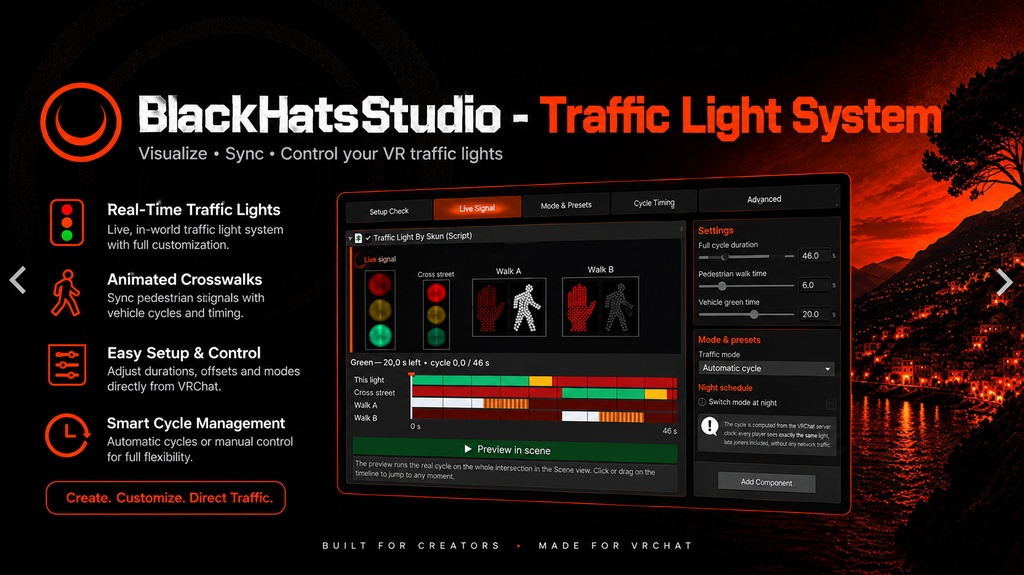
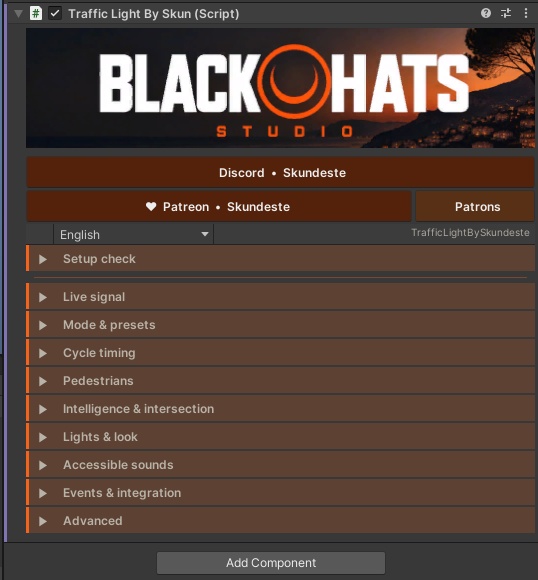
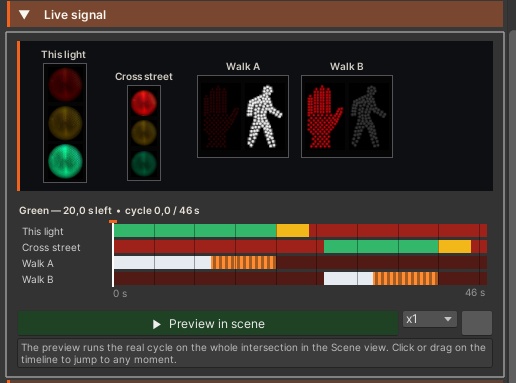
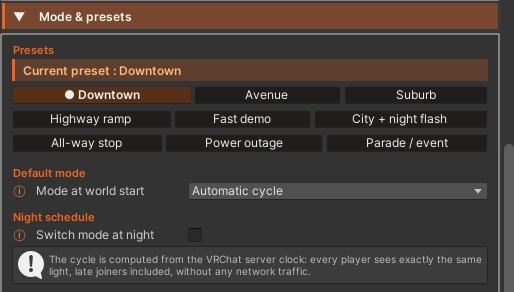
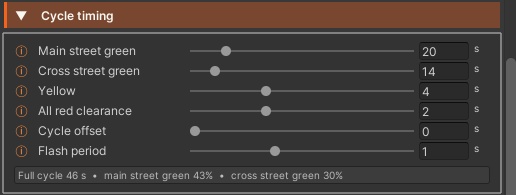
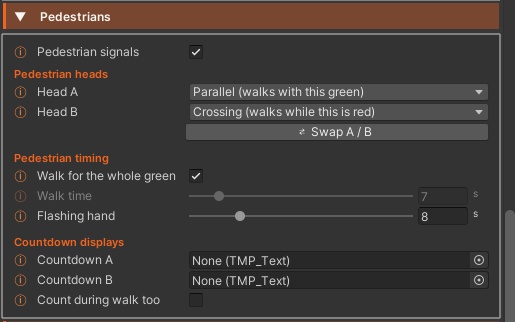
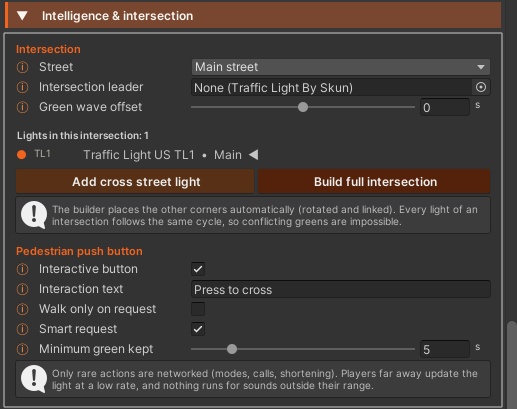
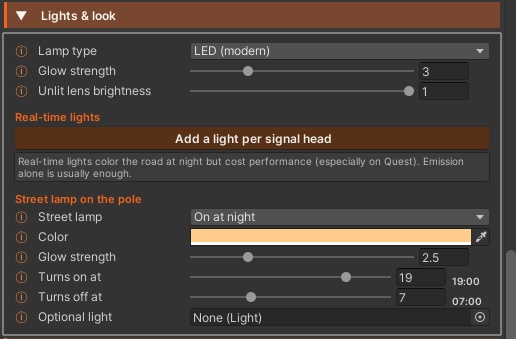
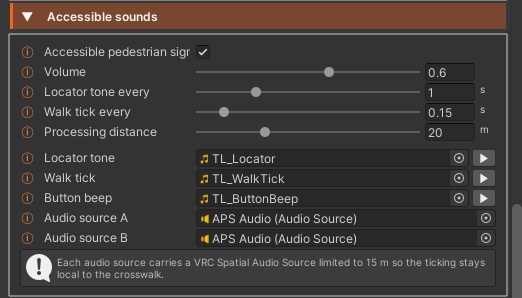
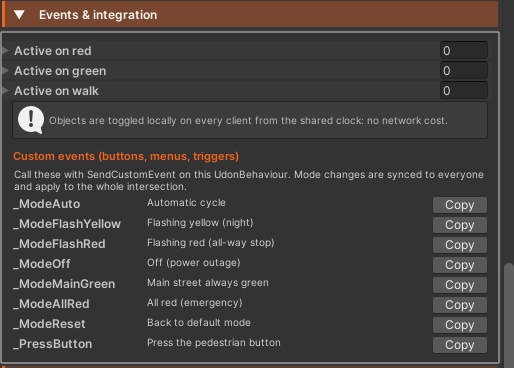
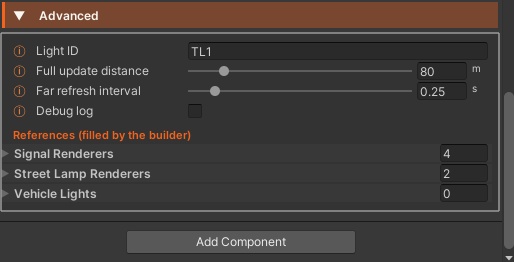
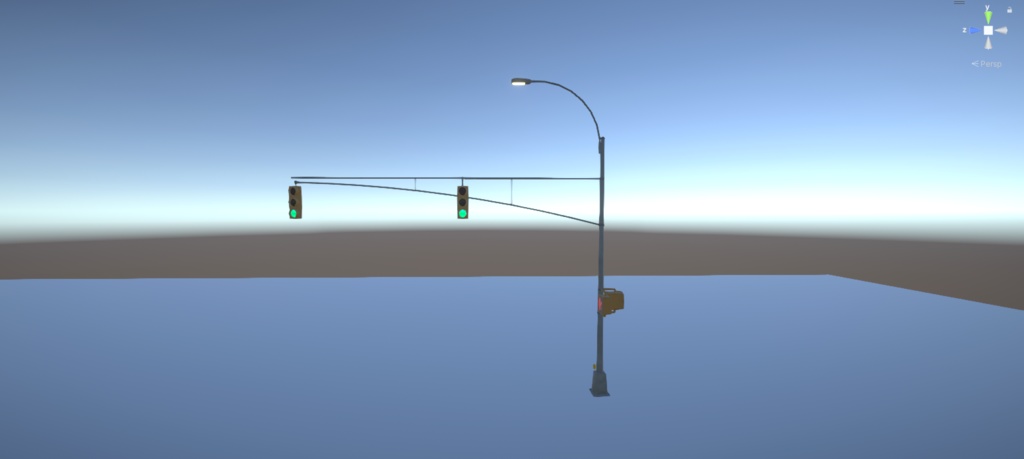


Realistic American traffic lights and crosswalks for your VRChat world, synced for everyone and built in one click. Traffic Light US places a complete US signal pole in your world: vehicle lights, WALK and hand pedestrian signals, push buttons and accessible crossing sounds. Build a full 4-way intersection in one click and pick a preset. Every player sees the same light, late joiners included, because the cycle runs on the VRChat server clock with almost no network traffic. Features Signals and modes US signal pole with red, yellow and green vehicle lights and two pedestrian heads (hand and walking person) 6 modes: automatic cycle, flashing yellow, flashing red (all-way stop), off (power outage), main street always green, all red (emergency) 9 one-click presets: Downtown, Avenue, Suburb, Highway ramp, Fast demo, City + night flash, All-way stop, Power outage, Parade / event Night schedule that switches to flashing yellow, flashing red or off between chosen hours (main street flashes yellow, side street flashes red, like real US signals) Shared clock (UTC + offset, with New York, Chicago, Denver and Los Angeles shortcuts) or each player’s local clock Cycle computed from the VRChat server clock, so every player, late joiners included, sees the same light Timing Adjustable main street green, cross street green, yellow, all-red clearance and flash period, with a live cycle summary Cycle offset to stagger separate intersections, and a per-light offset to create a green wave along a street Intersection Main street and cross street roles that can never be green at the same time One-click full 4-way intersection: the other three corners are placed, rotated and linked for you Add a single cross street light, link other lights in the scene or change the leader; linked lights share cycle, modes and pedestrian calls Pedestrians Each pedestrian head walks with the parallel green or while the crossed street is red, with a one-click A / B swap WALK for the whole green or for a fixed walk time, then a tunable flashing hand clearance Optional countdown displays (TextMeshPro), during the flashing hand only (US standard) or during WALK too Interactive push buttons on the pole with custom interaction text, a press animation and a red light while you wait “Walk only on request” option, like suburban US crossings Smart request: pressing the button shortens the conflicting green for everyone, while keeping a minimum green for drivers Accessible sounds Accessible pedestrian signal: slow locator tone while waiting, rapid tick during WALK and a button beep (sounds included, any audio clip works) Adjustable volume and tone intervals, with spatial audio limited to 15 m so each crosswalk stays local Lights and look Signal shader with glowing, bloom-friendly lenses and adjustable unlit lens brightness to reduce the sun phantom effect LED (instant) or incandescent (fades in and cools down) lamp style Optional real-time lights per signal head that take the lamp color, added or removed in one click Street lamp on the pole: always on, on at night or off, with color, glow, on and off hours and an optional light that follows it Events and control Objects enabled on red, on green or on WALK (for example invisible stop walls for AI cars), at no network cost Ready-made custom events for every mode, back to default and the pedestrian button, to drive the lights from your own buttons, menus and triggers (synced for everyone) Choose who can change modes: everyone, the instance master, the instance owner or a list of up to 100 players (names stored as salted hashes, not as text) Changes from players who are not allowed are refused by everyone else’s game, while the push button stays open to all Creator tools Create a light or a full intersection from the Skundeste panel or the GameObject > Skundeste menu: model, materials, push buttons, audio and pole collider are wired automatically Setup check with undoable one-click repair, Repair all traffic lights in the scene, and Save as prefab Live signal panel in the inspector with a clickable timeline, Scene view preview at x1 to x10 speed, Play mode test buttons and Scene view labels for every light Distance-based updates: far players refresh the lights a few times per second and skip the sound logic, plus an automatic LOD group Inspector in 7 languages (English, French, Japanese, Chinese, Russian, Spanish, German) Requirements VRChat SDK Worlds 3.x UdonSharp TextMeshPro (included with Unity), only for the optional countdown displays No third-party asset needed