

(FREE) ZoneDetector V1 - BlackHatsStudio
- ダウンロード商品¥ 0
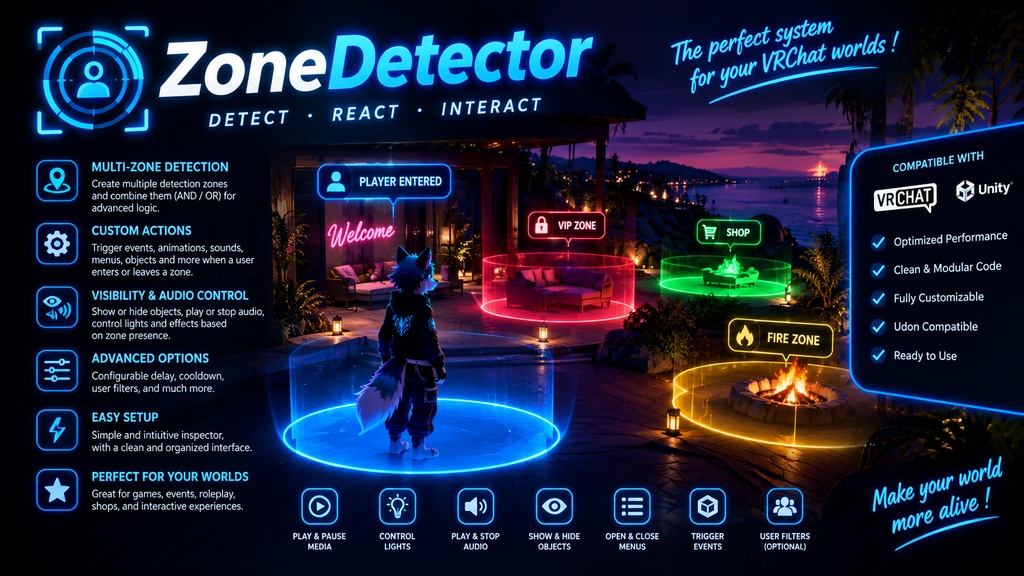
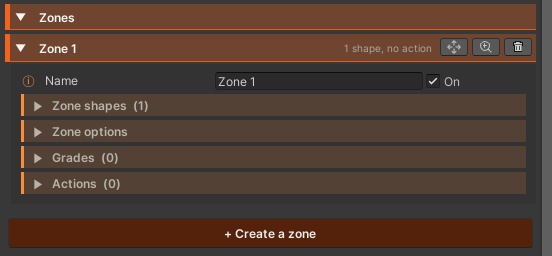


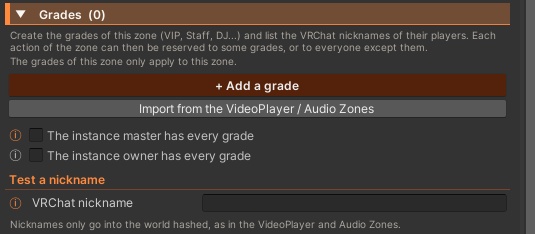

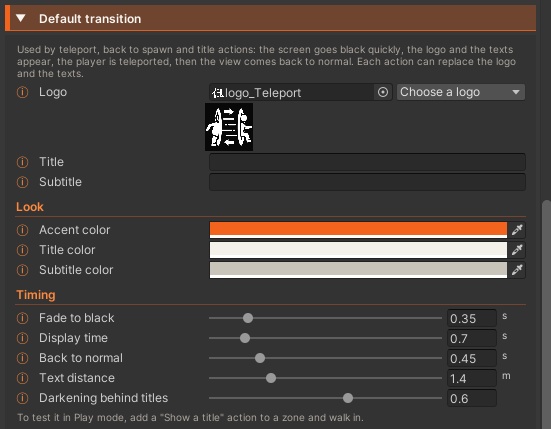
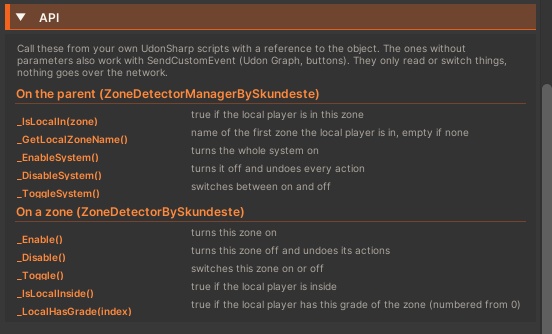


Make any area of your world react when players walk in, stay or walk out. Zone Detector turns any part of your VRChat world into a smart zone: draw it from simple shapes, then stack actions that fire when a player enters, stays inside or leaves. It ships with 27 ready-made actions, per-zone grades, restricted areas with invisible walls and a VR-friendly teleport transition, all set up from one clear inspector with no code needed. Features Zones Build a zone from several Box, Sphere, Capsule or convex mesh shapes that count as one area Right-click any object in the Hierarchy to wrap a zone around it, sized to its bounds Moving zones (animated or on a vehicle) and an exit margin that stops flickering at the edges Nested zones work naturally: the smallest one wins, and the outer zone’s settings come back when you leave it Detection by feet, head or whole body, with an adjustable check rate Actions 27 action types in 8 categories, added from a single menu and stacked as many as you like per zone Objects: turn objects on or off (sounds and post-processing volumes fade), respawn objects (VRC Object Sync aware), drive a Skundeste Menu button Teleport: send players to a destination (with facing direction) or back to the world spawn Player: walk, run, strafe, jump and gravity, freeze in place, launch with a velocity, control avatar size (fixed height, min and max, or no resizing) Player: drop held objects or forbid pickups, seat in a VRC Station, switch avatar from a pedestal, vibrate the VR controllers Ambience: post-processing volumes (PC), fog (linear or exponential), ambient light and skybox, view distance, shadow distance, all with smooth fades Sound and effects: play a sound (its source is created for you), change lights, Animator parameters (Bool, Int, Float, Trigger), particles (play or burst), Timelines and material number or color properties (the material asset is never modified) Screen and VRChat: show a title card on screen, open a VRChat group page, group store or world store Advanced: call Udon events on any UdonBehaviour or UdonSharp script when the action starts and stops Action rules Run while inside, on enter, on exit, or toggle on each entry Visible to the player inside only, or to everyone in the instance, computed on each client with zero network traffic Delay, limited duration, cooldown, and once per session or once ever per player (saved with VRChat persistence) Only between two times of day, on each player’s own clock or one shared UTC time, ranges past midnight included Filters by platform (PC, Android, iOS), mode (VR or Screen) and VRC+ subscription Every effect is undone when the action stops, and the player’s or the scene’s own values come back Grades Up to 31 grades per zone (VIP, Staff, DJ...); each action is for everyone, chosen grades or everyone except, plus extra nicknames VRChat nicknames only go into the world hashed, and the instance master or owner can count as having every grade One-click import of grades and nicknames from the Skundeste Video Player or Audio Zones, and a nickname tester that shows what a player triggers and whether they can enter Restricted zones Limit entry to chosen grades, nicknames, platforms, VR or Screen mode, or VRC+ subscribers (a VRC+ lounge in one tick) Optional invisible wall that only blocks refused players, while objects, pickups and interactions pass through Refused players who get in anyway (head pushed through in VR, teleport, spawning inside) are put back outside with an optional message, and trigger nothing for anyone Transition Fade to black with your logo, title and subtitle, teleport, then back to normal, comfortable in VR and hidden from mirrors and photos Custom accent, title and subtitle colors, fade, display and reveal times, text distance, with per-action logo, texts and display time Creator tools All-in-one inspector in 7 languages with collapsible zone cards, quick select, frame and delete buttons, and actions you can rename, reorder or switch off Status check with one-click Fix buttons (shapes, destinations, sound sources, post-processing layer, wall layer, missing title characters, spawn points inside restricted zones) Automatic setup and repair on scene open, before Play and before every VRChat upload, plus a Create a zone button in the Skundeste panel Live Play mode view (current zone, running actions, followed players, your grades) and color-coded Scene view gizmos with names and teleport lines Scripting API to switch the system or a zone on and off, check if the local player is inside, read the current zone name and test grades, also usable with SendCustomEvent Requirements VRChat SDK Worlds 3.x (a recent release with Persistence and Store support) UdonSharp TextMeshPro Essential Resources, for the transition titles Post Processing v2, for the post-processing actions (PC only) The MainSkundeste package (shared Skundeste panel and tools) Optional: a Skundeste Menu, for the Menu button action Optional: Skundeste Video Player or Audio Zones, to import their grades