
FREE CCATSmokeRocket DLC For C-CAT Missile Launcher | VRChat PC
- ダウンロード商品¥ 0
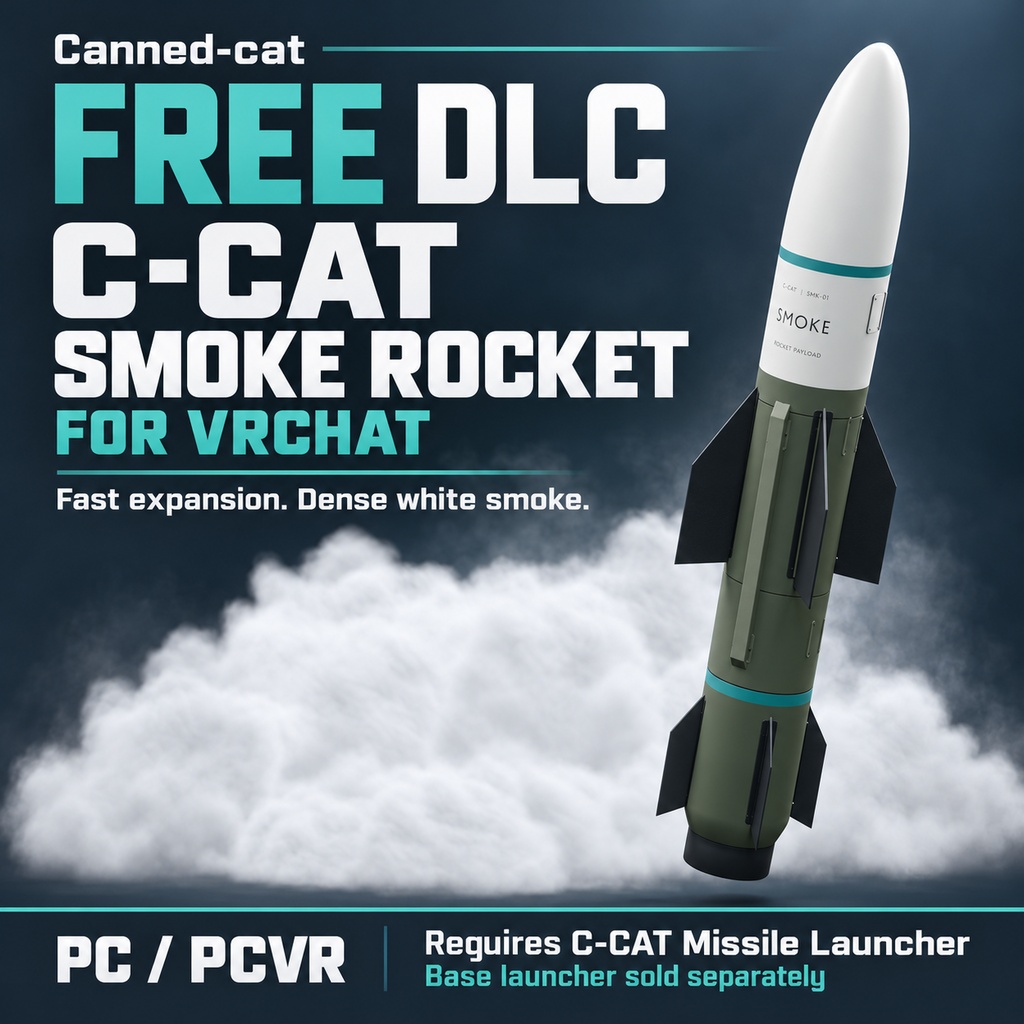
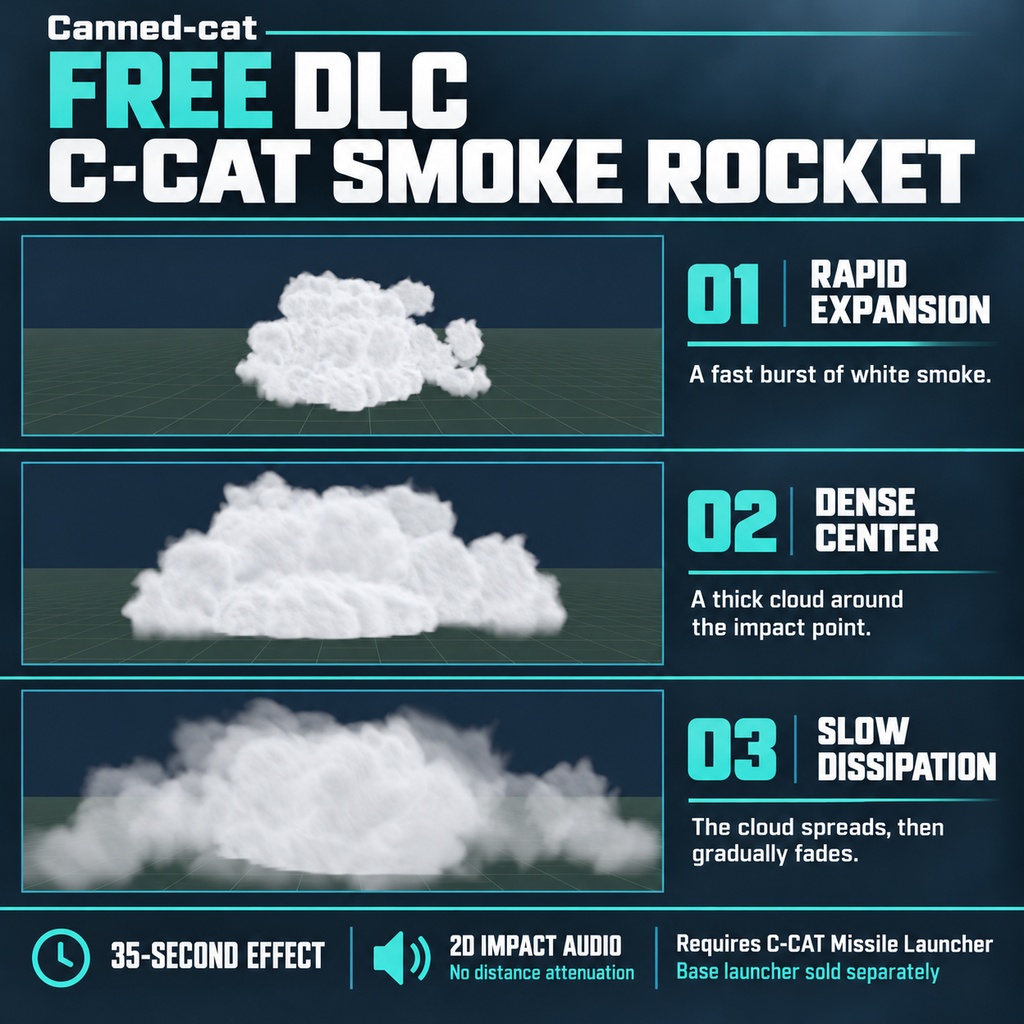
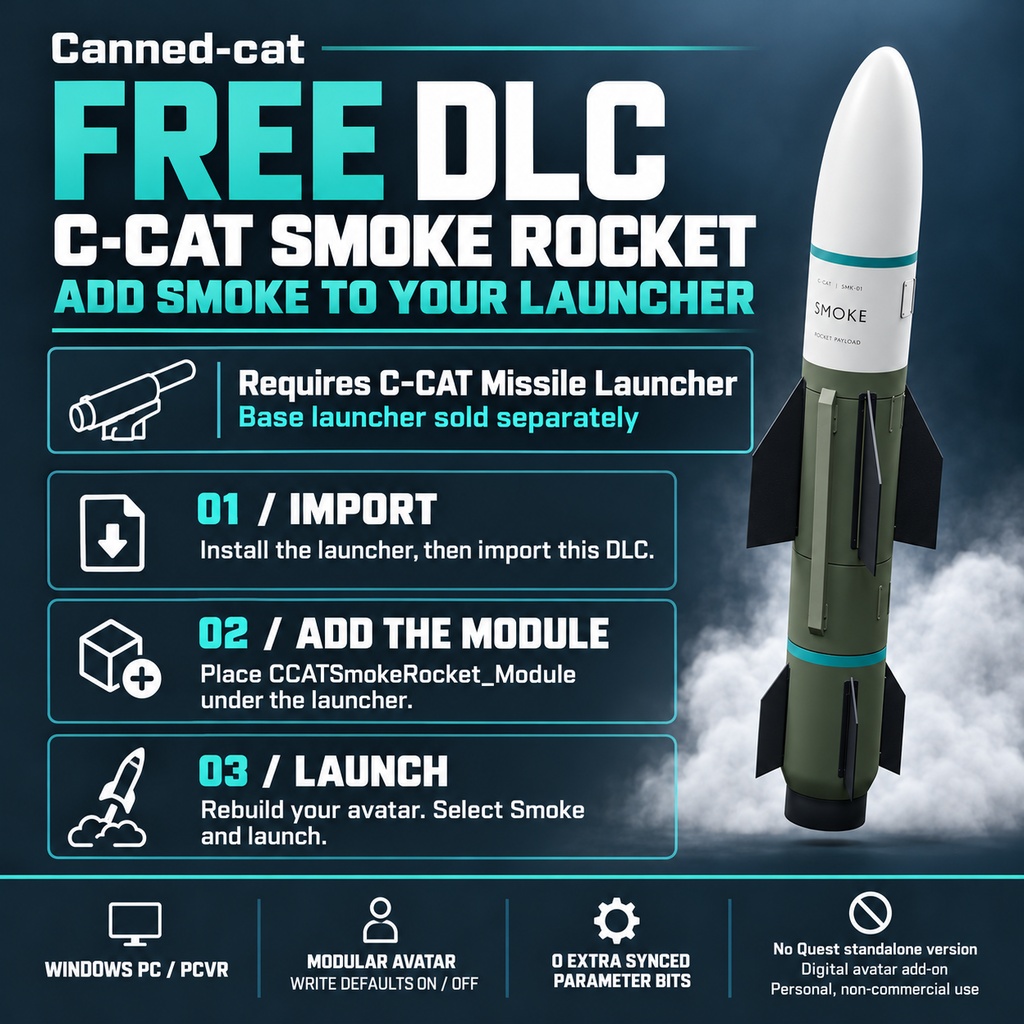


FREE DLC — C-CAT Smoke Rocket Bring a cloud of white smoke to your C-CAT Missile Launcher. C-CAT Smoke Rocket adds a Smoke ammunition option to your launcher. On impact, the missile releases a large white smoke cloud with a fast initial burst, a dense center, and a slower outward spread before fading away. Requires C-CAT Missile Launcher, sold separately. This download contains the Smoke DLC only and does not work as a standalone launcher. FEATURES • Large white smoke with rapid initial expansion and slower continued spreading. • A dense central cloud around the impact point. • A 35-second effect cycle with gradual dissipation. • 2D detonation and smoke-release audio without distance-based volume attenuation. • Select Smoke through the launcher's Ammunition menu or AMMO control, then use the usual targeting and launch controls. • Recall clears active smoke effects. • One Smoke Module supports both Write Defaults On and Write Defaults Off launcher setups. • No additional synchronized Avatar parameter bits. The required launcher uses 135 bits. INCLUDED • Smoke Rocket Unity package. • Smoke ammunition installation module. • Smoke missile model and textures. • White smoke impact effect and its required assets. • Detonation and smoke-release audio. • Installation instructions and license. C-CAT Missile Launcher, avatars, worlds, and third-party dependencies are not included. REQUIREMENTS • Windows PC desktop or PCVR. • Unity 2022.3.22f1 with the Built-in Render Pipeline. • VRChat SDK Avatars 3.10.4. • Modular Avatar 1.18.6 and NDMF 1.14.8. • C-CAT Missile Launcher 2.0.2. no additional parameter usage No Android / Quest standalone version is included. Basic Unity Avatar setup knowledge is recommended. Creator's BOOTH shop (required launcher sold separately): https://canned-cat.booth.pm/ QUICK SETUP 1. Install the required dependencies and C-CAT Missile Launcher on your Avatar. Use the launcher variant that matches your Avatar's Write Defaults setup. 2. Import the complete Smoke Rocket Unity package. 3. Drag CCATSmokeRocket_Module.prefab from Assets/CCATSmokeRocket/Prefabs into the installed launcher root or its AmmoModules child. 4. Confirm that Smoke appears under Installed Ammunition, then save and rebuild your Avatar. 5. In VRChat, select Smoke, choose a valid target, and launch. Install only one Smoke Module. Keep its local position and rotation at zero and its scale at one. See the included README for the complete setup and usage instructions. PLEASE NOTE • Smoke shares the launcher's two impact-effect slots. A new impact may fade an older effect when its slot is reused. • Late-joining players can see subsequent launches; existing smoke clouds are not recreated for them. • Appearance and audibility depend on world settings, Avatar visibility, and each viewer's settings. • Dense transparent effects can reduce performance, particularly when viewed up close or when clouds overlap. • Ground fading assumes a flat impact plane; uneven terrain can change coverage. LICENSE Free to download. Licensed for personal, non-commercial use. You may modify the asset for your own permitted use. Redistribution, resale, commercial use, paid commissions, and monetized media require separate written permission. The complete terms are included in CCATSmokeRocket_License.pdf. Free download does not grant permission to redistribute the files. SUPPORT Creator: Canned-cat BOOTH: https://canned-cat.booth.pm/ Discord: https://discord.gg/WEu3JCer3
