

かさね|扇子と和傘・おそろい4柄セット / Kasane【VRChat / MA】
- モデル本体・全4柄 / Full model setダウンロード商品¥ 300
- 開閉GIFのみ・モデルなし / GIF demo onlyダウンロード商品¥ 0
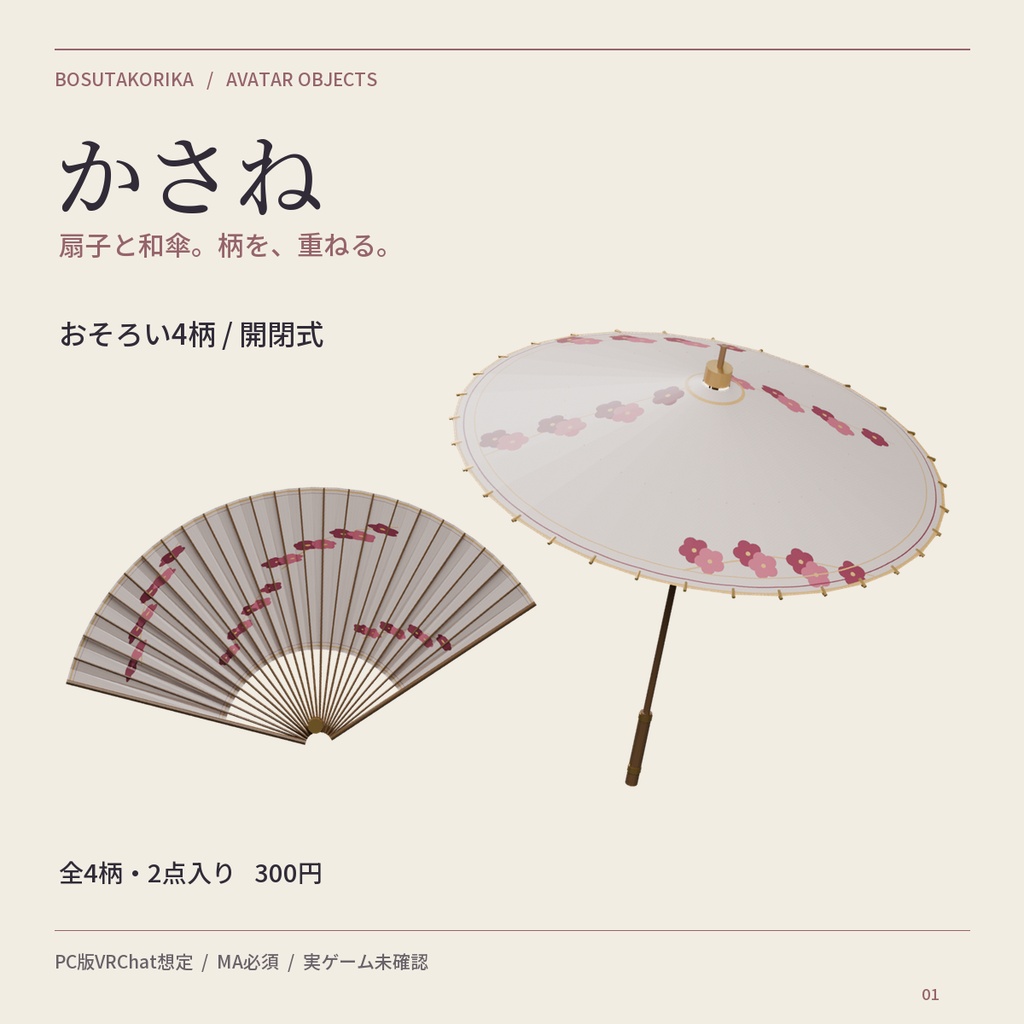
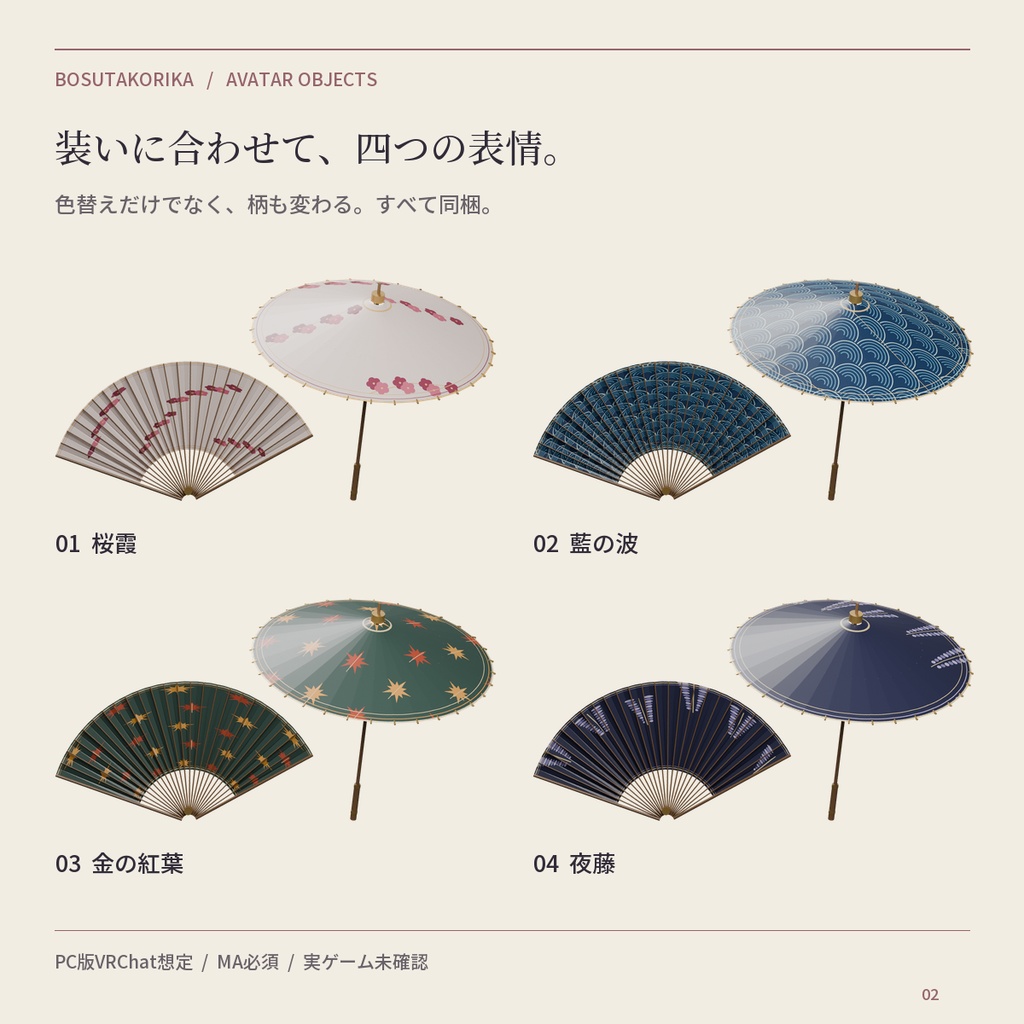
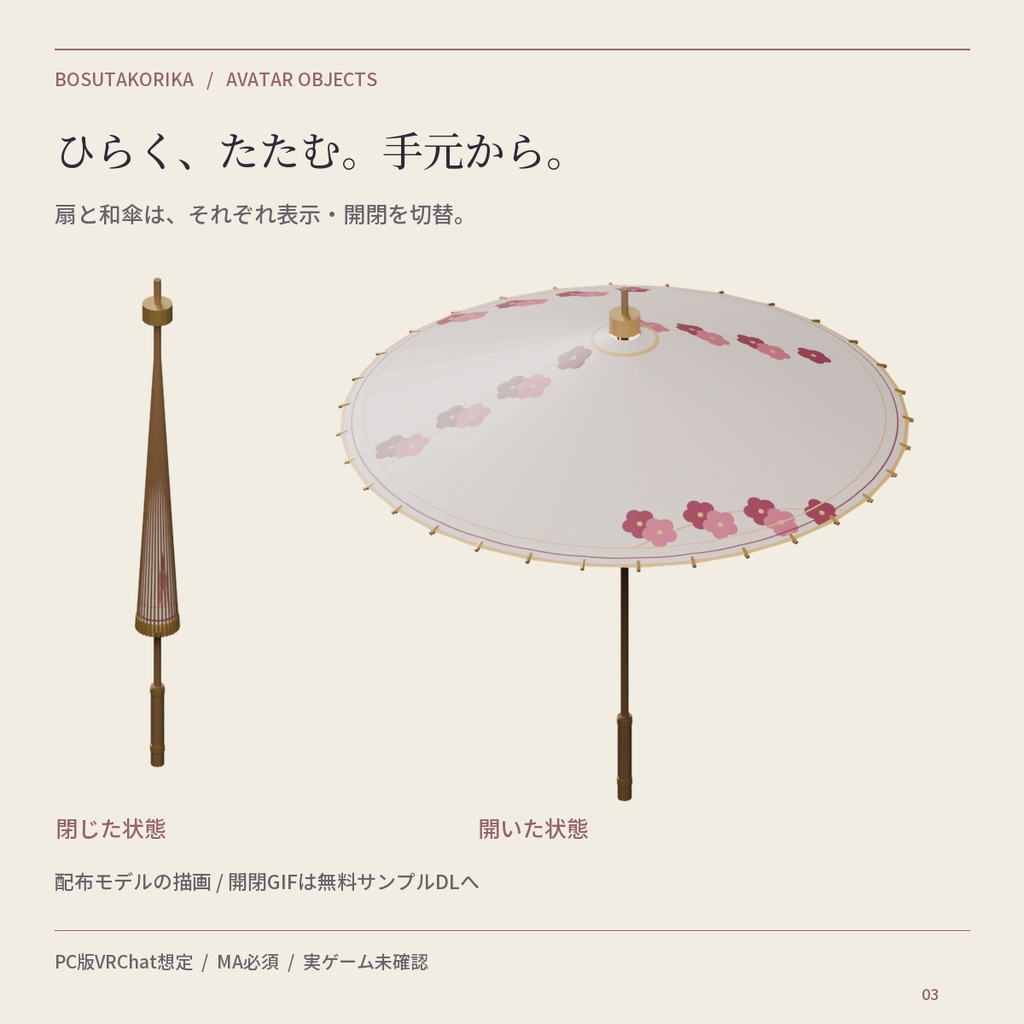
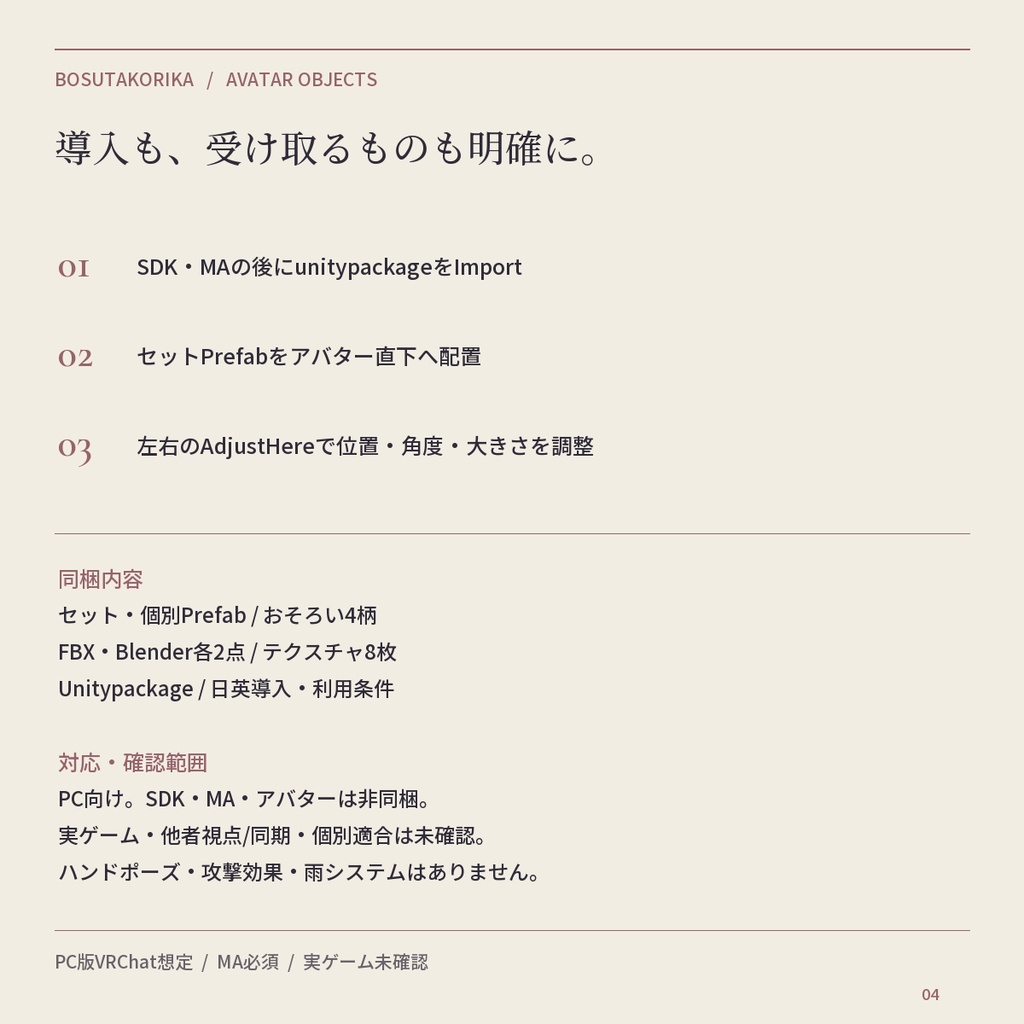
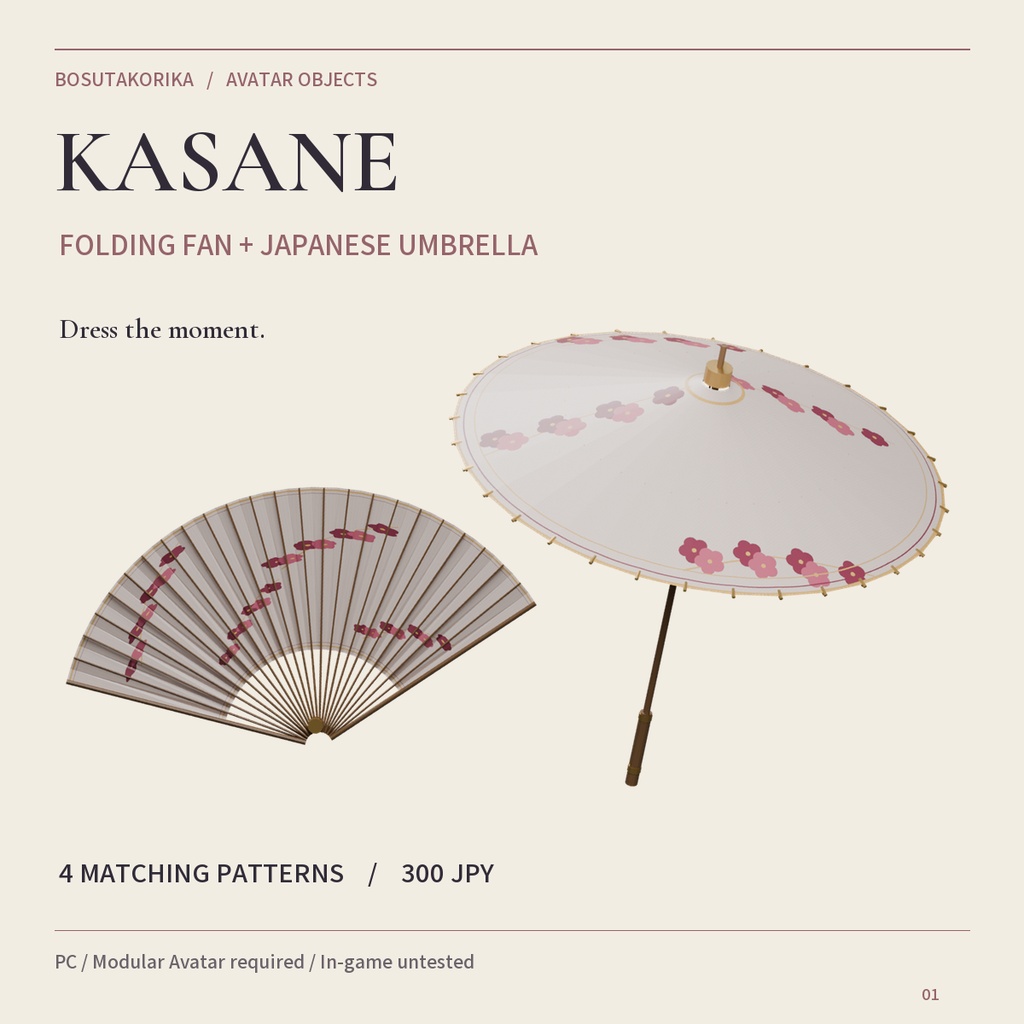
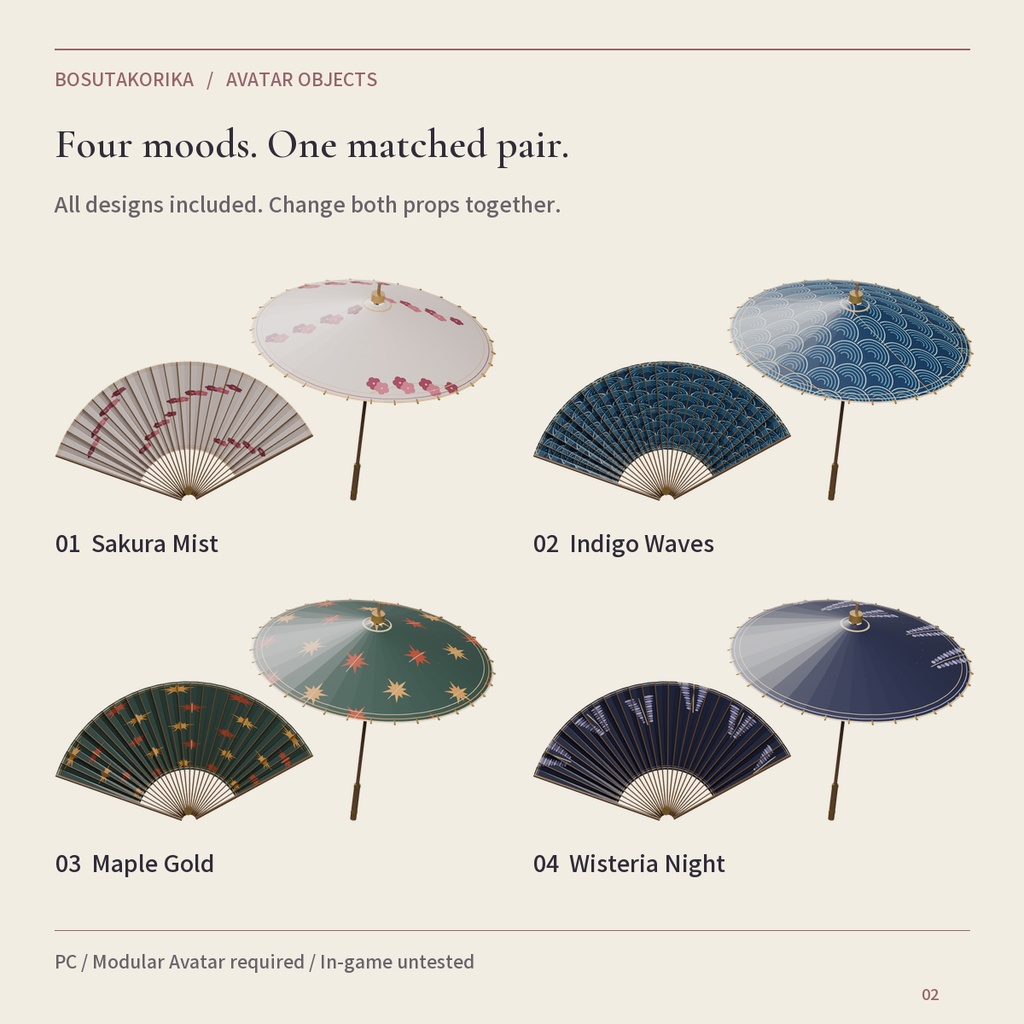
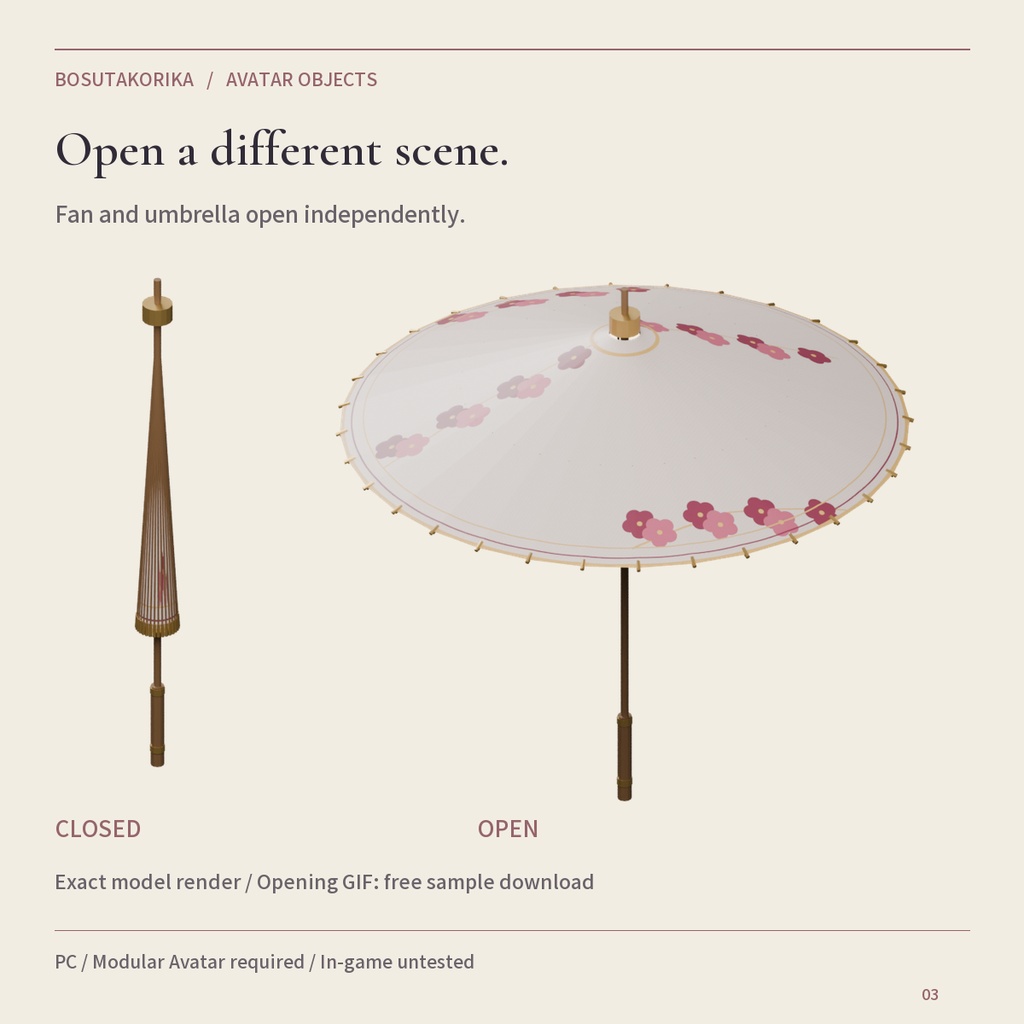
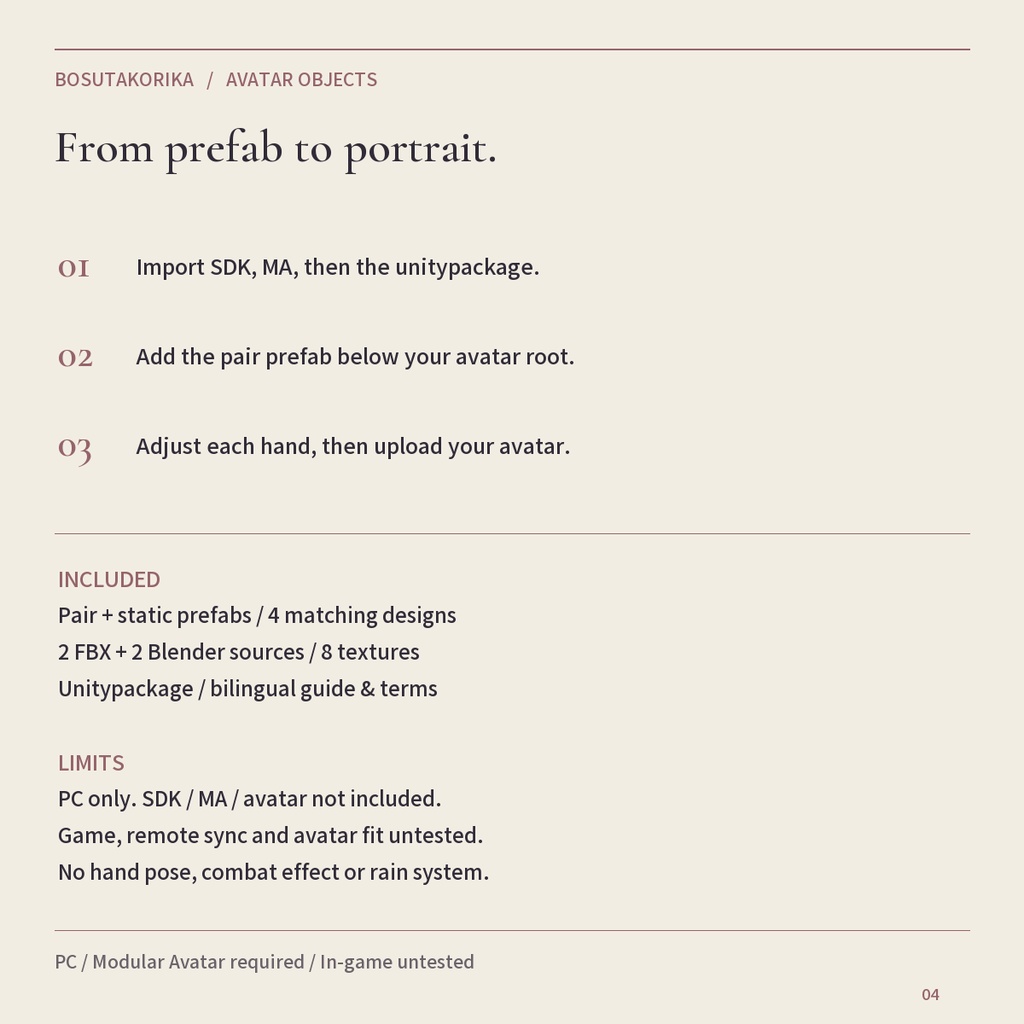
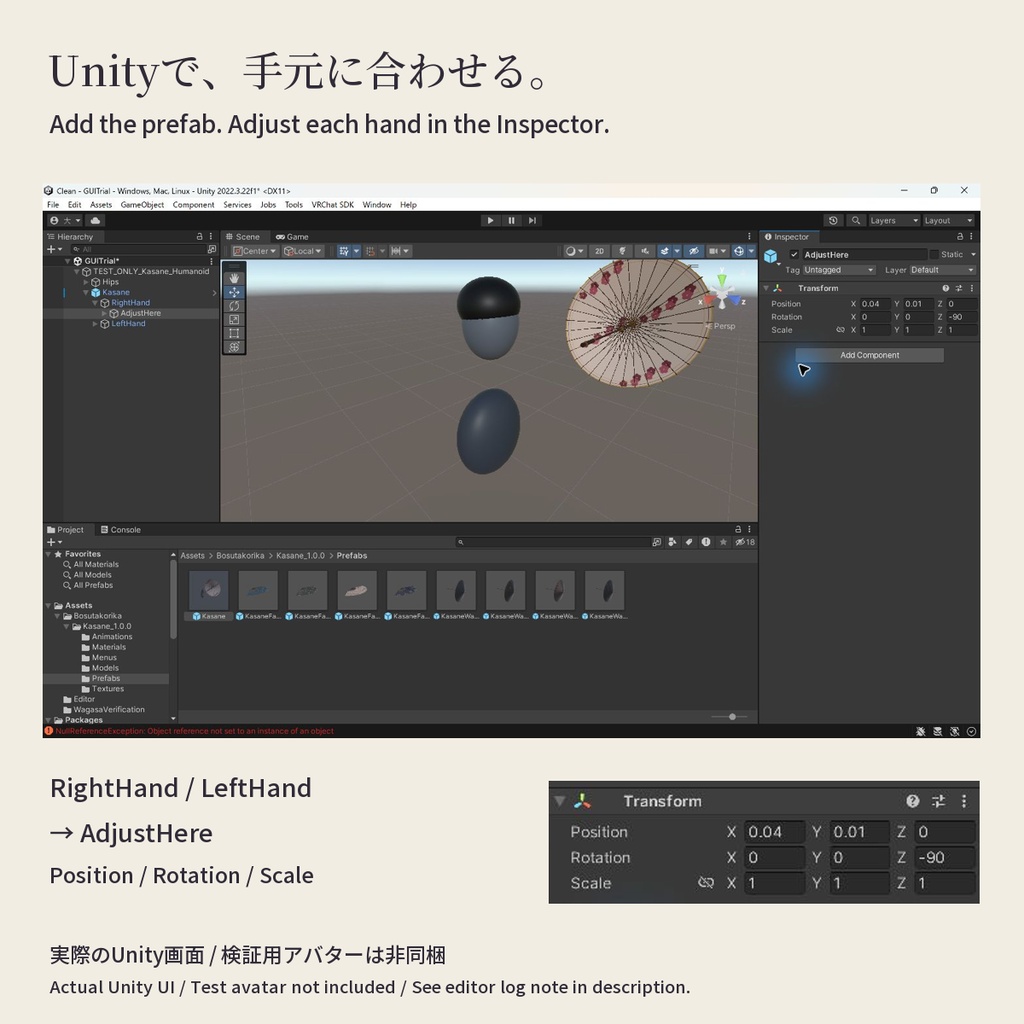


装いに、もうひとつの表情を。 かさねは、扇子と和傘をおそろいで持てるPC版VRChat向けの2点セットです。 竹色の扇骨とやわらかな紙の色で、和装の撮影や季節の集まりを彩ります。 全4柄・2モデル入り、300円。追加の柄ごとの購入は不要です。 ・桜霞 / SakuraMist ・藍の波 / IndigoWaves ・金の紅葉 / MapleGold ・夜藤 / WisteriaNight できること ・扇子は右手、和傘は左手へ接続するセットPrefab。 ・表示/非表示と開閉をそれぞれ独立して操作。 ・4柄をメニューで切替(扇と傘は共通)。 ・開閉は約0.45秒。商品画像/GIFは実物モデルの描画で、VRChat実ゲーム映像ではありません。 ・各柄の個別Static PrefabとBlender/FBX編集元も同梱。 必要環境 PC版VRChat用アバターのUnityプロジェクト、VRChat SDK Avatars、Modular Avatarが必要です。lilToonは不要。SDK/MA/アバター/衣装は付属しません。 導入3ステップ(PC版アバター用) 1. VRChat SDK Avatars・Modular Avatarを先に導入し、Kasane_1.0.0.unitypackageをImport。 2. Assets/Bosutakorika/Kasane_1.0.0/Prefabs/Kasane.prefab をアバター直下へドラッグ。 3. RightHand/AdjustHereとLeftHand/AdjustHereで位置・回転・大きさを調整して保存。自分のアバターをアップロード後、Kasaneメニューで表示・開閉・柄を選択。 受け取るもの Unitypackage、Blender/FBX各2点、2048pxテクスチャ8枚、商品プレビュー、日英導入/利用条件。 確認範囲と注意 / Scope and limits Windows PC版VRChatアバター向け。Unity 2022.3.22f1で検証。Standard材質を使用、lilToonは不要。 実ゲームは所有者指示により省略・未確認。他者視点/同期、VR/FBT、特定アバター適合、Quest/Android、海外決済は未確認。Quest/Android対応商品として販売していません。 初期表示OFF。ハンドポーズ、接触開閉、置き離し、効果音・攻撃判定はありません。 他の当店商品を別途入手する必要はありません。 利用条件 個人・商用、改変、非公開の自分用アバター、配信/写真/動画での使用可。クレジット任意。 素材(改変含む)の再配布/再販売/第三者譲渡、パブリック/クローン可能アバターを通じた配布は禁止。各利用者が正規に入手してください。違法・権利侵害・迷惑行為に使用しないでください。詳細は同梱LICENSE.txt。 AI支援でスクリプト/形状/柄/掲載文を制作し、Unityと実物の描画で確認しています。 不具合はBOOTHショップメッセージへ。1.0.0 初版。 モデル仕様 セット合計4,432三角形、2描画メッシュ、各3材質、追加パラメータ12 bits。 扇の全開幅は約40cm、和傘直径は約90cm。アバターに合わせてサイズ調整してください。 購入前の開閉デモ 無料サンプルのOpening GIFを取得して動きを確認できます(3Dモデル本体は含みません)。BOOTHの商品画像ではGIFが静止画に変換されたため、画像は閉/開の比較、動くGIFはサンプルで案内しています。 検証で確認したEditorログ UnityのUndo操作時、非同梱のVRChat SDKのVRCExpressionsMenuEditor.RefreshListSizeView由来の例外ログを確認しました。位置の復元(0.065→0.04)とシーン保存は実画面で確認済みです。ローカルSDKビルドの成功とは分けて記録しています。 ━━━━━ ENGLISH ━━━━━ KASANE — FOLDING FAN & JAPANESE UMBRELLA A coordinated folding fan and wagasa for kimono portraits, seasonal gatherings and quiet moments. 300 JPY includes both models and all four matching designs. No separate purchase per pattern. ・桜霞 / SakuraMist ・藍の波 / IndigoWaves ・金の紅葉 / MapleGold ・夜藤 / WisteriaNight WHAT YOU CAN DO Wear the fan in your right hand and umbrella in your left. Show/hide and open/close each prop independently using the avatar menu. Change both to a matching pattern together. Opening transitions take about 0.45 seconds. The GIF and product pictures are renders of the actual models, not footage from VRChat gameplay. BEFORE YOU BUY Windows PC avatar props. Requires a VRChat SDK Avatars project and Modular Avatar. Unity 2022.3.22f1 is the tested editor. Standard materials; lilToon is not required. SDK, MA, avatars, outfits and hand poses are not included. Actual VRChat gameplay is UNTESTED, as requested by the owner. Remote-player sync, VR/FBT and fit to particular avatars are also unverified. Not sold as Quest/Android compatible. International payment success is not guaranteed. SETUP IN THREE STEPS 1. Install SDK Avatars and MA, then import Kasane_1.0.0.unitypackage. 2. Drag Assets/Bosutakorika/Kasane_1.0.0/Prefabs/Kasane.prefab below your avatar root. 3. Adjust RightHand/AdjustHere and LeftHand/AdjustHere, then upload your avatar. Turn visibility on in the Kasane menu. IN THE DOWNLOAD Pair prefab + 8 individual static prefabs, animation/menu/materials, 2 FBX and 2 Blender source models, eight 2048px RGB textures, previews, bilingual guide/terms/changelog. No other shop product is required. Static prefabs are unanimated; use the pair prefab for hand attachment and menu controls. CONTROLS & LIMITS 扇子 表示 / Fan = show or hide the right-hand fan 扇子 開く / Open fan = open or close the fan 和傘 表示 / Wagasa = show or hide the left-hand umbrella 和傘 開く / Open wagasa = open or close the umbrella 柄 / Pattern = choose one of four coordinated designs for BOTH items 表示は初期OFF、開閉は初期「開く」。表示をONにして使います。 Visibility starts OFF; opening starts ON. Turn visibility ON to use each item. Both props share one pattern selector. No built-in hand swap, independent pattern selection, contact trigger, world drop, rain simulation, combat effect, sound or particles. Visual folding uses mesh deformation rather than physically exact paper simulation. Adjust for your avatar and check first-person visibility yourself. TERMS & SUPPORT Personal/commercial use, editing, own private avatars, streams and pictures/videos are allowed. Credit is optional. Do not redistribute/resell/share original, modified or extractable assets, including through public/cloneable avatars. Each user must obtain their own legitimate copy. No unlawful use, infringement or harassment. Third-party terms apply to third-party products. No universal compatibility warranty. Full terms: included LICENSE.txt. Made with AI-assisted scripts, original geometry/patterns and copy; inspected through model renders and Unity checks. Version 1.0.0. Contact the BOOTH shop via messages for issues. Digital download; see BOOTH's current payment guide: https://booth.pm/payment MODEL DATA 4,432 triangles per pair, two skinned mesh renderers, three material slots per model, 12 expression parameter bits. Fan span approx. 40cm and umbrella diameter approx. 90cm at scale 1; resize to your avatar. PREVIEW BEFORE BUYING Download the free Opening GIF sample to inspect the motion. It contains the demo only, not the 3D models. BOOTH converted our gallery GIF upload to a still image, so the gallery compares closed/open states while the downloadable sample preserves the animation. OBSERVED EDITOR LOG During Unity Undo, the separately installed VRChat SDK logged an exception from VRCExpressionsMenuEditor.RefreshListSizeView. Position restoration (0.065 to 0.04) and scene saving were confirmed in the actual UI; this is recorded separately from the successful local SDK build.