
Paper Peel Transition
- ダウンロード商品¥ 100
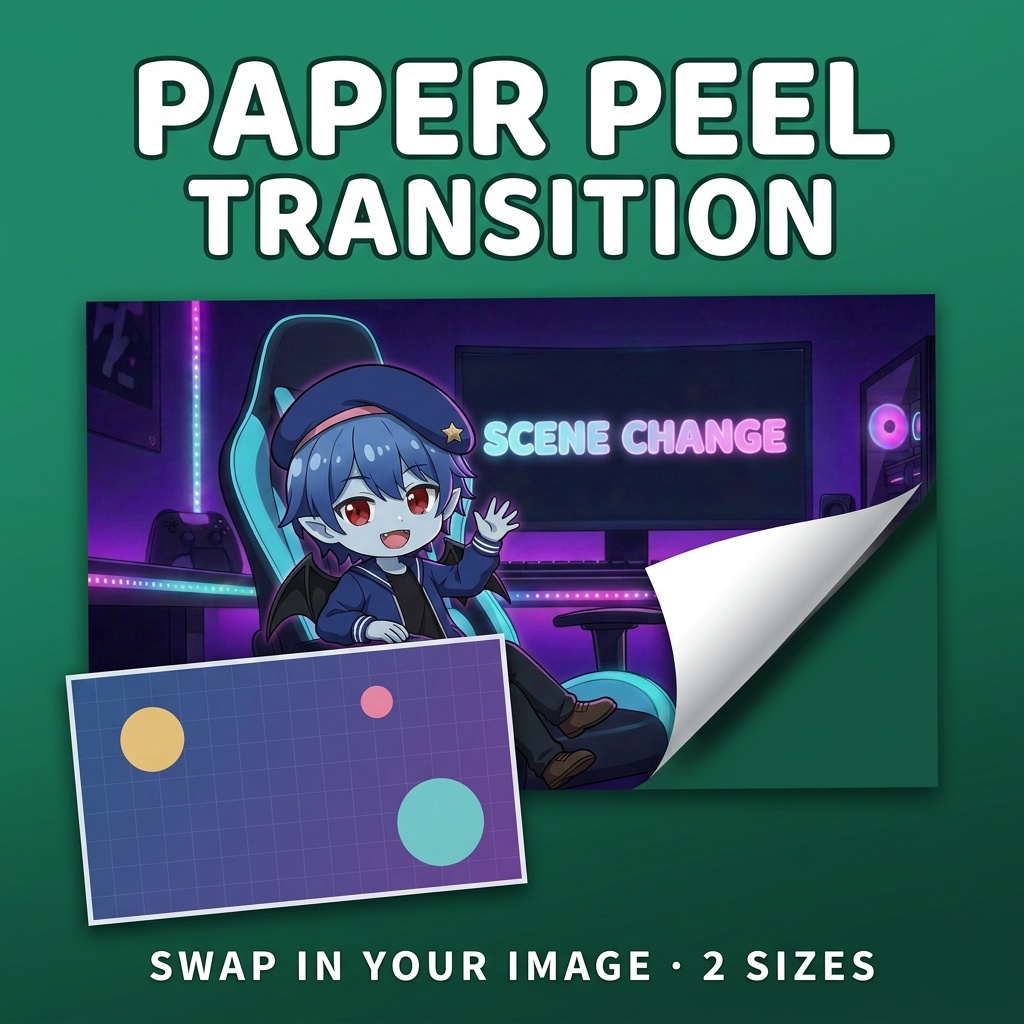
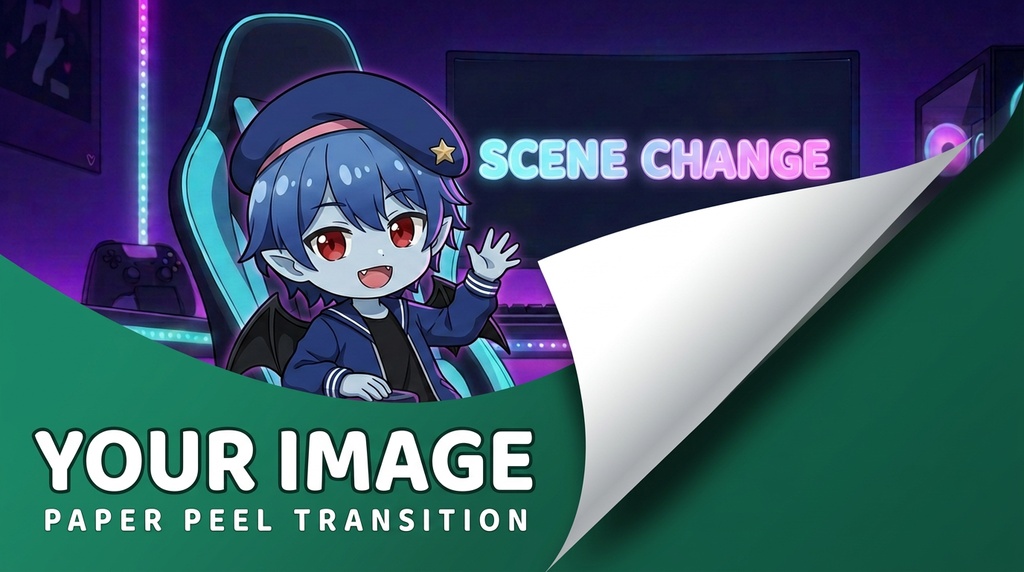
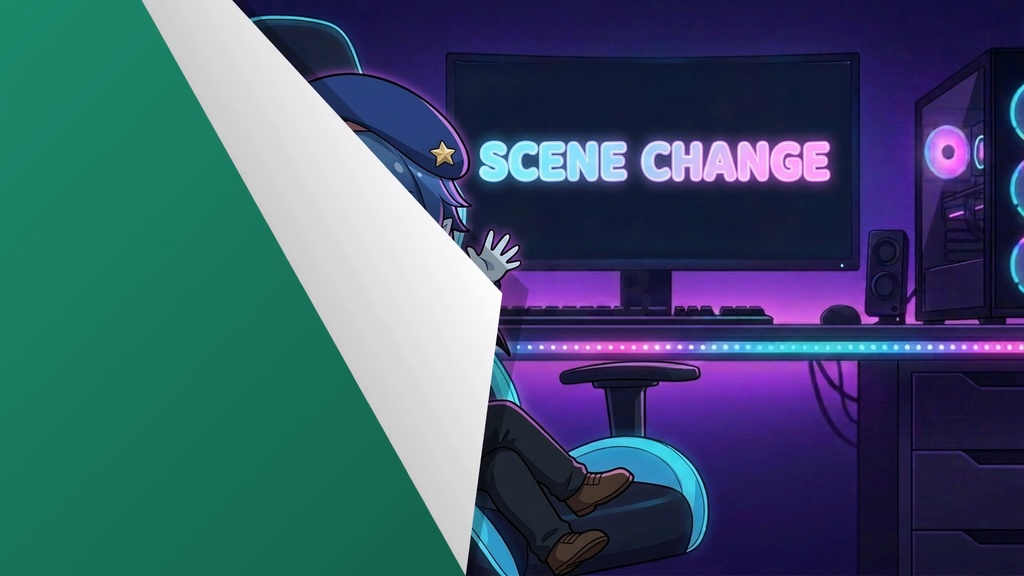
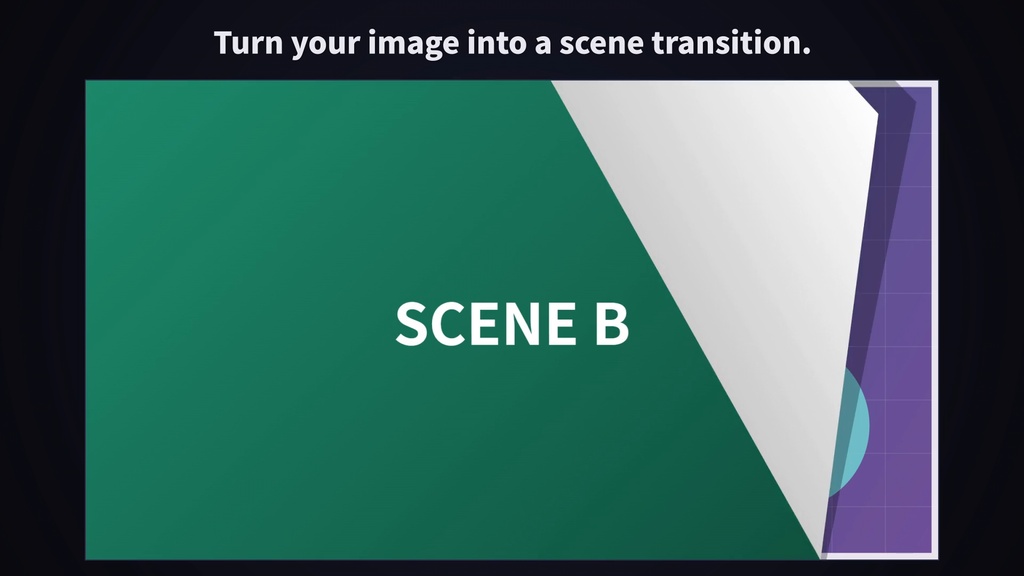


━━━━━━━━━━━━━━━ 【ENGLISH VERSION】 ━━━━━━━━━━━━━━━ Product Name: Paper Peel Transition ────────── Preview ▶ https://youtu.be/o9G504roQ3M ────────── Overview A scene-change transition for streams. A sheet of paper sticks onto the screen from the top-right, covers it for a moment, then peels away from the bottom-left. By the time it's gone, the next scene is already showing. The picture on the paper is a PNG you can swap. Put in your stream thumbnail, an announcement image or your own character art, export it from MOTION KIT LITE and use it as a Stinger transition in OBS. No After Effects needed. Two sizes: 1920 × 1080 (stream screen) and 1280 × 720 (YouTube thumbnail size). Both have the same motion. ────────── Perfect for · OBS scene transitions (Stinger) · Switching from a Starting Soon / BRB screen to the live scene · Turning your stream thumbnail or character art into a transition · VTuber and streamer channel branding ────────── Contents Lottie JSON animation files Included files: · data1.json — 1920 × 1080 (stream screen size) · data2.json — 1280 × 720 (YouTube thumbnail size) · images/paper_1920x1080.png — placeholder paper for data1.json · images/paper_1280x720.png — placeholder paper for data2.json 【Guide】 · README_EN.md / README_JP.md Specifications: · Resolution : 1920 × 1080 / 1280 × 720 · Frame Rate : 30 fps · Duration : 3 seconds (90 frames) · Loop : None (one-shot transition) · Background : Transparent · Format : Lottie JSON Animation Features: · 0 – 0.8 s: the paper sticks down from the top-right to the bottom-left · 0.8 – approx. 2.1 s: it covers the whole screen (the scene switches here) · approx. 2.1 – 3 s: it peels off from the bottom-left and ends on a transparent frame ────────── Customization with MOTION KIT LITE This animation is optimized for use with MOTION KIT LITE. Available customization: ✅ Image Swap (1 slot) ✅ Speed (0.1× – 3×) ✅ Transparent MOV Export (ProRes 4444) No design software required. 👉 MOTION KIT LITE https://motion-kit-lite-production.up.railway.app/ ────────── Image Replacement Support MOTION KIT LITE shows "1 image required". Drop one PNG into the slot and the preview plays. · data1.json: exactly 1920 × 1080 PNG · data2.json: exactly 1280 × 720 PNG · PNG only, 10 MB or less. Even a 1-pixel difference shows an error. ────────── How to Use 【OBS / Streaming Software】 1. Open MOTION KIT LITE 2. Upload data1.json (or data2.json) 3. Drop your PNG into the slot 4. Export as MOV (ProRes 4444 / with alpha) 5. In OBS, Scene Transitions → "+" → Stinger, and set the Video File to the MOV 6. Transition Point Type: Time (milliseconds), Transition Point: 1500 OBS stretches the stinger to your canvas size, so other canvas sizes work too. 【Video Editing】 Put the exported MOV over a cut in Premiere Pro / DaVinci Resolve. 【Web / App】 Load directly using lottie-web. Keep the images/ folder next to the JSON files. ────────── Important Notes ⚠ A fully opaque PNG (with a filled background) is recommended. If the image has transparent areas, the scene switch can be seen through the paper. ⚠ If you change Speed in MOTION KIT, change the transition point by the same ratio (e.g. 750 ms at 2×). ⚠ The SCENE CHANGE image in the preview video is not included. The pack comes with the placeholder papers. ────────── Price 100 JPY ────────── Terms of Use Commercial Use: Allowed (including monetized streams and videos) Attribution: Not required Modification: Allowed Redistribution: Prohibited (including resale of the files themselves) Disclaimer: No responsibility for damages or compatibility issues. ━━━━━━━━━━━━━━━ 【日本語版】 ━━━━━━━━━━━━━━━ 商品名: Paper Peel Transition ────────── 紹介動画 ▶ https://youtu.be/o9G504roQ3M ────────── 概要 配信のシーン切り替えに使えるトランジション素材です。紙が右上から貼られて画面を覆い、左下からはがれていきます。はがれ終わったときには、次のシーンに切り替わっています。 紙の絵柄はPNGで差し替えられます。配信のサムネイル、告知画像、自分のキャラ絵などを入れてMOTION KIT LITEで書き出せば、OBSのスティンガーとして使えます。After Effectsは不要です。 サイズは配信画面の1920 × 1080と、YouTubeサムネイルの1280 × 720の2種類(動きは同じ)です。 ────────── こんな方におすすめ ・OBSのシーン切り替えに動きを付けたい方 ・待機画面・BRB画面から本番画面への切り替えを演出したい方 ・配信のサムネイルやキャラ絵をトランジションにしたい方 ・VTuber・配信者としてチャンネルの雰囲気をそろえたい方 ────────── 同梱内容 Lottie JSON ファイル 収録ファイル ・data1.json — 1920 × 1080(配信画面サイズ) ・data2.json — 1280 × 720(YouTubeサムネイルサイズ) ・images/paper_1920x1080.png — data1.json用の仮の紙(見本画像) ・images/paper_1280x720.png — data2.json用の仮の紙(見本画像) 【使い方ガイド】 ・README_EN.md / README_JP.md 仕様 ・解像度:1920 × 1080 / 1280 × 720 ・フレームレート:30fps ・尺:3秒(90フレーム) ・ループ:なし(1回再生のトランジション) ・背景:透過 ・形式:Lottie JSON アニメーション内容 ・0〜0.8秒:紙が右上から左下へ貼られる ・0.8〜約2.1秒:画面全体を覆う(ここでシーンが切り替わる) ・約2.1〜3秒:左下からはがれ、透明なフレームで終わる ────────── MOTION KIT LITEでカスタマイズ 無料Webツール MOTION KIT LITE に対応しています。 利用可能な機能 ✅ 画像差し替え(スロット1つ) ✅ 速度(Speed 0.1×〜3×) ✅ 透過MOV書き出し(ProRes 4444) デザインソフト不要。 👉 MOTION KIT LITE https://motion-kit-lite-production.up.railway.app/ ────────── 画像差し替え対応 MOTION KIT LITEで「1 image required」の画面が出ます。スロットにPNGを1枚入れるとプレビューが再生されます。 ・data1.json:1920 × 1080 のPNGちょうど ・data2.json:1280 × 720 のPNGちょうど ・PNGのみ・10MB以下。1ピクセルでも違うとエラーになります ────────── 使い方 【OBS・配信ソフト】 1. MOTION KIT LITEを開く 2. data1.json(またはdata2.json)を読み込む 3. スロットにPNGを入れる 4. MOV(ProRes 4444 / アルファ付き)で書き出し 5. OBSの「シーントランジション」→「+」→「スティンガー」を選び、動画ファイルに書き出したMOVを指定 6. トランジションポイントの種類「時間(ミリ秒)」、トランジションポイント「1500」 OBSのスティンガーは動画を画面サイズに合わせて表示するので、1920 × 1080以外の配信画面でも使えます。 【動画編集ソフト】 書き出したMOVをPremiere Pro / DaVinci Resolveでカットの切れ目に重ねて使えます。 【Web・アプリ】 lottie-webで直接利用可能です。images/ フォルダをJSONと同じ場所に置いてください。 ────────── 注意事項 ⚠ 不透明なPNG(背景まで塗られた画像)を推奨します。透過部分があると、紙が覆っている間も後ろが見え、シーンが切り替わる瞬間が見えてしまうことがあります。 ⚠ MOTION KITでSpeedを変えた場合は、トランジションポイントも同じ比率で変えてください(例:2倍速なら750ミリ秒)。 ⚠ 紹介動画の「SCENE CHANGE」の画像は商品に含まれません。同梱の紙は仮の紙(見本画像)です。 ────────── 価格 100円 ────────── 利用規約 ■ 商用・非商用利用 自由に利用可能(収益化した配信・動画を含む) ■ クレジット表記 不要 ■ 編集・改変 可能 ■ 禁止事項 素材ファイルそのものの再配布・転売 ■ 免責事項 使用によるトラブルについて責任を負いません