

勇者の剣と盾|暁環【VRChat・MA】 / Dawnwatch
- 剣と盾の3Dモデル / Sword & Shield Modelsダウンロード商品¥ 100
- 鑑賞映像のみ / Viewing Clipsダウンロード商品¥ 0
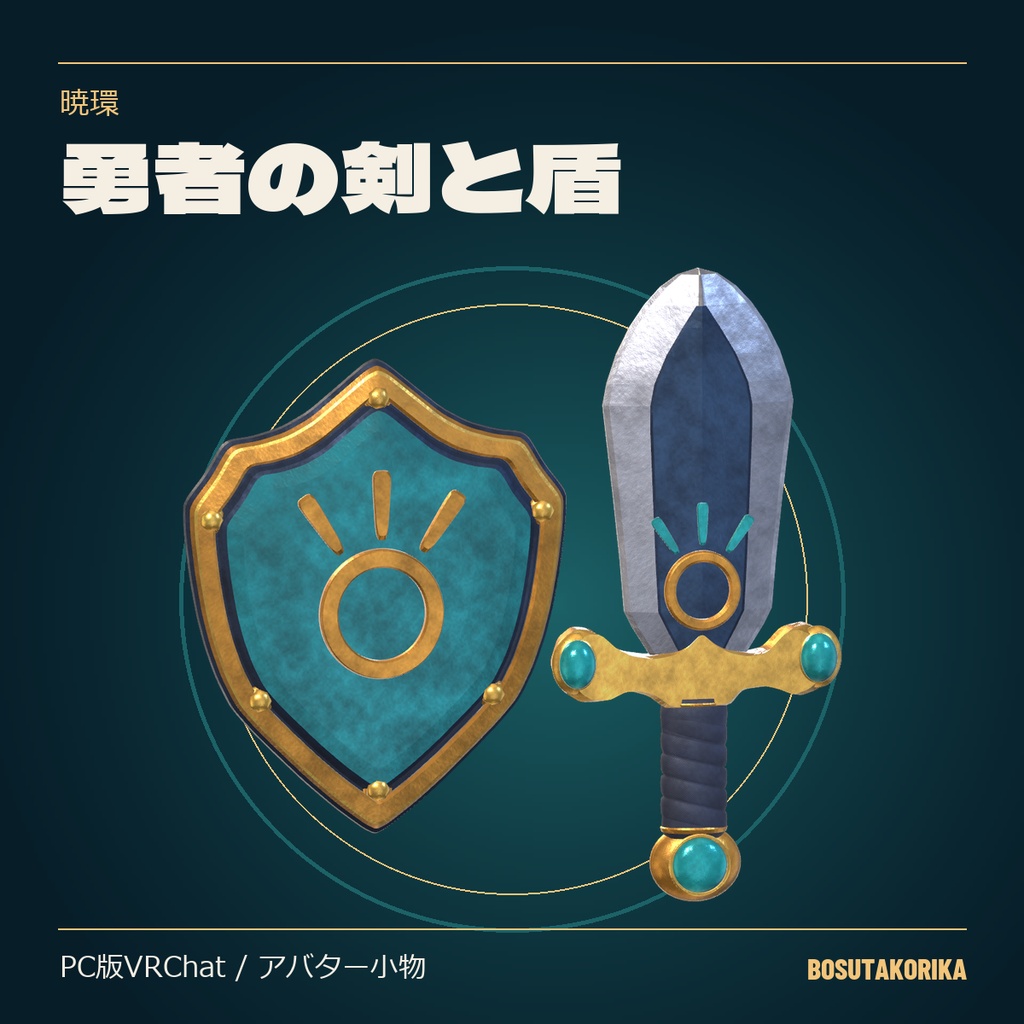
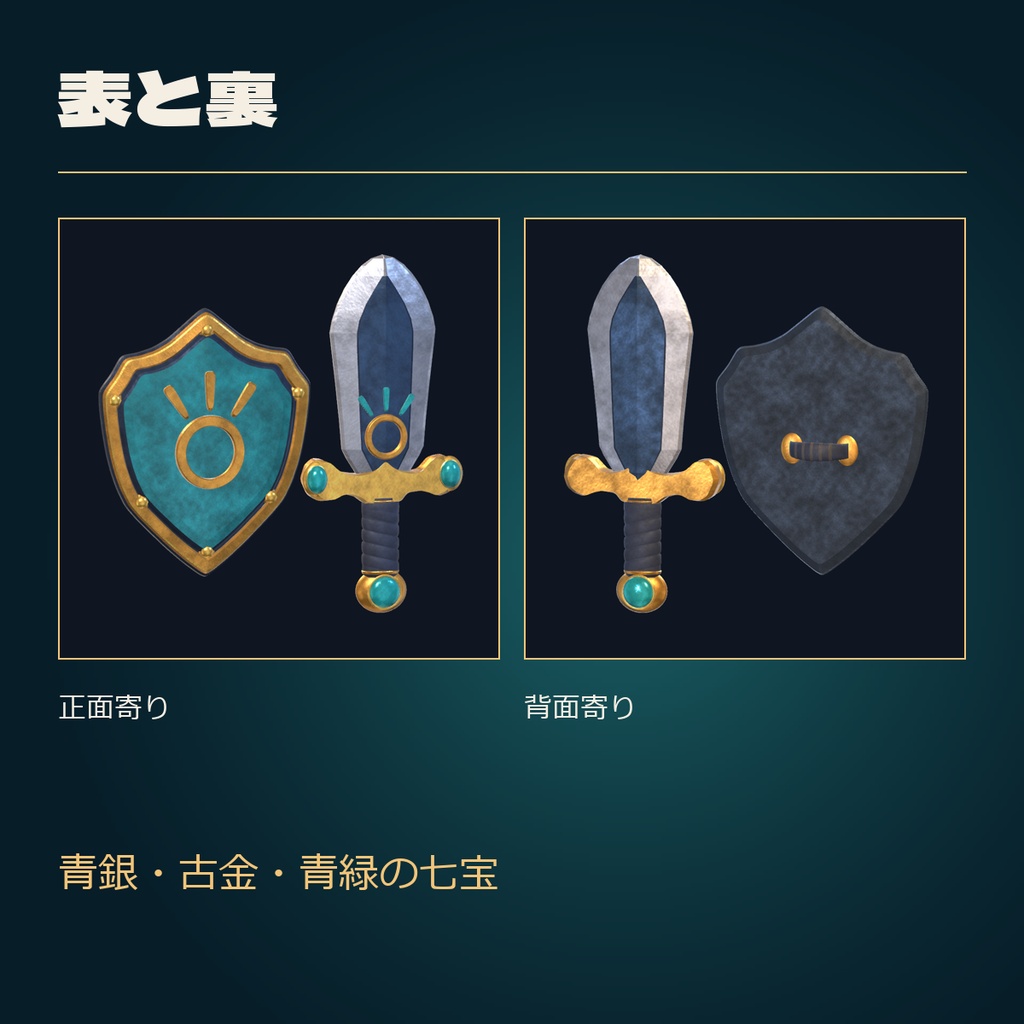
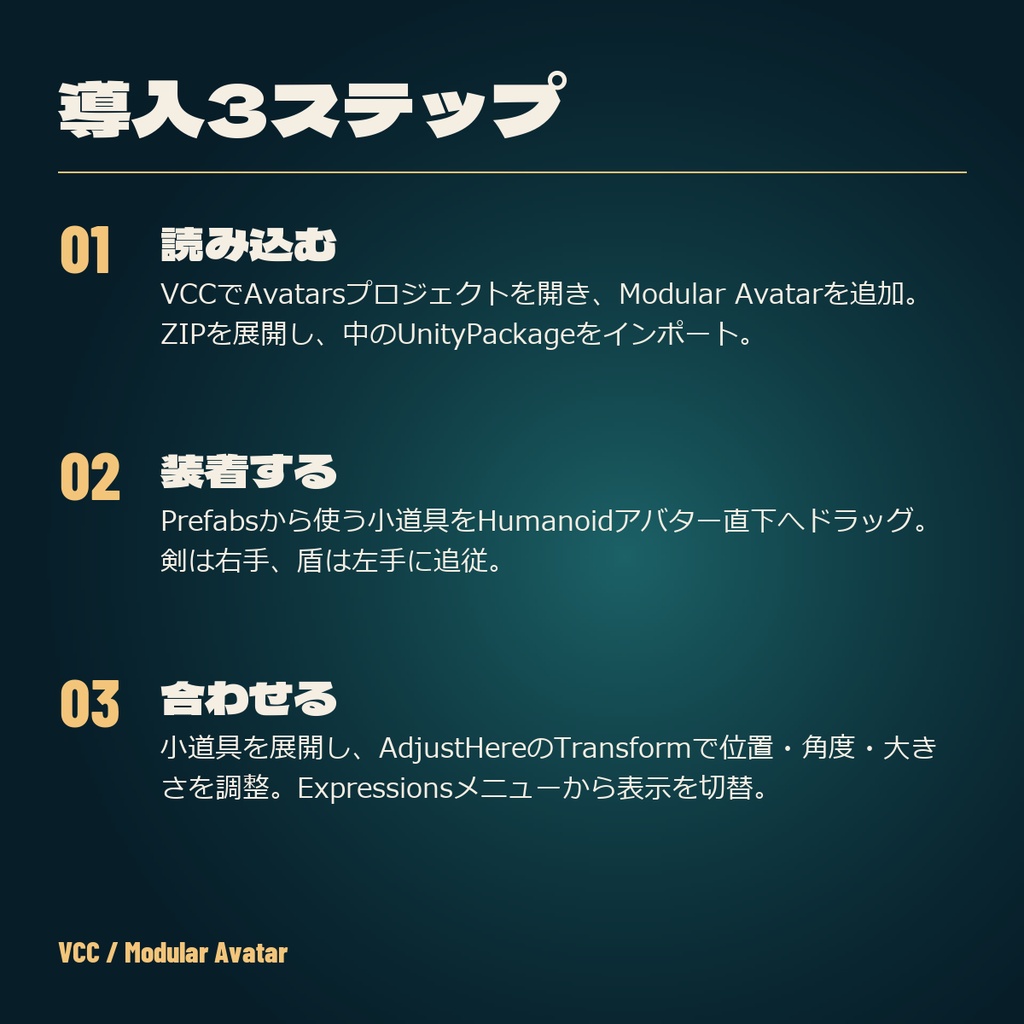
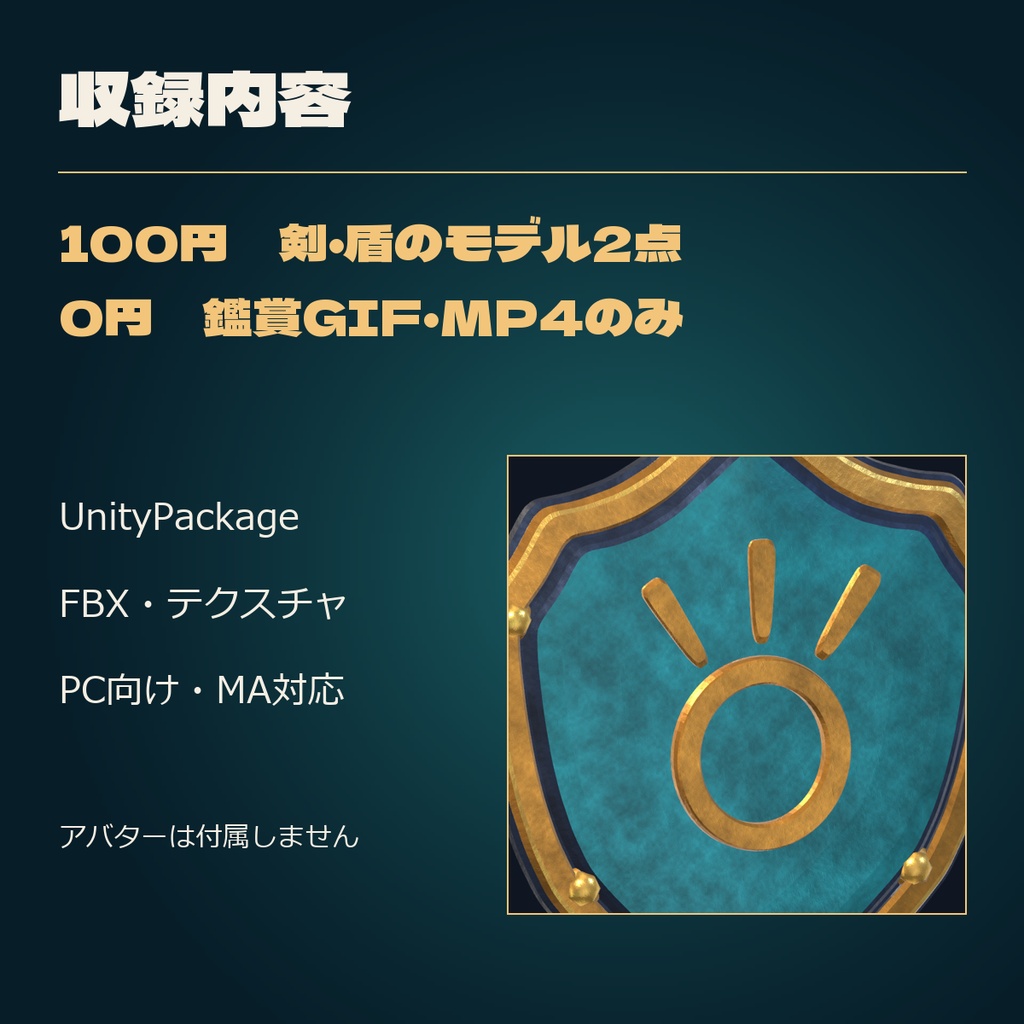
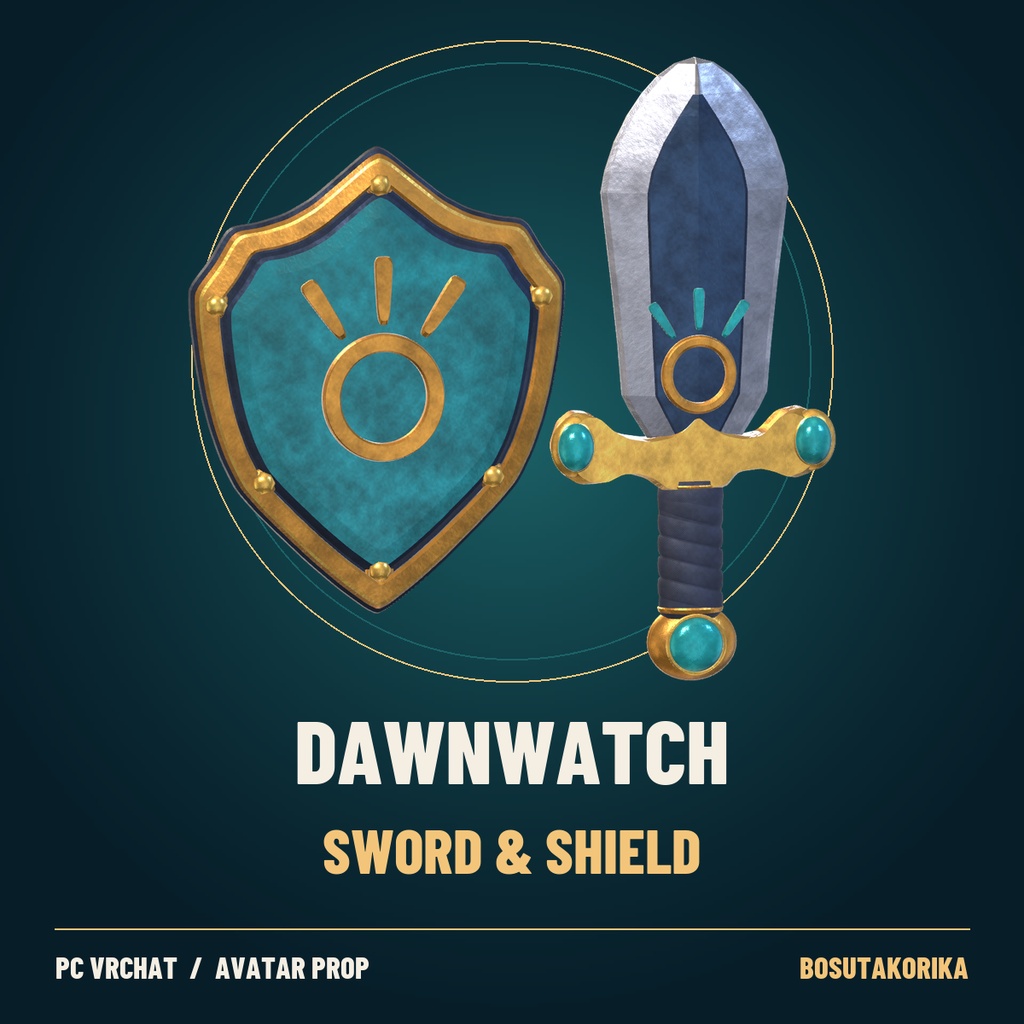
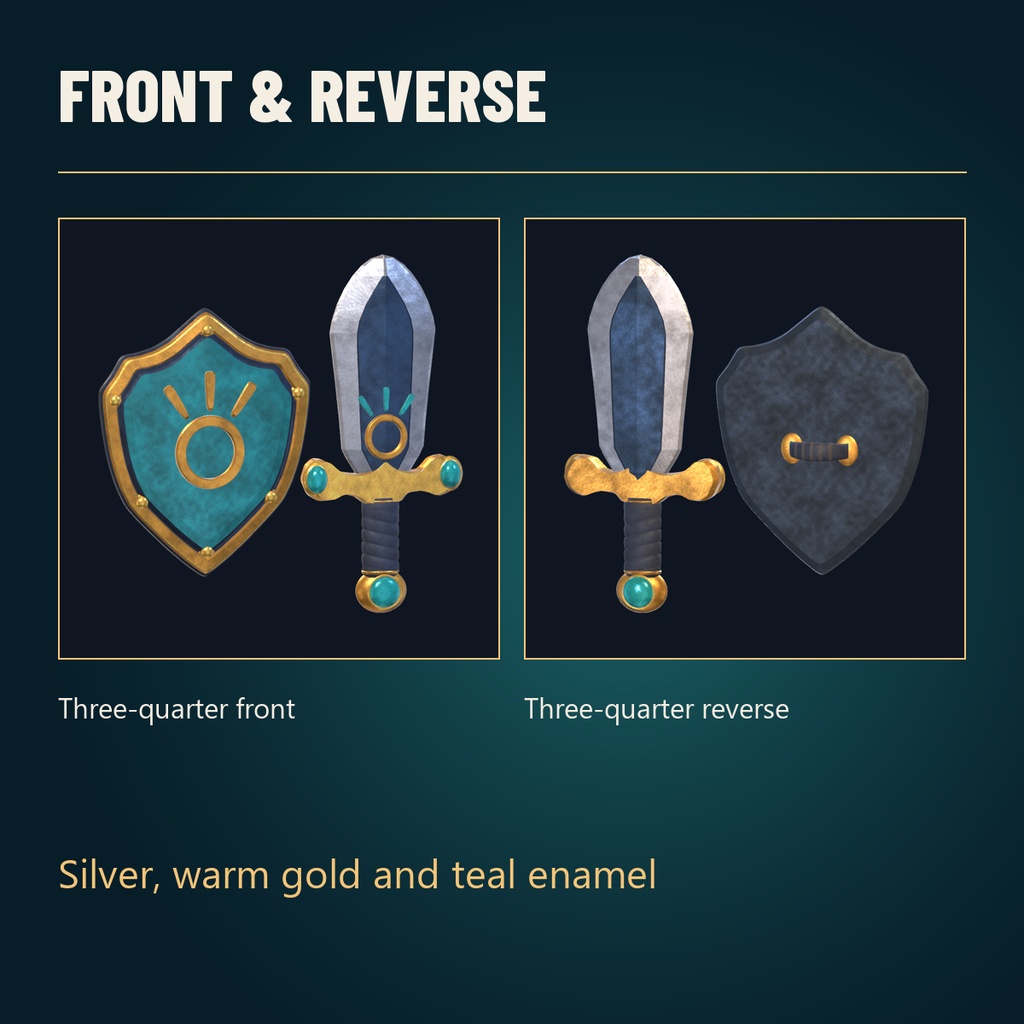
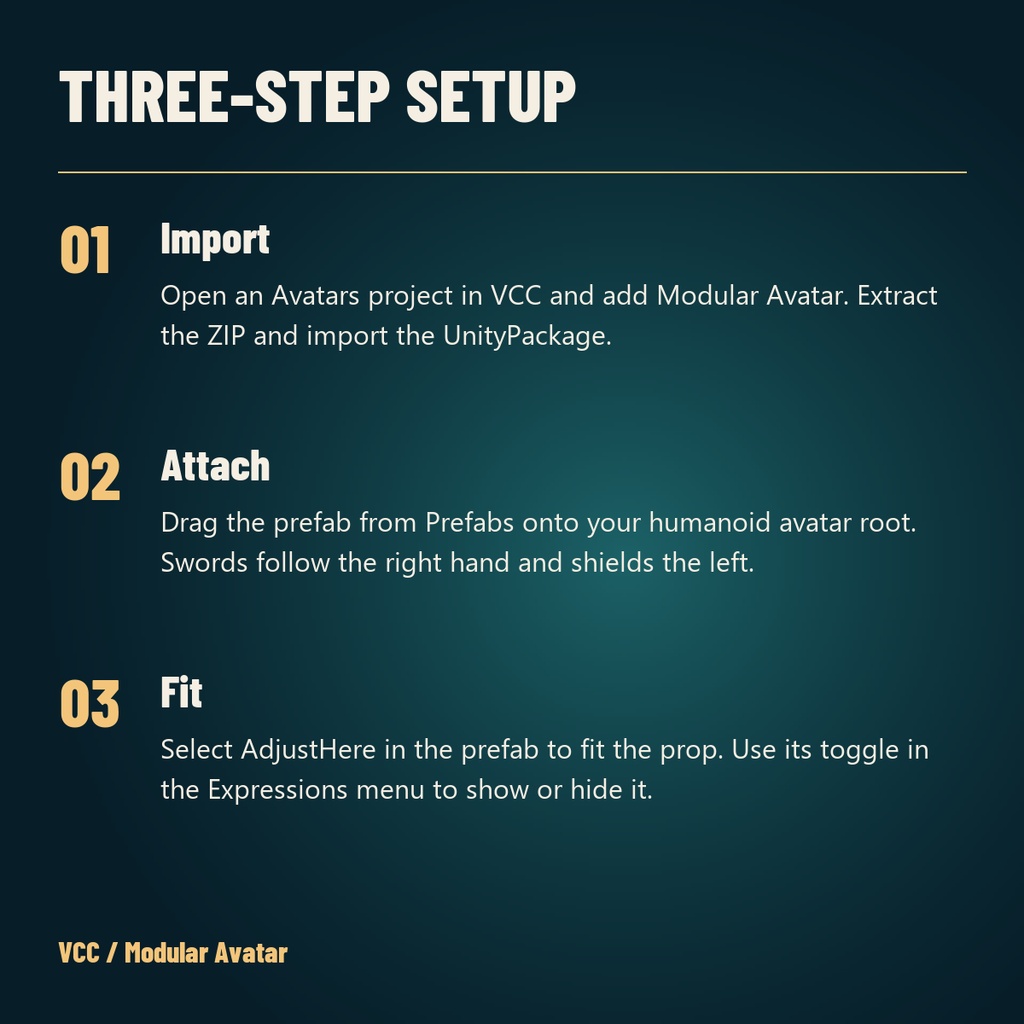
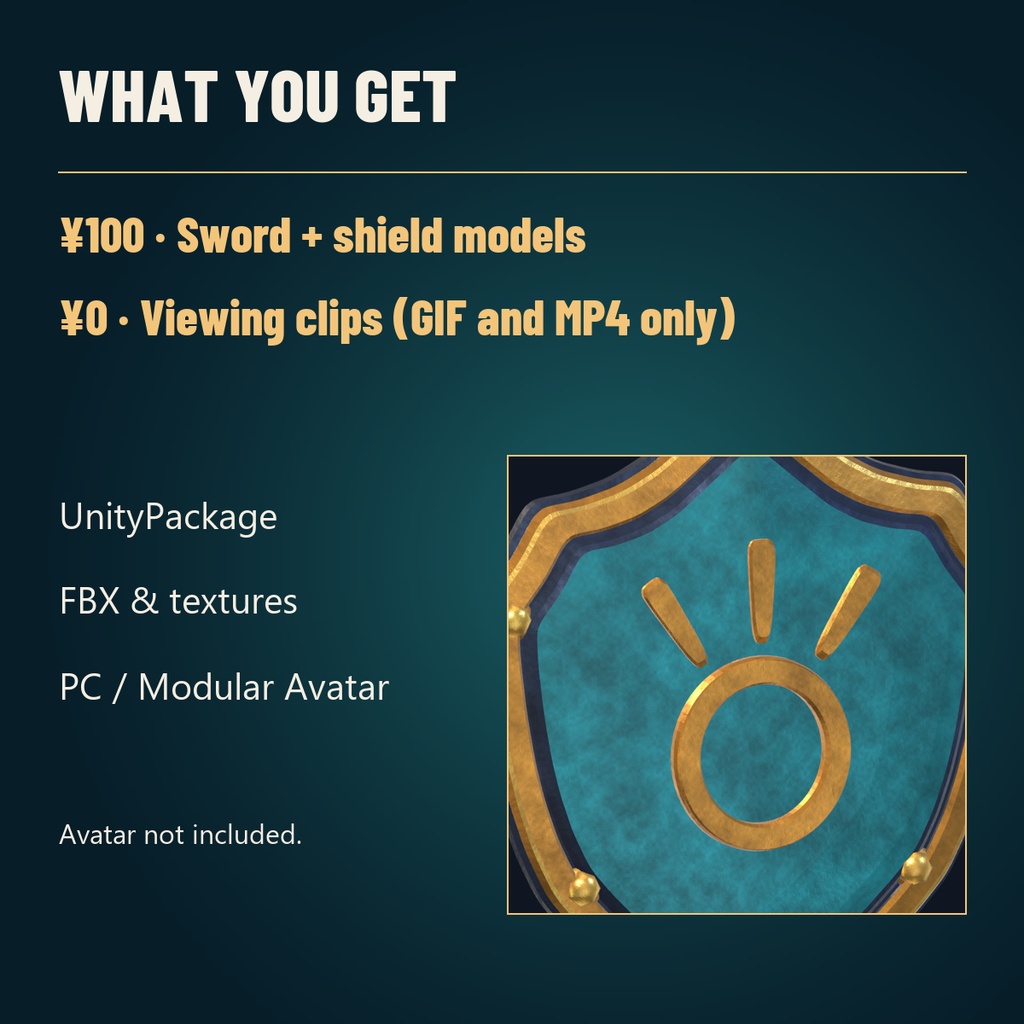


金の環と三つの光条を合わせた、青銀の剣と青緑の盾。王道の勇者衣装や、旅立ちの一枚に。 ■ 価格と内容 100円 剣・盾のモデル2点。UnityPackage、FBX、テクスチャを同梱。 0円 実モデルの鑑賞GIF・MP4のみ。 ■ 導入3ステップ 1. VCCでAvatarsプロジェクトを開き、Modular Avatarを追加。ZIPを展開し、UnityPackageをインポート。 2. Prefabsから剣・盾をHumanoidアバター直下へドラッグ。剣は右手、盾は左手に追従。 3. AdjustHereで位置・角度・大きさを合わせ、Expressionsメニューで剣/盾の表示を切替。 ■ 動作環境 Unity 2022.3.22f1 / VRChat SDK Avatars 3.10.5 / Modular Avatar 1.18.7。PC向け。Unity再読込、装着、表示切替、SDKローカルビルドを確認済み。実ゲーム・同期・他者視点・Quest/Androidは未確認。アバターや依存ツールは各自でご用意ください。 ■ 利用条件 個人・商用利用、改変、非公開アバター、写真・動画・配信に使用できます。素材や改変素材の再配布・転売、公にクローンできるアバターへの組み込み配布は禁止です。詳細は同梱のLICENSE.txt。 ■ English A matching sword and shield for a quest-ready avatar. Silver, teal enamel and the same sun crest tie the two props together. ¥100 — Sword and shield models, a UnityPackage, FBX files and textures. ¥0 — GIF and MP4 turntables only. Setup 1. Add Modular Avatar to a VCC Avatars project. Extract the ZIP and import the UnityPackage. 2. Drag the prefabs from Prefabs onto your humanoid avatar root. The sword follows the right hand and the shield follows the left. 3. Fit the prop using AdjustHere. In Expressions, 剣 means Sword and 盾 means Shield. For PC VRChat. Tested in Unity 2022.3.22f1 with Avatars SDK 3.10.5 and Modular Avatar 1.18.7. Gameplay, sync, other players’ views and Quest/Android are untested. Avatar and dependencies are separate. Personal and commercial use, edits, private avatars, screenshots, videos and streams are allowed. Asset redistribution, resale and distribution in publicly cloneable avatars are prohibited. See LICENSE.txt. ■ 関連作品 / Related props 錆びた勇者の剣と盾 / Weathered Dawnwatch https://bosutakorika.booth.pm/items/9177742 鉄の剣 / Wayfarer Iron Sword https://bosutakorika.booth.pm/items/9177743