

【VRChatアバター用】Bocchi Cube|キューブのヘアゴム&ヘアクリップ 全4種|HEZ STUDIO
- ダウンロード商品¥ 150


Bocchi Cube | HEZ STUDIO
【日本語】
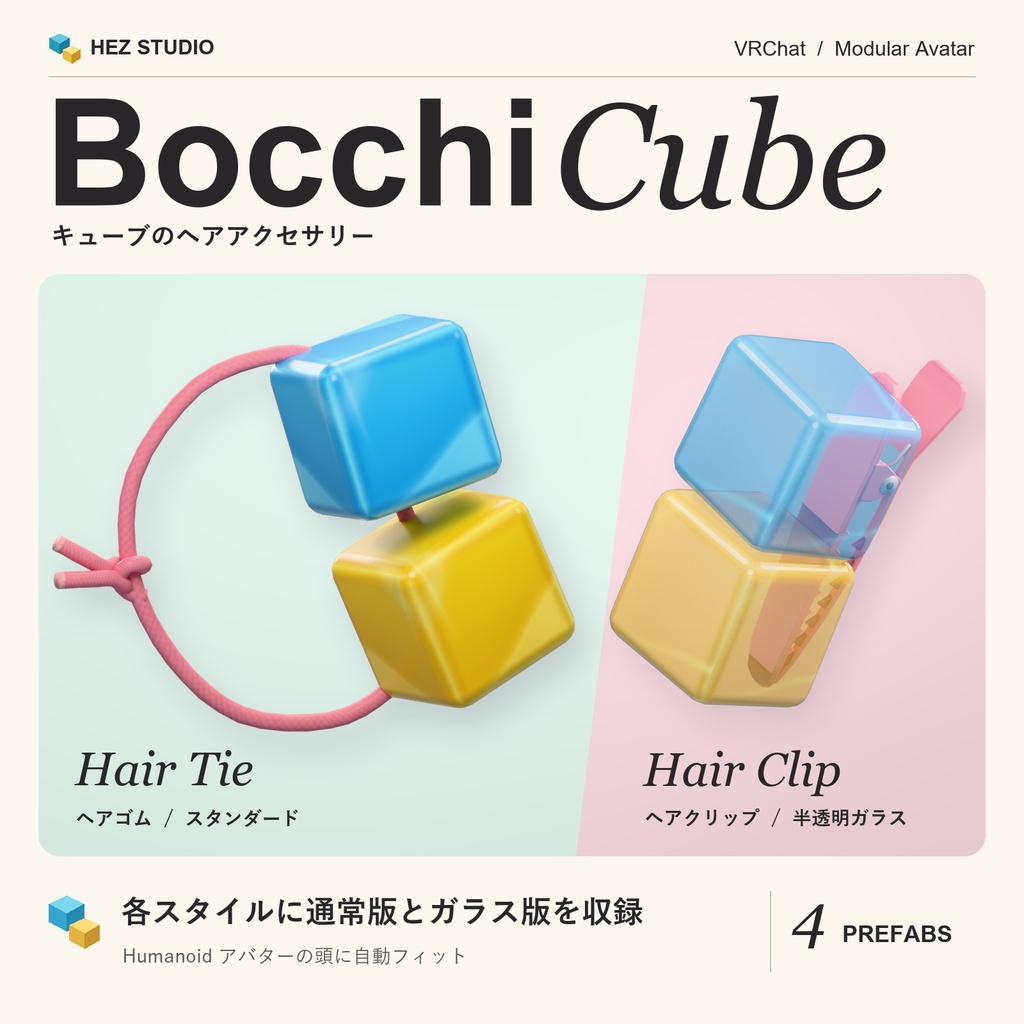
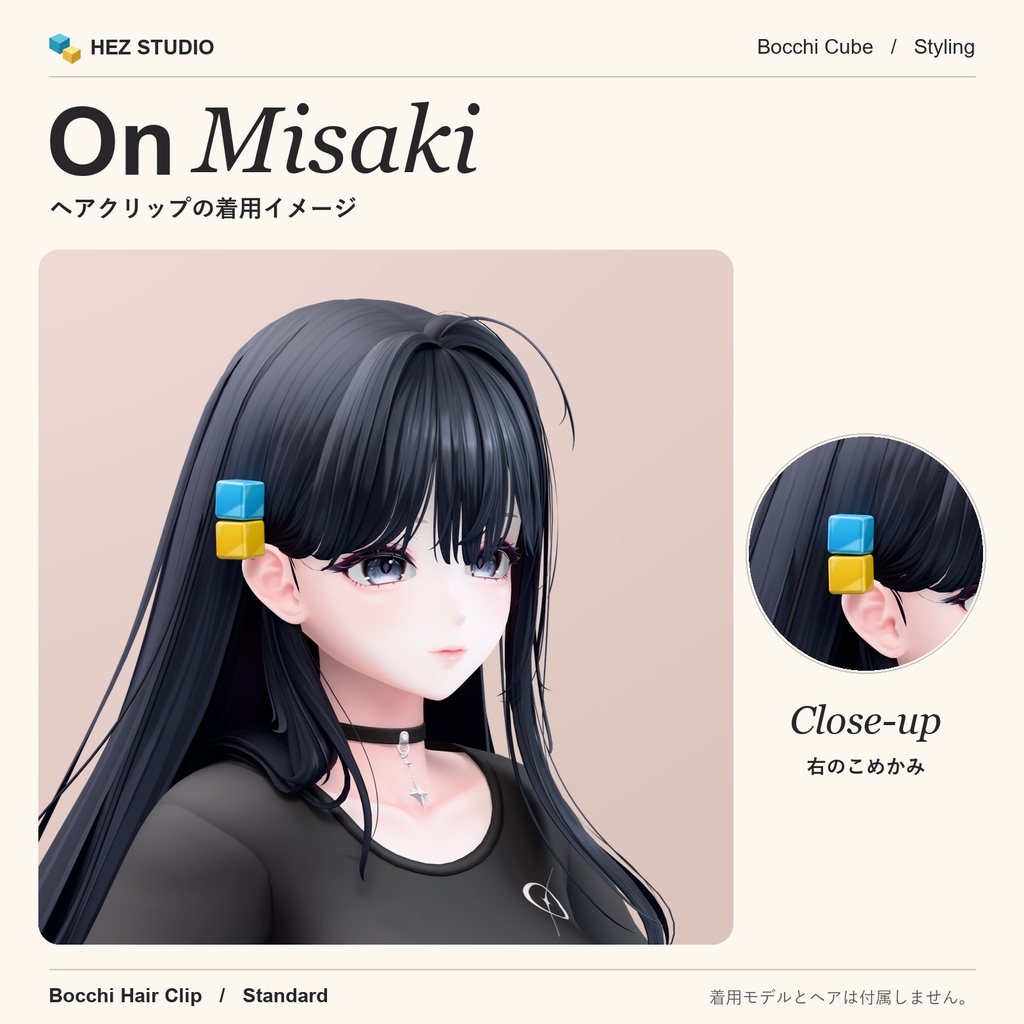
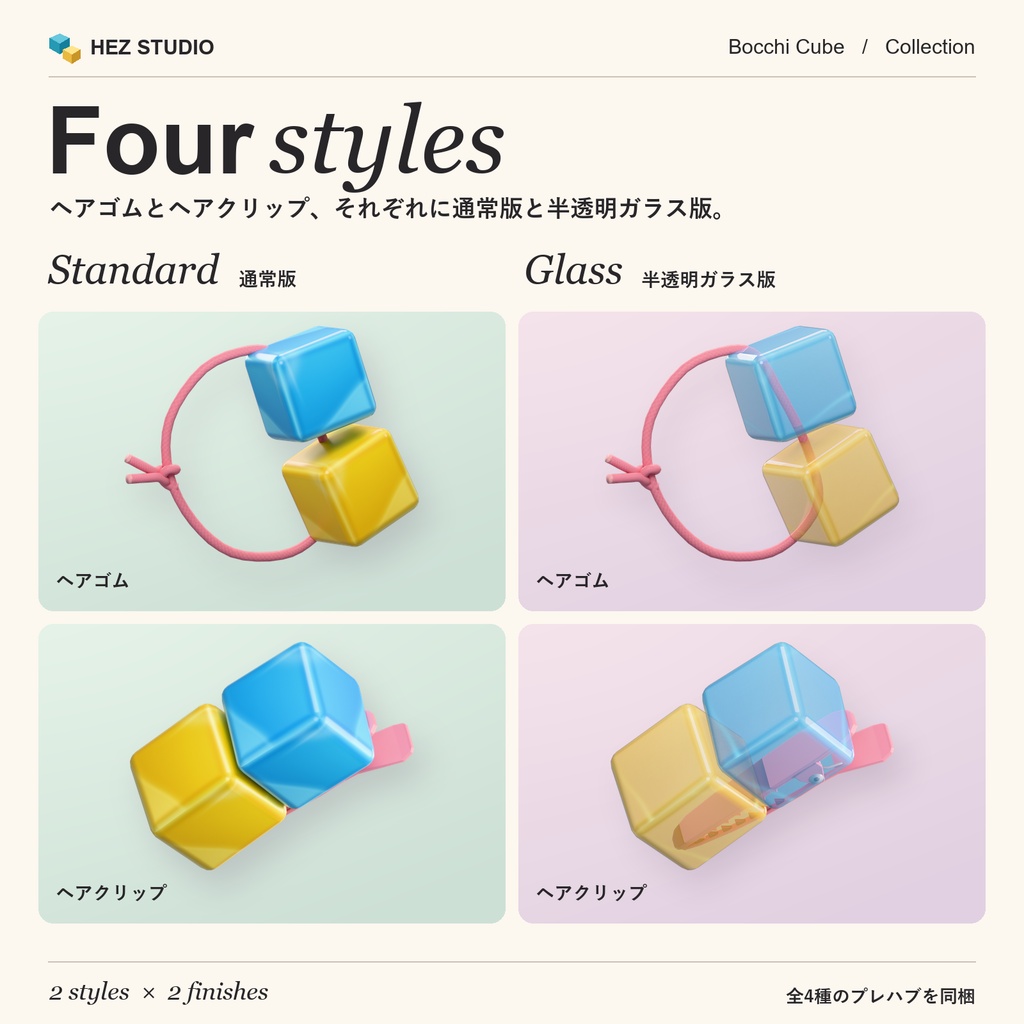
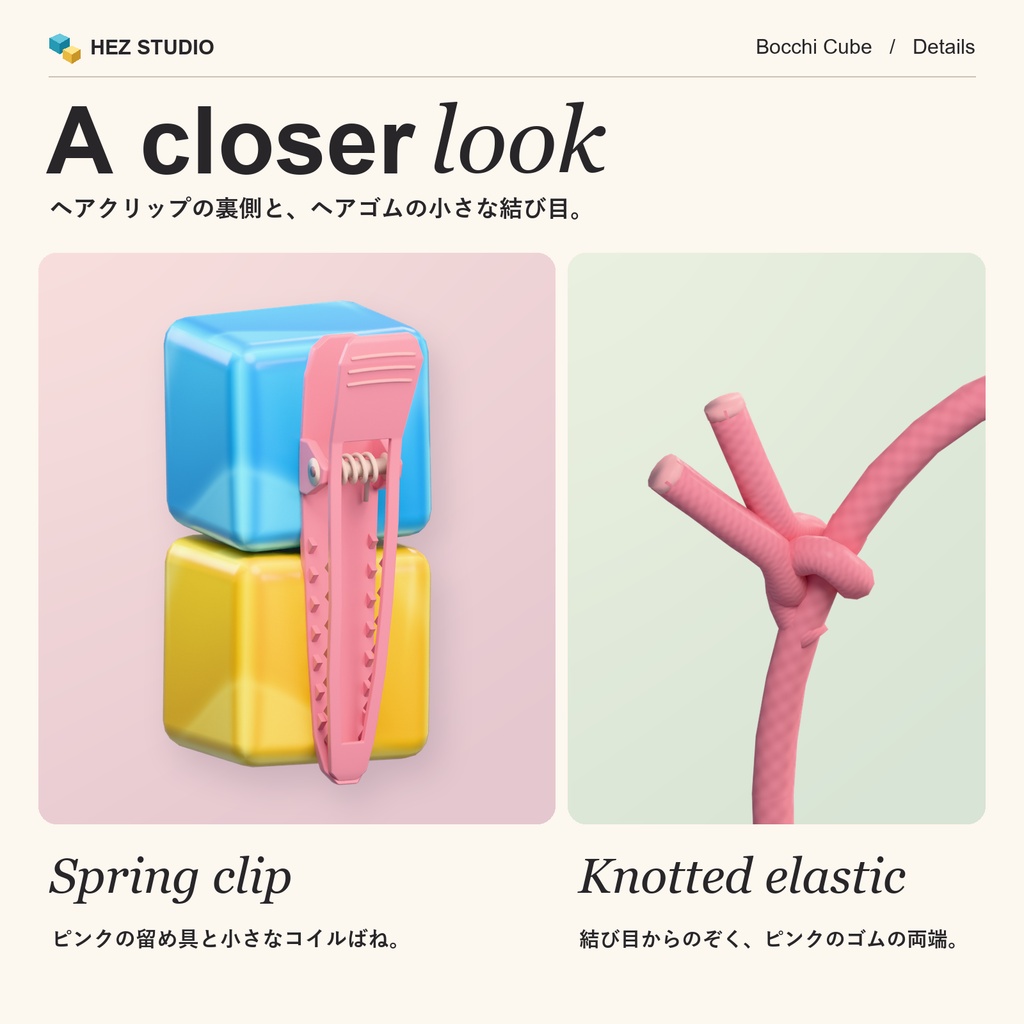
ソーダ色のキューブの下に、レモン色のキューブをひとつ。横を向くと、髪の間からふたつの色がのぞきます。ピンクのゴムを小さく結んだヘアゴムと、裏にピンクの留め具が付いたヘアクリップのセットです。 どちらの形にも、つやのある通常版と半透明のガラス版が入っています。通常版は暗い髪にも二色がくっきり映え、ガラス版は角度によってキューブの奥にゴムや留め具が透けて見えます。ヘアゴムのキューブは、それぞれの PhysBone を有効にすると揺れるようになります。初期設定では揺れはオフです。ヘアクリップは固定式です。 ■ 髪型に合わせる Modular Avatar を導入したアバター用の Unity プロジェクトにパッケージをインポートします。Project で「Bocchi Hair Tie」か「Bocchi Hair Clip」を選び、Hierarchy のアバタールートにドラッグしてください。ガラス版は名前の末尾が「- Glass」のプレハブです。 Humanoid の Head ボーンが設定されていると、アバターの右のこめかみに自動で配置されます。髪を着替えたら、アクセサリーの Inspector にある Bocchi Hair Fit で「現在の髪型に合わせ直す」を押してください。毛束に少し埋まるときは「位置・角度・サイズを微調整」から位置を調整できます。Head が未設定のリグでは、MA Bone Proxy の Target に頭のボーンを指定し、Adjust Fit で位置を合わせてください。
【한국어】
소다색 큐브 아래에 레몬색 큐브 하나. 고개를 돌리면 머리카락 사이로 두 색이 나란히 보입니다. 분홍 고무줄에 작은 매듭을 지은 머리끈과, 뒤에 분홍색 집게를 단 헤어핀이 한 세트로 들어 있습니다. 두 디자인 모두 광택이 있는 기본형과 반투명 유리형으로 만들었습니다. 어두운 머리에 두 색을 또렷하게 얹고 싶을 때는 기본형이 잘 어울립니다. 유리형은 각도에 따라 큐브 안쪽으로 분홍 고무줄이나 집게가 비칩니다. 머리끈은 두 큐브의 피직스본(PhysBone)을 각각 켜서 흔들림을 줄 수 있습니다. 기본 설정은 꺼짐이고, 헤어핀은 고정형입니다. ■ 내 아바타의 머리에 맞추기 Modular Avatar가 설치된 아바타용 Unity 프로젝트에 패키지를 임포트하세요. Project에서 머리끈은 ‘Bocchi Hair Tie’, 헤어핀은 ‘Bocchi Hair Clip’을 골라 Hierarchy의 아바타 최상위 오브젝트에 드래그하면 됩니다. 이름 끝에 ‘- Glass’가 붙은 프리팹이 유리형입니다. Humanoid의 Head 본이 연결되어 있으면 아바타의 오른쪽 관자놀이에 자동으로 장착됩니다. 헤어를 바꾼 뒤에는 장식의 Inspector에서 Bocchi Hair Fit의 ‘현재 헤어에 다시 맞추기’를 누르세요. 큐브가 옆머리에 살짝 묻힌다면 ‘위치·각도·크기 미세 조정’으로 원하는 만큼 옮길 수 있습니다. Head 본이 매핑되지 않은 리그는 MA Bone Proxy의 Target에 머리 본을 지정하고 Adjust Fit으로 위치를 맞춰 주세요.
【English】
A soda-blue cube sits above a lemon-yellow one. Turn your head and the two colors peek through your hair. The set includes a hair tie with a knot in its pink elastic and a hair clip with a pink spring clasp on the back. Both designs come in a glossy standard finish and translucent tinted glass. The standard cubes stand out against dark hair. In glass, you can catch a glimpse of the elastic or clasp through the cubes as you turn. If you want some movement, you can enable PhysBones on either or both hair-tie cubes. They start switched off. The clip stays fixed. ■ Fit it to your hairstyle Import the package into your Unity avatar project with Modular Avatar installed. From the Project window, drag “Bocchi Hair Tie” or “Bocchi Hair Clip” onto your avatar root in the Hierarchy. Choose the prefab ending in “- Glass” for the glass finish. On a Humanoid avatar with a mapped Head bone, the accessory fits to the avatar’s right temple. After changing hairstyles, select the accessory and click “Refit to current hairstyle” under Bocchi Hair Fit in the Inspector. If a strand covers the cubes, click “Adjust position, rotation and scale” to move them into view. For a rig without a mapped Humanoid Head, set the Target on MA Bone Proxy to your head bone and position the accessory with Adjust Fit.
-
■ 制作環境 / 제작 환경 / Built with Unity 2022.3.22f1 · VRChat Avatars SDK 3.10.6 · Modular Avatar 1.18.7 Bocchi Hair Fit は Unity エディターの表示言語に合わせて、日本語・韓国語・英語・簡体字中国語・繁体字中国語で表示されます。そのほかの言語では英語になります。 Bocchi Hair Fit의 버튼은 Unity 에디터 언어에 맞춰 한국어·일본어·영어·중국어 간체·번체로 표시됩니다. 그 밖의 언어에서는 영어로 표시됩니다. Bocchi Hair Fit follows the Unity Editor language. It supports Japanese, Korean, English, Simplified Chinese and Traditional Chinese, with English as the fallback. 着用例は Misaki です。アバターと髪は商品に含まれません。 착용 예시에 사용한 아바타는 Misaki입니다. 아바타와 헤어는 별도입니다. The styling photo features Misaki. Misaki and her hair are shown for scale and are available separately. ■ ダウンロード / 다운로드 / Download HEZ Studio - Bocchi Cube Accessories.zip Bocchi Cube Accessories MA.unitypackage 02 - Setup JP.png(日本語) 03 - Setup KR.png(한국어)