

Elbow Fixer
- ダウンロード商品¥ 0
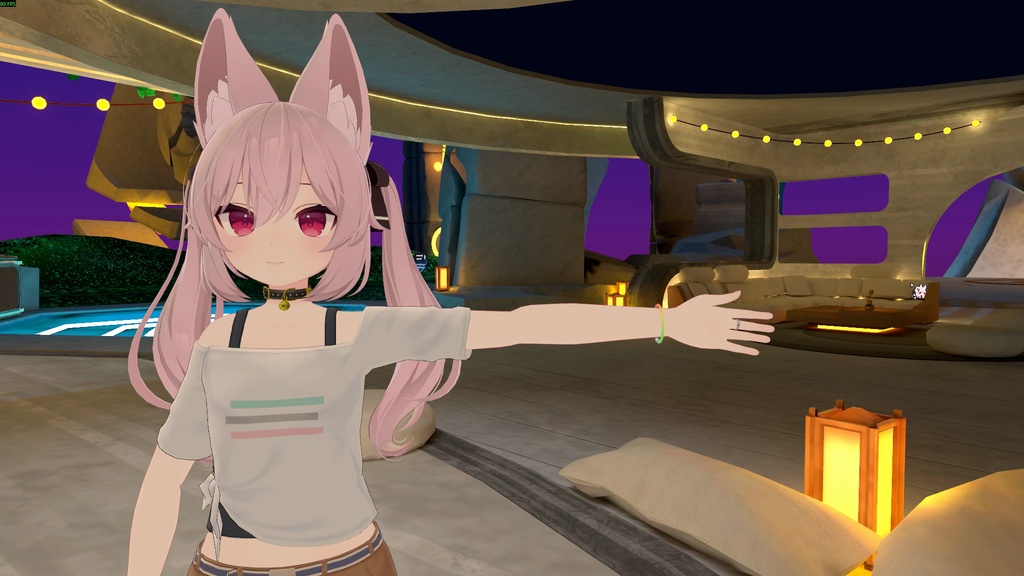
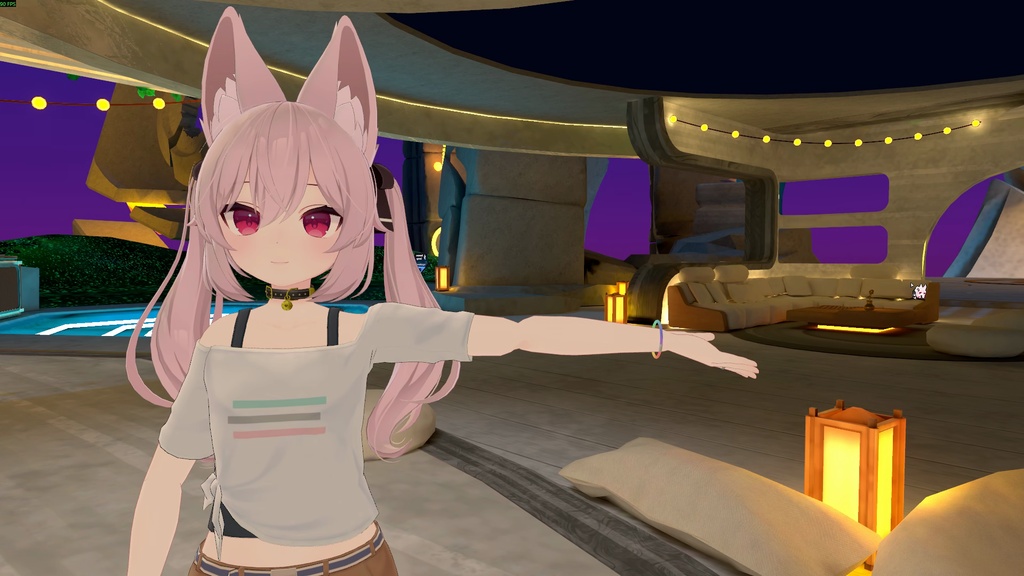
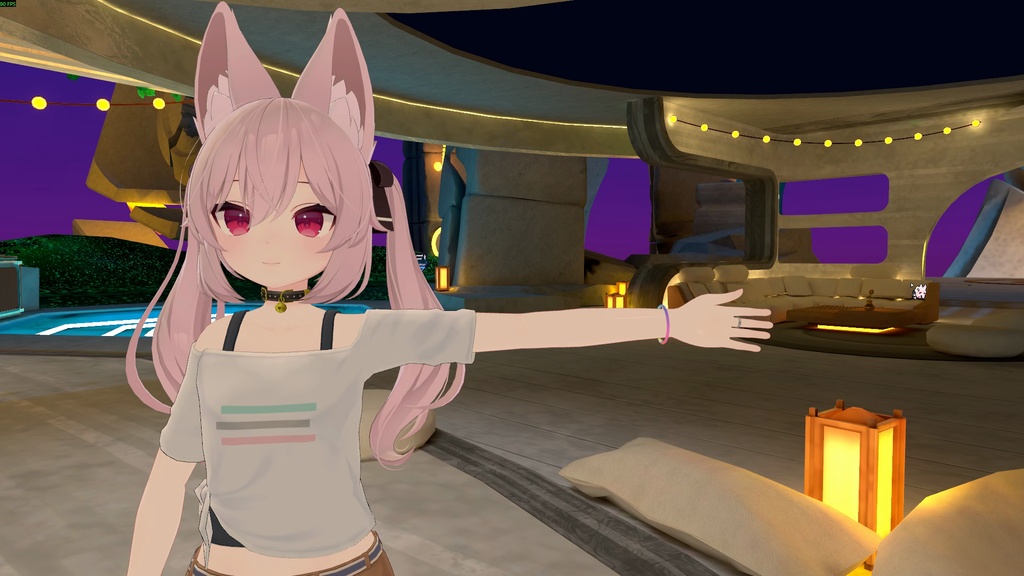
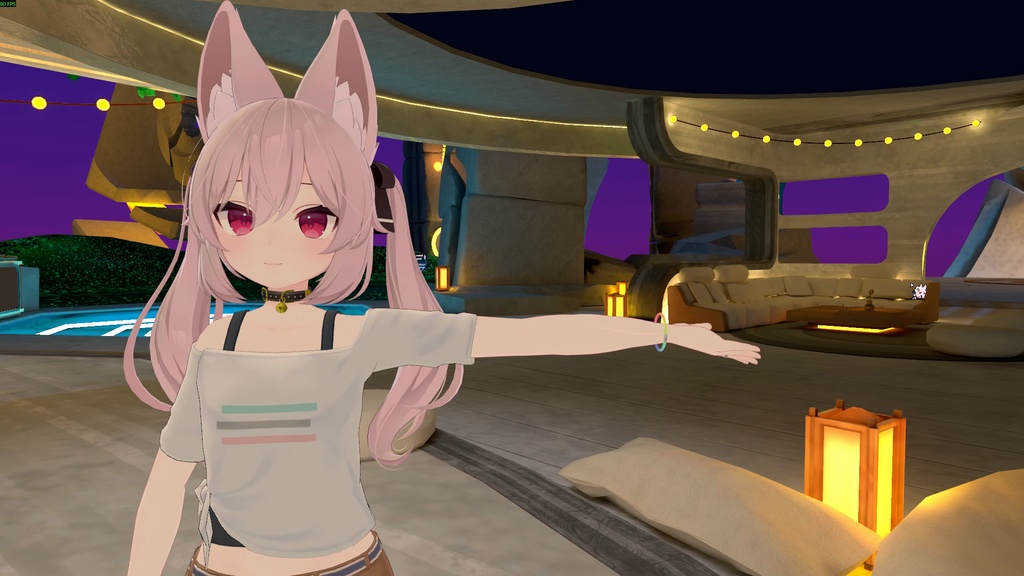


WIP
Requirements
- Unity 2022.3.22f1 - Modular Avatar https://modular-avatar.nadena.dev/
Tested Avatars
- Karin (カリン) https://komado.booth.pm/items/3470989 - Lime (ライム) https://komado.booth.pm/items/4876459 - Chiffon (シフォン) https://komado.booth.pm/items/5354471 - Chocolat (ショコラ) https://komado.booth.pm/items/6405390 - Plum (プラム) https://komado.booth.pm/items/7770415 - Salt (ソルト) https://komado.booth.pm/items/8962830 - Manuka (マヌカ) https://jingo1016.booth.pm/items/5058077 - Milfy (ミルフィ) https://mk22.booth.pm/items/6571299 - Eku (エク) https://septem47.booth.pm/items/7328764 - Shinano (しなの) https://ponderogen.booth.pm/items/6106863
Installation
- VCC/ALCOM: https://koz39.github.io/vpm-listing/ で「Add to VCC」を押してリポジトリを追加した後、プロジェクトの管理画面でElbow Fixerパッケージを追加します。 - unitypackage:zip内のunitypackageをプロジェクトにインポートします。 - VCC/ALCOM: https://koz39.github.io/vpm-listing/ 에서 "Add to VCC"로 저장소를 추가한 뒤, 프로젝트 관리에서 Elbow Fixer 패키지를 추가합니다. - unitypackage: zip 안의 unitypackage를 프로젝트에 임포트합니다. - VCC/ALCOM: Click "Add to VCC" on https://koz39.github.io/vpm-listing/ to add the repository, then open your project's Manage page and add the Elbow Fixer package. - unitypackage: Import the unitypackage from the zip into your project.
How to Use
1. ヒエラルキーでアバターを右クリックし、Elbow Fixer > Setup を選択します。 2. ボディと服の袖が対象メッシュに自動で追加されます。インスペクターでリストを確認してください。 3. アバターのビルド時に自動で適用されます。 1. 하이어라키에서 아바타를 우클릭하고 Elbow Fixer > Setup을 선택합니다. 2. 몸과 옷 소매가 대상 메시에 자동으로 추가됩니다. 인스펙터에서 목록을 확인해 주세요. 3. 아바타를 빌드할 때 자동으로 적용됩니다. 1. Right-click your avatar in the Hierarchy and select Elbow Fixer > Setup. 2. The body and clothing sleeves are added to Target Meshes automatically. Check the list in the Inspector. 3. Elbow Fixer is applied automatically when the avatar is built.
Credits
Generate Twist Bones (Alpha) https://docs.hai-vr.dev/docs/products/prefabulous/universal/generate-twist-bones Avatar Elbow Repair https://koimoe.booth.pm/items/8844538
Update History (Korean Only)
https://github.com/KOZ39/Elbow-Fixer/blob/main/CHANGELOG.md