
建材卸の拠点間移送 発送・受入CSV照合表 / Inter-Location Transfers for Building Materials Wholesalers: Shipping and Receiving CSV Reconciliation Sheet
- Digital100 JPY
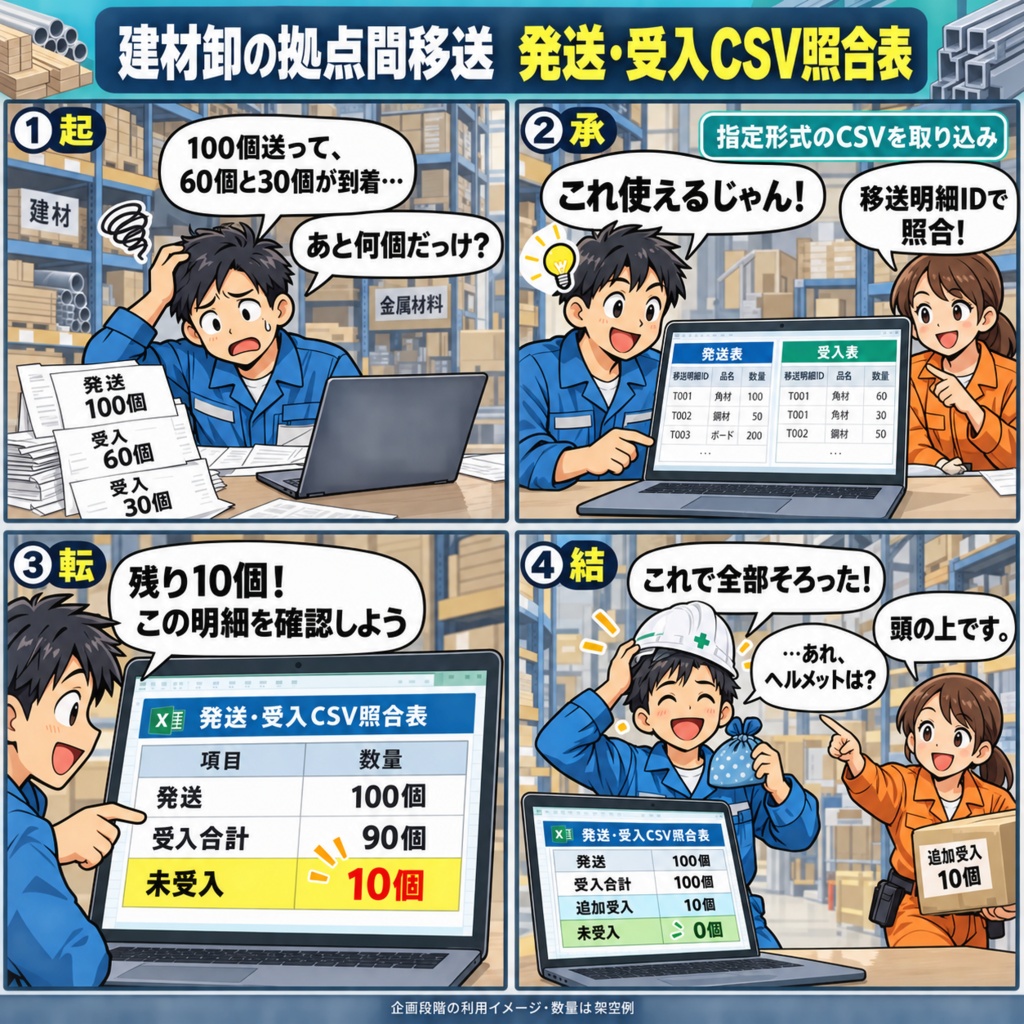
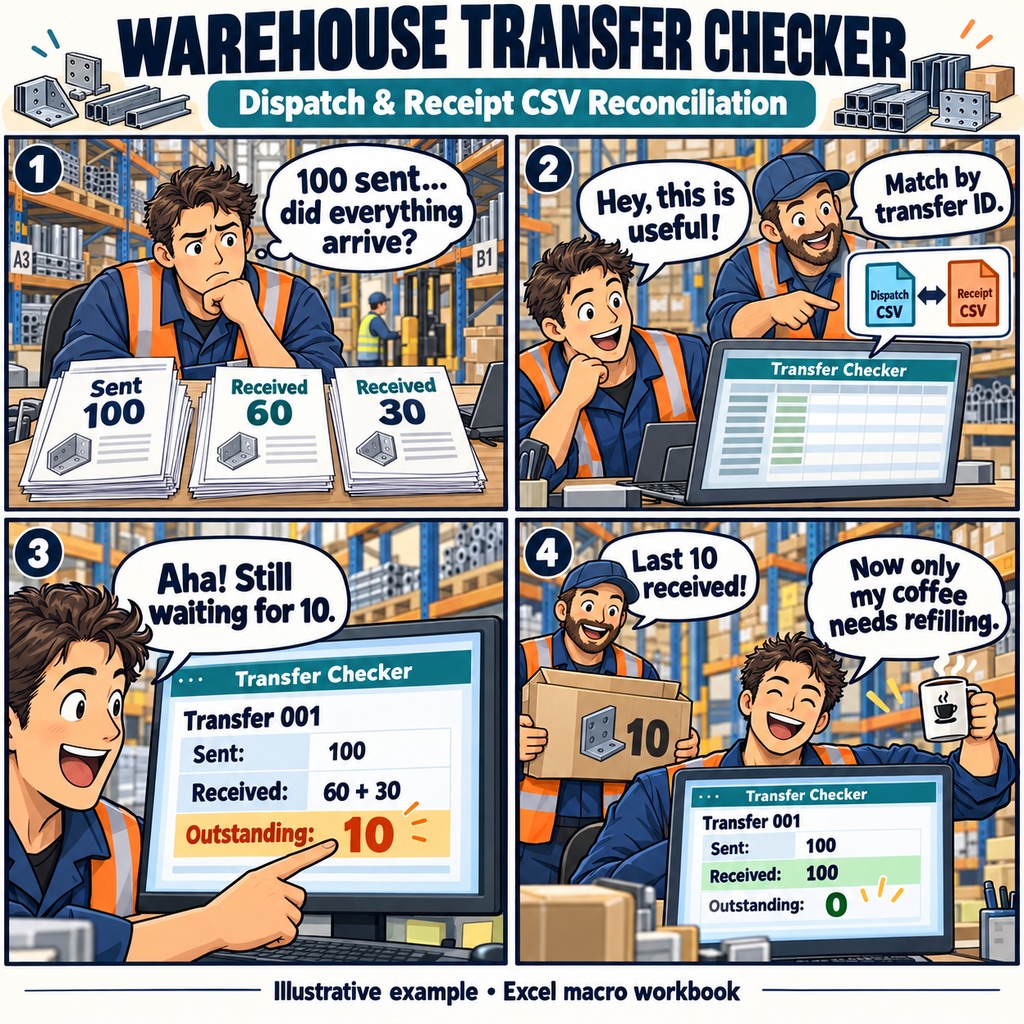


建材卸の拠点間移送 発送・受入CSV照合表 別の倉庫へ送った建材や金属材料。 「送った分は、もう全部届いているかな」と確認するとき、 発送の記録と受入の記録を何度も見比べていませんか。 一度に送った品物が、何回かに分かれて届くこともあります。 そのたびに数量を足し直し、残りを確かめるのは、少し手間のかかる作業です。 忙しい日には、どの明細まで確認したのか迷ってしまうことも。 そんな場面を支えるために企画したのが、 「建材卸の拠点間移送 発送・受入CSV照合表」です。 発送と受入の記録を照らし合わせる、Excelマクロ形式の照合表を予定しています。 使うときは、指定の列に整えた発送・受入のUTF-8 CSVを読み込みます。 移送明細IDで記録を結びつけ、受入数量の合計と発送数量との差を確認する仕組みです。 入力内容の確認や訂正、照合結果の確認は、同じシート内で行う設計です。 たとえば、同じ単位で100発送した品物が、60、30と分かれて届いた場合。 受入の合計は90となり、残りの10を確認できます。 その後、追加で10を受け入れれば、未受入分が解消する流れです。 ※この数量は、使い方を伝えるための架空の例です。 数量の不足や超過、到着予定日を過ぎた明細に加え、 IDの重複や不明なIDも、理由とともに確認できるようにする予定です。 「どの記録を見直せばよいか」が分かることで、 倉庫への確認や原資料の見直しに進みやすくなることを目指しています。 自社の倉庫間で動く品物について、発送と受入を落ち着いて確かめたい。 そんな日々の確認作業に役立てていただくための、小さな照合表です。 本商品は現在、企画段階で製造未着手です。 記載した機能は予定であり、実機での動作や作業時間の削減効果は未検証です。 Windows 11・Microsoft 365のデスクトップ版Excel(64bit・日本語)で、 マクロの利用が許可された環境での1人編集を前提としています。 CSVは指定形式への準備が必要で、結果はExcel画面上で確認する想定です。 在庫全体の管理、運送手配、単位換算、外部システム連携、印刷対応は含みません。 お仕事の依頼は下記メールまで ramaya08010801@gmail.com Inter-Warehouse Transfer Reconciliation for Building Materials Wholesalers A shipment has left one warehouse, and you're checking what has arrived at the other. The first delivery is in, another follows later, and the receiving records begin to add up. For the person keeping track of building materials or metal supplies, the question is simple: has everything arrived yet? Finding the answer can take a little digging when one shipment is received in several parts. You have the dispatch quantity and the individual receipt records, but bringing them together means checking the same details again and again. This planned Excel workbook is designed around that everyday task, giving you a place to compare dispatches and receipts by transfer line ID. Picture a transfer of 100 units. In an illustrative example, two receipts of 60 and 30 units leave 10 still outstanding. Once the final 10 are recorded and the records are reconciled again, the outstanding balance clears. You would prepare two UTF-8 CSV files in the specified format, import the dispatch and receipt records, then review the inputs and results on the same worksheet. The planned results highlight outstanding quantities, excess receipts, overdue arrivals, and duplicate or unknown IDs, with the relevant ID and reason beside each issue. That gives you a practical starting point for deciding which records need another look. The aim is to make small batches of transfers easier to follow and reduce repeated searching, so you can return to the source records with a clearer idea of what needs attention. The workbook is planned as a Japanese-language, macro-enabled Excel file (.xlsm) for one person using Windows 11 and 64-bit Microsoft 365 desktop Excel, in an environment where macros are permitted. Its reference workflow covers one company with two internal warehouses. CSV files must use the required columns, and matching IDs must be available in your source records. Results are intended for review on screen. Inventory valuation, transport arrangements, unit conversion, external system integration, simultaneous editing, and print layouts are outside its scope. This product is currently at the planning stage. Development and testing on the intended setup have not yet been completed, and the expected benefits have not been measured. The description above reflects the planned workflow. For work inquiries or collaborations, please feel free to contact me at the email address below. ramaya08010801@gmail.com