

Dreambird’s Rose Accessory Set - VRChat Avatar Accessory / CP34
- Digital1,000 JPY
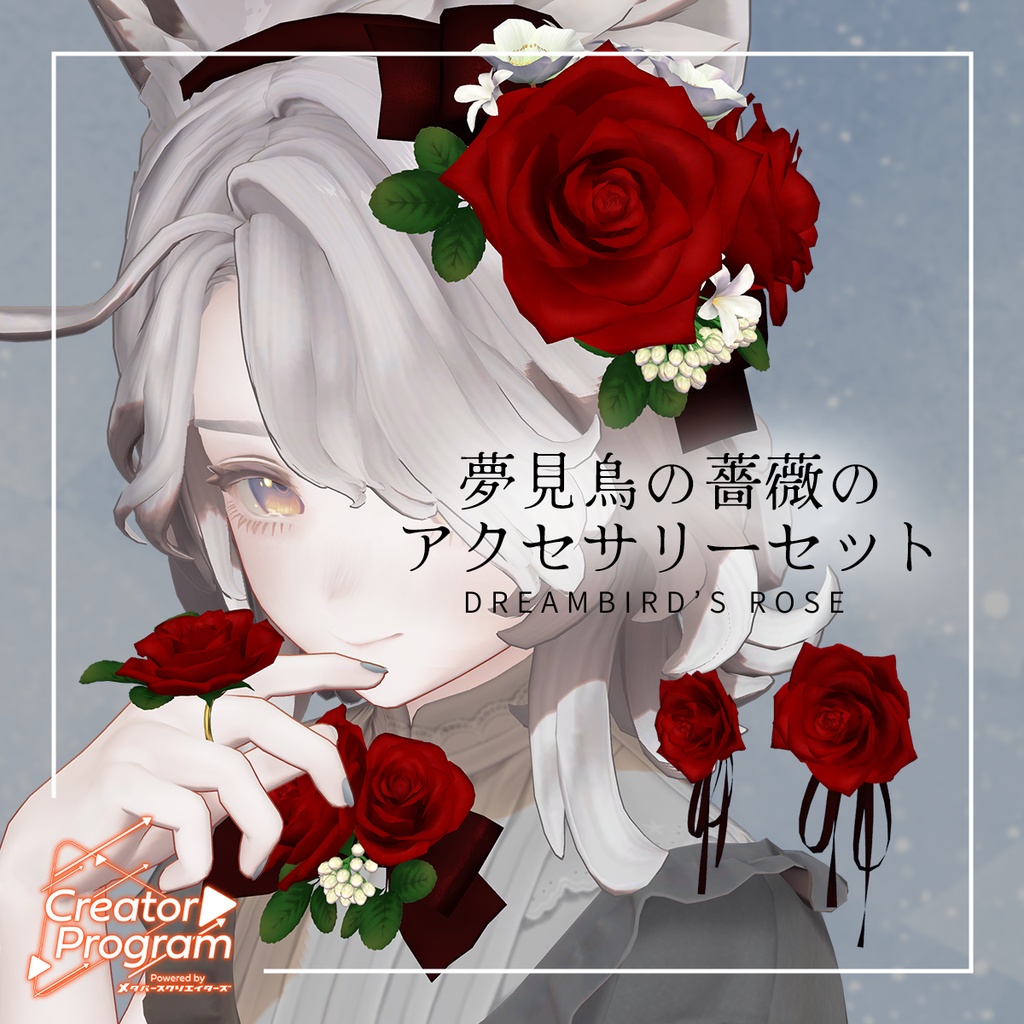
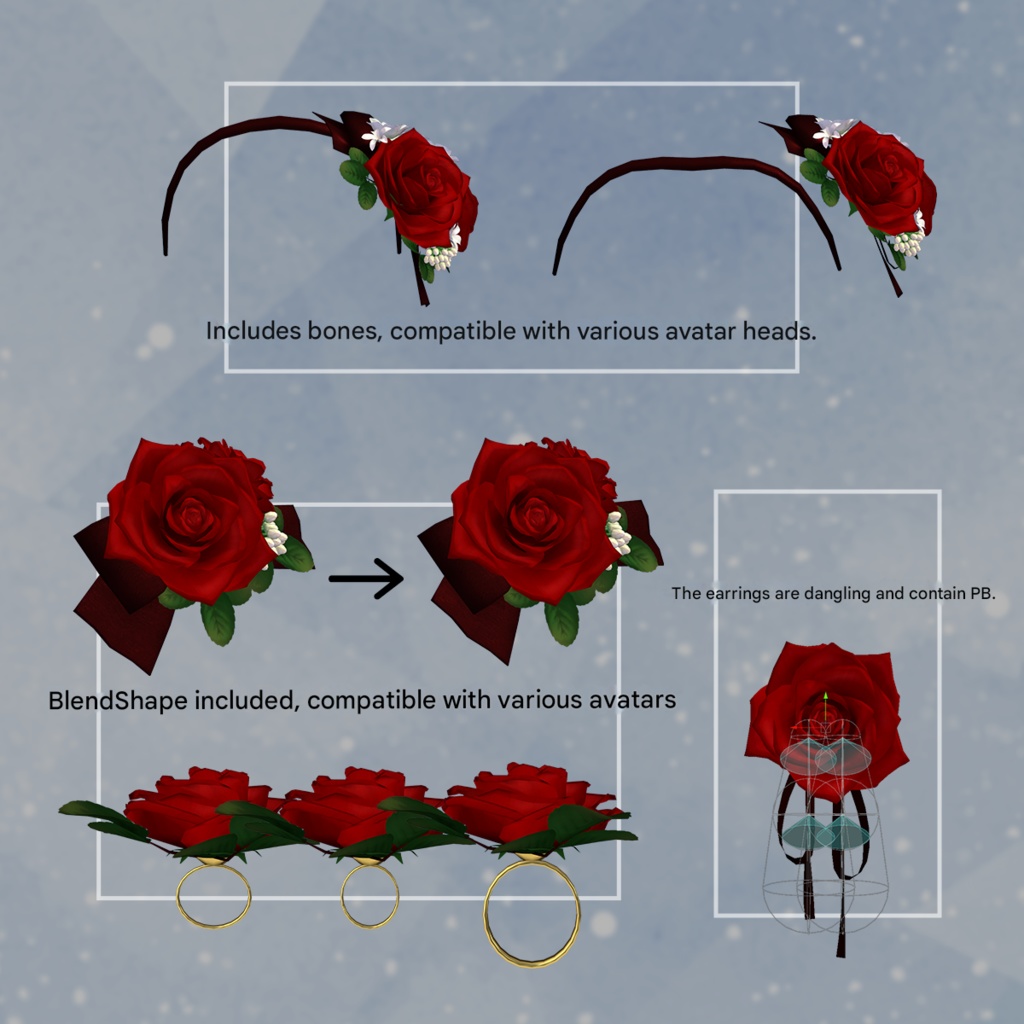
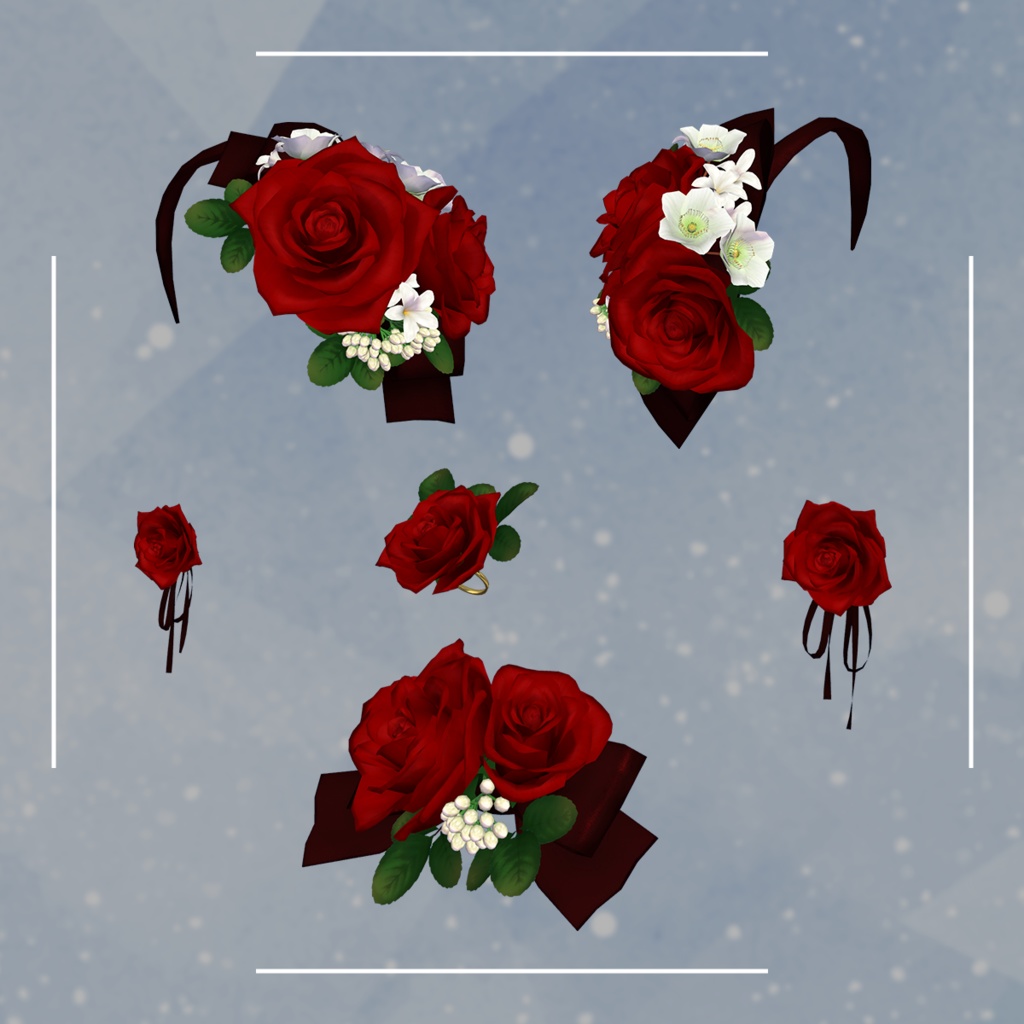
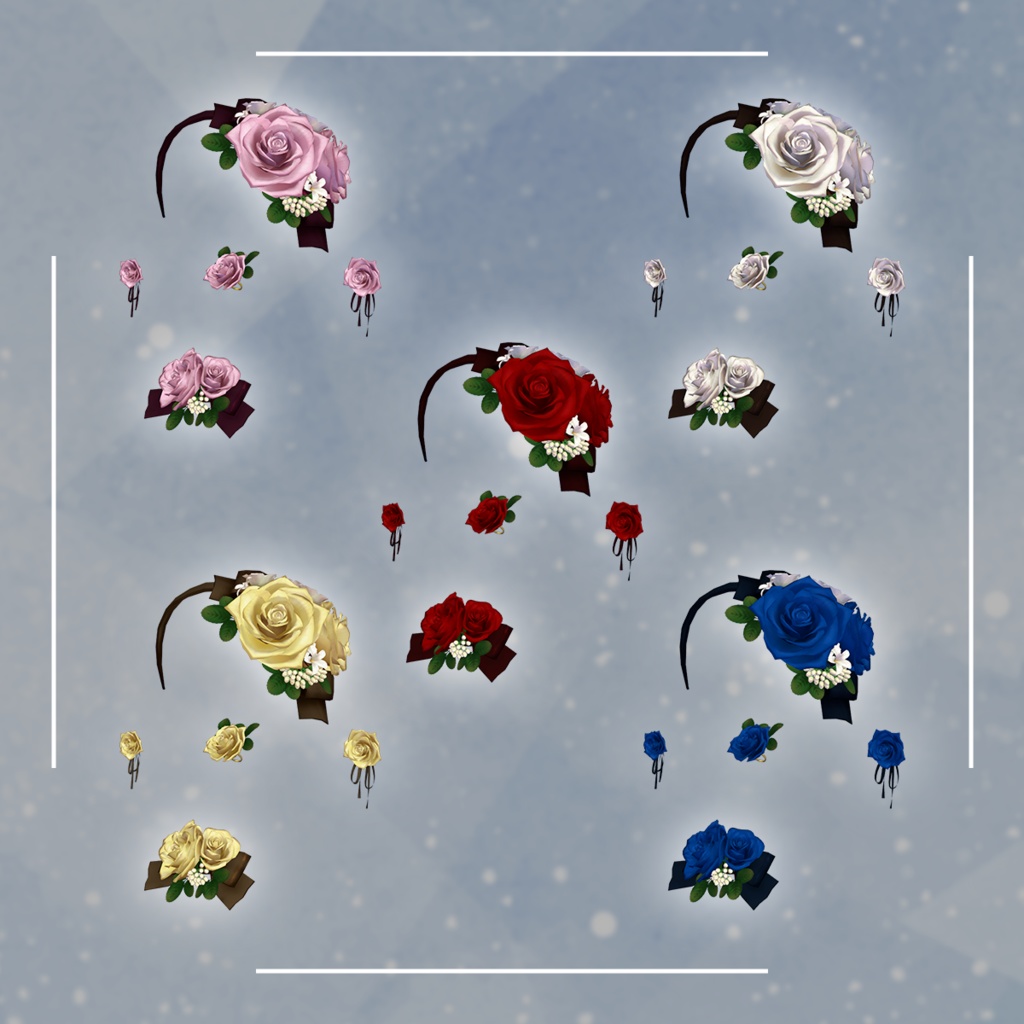
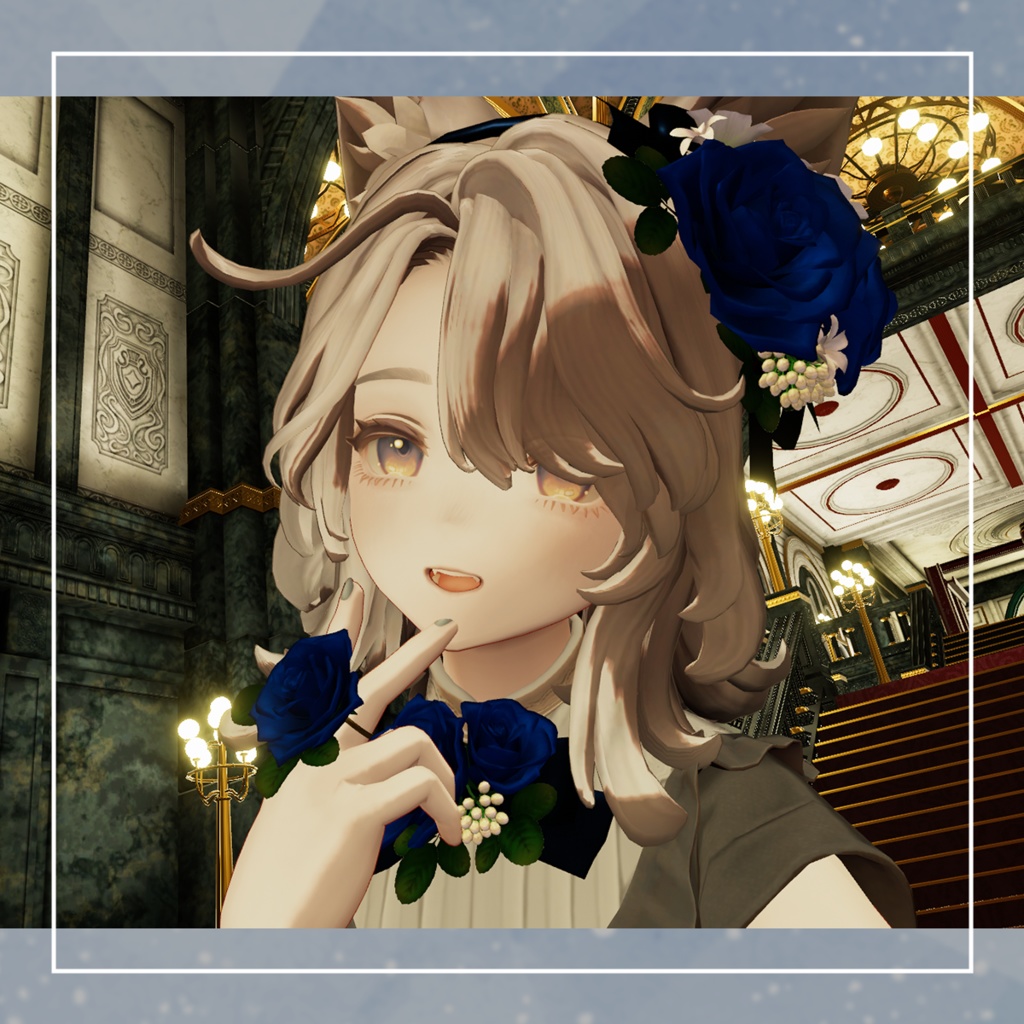


◆ Dreambird’s Rose Accessory Set ◆ Creator: Shiroikumazadan / Manako “Memories Tied to Ornaments” These dream-colored rose accessories were left behind by a bird that never knew the break of dawn. If you once dreamed of becoming a bird, perhaps you are still witnessing the continuation of that bird’s dream. Accessories that blur the border between dream and waking reality. This set is created for Marycia, but includes mechanisms to help it fit various avatars. (See: ◆ About the Built-in Features) ※ This product is an accessory model for avatars. The avatar itself is not included. ※ Due to the nature of digital downloads, returns and refunds are not possible. Please read and agree to the product description and Terms of Use before purchasing. ※ This product is intended for use with VR devices and is not designed for standalone desktop use. ◆ Item Overview ● Contents RoseofDream_ACC.Unitypackage FBX files Textures PSD files for editing ReadMe.txt (this document) Shader Used liltoon https://lilxyzw.booth.pm/items/3087170 Required Assets Modular Avatar https://modular-avatar.nadena.dev/ja/docs/intro ● Model Data △ Polygon Count: Total 16,537 polygons RoDream_ACC_Alice_band: 7,845 polygons RoDream_ACC_Corsage: 4,428 polygons RoDream_ACC_pierce_L: 1,412 polygons RoDream_ACC_pierce_R: 1,412 polygons RoDream_ACC_Ring: 1,640 polygons Mesh count: 5 Material count: 5 PhysBone component count: 2 Import Folder Assets > MetaverseCreators_CP > Siroikumazadan > Item_RoseofDream_ACC ◆ Installation Guide Set up the latest version of the VRC SDK using VCC. Install the required assets (liltoon, Modular Avatar) via VCC. Import this package. Drag your avatar (and any clothing/editable prefab, if applicable) into the Scene Hierarchy. Hide or set to “Editor Only” any unneeded avatar clothing (default outfits, underwear, etc.). Drag the “RoDream_ACC_XXXX.Prefab” directly under your avatar in the Hierarchy. In the Scene, move/scale/rotate the RoDream_ACC_XXXX prefab, adjust bones, and modify shapekeys to place it as desired. Upload the avatar via the VRC SDK. ◆ Built-in Feature Overview RoDream_ACC_Alice_band: Includes bones so it can fit the head of various avatars. RoDream_ACC_Corsage: Ribbon has slight movement to help prevent clipping. RoDream_ACC_pierce_L/R: Includes PhysBones. RoDream_ACC_Ring: Includes shapekeys to match various avatar finger shapes. ◆ Changing Colors Use the color-variation materials in the folder: Common > Material You may also recolor the item freely using the included PSD files. ◆ Terms of Use https://drive.google.com/drive/folders/1qRMXoIxM1ZgacBPfwOigQRtXP1vCbNMn?usp=sharing ※ Please follow the Terms of Use of the base avatar you apply this accessory to. ◆ Production Environment Modeling: Blender Ver. 4.4.0 Textures: Photoshop Setup: Unity Ver. 2022.3.22f1 VRChat SDK – Avatars Ver. 3.9.0 (VCC) liltoon 2.3.1 Modular Avatar 1.14.3 ◆ Avatars Used in Sample Images / Compatible Avatars / Photo Locations Marycia – Original 3D Model #Marycia3D https://brn.booth.pm/items/6305948 capital city Karl-Balar – Keto LC (ケト中佐) <Keto_LC> ◆ Credits Creator: Shiroikumazadan / Manako https://x.com/0manaco0 https://siroikumazadan.booth.pm/ (Personal BOOTH) Contact / Support https://discord.gg/bmw3PWE37M