

Backlace Anime Shader (VRChat/用アニメシェーダー)
- Digital0 JPY


Below there is an English and Japanese section to accommodate all readers. Please scroll down to the section that is best for you, and I apologise for any issues with the Japanese translation ⸜(>⩊<)⸝♡ すべての方に読んでいただけるよう、下に英語と日本語のセクションを用意しています。 ご自身に合った方をスクロールしてお読みください。日本語の表現に不自然なところがあったらごめんなさい⸜(>⩊<)⸝♡
English (日本語の説明は下にあります)
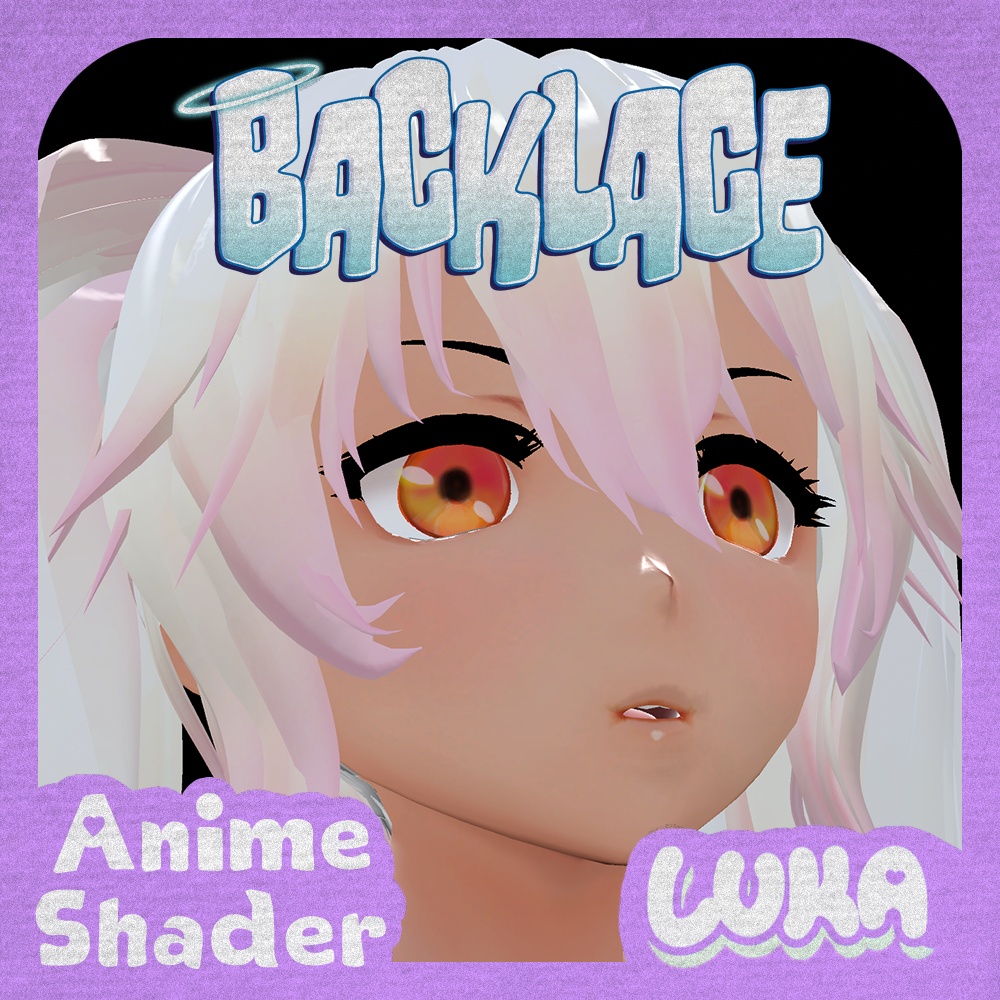
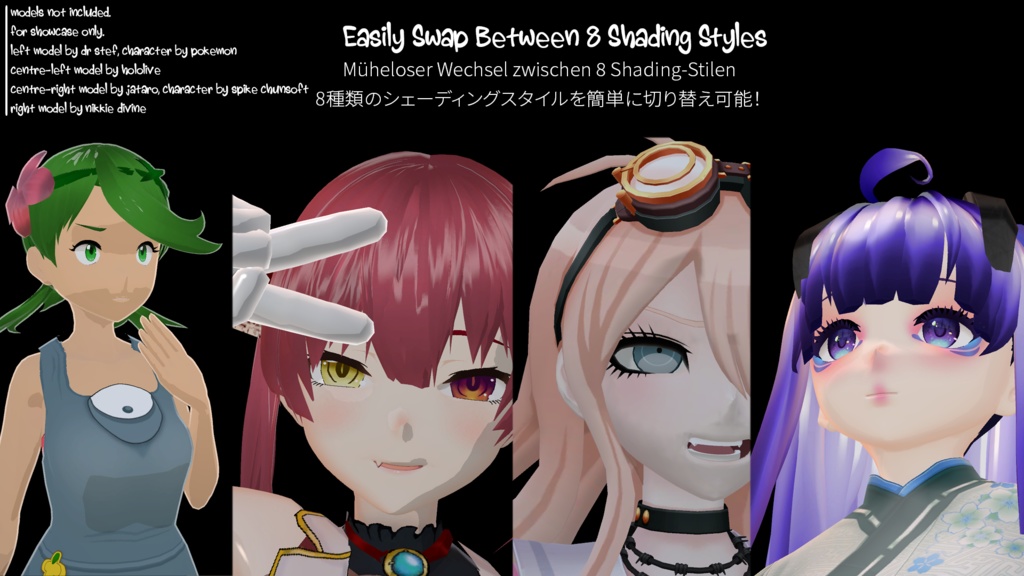
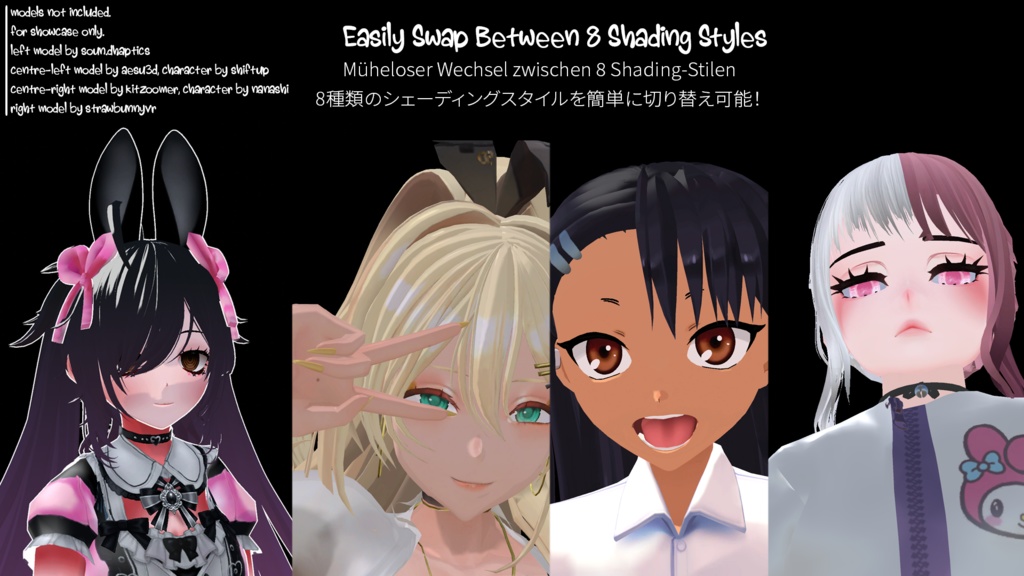
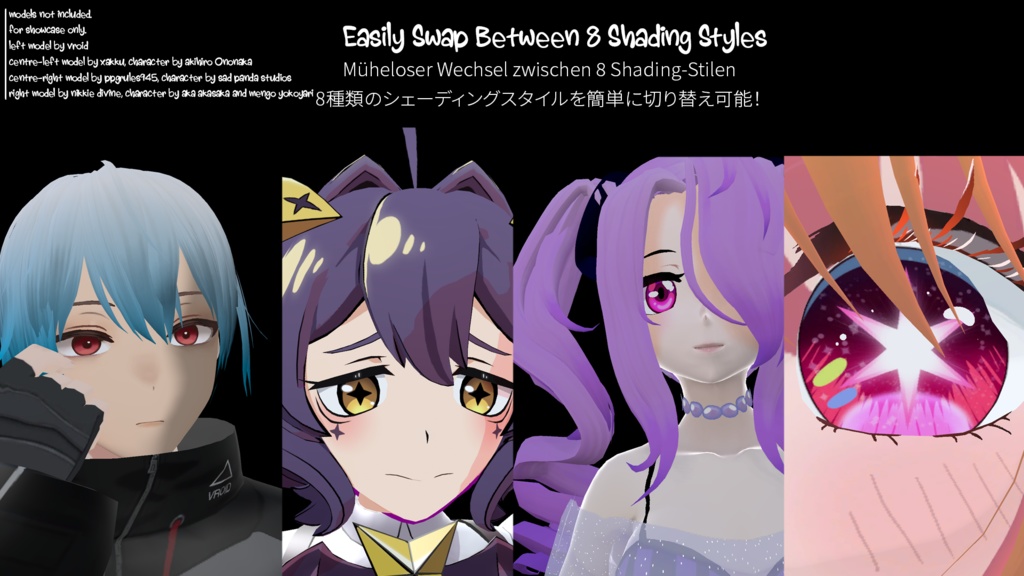
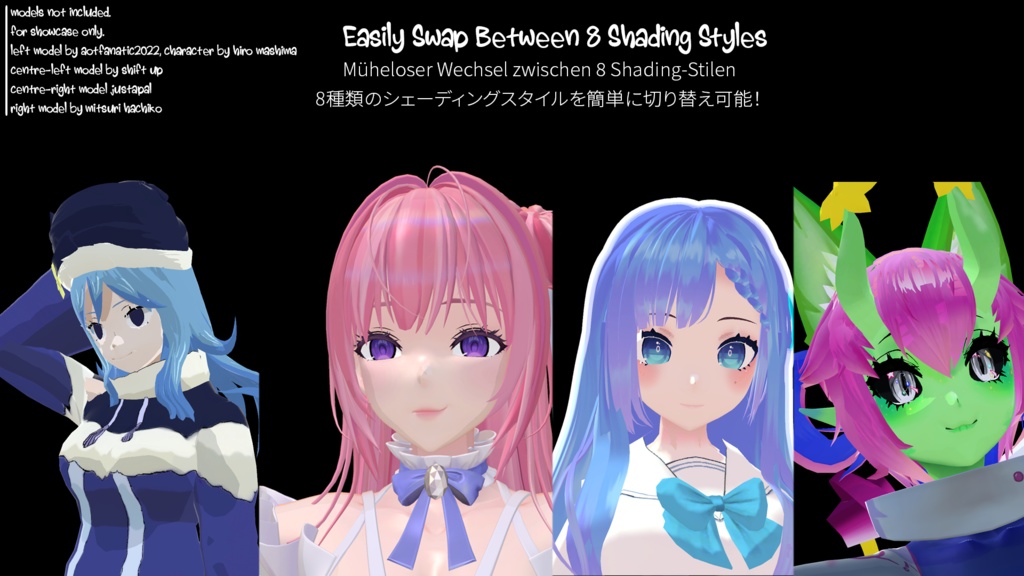
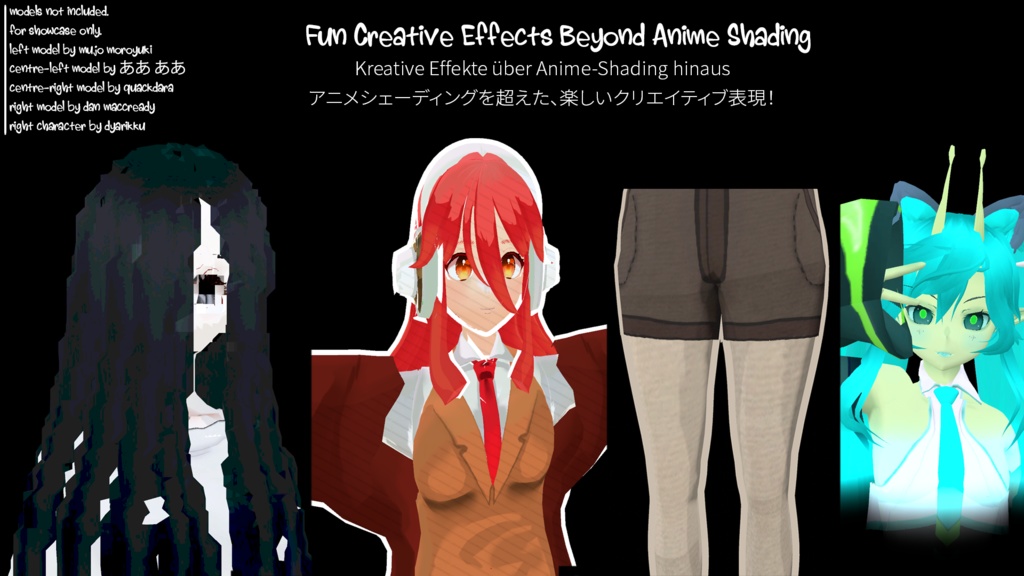
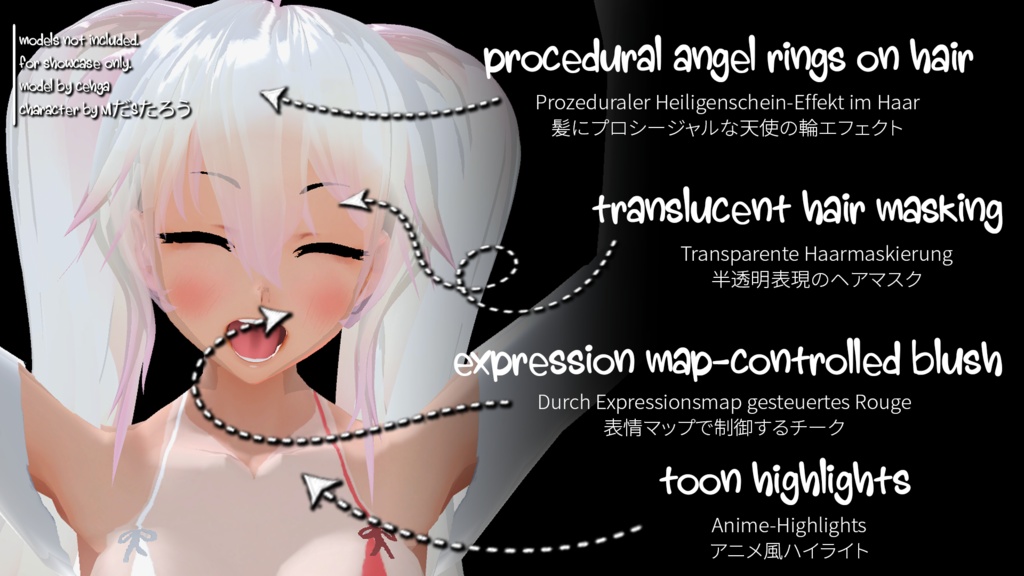
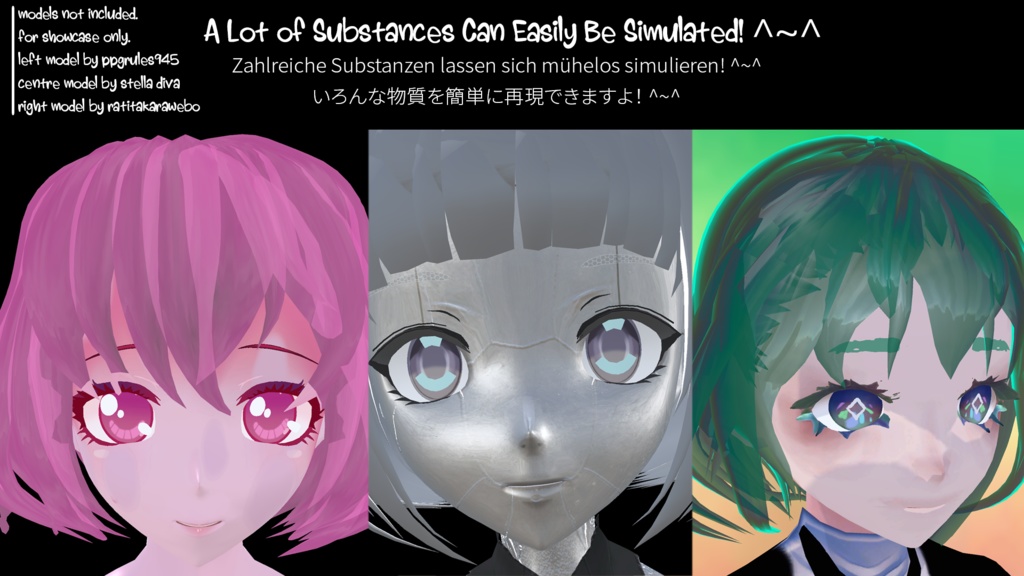
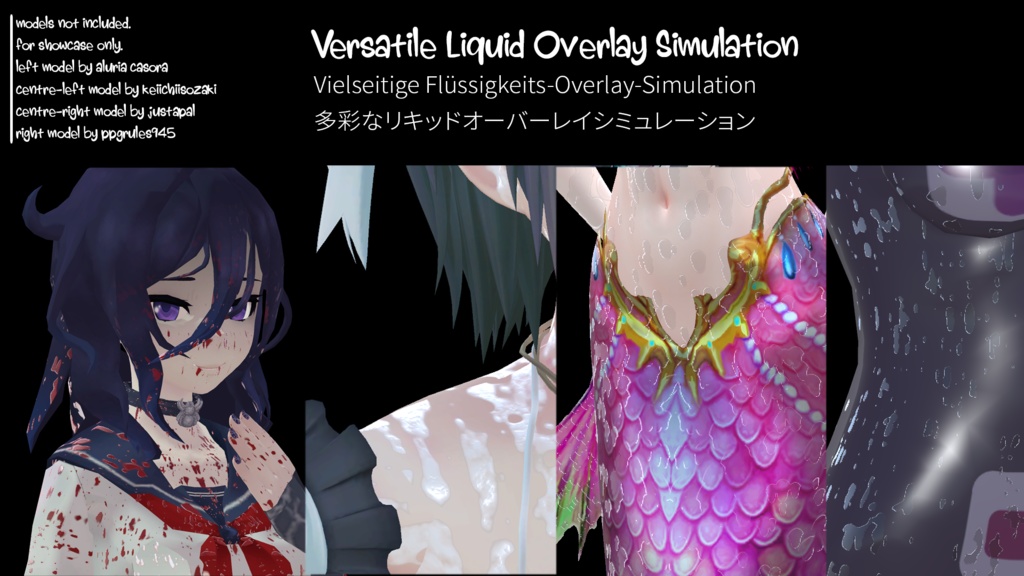
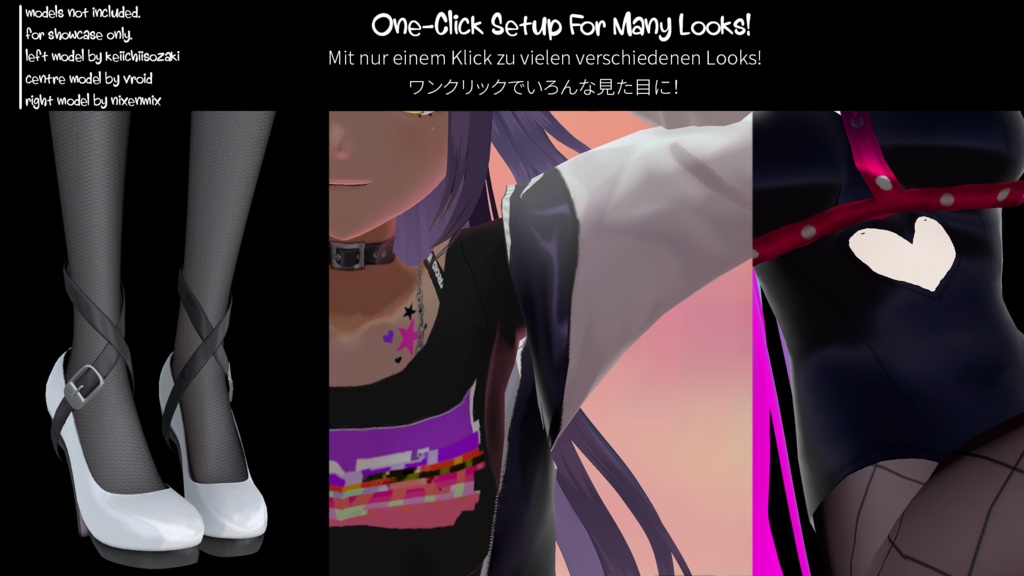
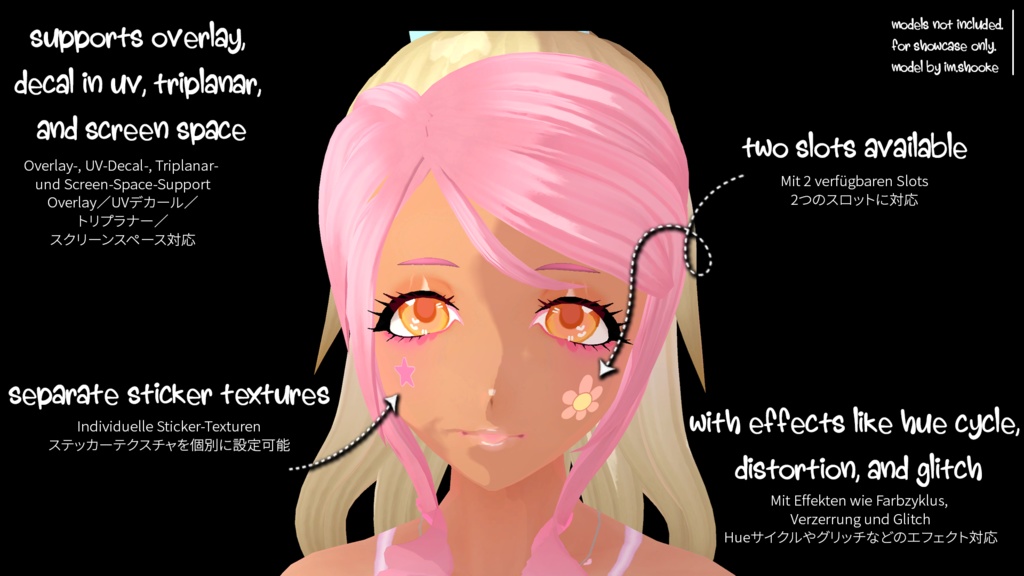
Backlace 🎀 is a versatile anime (also called "toon", "cel shaded", or "npr") shader for Unity and VRChat. Backlace is packed with a wide range of features- from anime character shading, to screen-space rim lighting, to procedural glitter. Get started with a single click for a typical fully-lit anime character or dive deep into the advanced settings like Pathing and Liquid Layers! (─‿‿─)♡ Heads up!! None of the models in the preview images are associated with Backlace or come with Backlace. They are for preview only, and the authors of each model are in each photo. Please give them love and support! All of them were either bought or are free to use. The model in the thumbnail is by cehga of a character by MだSたろう.💖 Current Version: 3.0.0 Features 🍒 - Main Settings: - Rendering Presets/Control, VRChat Fallback, GI/GPU Instancing - Albedo, Normal (Supplied Map/Albedo Derived), Alpha Controls - Texture Stitching, Texture Post-Processing, Legacy Mode (for older hardware) - UV Effects (Triplanar, Screen, Spritesheet/Flipbook, Flow), UV Manipulation, Vertex Manipulation, 4 Assignable UV Sets - Anime Shading: PBR, Ramp (Texutre/Procedural), Cel (Harsh/Default/Soft), NPR, Packed (Genshin/UmaMusume/GuiltyGear), TriBand, Skin, Wrapped - Lighting: Extensive Control, Multiple Lighting Models, Manual Controls, Light Limiting, Attenuation Control, and Emission - Character Settings: Ambient Gradient, Manual Normals, SDF Shadows, Stocking, Eye Parallax, Translucent Hair, Expression Map, Face Map, Gradient, Toon Highlights, Angel Rings (Hair), Quick Materials (Latex/Fabric/Silk/Rubber) - Specular: Standard/Anisotropic, Vertex Specular, Energy Control - Stylise: Rim Lighting (Fresnel/Depth/Normal), Clearcoat, Matcap, Parallax Mapping (UV/Layered/Interior), Subsurface Scattering, Detail Mapping, Shadow Mapping - Stickers: Two Sticker Slots, UV/Triplanar/Screen Mapping, Hue Shift, Distortion, Glitch - Effects: Dissolve (Noise/Directional/Voxel), Texture Pathing, Glitter, Distance Fading, Iridescence, Shadow Textures, Flatten Model, World Aligned Textures, VRChat Mirror Detection, Touch Interactions, Dithering, Low-Precision (PS1), Vertex Distortion (Distortion/Glitch), Refraction, Screen Space Reflections, Liquid Layer (Sweat/Blood/Oil/Icing/Slime/Wax/Mud) - World Building: Stochastic Tiling (Triangle Grid/Contrast Aware), Splatter Mapping (Standard/Projection), Texture Bombing (Jittered/Layered) - Outline: Outline/Silhouette Mode, Colour/Texture, Vertex Colour Masking - Third-Party Integrations: LTCGI, Super Plug Shader, AudioLink Other Perks 😇 - Variant Splitting: Backlace is divided into multiple shaders so that you only need the performance cost of the features you need! You will find Small, Default, and Full versions of the shader alongside different features such as Grabpass or Outline. - Fair Keyword Usage: Alongside variant splitting, some more expensive features are gated behind local shader features, so they won't ever touch performance if you aren't using them! - Fully Documented: on my website at https://luka.moe/docs/backlace ~ - Custom UI: Pretty to look at, a search bar, custom settings, 9 languages, easily reset tabs and keep track of activated features. - Generate Compact Shaders: Automatically make new shader files that strip any unused keywords from even being seen by the compiler. - Preset System: Use built-in presets or make your own! Presets won't mess-up your main settings like the albedo texture, so you can experiment with different looks without losing your base material setup. Why use Backlace? 🌈 - Permissive license for redistribution makes it perfect for your next avatar, shader, or game! - Get started in one click or spend hours customising to your hearts content with advanced features - Fully open source on my Github @ https://github.com/kleineluka/backlace Hey, listen! Need help setting it up, found a bug, or just have a question? Please reach out! You can find my contacts on my website here, on Discord at kleineluka, or through email (lukazoeysong@gmail.com)! 💗
日本語
Backlace 🎀(バックレース)は、UnityおよびVRChat向けの多機能なアニメ(トゥーン、セルルック、NPRとも呼ばれます)シェーダーです。アニメキャラクターのシェーディングから、スクリーンスペースのリムライト、プロシージャルなラメ(Glitter)まで、幅広い機能がたっぷり詰め込まれています。ワンクリックで標準的なアニメキャラクターのライティングを設定することも、Pathing(パス)やLiquid Layers(液体レイヤー)などの高度な設定を深く掘り下げることもできます!(─‿‿─)♡ ご注意!! プレビュー画像に使用されているモデルはBacklaceと直接の関係はなく、シェーダーにも同梱されていません。これらはプレビュー用であり、各モデルの作者様はそれぞれの写真に記載されています。ぜひチェックして応援してくださいね!使用しているモデルはすべて購入したもの、またはフリー素材です。サムネイルのモデルはcehgaによるもので、キャラクターはMだSたろうによるものです。💖 現在のバージョン: 3.0.0 機能一覧 🍒 - メイン設定 (Main Settings): - レンダリングプリセット/コントロール、VRChat Fallback、GI/GPUインスタンシング - アルベド、ノーマル(マップ指定/アルベドからの生成)、アルファコントロール - テクスチャステッチング、テクスチャポストプロセッシング、レガシーモード(古いPC環境向け) - UVエフェクト(Triplanar、Screen、Spritesheet/Flipbook、Flow)、UV操作、頂点操作、4つの割り当て可能なUVセット - アニメシェーディング (Anime Shading): PBR、ランプ(テクスチャ/プロシージャル)、セル(Harsh/Default/Soft)、NPR、Packed(チャンネルパック: 原神/ウマ娘/ギルティギア風)、TriBand、Skin(肌)、Wrapped - ライティング (Lighting): 詳細なコントロール、複数のライティングモデル、マニュアルコントロール、ライト制限、減衰コントロール、Emission(発光) - キャラクター設定 (Character Settings): アンビエントグラデーション、マニュアルノーマル、SDFシャドウ、ストッキング、瞳のパララックス(視差)、半透明の髪、Expressionマップ、Faceマップ、グラデーション、トゥーンハイライト、エンジェルリング(天使の輪/髪のハイライト)、クイックマテリアル(ラテックス/布/シルク/ゴム) - スペキュラ (Specular): スタンダード/異方性(Anisotropic)、頂点スペキュラ、エネルギーコントロール - スタイライズ (Stylise): リムライト(フレネル/深度/ノーマル)、クリアコート、Matcap、パララックスマッピング(UV/レイヤー/インテリア)、サブサーフェススキャタリング(SSS)、ディテールマッピング、シャドウマッピング - ステッカー (Stickers): 2つのステッカースロット、UV/Triplanar/Screenマッピング、色相シフト、歪み(Distortion)、グリッチ - エフェクト (Effects): ディゾルブ(ノイズ/方向/ボクセル)、テクスチャパス、グリッター(ラメ)、距離フェード、イリデッセンス(虹色/真珠光沢)、シャドウテクスチャ、モデル平坦化、ワールド座標アラインテクスチャ、VRChatミラー検出、タッチインタラクション、ディザリング、低精度(PS1風)、頂点歪み(Distortion/Glitch)、屈折(Refraction)、スクリーンスペースリフレクション(SSR)、液体レイヤー(汗/血/オイル/アイシング/スライム/ワックス/泥) - ワールドビルディング (World Building): ストキャスティックタイリング(Triangle Grid/Contrast Aware)、スプラッターマッピング(Standard/Projection)、テクスチャボミング(Jittered/Layered) - アウトライン (Outline): アウトライン/シルエットモード、カラー/テクスチャ、頂点カラーマスキング - サードパーティ連携 (Third-Party Integrations): LTCGI、Super Plug Shader、AudioLink その他の魅力 😇 - バリアントの分割 (Variant Splitting): Backlaceは複数のシェーダーに分割されているため、必要な機能のパフォーマンスコストだけで済みます!Small、Default、Fullバージョンのほか、GrabpassやOutlineなどの機能別に分かれています。 - 最適化されたキーワード使用 (Fair Keyword Usage): バリアント分割に加え、重めの機能はローカルシェーダー機能として制限されているため、使わなければパフォーマンスに一切影響しません! - 完全なドキュメント (Fully Documented): Webサイト(https://luka.moe/docs/backlace)に詳細なマニュアルを用意しています〜 - カスタムUI (Custom UI): 見た目が可愛く、検索バー、カスタム設定、9言語対応!タブのリセットや、有効化された機能の管理も簡単です。 - コンパクトなシェーダーの自動生成 (Generate Compact Shaders): 未使用のキーワードをコンパイラから完全に除外した、新しい軽量なシェーダーファイルを自動生成します。 - プリセットシステム (Preset System): 組み込みのプリセットを使用するか、自分だけのプリセットを作成できます!アルベドテクスチャなどのメイン設定を崩さずに適用できるので、ベースのマテリアル設定を失うことなく様々なルックを試せます。 なぜBacklaceを使うの?🌈 - 再配布に寛容なライセンスなので、あなたのアバター、シェーダー、ゲーム制作にぴったりです! - ワンクリックですぐに使い始めることも、高度な機能を使って何時間もこだわりのカスタマイズをすることもできます。 - Githubで完全にオープンソース化されています @ https://github.com/kleineluka/backlace 最後に!設定でサポートが必要だったり、バグを見つけたり、ちょっとした質問があったりしませんか?ぜひお気軽にご連絡ください!連絡先はWebサイト、Discord(kleineluka)、またはメール(lukazoeysong@gmail.com)にて受け付けています!💗