

primo amore - VRChat Hair / CP18
- Digital1,000 JPY
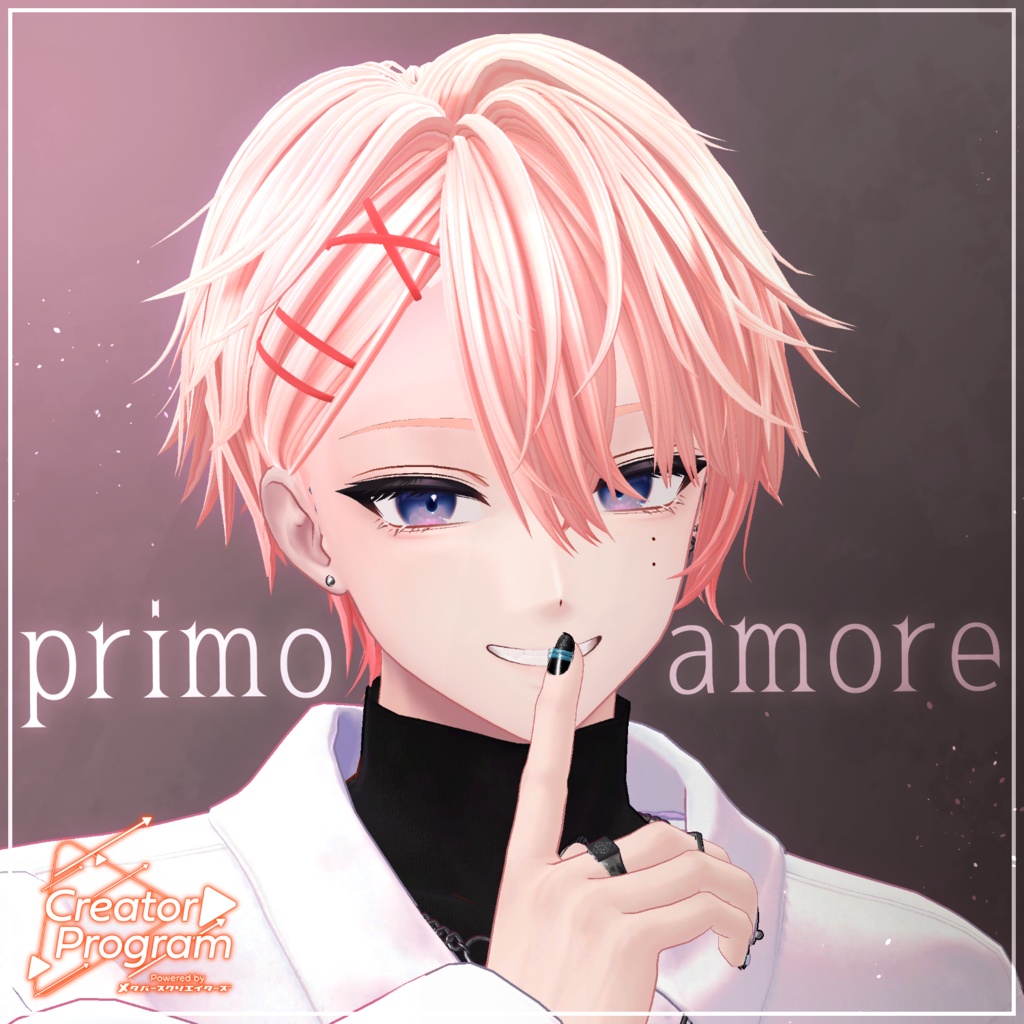
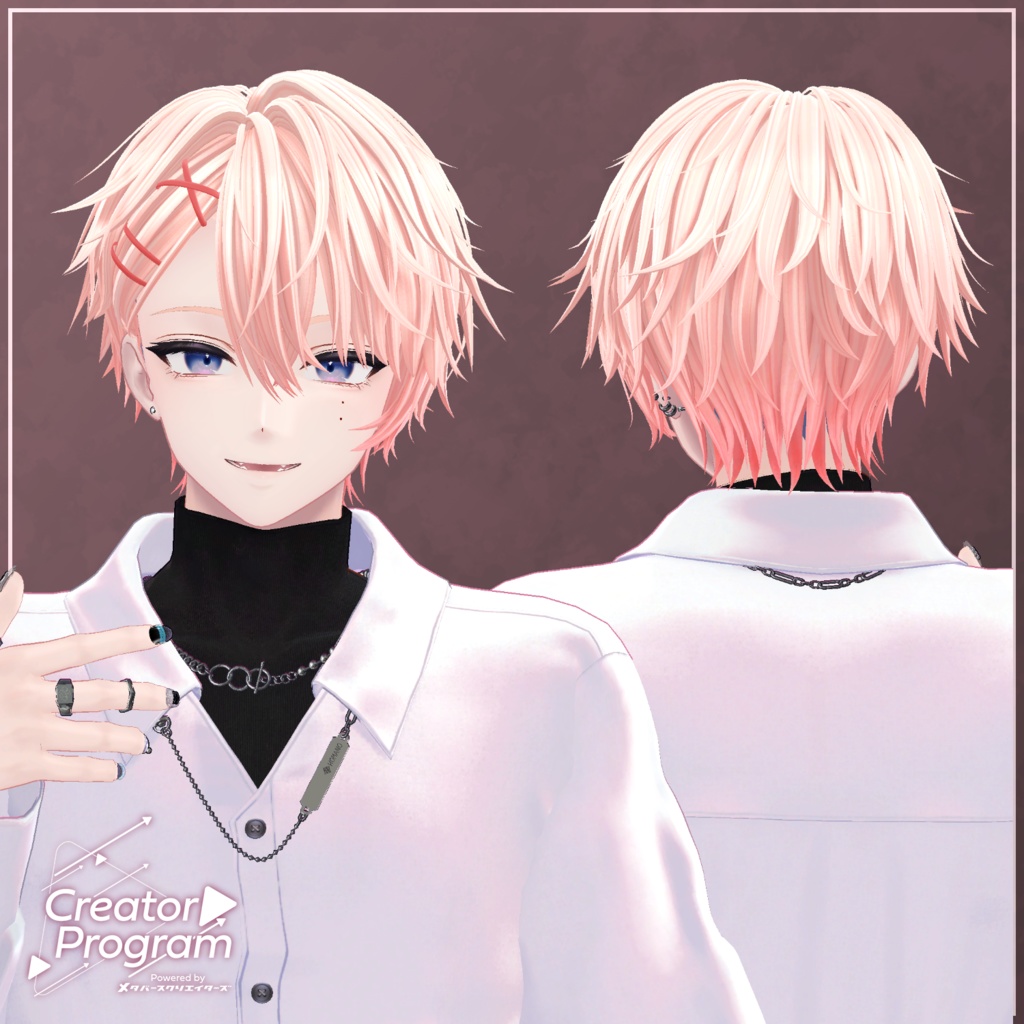
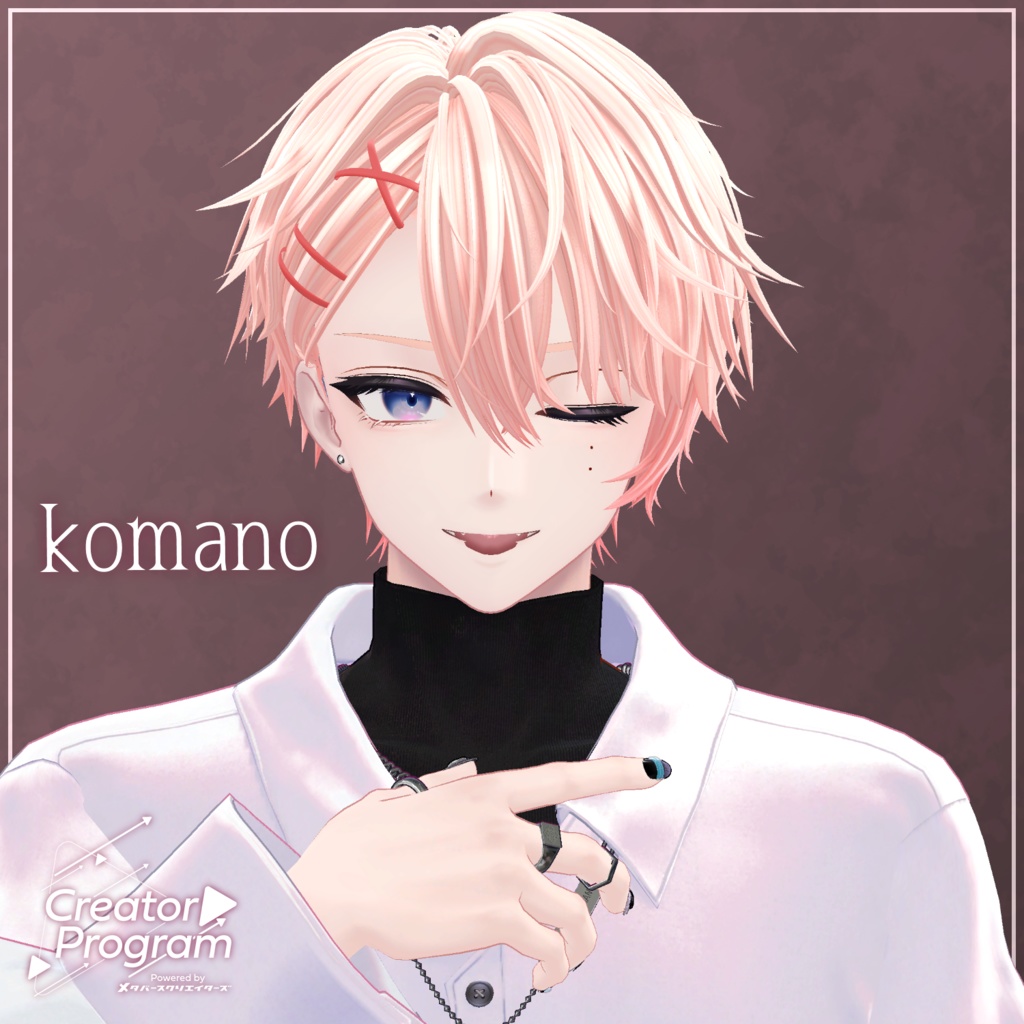
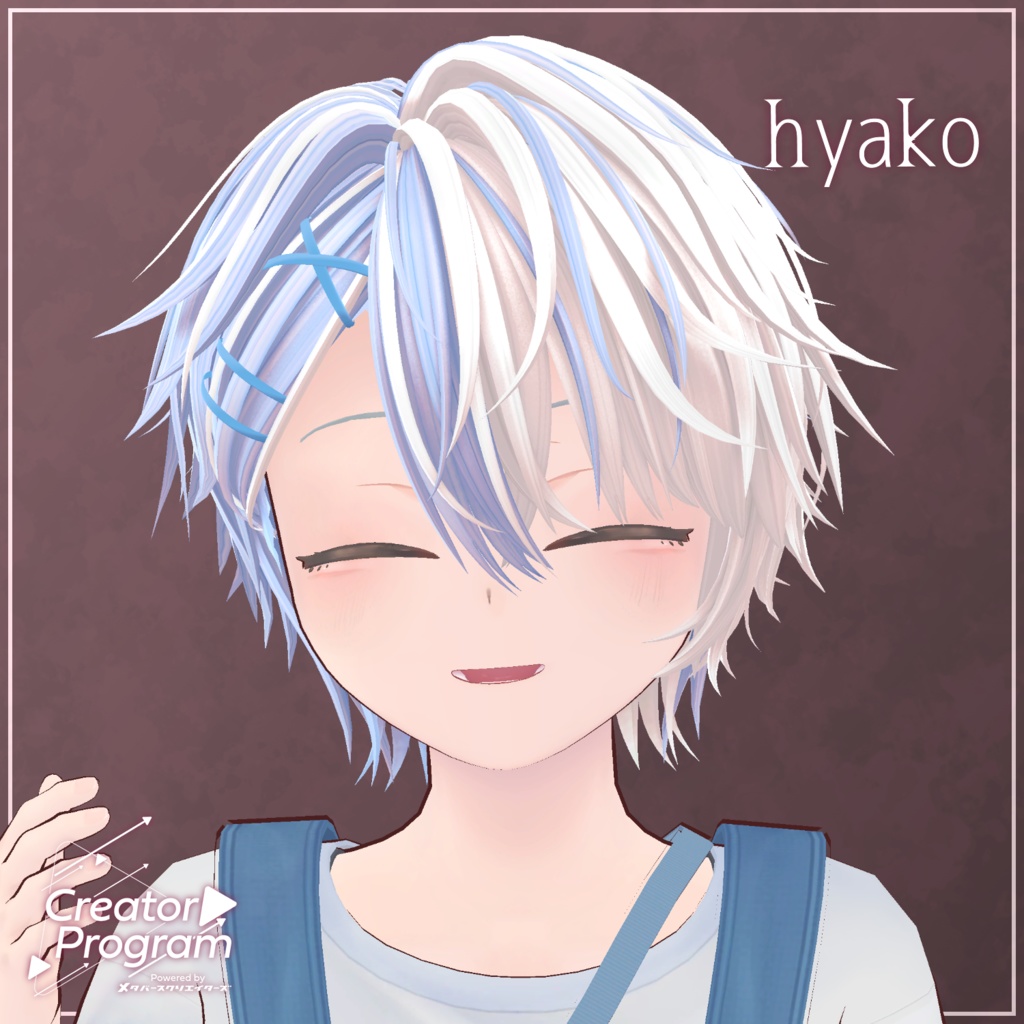
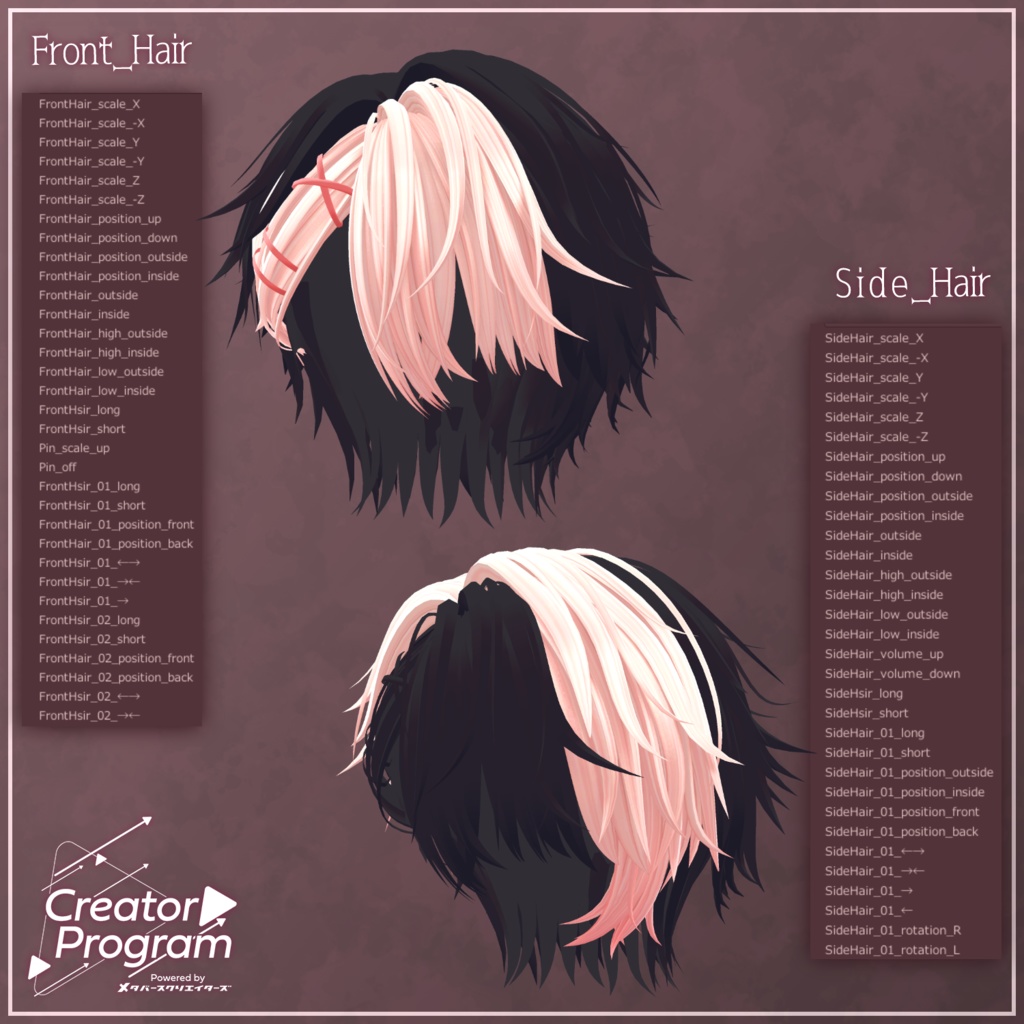
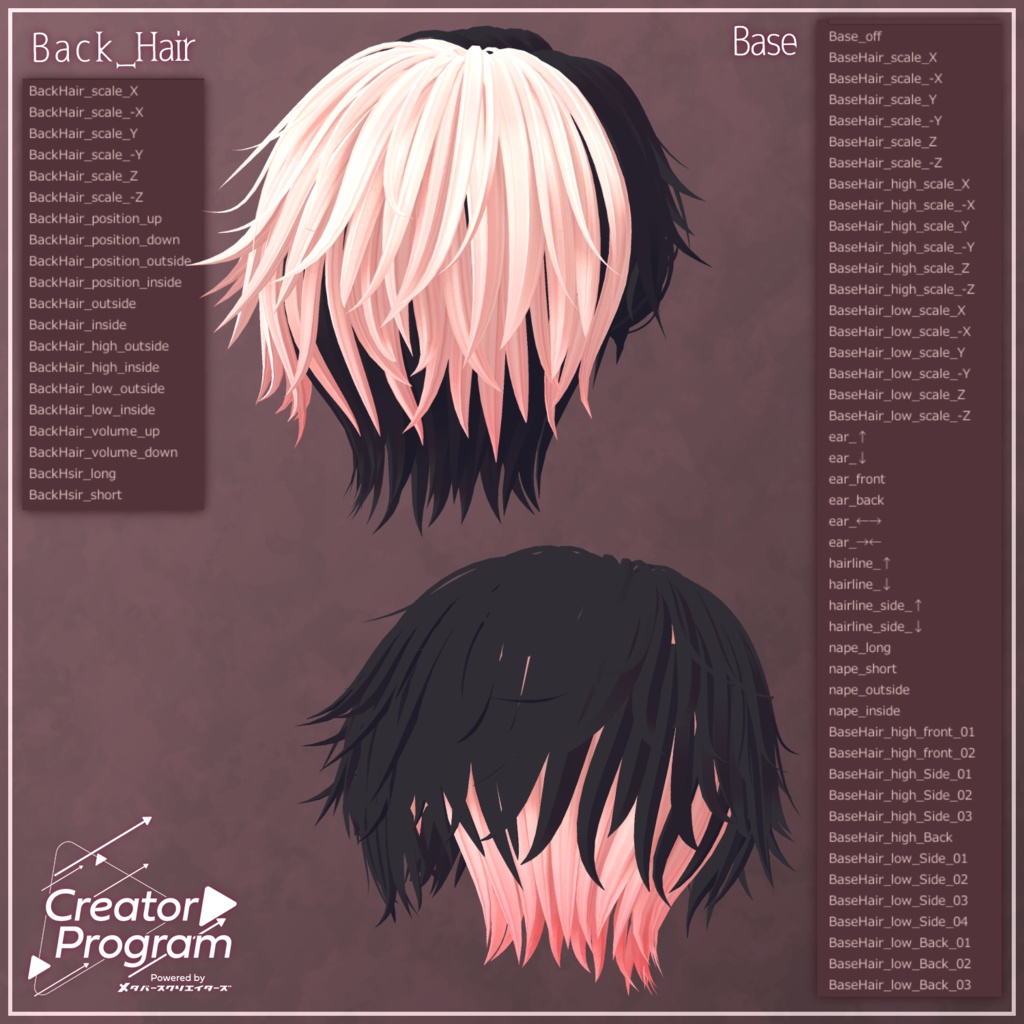
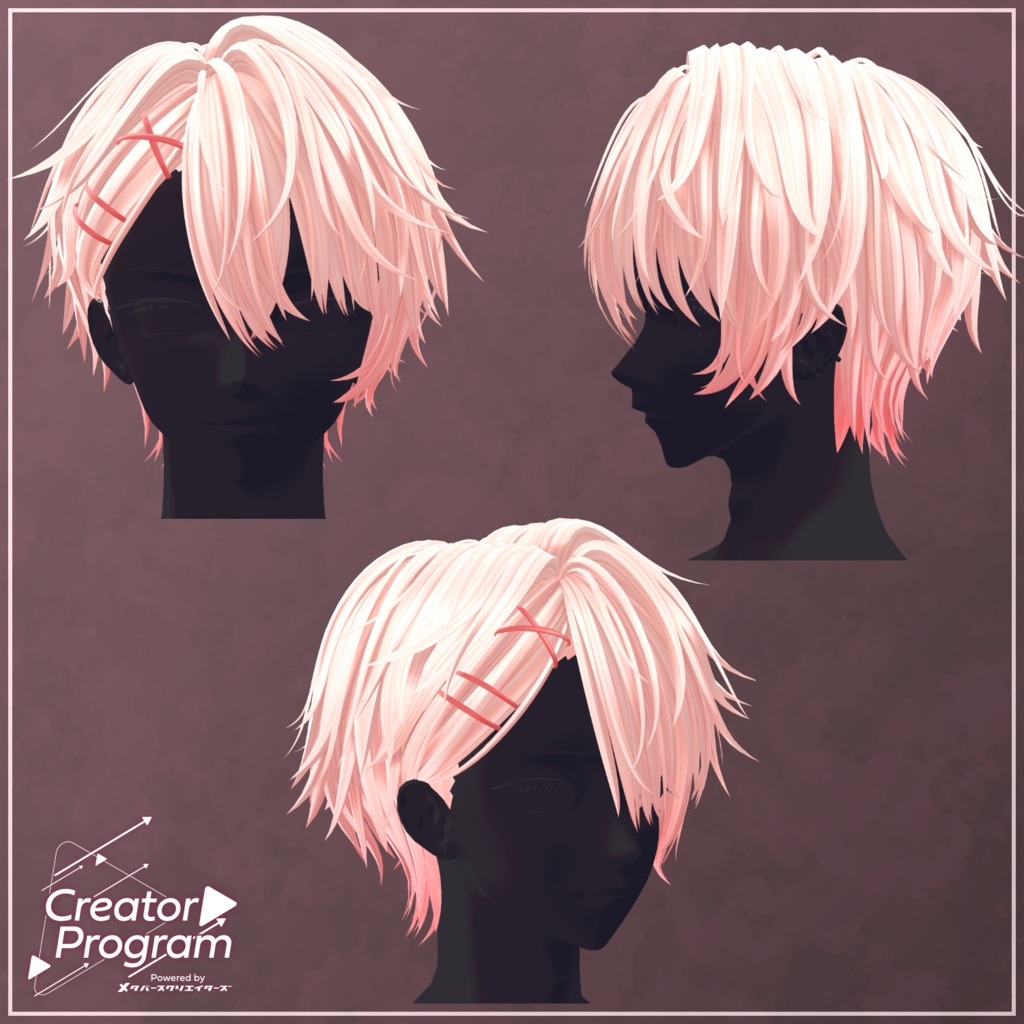
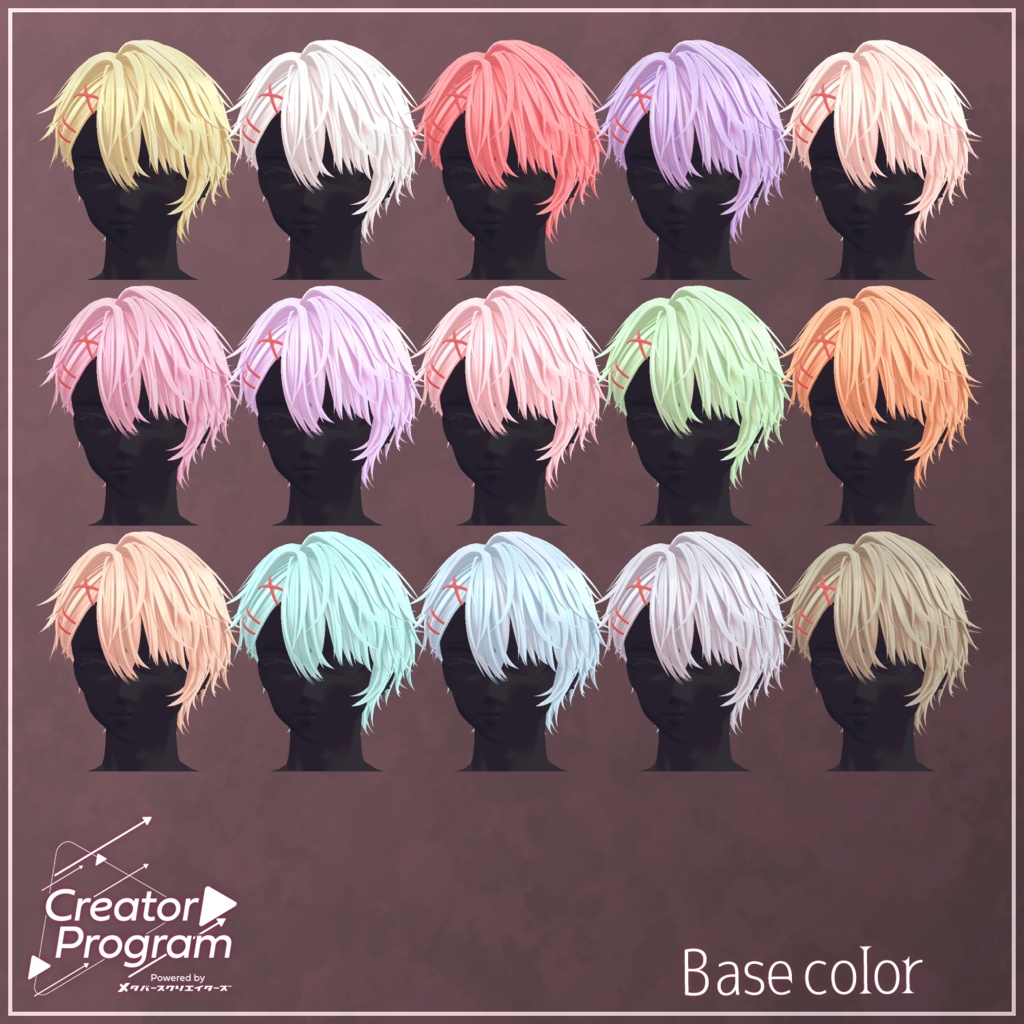
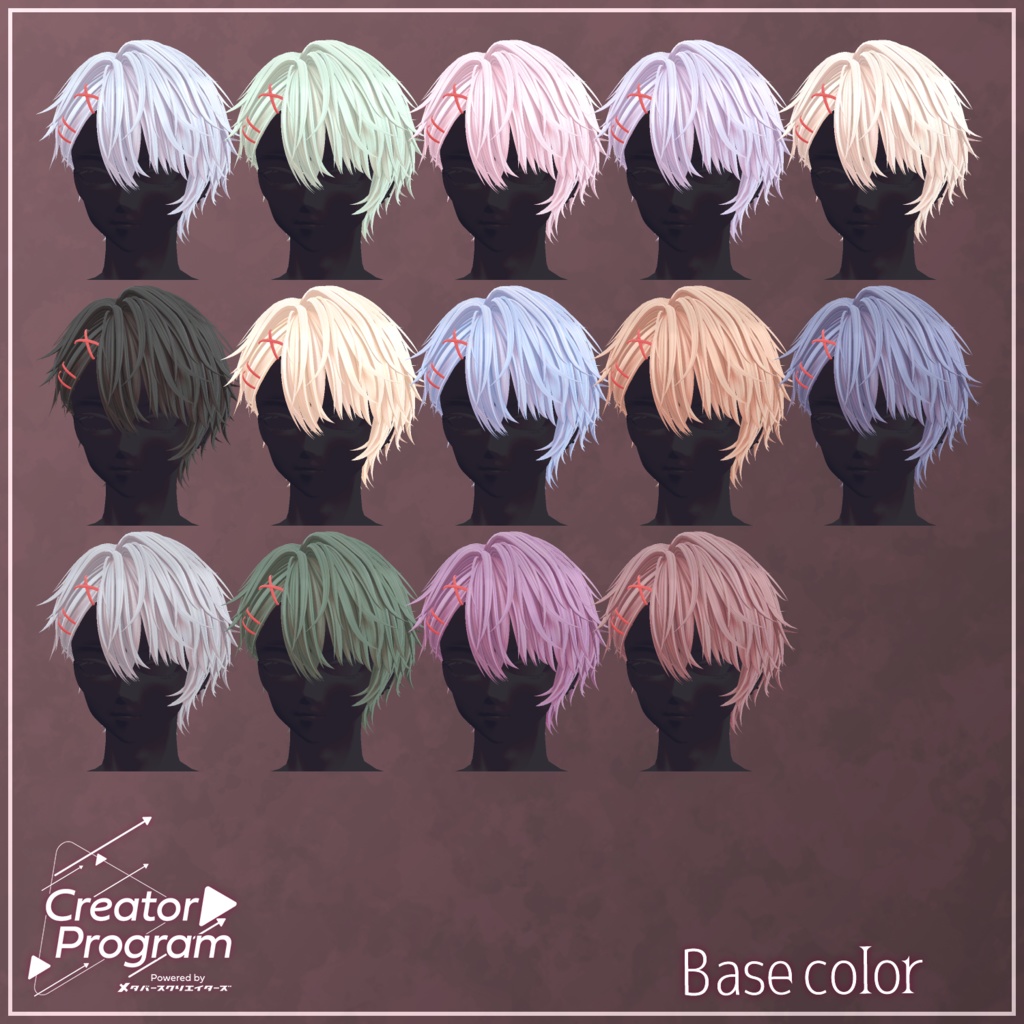
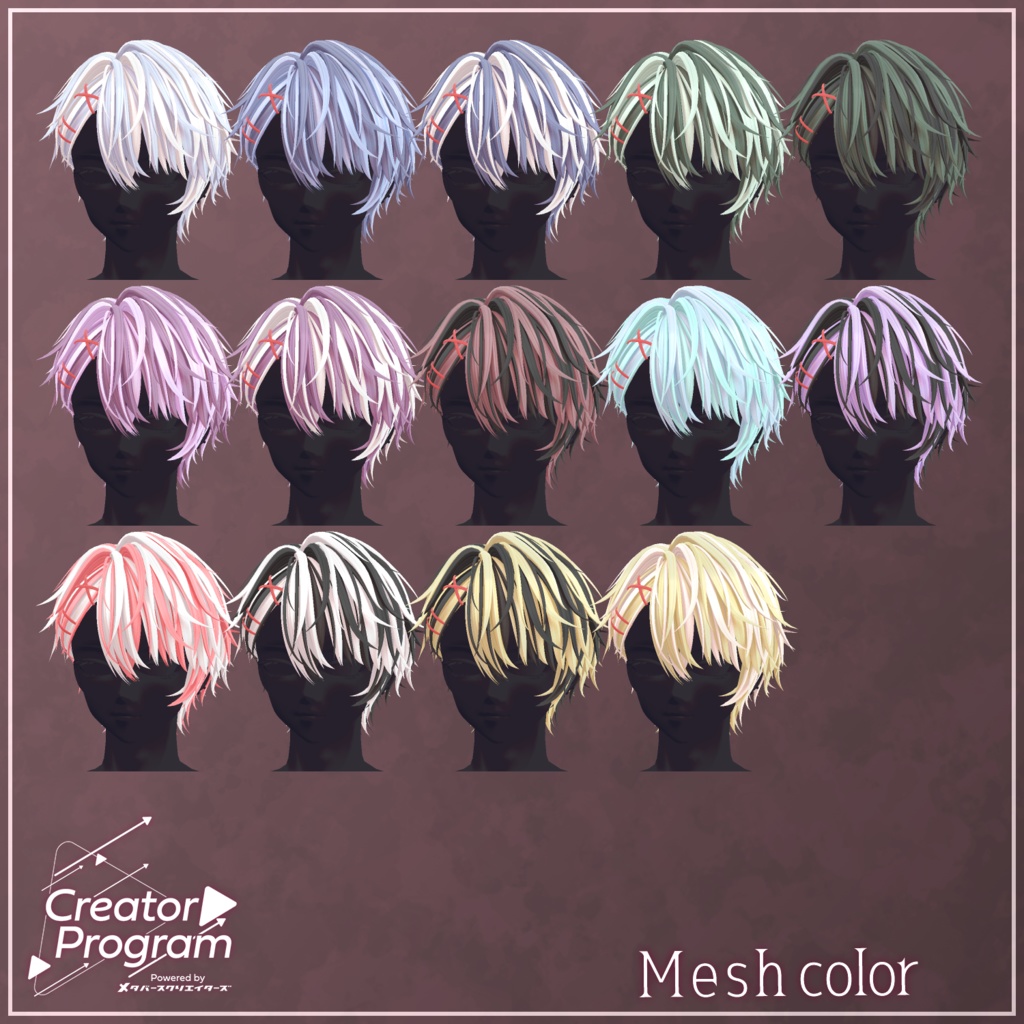
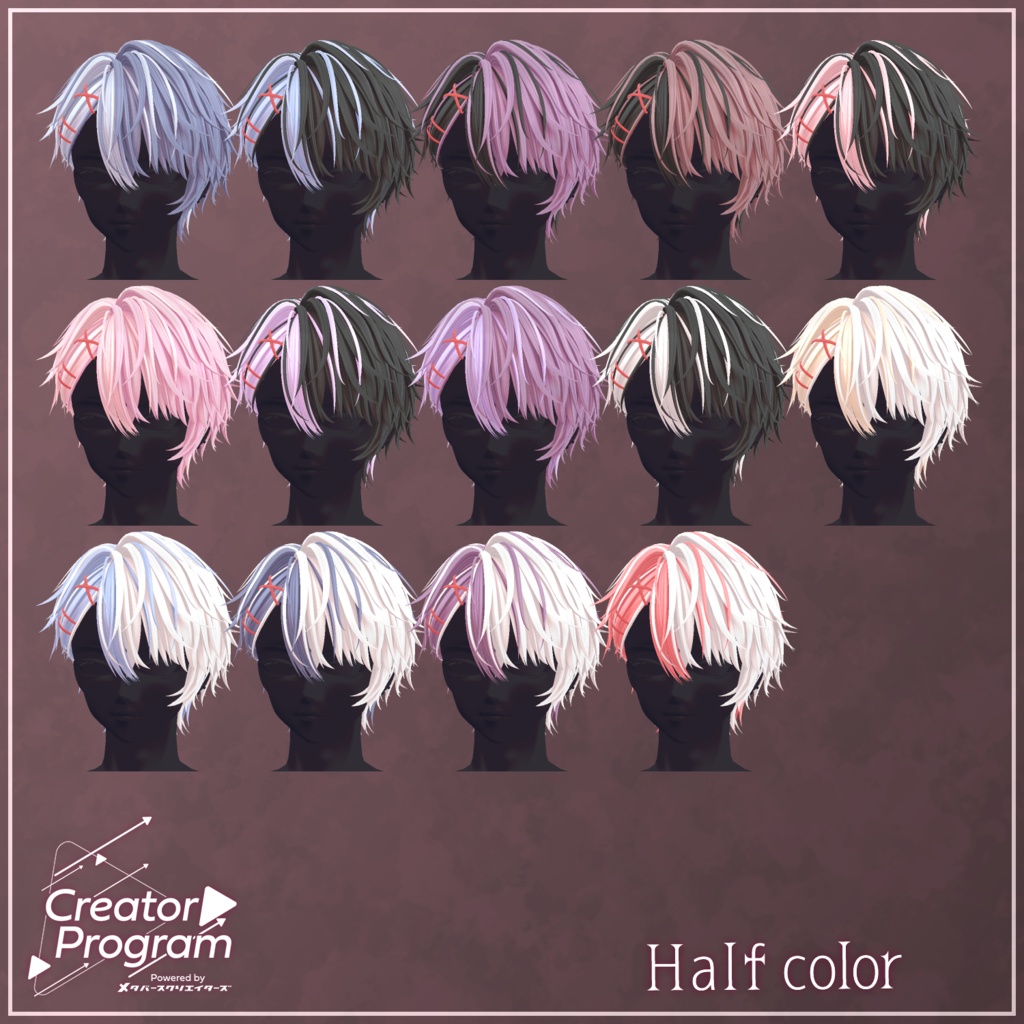
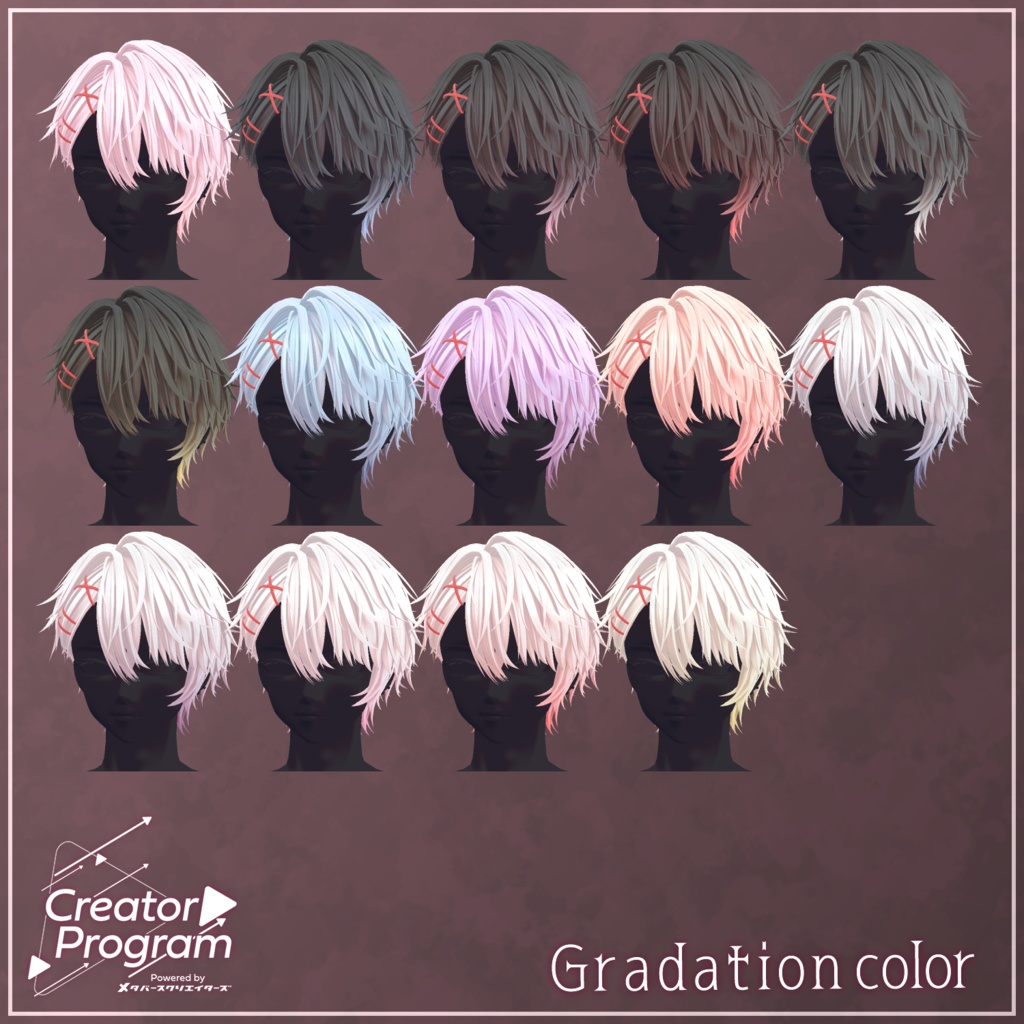
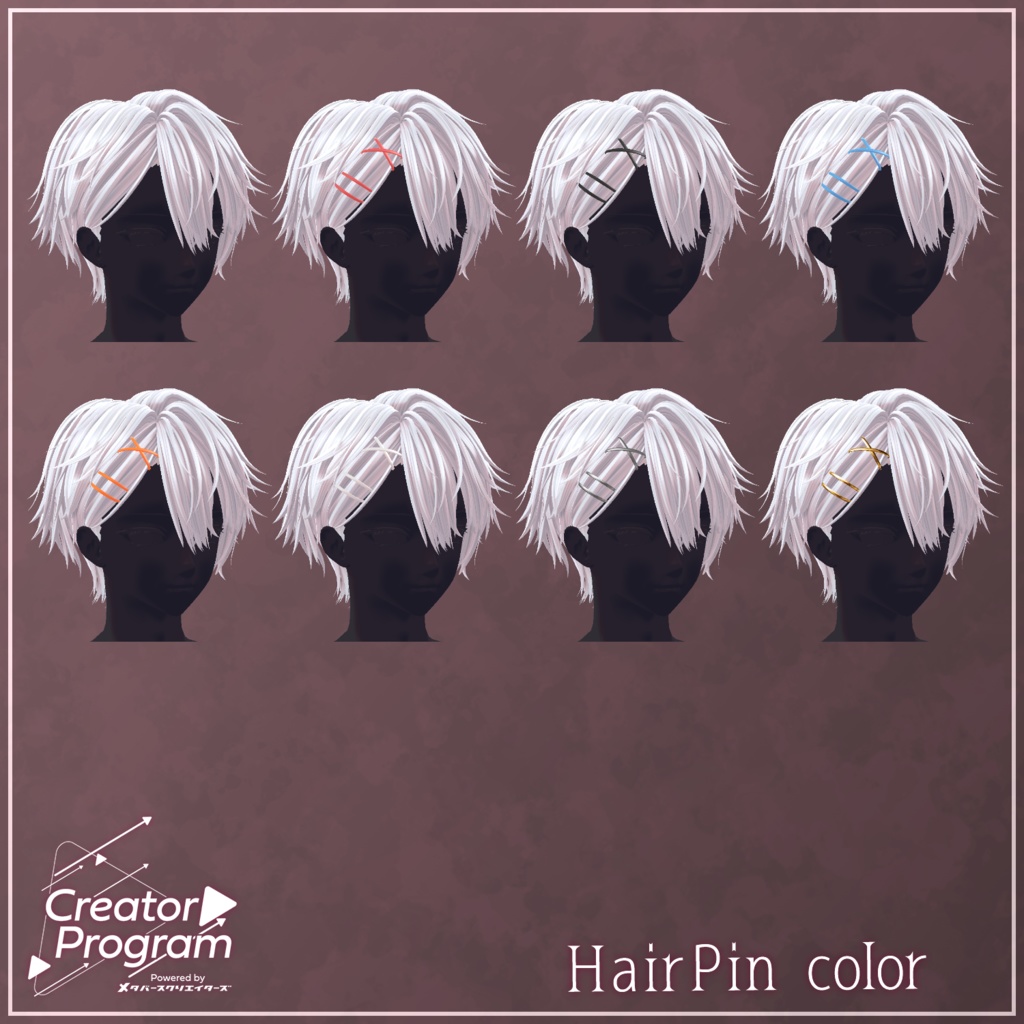


◆ primo amore ◆ Creator: Maori Toy Shop (マオリ玩具店) A sweet and charming hairstyle featuring decorative hairpins. ※ Important Notes This product is a hairstyle model for VRChat avatars. The avatar body is not included. Due to the nature of digital downloads, returns and refunds are not possible. Please read and agree to the product description and Terms of Use before purchasing. ◆ Item Overview ● Included Files primo amore.Unitypackage FBX PSD file for modifications ReadMe.txt (this document) ● Shader Used liltoon https://lilxyzw.booth.pm/items/3087170 ● Required Asset Modular Avatar https://modular-avatar.nadena.dev/ja/docs/intro ◆ Model Data Total Polygons: 19,586 Front_Hair: 4,398 Side_Hair: 5,152 Back_Hair: 7,756 Base: 2,280 Mesh Count: 4 Material Count: 2 PhysBone Components: 3 Import Folder Assets > MetaverseCreators_CP > Maori > primo amore ◆ Supported Avatars (English Names) Komano – Original 3D Model https://booth.pm/ja/items/5260363 Semi-supported avatars (adjusted from the base model): Hyakko – by Niyami https://booth.pm/ja/items/6328134 A large number of shapekeys are included for adjusting the scale and position of individual parts. Feel free to try adapting it for avatars not listed above. For the full list of shapekeys, please refer to the product page images. ◆ Installation Instructions Set the latest VRC SDK in VCC Install required assets (liltoon, Modular Avatar) through VCC Import the latest package of your target avatar Import this product’s package Drag your avatar (and any outfit/modified prefabs) into the Scene Hierarchy Hide any unnecessary avatar parts (default hair, ears, etc.) with Editor Only Drag “primo amore_AvatarName.Prefab” directly under the avatar in the Hierarchy Adjust scale, position, and shapekey values to fit the avatar (skip if using a pre-adjusted prefab) Upload via the VRC SDK ◆ Color Customization The Tex folder contains various color-variation textures. Replace the texture assigned to the material’s Main Color to change the hair color. A general-purpose material “primo amore_Kaihen” is included in the Mat folder. With white assigned to the Main Color, you can freely recolor it using HDR. In the option folder, the ○○_kaihen textures can be assigned to lilToon’s Main Color 2nd / Main Color 3rd slots, allowing custom color mixes and gradients in Unity. Inside the Mat/Hair Pin folder, materials are available to recolor the hairpin itself. For more detailed customization, use the included PSD file. ◆ Terms of Use https://drive.google.com/drive/folders/1qRMXoIxM1ZgacBPfwOigQRtXP1vCbNMn?usp=sharing Please also comply with the Terms of Use of any base avatar model used with this item. ◆ Production Environment Modeling: Blender Ver3.2.0 Texturing: CLIP STUDIO PAINT Setup: Unity Ver2022.3.22f1 VRChat SDK – Avatars Ver3.8.1 (VCC) liltoon 1.10.3 ModularAvatar 1.12.5 ◆ Credits Creator: Maori Toy Shop https://maorigangu.booth.pm/ Support / Contact https://discord.gg/bmw3PWE37M