

Lucky Stoat- VRChat Avatar Accessory / CP19
- Digital1,000 JPY
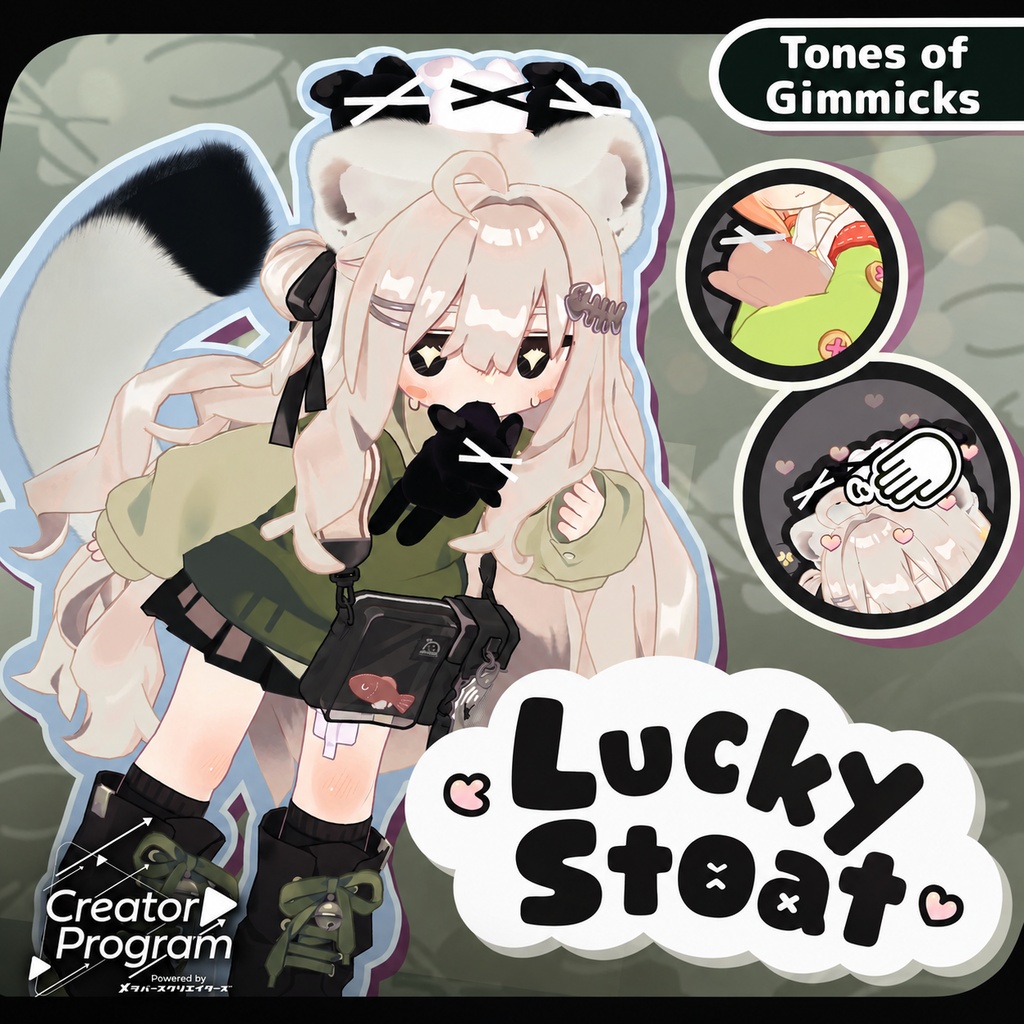
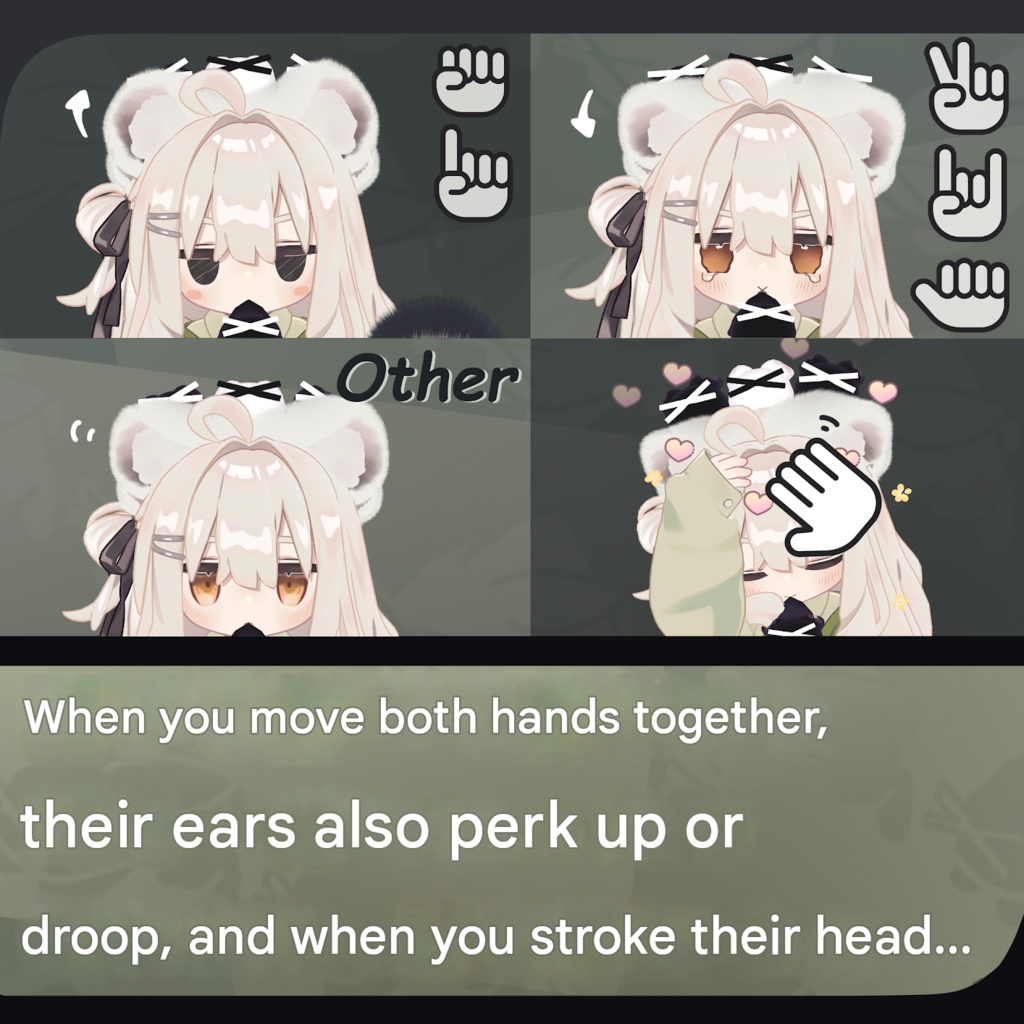
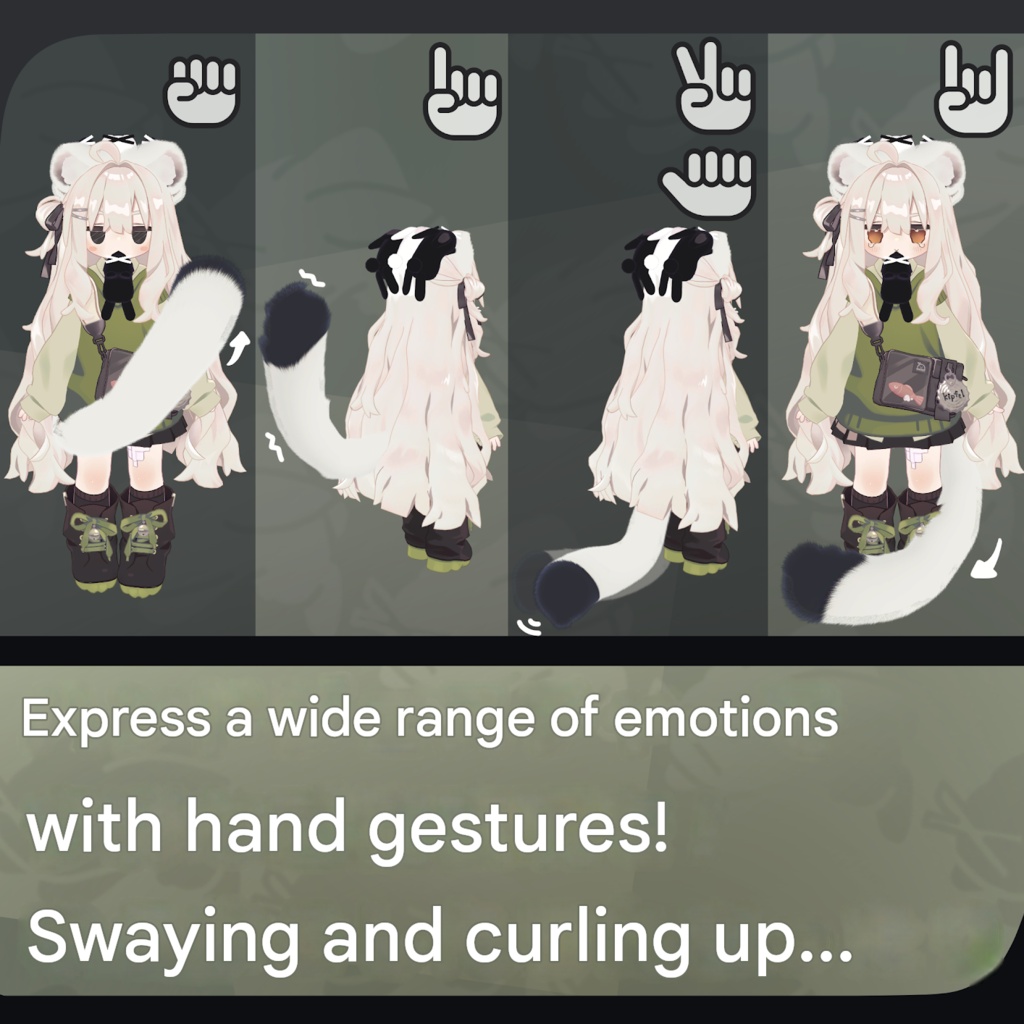
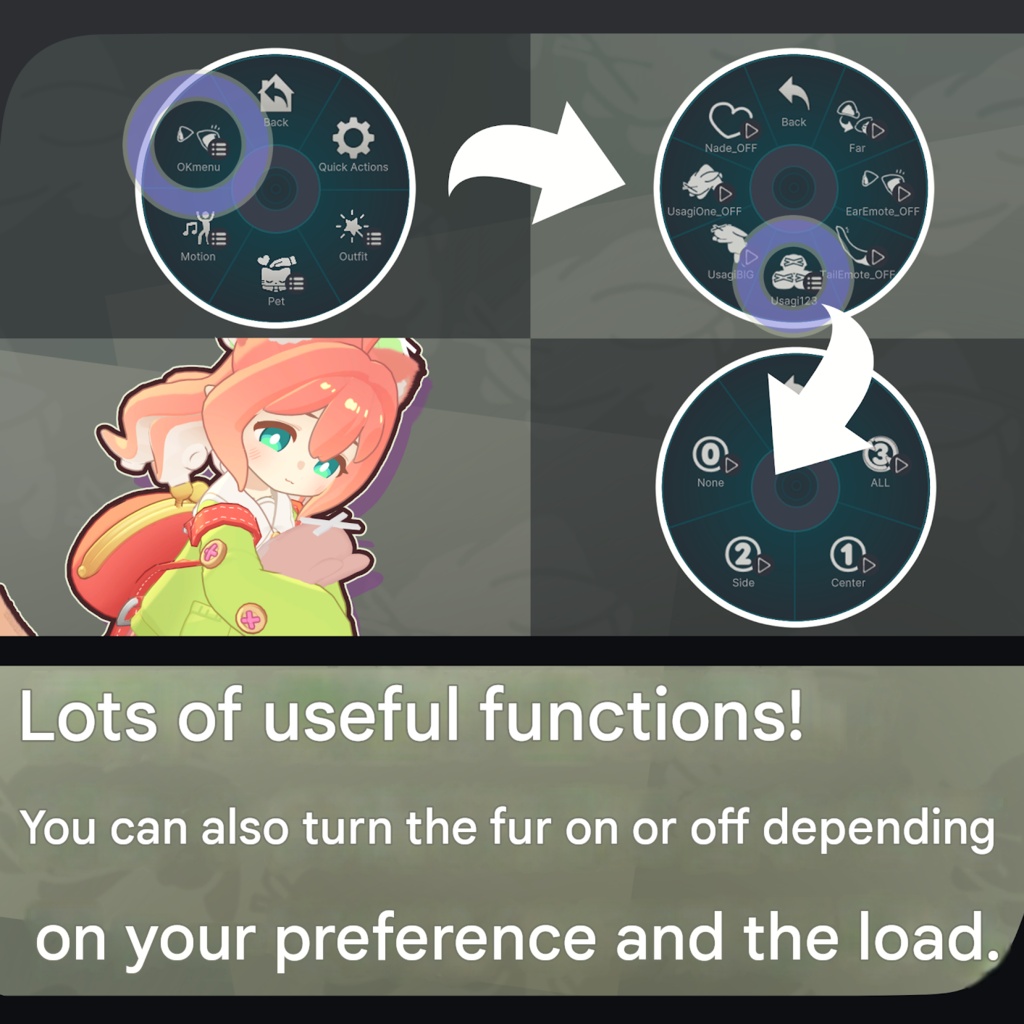
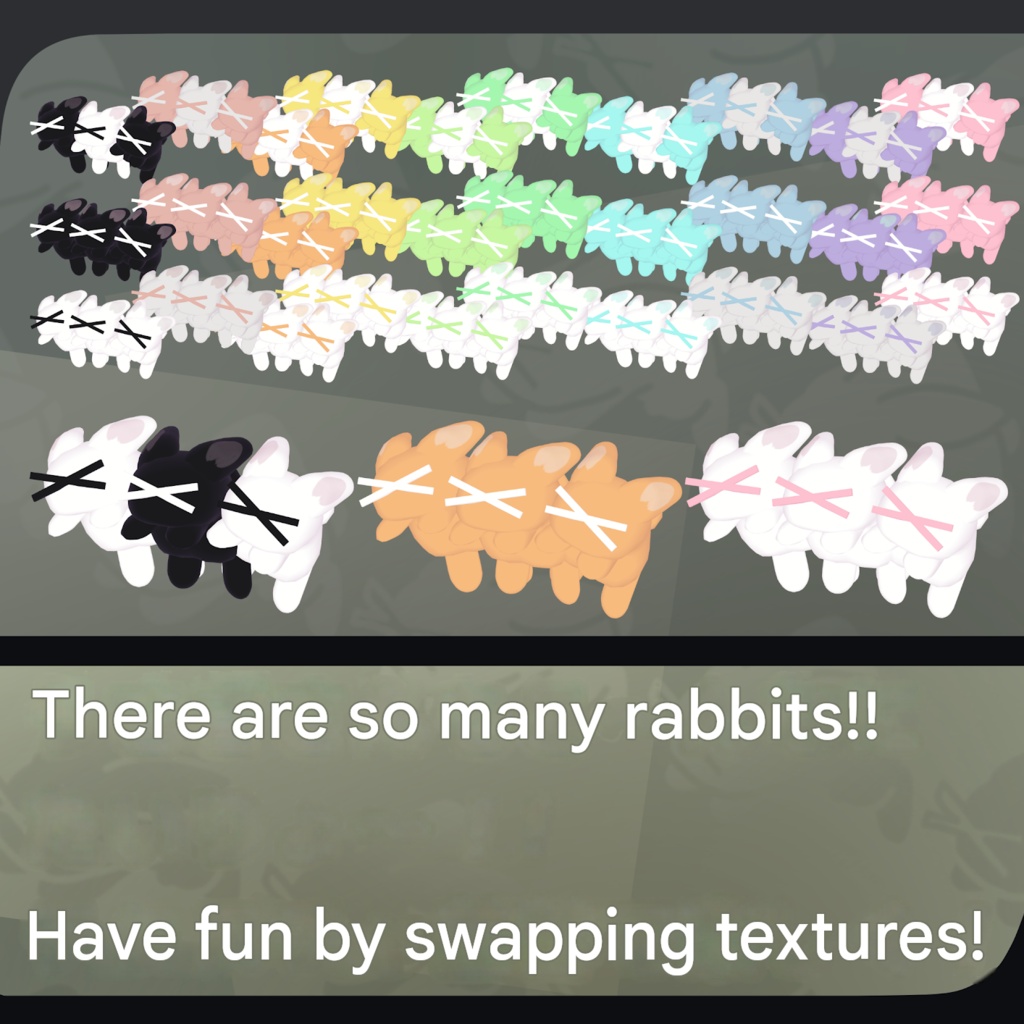
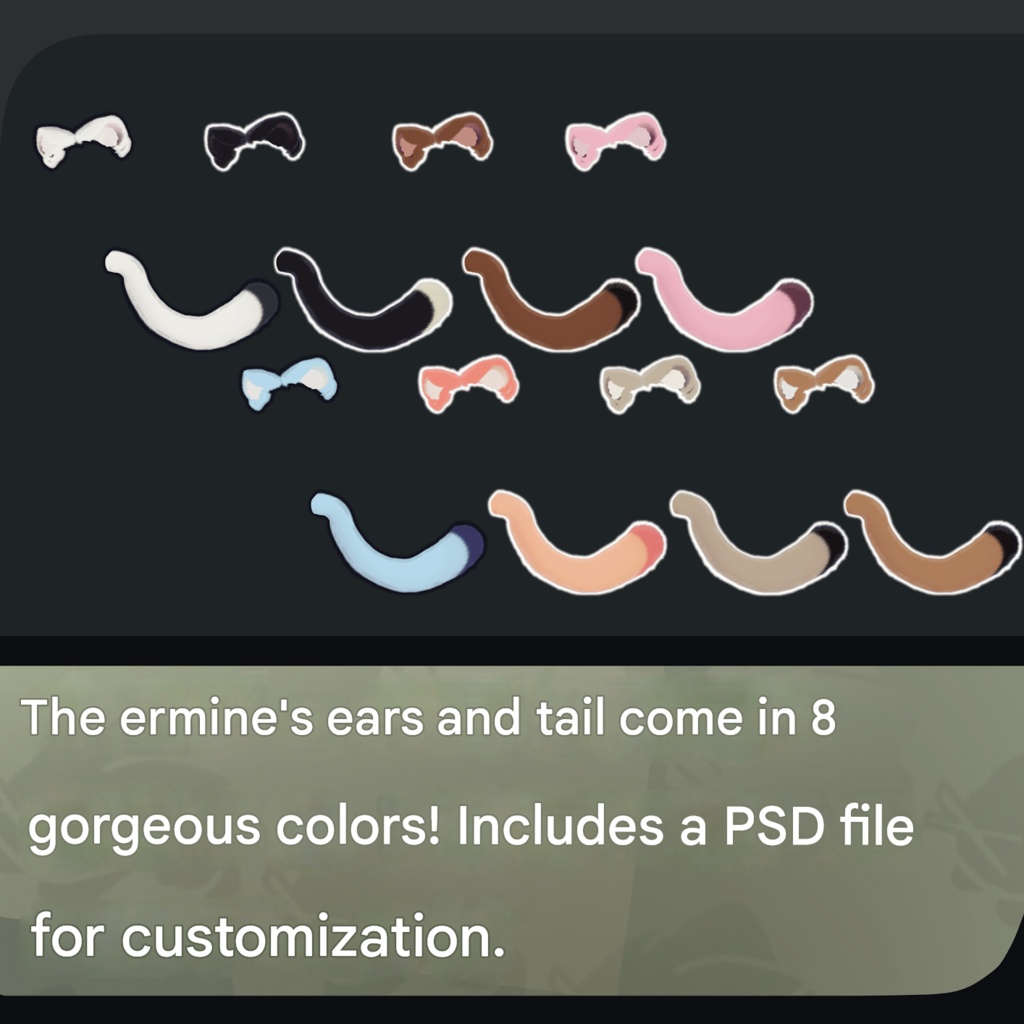
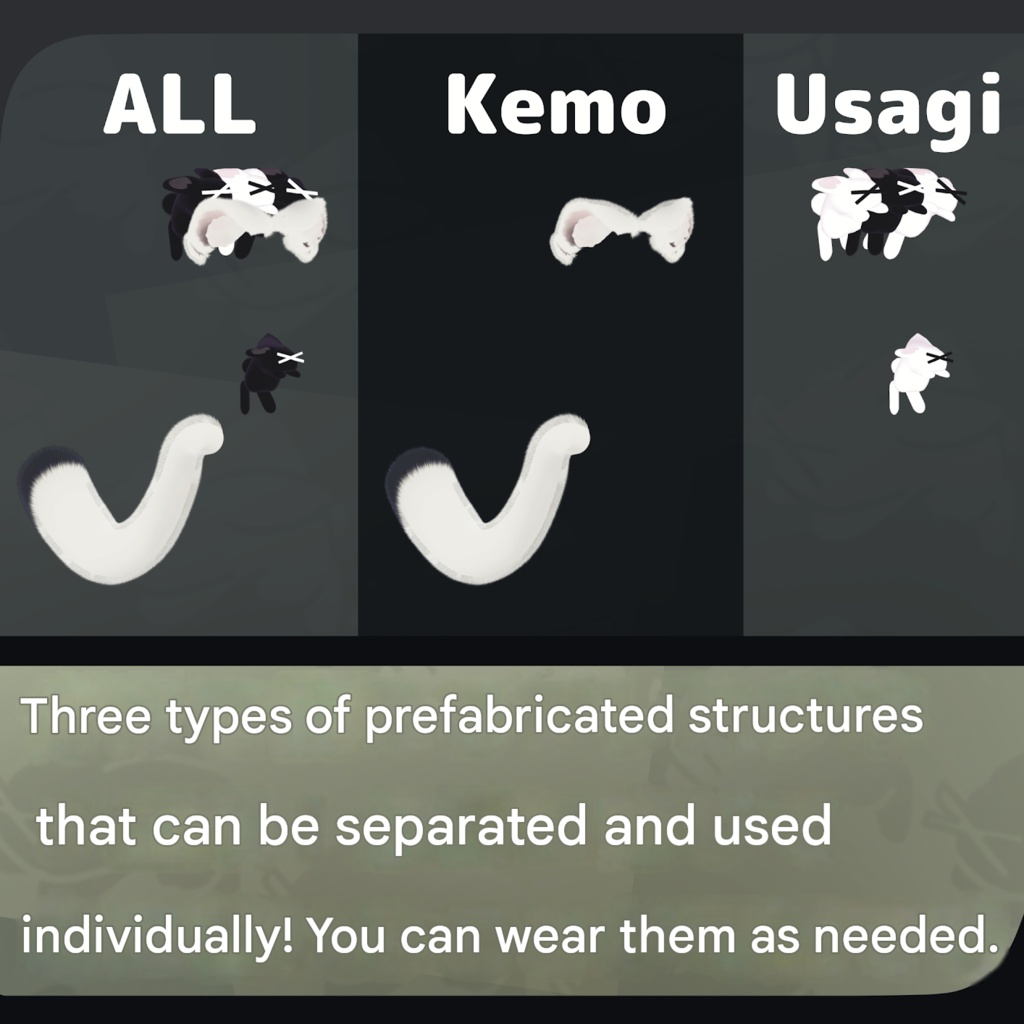


“This one is for eating now, that one is for saving later, and this one is a gift for a friend! By the way, do you know about Shino Dance?” ※ Due to the nature of digital downloads, returns and refunds are not available. Please read and agree to the product description and terms of use before purchasing. ※ This product is designed for use with VR devices and is not intended for standalone desktop use. ◆ Item Overview ● Contents PackageName.Unitypackage PSD/CLIP files for customization ReadMe.txt (main document) Shader used lilToon https://lilxyzw.booth.pm/items/3087170 Required asset Modular Avatar https://modular-avatar.nadena.dev/ja/docs/intro ● Model Data Total polygon count: 28,733 polygons Ears and tail: 12,243 polygons One rabbit: 3,298 polygons Mesh count: 7 Material count: 2 PB components: 5 Import folder: Assets > MetaverseCreators_CP > Atelier umorunba > Tairyo-Okojo ● Included Shape Keys Overview Okomimi Tatenobi-n Yokonobi-n OKsippo sippo slim sippo_big sippo_Bowa (used for animation) UsaOK nyo-n ◆ Installation Steps Set up the latest VRChat SDK in VCC. Install required assets (lilToon, Modular Avatar) via VCC. Import this product package. Drag and drop the avatar (or customization prefab) into the Scene Hierarchy. Hide or set unnecessary avatar clothing (default outfits, underwear, etc.) to Editor Only if needed. Drag and drop “ItemName.Prefab” directly under the avatar. Adjust the following objects in the Scene by moving, scaling, and rotating them to your preferred positions: a. OKusagi3 b. OKusagi c. OKusagiChest d. OKear (The internal root, OKear.L, and OKear.R can also be adjusted individually.) e. sippoBone > OKsippoRoot Upload the avatar through VRChat SDK. ※ Left/right directions are described from the avatar’s perspective. ※ If you cannot upload after adding this item, it may be due to the Expressions Parameter limit. Please check: Tools > Modular Avatar > Show Modular Avatar Information > Select the relevant avatar ◆ Gimmick Overview 【Expressions Menu】 A gimmick menu will be added, allowing various controls. ● ALL OKmenu Far (Switch to fur mode) EarEmote_OFF (Disable ear expressions) TailEmote_OFF (Disable tail expressions) Usagi123 ALL (Show all three) Center (Show center only) Side (Show the two side rabbits only) None (Hide all) UsagiBIG (Make the mouth rabbit larger and display it on the chest) UsagiOne_OFF (Hide mouth and chest rabbits) Nade_OFF (Disable head particle effect) ● Kemo-Only OKmenu Far (Switch to fur mode) EarEmote_OFF (Disable ear expressions) TailEmote_OFF (Disable tail expressions) Nade_OFF (Disable head particle effect) ● Usagi3-Only Usagi3menu Usagi123 ALL (Show all three) Center (Show center only) Side (Show the two side rabbits only) None (Hide all) UsagiBIG (Make the mouth rabbit larger and display it on the chest) UsagiOne_OFF (Hide mouth and chest rabbits) ◆ Emotion Expressions The ears and tail move through hand gesture controls. (Works with either hand.) Gesture Action Fist Comes around from the right side and curls up on the chest FingerPoint Fur stands up, body shakes slightly, tail lifts upward Victory / ThumbsUp Tail sways left and right Rock&Roll Comes around from the left side and curls near the feet Both Hands Raise ears: Fist FingerPoint Lower ears: Victory Rock&Roll ThumbsUp Touching head Ear twitching: All other gestures Additionally, touching the head creates heart particles. ※ This item uses lilToon’s fur shader settings. It is recommended to switch the feature on/off depending on the load of the environment. ◆ Color Customization Replace the color variation materials located in: Common > Material You can also freely customize colors using the included PSD or CLIP files. (If a unique color customization method is used, please provide an explanation.) ◆ Terms of Use https://drive.google.com/drive/folders/1qRMXoIxM1ZgacBPfwOigQRtXP1vCbNMn?usp=sharing ※ Please comply with the original avatar’s terms of use. ◆ Production Environment Modeling: Blender Ver. 4.3.1 Texturing: CLIP STUDIO PAINT Setup: Unity Ver. 2022.3.22f1 VRChat SDK - Avatars Ver. 3.10.4 (VCC) lilToon 2.3.4 Modular Avatar 1.13.1 ◆ Sample Image Avatars Kipfel / Original 3D Model https://booth.pm/ja/items/5813187 Original 3D Model “Clara” https://booth.pm/ja/items/5484178 ◆ Credits Creator: Umorunba Studio X: https://x.com/umorunba BOOTH (personal store): https://umorunba.booth.pm/ For inquiries and support, please contact via BOOTH messages.