

【VRChat】ワールドのまわりに街明かり・観覧車 夜景 ヤケイ Yakei Night City(ワールド向け)
- Digital600 JPY
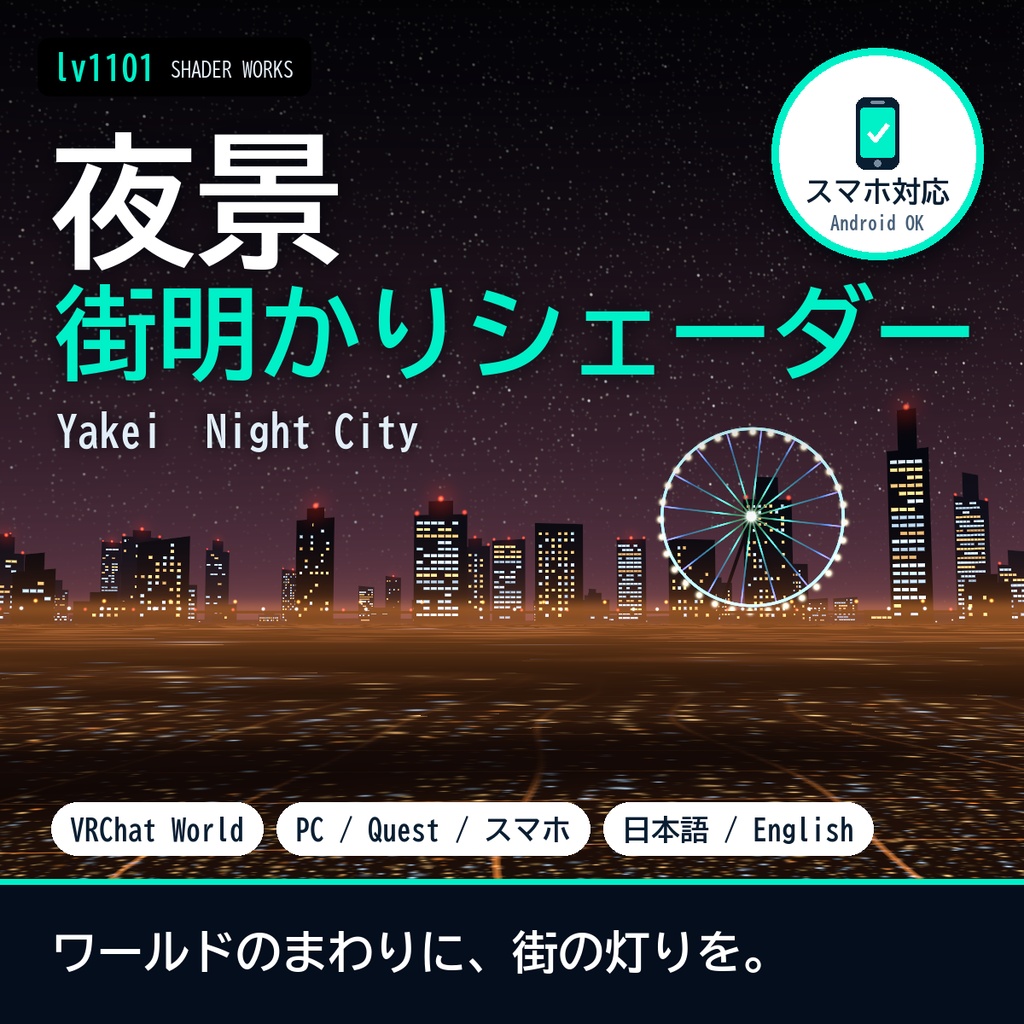
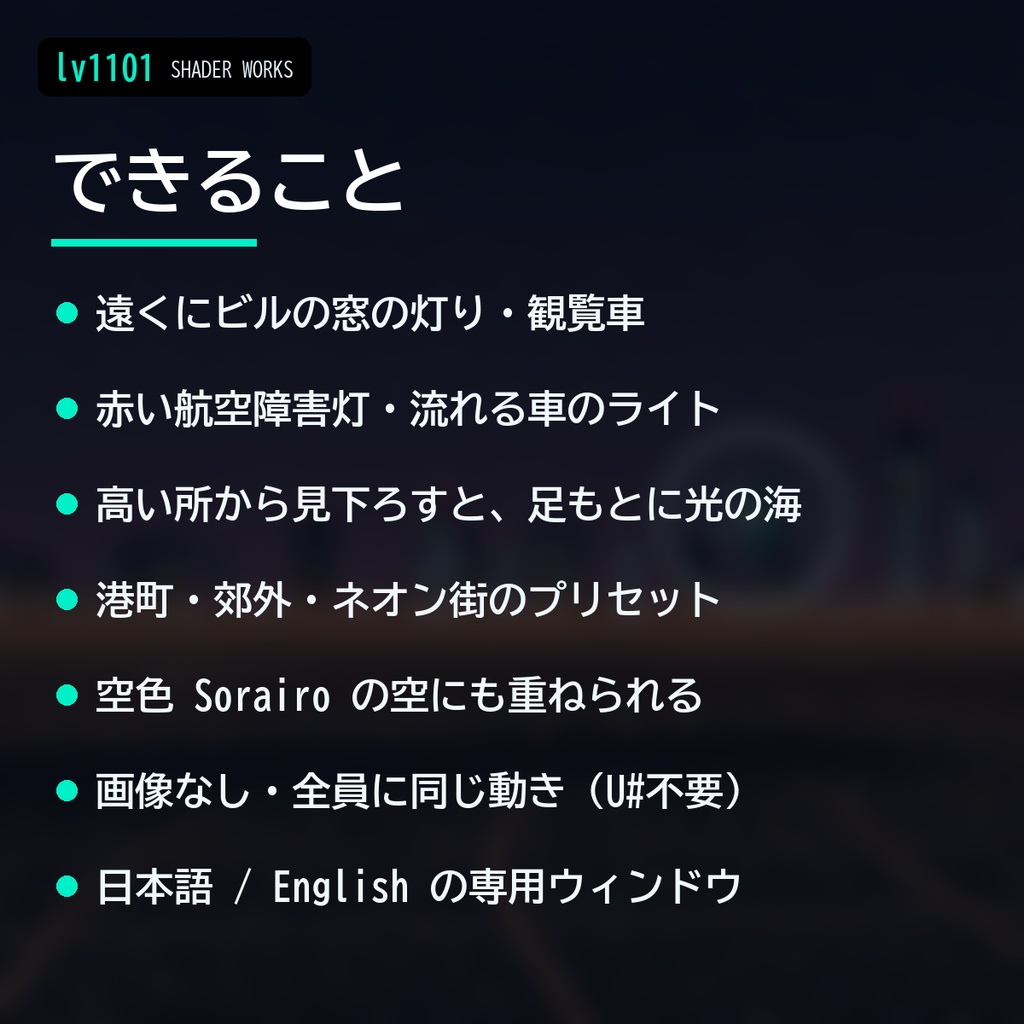
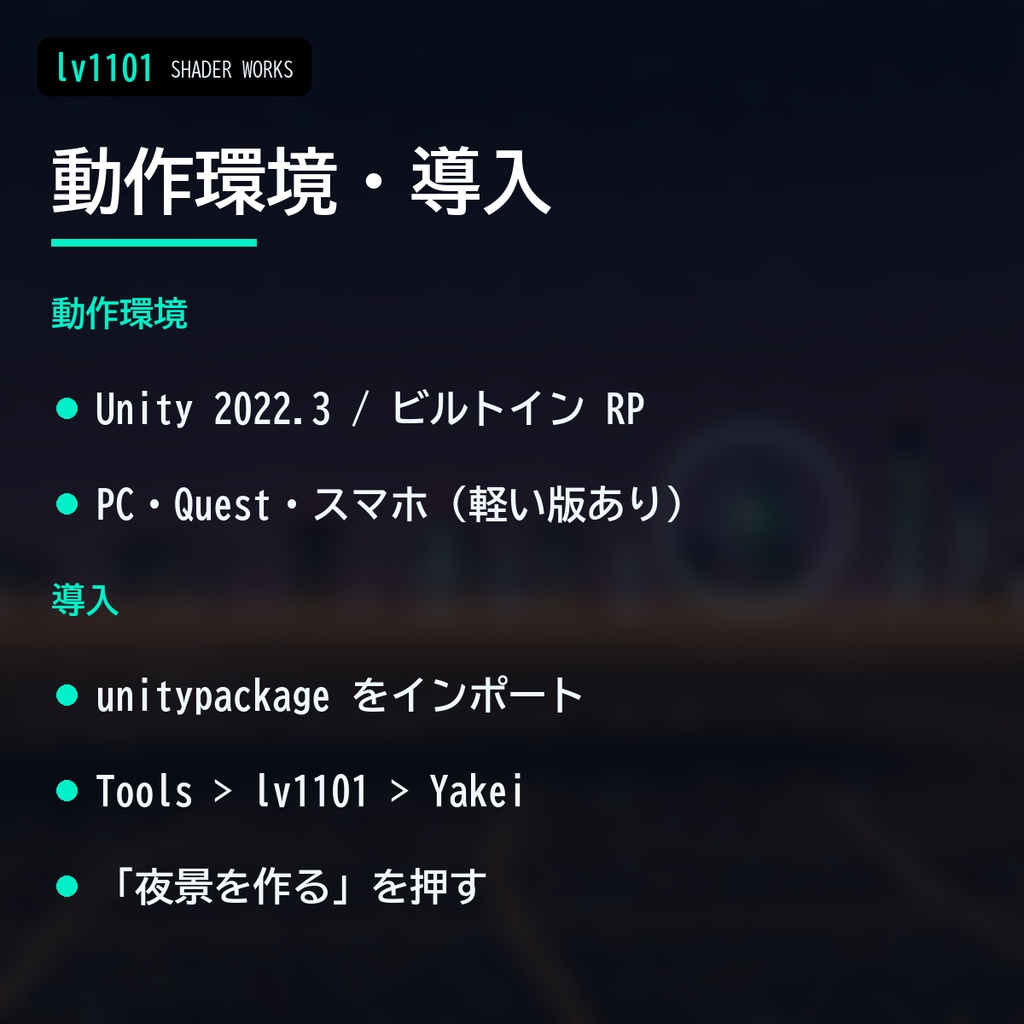
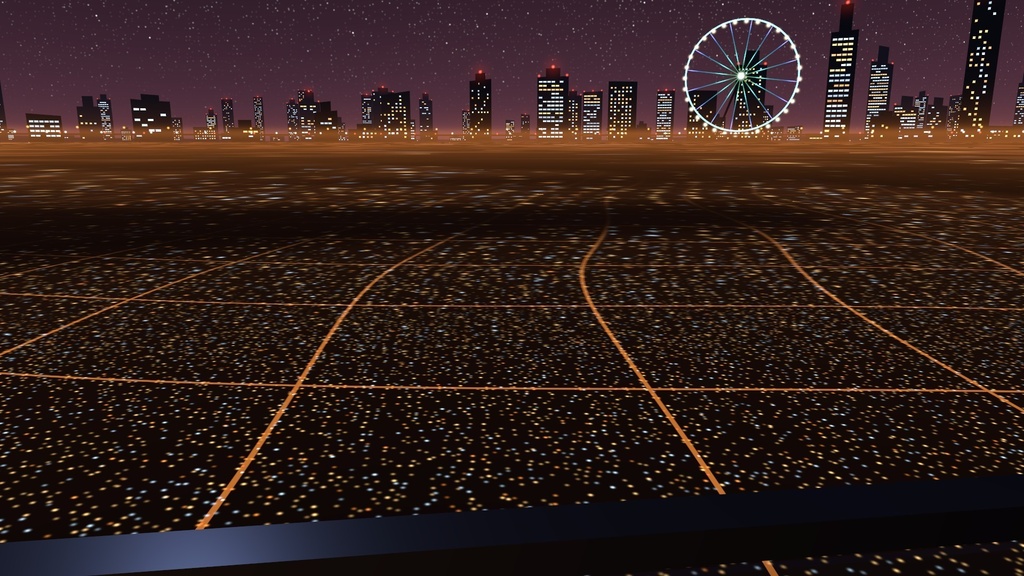
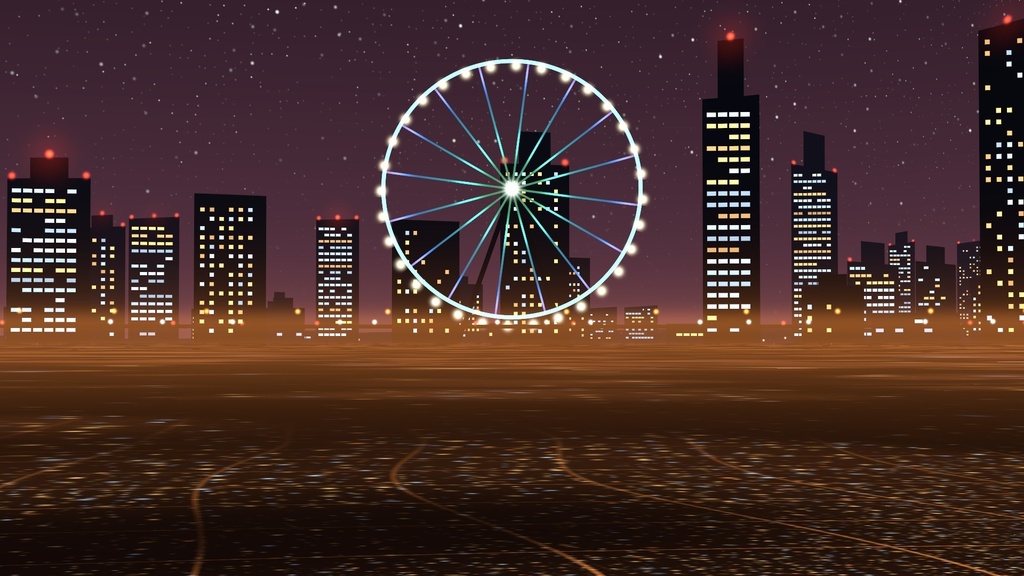
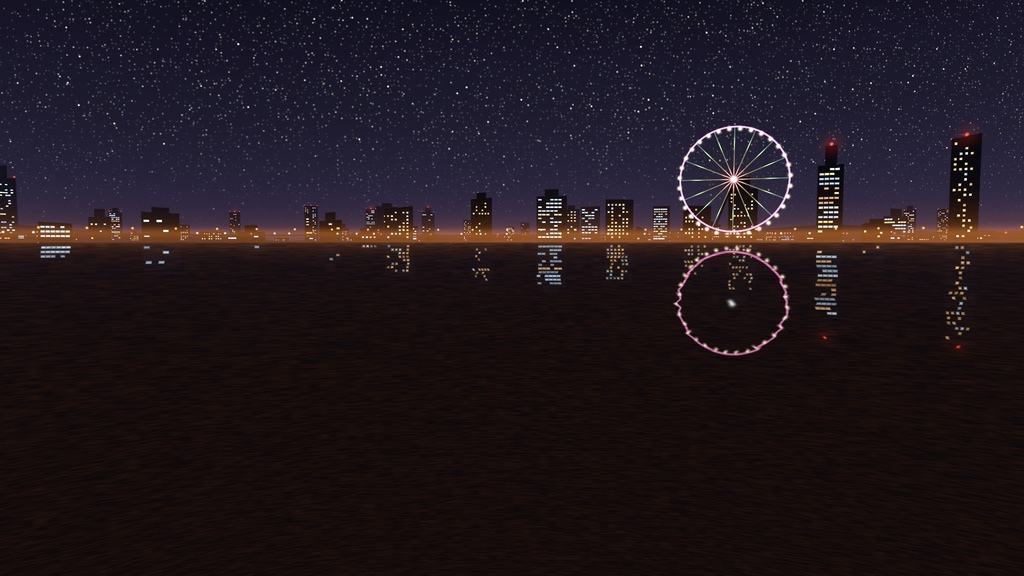
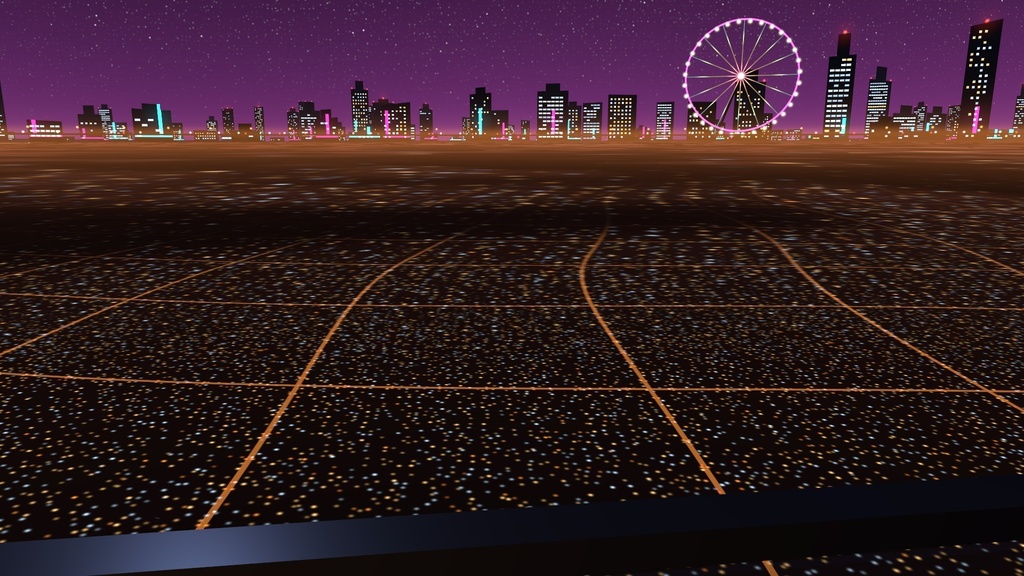
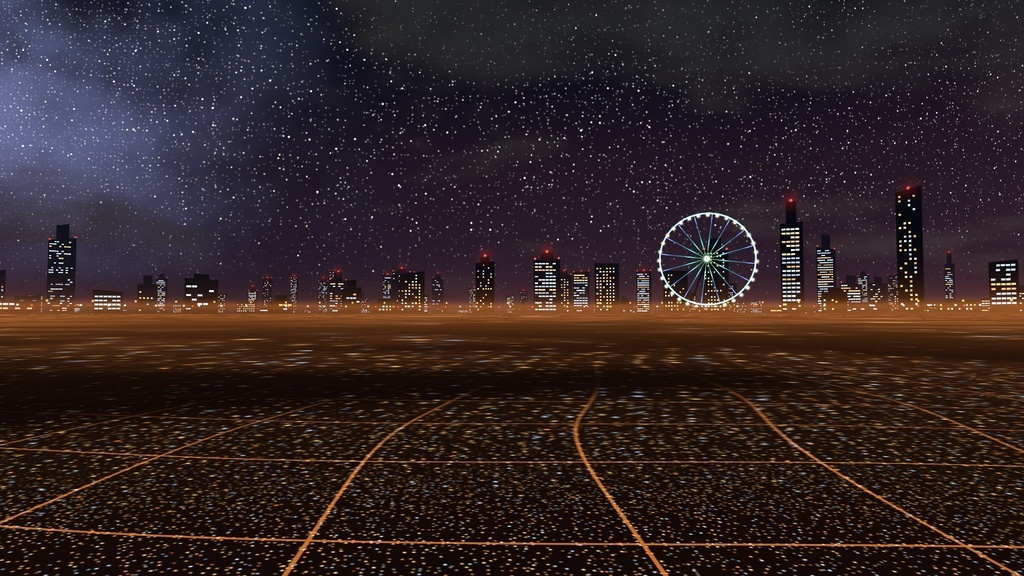
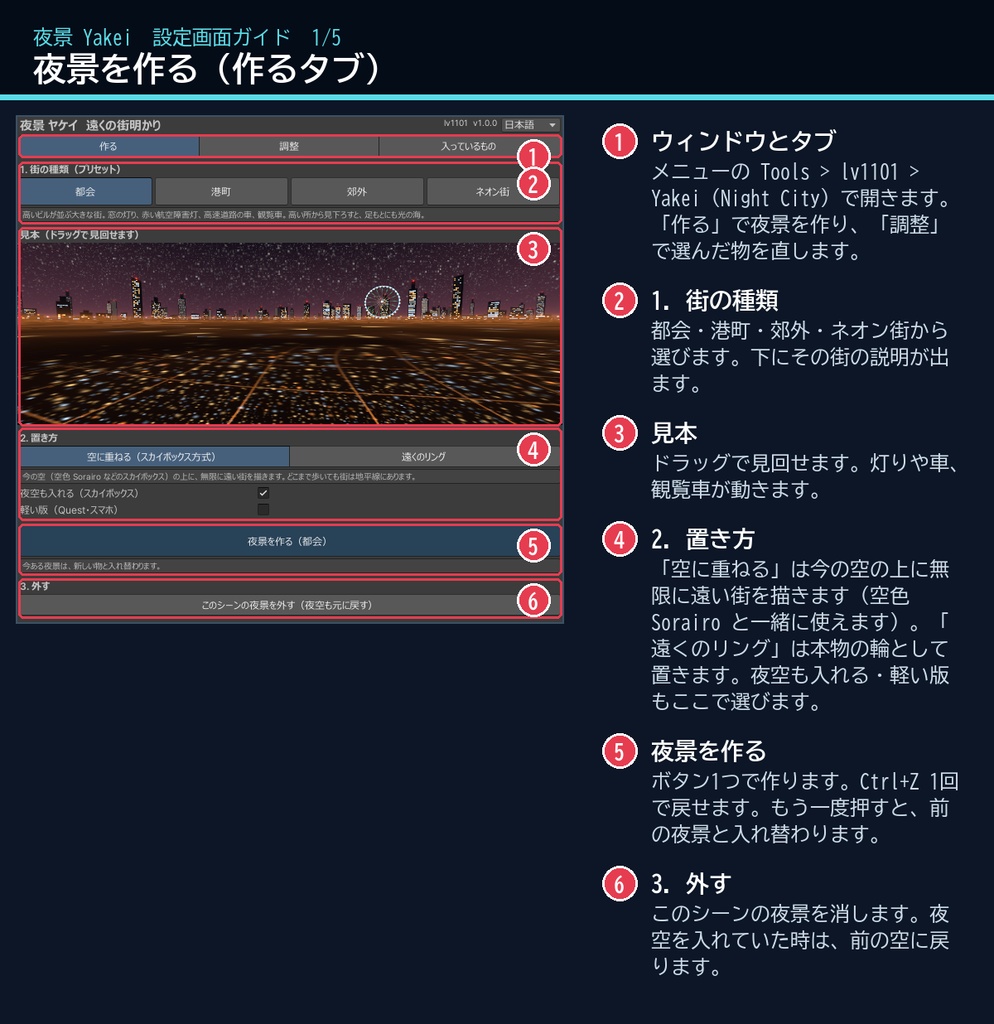
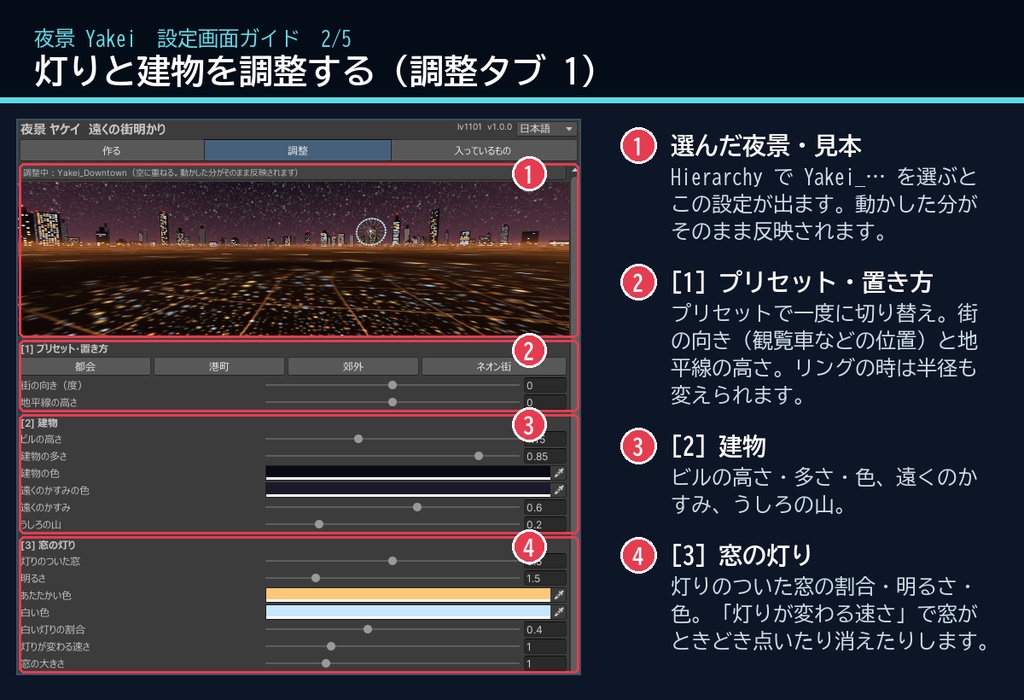
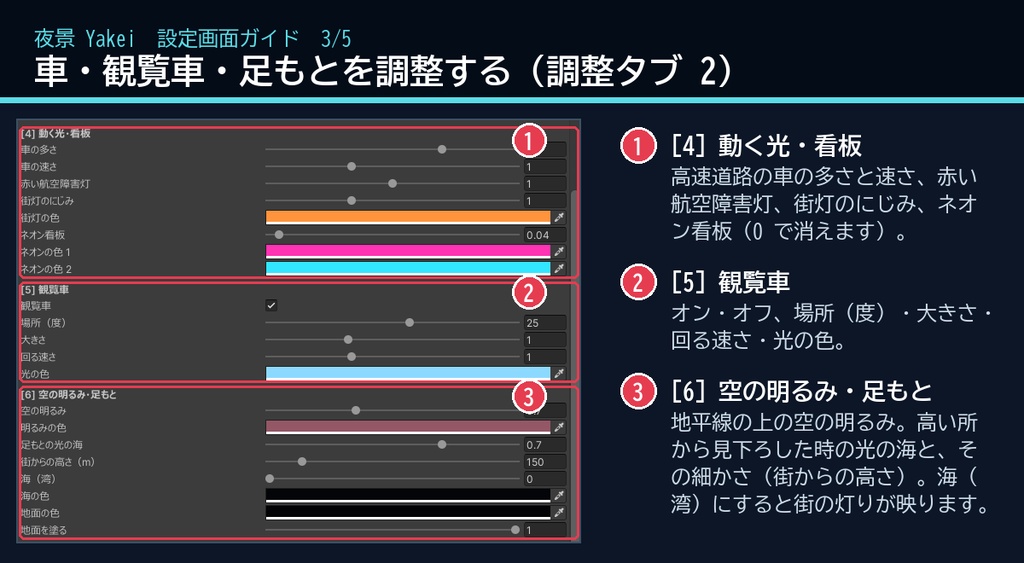
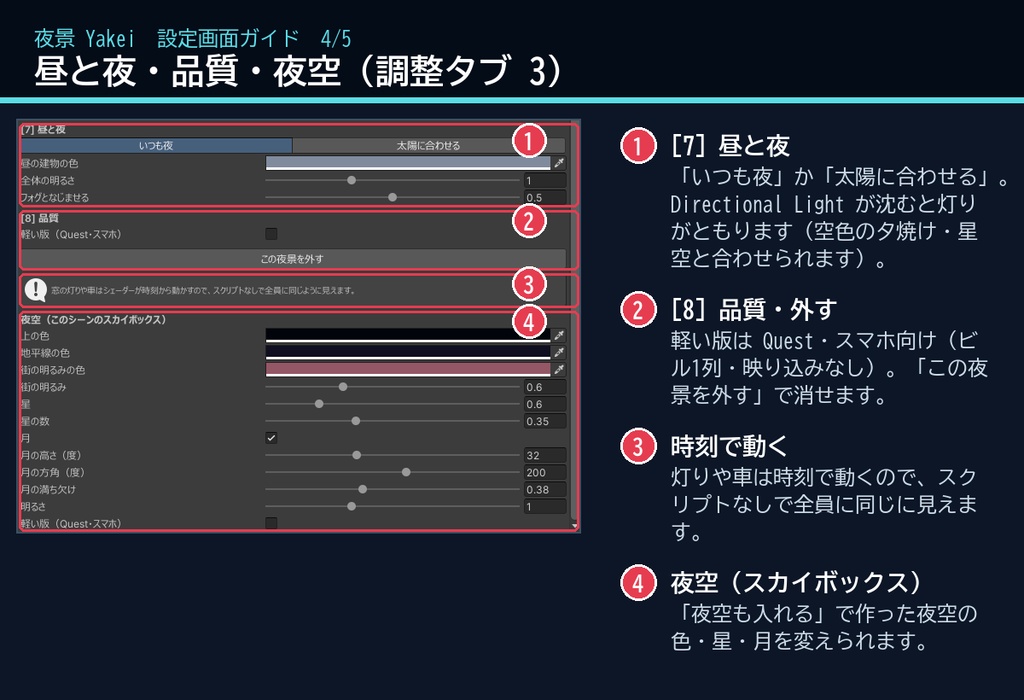
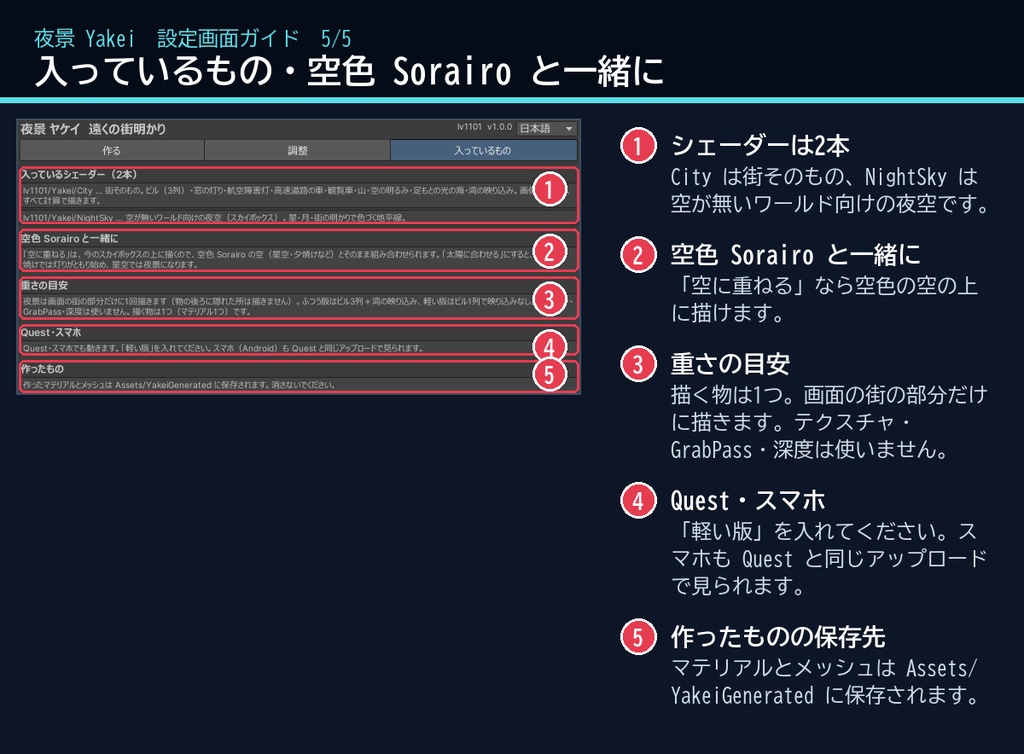
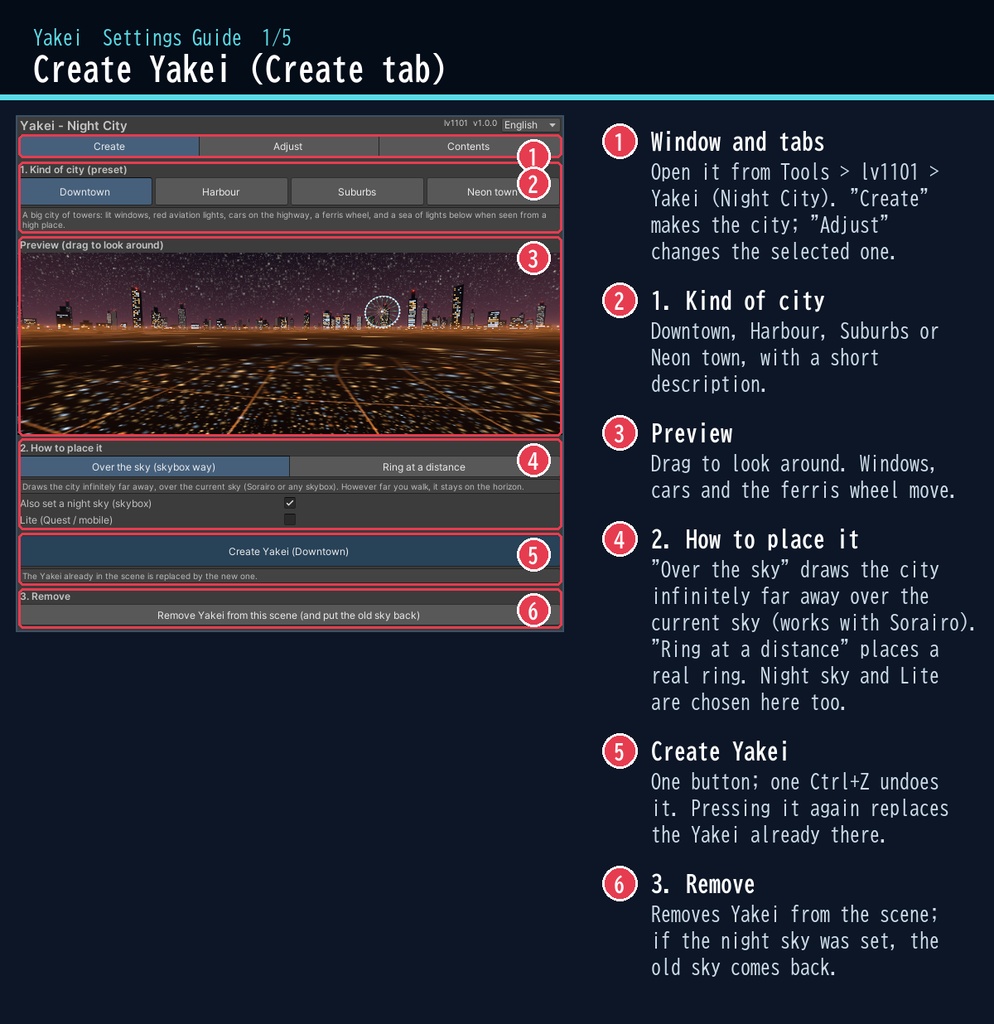
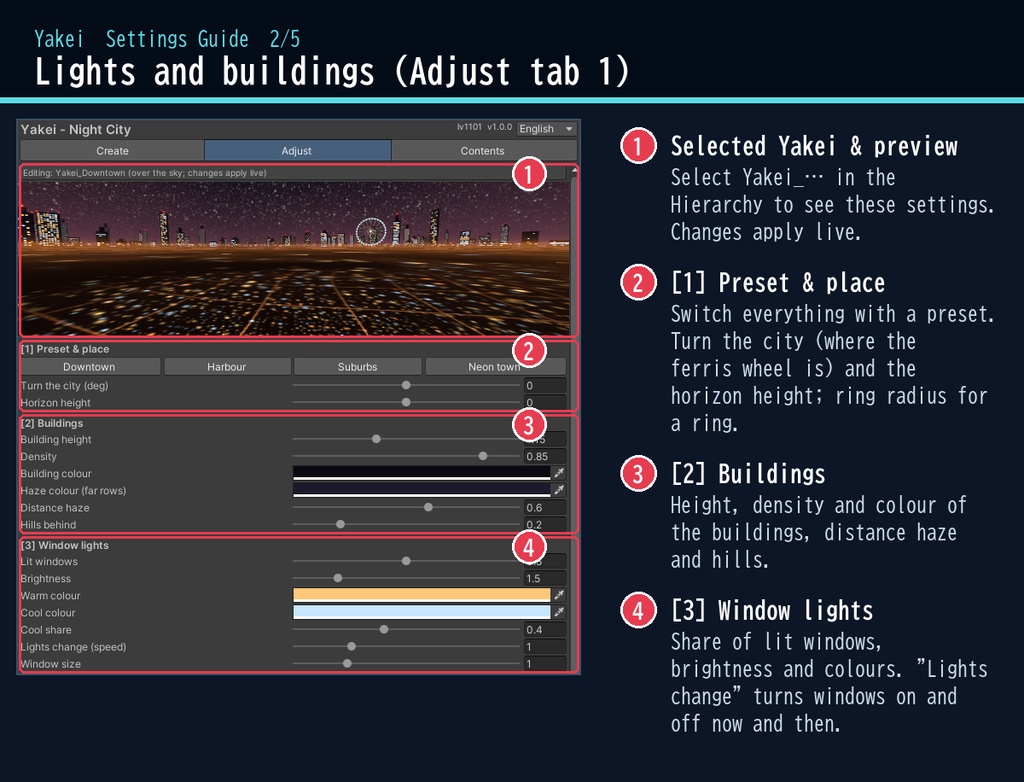
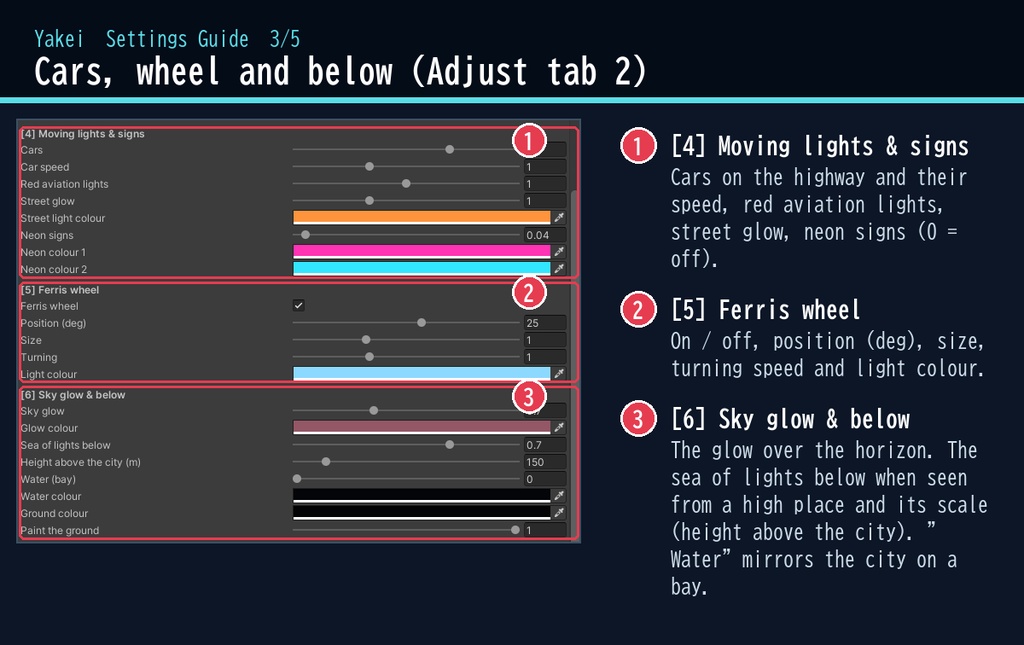
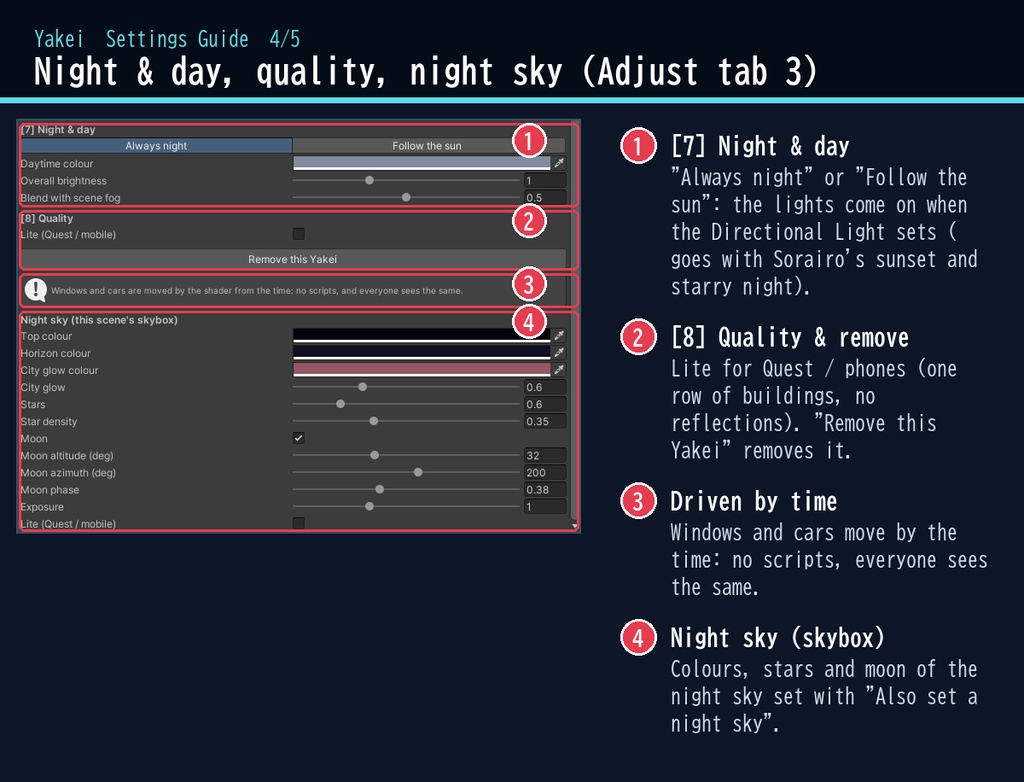
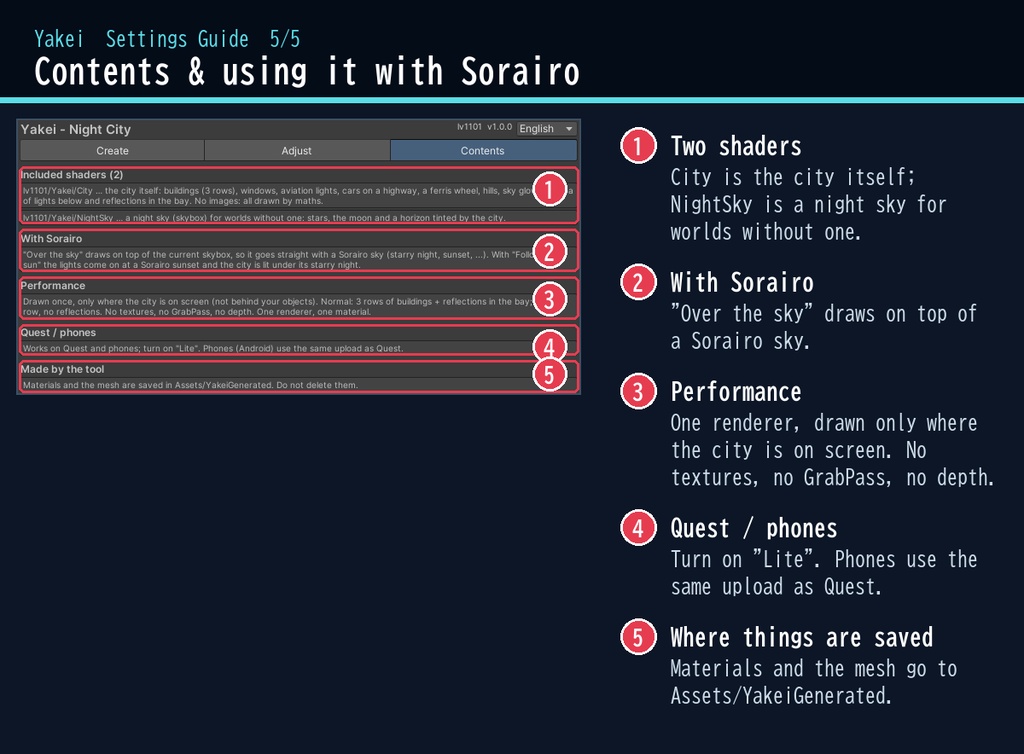


VRChat ワールド向けの、遠くの夜景のシェーダーです。 ワールドのまわりの遠くに、ビルの窓の灯り・赤い航空障害灯・高速道路を流れる車のライト・観覧車を描きます。高い所から見下ろすと、地平線より下に街の光の海が広がります。専用ウィンドウで置いて調整できます(日本語 / English 対応)。 画像(テクスチャ)は使わず、すべてシェーダーの計算で描きます。灯りや車は時刻で動くので、スクリプト(U#)なしで、ワールドにいる全員に同じように見えます。 今の空(スカイボックス)の上に重ねて描くので、空色 Sorairo の星空・夕焼けとそのまま組み合わせられます。空が無いワールド向けに、星と月の夜空(スカイボックス)も入っています。 ■ できること ・ビル:遠さの違う3列。窓の灯りはオフィスは階ごと、住まいは窓ごと。時間がたつと、ときどき点いたり消えたりします ・赤い航空障害灯:高いビルの上で点滅 ・高速道路:街灯と、行き交う車のライト(白いヘッドライト・赤いテールライト) ・観覧車:ゆっくり回り、光の色が変わります(場所・大きさ・速さ・色) ・足もとの光の海:展望台や屋上から見下ろすと、街の灯り・大通り・車が地平線まで広がります ・港町:暗い海に街の灯りがゆらゆら映ります ・空の明るみ・うしろの山・ネオン看板 ・置き方:空に重ねる(スカイボックス方式・どこまで歩いても地平線に)/ 遠くのリング(本物の輪・建物の陰に隠れる) ・昼と夜:いつも夜 / 太陽に合わせる(Directional Light が沈むと灯りがともる) ・プリセット:都会 / 港町 / 郊外 / ネオン街 ・ボタン1つで作成、Ctrl+Z 1回で戻せます。「外す」ボタン付き(夜空も前の空に戻ります) ・Quest・スマホ向けの「軽い版」 ■ 動作環境 ・Unity 2022.3(VRChat で使うバージョン) ・ビルトイン レンダーパイプライン ・PC / Quest(Android)/ スマホ(Quest・スマホは「軽い版」を使ってください) ・スマホ(Android)は、Quest と同じアップロードでそのまま見られます(OpenGL ES 3 / Vulkan で動作確認済み) ・VRChat SDK3 Worlds(なくても動きます) ・深度テクスチャ・GrabPass は使いません(影の無いワールドでも映ります) ■ 導入 1. unitypackage を Unity にドラッグ&ドロップしてインポート 2. メニューの Tools > lv1101 > Yakei (Night City) でウィンドウを開く 3. 街の種類と置き方を選び、「夜景を作る」を押す 詳しい使い方は同梱の README_ja.txt をご覧ください。 設定画面の説明は、商品画像の「設定画面ガイド」(日本語・英語)にあります。 ウィンドウ右上で 日本語 / English を切り替えられます(Auto は PC の言語に合わせます)。 ■ 内容物 ・Yakei_1.0.0.unitypackage(README_ja.txt / README_en.txt 入り) ・利用規約.txt / TermsOfUse_en.txt ■ 重さの目安 ・描く物は1つ(マテリアル1つ・パス1つ)。画面の街の部分だけに描きます(物の後ろに隠れた所は描きません) ・ふつう版:ビル3列+海の映り込み。軽い版:ビル1列、映り込みなし ※商品ページの画像に映っているワールド・モデルなどは商品に含みません(空色 Sorairo の画像は、別売りの空色と組み合わせた例です)。 ※アバター向けではなく、ワールド向けのシェーダーです。 ※地平線より下の光の海・海は、高い所や浮島のワールドで見えます(ふつうはワールドの床に隠れます)。 ■ 利用規約(概要) ・VRChat のワールド(Public/商用・有料イベントを含む)で使えます ・改変できます ・シェーダー・スクリプトの再配布、転売はできません(改変したものも含む) ・クレジット表記は任意です(書いていただけると嬉しいです) 詳しくは同梱の 利用規約.txt をご覧ください。 ―――――――――――――――― ■ English Yakei is a far-away night city for VRChat worlds (Built-in RP, Unity 2022.3), placed and tuned from a dedicated editor window. Around your world, far away: lit windows, red aviation lights, car lights on a highway and a turning ferris wheel. Seen from a high place, a sea of city lights spreads below the horizon; in "Harbour" the lights shimmer on a dark bay. No images: everything is drawn by the shader. No Udon / U# needed: the lights and cars are driven by time, so every player sees the same. It draws over the current skybox, so it goes straight with a Sorairo starry night or sunset; a starry night skybox with a moon is included for worlds without a sky. Two ways to place it: over the sky (infinitely far, always on the horizon) or as a ring at a distance. Lights can follow the sun (on when the Directional Light sets). Presets: Downtown / Harbour / Suburbs / Neon town. Lite setting for Quest and mobile. No depth texture, no GrabPass. Phones (Android) use the same upload as Quest; checked on OpenGL ES 3 and Vulkan. • Full English UI: switch Auto / 日本語 / English at the top right of the window • English README (README_en.txt) and Terms of Use (TermsOfUse_en.txt) included • English settings guide images are included in the product images Install: import the unitypackage, open Tools > lv1101 > Yakei (Night City), pick a kind of city and how to place it, and press "Create Yakei". Terms (summary): usable in VRChat worlds including public / commercial worlds and paid events; modification allowed; redistribution or resale of the shader / scripts (including modified versions) is not allowed; credit is optional. ■ 更新履歴 / Version history 1.0.0 最初の版 / First release