

Alos - VRChat Men's Clothing / CP54
- Full Pack: ALL INCLUDED!ダウンロード商品¥ 3,000
- Shizune Compatibleダウンロード商品¥ 1,400
- Shidou Compatibleダウンロード商品¥ 1,400
- Kuuta Compatibleダウンロード商品¥ 1,400
- Kirisame Compatibleダウンロード商品¥ 1,400
- Komano Compatibleダウンロード商品¥ 1,400
- Alué Compatibleダウンロード商品¥ 1,400
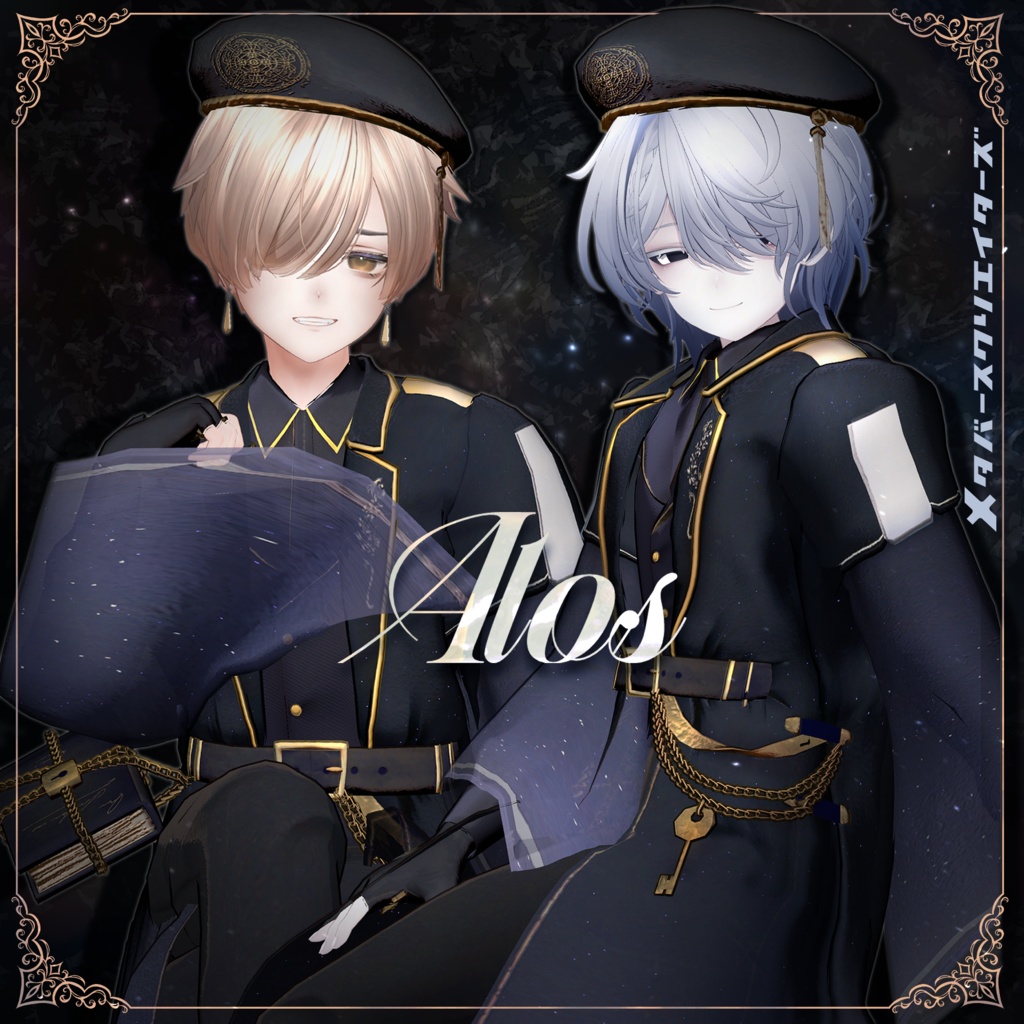
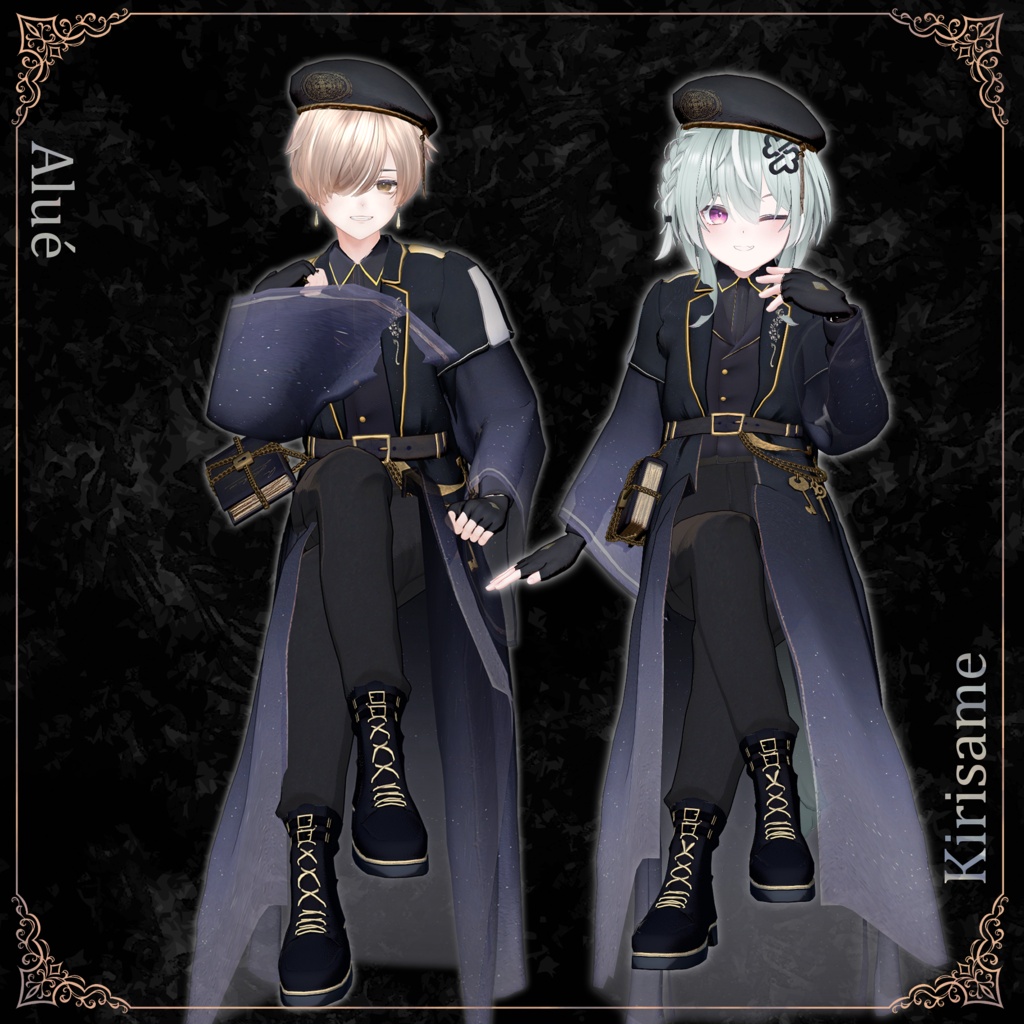
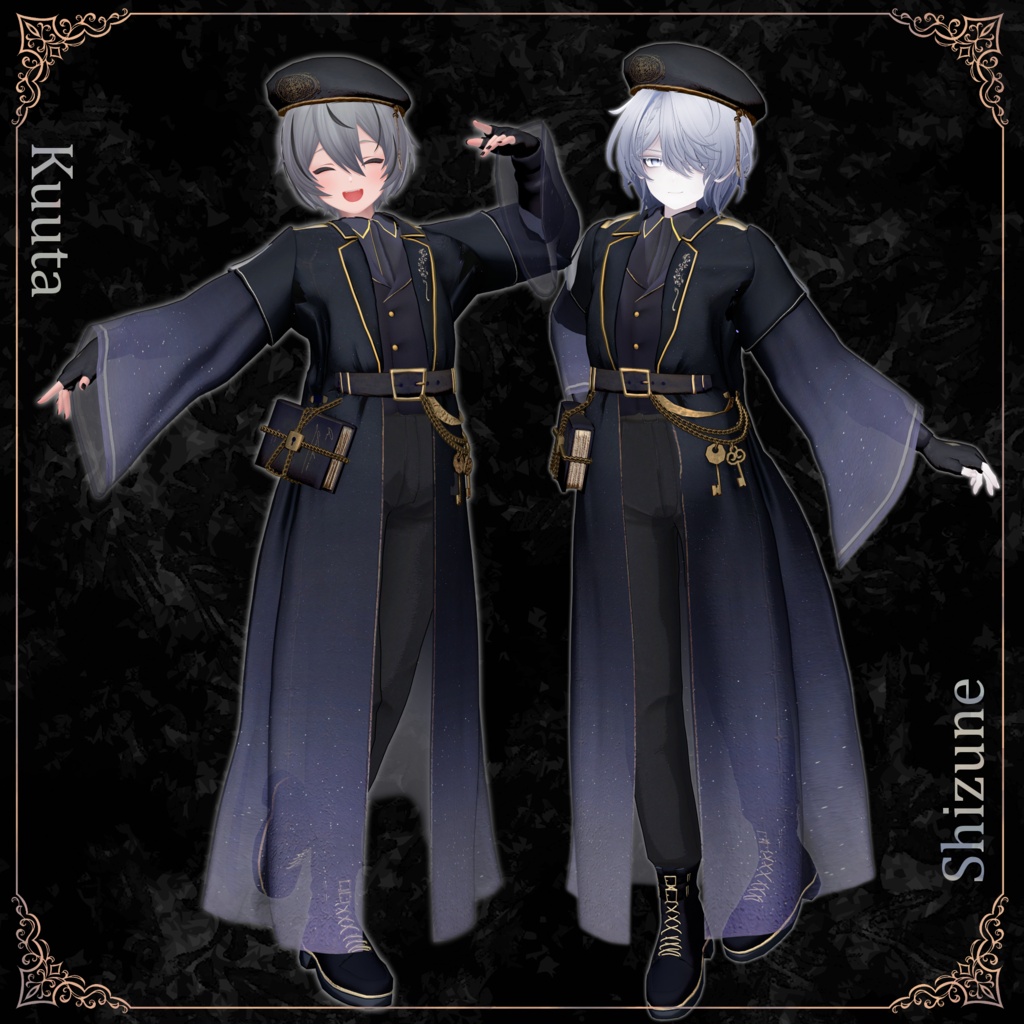
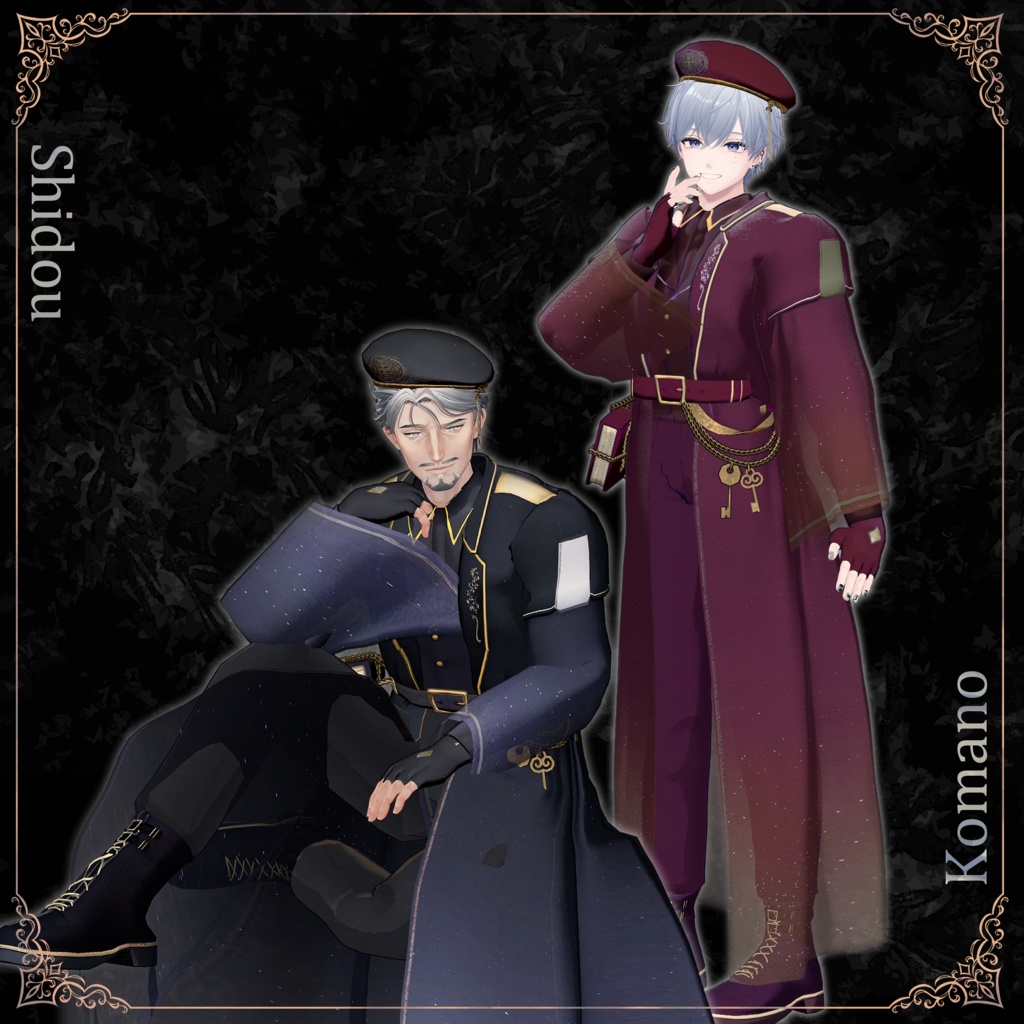
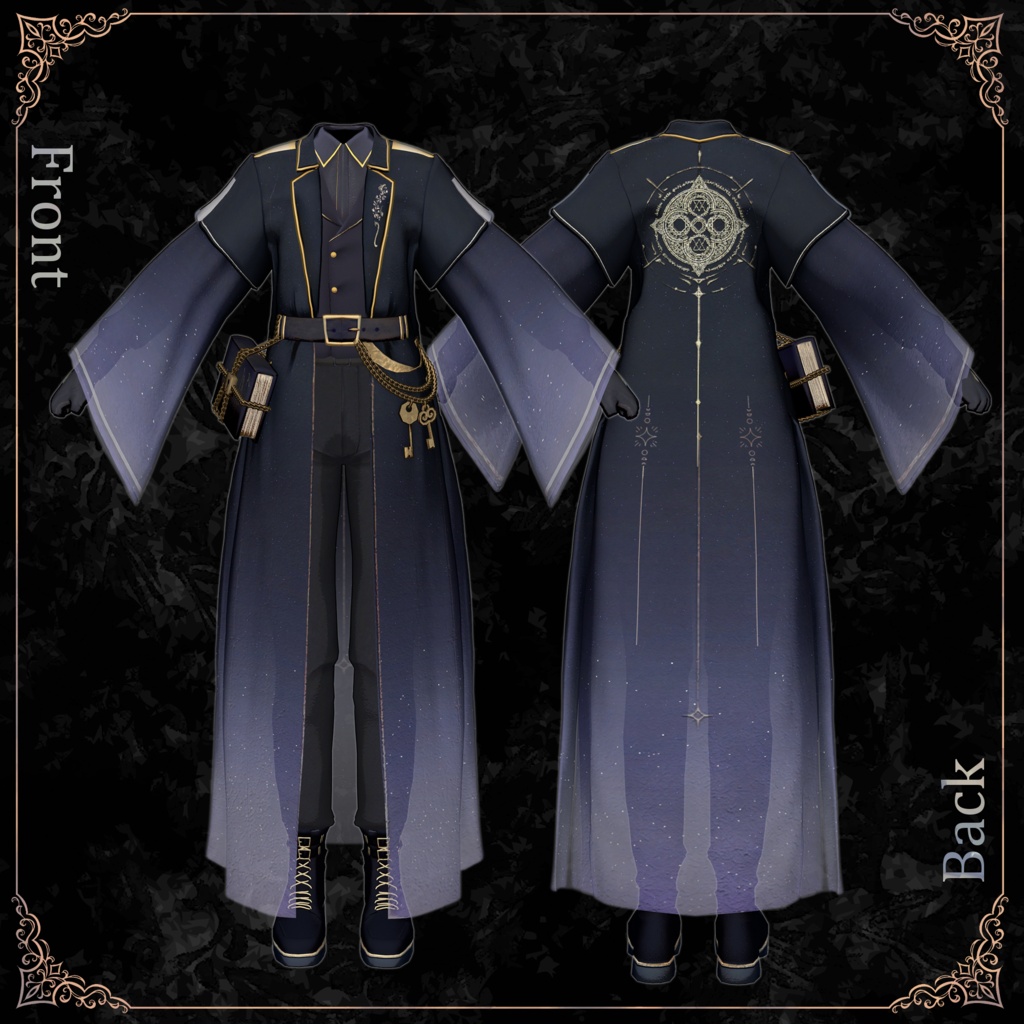
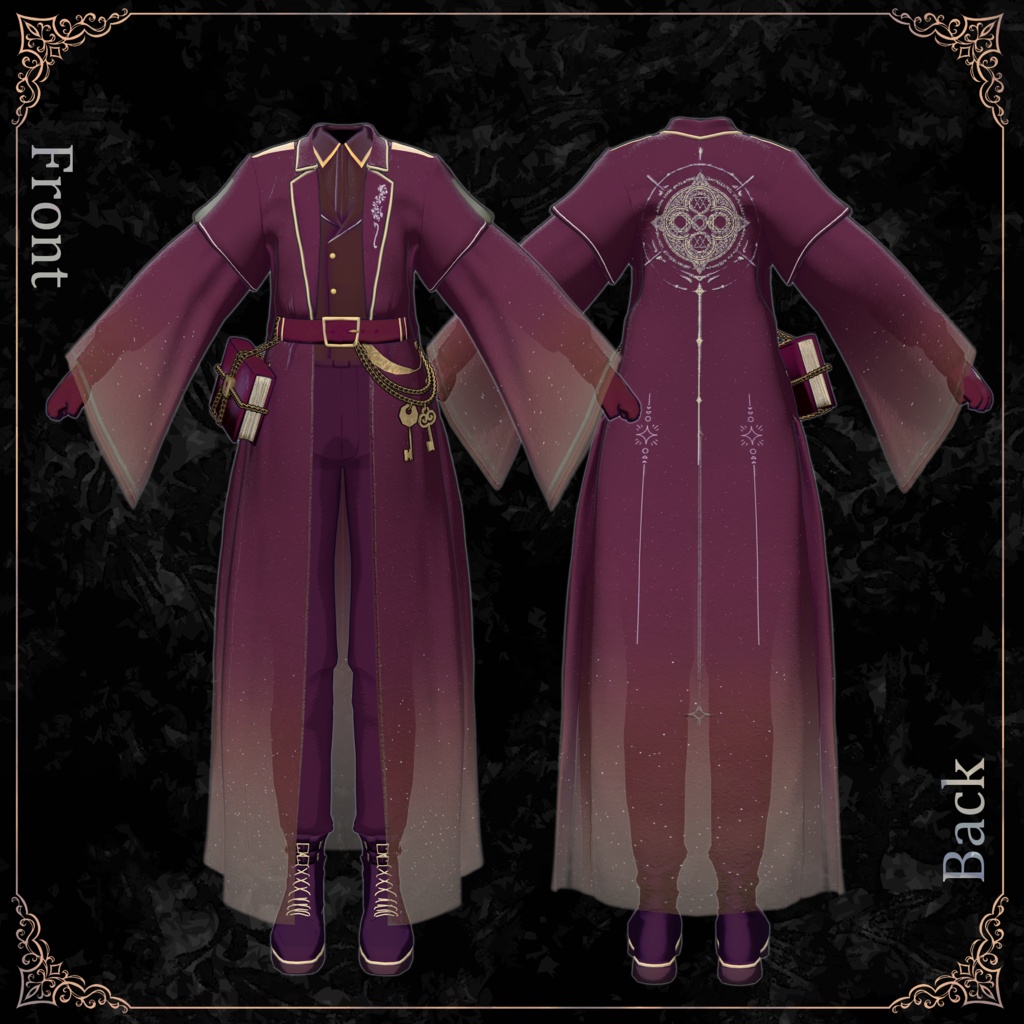
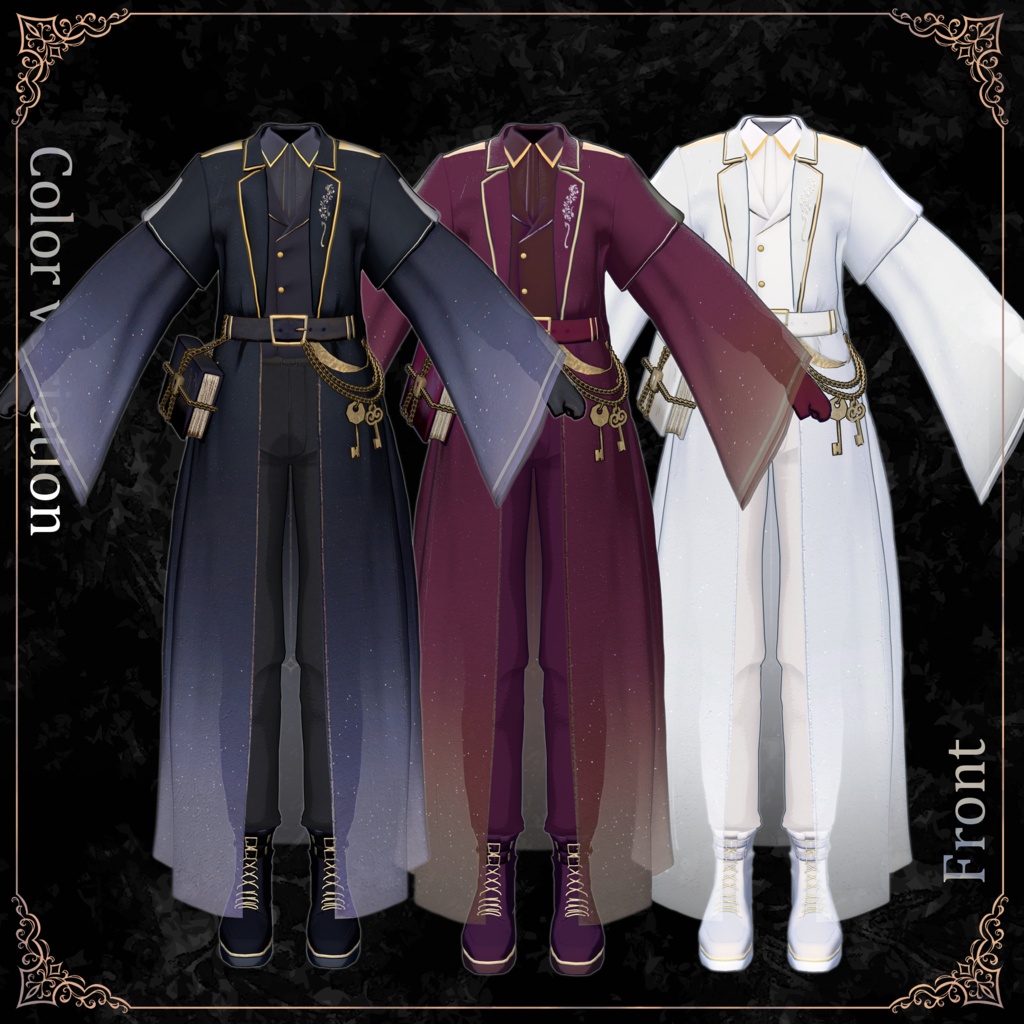
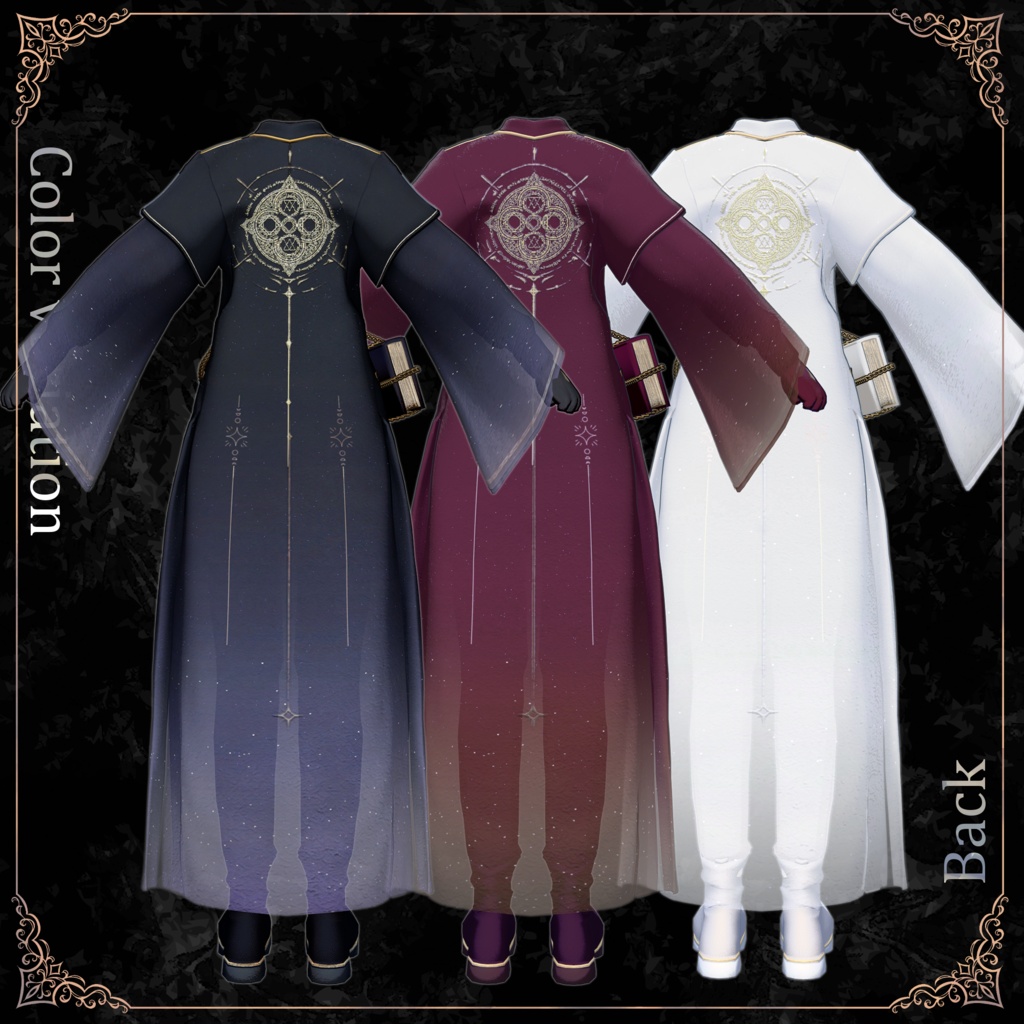
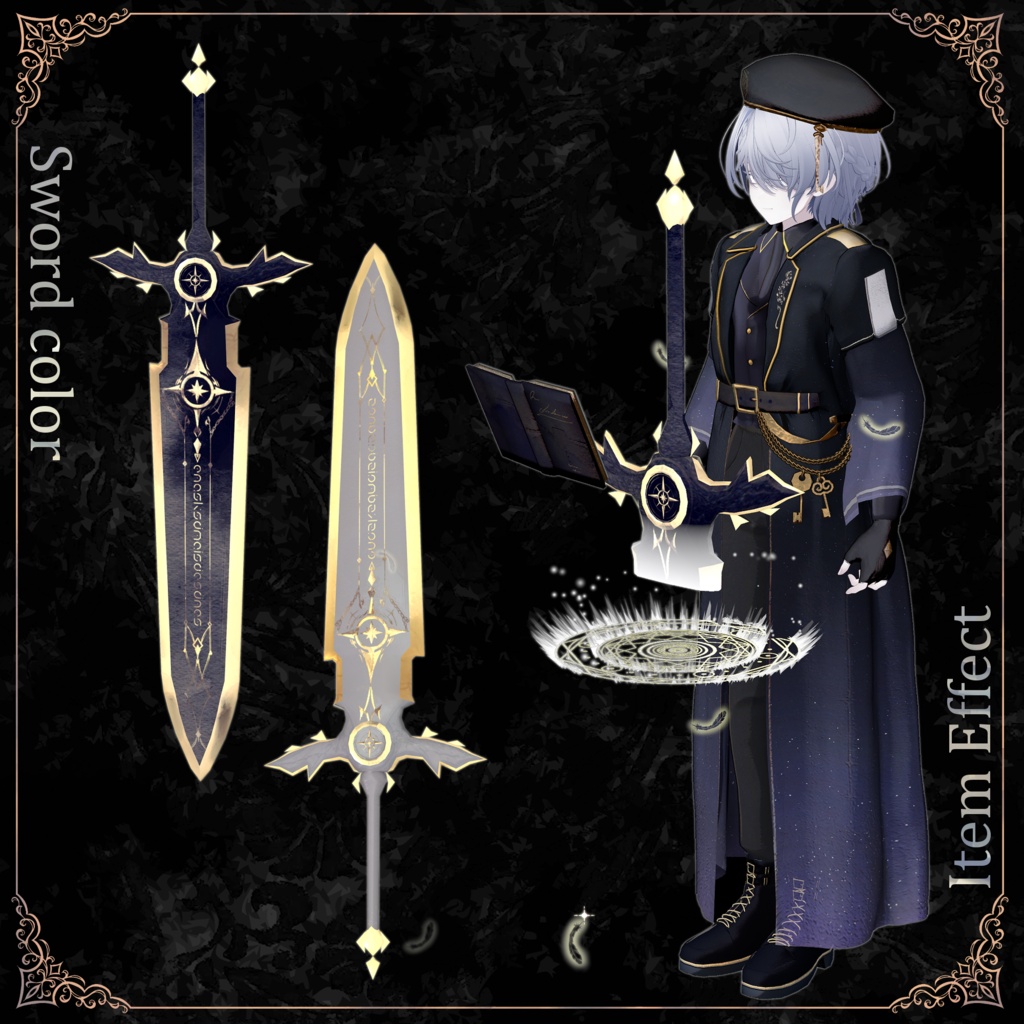
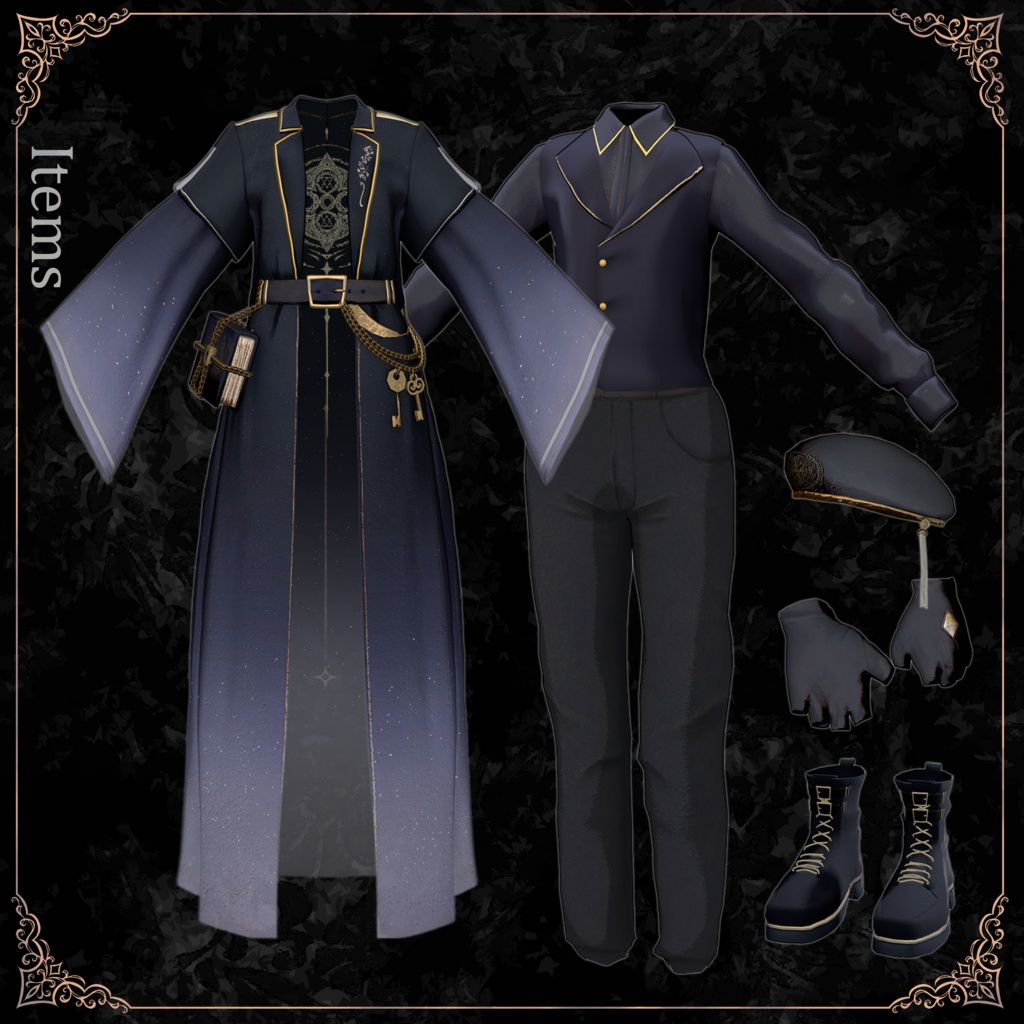


# Notes - Extreme leg raises or side splits may cause the legs to clip through the jacket. - This product has an RQ of 2460. If hair or other objects disappear, adjust your avatar's settings. - This product includes clothing only. The avatar is not included. - Digital downloads are non-refundable. Please review the product description and Terms of Use before purchasing. ## ◆ Item Details **Included Files** - `○AvatarName○_Alos.Unitypackage` - `Alos_Material.Unitypackage` - `ReadMe.txt` **Shader:** liltoon https://lilxyzw.booth.pm/items/3087170 **Required Asset:** Modular Avatar https://modular-avatar.nadena.dev/ja/docs/intro **Model Specifications** - Total: 77,660 polygons - Tops: 12,052 | Shoes: 9,974 | Pants: 2,454 - Jacket: 46,172 | Gloves: 2,928 | Hat: 864 - Sword: 1,580 | Key: 400 | Book: 1,236 - Meshes: 9 - Materials: 5 outfit materials (3 color variations), 10 effect materials, 1 sword material (2 color variations) - PhysBone components: 11 - PhysBone colliders: 4 **Import Folder:** `Assets > MetaverseCreators_CP > shin_sosogibana > Alos` ## ◆ Compatible Avatars **MetaverseCreatorsTYO — Male Avatars** - Shizune (雫峰) — AC3: https://metacreatorstyo.booth.pm/items/7684873 - Shidou (士堂) — AC8: https://metacreatorstyo.booth.pm/items/8086741 - Kuuta (くうた): https://hotogiya.booth.pm/items/4897493 - Kirisame (キリサメ): https://booth.pm/ja/items/8596249 - Komano (狛乃): https://hyuuganatu.booth.pm/items/5260363 **PlusHead** - Alué (アルエ): https://booth.pm/ja/items/6957623 *Dedicated shape key support is not included.* ## ◆ Radial Menu Controls Menu: `AlosGimmickToggle` - **Default:** Switch between VR and menu control modes. - **KeyHandR:** Hold the key in your right hand. - **BookHandR:** Hold the book in your right hand. - **Magic:** Activate the magic effect. - **ItemON / ItemOFF:** Show or hide items. ## ◆ Installation 1. Set up the latest VRChat SDK through VCC (VRChat Creator Companion). 2. Install liltoon and Modular Avatar through VCC. 3. Import the latest package for your avatar. 4. Import this product's material package. 5. Import the outfit package for your avatar. 6. Drag your avatar or modified prefab into the Scene Hierarchy. 7. Hide unwanted clothing or set it to Editor Only. 8. Drag `OutfitName_AvatarName.Prefab` onto your avatar. 9. Upload through the VRChat SDK. ### MA Shape Changer This outfit uses Modular Avatar's **MA Shape Changer** to adjust body shape keys or hide affected mesh sections to help prevent clipping. You may remove or modify this component if needed. **PlusHead users:** The included setup uses `PlusHead` as the body mesh name. If the component does not work correctly, rename the mesh or adjust the shape keys manually. If body parts appear unintentionally slimmed, reset the relevant shape keys to `0` and check the result. ## ◆ Color Customization Replace the color variation materials in `Common > Material` to change the outfit's colors. ## ◆ Gimmick Setup After adding the outfit prefab, find the `0.BookItem` folder inside your avatar's folder. Place the appropriate book setup prefab directly under the avatar: - `AlosBookSet_Komano` — Default-color outfit - `AlosBookSet_White_Komano` — White-color outfit Use the matching prefab to prevent the waist-mounted key or book from remaining visible while held. ### Magic Activation (VR Only) 1. Reach for the key at your left waist and squeeze the right-hand trigger to pick it up. 2. Move the key near the book's lock. The key will be used and disappear. Without squeezing the trigger, it returns to its original position after a few seconds. 3. Move your hand near the book and squeeze the trigger to pick it up. 4. Release the trigger to open the book. 5. Extend your arms and place your left hand above the book, near the activation point in front of your chest. A magic circle appears, and a greatsword materializes. 6. Grab the sword handle with your right hand and position it as desired. Once released, it stays fixed in the world. Moving too quickly may cause synchronization issues. 7. Release the right-hand trigger, move your hand near the book at your waist, and wait about one second for the items to disappear. ### Magic Activation (Radial Menu) Select the following options in order to reproduce the VR sequence: `KeyHandR` → `BookHandR` → `Magic` Use `ItemON` and `ItemOFF` to show or hide items. **Important** - Do not select `Default` midway through the sequence. - You cannot switch from menu control to the VR sequence partway through. - The VR sequence requires `Default` to be enabled. - If the gimmick malfunctions, reset your avatar and try again. ### Item Customization Objects under `ItemONOFF` inside `AlosBookSet_○AvatarName○` are controlled by the item visibility toggle. The magic circle and position-control animations are configured for the included greatsword. Replacing it may require adjustments to these animations: - `MagicOFF` — Default state - `MagicON` — Magic activation - `MagicOFF_Stay` — Keeps items visible You may also need to adjust item positions and configure them to return to their initial positions when magic activates. Relevant parameter: `Alos/SyncState[5]`. *Customization instructions are provided for personal use. Support for customized items is not available.* ## ◆ Terms of Use https://drive.google.com/drive/folders/1qRMXoIxM1ZgacBPfwOigQRtXP1vCbNMn?usp=sharing Please also follow the original avatar's Terms of Use. ## ◆ Development Environment - Blender 4.2.16 - CLIP STUDIO PAINT - Unity 2022.3.22f1 - VRChat SDK – Avatars 3.10.4 (VCC) - liltoon 2.3.4 - Modular Avatar 1.18.3 ## ◆ Credits **Creator:** 雪花しん https://x.com/_shin_sinsin https://shin-store.booth.pm/ **Thumbnail Creator:** ジカウム https://x.com/zikaumuvrc?s=11 For inquiries or support, contact the creator via BOOTH messages.