

Autumn Set-up - VRChat Men's Clothing / CP52
- Full Pack: ALL INCLUDED!ダウンロード商品¥ 3,200
- Minase Compatibleダウンロード商品¥ 1,200
- Hanka Compatibleダウンロード商品¥ 1,200
- Shidou Compatibleダウンロード商品¥ 1,200
- Alué Compatibleダウンロード商品¥ 1,200
- Komano Compatibleダウンロード商品¥ 1,200
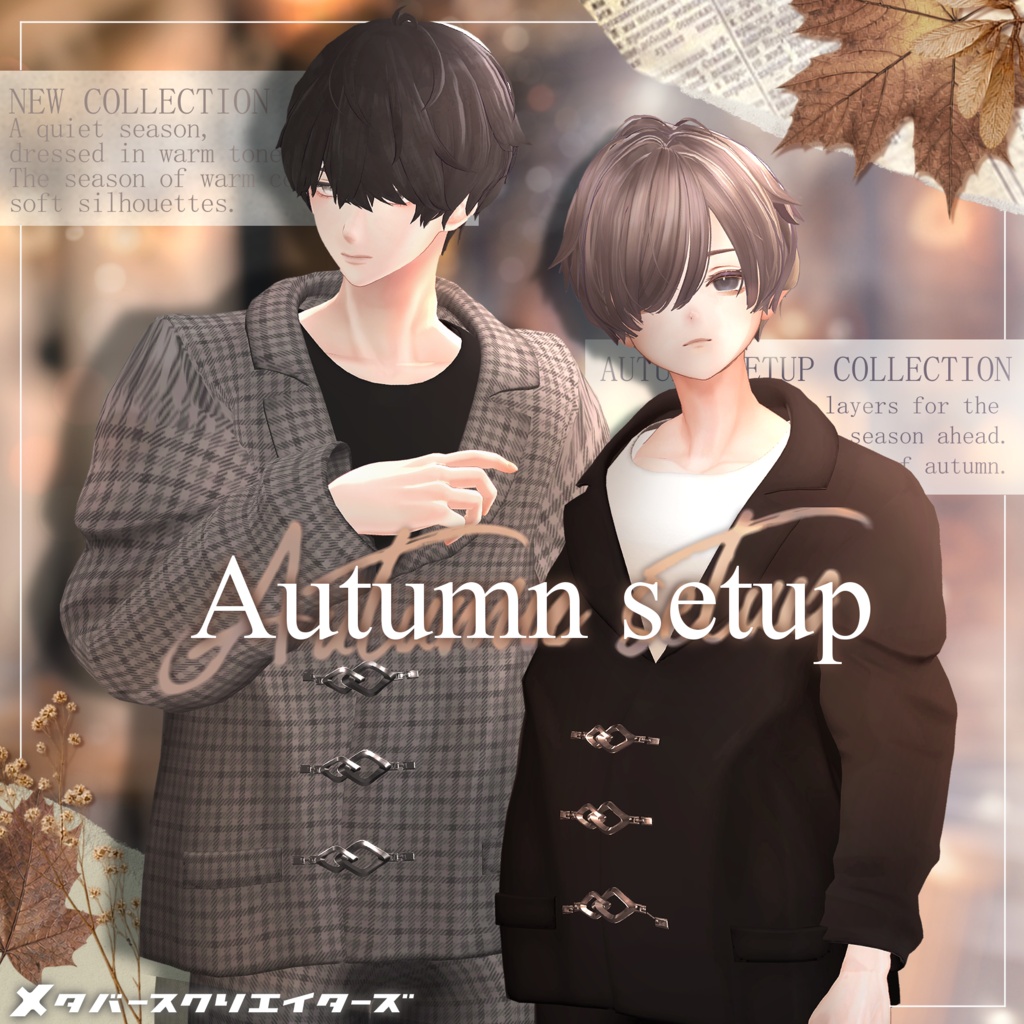
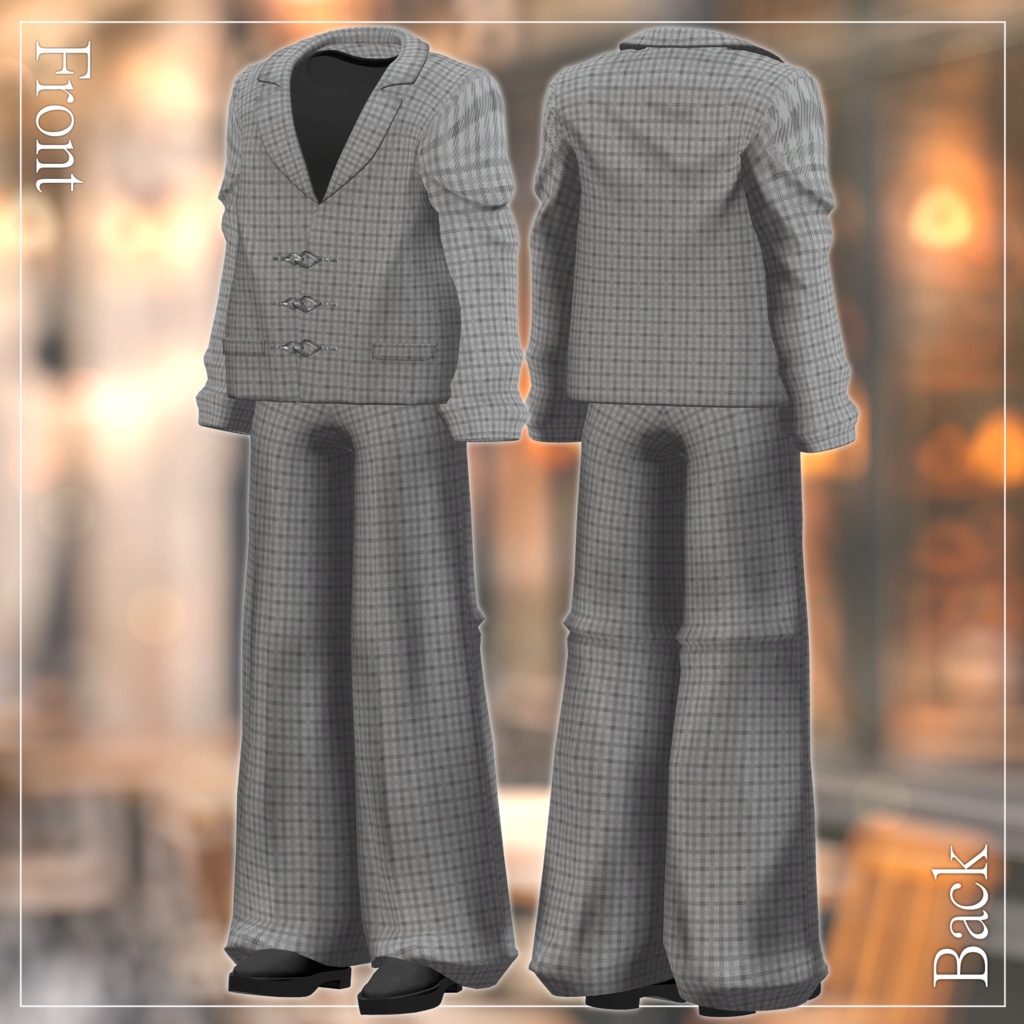
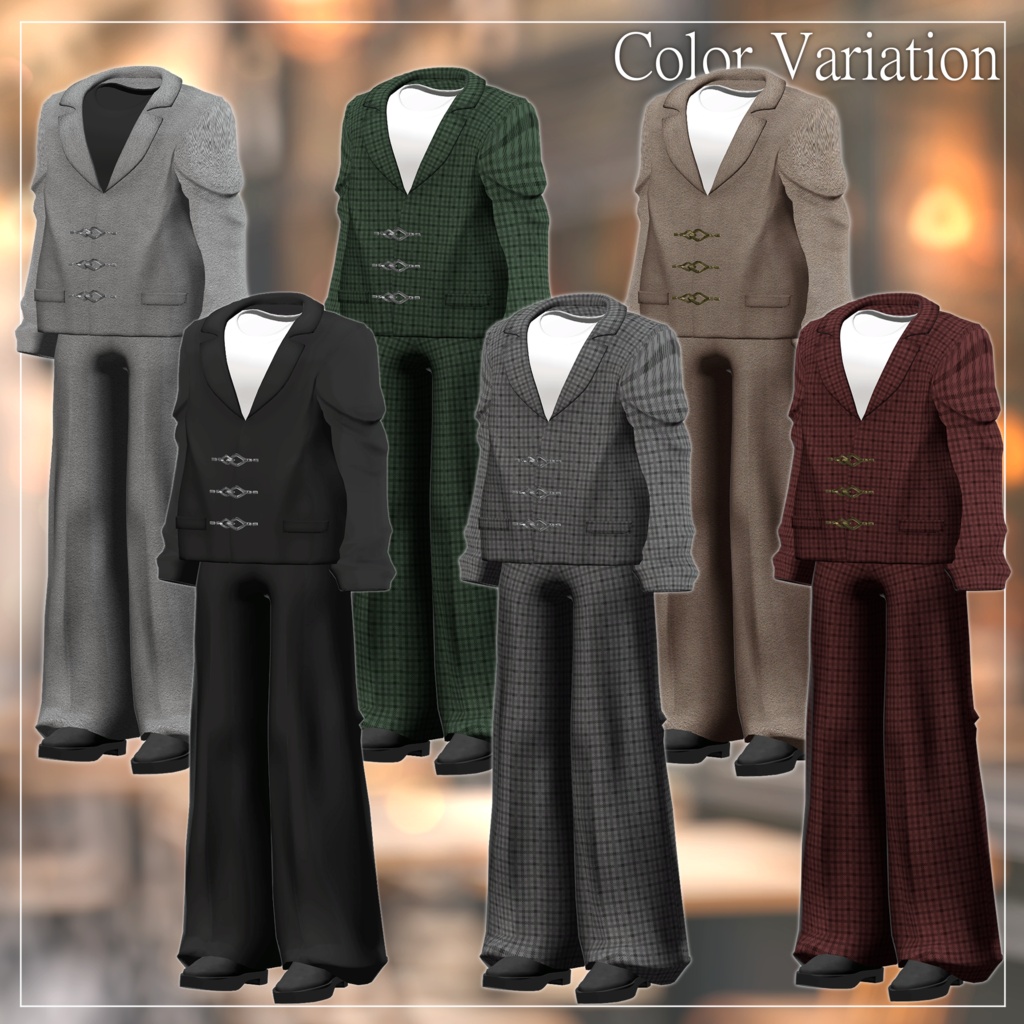
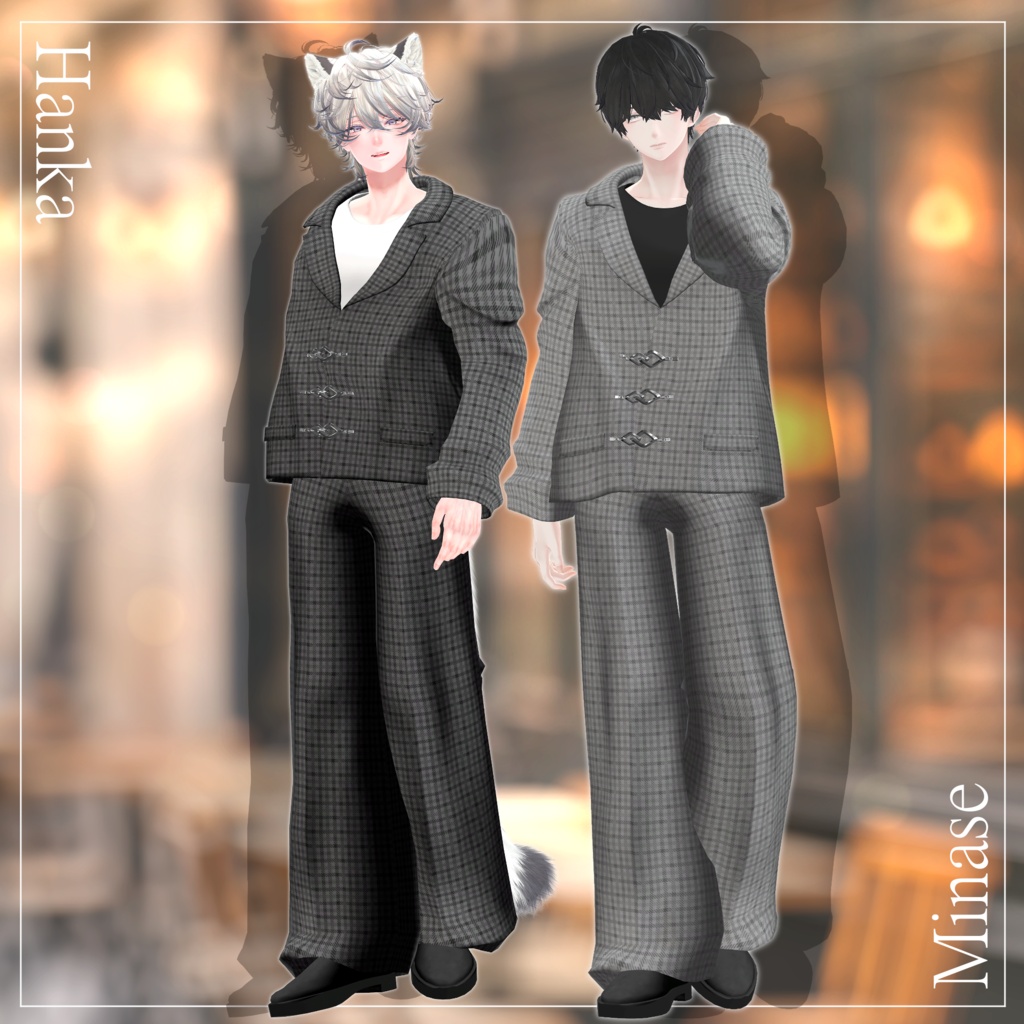
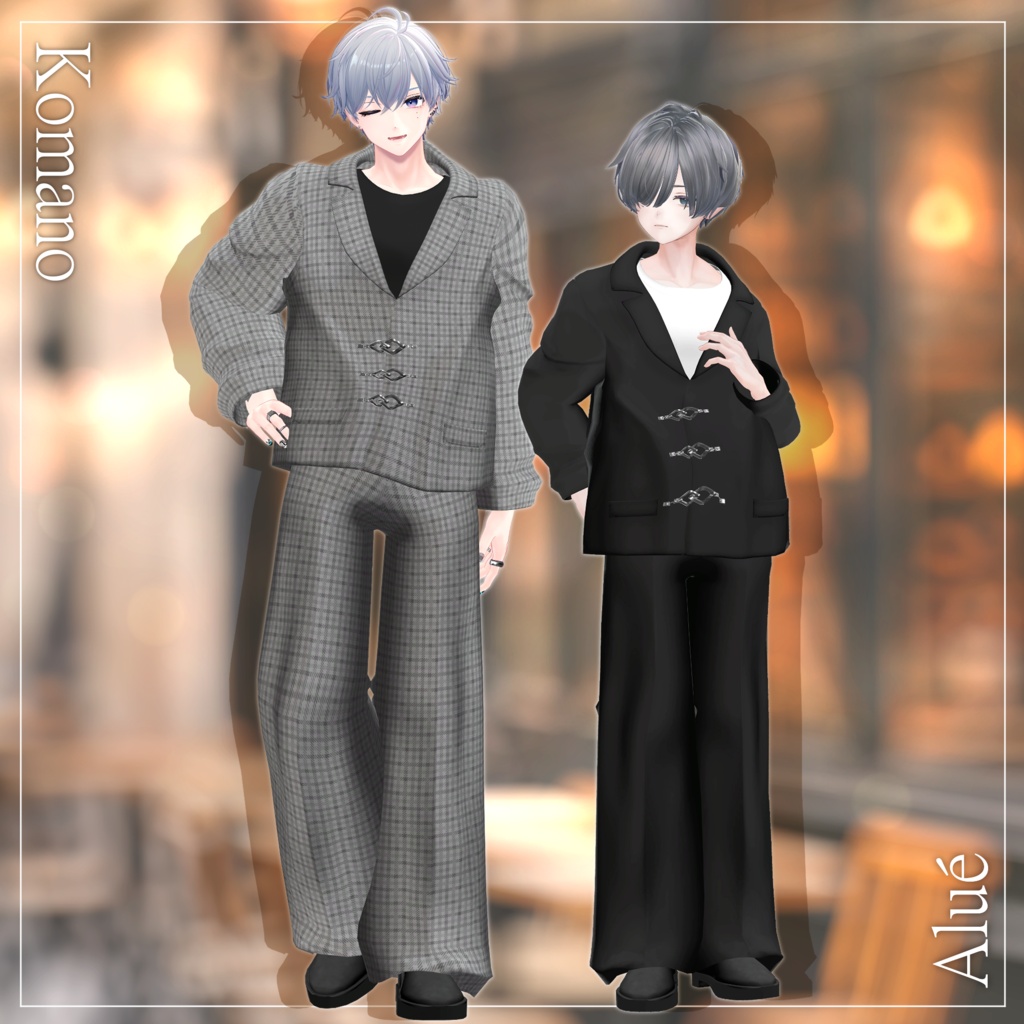
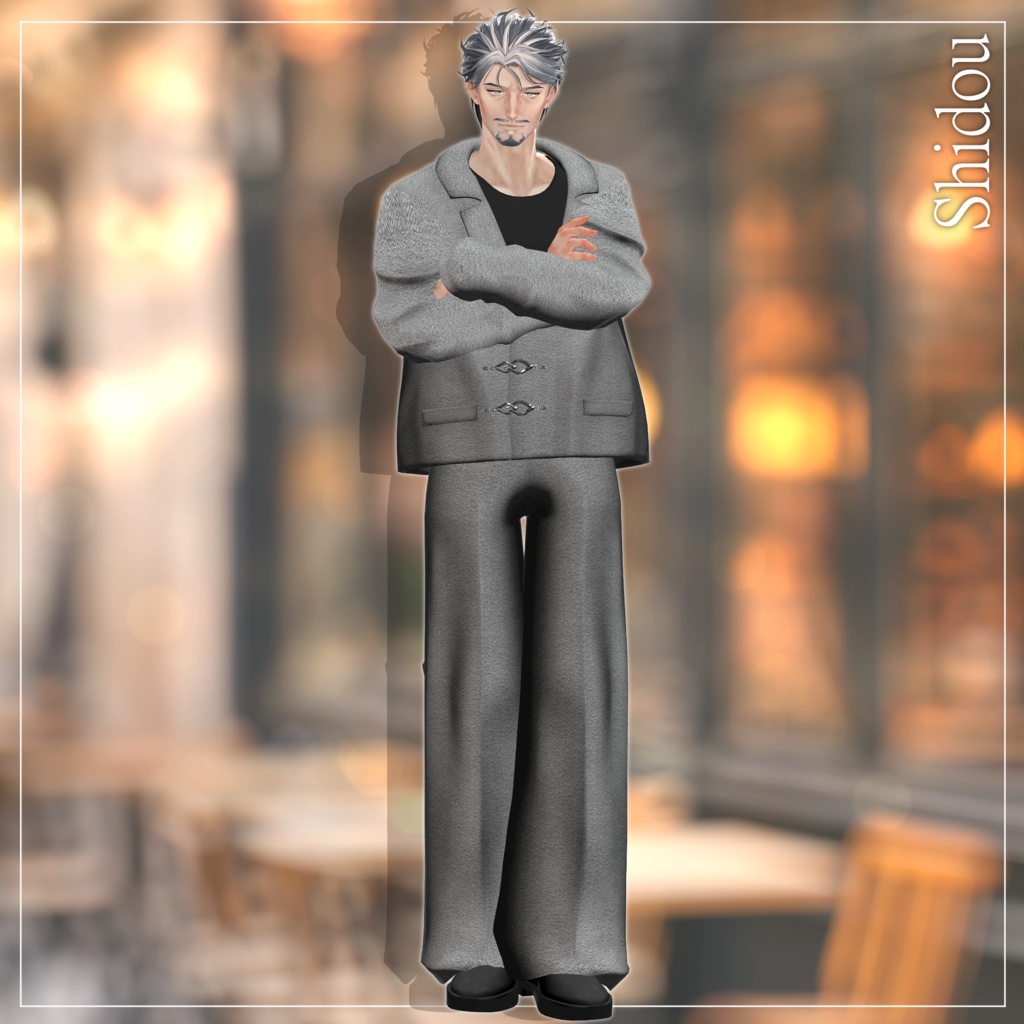


A smart-casual outfit featuring a relaxed silhouette and a muted color palette, perfect for a mature, understated look. This product is a clothing model for avatars. The avatar itself is not included. Digital downloads are non-refundable. Please review the product description and Terms of Use before purchasing. ◆ Item Details Included Files Autumn_setup_AvatarName_Vx_xx.unitypackage FBX files ReadMe.txt Shader: liltoon https://lilxyzw.booth.pm/items/3087170 Required Asset: Modular Avatar https://modular-avatar.nadena.dev/ja/docs/intro Model Specifications Total Polygons: Approximately 18,986 Jacket: 13,488 Pants: 3,368 Dress Shoes: 2,130 Meshes: 3 Materials: 3 Import Folder: Assets > MetaverseCreators_CP > yakinegi > Autumn_setup ◆ Compatible Avatars Minase — VRChat Avatar https://booth.pm/ja/items/4013951 Hanka — Original 3D Model https://booth.pm/ja/items/6970249 Shidou — Original 3D Model (AC8) https://booth.pm/ja/items/8086741 Alué (アルエ) — Original 3D Avatar https://booth.pm/ja/items/6957623 Komano — Original 3D Model https://booth.pm/ja/items/5260363 Compatibility Note: Chest PhysBone movement is not supported. ◆ Installation Instructions Set up the latest VRChat SDK through VCC (VRChat Creator Companion). Install the required assets, liltoon and Modular Avatar, through VCC. Import the latest package for your avatar. Import this product's package. Drag your avatar or its customization prefab into the Scene Hierarchy. Hide unwanted clothing, such as the default outfit or underwear, or set it to Editor Only if needed. Drag Autumn_setup_AvatarName.Prefab directly onto your avatar. Upload your avatar through the VRChat SDK. About MA Shape Changer This outfit uses Modular Avatar's MA Shape Changer. When the outfit prefab is added to your avatar, it automatically activates body shape keys to slim the body or hides affected mesh sections, helping prevent clipping between the outfit and the avatar's body. You can remove or modify this component if needed. PlusHead users: Depending on the avatar, MA Shape Changer may not work correctly if the body mesh has a different name. The included setup uses PlusHead as the mesh name. If necessary, rename the body mesh or adjust the shape keys manually. If any body parts become unintentionally slimmed after fitting the outfit, reset the relevant body shape keys to 0 and check that the body displays correctly. ◆ Color Customization Replace the color variation materials in Common > Material to change the outfit's colors. You can also use the included PSD or CLIP files to customize the textures to your liking. ◆ Terms of Use https://drive.google.com/drive/folders/1qRMXoIxM1ZgacBPfwOigQRtXP1vCbNMn?usp=sharing Please also comply with the Terms of Use for the original avatar. ◆ Development Environment Modeling: Blender 4.2.16 Texturing: CLIP STUDIO PAINT, Adobe Substance 3D Painter Setup: Unity 2022.3.22f1 VRChat SDK – Avatars: 3.10.3 (VCC) liltoon: 2.3.4 Modular Avatar: 1.17.1 ◆ Credits Creator: やきねぎ https://kanariokasii.booth.pm/ Thumbnail Creator: ジカウム https://x.com/zikaumuvrc?s=11 Support: https://discord.gg/bmw3PWE37M