
Tainted Mage Outfit for Genesis 9
- ダウンロード商品¥ 3,900
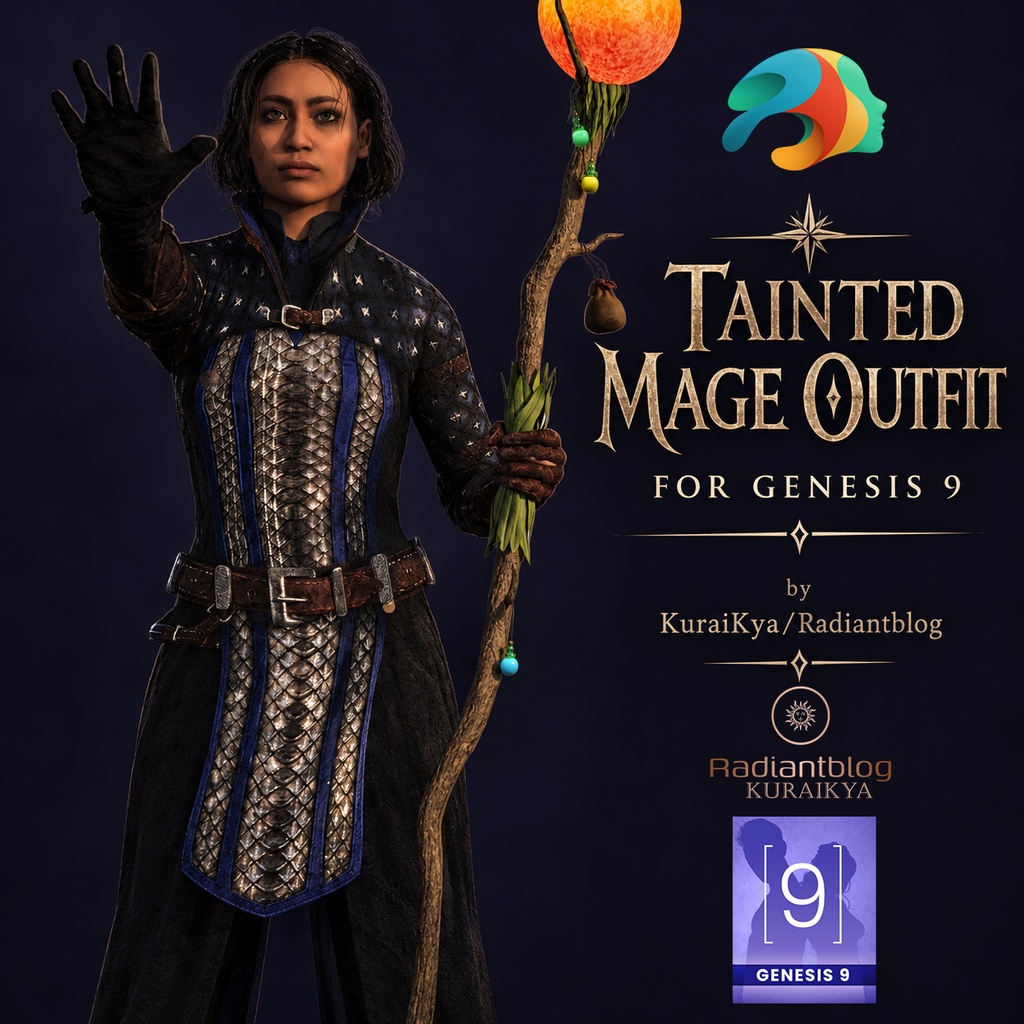
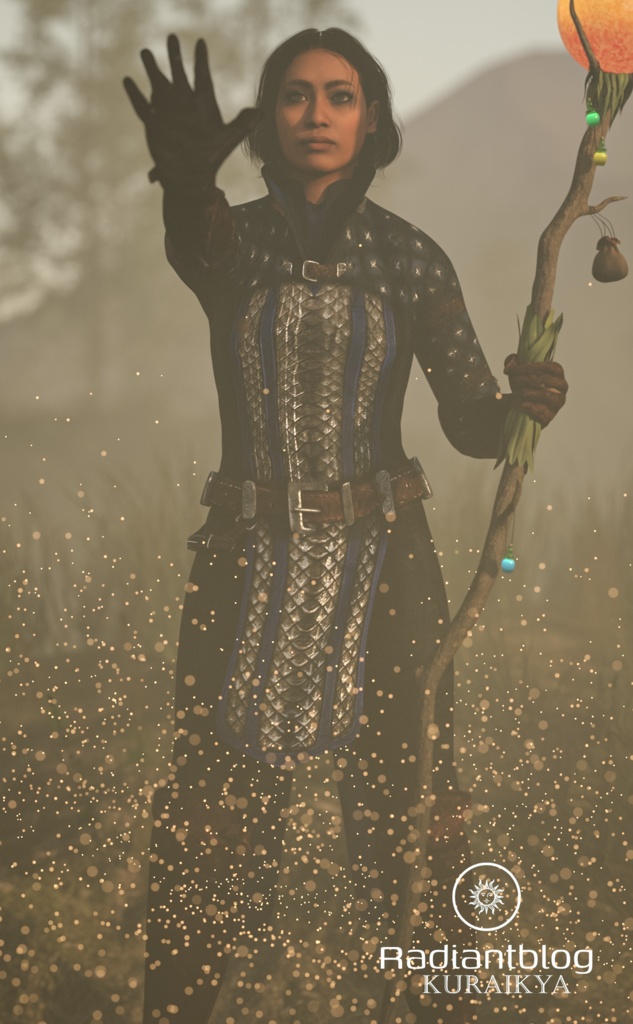
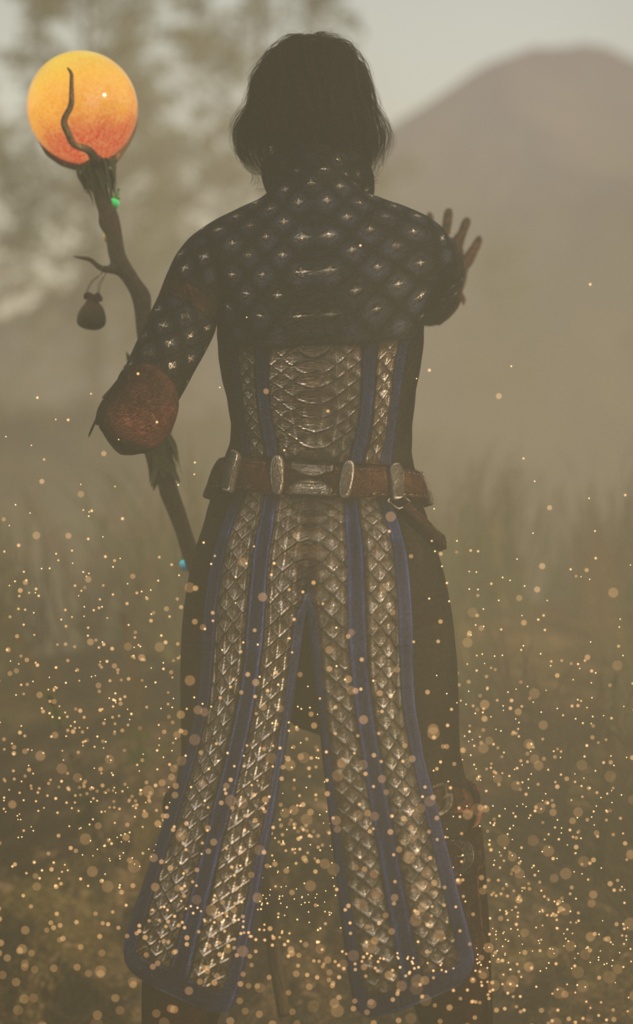
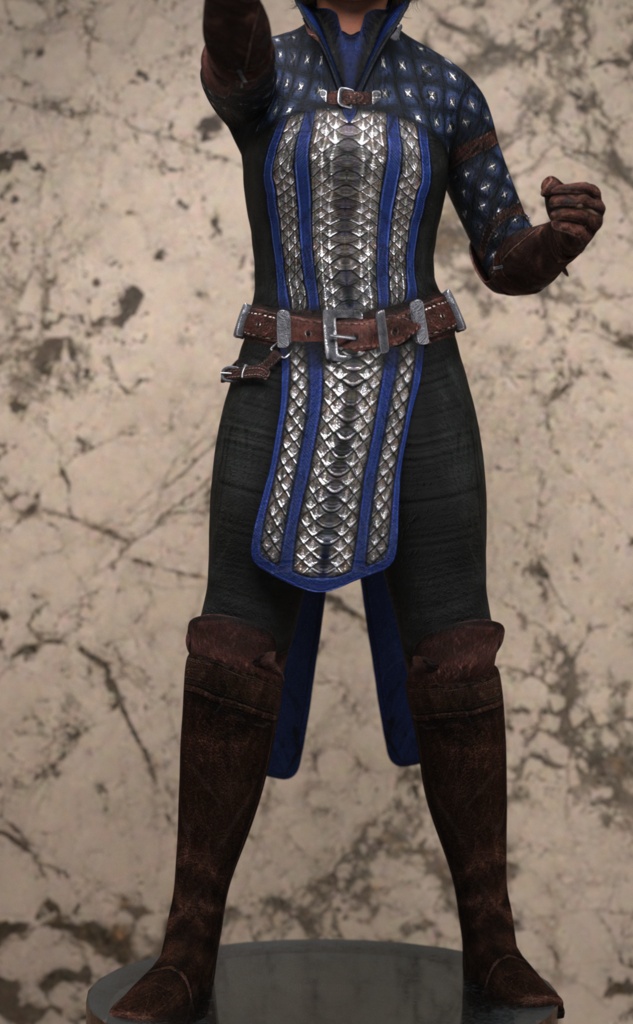


Hier ist der korrigierte Text, genau so, wie du ihn direkt kopieren kannst: Tainted Mage Outfit for Genesis 9 Bring dark power and ancient magic to your library with the Tainted Mage Outfit for Genesis 9. Designed with detailed metallic scale mail accents, sturdy leather straps, and dark fabric textures, this outfit is perfect for battle-mage renders, heroic dark fantasy scenes, or mysterious spellcasters. The outfit is fully fitted for Genesis 9 and does not hide the character body underneath, allowing smooth compatibility with your shape presets. The back parts of the robe are fully rigged with custom bones for extra posing control, and also feature dForce settings for realistic cloth dynamics and natural drape during simulation. Bonus: Includes a free custom female character morph! Note: The staff shown in the promotional renders is for presentation purposes only and is NOT included in this package. Included Files & Folder Structure Folder: Female (Genesis 9 Full / Female Shapes) !!!Load All Outfit!!! (.duf) Tainted Mage Boots F (.duf) Tainted Mage Gloves F (.duf) Tainted Mage Robe F (.duf) (dForce enabled) Folder: Male !!!Load All Outfit!!! (.duf) Tainted Mage Boots (.duf) Tainted Mage Gloves (.duf) Tainted Mage Robe (.duf) Folder: Material Boots Material (.duf) Gloves Material (.duf) Robe Material (.duf) How to Extract ZIP Files Download the .zip package to your computer. Right-click the .zip file and select "Extract ALL..." (Windows) or double-click the file (macOS). Choose your desired destination folder (such as your Daz 3D Content Library path) and click Extract. Copy or move the extracted folders (data, People, Runtime) directly into your My DAZ 3D Library root directory so Daz Studio can locate all assets and textures properly.