
Flower Child for Genesis 9
- ダウンロード商品¥ 6,000
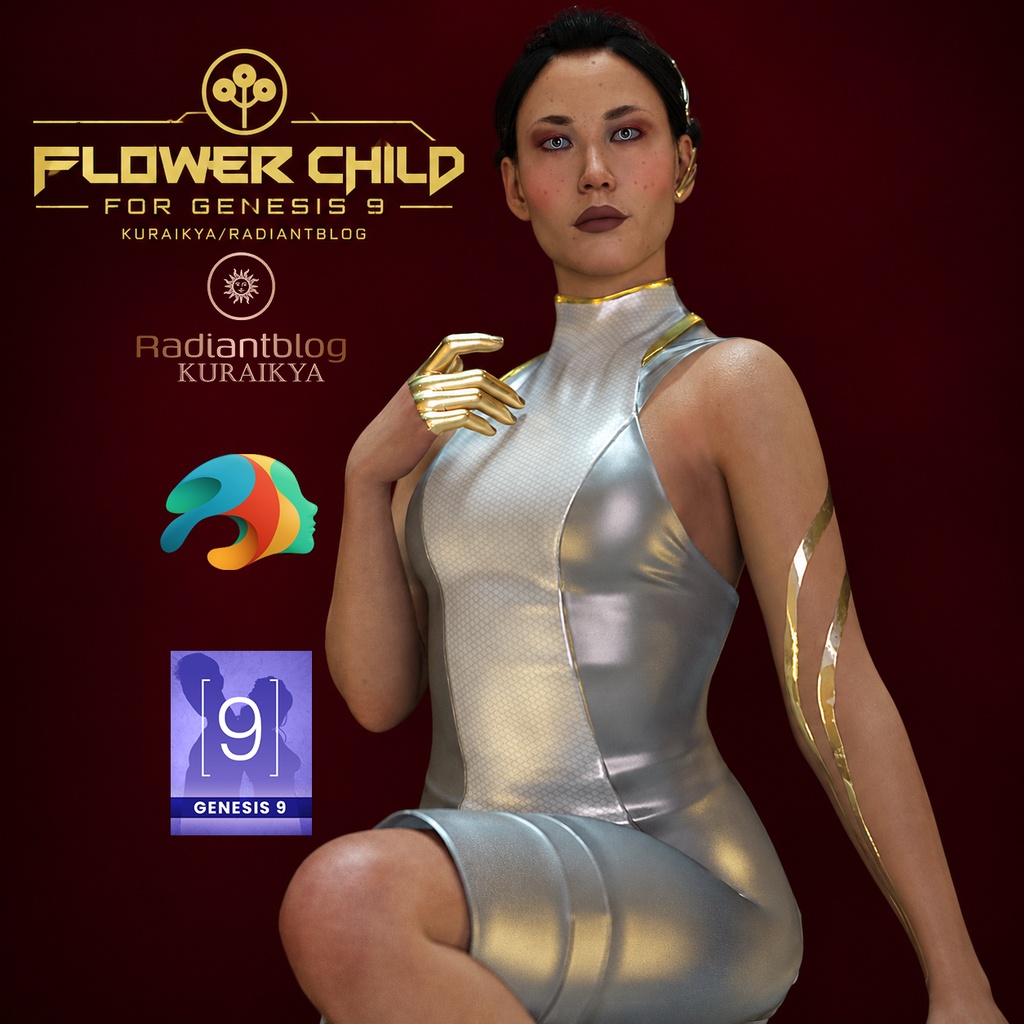
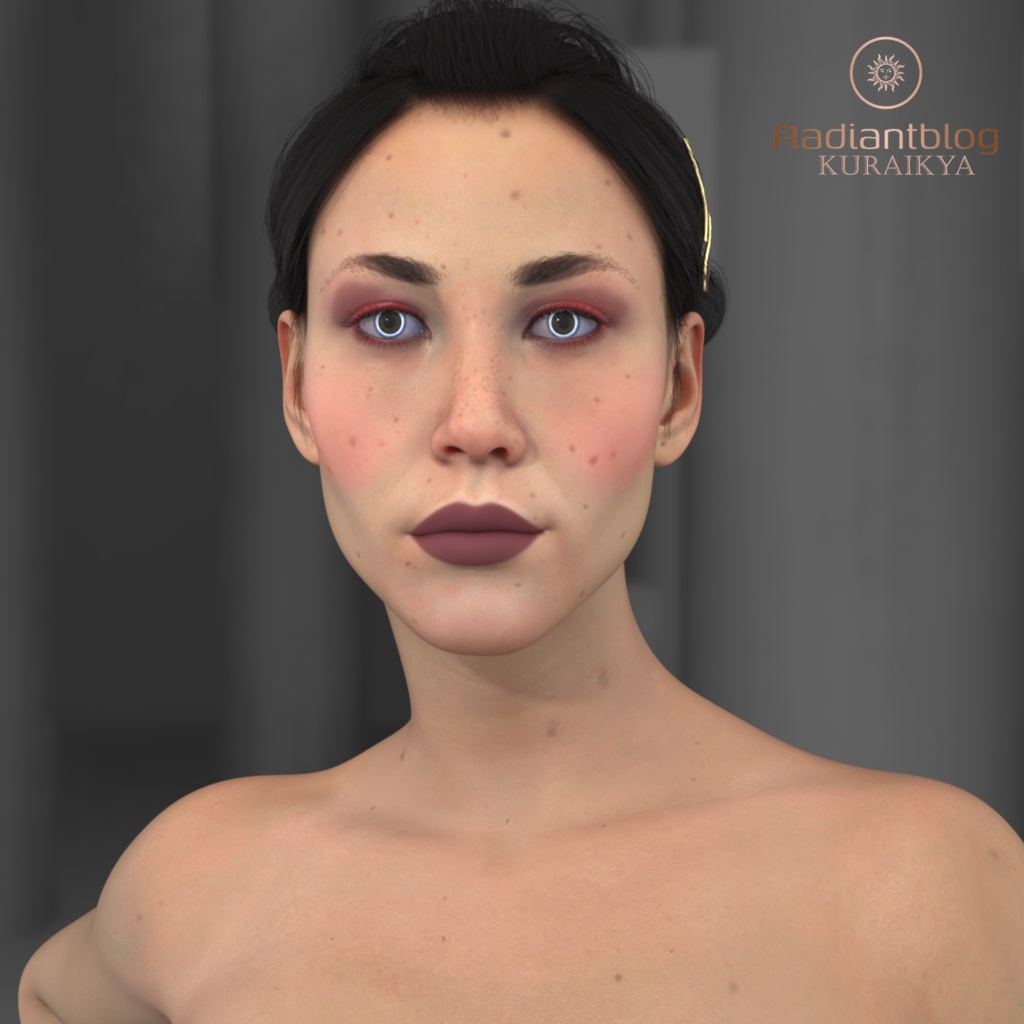
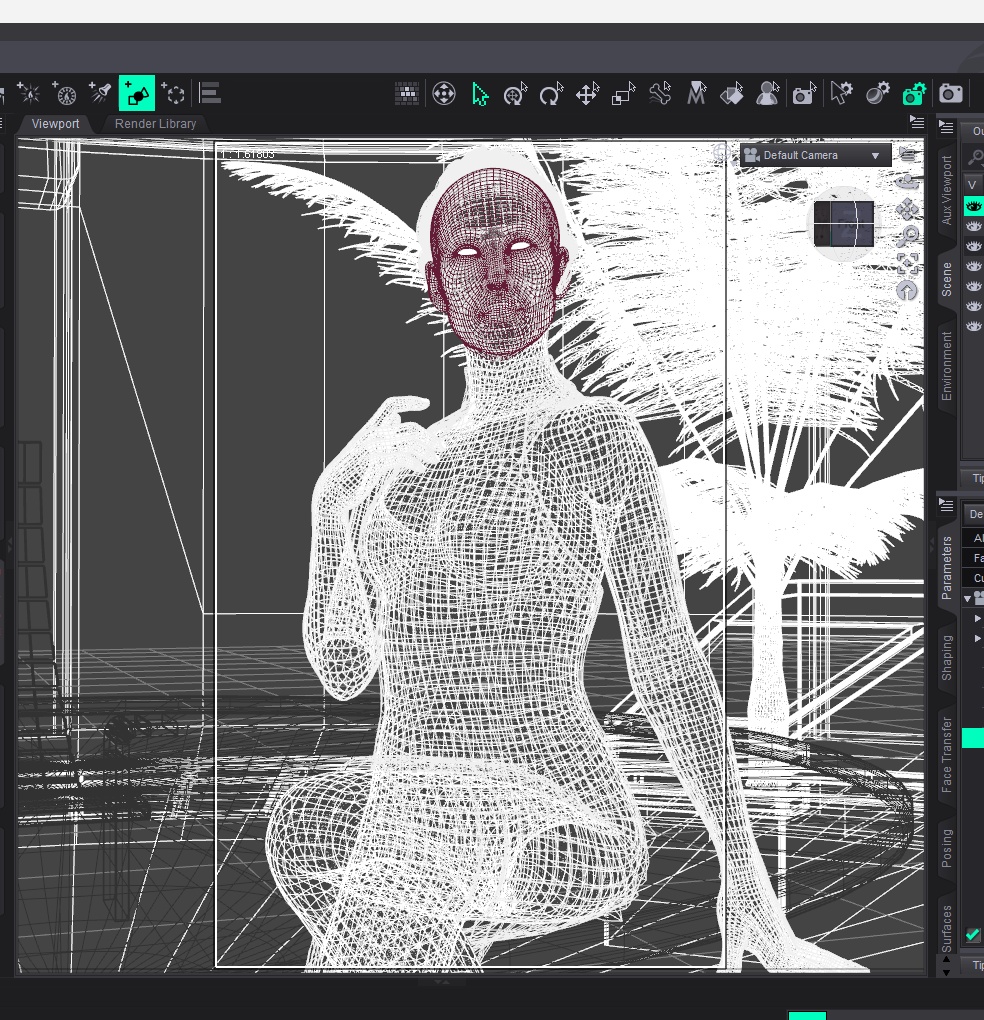
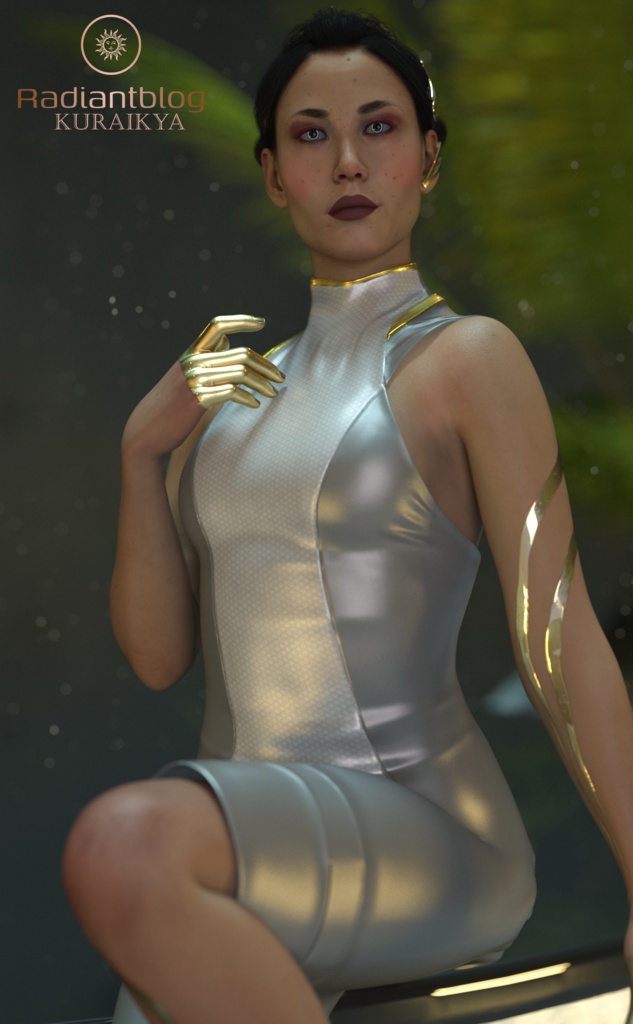
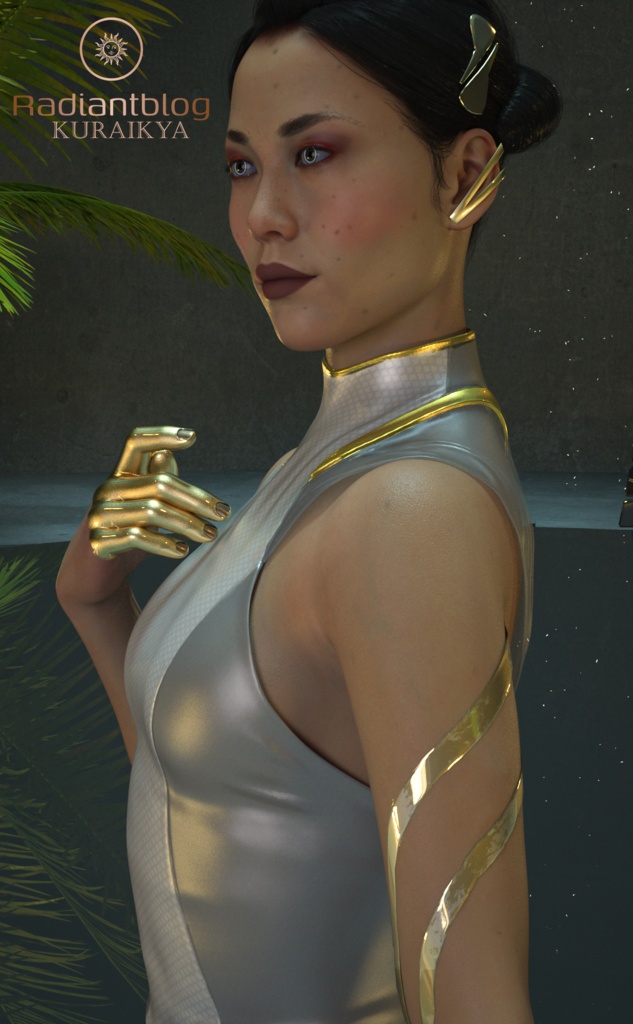
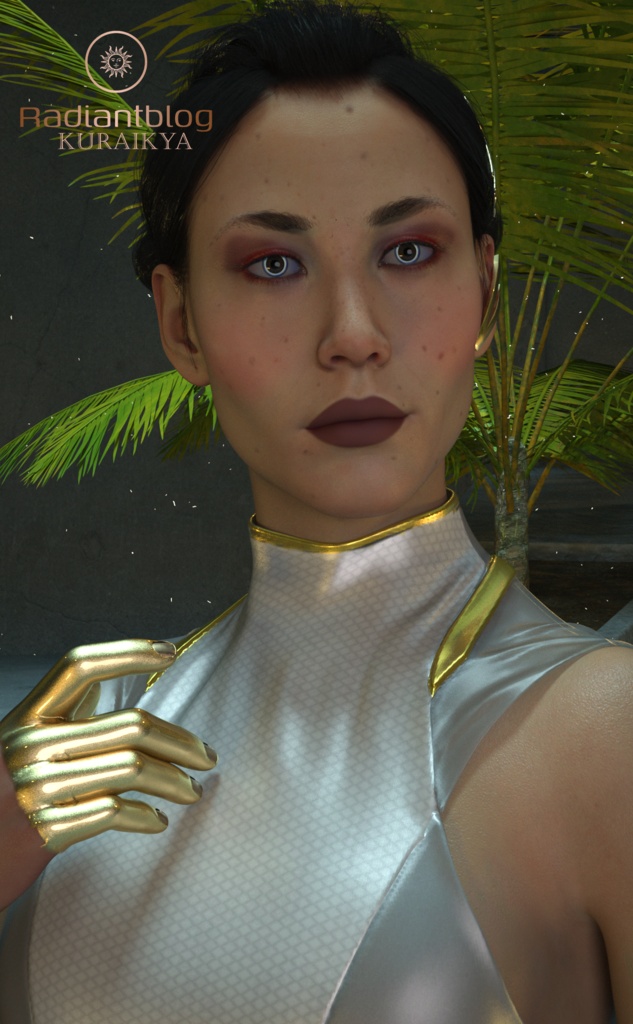


Flower Child for Genesis 9 Flower Child for Genesis 9 is a detailed character and outfit set featuring custom head and body morphs, intricate makeup presets, high-tech cyberwear, and a stylish dress. Designed for Genesis 9 Fullmorph compatibility, this set includes automated heel poses so the feet are correctly positioned in high heels rather than flat. Included Files and Folder Structure Root Directory (Flower Child) Flower Child with Clothing (.duf) Flower Child without Clothing (.duf) Kuraikya_Store README Important Information Character Preset Folder Character Preset (.duf) Fingernails Gold & Fingernails Natural (.duf) Toenails Gold & Toenails Natural (.duf) Flower Child Cheek Makeup (.duf) Flower Child Eyes (.duf) Flower Child Face Makeup (.duf) Flower Child Lipgloss (.duf) Flower Child Moles & Flower Child Moles02 (.duf) Flower Child Mouth (.duf) Flower Child Nose Makeup (.duf) Material Preset (.duf) Shaping Preset (.duf) Clothing Folder !!!Load All Outfit!!! (.duf) !!!Load All Cyberwear!!! (.duf) Flower Child Dress (.duf) Flower Child Heels (.duf) (Feet automatically set in heel pose) Flower Child Earprop (.duf) Flower Child Cyberwear (.duf) Flower Child Cyberwear Feets (.duf) Flower Child Cyberwear Hands (.duf) Flower Child Cyberwear Legs (.duf) Hair Folder Flower Child Hair (.duf) Flower Child Eyebrows (.duf) Flower Child Eyelashes (.duf) How to Extract ZIP Files Locate the downloaded .zip file on your computer. Right-click the ZIP archive and select Extract All... (on Windows) or double-click it (on macOS). Choose the destination folder where you want to unpack the files and click Extract. Copy or merge the extracted content folder directly into your Daz 3D library directory (e.g., your My Library folder).